

 FSX Civil Aircraft
Boeing 747-400 Qantas Textures only
This is a repaint of the default 747-400 in Qantas Colour, registration VH-OJ…
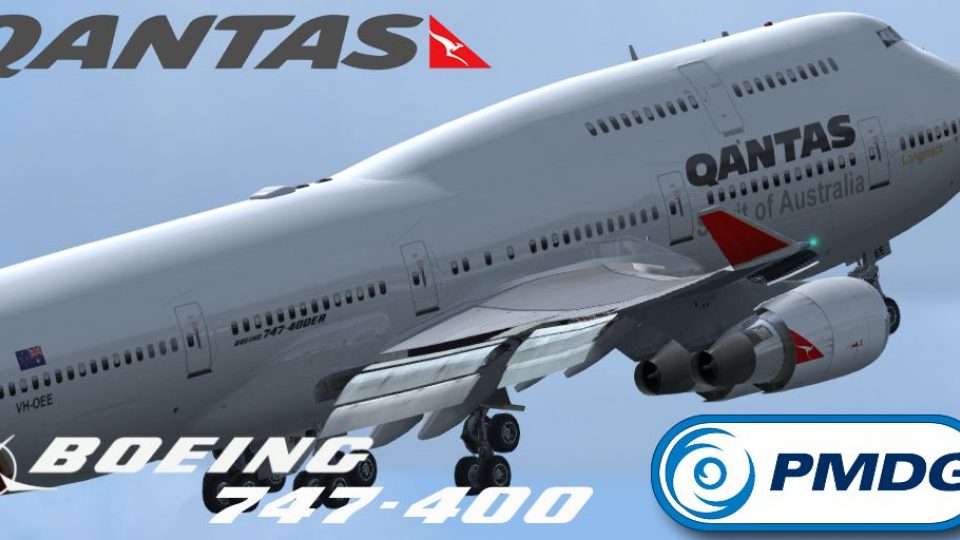
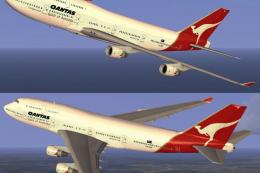
Qantas Boeing 747-400 VH-OEE brings the classic “Queen of the Skies” look to your hangar with a faithful GE-powered repaint, tailored for the PMDG 747-400 virtual cockpit and airline callsign details. Designed for FSX, it requires the PMDG 747-400 base aircraft and focuses purely on exterior textures for an authentic fleet entry.
 Rate
Rate
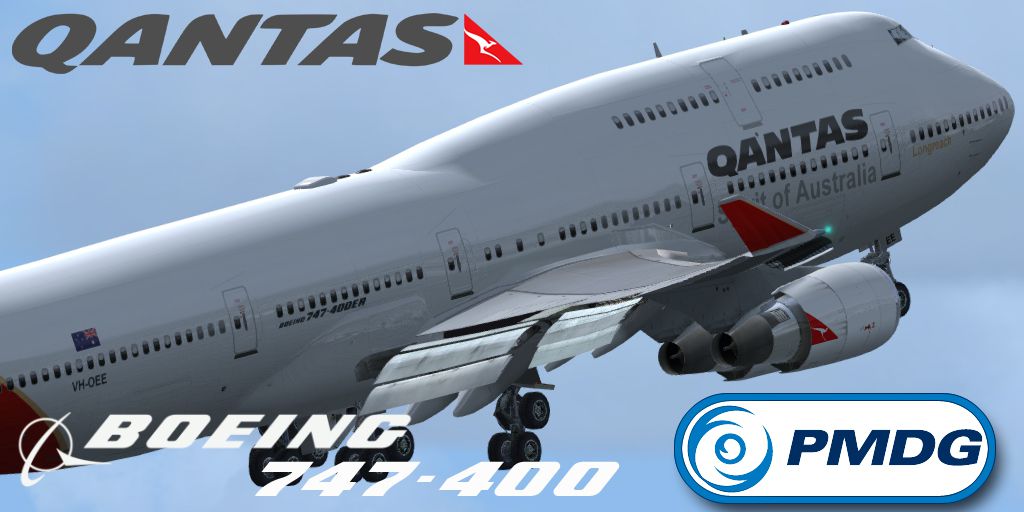
Qantas Boeing 747-400 (VH-OEE) GE. A Qantas B747-400 repaint for the PMDG 'Queen of the Skies'. Repaint only. By Mathew Tank.

Screenshot of Qantas Boeing 747-400.
To install, simply place the "texture.Qantas VH-XXX" into you PMDG747-400 folder then copy the following into the aircraft.cfg:
[fltsim.XX]

title=PMDG - 747-400 GE Qantas Old ER livery

sim=B747-400

model=GE

panel=VC

sound=GE

texture=Qantas VH-OEE

kb_checklists=PMDG747-400_CHECK

atc_id_color=0xffffffff

atc_id=VH-OEE

atc_airline=Qantas

atc_flight_number=744

ui_manufacturer=BOEING

ui_type=747-400 GE

ui_variation=Qantas VH-OEE

ui_typerole=747-400

ui_createdby="PMDG"

visual_damage=0

description=Boeing 747-400 powered with RB-211 engines v 1.0\nPrecision Manuals Development Group\nProduced under license from Boeing Management Company.\n\nBoeing 747, 747-400, the 747 airplane configuration & Boeing are among the trademarks owned by Boeing.

atc_heavy=1

LongAntenna=1

LongAntenna2=0
Free for all simmers · 5.28 MB · Scanned clean Oct 2026
Download speed: Free tier is capped at 0.5 Mbps (this file takes approximately 1 min at the cap). PRO members download at full line speed.
texture.{airline}) inside FSX\SimObjects\Airplanes\{base-aircraft}\.aircraft.cfg in Notepad. Add a new [fltsim.X] section per the readme.readme.txt or README file. It tells you exactly where files go, what dependencies are needed, and any quirks specific to this add-on.The archive pmdg_747_400_qantasvh_oee.zip has 22 files and directories contained within it.
This list displays the first 500 files in the package. If the package has more, you will need to download it to view them.
| Filename/Directory | File Date | File Size |
|---|---|---|
| PMDG_747_400_ QantasVH_OEE | 02.15.14 | 0 B |
| PMDG747-400 | 02.15.14 | 0 B |
| Help me file..txt | 12.28.12 | 500 B |
| Intallation instructions and README.txt | 02.15.14 | 1.27 kB |
| Readme.txt | 02.15.14 | 868 B |
| texture.Qantas VH-OEE | 02.15.14 | 0 B |
| PMDG_744_Engines_T.dds | 02.01.14 | 4.00 MB |
| PMDG_744_VC_MANUALS_C.dds | 10.23.08 | 64.12 kB |
| PMDG_744_WINGS_T.dds | 02.01.14 | 4.00 MB |
| PMDG_747_Decals.dds | 02.01.14 | 1.00 MB |
| PMDG_747_Externals_T.dds | 02.01.14 | 4.00 MB |
| PMDG_747_FUSE_LEFT_T.dds | 02.01.14 | 4.00 MB |
| PMDG_747_FUSE_LEFT_T_bump.dds | 10.23.08 | 1.00 MB |
| PMDG_747_FUSE_LEFT_T_LM.dds | 02.01.14 | 4.00 MB |
| PMDG_747_fuse_Right_T.dds | 02.01.14 | 4.00 MB |
| PMDG_747_FUSE_RIGHT_T_bump.dds | 10.23.08 | 1.00 MB |
| PMDG_747_FUSE_RIGHT_T_LM.dds | 02.01.14 | 4.00 MB |
| texture.cfg | 05.12.07 | 142 B |
| thumbnail.jpg | 01.25.14 | 316.31 kB |
| VH-OEE.jpg | 01.25.14 | 316.31 kB |
| flyawaysimulation.txt | 10.29.13 | 959 B |
| Go to Fly Away Simulation.url | 01.22.16 | 52 B |
Only PRO members can place votes.
More FSX & P3D add-ons hand-picked based on this download.
FSX Civil Aircraft
This is a repaint of the default 747-400 in Qantas Colour, registration VH-OJ…
 FSX Civil Aircraft
Experience a vibrant addition to your simulator with this textured rendition …
 FSX Civil Aircraft
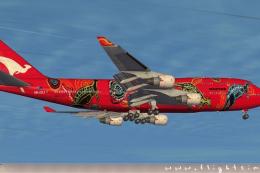
FSX Qantas Boeing 747-400, registration VH-OEJ, "Wunala Dreaming". Textures o…
 FSX Civil Aircraft
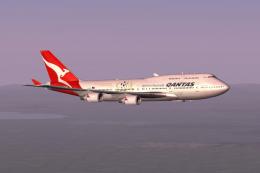
This freeware expansion offers an updated rendition of the Qantas Boeing 747-…
 FSX Civil Aircraft
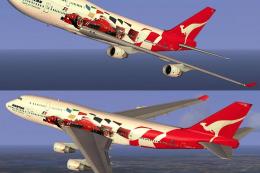
FSX Qantas Boeing 747-400 in "Formula 1" livery. Textures only for the defaul…
 FSX Civil Aircraft
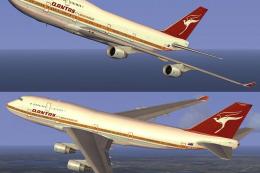
This freeware add-on introduces a striking throwback skin depicting the iconi…
 FSX Civil Aircraft
This repaint showcases Qantas’ updated Boeing 747-400 exterior design and is …
 FSX Civil Aircraft
FSX Qantas Boeing 747-400, registration VH-OEF. Textures only for the default…
Be the first to leave a comment on this download.
Be the first to share your thoughts on this download.