

 FSX Civil Aircraft
Qantas Boeing 747-400 Formula 1 Livery
FSX Qantas Boeing 747-400 in "Formula 1" livery. Textures only for the defaul…
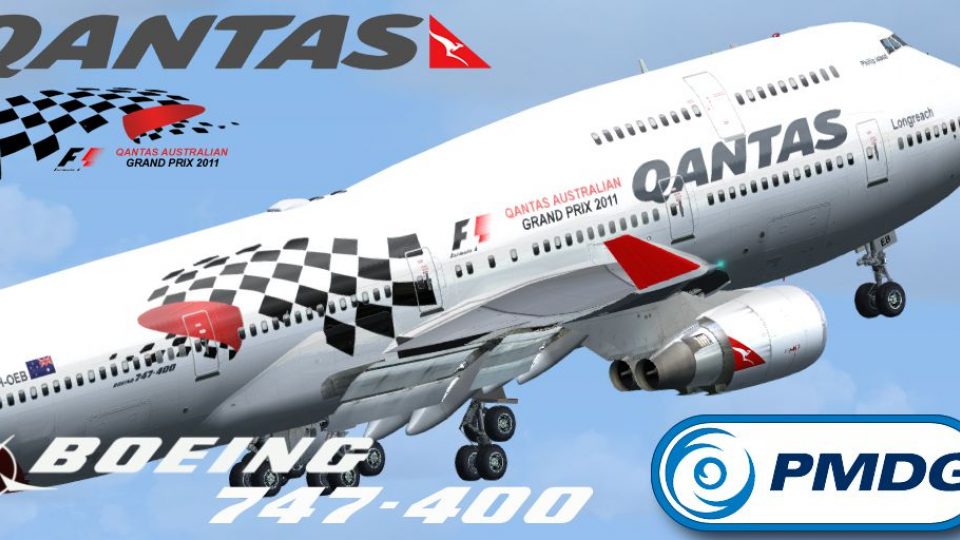
Qantas “Formula 1” Boeing 747-400 repaint brings the VH-OEB motorsport-themed scheme to the PMDG Queen of the Skies, with crisp exterior textures tailored for the GE-engine variant while retaining the aircraft’s detailed virtual cockpit and systems depth. Designed for Microsoft Flight Simulator X and requires the payware PMDG 747-400 model.
 Rate
Rate
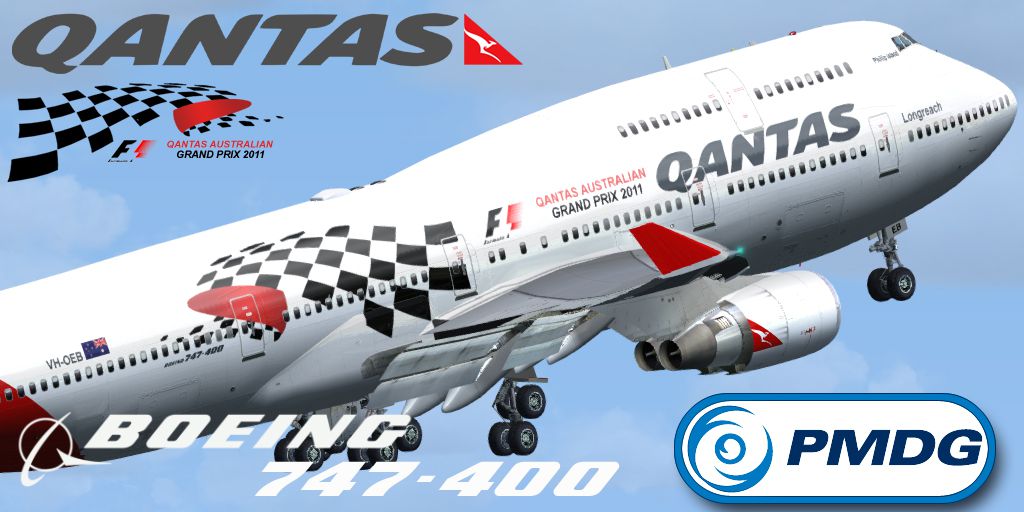
This freeware repaint offers a careful representation of Qantas’s “Formula 1” Boeing 747-400, created exclusively for the payware PMDG “Queen of the Skies” model. Produced by developer Mathew Tank, it showcases a unique livery that pays tribute to the airline’s involvement with motorsport. This package is compatible with Microsoft Flight Simulator X and enhances immersion for simmers interested in iconic long-haul jets. The original payware aircraft is required and can be acquired from sellers such as our own store.
Qantas is widely recognized as the flag carrier of Australia, known for its red tail and kangaroo motif. During the race calendar, the airline introduced this special-themed Boeing 747-400 livery to celebrate its connection with world-class motorsport. The adaptation of the “Formula 1” insignia on the classic 747-400 fuselage delivers a striking appearance while preserving the aircraft’s known features, including its substantial wingspan and unmistakable hump.
Screenshot of the Qantas “Formula 1” Boeing 747-400 in action.
This repaint is intended for the General Electric (GE) engine variant of the 747-400. In real-world operations, VH-OEB comes equipped with GE powerplants that offer strong performance on ultra-long-haul routes. When installed in the PMDG payware package, this livery preserves the avionics and cockpit fidelity typical of PMDG’s high-fidelity simulation modeling.
texture.Qantas VH-XXX directory into your existing PMDG747-400 aircraft folder.[fltsim.XX]
title=PMDG - 747-400 GE Qantas Formula 1 Grand Prix Livery
sim=B747-400
model=GE
panel=VC
sound=GE
texture=Qantas VH-OEB F1
kb_checklists=PMDG747-400_CHECK
atc_id_color=0xffffffff
atc_id=VH-OEB
atc_airline=Qantas
atc_flight_number=744
ui_manufacturer=BOEING
ui_type=747-400 GE
ui_variation=Qantas VH-OEB F1
ui_typerole=747-400
ui_createdby="PMDG"
visual_damage=0
description=Boeing 747-400 powered with RB-211 engines v 1.0\nPrecision Manuals Development Group\nProduced under license from Boeing Management Company.\n\nBoeing 747, 747-400, the 747 airplane configuration & Boeing are among the trademarks owned by Boeing.
atc_heavy=1
LongAntenna=1
LongAntenna2=0
Please note that this repaint does not include the complete aircraft model. The overarching simulation package from PMDG “Queen of the Skies” is a payware product that must be obtained separately. This add-on simply adds the Formula 1 Qantas livery, reflecting the airline’s tradition of showcasing vibrant paint schemes.
All repaint work is courtesy of Mathew Tank who meticulously designed every aspect of this livery for flight simulation enthusiasts. Experienced simmers looking to expand their Qantas fleet will find this design particularly captivating, especially for transcontinental and international routes in Microsoft Flight Simulator X.
Free for all simmers · 5.53 MB · Scanned clean Oct 2026
Download speed: Free tier is capped at 0.5 Mbps (this file takes approximately 2 mins at the cap). PRO members download at full line speed.
texture.{airline}) inside FSX\SimObjects\Airplanes\{base-aircraft}\.aircraft.cfg in Notepad. Add a new [fltsim.X] section per the readme.readme.txt or README file. It tells you exactly where files go, what dependencies are needed, and any quirks specific to this add-on.The archive pmdg_747_400_qantasvh_oeb_f1.zip has 22 files and directories contained within it.
This list displays the first 500 files in the package. If the package has more, you will need to download it to view them.
| Filename/Directory | File Date | File Size |
|---|---|---|
| PMDG_747_400_ QantasVH_OEB_F1 | 02.15.14 | 0 B |
| PMDG747-400 | 02.15.14 | 0 B |
| Help me file..txt | 12.28.12 | 500 B |
| Intallation instructions and README.txt | 02.15.14 | 1.29 kB |
| Readme.txt | 02.15.14 | 868 B |
| texture.Qantas VH-OEB F1 | 02.15.14 | 0 B |
| PMDG_744_Engines_T.dds | 02.01.14 | 4.00 MB |
| PMDG_744_VC_MANUALS_C.dds | 10.23.08 | 64.12 kB |
| PMDG_744_WINGS_T.dds | 02.01.14 | 4.00 MB |
| PMDG_747_Decals.dds | 02.01.14 | 1.00 MB |
| PMDG_747_Externals_T.dds | 02.01.14 | 4.00 MB |
| PMDG_747_FUSE_LEFT_T.dds | 02.01.14 | 4.00 MB |
| PMDG_747_FUSE_LEFT_T_bump.dds | 10.23.08 | 1.00 MB |
| PMDG_747_FUSE_LEFT_T_LM.dds | 02.01.14 | 4.00 MB |
| PMDG_747_fuse_Right_T.dds | 02.01.14 | 4.00 MB |
| PMDG_747_FUSE_RIGHT_T_bump.dds | 10.23.08 | 1.00 MB |
| PMDG_747_FUSE_RIGHT_T_LM.dds | 02.01.14 | 4.00 MB |
| texture.cfg | 05.12.07 | 142 B |
| thumbnail.jpg | 01.25.14 | 364.48 kB |
| VH-OEB F1.jpg | 01.25.14 | 364.48 kB |
| flyawaysimulation.txt | 10.29.13 | 959 B |
| Go to Fly Away Simulation.url | 01.22.16 | 52 B |
Only PRO members can place votes.
More FSX & P3D add-ons hand-picked based on this download.
FSX Civil Aircraft
FSX Qantas Boeing 747-400 in "Formula 1" livery. Textures only for the defaul…
 FSX Civil Aircraft
This is a repaint of the default 747-400 in Qantas Colour, registration VH-OJ…
 FSX Civil Aircraft
Experience a vibrant addition to your simulator with this textured rendition …
 FSX Civil Aircraft
FSX Qantas Boeing 747-400, registration VH-OEJ, "Wunala Dreaming". Textures o…
 FSX Civil Aircraft
This freeware expansion offers an updated rendition of the Qantas Boeing 747-…
 FSX Civil Aircraft
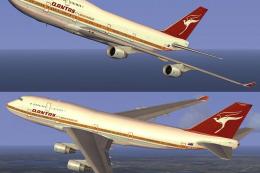
This freeware add-on introduces a striking throwback skin depicting the iconi…
 FSX Civil Aircraft
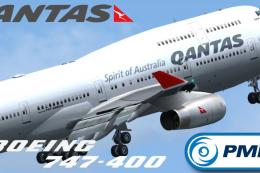
This repaint showcases Qantas’ updated Boeing 747-400 exterior design and is …
 FSX Civil Aircraft
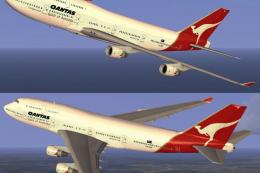
FSX Qantas Boeing 747-400, registration VH-OEF. Textures only for the default…
Be the first to leave a comment on this download.
Be the first to share your thoughts on this download.