

 FSX Civil Aircraft
Aviaco Tupolev Tu-154B2
Fictional livery for the Project Tupolev Tu-154 B2. An Aeroflot aircraft char…
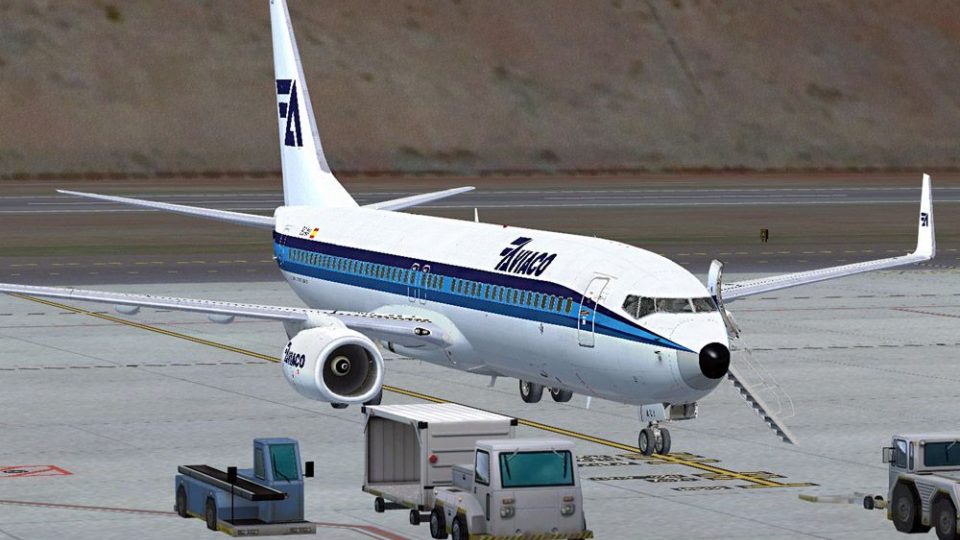
Aviaco’s classic blue-and-white scheme comes to the Boeing 737-800 as a polished fictional repaint inspired by the airline’s DC-9 fleet, adding authentic Spanish carrier flavor to the virtual cockpit in Microsoft Flight Simulator X. Crisp exterior textures recreate the clean retro look; requires the PMDG 737 NGX 800/900 Base Pack.
 Rate
Rate
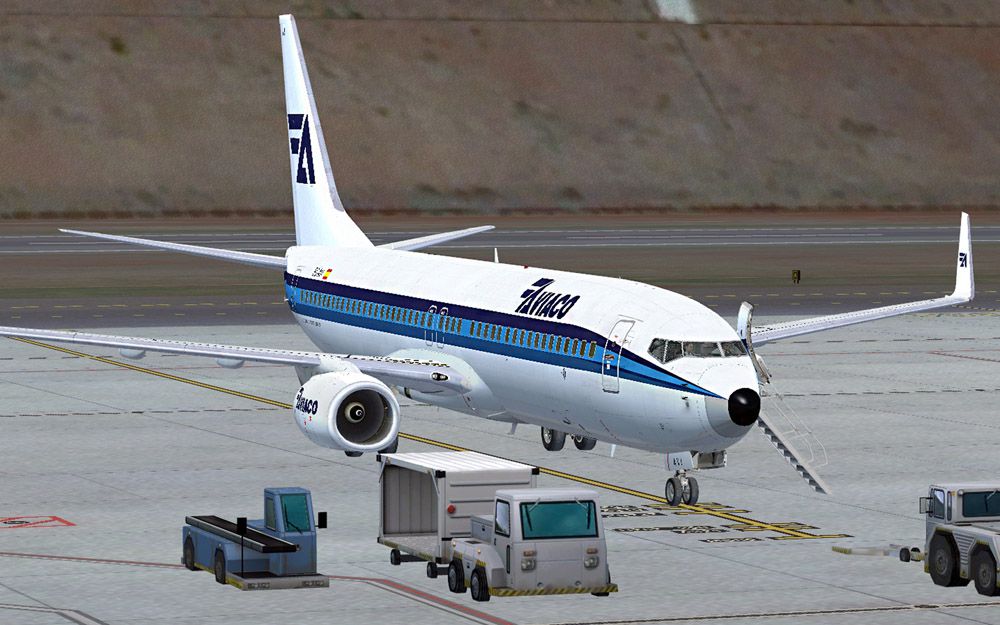


Aviaco fictional repaint for the payware PMDG B737800 in white and blue livery from their DC-9 fleet. Requires PMDG B737 800/900 base pack. Installation via PMDG Livery Manager. By Peter Stark.
Screenshot of Aviaco Boeing 737-800 on the ground.
This is a Repaint of the PMDG B737 800 in Aviaco (Spain) livery. Aviaco have a long history flying a variety of aircraft types from Spanish ports. They were bought out by Iberian in 1990 and ceased operationsin 1998 when their remaining aircraft were repainted Iberian colours. They flew a fleet of DC-9 in the blue and white livery upon which this repaint is based.
Requires:
Installation:
Free for all simmers · 17.92 MB · Scanned clean Oct 2026
Download speed: Free tier is capped at 0.5 Mbps (this file takes approximately 5 mins at the cap). PRO members download at full line speed.
texture.{airline}) inside FSX\SimObjects\Airplanes\{base-aircraft}\.aircraft.cfg in Notepad. Add a new [fltsim.X] section per the readme.readme.txt or README file. It tells you exactly where files go, what dependencies are needed, and any quirks specific to this add-on.The archive pmdg_b737_800wl_aviaco.zip has 9 files and directories contained within it.
This list displays the first 500 files in the package. If the package has more, you will need to download it to view them.
| Filename/Directory | File Date | File Size |
|---|---|---|
| FILE_ID.DIZ | 10.03.13 | 208 B |
| 1.jpg | 10.03.13 | 181.65 kB |
| pmdg_b737_800wl_aviaco.ptp | 10.03.13 | 17.43 MB |
| 2.jpg | 10.03.13 | 184.65 kB |
| readme.txt | 10.03.13 | 2.62 kB |
| 3.jpg | 10.03.13 | 159.98 kB |
| MYFILE.gif | 10.06.13 | 7.57 kB |
| flyawaysimulation.txt | 10.29.13 | 959 B |
| Go to Fly Away Simulation.url | 01.22.16 | 52 B |
Only PRO members can place votes.
More FSX & P3D add-ons hand-picked based on this download.
FSX Civil Aircraft
Fictional livery for the Project Tupolev Tu-154 B2. An Aeroflot aircraft char…
 FSX Civil Aircraft
Continental Boeing 737-800. Fictional textures for the default B737-800. Repa…
 FSX Civil Aircraft
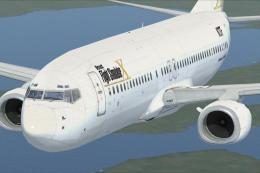
This freeware repaint features a custom interpretation of the default Boeing …
 FSX Civil Aircraft
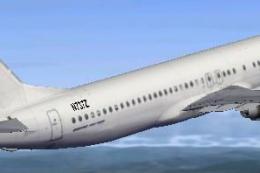
Includes pictures of the plane, a mini guide to help you and the texture fold…
 FSX Civil Aircraft
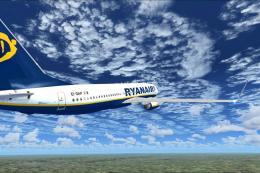
FSX Ryanair Boeing 737-800. EI-DAP textures for the default FSX B737-800. By …
 FSX Civil Aircraft
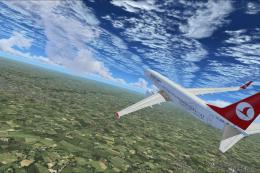
Turkish Airlines Boeing 737-800. Textures by Alex James for the default B737-…
 FSX Civil Aircraft
FSX Garuda Indonesia Boeing 737-800, registration PK-GEE. Textures only for t…
 FSX Civil Aircraft
Includes: EZDok cameras and effects; FSForce profile; ShockWave lights; landi…
Be the first to leave a comment on this download.
Be the first to share your thoughts on this download.