

 FSX Civil Aircraft
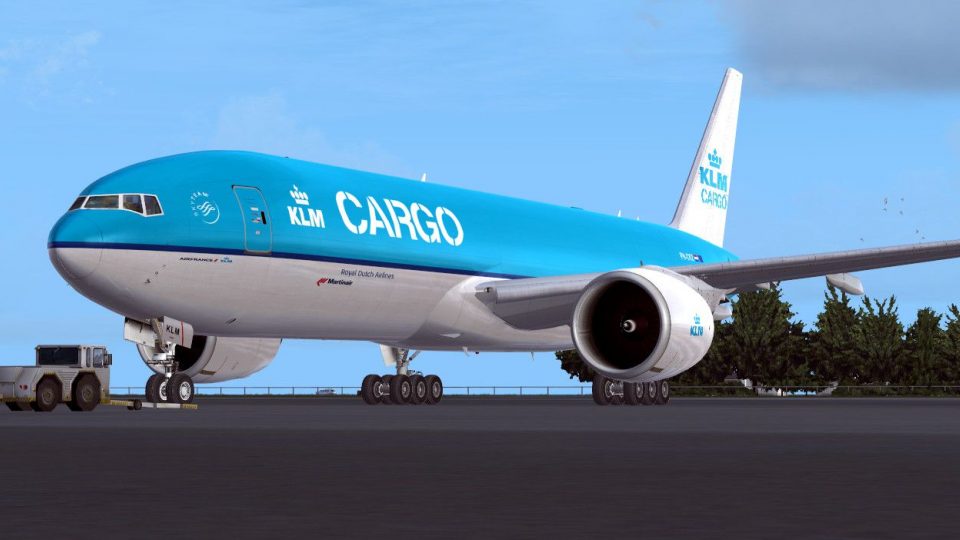
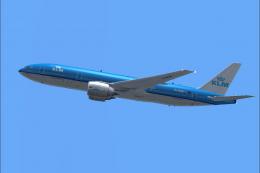
KLM Cargo Boeing 777-200F PH-DBA Fixed
This is a fixed version of the previous repaint. Fixed dutchman, logo tail ni…
KLM Cargo Boeing 777-200 textures bring a believable freighter look to long-haul operations, blending classic KLM markings with cargo-style details and crisp exterior finishes. Designed for Microsoft Flight Simulator X, it requires the payware PMDG 777-200LR and complements the aircraft’s high-fidelity virtual cockpit for immersive global routes.
 Rate
Rate
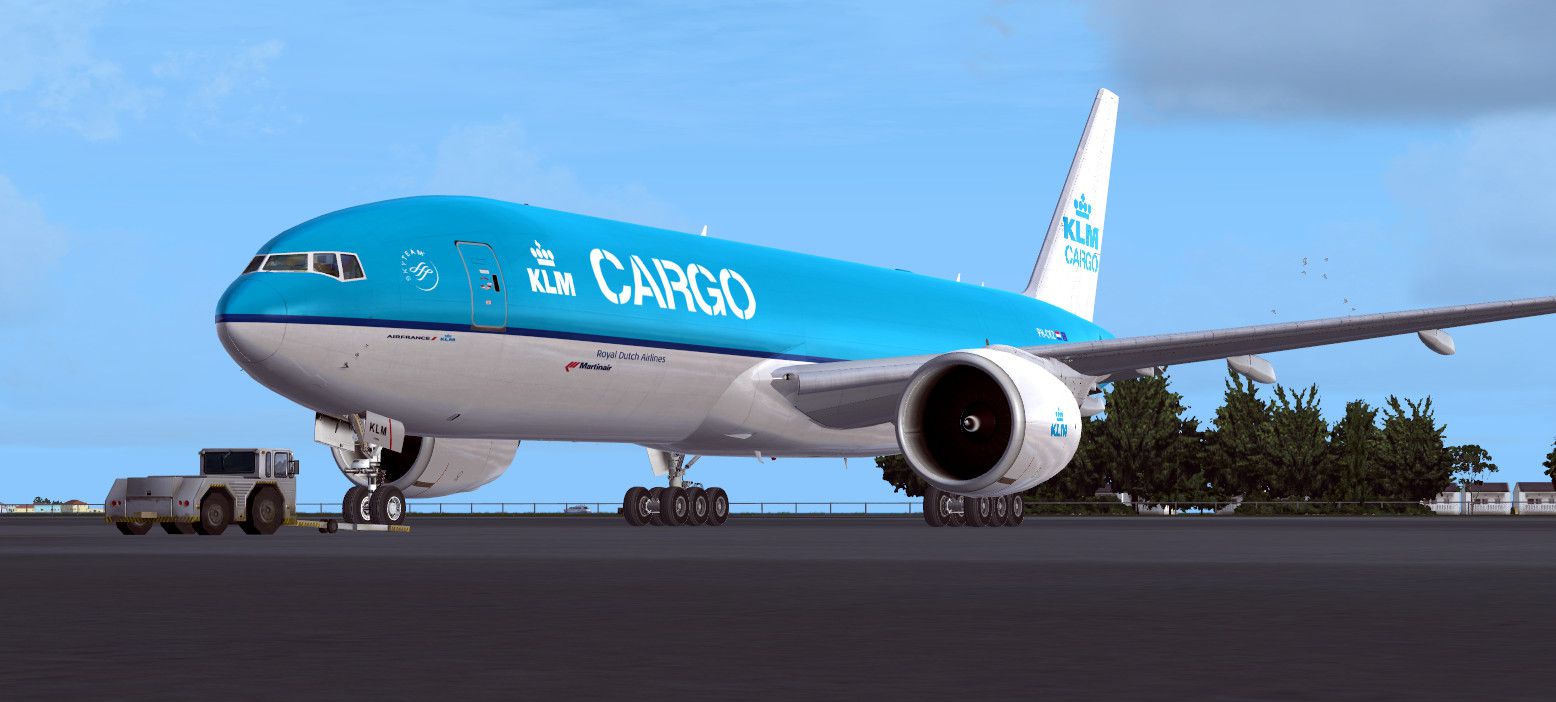
This fictional repaint showcases a dedicated KLM Cargo scheme for a payware Boeing 777-200, meticulously crafted by Brenden Corlet. It offers a virtual homage to real-world cargo operations under the KLM brand—an airline known for its extensive global network and longstanding heritage in the Netherlands.
The Boeing 777 series features a wide-body design and significant payload capabilities, making it a popular choice for transporting goods over transatlantic or intercontinental routes. In this repaint, you will find a distinctive fusion of KLM’s familiar livery elements adapted for a cargo environment, including detailed insignia that reflect the airline’s established reputation. Although this textures set is fictional, it brings an extra dimension of realism to Microsoft Flight Simulator X operations.
Captivating view of the repainted KLM Cargo Boeing 777 awaiting departure.
This package provides textures only for the payware PMDG Boeing 777-200LR model. Prior to installing this repaint, confirm you have acquired the PMDG 777 product from a reputable payware store. Without the original payware aircraft, these custom textures cannot be fully utilized. The fictional design offers a fresh take on typical cargo color schemes, so you can enjoy a more diverse range of liveries in your simulator hangar.
These instructions ensure a seamless setup process, thereby allowing you to concentrate on flight planning and takeoff procedures rather than troubleshooting installation issues.
The Boeing 777 line is renowned for its pronounced wingspan, powerful turbofan engines, and advanced avionics systems that facilitate transoceanic freight missions. By adopting this KLM Cargo repaint, you gain the opportunity to simulate modern cargo-hauling techniques, complete with high-fidelity virtual cockpit instrumentation from the PMDG payware model. Engaging with this livery enriches long-haul simulation flights and introduces the feel of a fully-loaded cargo platform when operating out of major hubs.
Brought to you by Brenden Corlet, this enhanced repaint elevates the typical FSX experience by combining a visually compelling exterior finish with the robust functionalities already included in the PMDG Boeing 777. Despite its fictional status, the repaint design remains consistent with contemporary cargo fleet markings, allowing for immersive and detailed journeys across global routes.
Free for all simmers · 4.34 MB · Scanned clean Oct 2026
Download speed: Free tier is capped at 0.5 Mbps (this file takes approximately 1 min at the cap). PRO members download at full line speed.
texture.{airline}) inside FSX\SimObjects\Airplanes\{base-aircraft}\.aircraft.cfg in Notepad. Add a new [fltsim.X] section per the readme.readme.txt or README file. It tells you exactly where files go, what dependencies are needed, and any quirks specific to this add-on.The archive pmdg_777f_klmcargo.zip has 6 files and directories contained within it.
This list displays the first 500 files in the package. If the package has more, you will need to download it to view them.
| Filename/Directory | File Date | File Size |
|---|---|---|
| PMDG_777F_KLMCARGO | 10.06.13 | 0 B |
| 2013-9-18_14-33-25-945.jpg | 09.18.13 | 174.14 kB |
| PMDG_777F_KLMCARGO.ptp | 10.04.13 | 4.18 MB |
| READ ME.txt | 10.04.13 | 1.56 kB |
| flyawaysimulation.txt | 10.29.13 | 959 B |
| Go to Fly Away Simulation.url | 01.22.16 | 52 B |
Only PRO members can place votes.
More FSX & P3D add-ons hand-picked based on this download.
FSX Civil Aircraft
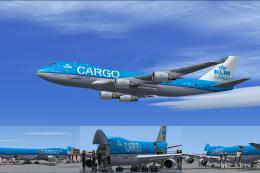
This is a fixed version of the previous repaint. Fixed dutchman, logo tail ni…
 FSX Civil Aircraft
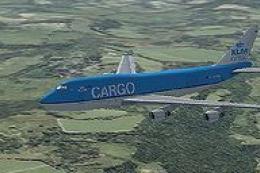
Experience the characteristic cargo operations of KLM Cargo (Royal Dutch Airl…
 FSX Civil Aircraft
KLM Cargo Boeing B747-400F. Textures only for the default Boeing B747-400 in …
 FSX Civil Aircraft
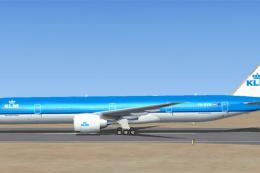
KLM Boeing 777-300 ER, registration PH-BVB. Original model by Melvin Rafi. Up…
 FSX Civil Aircraft
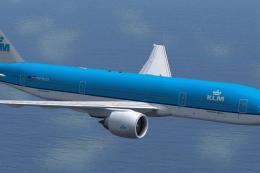
This freeware add-on provides a high-fidelity rendition of the Boeing 777-200…
 FSX Civil Aircraft
KLM Boeing 777-200, registration PH-BQG, new design. This file contains a rep…
 FSX Civil Aircraft
The PMDG B777-200 LR as KLM Royal Dutch Airlines new design "Koningin Maxima"…
 FSX Civil Aircraft
This repaint, crafted by developer Bonnie Windsor, features the KLM Boeing 77…
Be the first to leave a comment on this download.
Be the first to share your thoughts on this download.