

 FSX Civil Aircraft
Continental Boeing 737-800. B737-800
Continental Boeing 737-800. Fictional textures for the default B737-800. Repa…
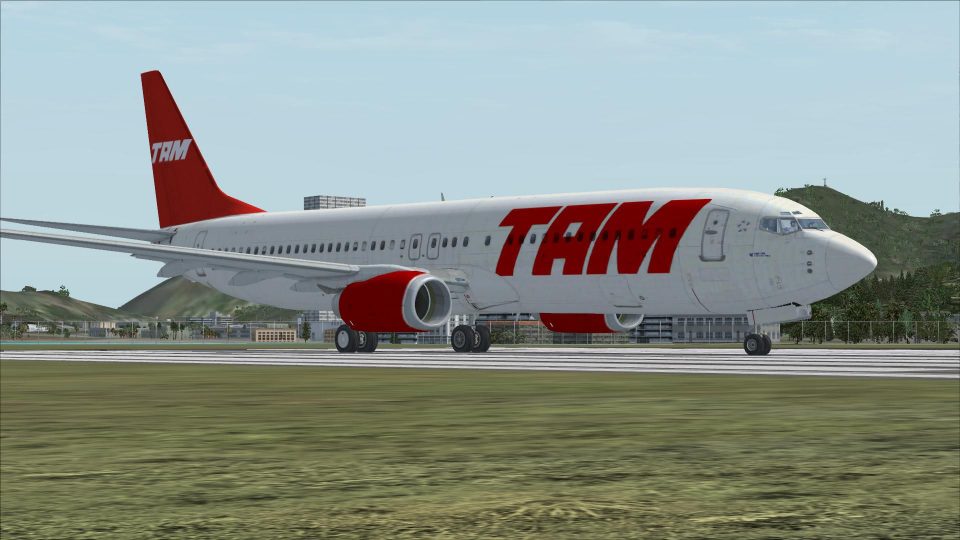
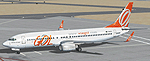
Brazilian Boeing 737-800 liveries bring GOL, TAM, and Varig colors to the default jet, adding authentic markings and a cohesive cabin look for Brazilian routes. Designed for Microsoft Flight Simulator X, the three texture sets refresh the exterior presentation while keeping the stock flight model, sounds, and virtual cockpit intact.
 Rate
Rate
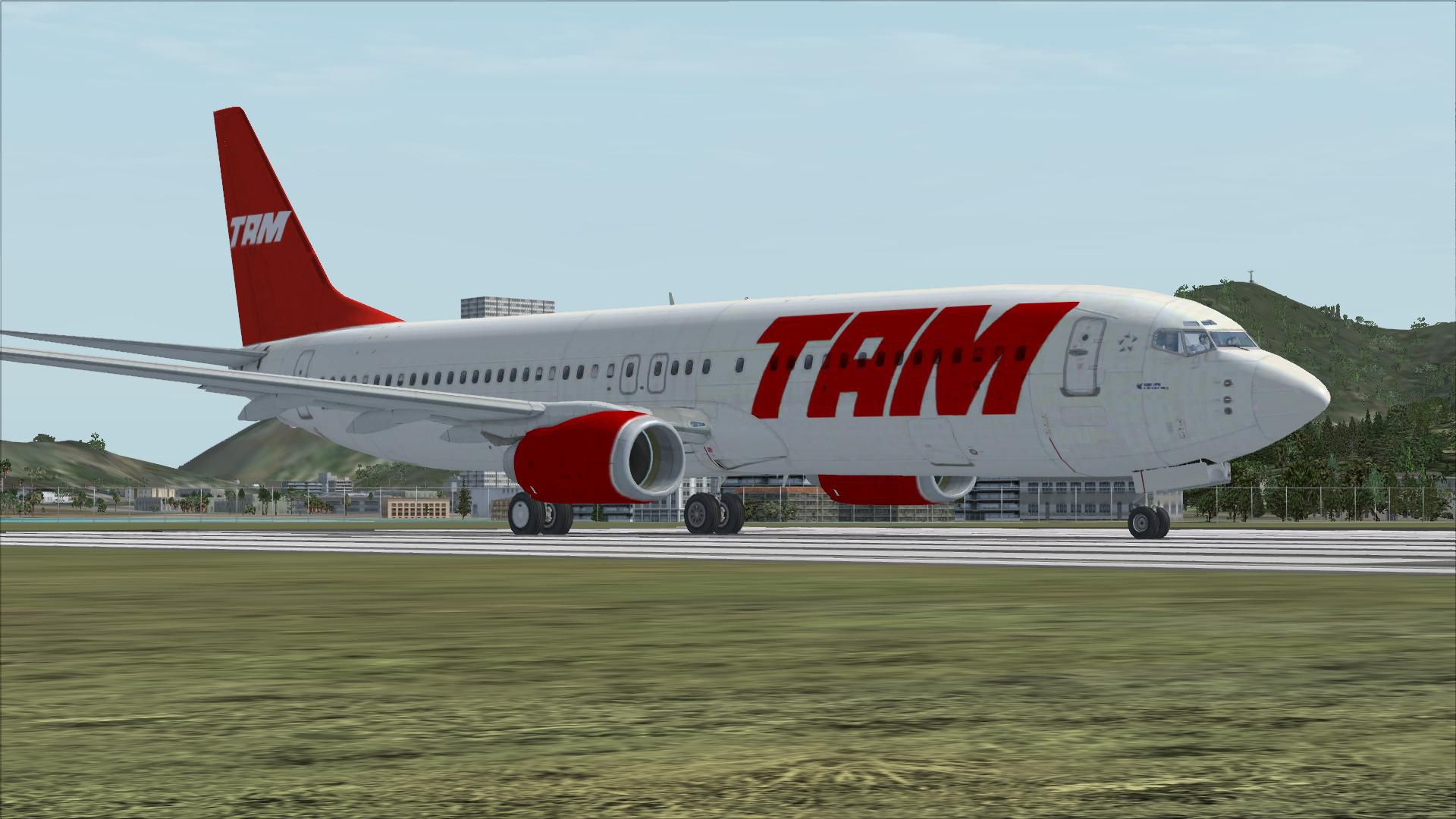
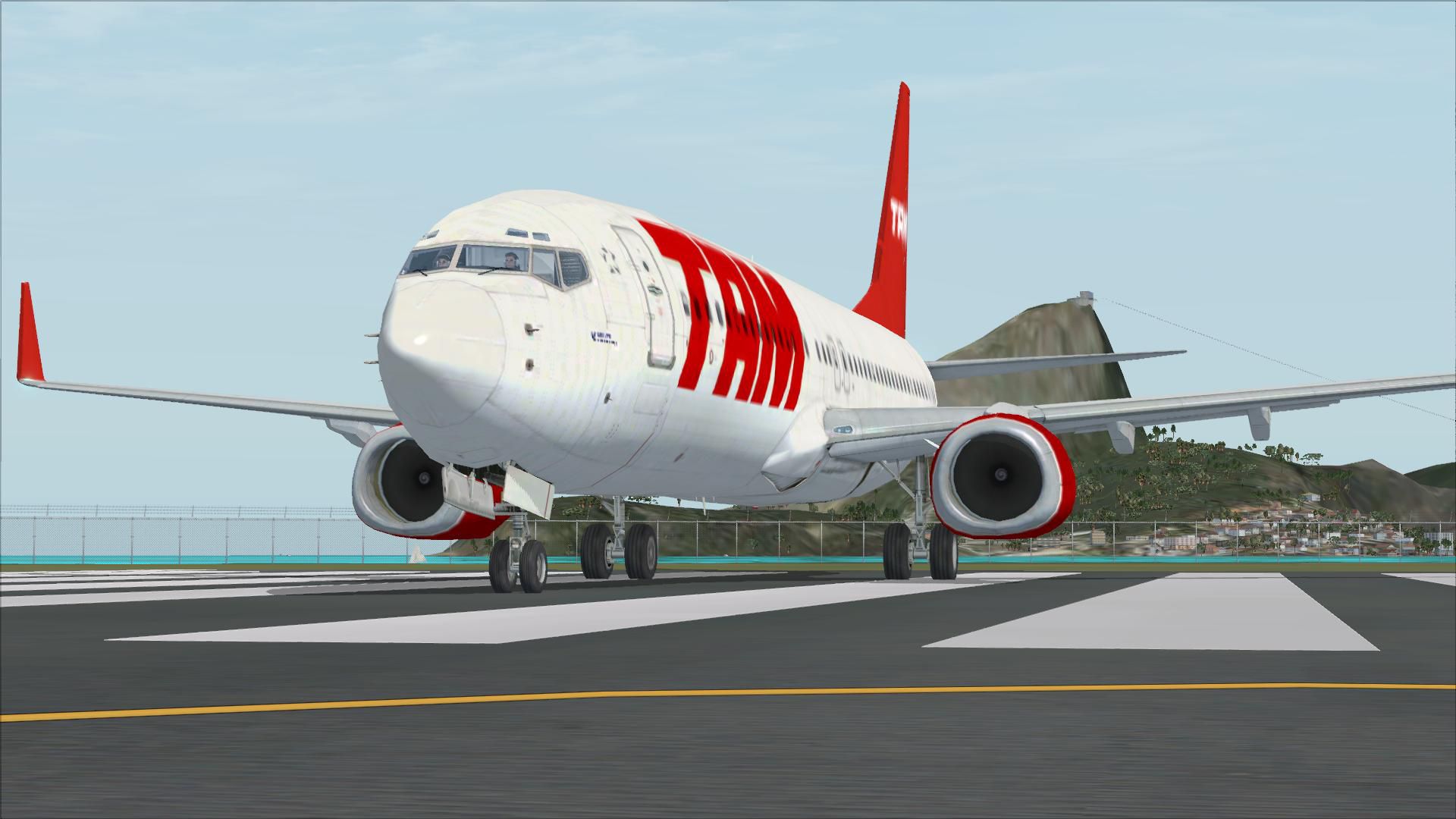
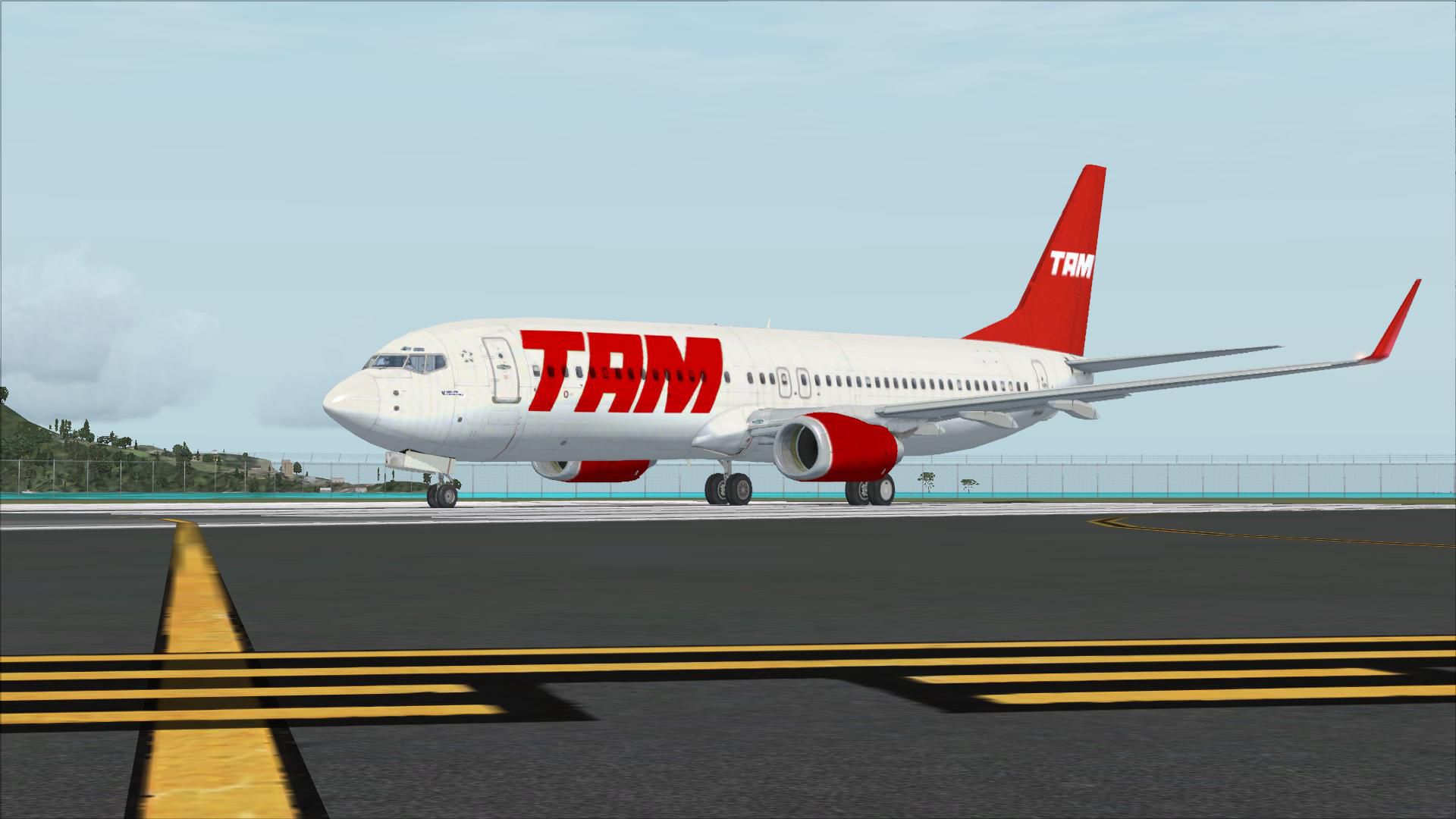
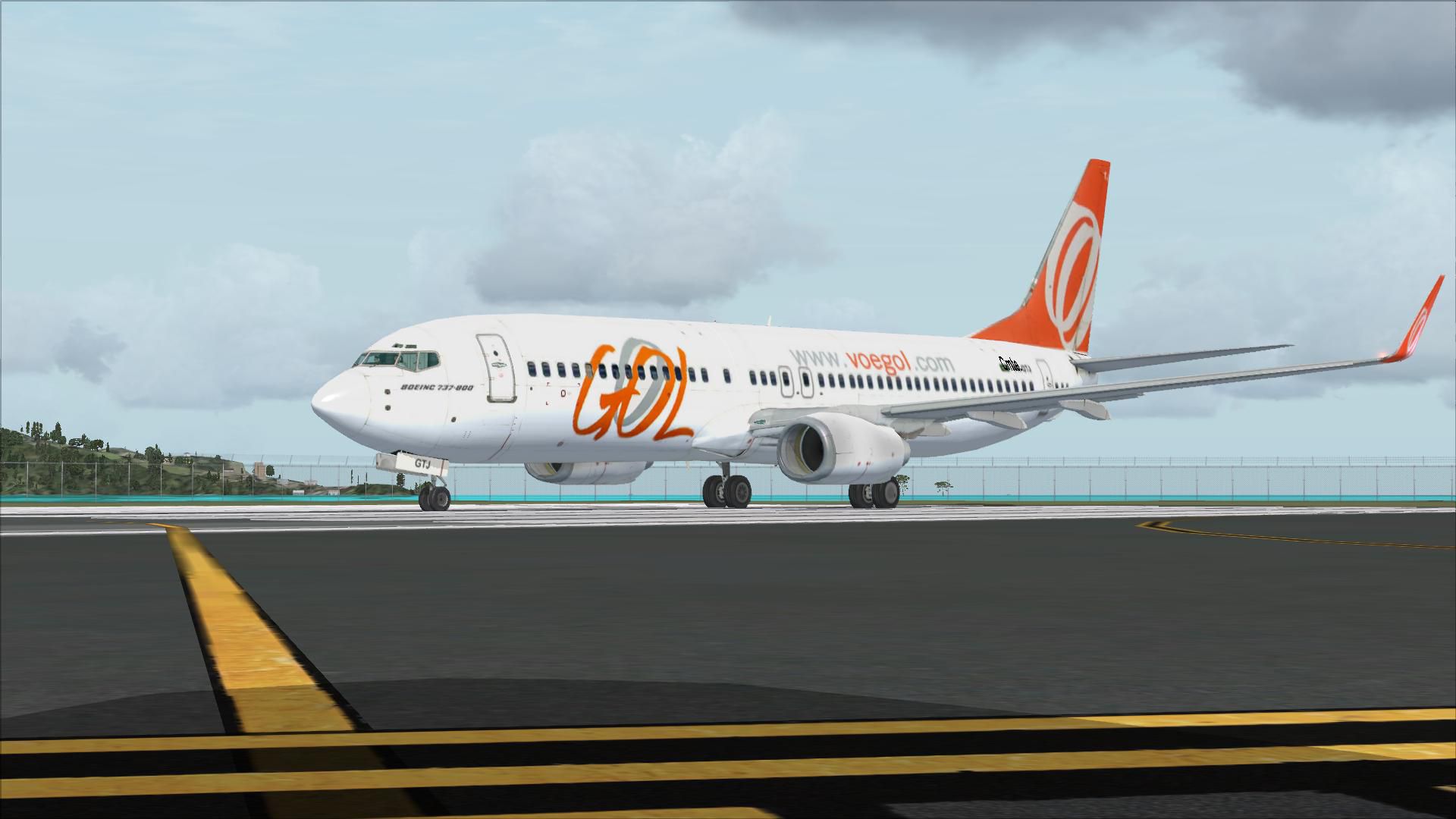
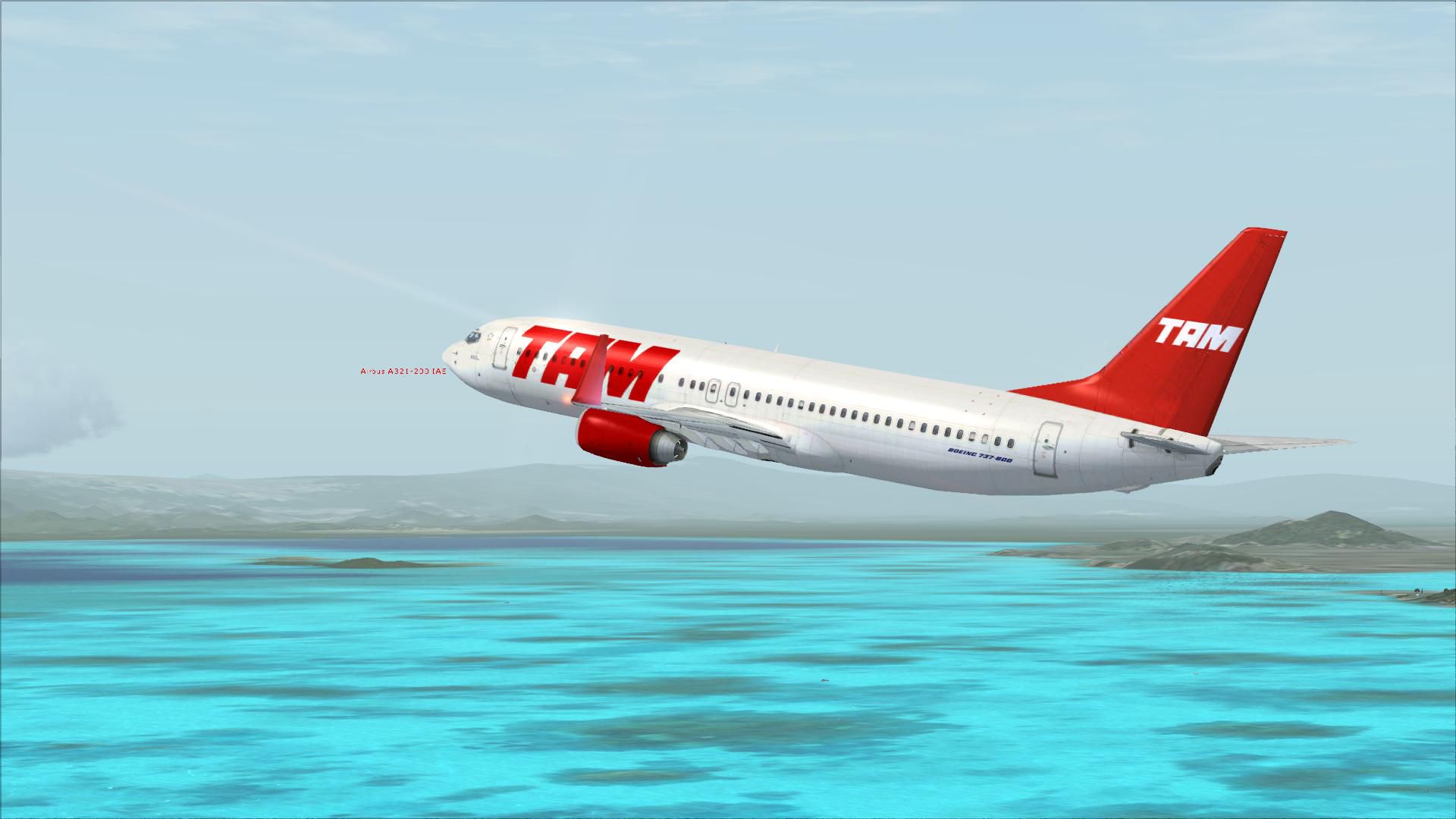
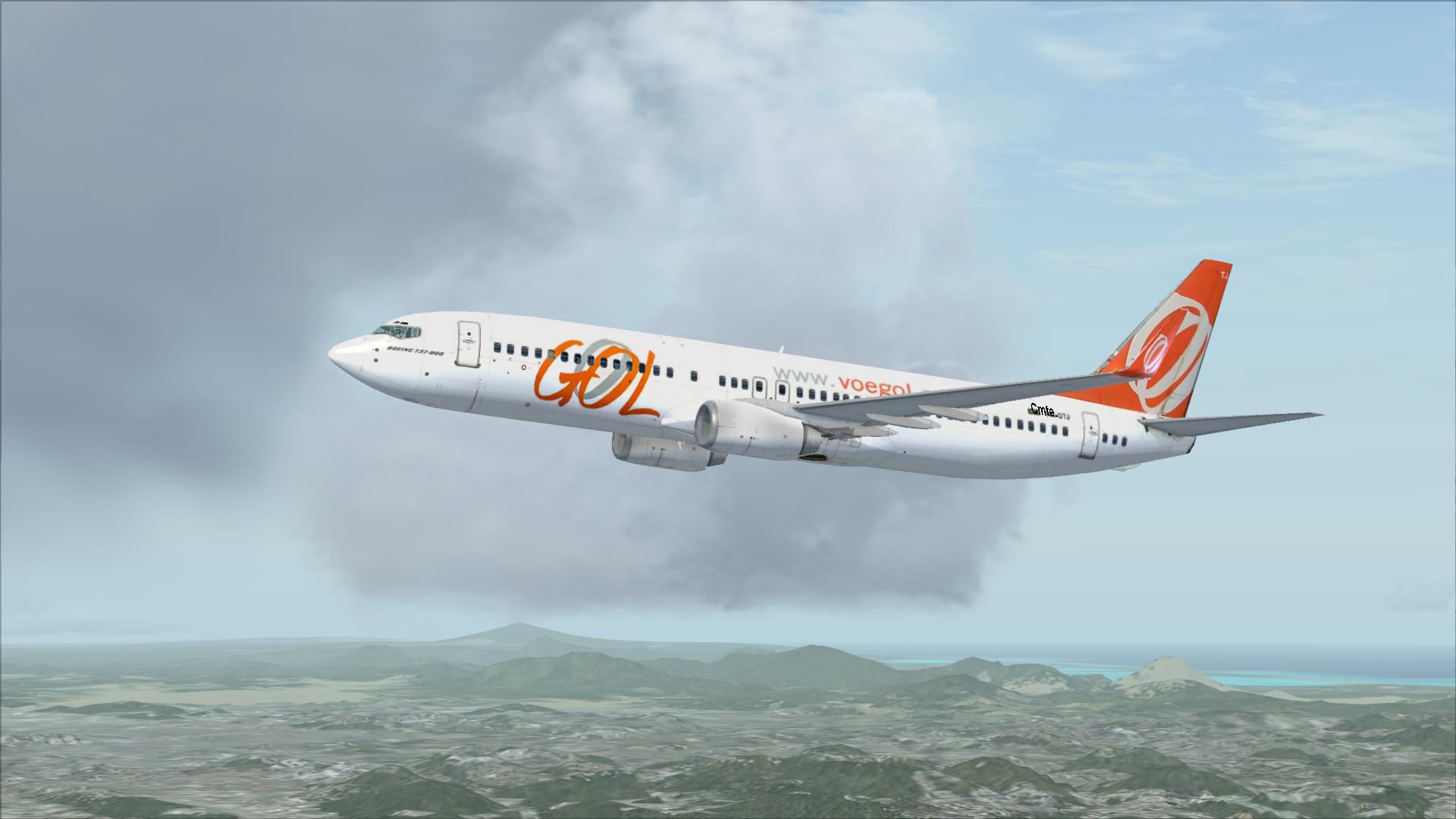
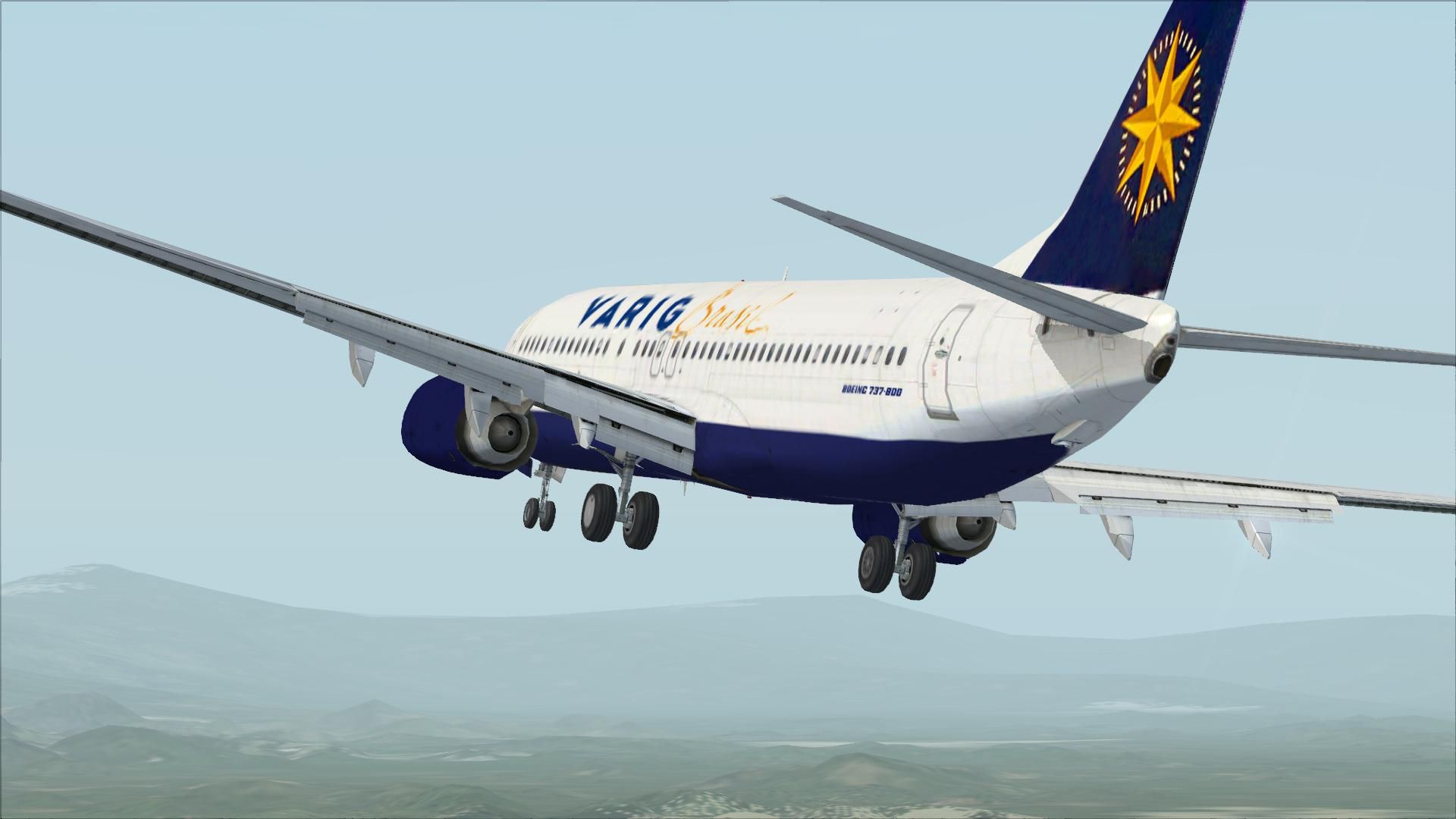
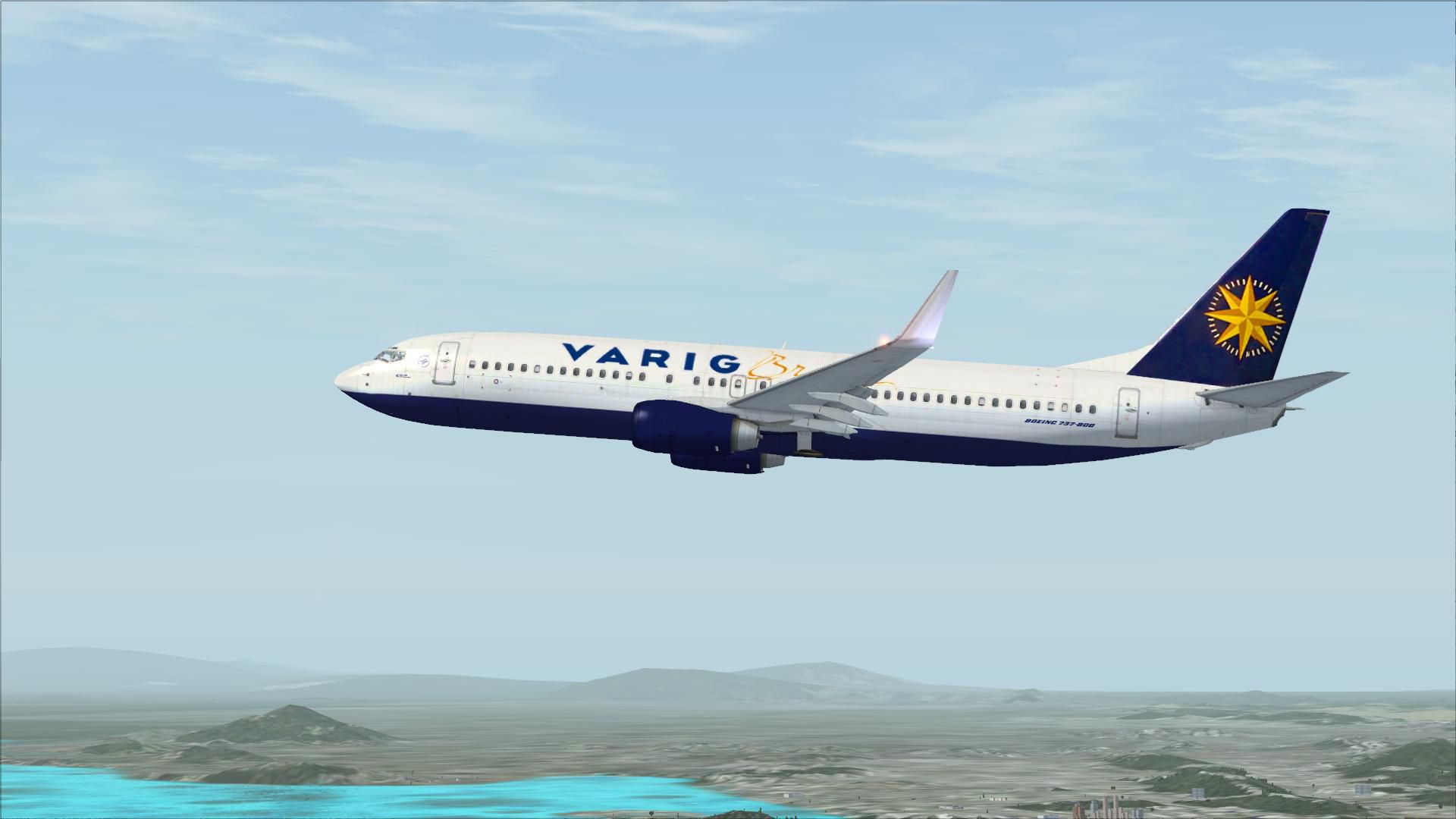
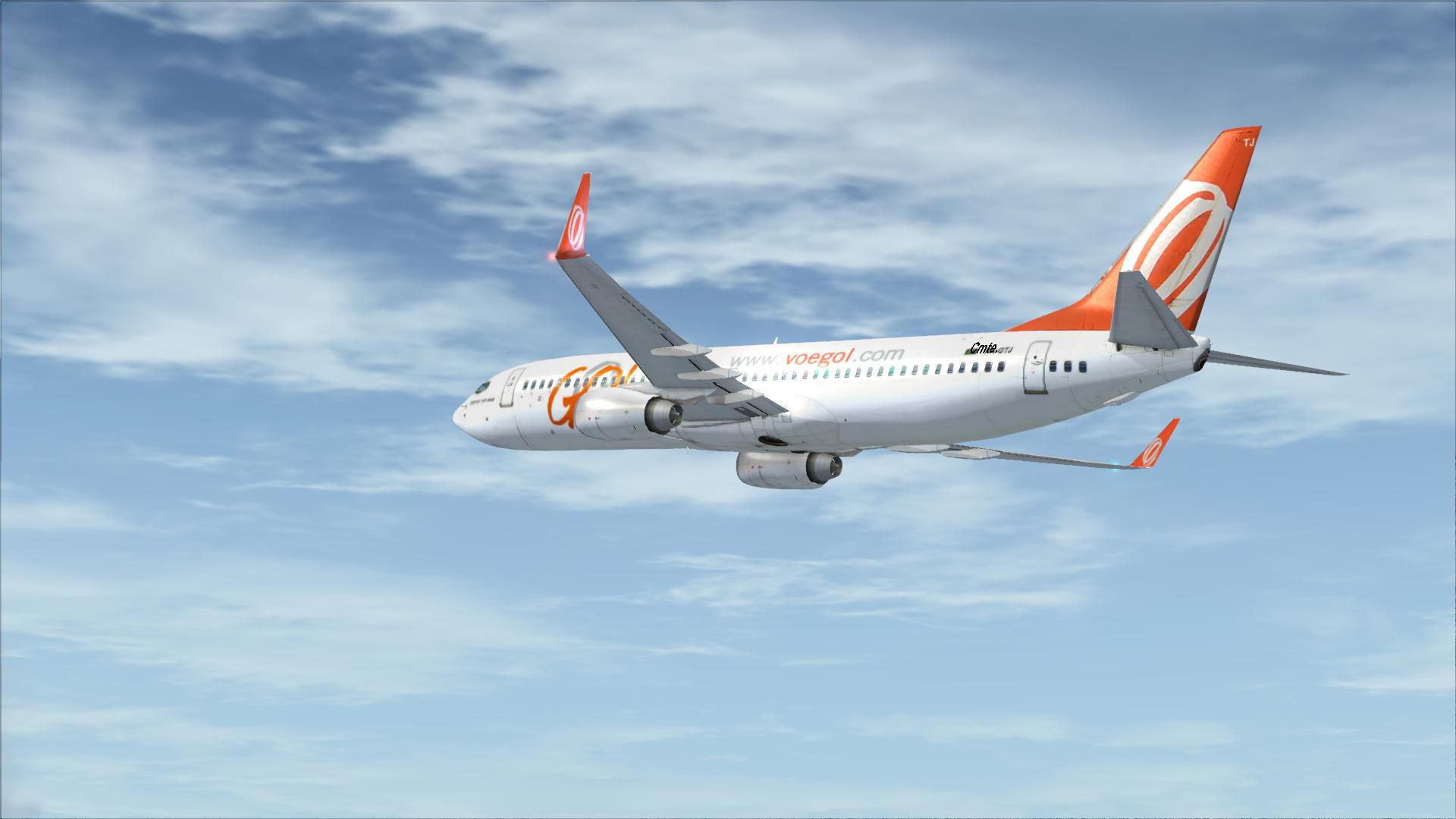
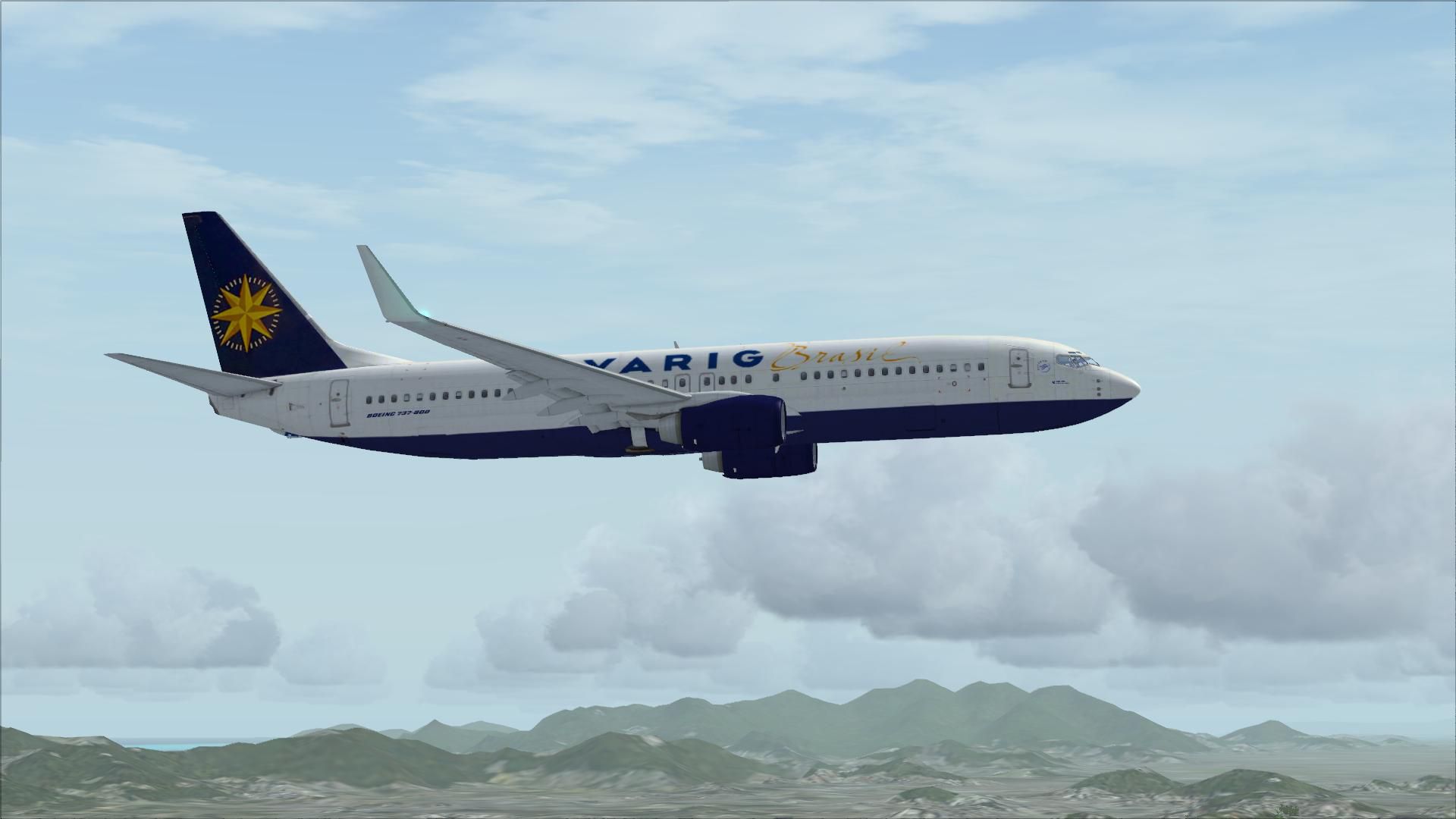
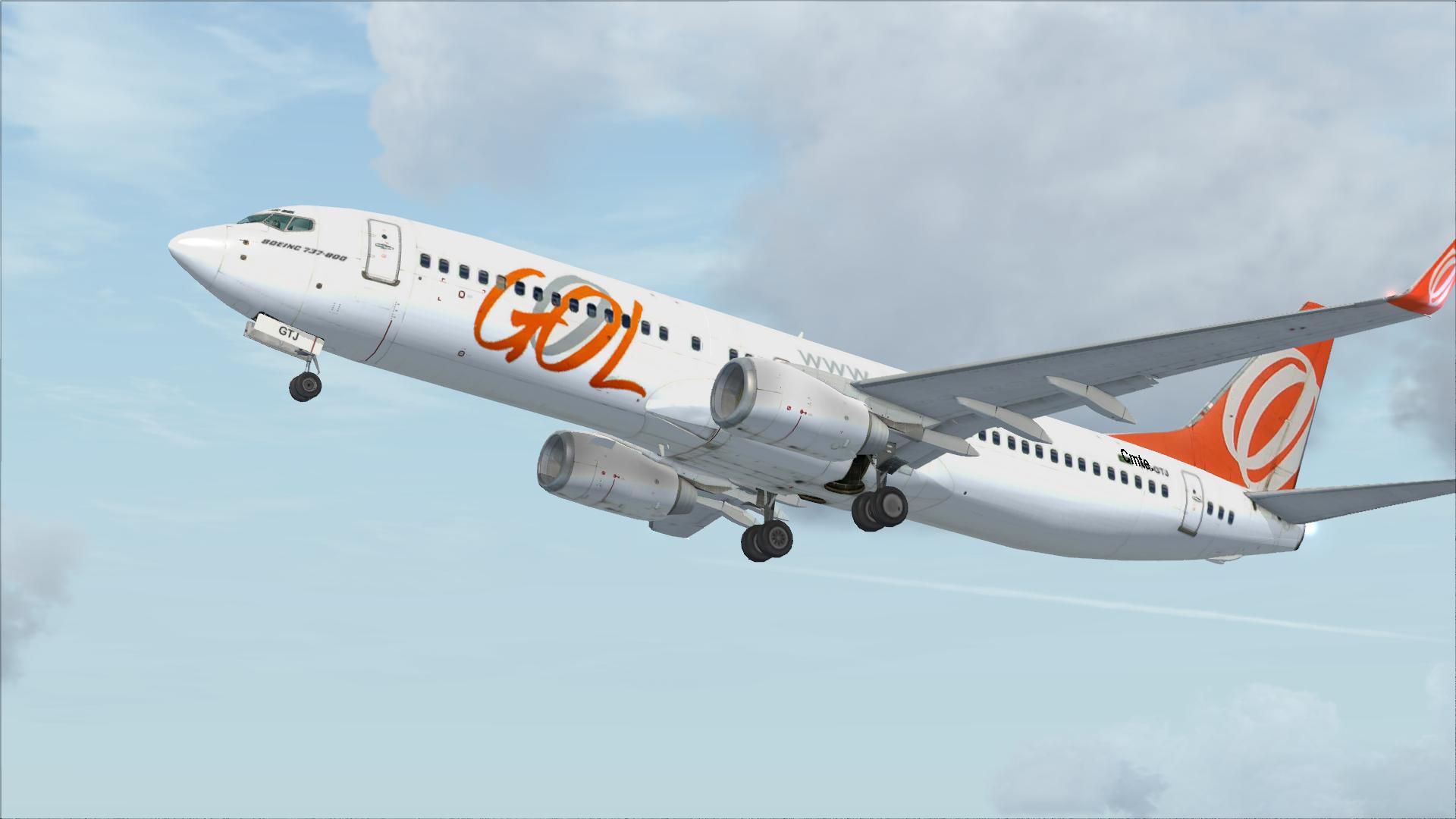
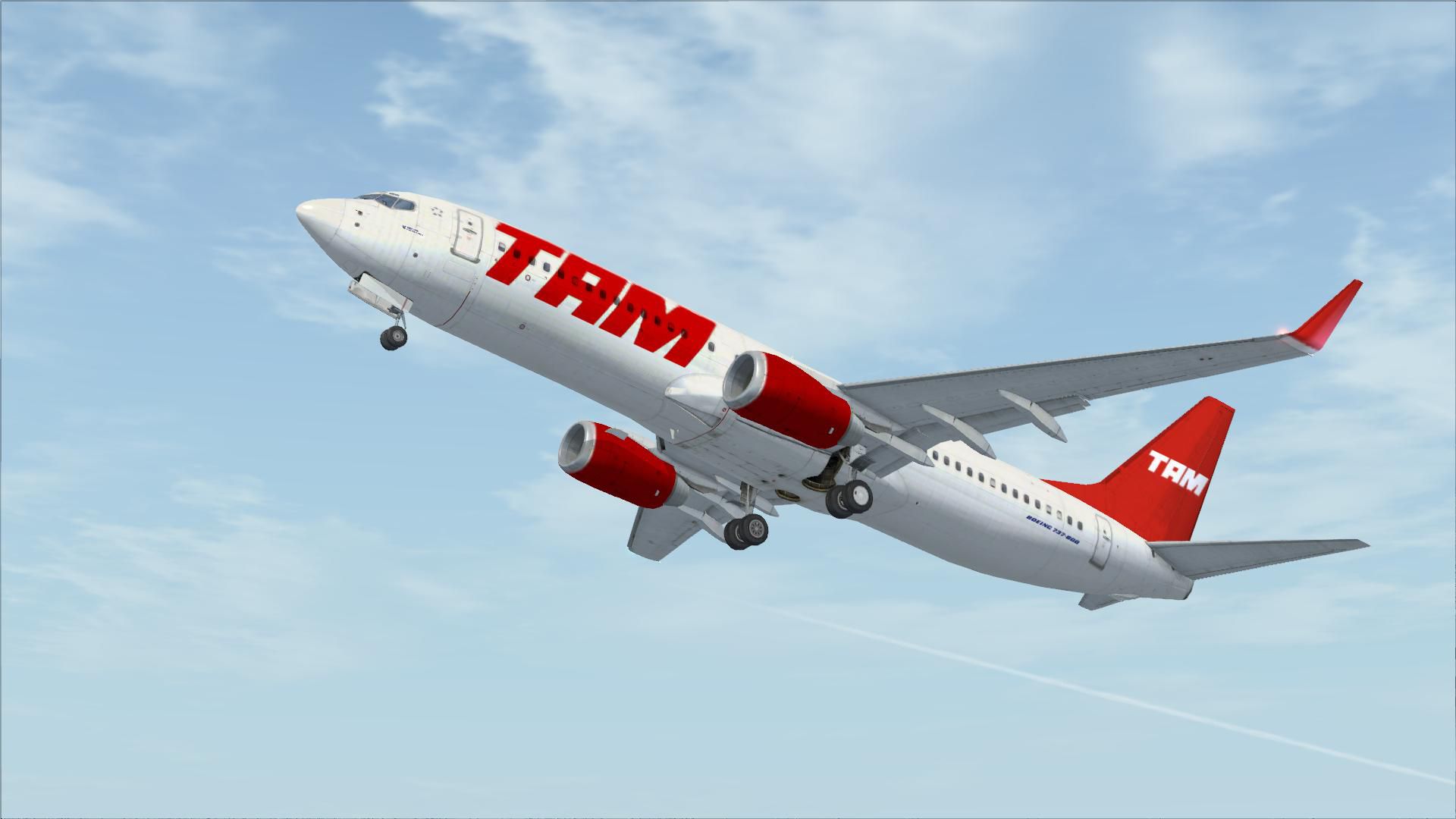
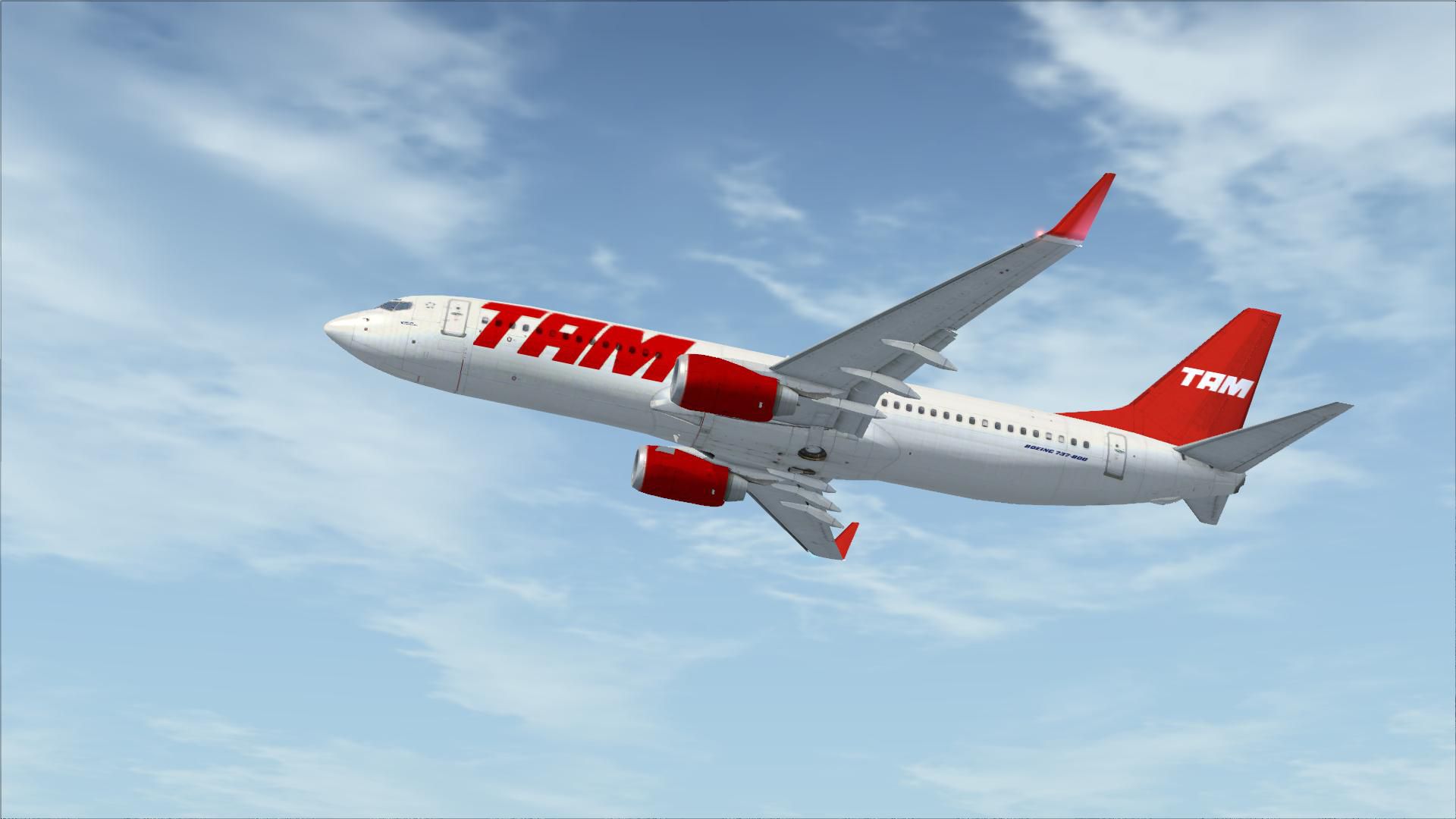
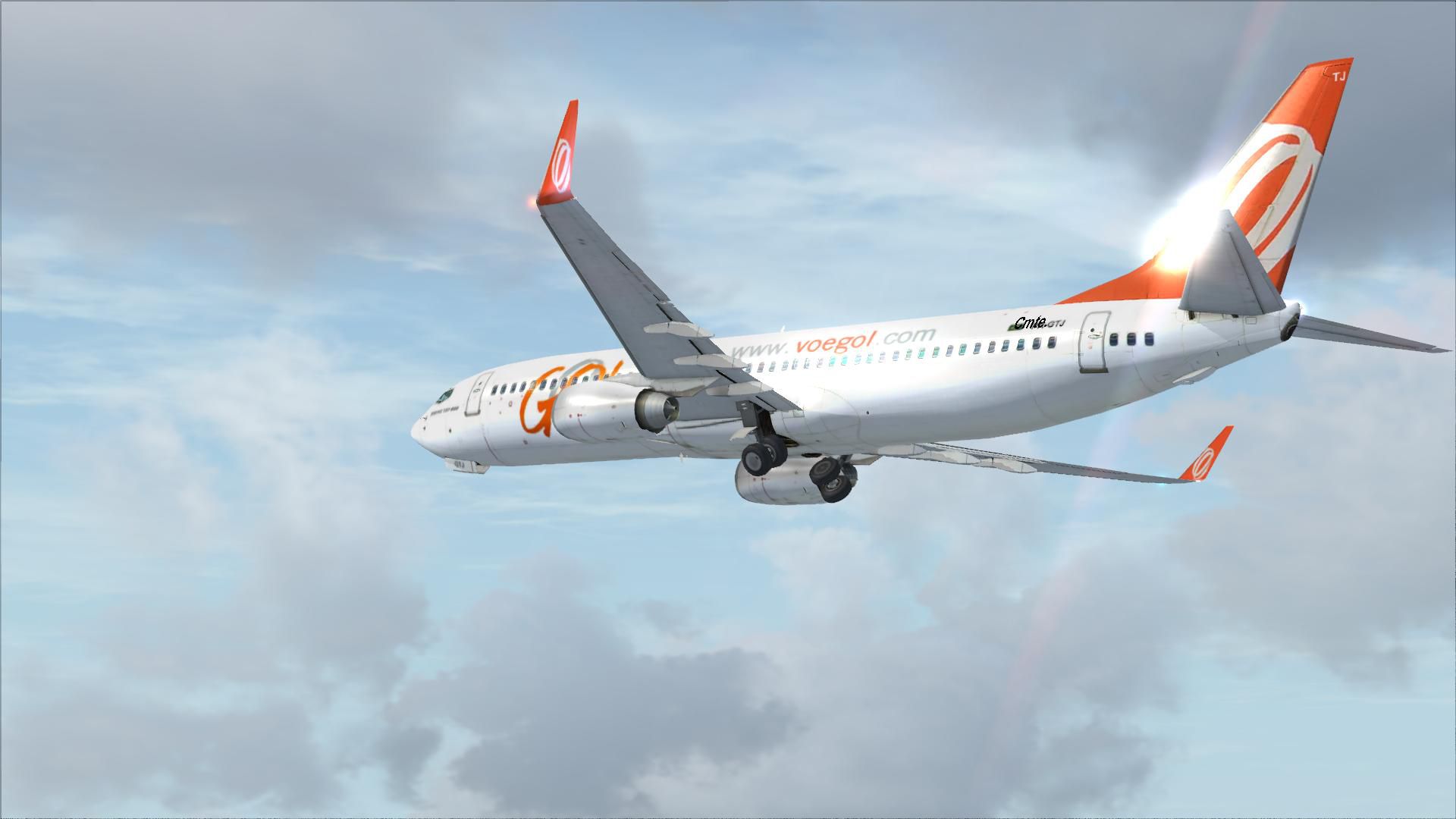
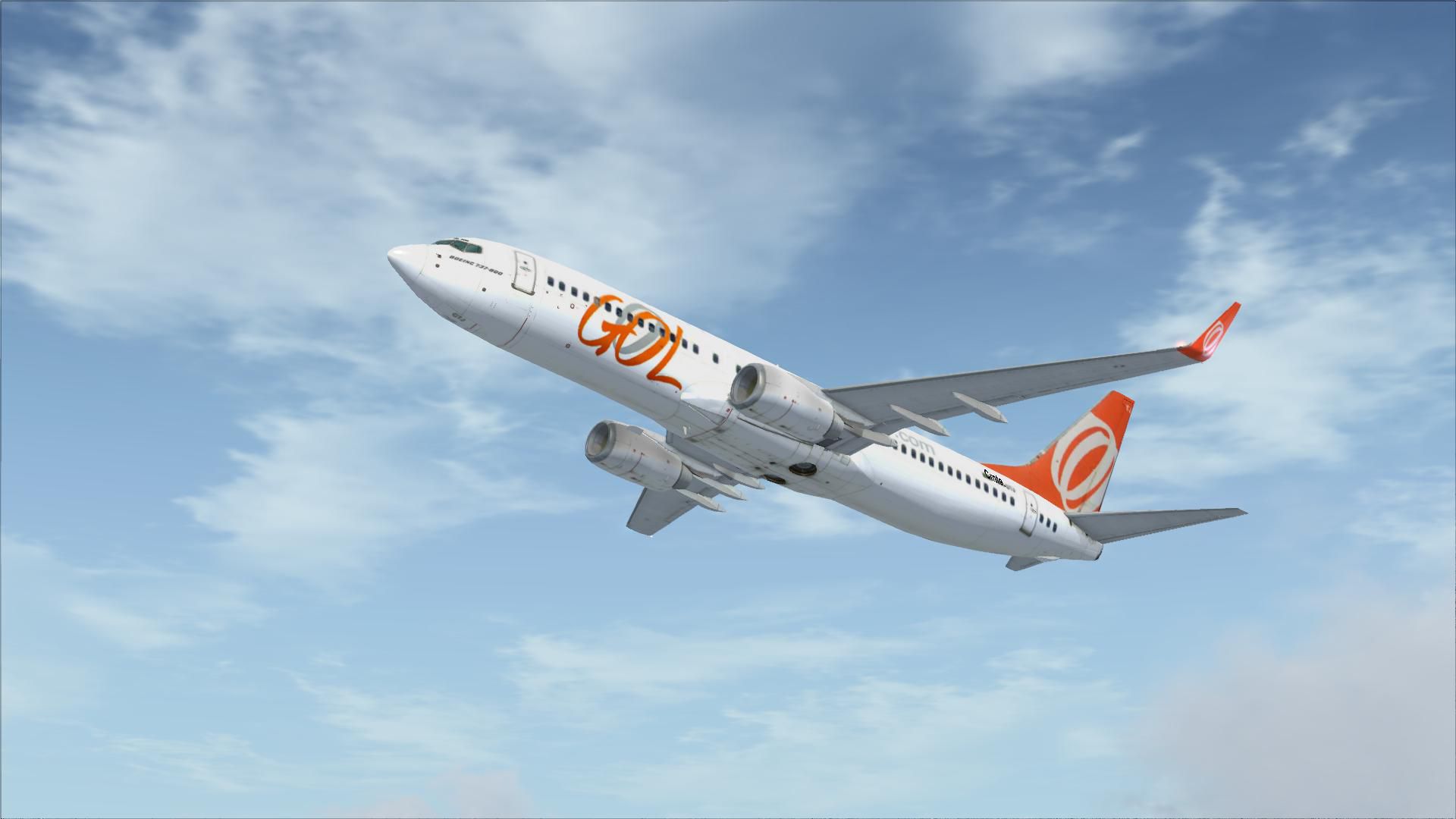
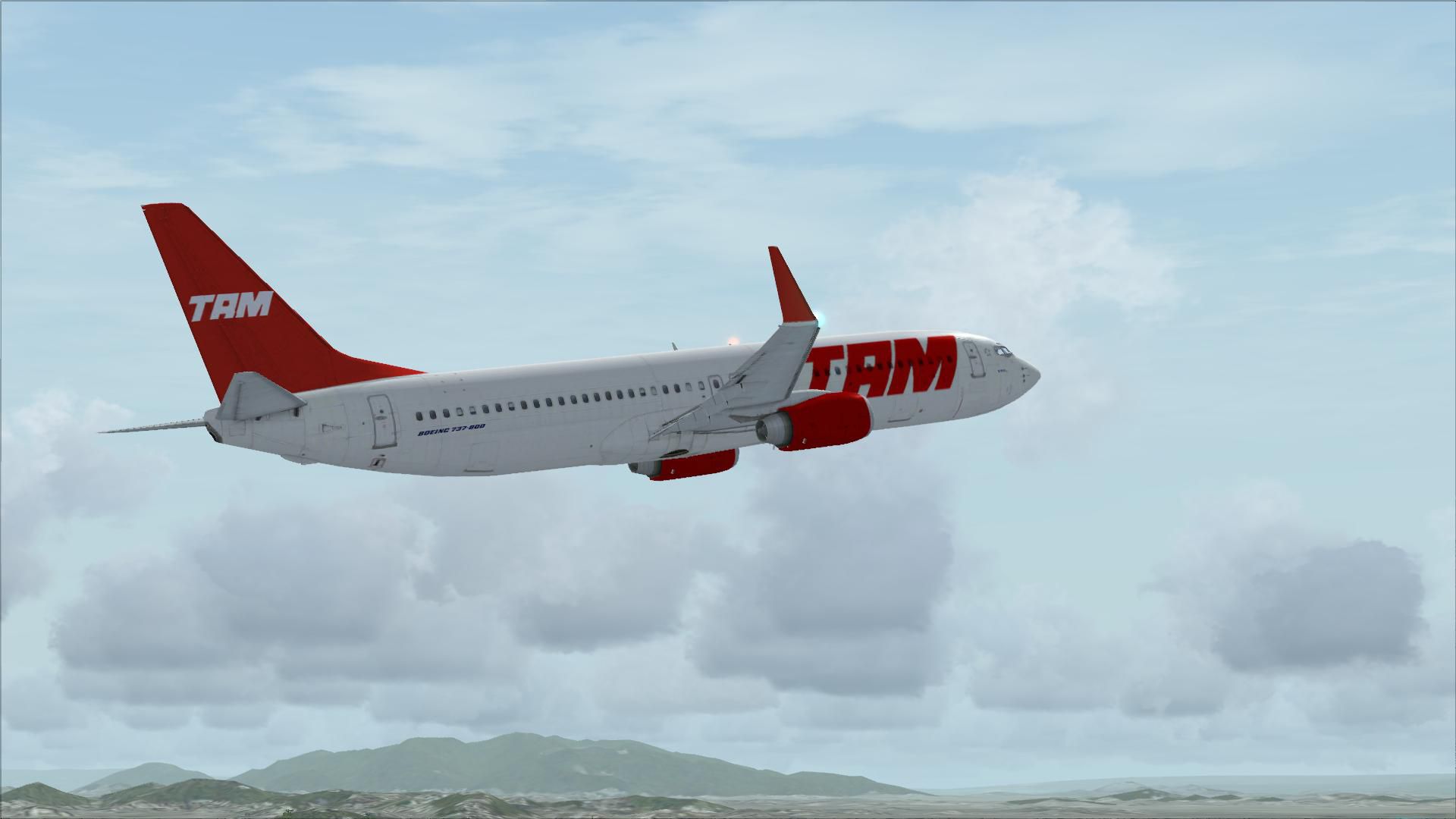
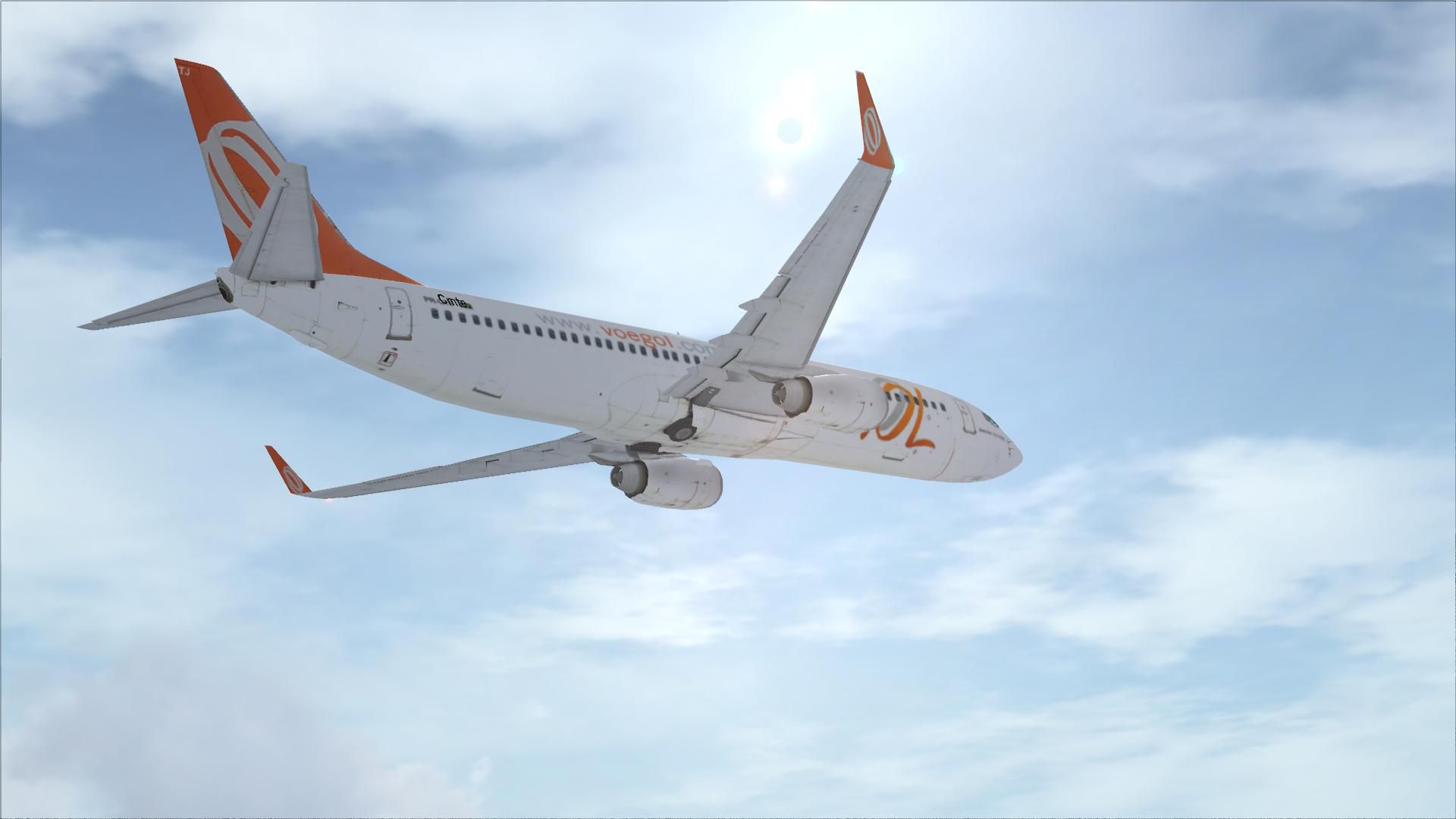
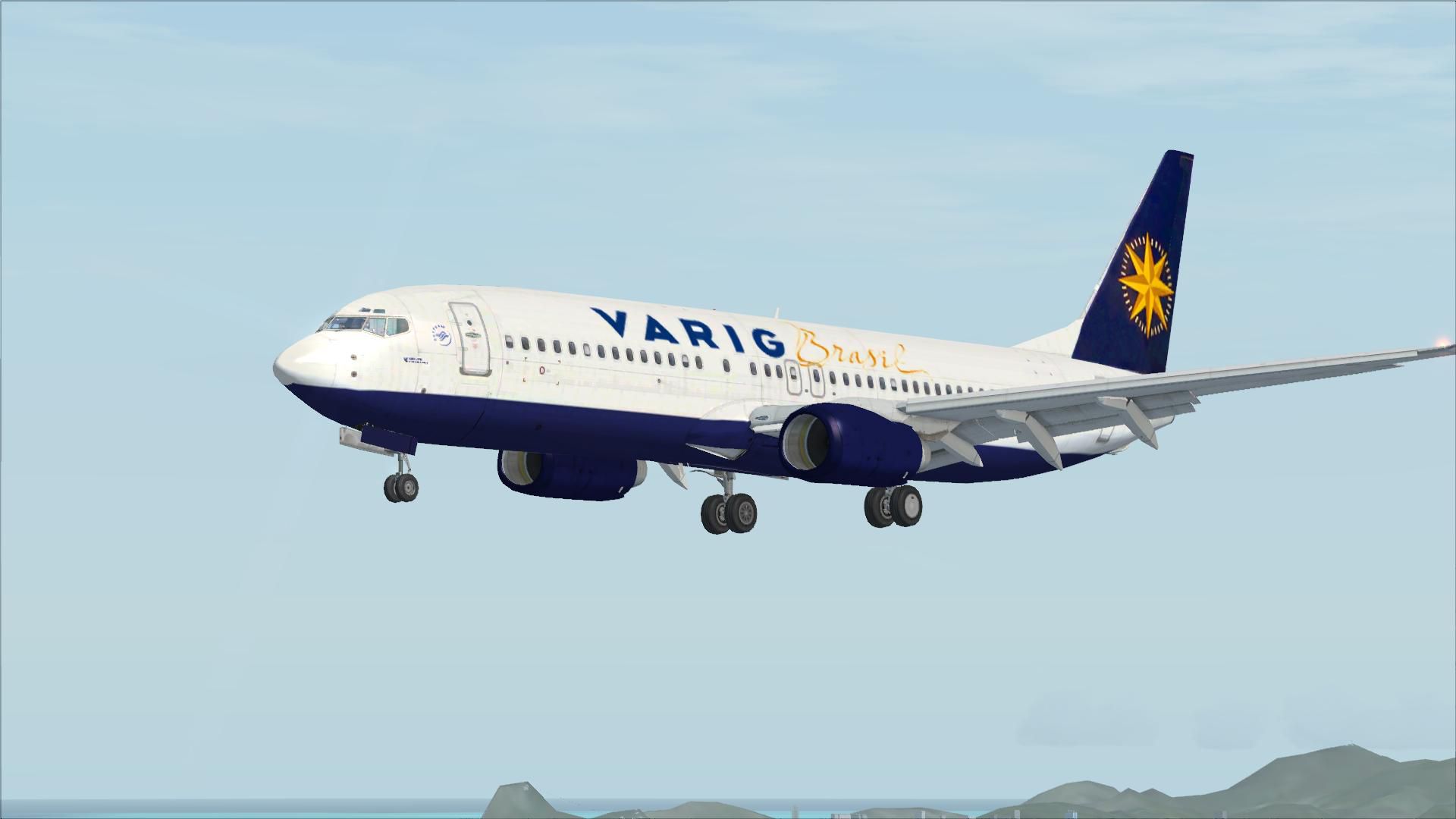
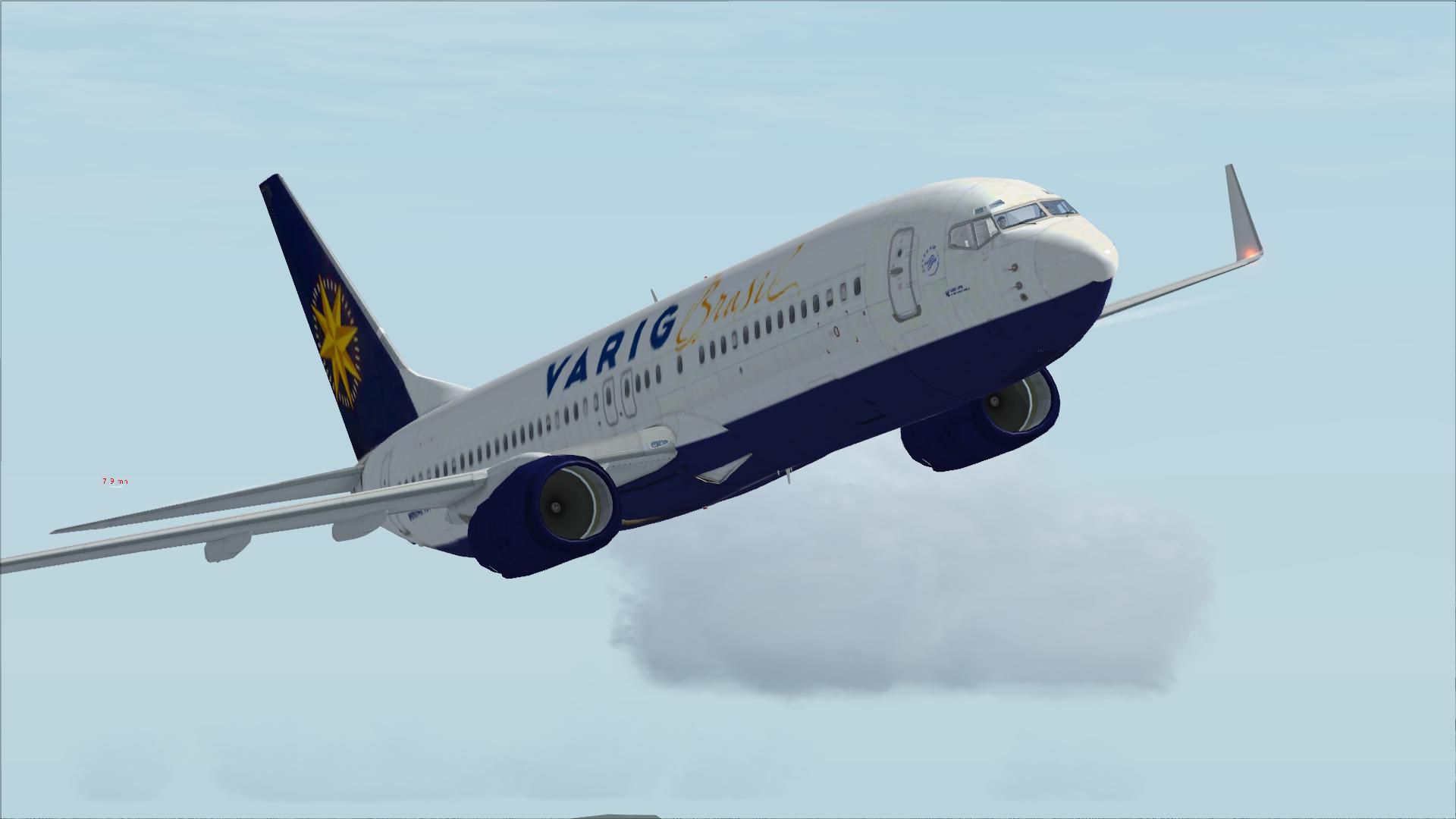
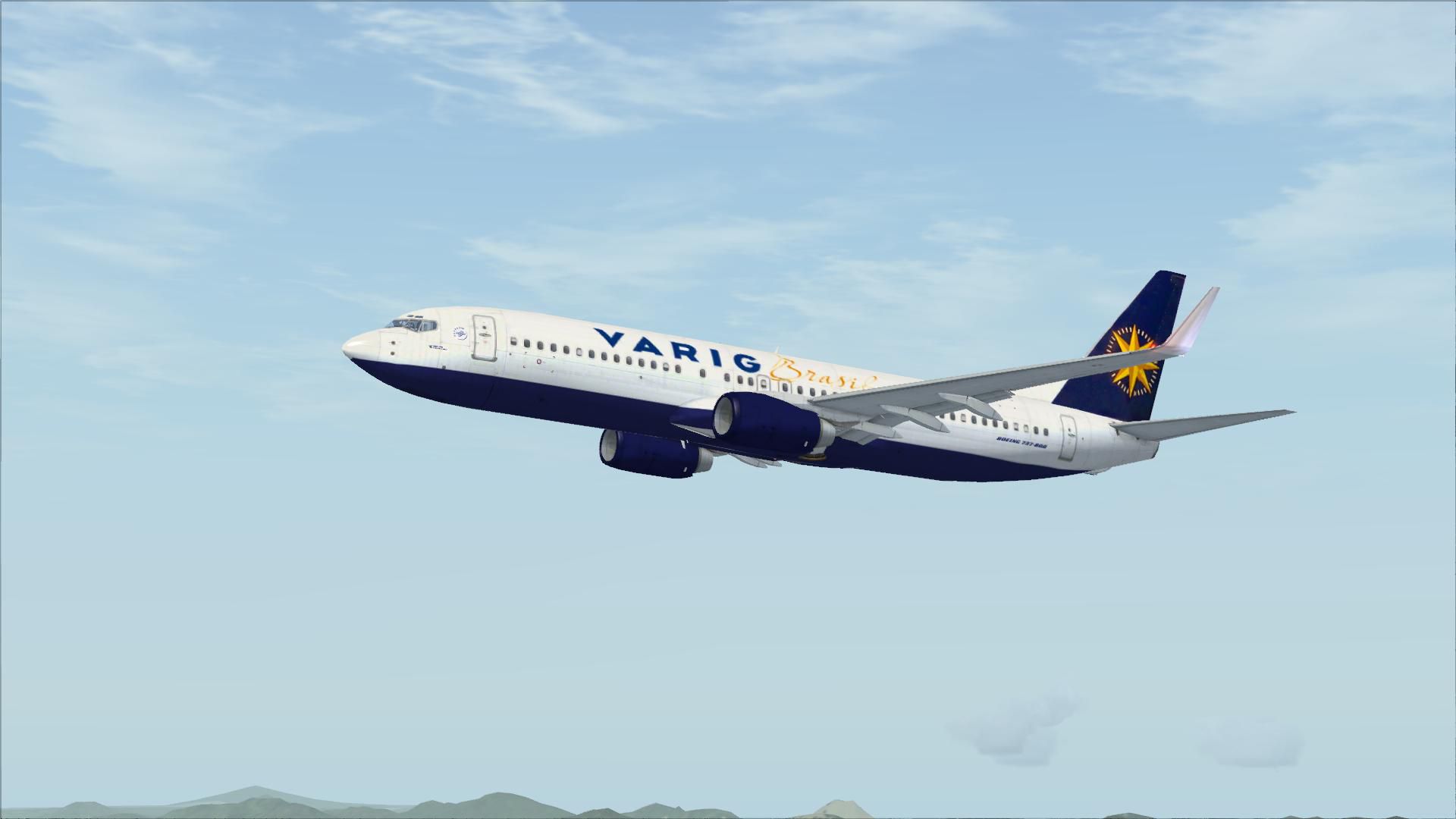
FSX Brazilian Boeing 737-800. Three texture sets for the default B737-800 in the liveries of GOL, TAM and Varig.
Free for all simmers · 16.13 MB · Scanned clean Oct 2026
Download speed: Free tier is capped at 0.5 Mbps (this file takes approximately 5 mins at the cap). PRO members download at full line speed.
texture.{airline}) inside FSX\SimObjects\Airplanes\{base-aircraft}\.aircraft.cfg in Notepad. Add a new [fltsim.X] section per the readme.readme.txt or README file. It tells you exactly where files go, what dependencies are needed, and any quirks specific to this add-on.The archive braz7378.zip has 26 files and directories contained within it.
This list displays the first 500 files in the package. If the package has more, you will need to download it to view them.
| Filename/Directory | File Date | File Size |
|---|---|---|
| Gol.zip | 07.08.07 | 7.88 MB |
| Tam.zip | 07.08.07 | 3.17 MB |
| Varig.zip | 07.08.07 | 3.14 MB |
| flyawaysimulation.txt | 10.29.13 | 959 B |
| Go to Fly Away Simulation.url | 01.22.16 | 52 B |
| Screenshots | 08.21.19 | 0 B |
| screen-1.jpg | 08.20.19 | 144.36 kB |
| screen-10.jpg | 08.20.19 | 208.82 kB |
| screen-11.jpg | 08.20.19 | 99.21 kB |
| screen-12.jpg | 08.20.19 | 97.73 kB |
| screen-13.jpg | 08.20.19 | 92.38 kB |
| screen-14.jpg | 08.20.19 | 140.45 kB |
| screen-15.jpg | 08.20.19 | 111.74 kB |
| screen-16.jpg | 08.20.19 | 81.25 kB |
| screen-17.jpg | 08.20.19 | 103.29 kB |
| screen-18.jpg | 08.20.19 | 84.83 kB |
| screen-19.jpg | 08.20.19 | 116.64 kB |
| screen-2.jpg | 08.20.19 | 100.27 kB |
| screen-20.jpg | 08.20.19 | 88.44 kB |
| screen-3.jpg | 08.20.19 | 97.36 kB |
| screen-4.jpg | 08.20.19 | 88.27 kB |
| screen-5.jpg | 08.20.19 | 104.56 kB |
| screen-6.jpg | 08.20.19 | 95.50 kB |
| screen-7.jpg | 08.20.19 | 120.05 kB |
| screen-8.jpg | 08.20.19 | 154.06 kB |
| screen-9.jpg | 08.20.19 | 163.49 kB |
Only PRO members can place votes.
More FSX & P3D add-ons hand-picked based on this download.
FSX Civil Aircraft
Continental Boeing 737-800. Fictional textures for the default B737-800. Repa…
 FSX Civil Aircraft
This freeware repaint features a custom interpretation of the default Boeing …
 FSX Civil Aircraft
Includes pictures of the plane, a mini guide to help you and the texture fold…
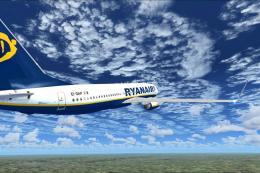 FSX Civil Aircraft
FSX Ryanair Boeing 737-800. EI-DAP textures for the default FSX B737-800. By …
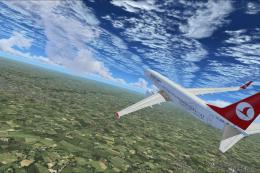 FSX Civil Aircraft
Turkish Airlines Boeing 737-800. Textures by Alex James for the default B737-…
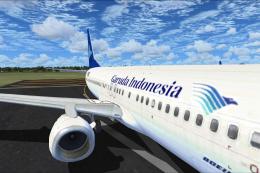 FSX Civil Aircraft
FSX Garuda Indonesia Boeing 737-800, registration PK-GEE. Textures only for t…
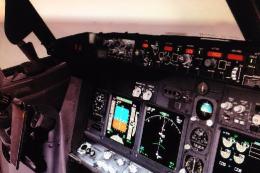 FSX Civil Aircraft
Includes: EZDok cameras and effects; FSForce profile; ShockWave lights; landi…
 FSX Civil Aircraft
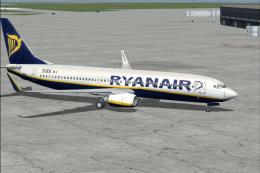
registration EI-DCK. Revised textures for the default B737-800 with better bl…
Read what other simmers think, or add your own.
