

 FSX Civil Aircraft
American Airlines Boeing 767-300WL
American Airlines new 2013 livery for the payware Level-D B767-300. Original …
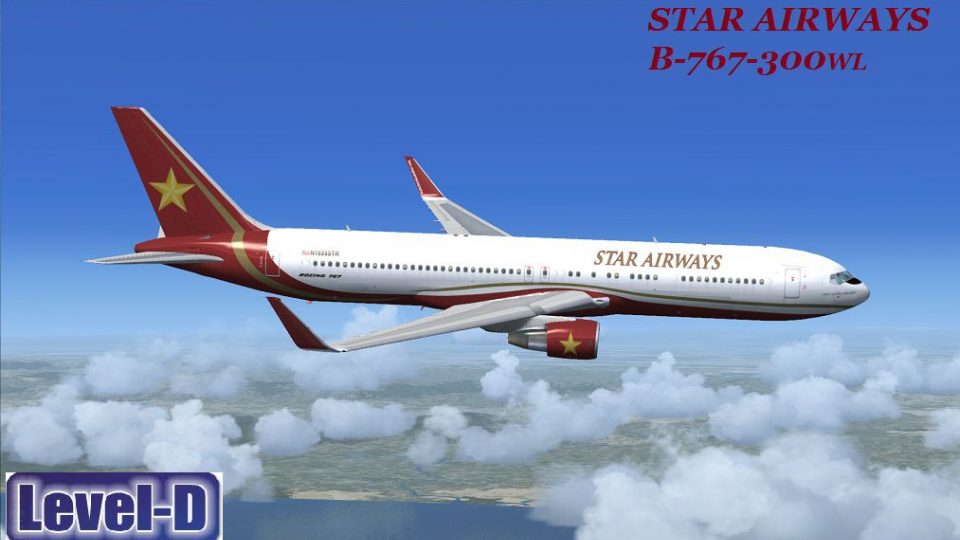
Star Airways livery for the Boeing 767-300 with optional winglets delivers crisp airline markings and a clean, authentic finish across both winglet and non-winglet variants in FSX. It requires the Level-D 767 payware package and installs via Repaint Manager, making it easy to add a polished wide-body look to the fleet.
 Rate
Rate
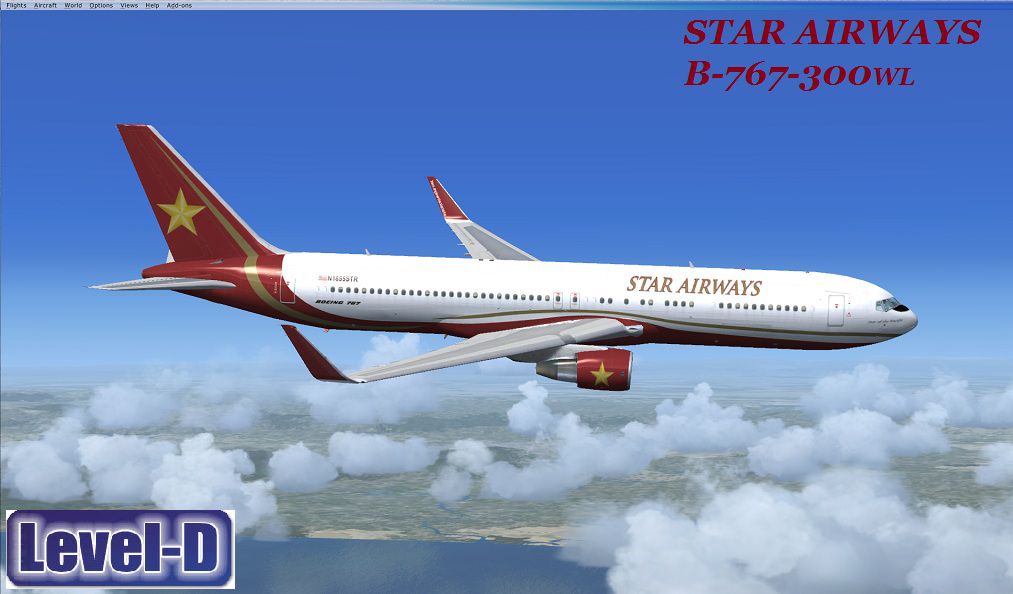
This aircraft is a mid-size, wide-body twin-engine jet airliner built by Boeing Commercial. As of December 2012, Boeing has delivered more than 2240 aircraft around the world. This variant is powered by the Pratt and Whitney JT9D. You must own the Level D B767 payware package to use these textures. This model with work with both version with or with out winglets. Auto install with Repaint Manager. Color design by J.D. Starseed. Repaint work by Kevin Keegan.

Screenshot of Star Airways Boeing 767-300WL in flight.
NOTE! This livery will work in both Non-winglet and winglet versions. Use the same 5 steps below.
Installation:
Free for all simmers · 21.47 MB · Scanned clean Oct 2026
Download speed: Free tier is capped at 0.5 Mbps (this file takes approximately 6 mins at the cap). PRO members download at full line speed.
texture.{airline}) inside FSX\SimObjects\Airplanes\{base-aircraft}\.aircraft.cfg in Notepad. Add a new [fltsim.X] section per the readme.readme.txt or README file. It tells you exactly where files go, what dependencies are needed, and any quirks specific to this add-on.The archive lvld_767-300_wl_str.zip has 7 files and directories contained within it.
This list displays the first 500 files in the package. If the package has more, you will need to download it to view them.
| Filename/Directory | File Date | File Size |
|---|---|---|
| Level D 767 300 Wglts | 05.23.13 | 0 B |
| Aircraft install_READ ME !!_AUTO LOAD.txt | 05.23.13 | 2.13 kB |
| LDS767_Repaint_Level_D_Simulations_B767-300ER_PW_Winglet_Star_Airways.ldx | 05.23.13 | 22.03 MB |
| STR-763wl.jpg | 05.23.13 | 130.65 kB |
| Archive created by free jZip.url | 12.22.11 | 58 B |
| flyawaysimulation.txt | 10.29.13 | 959 B |
| Go to Fly Away Simulation.url | 01.22.16 | 52 B |
Only PRO members can place votes.
More FSX & P3D add-ons hand-picked based on this download.
FSX Civil Aircraft
American Airlines new 2013 livery for the payware Level-D B767-300. Original …
 FSX Civil Aircraft
Experience a meticulously designed Boeing 767-200 freighter that brings the S…
 FSX Civil Aircraft
Star Alliance Boeing 767-300. Star Alliance Austrian Airlines, Lufthansa, Air…
 FSX Civil Aircraft
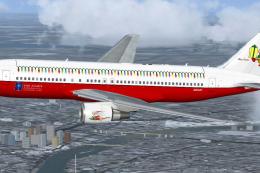
SkySpirit2010 B767-200ER repaint textures for a Star Alliance Christmas liver…
 FSX Civil Aircraft
This downloadable repaint showcases a red-themed Star Airways livery for the …
 FSX Civil Aircraft
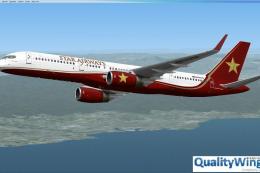
Star Airways Livery Boeing 757-200 RR winglet repaint. You must own the Quali…
 FSX Civil Aircraft
This freeware repaint set showcases a crisp white Star Airways livery paired …
 FSX Civil Aircraft
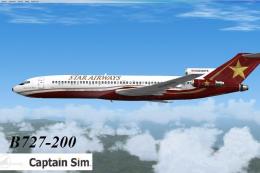
This classic airliner was heavily produced into the 1970s. The last B727 was …
Be the first to leave a comment on this download.
Be the first to share your thoughts on this download.