
 FSX Civil Aircraft
British Airways Landor Retro Livery Boeing 747-436
FSX British Airways Boeing 747-436, registration G-CIVB. This year marks Brit…
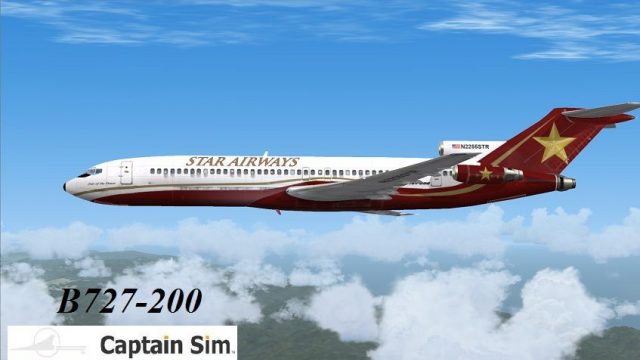
Star Airways’ retro livery brings a period-correct look to the Boeing 727-200, matching the tri-jet’s classic tri-tail silhouette and JT8D-powered era with crisp airline colors and detailed exterior textures. Built for Microsoft Flight Simulator X, it requires the payware Captain Sim 727-200 for full integration with the aircraft and virtual cockpit.
 Rate
Rate
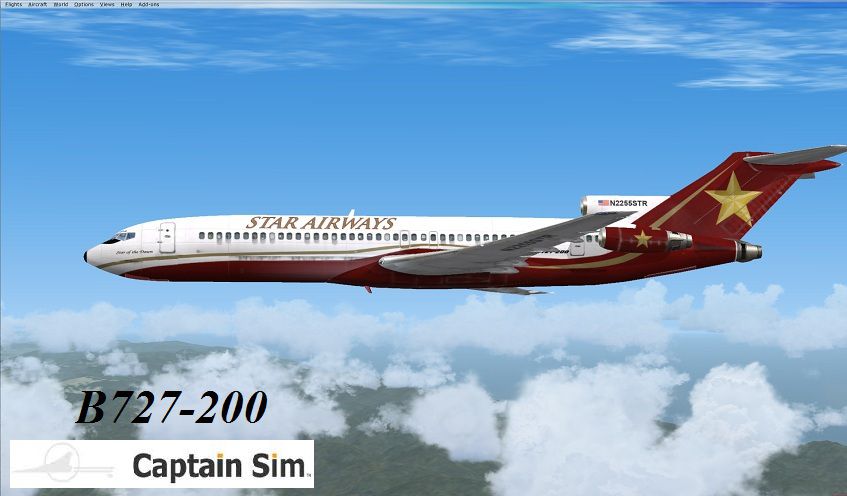
This classic airliner was heavily produced into the 1970s. The last B727 was completed in 1984. It has three Pratt and Whitney JT8D engines with a tri-tail. You must own the payware Captain Sim B727-200. Special thanks to Kevin Keegan for the repaint work. Color design by J. D. Starseed.
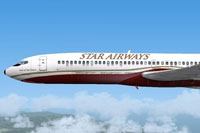
Side view of Star Airways Boeing 727-200 in a retro livery.
Installation:
Free for all simmers · 1.27 MB · Scanned clean Oct 2026
Download speed: Free tier is capped at 0.5 Mbps. PRO members download at full line speed.
texture.{airline}) inside FSX\SimObjects\Airplanes\{base-aircraft}\.aircraft.cfg in Notepad. Add a new [fltsim.X] section per the readme.readme.txt or README file. It tells you exactly where files go, what dependencies are needed, and any quirks specific to this add-on.The archive cs_727-200_str.zip has 17 files and directories contained within it.
This list displays the first 500 files in the package. If the package has more, you will need to download it to view them.
| Filename/Directory | File Date | File Size |
|---|---|---|
| CS 727 200 Star Airways | 05.16.13 | 0 B |
| Aircraft install_READ ME !!.txt | 05.16.13 | 1.55 kB |
| aircraft.cfg_info.txt | 05.16.13 | 1.19 kB |
| Star Airways 727.jpg | 05.16.13 | 97.14 kB |
| Texture.STR | 05.16.13 | 97.14 kB |
| 727_100_11_T.dds | 02.18.09 | 512.12 kB |
| 727_100_12_T.dds | 02.02.09 | 64.12 kB |
| 727_100_4_T.dds | 05.16.13 | 682.80 kB |
| 727_200_2_T.dds | 05.16.13 | 682.80 kB |
| 727_200_3_T.dds | 05.16.13 | 682.80 kB |
| 727_200_A_T.dds | 05.16.13 | 682.80 kB |
| 727_x_10_T.dds | 03.03.09 | 32.12 kB |
| texture.cfg | 05.16.13 | 227 B |
| thumbnail.jpg | 05.16.13 | 14.53 kB |
| Archive created by free jZip.url | 12.22.11 | 58 B |
| flyawaysimulation.txt | 10.29.13 | 959 B |
| Go to Fly Away Simulation.url | 01.22.16 | 52 B |
Only PRO members can place votes.
More FSX & P3D add-ons hand-picked based on this download.
FSX Civil Aircraft
FSX British Airways Boeing 747-436, registration G-CIVB. This year marks Brit…
 FSX Civil Aircraft
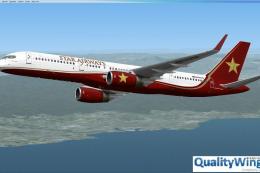
Star Airways Livery Boeing 757-200 RR winglet repaint. You must own the Quali…
 FSX Civil Aircraft
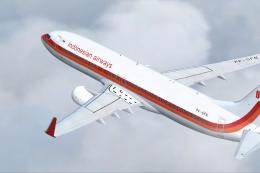
This freeware repaint brings an authentic retro color scheme of Garuda Indone…
 FSX Civil Aircraft
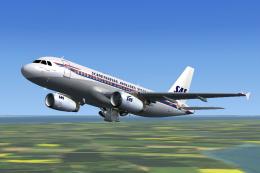
Scandinavian Airlines livery for the payware feelThere/Wilco Airbus A319 IAE …
 FSX Civil Aircraft
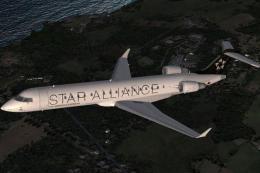
This freeware package provides a specialized Star Alliance repaint for the de…
 FSX Civil Aircraft
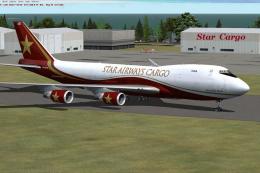
This is the newest addition to the fleet in the freighter model with GE engin…
 FSX Civil Aircraft
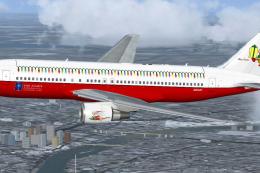
SkySpirit2010 B767-200ER repaint textures for a Star Alliance Christmas liver…
 FSX Civil Aircraft
American Airlines Boeing 757-200 retro livery. A repaint of the Project Open …
Be the first to leave a comment on this download.
Be the first to share your thoughts on this download.