

 FSX Civil Aircraft
Pegasus Airlines Boeing 737-800 NGX TC-CPE
Textures in high definition (4096x4096) only for the payware PMDG 737 NGX. Re…
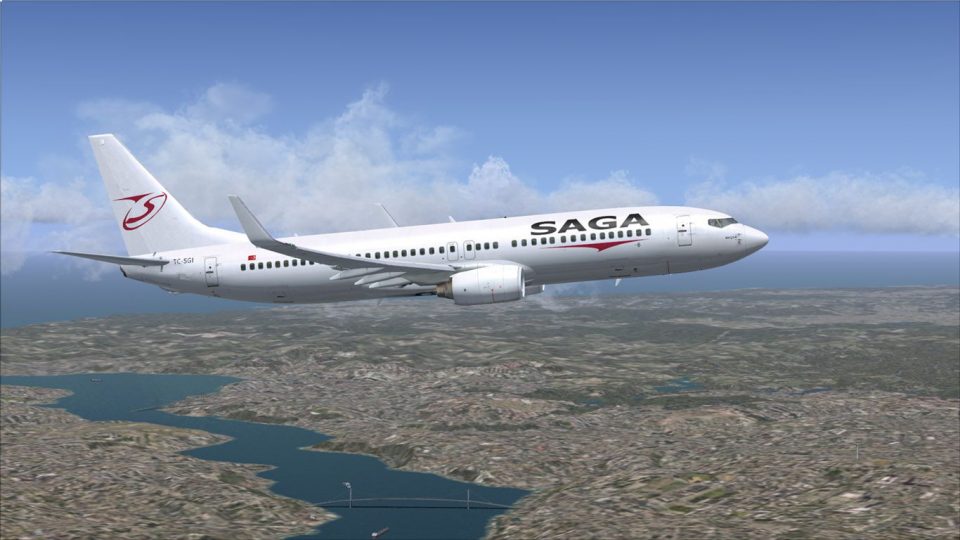
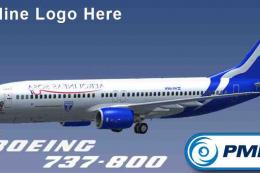
Saga Airlines’ TC-SGI Boeing 737-800 NGX livery brings Turkish charter styling to the PMDG winglet model with crisp 4096×4096 textures, accurate titles, and finely rendered panel lines, rivets, and subtle weathering. Built for Microsoft Flight Simulator X, it requires the PMDG 737 NGX to deliver a polished look in the virtual cockpit and on the ramp.
 Rate
Rate
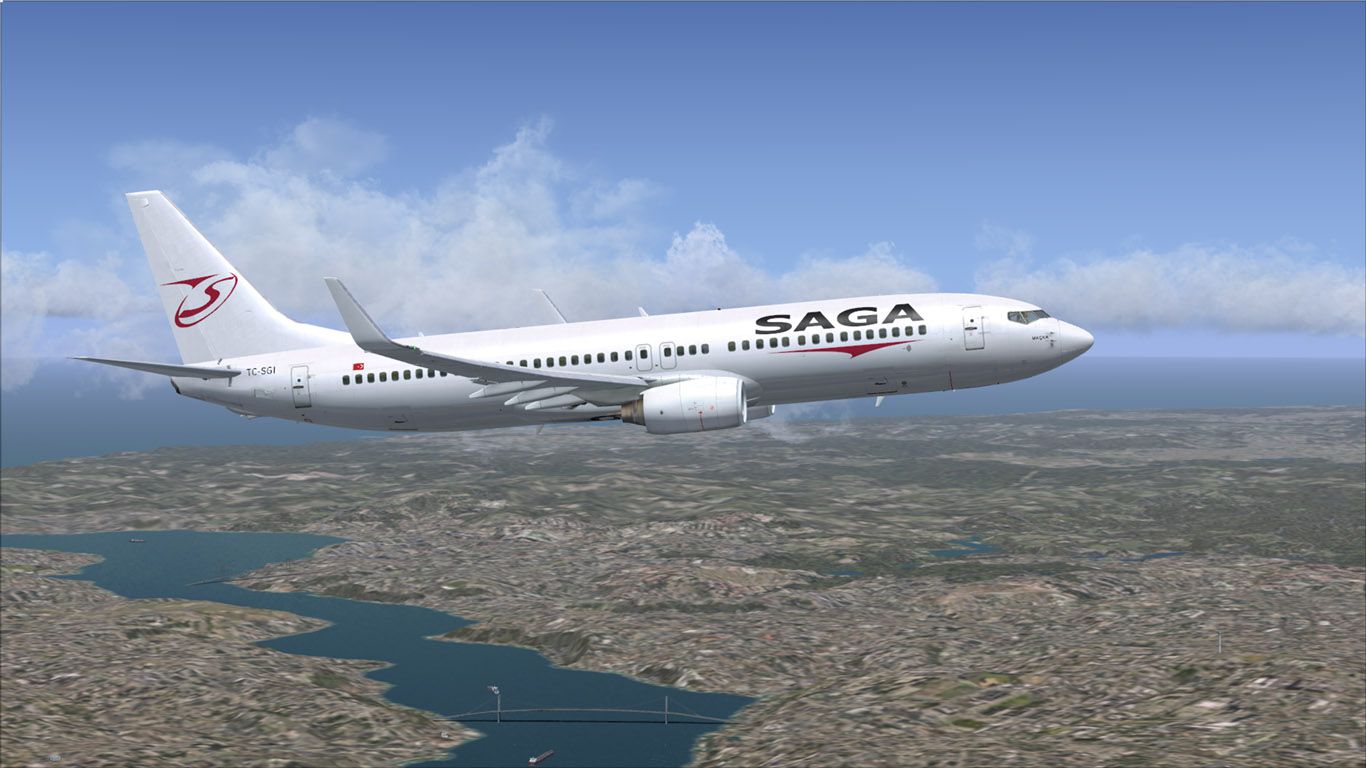
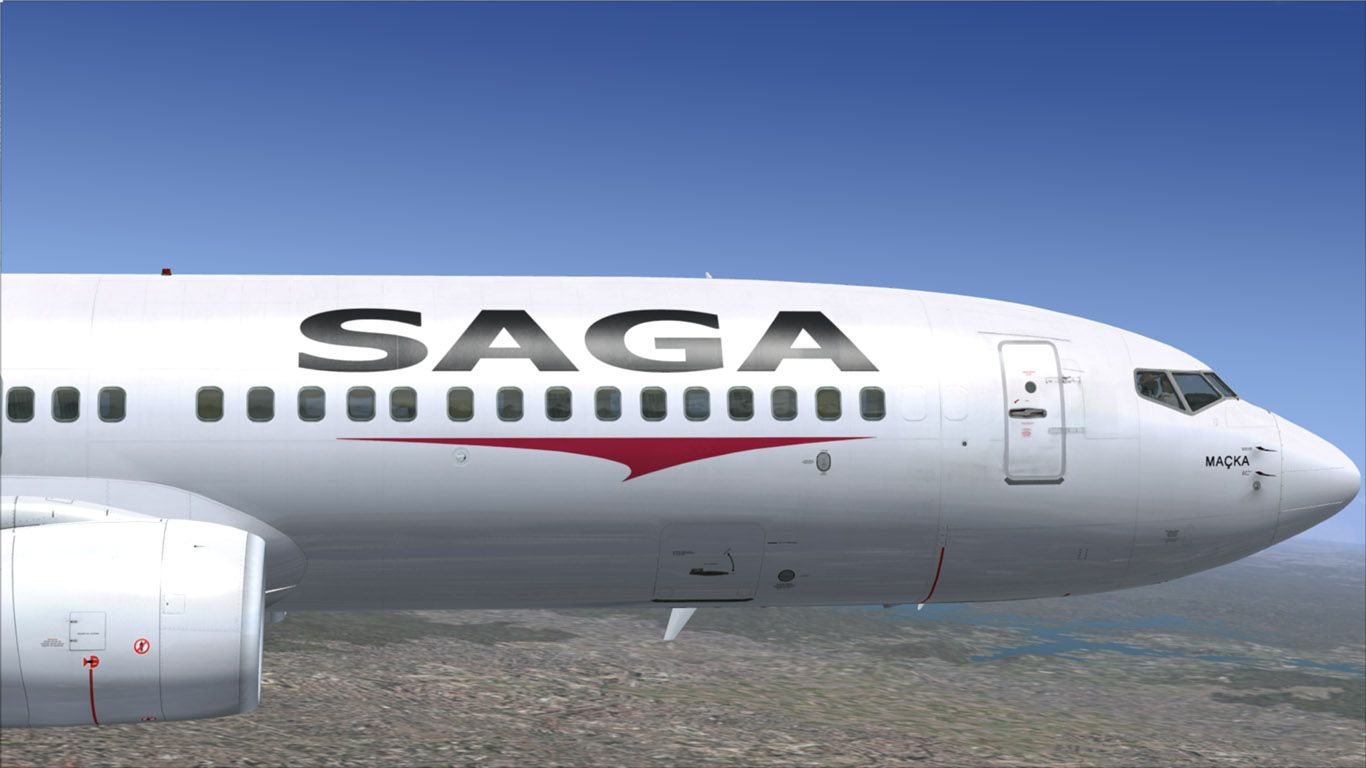


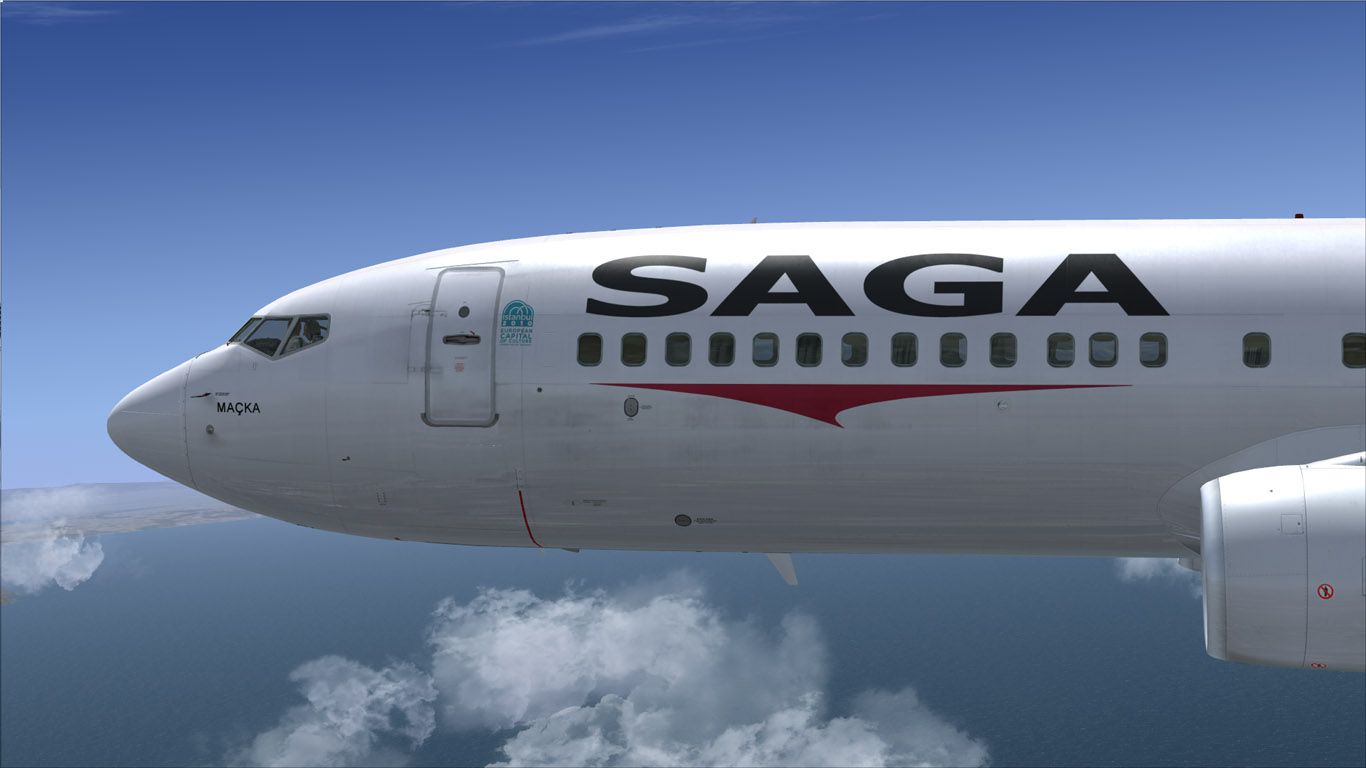
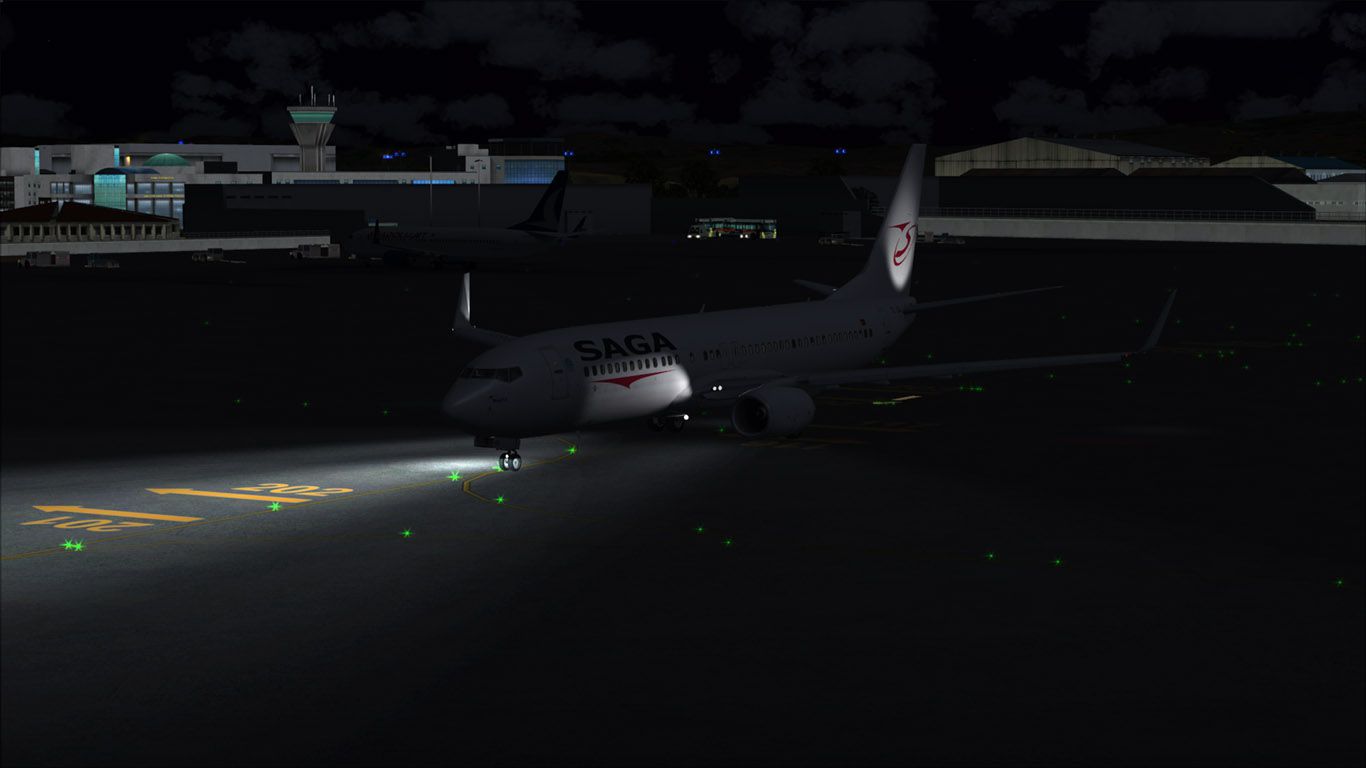
This repaint offers a high-fidelity livery depicting Saga Airlines’ Boeing 737-800 NGX, registered TC-SGI. It is specifically crafted in 4096 × 4096 resolution and intended for Microsoft Flight Simulator X. Created by developer Mehmet Celbis, these files are configured for the payware PMDG 737 NGX model, which must be acquired separately from a source such as the SimShack payware store. Enthusiasts seeking a genuine Turkish carrier scheme will discover that this release brings an authentic touch of Saga Airlines’ distinctive look right into their virtual skies.
Saga Airlines, formerly based in Turkey, operated various international and domestic services using modern narrow-body aircraft, including the Boeing 737-800 series. The Boeing 737 Next Generation (NG) version introduced several aerodynamic tweaks, higher reliability, and upgraded cockpit systems. By integrating this repaint, sim pilots can appreciate the jet’s iconic single-aisle design and explore the streamlined flight deck innovations replicated by PMDG.
In-simulator view of the Boeing 737-800 NGX in Saga Airlines colors.
This repaint leverages ultra-high-resolution textures (4K) to showcase subtle exterior details on fuselage and control surfaces. The fidelity captures stencils, panel lines, and rivet layouts, ensuring flight simulation enthusiasts can fly with an appearance close to the actual TC-SGI. Because PMDG’s 737 NGX accurately replicates the real-world flight deck systems—from advanced flight management computers (FMC) to the heads-up display (HUD)—the texturing has been aligned carefully with each element of the aircraft’s model to deliver a polished finish.
.ptp repaint file and double-click it.This package exclusively contains repaint textures. To operate the aircraft, you will need PMDG’s payware 737 NGX model, obtainable through a recommended payware source. Credits for the detailing and overall work go to Mehmet Celbis, whose dedication ensures the livery remains faithful to the real-world Saga Airlines scheme. Expect crisp visuals and a complete reflection of the operator’s branding when flying routes local to Turkey or anywhere else worldwide. Safe skies await!
Free for all simmers · 16.03 MB · Scanned clean Oct 2026
Download speed: Free tier is capped at 0.5 Mbps (this file takes approximately 4 mins at the cap). PRO members download at full line speed.
texture.{airline}) inside FSX\SimObjects\Airplanes\{base-aircraft}\.aircraft.cfg in Notepad. Add a new [fltsim.X] section per the readme.readme.txt or README file. It tells you exactly where files go, what dependencies are needed, and any quirks specific to this add-on.The archive pmdg_737ngx_tc-sgi.zip has 11 files and directories contained within it.
This list displays the first 500 files in the package. If the package has more, you will need to download it to view them.
| Filename/Directory | File Date | File Size |
|---|---|---|
| ReadMe.txt | 05.21.13 | 1.06 kB |
| TC-SGI00.jpg | 05.21.13 | 140.53 kB |
| TC-SGI01.jpg | 05.21.13 | 181.94 kB |
| TC-SGI02.jpg | 05.21.13 | 132.87 kB |
| TC-SGI03.jpg | 05.21.13 | 111.78 kB |
| TC-SGI04.jpg | 05.21.13 | 137.71 kB |
| TC-SGI05.jpg | 05.21.13 | 90.37 kB |
| Screenshots | 05.21.13 | 0 B |
| PMDG_737NGX_TC-SGI.ptp | 05.21.13 | 15.39 MB |
| flyawaysimulation.txt | 10.29.13 | 959 B |
| Go to Fly Away Simulation.url | 01.22.16 | 52 B |
Only PRO members can place votes.
More FSX & P3D add-ons hand-picked based on this download.
FSX Civil Aircraft
Textures in high definition (4096x4096) only for the payware PMDG 737 NGX. Re…
 FSX Civil Aircraft
This is paint of Turkish Airlines Euroleague Final Four ISTANBUL2012 textures…
 FSX Civil Aircraft
Turkish Airlines Boeing 737-8F2 NGX, registration TC-JGU (100th aircraft desi…
 FSX Civil Aircraft
Textures in high definition (4096x4096) only for the payware PMDG 737 NGX. Re…
 FSX Civil Aircraft
Textures in high definition (4096x4096) only for the payware PMDG 737 NGX. Re…
 FSX Civil Aircraft
The newest of Caribbean Airlines B737s, delivered factory fresh in 2011, this…
 FSX Civil Aircraft
A repaint of the payware PMDG B737-800. Installation Instructions: Unzip Fold…
 FSX Civil Aircraft
This package includes a livery for a small Honduras airline called SOSA Airli…
Be the first to leave a comment on this download.
Be the first to share your thoughts on this download.