

 FSX Civil Aircraft
British Airways Boeing 787-9 V4
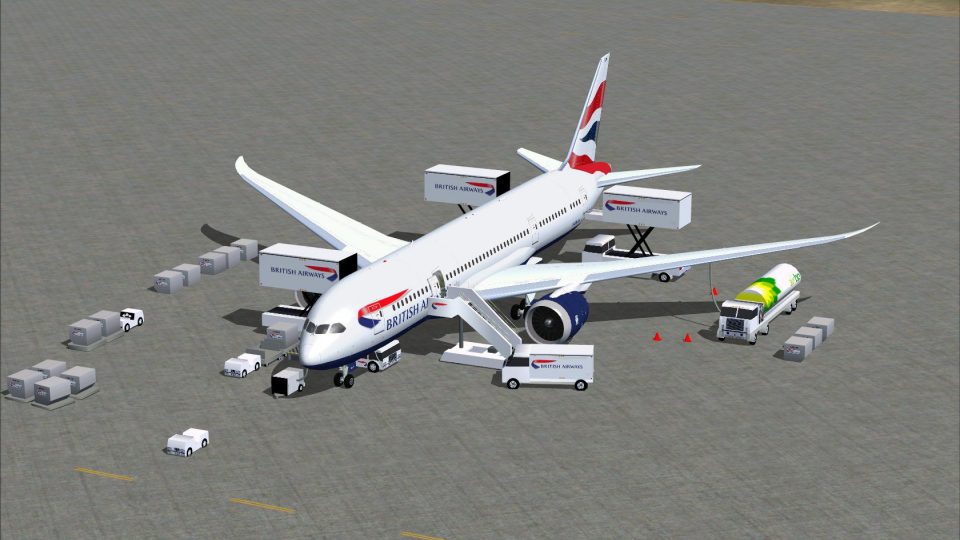
This freeware release for FSX showcases a refined Boeing 787-9 in British Air…
British Airways’ Boeing 787-8 Dreamliner for FSX pairs CamSim’s model with refined wing root shaping, wider passenger doors, and sharper window profiles for a more authentic ramp presence. Expanded animated ground service connectivity adds vehicles, trailers, air ducts, antennas, and turnaround details that bring the exterior to life.
 Rate
Rate
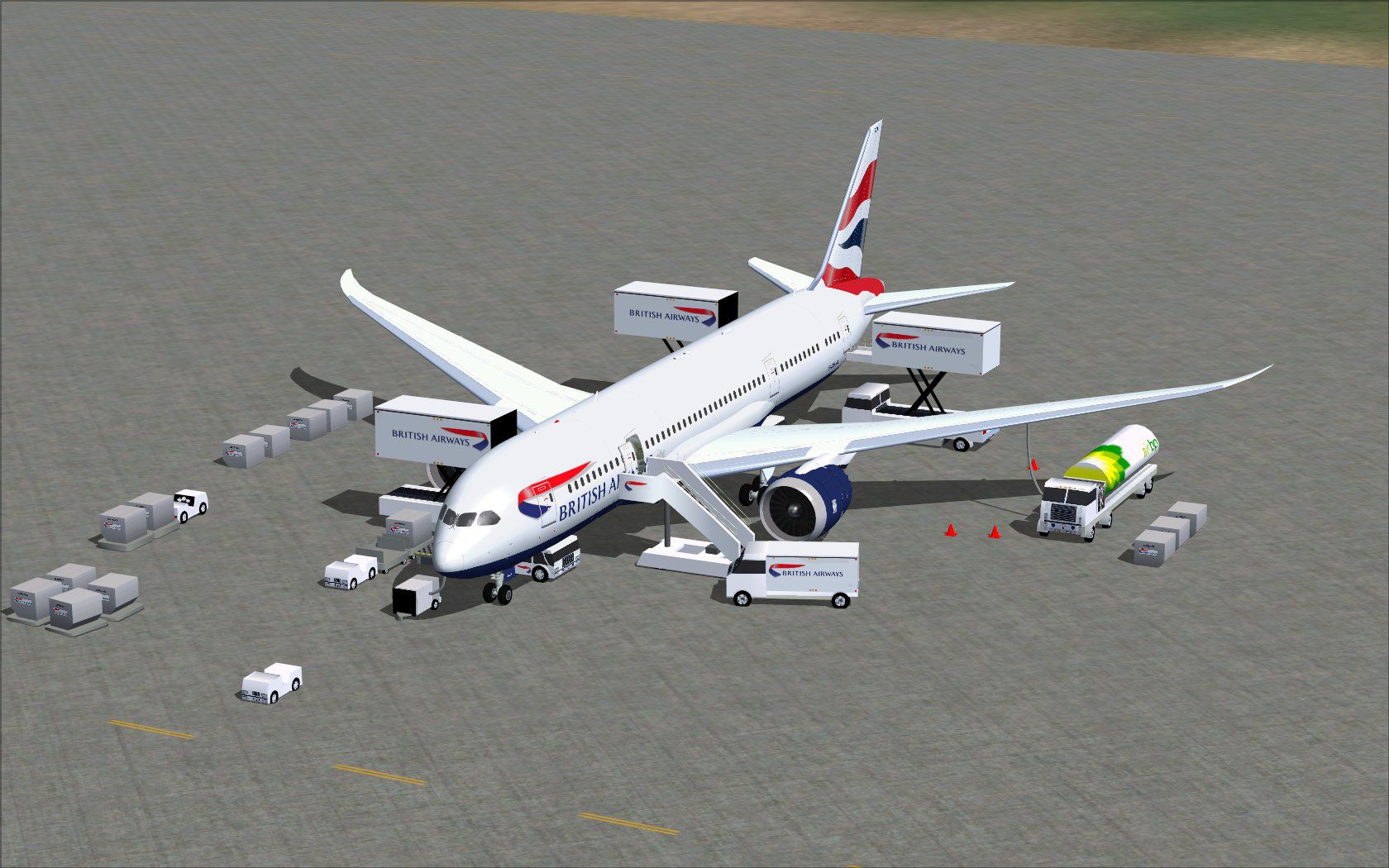
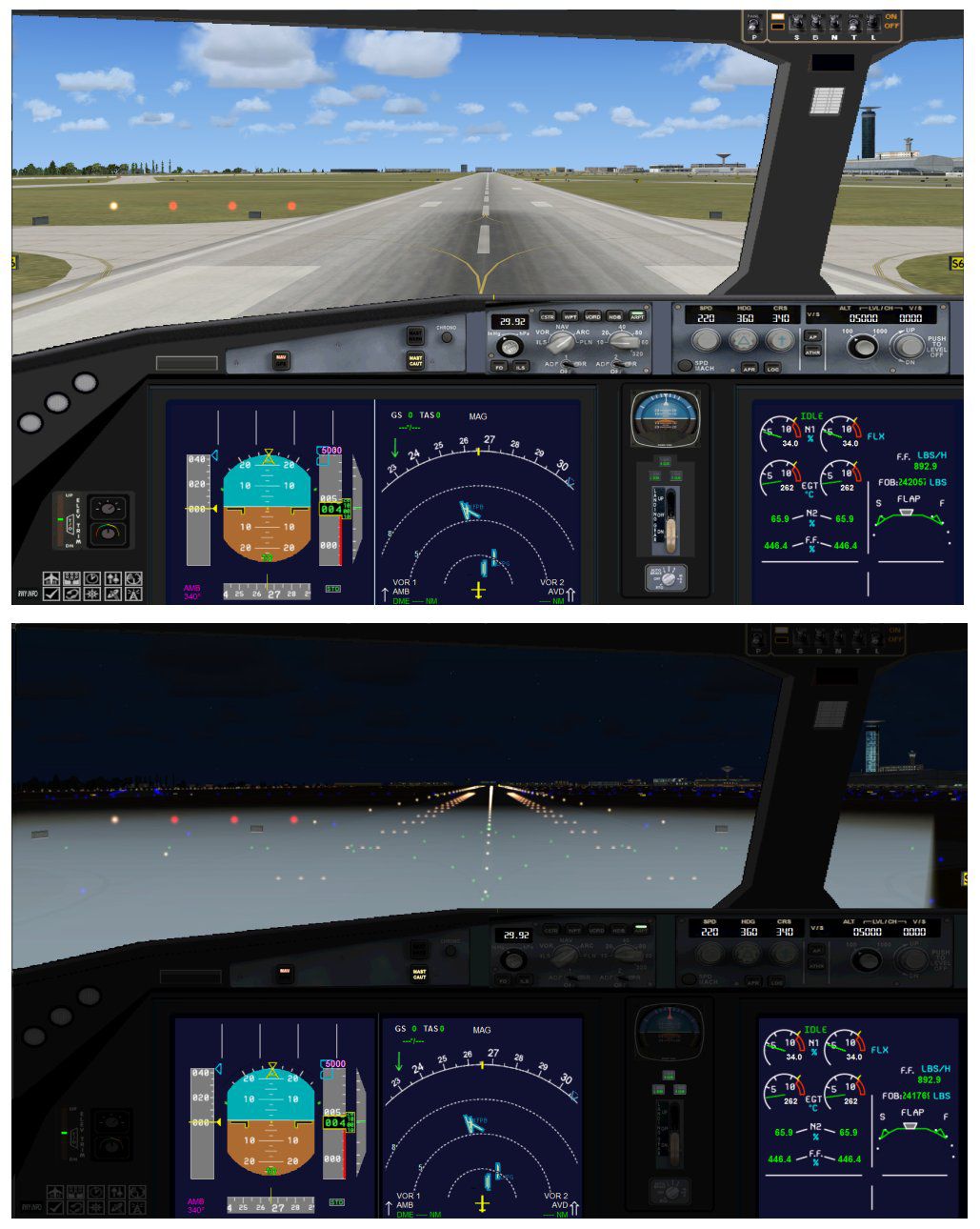
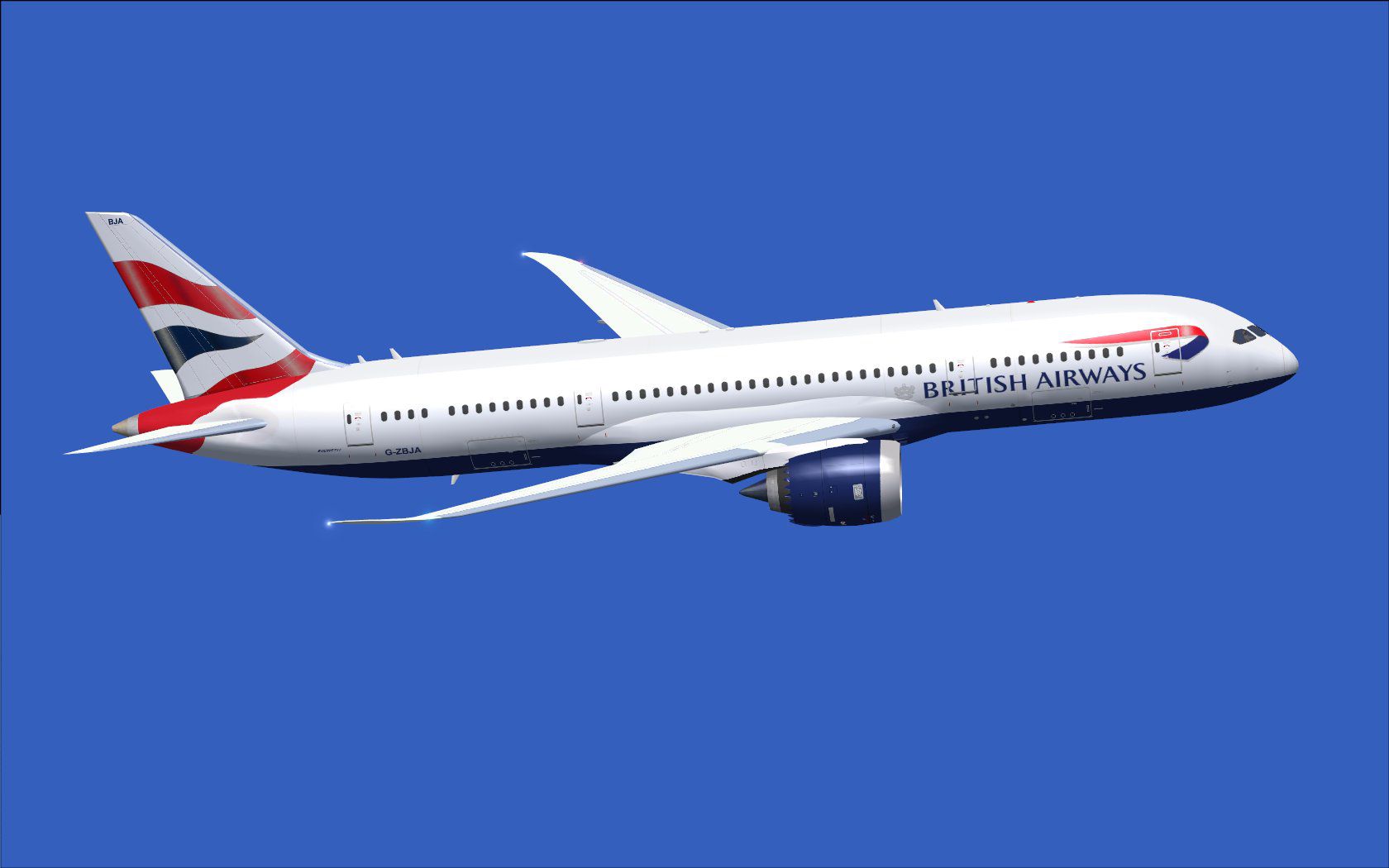
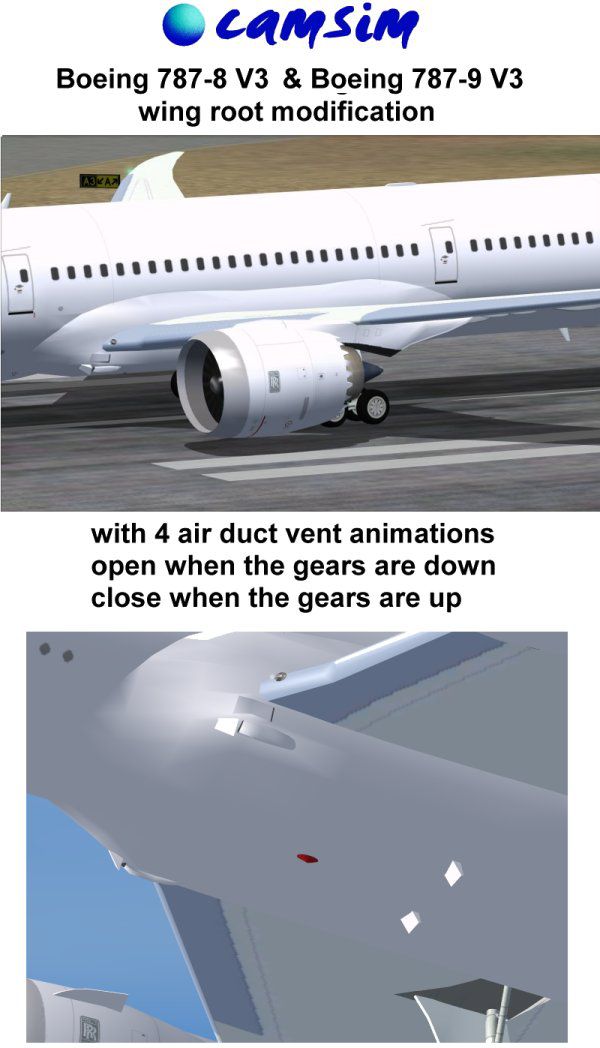
This freeware package features the CamSim Boeing 787-8 in British Airways markings, crafted by Camil Valiquette. It brings an array of enhanced elements, from a remodeled wing root to newly widened passenger doors and expanded connectivity options for animated ground services. Designed for FSX, this rendition seeks to capture the modern efficiency of the Dreamliner while proudly showcasing British Airways’ recognizable color scheme.
Revised Wing Root Structure: The updated wing root geometry delivers improved visual fidelity and more realistic aerodynamics.
Enlarged Passenger Doors: Redesigned door outlines now become more prominent, along with refined window profiles that better reflect the real-world design.
Extended Ground Service Animations (AGS): This package includes more interactive features, such as animated airline service vehicles with trailers that connect and disconnect. You will also notice newly introduced air duct components, communication antennas, and a series of static display elements. These highlights collectively enhance immersion during aircraft turnaround operations.
This preview captures the aircraft parked on the ramp, surrounded by various handling vehicles.
To operate the ground services and doors, set up these controls within the FSX menu:
You can trigger specific animations using the following inputs:
All visual modeling, textures, and special animations come courtesy of Camil Valiquette of CamSim. The attention to detail in this build underscores the dedication of its creator to providing a faithful re-creation of this popular wide-body for flight simulation enthusiasts.
Free for all simmers · 5.5 MB · Scanned clean Oct 2026
Download speed: Free tier is capped at 0.5 Mbps (this file takes approximately 2 mins at the cap). PRO members download at full line speed.
This add-on may require the following files to function properly. If this is a repaint, the dependency below is likely the base aircraft package.
FSX\SimObjects\Airplanes\. The folder must contain an aircraft.cfg file. Effects go into FSX\Effects\; gauges go into FSX\Gauges\.readme.txt or README file. It tells you exactly where files go, what dependencies are needed, and any quirks specific to this add-on.The archive 788v4bax.zip has 37 files and directories contained within it.
This list displays the first 500 files in the package. If the package has more, you will need to download it to view them.
| Filename/Directory | File Date | File Size |
|---|---|---|
| CamSim Boeing 787-8 V4 British Airways | 04.30.13 | 0 B |
| 787-8.air | 03.24.09 | 12.76 kB |
| 788v4ba_.jpg | 04.26.13 | 76.95 kB |
| 788v4ba_ags_.jpg | 04.26.13 | 253.60 kB |
| aircraft.cfg | 04.30.13 | 15.54 kB |
| Effects.zip | 03.25.06 | 1.80 kB |
| file_id.diz | 04.30.13 | 437 B |
| model.787-8 ags v4 | 04.30.13 | 0 B |
| 787-8 ags v4.mdl | 07.04.12 | 3.02 MB |
| Model.cfg | 03.26.12 | 31 B |
| Page design 787 v3_2 600.jpg | 12.28.11 | 77.35 kB |
| Panel | 04.30.13 | 0 B |
| 787_350_panel_background.bmp | 02.25.10 | 2.25 MB |
| 787_350_panel_background_night.bmp | 02.25.10 | 2.25 MB |
| Airbus_A321.cab | 09.04.06 | 2.72 MB |
| panel.cfg | 02.25.10 | 5.48 kB |
| panel camsim 787-350 afx_2.jpg | 04.09.10 | 182.86 kB |
| Read Me_FSX.txt | 04.30.13 | 2.37 kB |
| sound | 04.30.13 | 0 B |
| Sound.cfg | 11.04.09 | 35 B |
| texture.ba | 04.30.13 | 0 B |
| 787eng_t.bmp | 01.02.12 | 1.00 MB |
| 787ext_L.bmp | 04.29.13 | 4.00 MB |
| 787ext_t.bmp | 04.30.13 | 1.00 MB |
| 787int_L.bmp | 04.29.13 | 4.00 MB |
| 787int_t.bmp | 04.30.13 | 1.00 MB |
| 787tail_t.bmp | 04.22.13 | 1.00 MB |
| 788fuse_t.bmp | 04.27.13 | 1.00 MB |
| 789wings_t.bmp | 11.24.09 | 1.00 MB |
| gris_t.bmp | 12.09.09 | 16.07 kB |
| pilot1.bmp | 03.04.10 | 257.05 kB |
| pilot1_L.bmp | 12.06.06 | 1.00 MB |
| tail.bmp | 12.02.12 | 1.00 MB |
| thumbnail.jpg | 04.30.13 | 4.43 kB |
| w_t.bmp | 12.06.08 | 16.07 kB |
| flyawaysimulation.txt | 10.29.13 | 959 B |
| Go to Fly Away Simulation.url | 01.22.16 | 52 B |
Only PRO members can place votes.
More FSX & P3D add-ons hand-picked based on this download.
FSX Civil Aircraft
This freeware release for FSX showcases a refined Boeing 787-9 in British Air…
 FSX Civil Aircraft
This freeware package offers a detailed British Airways Boeing 787-10, produc…
 FSX Civil Aircraft
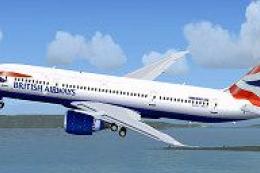
FSX British Virtual Airways Boeing 787-800. Boeing's upcoming 787 in British …
 FSX Civil Aircraft
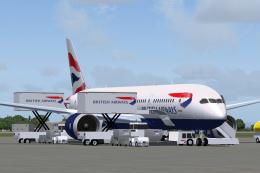
The Boeing 787-9 rendition showcased here integrates a refined external desig…
 FSX Civil Aircraft
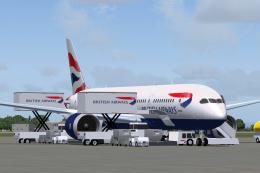
This freeware release delivers an accurate rendition of the Boeing 787-8 in B…
 FSX Civil Aircraft
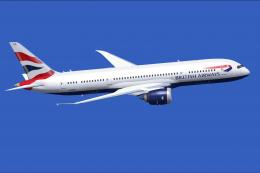
This updated repaint brings the distinctive British Airways branding to the B…
 FSX Civil Aircraft
This release merges an enhanced ground crew experience with the distinctive B…
 FSX Civil Aircraft
This comprehensive freeware release offers an enhanced Lufthansa Boeing 787-1…
Be the first to leave a comment on this download.
Be the first to share your thoughts on this download.