

 FSX Civil Aircraft
British Virtual Airways Boeing 787-800
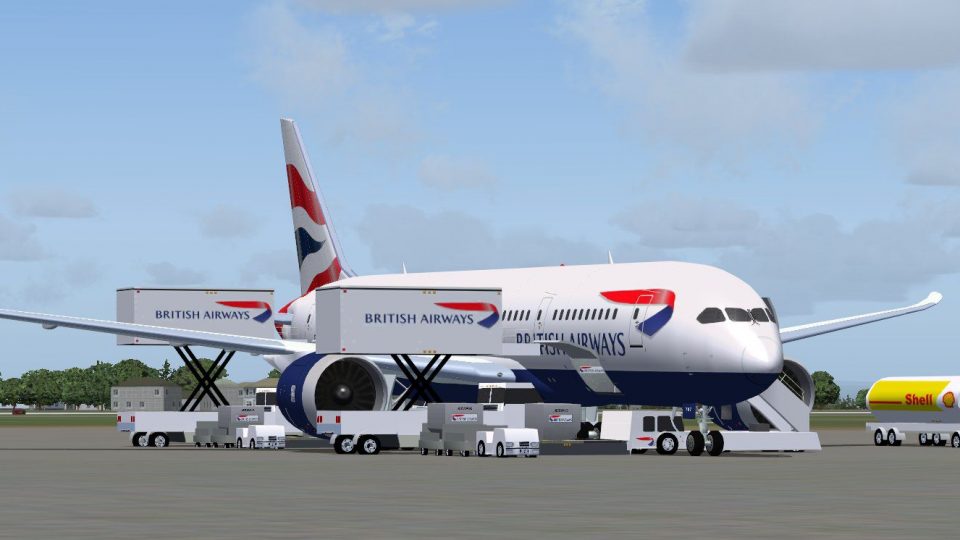
FSX British Virtual Airways Boeing 787-800. Boeing's upcoming 787 in British …
British Airways’ Boeing 787-8 V2 brings a polished long-haul twinjet to FSX with an updated model, crisp livery detailing, refined flight dynamics, and tuned night lighting for more convincing operations after dark. Animated Ground Servicing adds interactive door and ramp equipment sequences for realistic turnaround routines.
 Rate
Rate
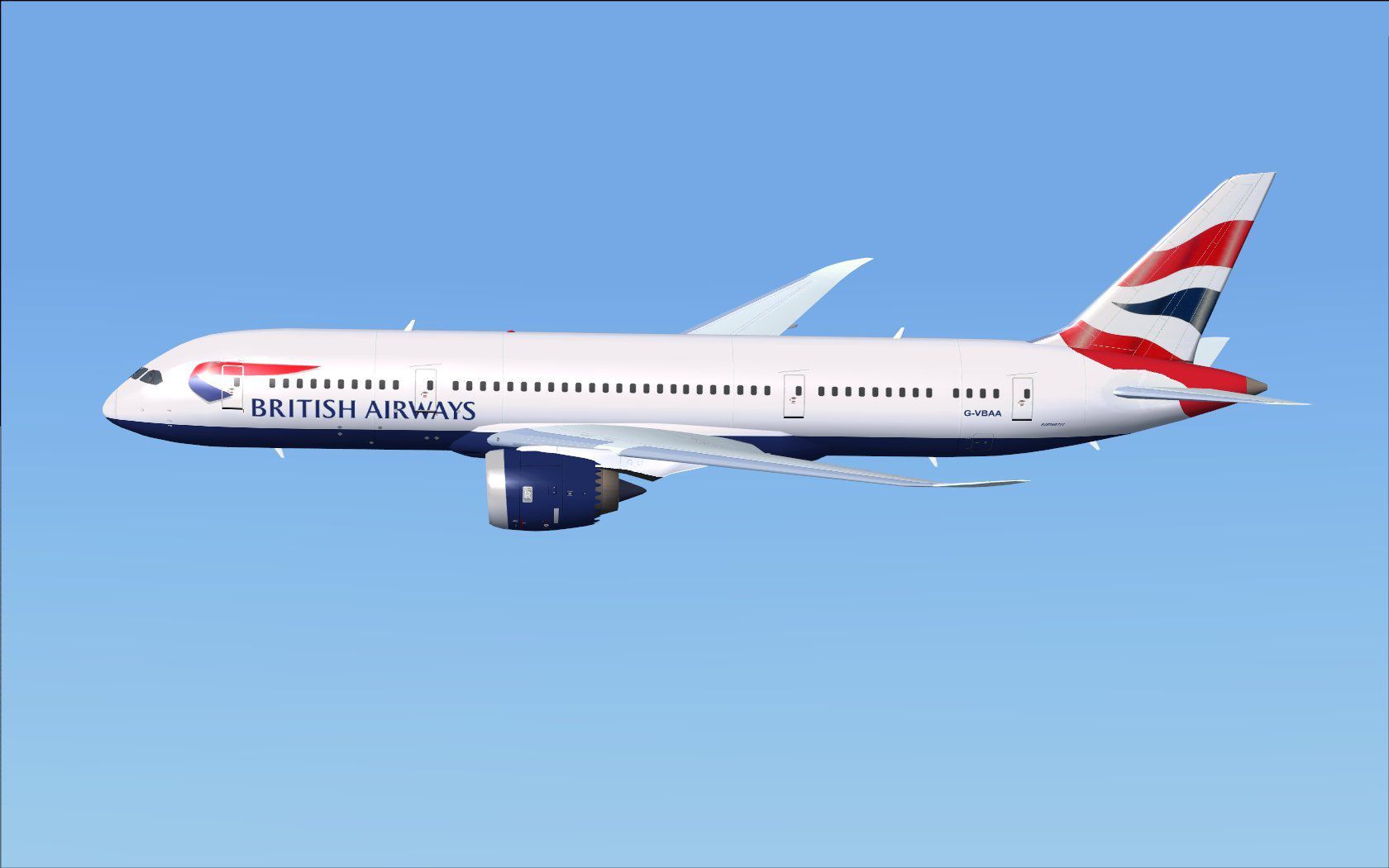

This freeware release delivers an accurate rendition of the Boeing 787-8 in British Airways’ distinctive paint scheme. It incorporates advanced ground support animations and refinements to flight dynamics. The package, provided by CamSim, includes a standalone model that operates seamlessly in FSX. Below, you will find detailed notes on installation, features, and operational procedures.
This aircraft, crafted by Camil Valiquette and labeled as Version 2, includes multiple updates to further refine the flying experience. It is a twin-engine wide-bodied jet designed for efficient long-haul operations. British Airways, known for its global routes, employs the 787-8 on various intercontinental services. This version captures the airline’s livery and integrates enhanced details such as Animated Ground Servicing (referred to as AGS, an interactive feature that simulates real-world ramp operations).
British Airways Boeing 787-8 in flight.
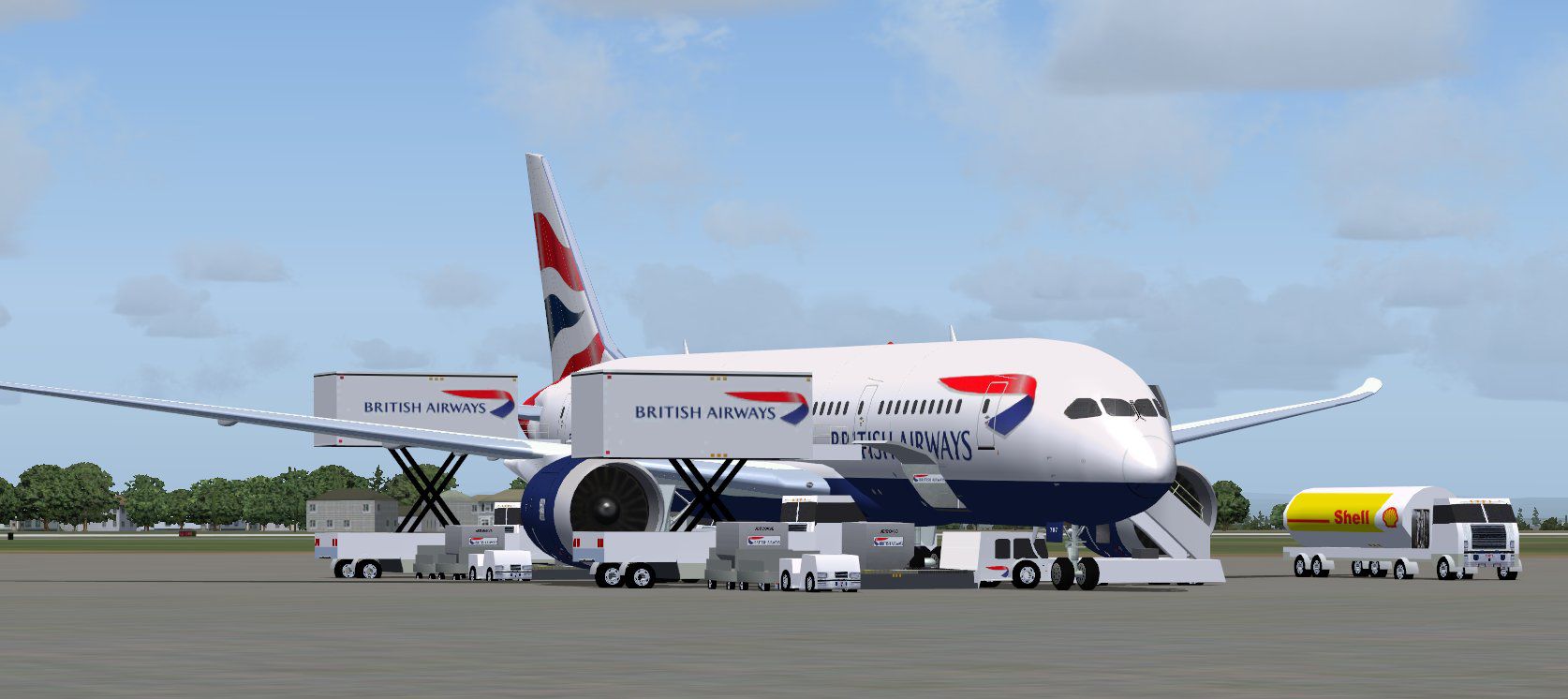
This build comes equipped with interactive ground support elements, allowing you to simulate real-world turnarounds:
To ensure door and animation commands work properly, assign the following within FSX options:
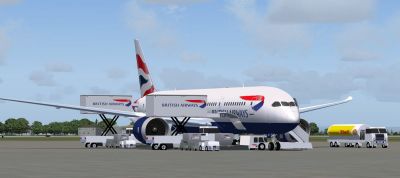
British Airways Boeing 787-8 on tarmac.
The design reflects CamSim’s dedication to providing freeware aircraft with high-fidelity paintwork and active service features. Each surface and component is tuned to emulate precise aerodynamics, ensuring a realistic long-haul flight experience. Flight sim users who appreciate modern commercial airliners will find this variant especially beneficial for exploring a range of routes worldwide.
Free for all simmers · 5.13 MB · Scanned clean Oct 2026
Download speed: Free tier is capped at 0.5 Mbps (this file takes approximately 1 min at the cap). PRO members download at full line speed.
This add-on may require the following files to function properly. If this is a repaint, the dependency below is likely the base aircraft package.
FSX\SimObjects\Airplanes\. The folder must contain an aircraft.cfg file. Effects go into FSX\Effects\; gauges go into FSX\Gauges\.readme.txt or README file. It tells you exactly where files go, what dependencies are needed, and any quirks specific to this add-on.The archive 788v2ba0.zip has 36 files and directories contained within it.
This list displays the first 500 files in the package. If the package has more, you will need to download it to view them.
| Filename/Directory | File Date | File Size |
|---|---|---|
| CamSim Boeing 787-8 V2 British Airways | 03.04.10 | 0 B |
| 787-8.air | 02.25.10 | 12.76 kB |
| 787v2ba ags.jpg | 03.03.10 | 118.09 kB |
| 788v2ba_.jpg | 03.03.10 | 75.86 kB |
| aircraft.cfg | 03.04.10 | 15.46 kB |
| Effects.zip | 03.25.06 | 1.80 kB |
| file_id.diz | 03.04.10 | 195 B |
| fsx cpit_d.jpg | 03.03.10 | 107.14 kB |
| fsx cpit_n.jpg | 03.03.10 | 85.82 kB |
| model.787-8 ags | 03.04.10 | 0 B |
| 787-8 ags.mdl | 12.21.09 | 2.67 MB |
| Model.cfg | 03.16.06 | 28 B |
| Panel | 03.04.10 | 0 B |
| 787_350_panel_background.bmp | 02.25.10 | 2.25 MB |
| 787_350_panel_background_night.bmp | 02.25.10 | 2.25 MB |
| Airbus_A321.cab | 09.04.06 | 2.72 MB |
| panel.cfg | 02.25.10 | 5.48 kB |
| Read Me_FSX.txt | 03.04.10 | 2.46 kB |
| sound | 03.04.10 | 0 B |
| Sound.cfg | 05.27.09 | 30 B |
| texture.ba | 03.04.10 | 0 B |
| 787eng_t.bmp | 03.01.10 | 1.00 MB |
| 787ext_L.bmp | 03.03.10 | 4.00 MB |
| 787ext_t.bmp | 03.04.10 | 1.00 MB |
| 787int_L.bmp | 03.03.10 | 4.00 MB |
| 787int_t.bmp | 03.04.10 | 1.00 MB |
| 787tail_t.bmp | 09.27.07 | 1.00 MB |
| 788fuse_t.bmp | 03.03.10 | 1.00 MB |
| 789wings_t.bmp | 11.24.09 | 1.00 MB |
| gris_t.bmp | 12.09.09 | 16.07 kB |
| pilot1.bmp | 03.04.10 | 257.05 kB |
| pilot1_L.bmp | 12.06.06 | 1.00 MB |
| thumbnail.jpg | 03.04.10 | 5.06 kB |
| w_t.bmp | 12.06.08 | 16.07 kB |
| flyawaysimulation.txt | 10.29.13 | 959 B |
| Go to Fly Away Simulation.url | 01.22.16 | 52 B |
Only PRO members can place votes.
More FSX & P3D add-ons hand-picked based on this download.
FSX Civil Aircraft
FSX British Virtual Airways Boeing 787-800. Boeing's upcoming 787 in British …
 FSX Civil Aircraft
The Boeing 787-9 rendition showcased here integrates a refined external desig…
 FSX Civil Aircraft
This freeware release for FSX showcases a refined Boeing 787-9 in British Air…
 FSX Civil Aircraft
This freeware package offers a detailed British Airways Boeing 787-10, produc…
 FSX Civil Aircraft
This freeware package features the CamSim Boeing 787-8 in British Airways mar…
 FSX Civil Aircraft
This updated repaint brings the distinctive British Airways branding to the B…
 FSX Civil Aircraft
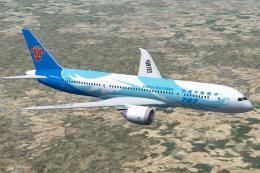
China Southern Airways Boeing 787-8 v2, registration B-2727. This CamSim vers…
 FSX Civil Aircraft
This comprehensive freeware package offers a faithful representation of the L…
Be the first to leave a comment on this download.
Be the first to share your thoughts on this download.