

 FSX Civil Aircraft
Garuda Indonesia Cargo Boeing 737-200C
Repaint of the payware Milviz B737-200 C in Garuda Indonesia Cargo livery, re…
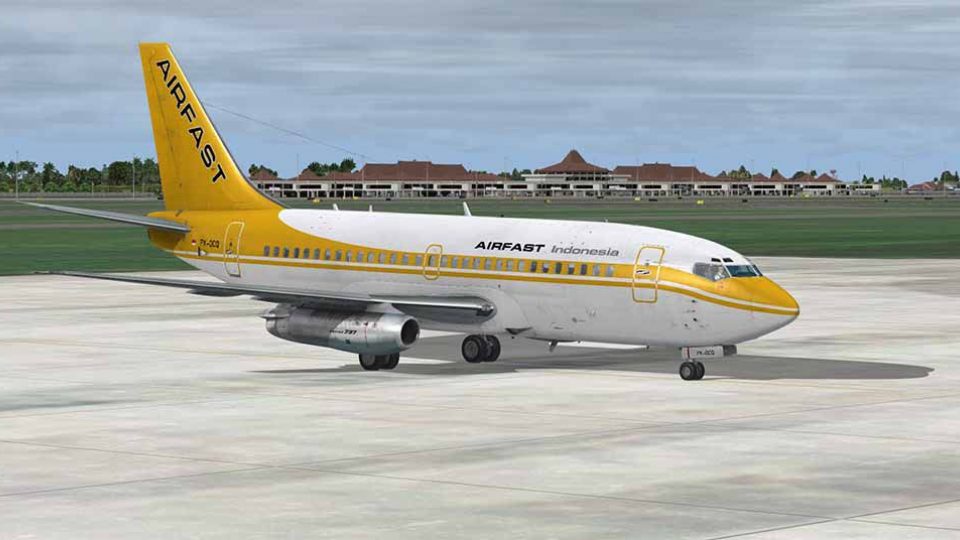
Airfast Indonesia’s Boeing 737-200C PK-OCQ comes alive with a detailed livery repaint that matches the airline’s real-world look across fuselage markings and tail branding. Built for Microsoft Flight Simulator X, this texture set requires the payware Captain Sim 737-200C expansion model and fits cleanly into the aircraft selection with the correct registration.
 Rate
Rate
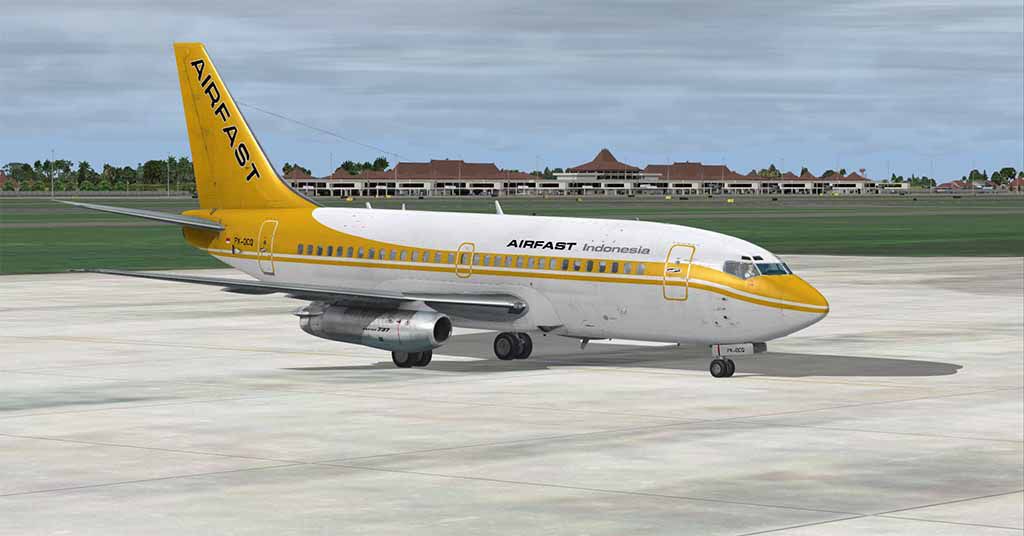
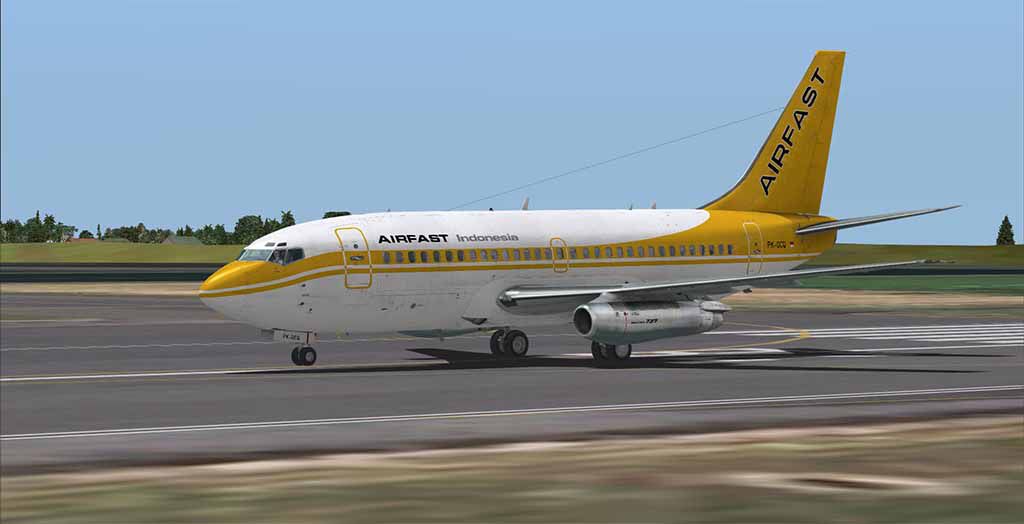
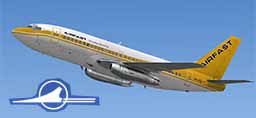
A repaint of the payware Captain Sim B737-200C model in Airfast Indonesia livery, registration PK-OCQ. These are only textures, you will need the original Captain Sim 737-200C expansion model. By Muhammad Chariri.
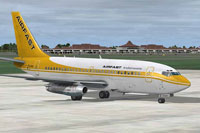
Screenshot of Airfast Indonesia Boeing 737-200C on the ground.
Installation:
[fltsim.X]

title=CS 737-200C Captain Airfast

sim=csx733

model=c

panel=

sound=

texture=airfast

kb_checklists=

kb_reference=

atc_id=PK-OCQ

atc_heavy=0

atc_airline=Airfast Indonesia

atc_flight_number=0001

ui_manufacturer=Boeing

ui_type=737-200C

ui_variation=Airfast Indonesia

ui_typerole=Commercial Airliner

ui_createdby=Captain Sim

description=737 Captain (737-200C Expansion model) v1.0\n2012 Captain Sim.
Free for all simmers · 6.88 MB · Scanned clean Oct 2026
Download speed: Free tier is capped at 0.5 Mbps (this file takes approximately 2 mins at the cap). PRO members download at full line speed.
texture.{airline}) inside FSX\SimObjects\Airplanes\{base-aircraft}\.aircraft.cfg in Notepad. Add a new [fltsim.X] section per the readme.readme.txt or README file. It tells you exactly where files go, what dependencies are needed, and any quirks specific to this add-on.The archive airfast-1.zip has 16 files and directories contained within it.
This list displays the first 500 files in the package. If the package has more, you will need to download it to view them.
| Filename/Directory | File Date | File Size |
|---|---|---|
| Readme.txt | 04.24.13 | 2.31 kB |
| ss1.jpg | 04.24.13 | 59.78 kB |
| ss2.jpg | 04.24.13 | 50.95 kB |
| texture.airfast | 04.24.13 | 0 B |
| cs737_01_T.dds | 04.23.13 | 4.00 MB |
| cs737_04_T.dds | 04.24.13 | 4.00 MB |
| cs737_05_T.dds | 04.24.13 | 4.00 MB |
| cs737_06_T.dds | 04.23.13 | 4.00 MB |
| cs737_07_T.dds | 04.23.13 | 4.00 MB |
| cs737_08_T.dds | 04.23.13 | 4.00 MB |
| cs737_09_T.dds | 04.23.13 | 4.00 MB |
| texture.cfg | 04.20.12 | 219 B |
| thumbnail.jpg | 04.24.13 | 20.08 kB |
| airfast | 04.24.13 | 0 B |
| flyawaysimulation.txt | 10.29.13 | 959 B |
| Go to Fly Away Simulation.url | 01.22.16 | 52 B |
Only PRO members can place votes.
More FSX & P3D add-ons hand-picked based on this download.
FSX Civil Aircraft
Repaint of the payware Milviz B737-200 C in Garuda Indonesia Cargo livery, re…
 FSX Civil Aircraft
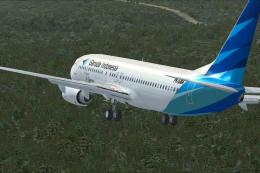
Garuda Indonesia Boeing 737-800, registration PK-GMA. A repaint of the defaul…
 FSX Civil Aircraft
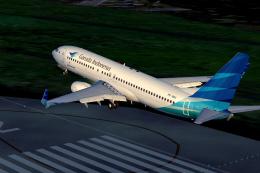
Textures only for the payware Overland Simmers Sky B737-800. Repaint by Febri…
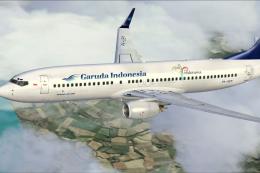 FSX Civil Aircraft
This Garuda Indonesia Boeing 737-800NG repaint applies a vintage Landor-inspi…
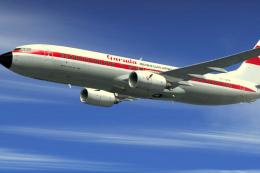 FSX Civil Aircraft
This classic repaint showcases Garuda Indonesia’s heritage look on a Boeing 7…
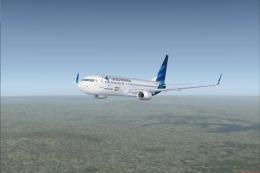 FSX Civil Aircraft
Garuda Indonesia Boeing 737-800, 123rd livery, registration PK-GFR. This is r…
 FSX Civil Aircraft
This repaint provides detailed textures of Garuda Indonesia’s Boeing 737-500 …
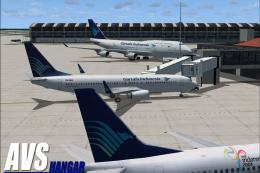 FSX Civil Aircraft
Garuda Indonesia Boeing 737-800 (old livery), registration PK-GEE. A repaint …
Read what other simmers think, or add your own.
