

 FSX Civil Aircraft
WestJet Boeing 737-900
This freeware release provides a detailed Boeing 737-900 in WestJet livery, f…
WestJet Boeing 737-700 brings a faithful Next Generation narrow-body twinjet to FSX with a crisp WestJet paint scheme, a detailed exterior and virtual cockpit, and aerodynamics tuned for convincing short- and medium-haul handling. KittyHawk’s base model is enhanced with refinements to textures, panel elements, and sound options in a complete, self-contained freeware package.
 Rate
Rate
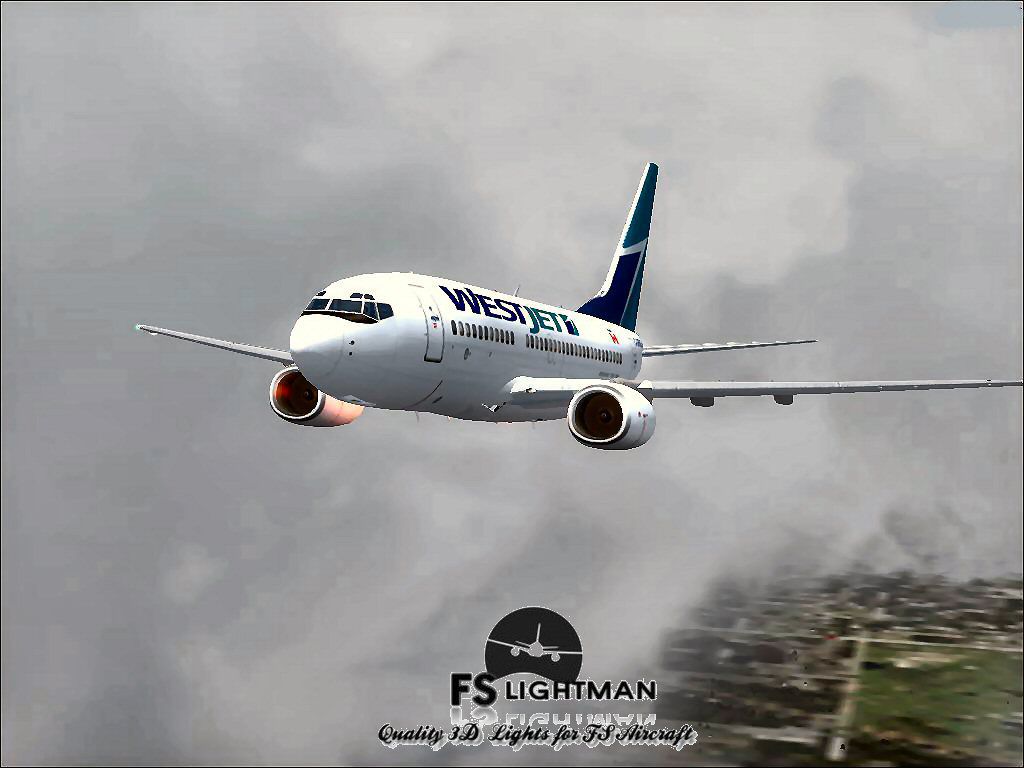
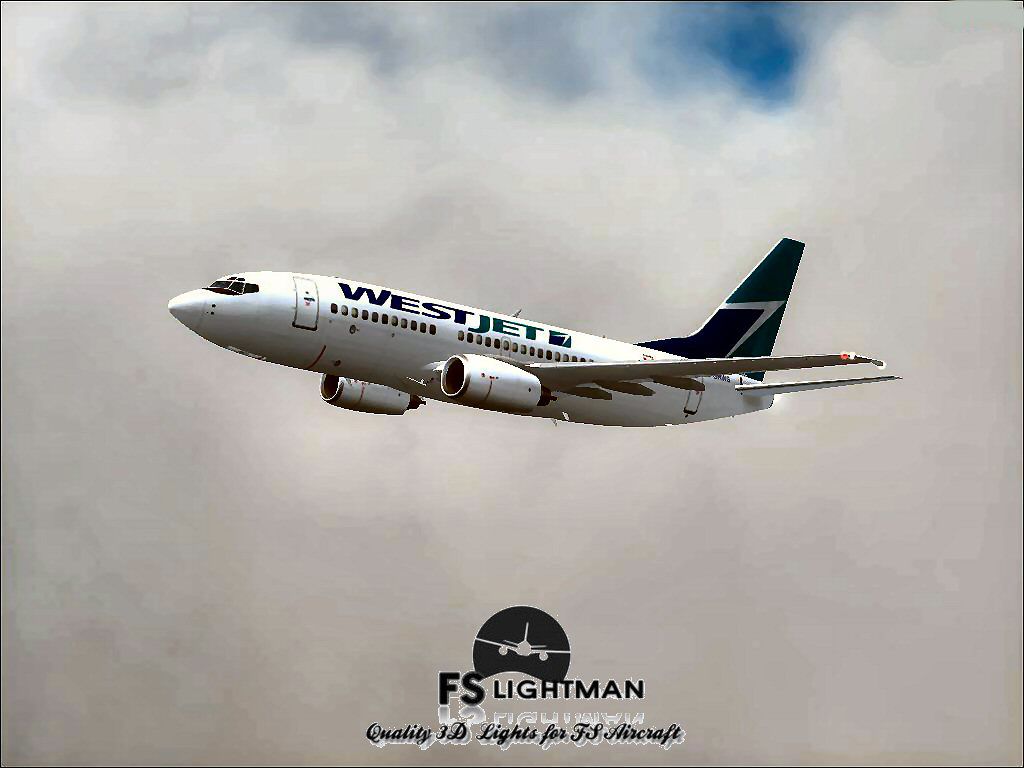
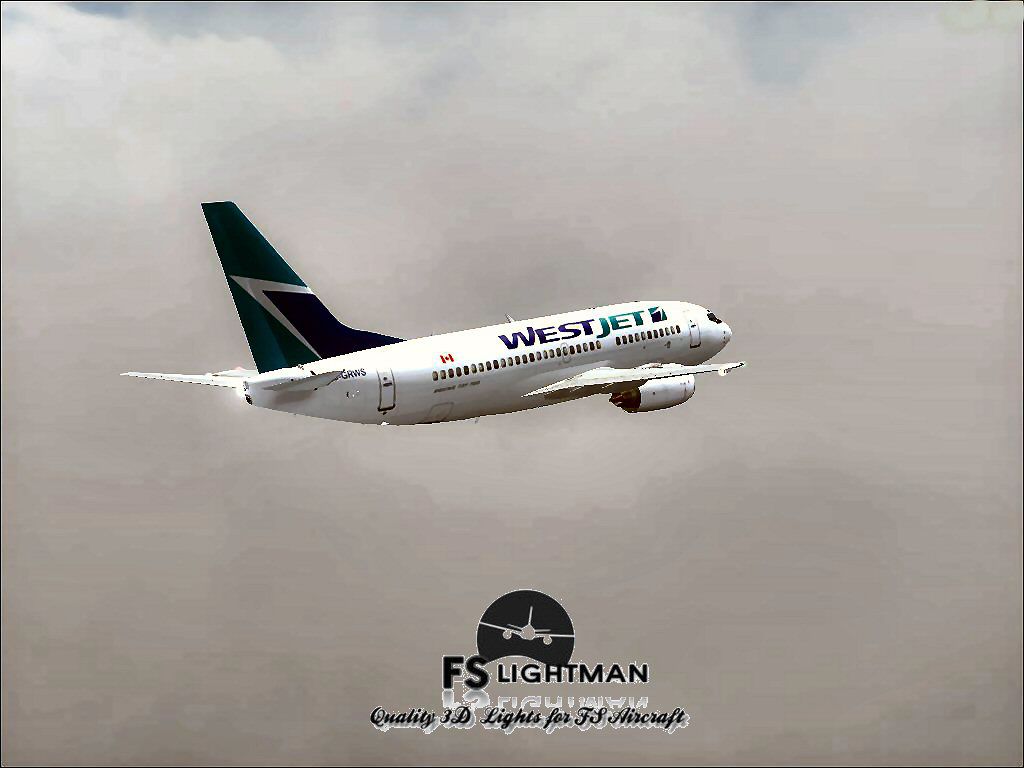
This comprehensive freeware package features the iconic Boeing 737-700 in WestJet livery, blending precise aerodynamics with a detailed visual model. Created by KittyHawk, with additional modifications by developer David Grindele, it is specifically designed for enthusiasts seeking a realistic narrow-body twinjet experience.
The 737-700 belongs to the Next Generation series of Boeing’s single-aisle airliners. It is widely utilized on short and medium-haul routes, including domestic operations within Canada and select international services. WestJet, a Canadian carrier, employs this variant for its operational efficiency, comfortable cabin, and reliably strong performance. Simmers who install this package can expect a faithful reproduction of flight characteristics and visual details that evoke the actual WestJet fleet.
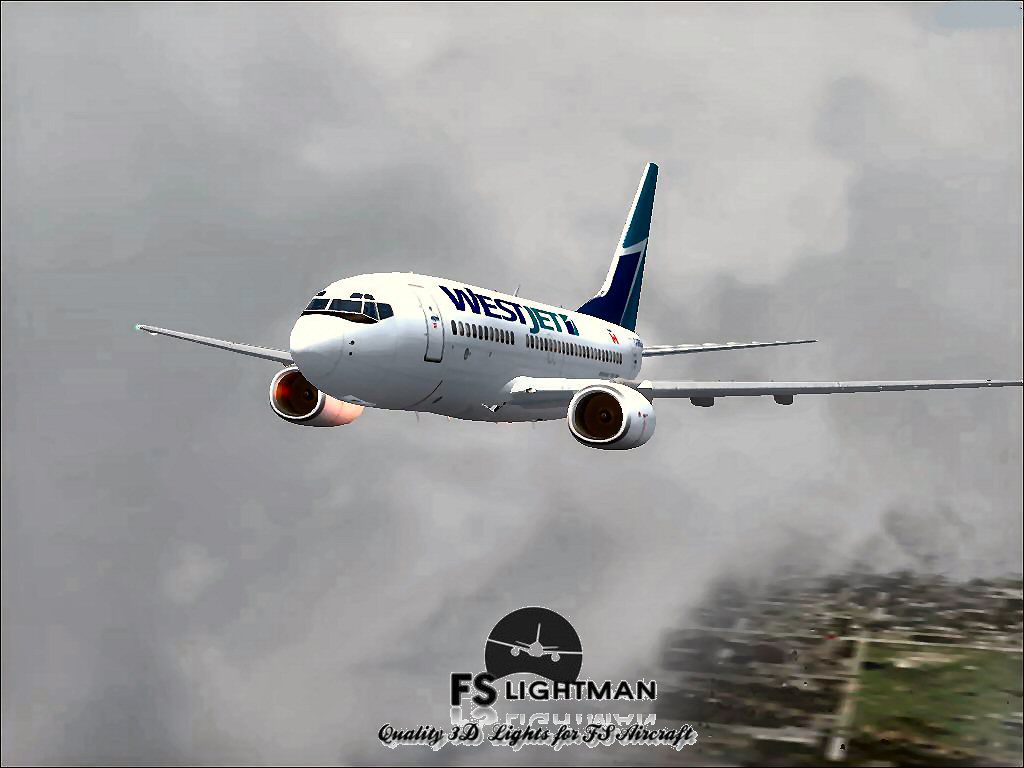
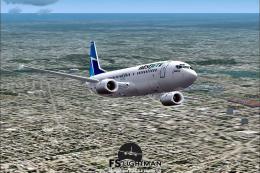
Screenshot of Westjet Boeing 737-700 in flight.
To install, follow the standard file extraction procedure within Flight Simulator’s Aircraft directory. This method allows your sim platform to recognize the new files seamlessly. After placing the content in the appropriate folder, launch your simulator, locate the WestJet 737-700 in your aircraft menu, and commence flight operations.
As with any third-party offering, FSLightman and its affiliates cannot be held responsible for hardware or software problems resulting from its usage. This modification is freeware, and you assume all associated risks when installing and operating it. Always back up critical simulator files before adding new packages to prevent data loss or conflicts. In the event of an unexpected system issue, having a secondary copy of your original files ensures a smooth recovery.
Free for all simmers · 61.75 MB · Scanned clean Oct 2026
Download speed: Free tier is capped at 0.5 Mbps (this file takes approximately 17 mins at the cap). PRO members download at full line speed.
FSX\SimObjects\Airplanes\. The folder must contain an aircraft.cfg file. Effects go into FSX\Effects\; gauges go into FSX\Gauges\.readme.txt or README file. It tells you exactly where files go, what dependencies are needed, and any quirks specific to this add-on.The archive westjet_b737-700_kittyhawk_fsx.zip has 16 files and directories contained within it.
This list displays the first 500 files in the package. If the package has more, you will need to download it to view them.
| Filename/Directory | File Date | File Size |
|---|---|---|
| A2A 3D Lights & Redux Installation.txt | 10.10.10 | 728 B |
| file_id.diz | 08.24.14 | 342 B |
| Legal Notice.doc | 08.31.11 | 30.50 kB |
| Read Very Important.txt | 02.26.12 | 1008 B |
| Readme.doc | 04.11.04 | 27.00 kB |
| Readme.txt | 08.24.14 | 722 B |
| Video Card & Monitor.txt | 02.26.12 | 284 B |
| Westjet B737-700_KittyHawk 2.bmp | 08.18.14 | 2.25 MB |
| Westjet B737-700_KittyHawk 2.jpg | 08.18.14 | 79.72 kB |
| Westjet B737-700_KittyHawk 3.jpg | 08.18.14 | 73.05 kB |
| Westjet B737-700_KittyHawk 4.jpg | 08.18.14 | 68.52 kB |
| Westjet B737-700_KittyHawk 5.jpg | 08.18.14 | 80.09 kB |
| Westjet B737-700_KittyHawk.exe | 08.24.14 | 61.02 MB |
| Westjet B737-700_KittyHawk FSX | 08.24.14 | 0 B |
| flyawaysimulation.txt | 10.29.13 | 959 B |
| Go to Fly Away Simulation.url | 01.22.16 | 52 B |
Only PRO members can place votes.
More FSX & P3D add-ons hand-picked based on this download.
FSX Civil Aircraft
This freeware release provides a detailed Boeing 737-900 in WestJet livery, f…
 FSX Civil Aircraft
This comprehensive freeware package showcases a highly detailed Boeing 737-60…
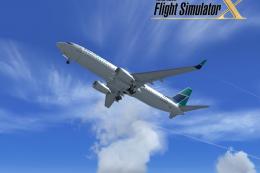 FSX Civil Aircraft
FSX WestJet Boeing 737-800. A repaint for the default B737. The first 737-800…
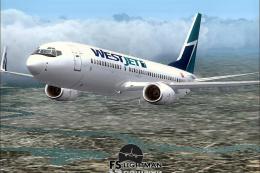 FSX Civil Aircraft
This freeware package offers an accurately modeled Canadian narrow-body aircr…
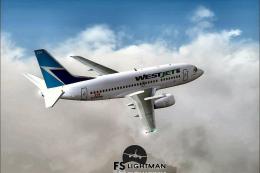 FSX Civil Aircraft
This complete freeware package offers a thoroughly detailed Boeing 737-500 re…
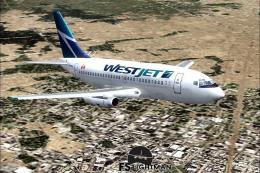 FSX Civil Aircraft
Experience a practical and detailed simulation of the Boeing 737-200 in WestJ…
 FSX Civil Aircraft
This package delivers a stable rendition of a mid-range twinjet variant paint…
 FSX Civil Aircraft
This complete freeware release offers a faithful simulation of the WestJet Bo…
Be the first to leave a comment on this download.
Be the first to share your thoughts on this download.