

 FSX Civil Aircraft
Delta Airlines Boeing 737-900ER
FS2004/FSX/P3D Delta Airlines Boeing 737-900ER, registration N852DN. New mode…
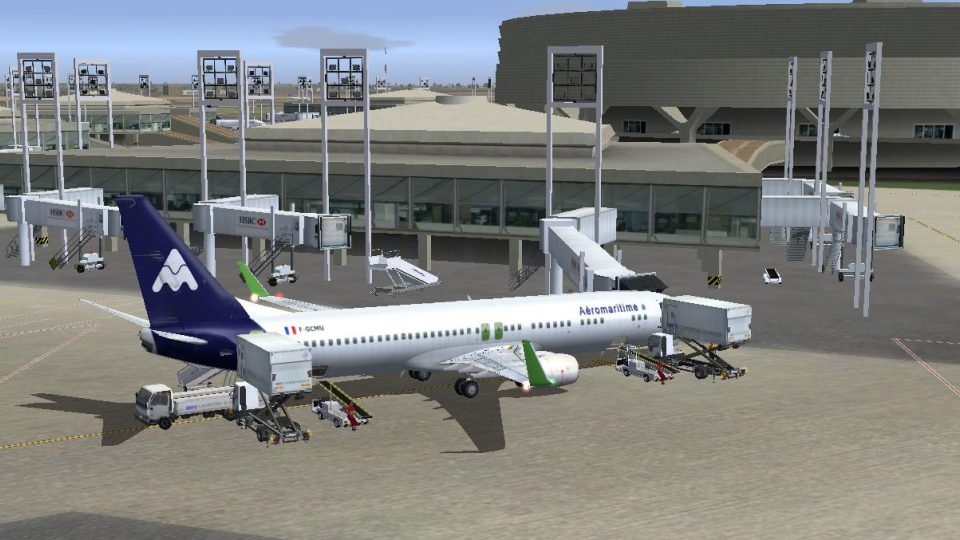
Aeromaritime Boeing 737-900ER livery recreates the UTA charter and scheduled subsidiary with authentic airline markings for Caribbean, Reunion, Bangkok, and Malta-era operations. Designed for Microsoft Flight Simulator X, it requires the iFly 737-900ER base aircraft and integrates cleanly with the virtual cockpit for consistent airline immersion.
 Rate
Rate
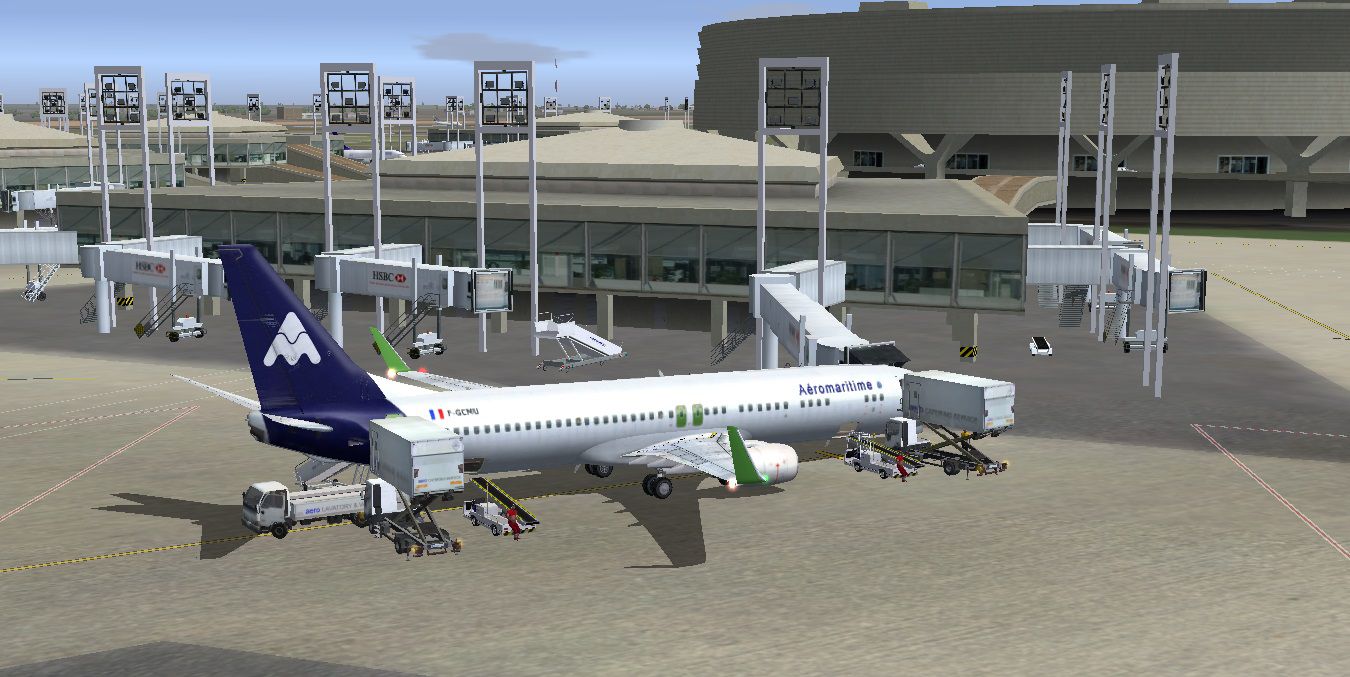
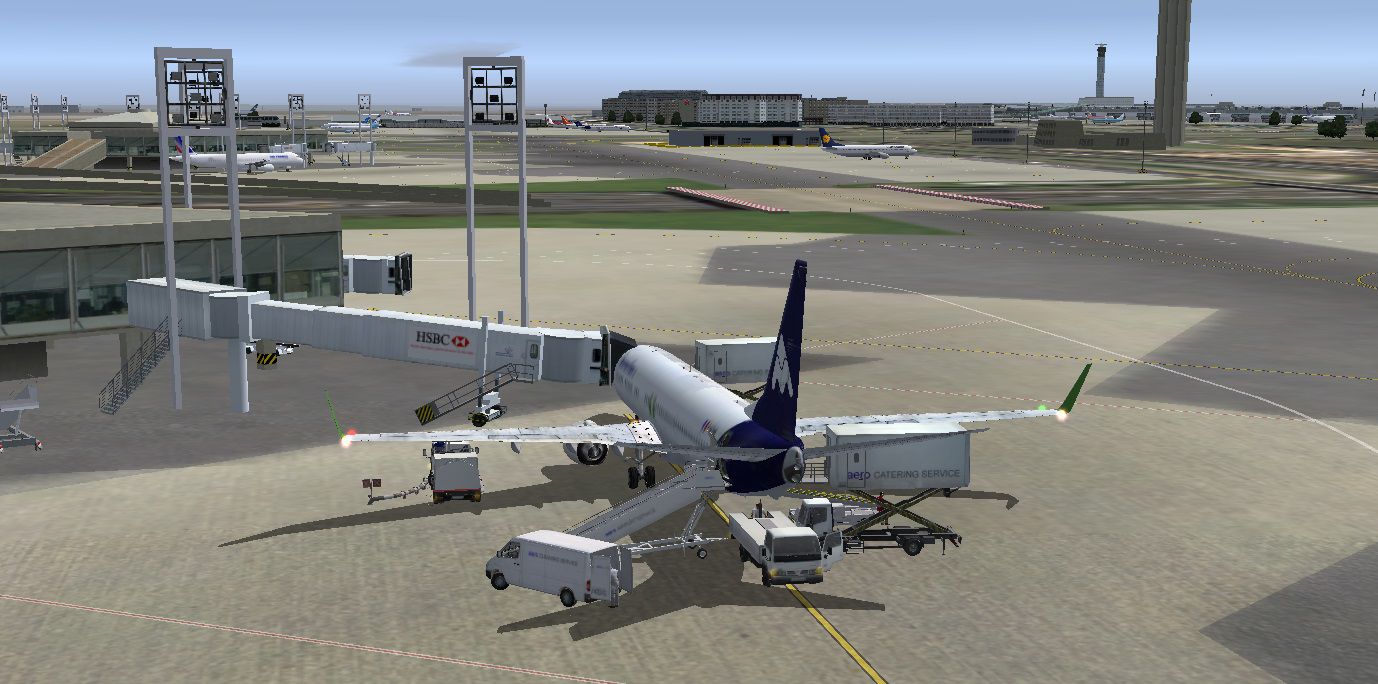
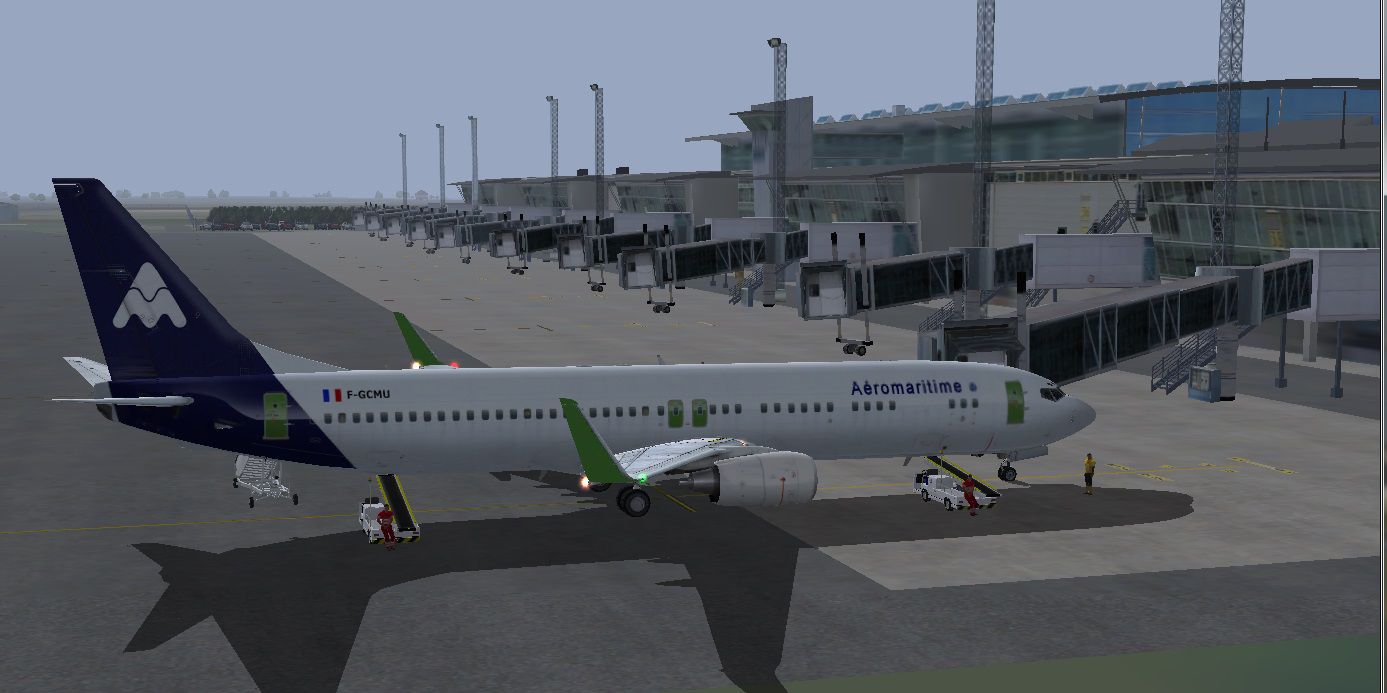
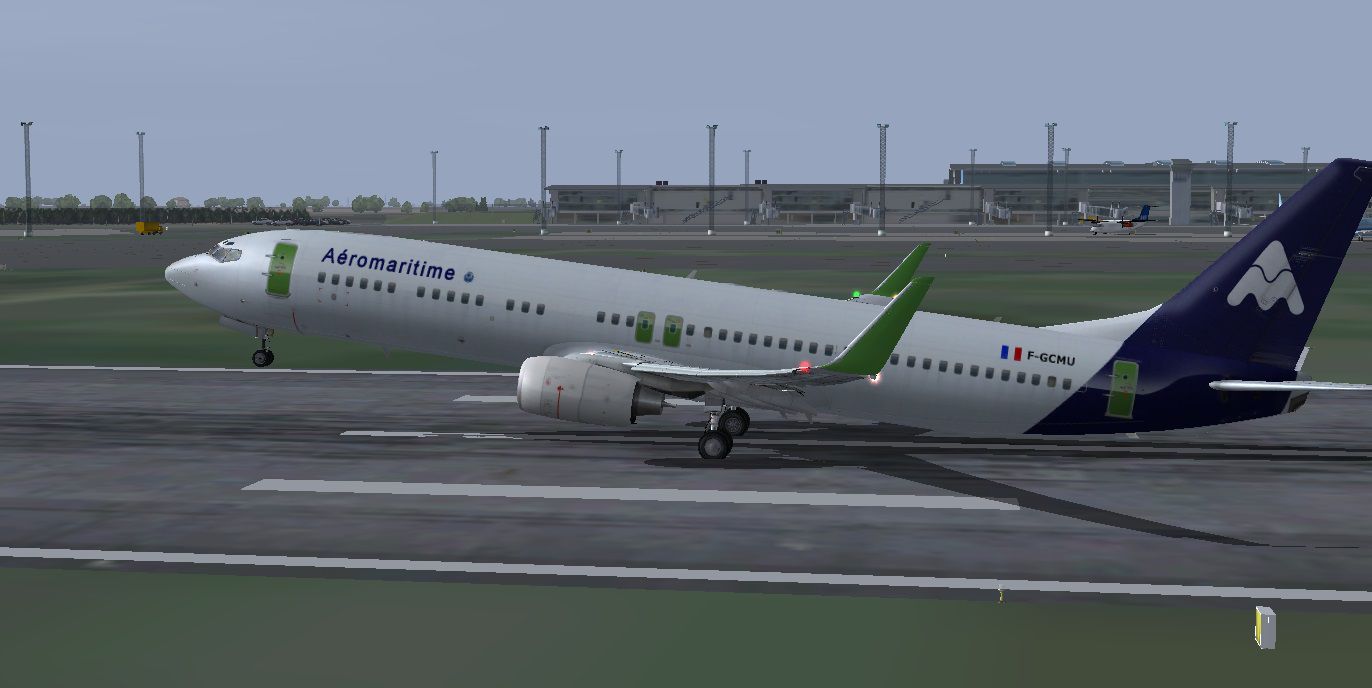


This is a repaint for the iFly B737-900ZE. This branch of UTA was specialized in chartering and also had regular flights to the West Indies, Reunion Island, Bangkok and Malta. Repaint by Marc Chaix.
Screenshot of Aeromaritime Boeing 737-900ER taking off from runway.
Installation:
[fltsim.XX]

title=iFly 737-900ER

sim=iFly737_900ER_27k

model=MCP_SW_Winglet

panel=normal

sound=

texture=qkl

kb_checklists=iFly737NG_CHECK

kb_reference=

atc_id=B739

atc_airline=Boeing

atc_flight_number=2131

ui_manufacturer=iFly

ui_type="Boeing 737-900ER (Normal screen)"

ui_variation="iFly"

ui_createdby="iFly Development Team"

ui_typerole="Commercial Airliner"

description=

visual_damage=1

MyConfig=iFly739ER_0
[fltsim.XX]

title=iFly 737-900ER (Normal screen)

sim=iFly737_900ER_27k

model=MCP_SW_Winglet

panel=normal

sound=

texture=qkl

kb_checklists=iFly737NG_CHECK

kb_reference=

atc_id=qkl

atc_airline=Aeromar

atc_flight_number=256

ui_manufacturer=iFly

ui_type="Boeing 737-900ER (Normal screen)"

ui_variation="Aeromaritime"

ui_createdby="iFly Development Team"

ui_typerole="Commercial Airliner"

description=

visual_damage=1

MyConfig=iFly739ER_2
Free for all simmers · 8.52 MB · Scanned clean Oct 2026
Download speed: Free tier is capped at 0.5 Mbps (this file takes approximately 2 mins at the cap). PRO members download at full line speed.
texture.{airline}) inside FSX\SimObjects\Airplanes\{base-aircraft}\.aircraft.cfg in Notepad. Add a new [fltsim.X] section per the readme.readme.txt or README file. It tells you exactly where files go, what dependencies are needed, and any quirks specific to this add-on.The archive ifly_aeromaritime-737ng_900er.zip has 49 files and directories contained within it.
This list displays the first 500 files in the package. If the package has more, you will need to download it to view them.
| Filename/Directory | File Date | File Size |
|---|---|---|
| iFly 737-900ER | 09.21.14 | 0 B |
| B737-900.2.jpg | 09.21.14 | 145.87 kB |
| B737-900.4.jpg | 09.21.14 | 282.56 kB |
| B737-900.5.jpg | 09.21.14 | 271.42 kB |
| B737-900.jpg | 09.21.14 | 186.74 kB |
| B737-900_QKL.jpg | 09.21.14 | 19.02 kB |
| FSX B737-900 IFly.txt | 09.21.14 | 431 B |
| iFlyt 737.900.ER Installation readme.txt | 09.21.14 | 2.08 kB |
| Texture.qkl | 09.21.14 | 0 B |
| i737_Engine_L_Bump.dds | 10.31.11 | 1.00 MB |
| i737_Engine_L_Spec.dds | 04.28.11 | 1.00 MB |
| i737_Engine_L_T.dds | 06.17.14 | 1.33 MB |
| i737_Engine_R_Bump.dds | 10.31.11 | 1.00 MB |
| i737_Engine_R_L.dds | 06.17.14 | 1.33 MB |
| i737_Engine_R_Spec.dds | 04.28.11 | 1.00 MB |
| i737_Engine_R_T.dds | 06.17.14 | 1.33 MB |
| i737_FuselageA_Bump.dds | 03.31.12 | 1.00 MB |
| i737_FuselageA_L.dds | 06.18.14 | 1.33 MB |
| i737_FuselageA_Spec.dds | 05.06.11 | 1.00 MB |
| i737_FuselageA_T.dds | 06.18.14 | 1.33 MB |
| i737_FuselageC_Bump.dds | 03.31.12 | 1.00 MB |
| i737_FuselageC_L.dds | 04.30.11 | 1.00 MB |
| i737_FuselageC_Spec.dds | 05.06.11 | 1.00 MB |
| i737_FuselageC_T.dds | 06.18.14 | 1.00 MB |
| i737_FuselageF_Bump.dds | 10.31.11 | 1.00 MB |
| i737_FuselageF_L.dds | 04.30.11 | 1.00 MB |
| i737_FuselageF_Spec.dds | 05.06.11 | 1.00 MB |
| i737_FuselageF_T.dds | 06.18.14 | 1.00 MB |
| i737_Tail_Bump.dds | 10.31.11 | 1.00 MB |
| i737_Tail_L.dds | 06.17.14 | 1.33 MB |
| i737_Tail_Spec.dds | 04.28.11 | 1.00 MB |
| i737_Tail_T.dds | 06.17.14 | 1.33 MB |
| i737_Tire_C.dds | 05.03.11 | 256.12 kB |
| i737_Tire_L.dds | 05.03.11 | 256.12 kB |
| i737_Tire_R.dds | 05.03.11 | 256.12 kB |
| i737_Wing_L_Bump.dds | 10.31.11 | 1.00 MB |
| i737_Wing_L_L.dds | 06.17.14 | 1.33 MB |
| i737_Wing_L_Spec.dds | 04.28.11 | 1.00 MB |
| i737_Wing_L_T.dds | 06.17.14 | 1.33 MB |
| i737_Wing_R_Bump.dds | 10.31.11 | 1.00 MB |
| i737_Wing_R_L.dds | 06.17.14 | 1.33 MB |
| i737_Wing_R_Spec.dds | 04.28.11 | 1.00 MB |
| i737_Wing_R_T.dds | 06.17.14 | 1.33 MB |
| texture.cfg | 05.09.11 | 74 B |
| thumbnail.jpg | 06.17.14 | 10.84 kB |
| Thumbs.db | 04.06.12 | 132.50 kB |
| thumbnail.gif | 09.21.14 | 5.40 kB |
| flyawaysimulation.txt | 10.29.13 | 959 B |
| Go to Fly Away Simulation.url | 01.22.16 | 52 B |
Only PRO members can place votes.
More FSX & P3D add-ons hand-picked based on this download.
FSX Civil Aircraft
FS2004/FSX/P3D Delta Airlines Boeing 737-900ER, registration N852DN. New mode…
 FSX Civil Aircraft
This is the Boeing 737-900ER, Extended Range, in Avianca Colombia livery, pai…
 FSX Civil Aircraft
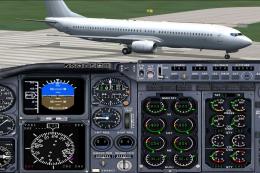
The TDS B737-900 and 737-900/ER base package. Developed by Tenkuu Developers …
 FSX Civil Aircraft
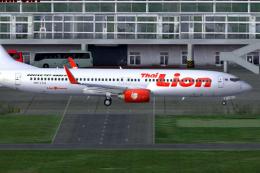
This repaint showcases a detailed Thai Lion Air Boeing 737-900ER (registratio…
 FSX Civil Aircraft
Thai Lion Air current livery for the payware PMDG B737-900 NGX WL, registrati…
 FSX Civil Aircraft
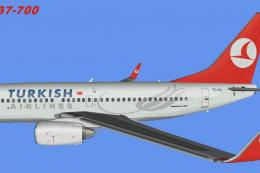
Repaints of 737NG planes used by Turkish Airlines. There are seven aircraft i…
 FSX Civil Aircraft
This freeware Boeing 737-900ER package carries the custom Cloud9 Airlines liv…
 FSX Civil Aircraft
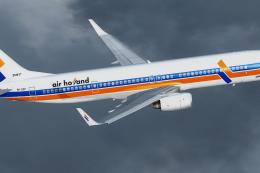
A fictional repaint of the now defunct Air Holland for the TDS Boeing 737-900…
Be the first to leave a comment on this download.
Be the first to share your thoughts on this download.