

 FSX Civil Aircraft
AI United Airlines Boeing 787-9
Experience a meticulously crafted repaint of the Boeing 787-9 in the distinct…
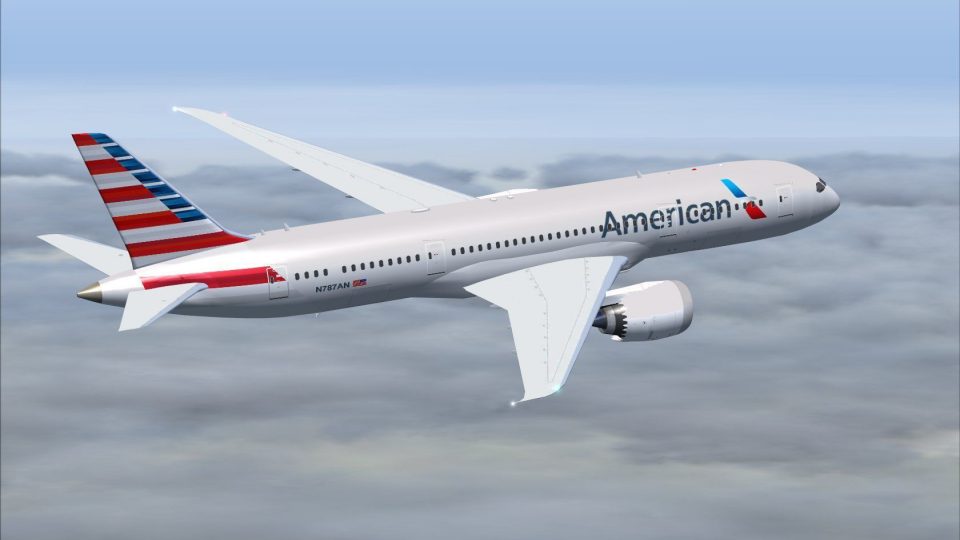
American Airlines Boeing 787-8 AI repaint delivers a faithful Dreamliner livery that blends naturally into scheduled traffic, adding convincing long-haul movements and crisp ramp visuals. Built for Flight Simulator X (FSX), it requires the separate CamSim AI 787-8 base model, with textures tuned for smooth performance and believable airline presence.
 Rate
Rate
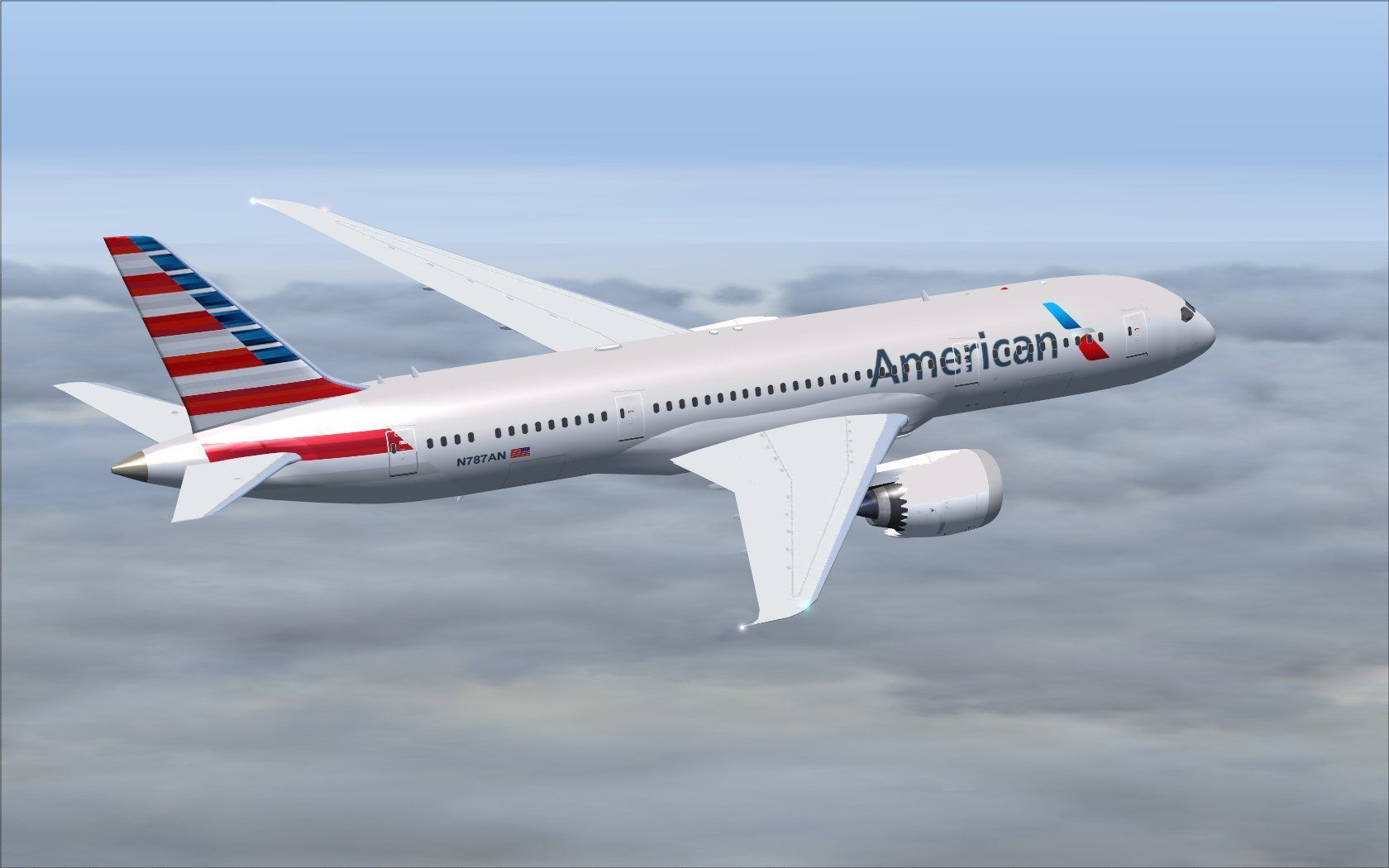
This repaint package features an authentic American carrier livery for the Boeing 787-8 (nicknamed the Dreamliner), created specifically for AI traffic. These textures have been developed by Camil Valiquette and must be paired with the separate CamSim AI base model to function. Once installed, each aircraft will seamlessly integrate into FSX’s AI system, visually representing American’s long-haul fleet in your simulator sky. Note that the essential CamSim package (CAMSIM788AI_X.ZIP) is available in the Fly Away Simulation mod library and is not included in this download.
Compatibility: Designed for Flight Simulator X (FSX).
Developer Recognition: Model design and paint by Camil Valiquette, from CamSim.
Purpose: AI traffic enhancement for a more dynamic environment.
Real-World Reference: The Boeing 787-8 is a wide-body jetliner recognized for its advanced composite structures, efficient turbofan engines, and enhanced passenger comfort.
Above is a quick look at the American-themed fuselage during cruise.
[fltsim.x] to the next available number):[fltsim.x]
title=Boeing 787-8 v5 AI American
sim=787-8
model=787-8 ai v5
panel=
sound=
texture=aa
kb_checklists=
kb_reference=
atc_id=xx
atc_airline=xxx
atc_flight_number=xxx
atc_heavy=1
ui_manufacturer="CamSim AI Aircaft"
ui_type="Boeing 787-8 V5 AI"
ui_variation="AI American"
ui_typerole="Commercial Airliner"
ui_createdby="CamSim"
description="Boeing AI Boeing 787-8 Version 5."
Once you have updated the aircraft configuration, ensure all file paths are correct. Then launch FSX to confirm that the American insignia is correctly applied. This repaint only includes the livery textures, so the original model is mandatory for proper functionality.
On certain systems running Windows 7, you may notice missing elements during dawn or dusk. If this occurs, open FSX’s Options > Settings > Display menu and disable “Preview DirectX 10,” which usually resolves the transparency issue.
Free for all simmers · 495.56 KB · Scanned clean Oct 2026
Download speed: Free tier is capped at 0.5 Mbps. PRO members download at full line speed.
texture.{airline}) inside FSX\SimObjects\Airplanes\{base-aircraft}\.aircraft.cfg in Notepad. Add a new [fltsim.X] section per the readme.readme.txt or README file. It tells you exactly where files go, what dependencies are needed, and any quirks specific to this add-on.The archive camsim788ai_aa_x.zip has 17 files and directories contained within it.
This list displays the first 500 files in the package. If the package has more, you will need to download it to view them.
| Filename/Directory | File Date | File Size |
|---|---|---|
| CamSim Boeing 787-8 V5 AI Texture Only American | 11.07.14 | 0 B |
| 788v4aanx-1.jpg | 11.07.14 | 101.09 kB |
| file_id.diz | 11.07.14 | 234 B |
| Read Me_FSX.txt | 11.07.14 | 1.59 kB |
| texture.aa | 11.07.14 | 0 B |
| 787eng_t.bmp | 11.07.14 | 1.00 MB |
| 787int_t.bmp | 02.15.13 | 1.00 MB |
| 787tail_t.bmp | 02.15.13 | 1.00 MB |
| 788fuse_t.bmp | 02.15.13 | 1.00 MB |
| 789wings_t.bmp | 08.21.13 | 1.00 MB |
| gris_t.bmp | 12.09.09 | 16.07 kB |
| tail.bmp | 12.02.12 | 1.00 MB |
| thumbnail.jpg | 11.07.14 | 6.37 kB |
| w787x_t.bmp | 07.17.13 | 16.07 kB |
| w_t.bmp | 10.22.13 | 16.07 kB |
| flyawaysimulation.txt | 10.29.13 | 959 B |
| Go to Fly Away Simulation.url | 01.22.16 | 52 B |
Only PRO members can place votes.
More FSX & P3D add-ons hand-picked based on this download.
FSX Civil Aircraft
Experience a meticulously crafted repaint of the Boeing 787-9 in the distinct…
 FSX Civil Aircraft
Immerse yourself in a refined AI traffic experience by installing this specia…
 FSX Civil Aircraft
This addition offers a specialized AI repaint for China Southern Airlines on …
 FSX Civil Aircraft
This high-fidelity repaint modifies the CamSim Boeing 787-8 model to display …
 FSX Civil Aircraft
This release features a dedicated repaint of the United Airlines livery for B…
 FSX Civil Aircraft
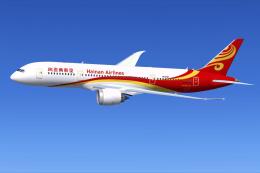
This repaint set offers a vivid recreation of Hainan Airlines’ distinctive co…
 FSX Civil Aircraft
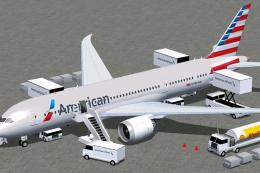
The American Airlines Boeing 787-8 aircraft presented here delivers a refined…
 FSX Civil Aircraft
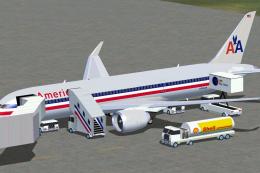
Experience a meticulously rendered American Airlines Boeing 787-3 for Microso…
Read what other simmers think, or add your own.

Where can I find the CAM SIM AI Aircraft Base Models Flies Package? I’ve been searching forever and I can’t find a place to download it. Please Help!