


 FSX Military Aircraft
RCAF Global XRS
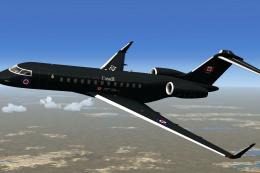
This repaint offers a specialized blue Royal Canadian Air Force scheme crafte…
RCAF Global Express livery paints the Bombardier business jet in a clean, fictional Royal Canadian Air Force CC-144-style scheme with crisp white accents and restrained Canadian markings, ideal for VIP and special airlift scenarios in Microsoft Flight Simulator X. It requires the IRIS freeware Global Express base model and adds subtle texture detailing that flatters the aircraft’s sleek profile.
 Rate
Rate
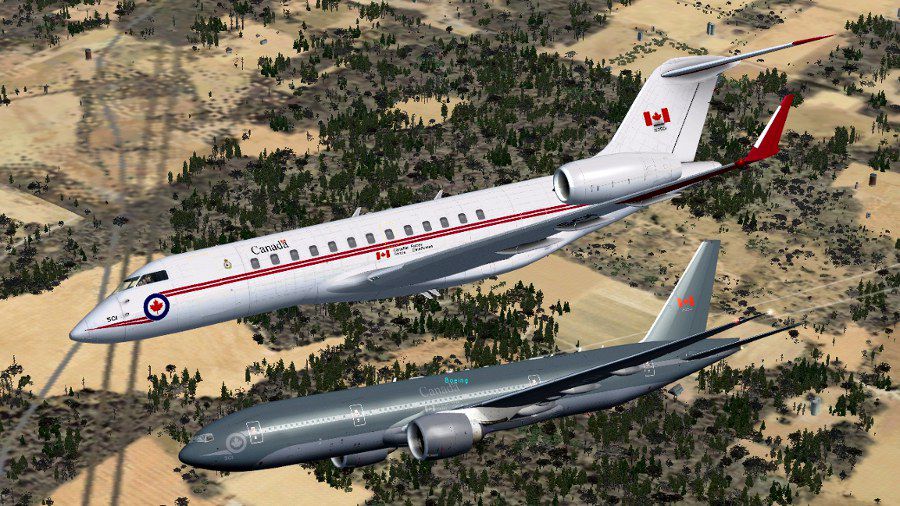
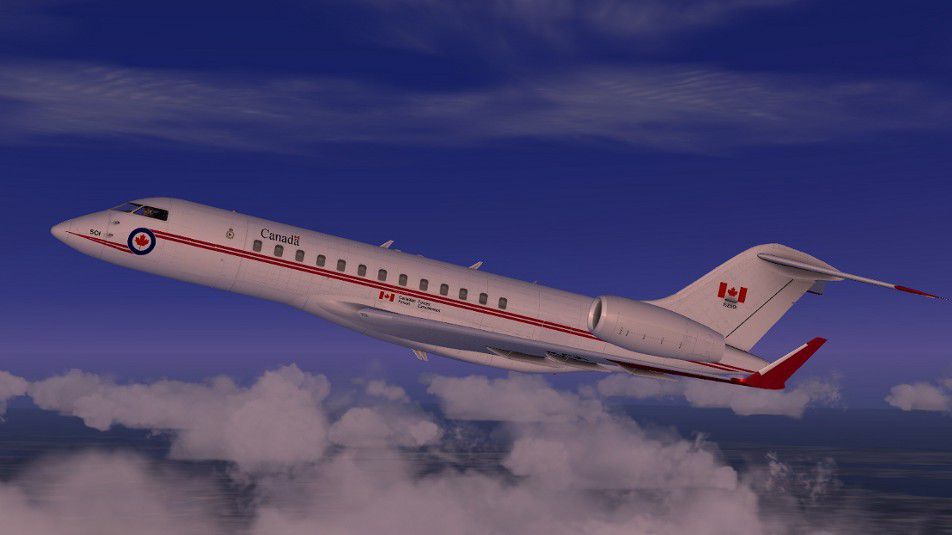
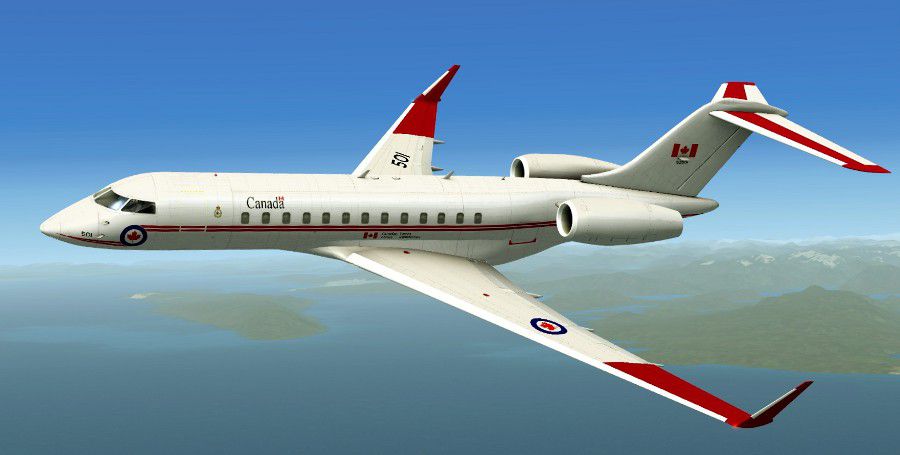
This repaint brings together the Bombardier Global Express airframe with a notional Royal Canadian Air Force paint scheme. Created by Peter Brown for Microsoft Flight Simulator X, it offers a fresh interpretation of how a modern long-range jet might look in RCAF service. The IRIS freeware Global Express base model—available in the Fly Away Simulation library—is required, but not included in this package.
This fictional depiction channels the Royal Canadian Air Force’s style by incorporating clean white fuselage accents paired with subtle national insignia. The CC-144 designation appears here, reflecting an RCAF reference to Bombardier’s business jet series historically used for government transport duties (the Canadian Forces frequently modify these airframes for executive and VIP missions). Meanwhile, Bombardier’s Global Express line, known for its transcontinental range, remains renowned among corporate and special-mission operators worldwide.
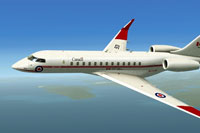
Depiction of the Global Express in the fictional RCAF scheme by Peter Brown.
Peter Brown’s work incorporates subtle visual patterns that highlight the jet’s smooth profile, underscoring the stately nature of a government transport. For many users, disabling optional advanced sensors in the IRIS configuration can result in an even cleaner external appearance. Incorporating this custom scheme can add variety and realism to your virtual flight operations, especially if you enjoy simulating special airlift or official VIP transport scenarios.
[fltsim.X] title=GEX_FSX RCAF White sim=GEX_FSX model= panel= sound= texture=RCAFwhite kb_checklists= kb_reference= atc_id=NCRJ90 atc_parking_types=GATE,RAMP atc_airline=Orbit ui_manufacturer="Bombardier" ui_type="Global Express" ui_variation="RCAF White" ui_typerole="Regional Jet" ui_createdby="IRIS Flight Simulation Software" description="CC-144 Livery by Peter Brown"
This freeware repaint is authored by Peter Brown, and the underlying Global Express model comes from IRIS Flight Simulation Software. You will need their freeware base package, available in the Fly Away Simulation library, to fully enjoy this fictional Royal Canadian Air Force texture set.
Free for all simmers · 4.57 MB · Scanned clean Oct 2026
Download speed: Free tier is capped at 0.5 Mbps (this file takes approximately 1 min at the cap). PRO members download at full line speed.
texture.{airline}) inside FSX\SimObjects\Airplanes\{base-aircraft}\.aircraft.cfg in Notepad. Add a new [fltsim.X] section per the readme.readme.txt or README file. It tells you exactly where files go, what dependencies are needed, and any quirks specific to this add-on.The archive rcafglobalex.zip has 25 files and directories contained within it.
This list displays the first 500 files in the package. If the package has more, you will need to download it to view them.
| Filename/Directory | File Date | File Size |
|---|---|---|
| 2013-4-2_16-50-9-782.jpg | 04.02.13 | 177.20 kB |
| Canopy_Fresnel_Ramp.dds | 07.25.11 | 4.12 kB |
| fans_t.dds | 08.11.10 | 256.12 kB |
| Fresnel_Ramp.dds | 09.04.06 | 640 B |
| GE_FUS_T.dds | 03.31.13 | 8.00 MB |
| GE_LW_T.dds | 03.31.13 | 2.00 MB |
| GE_RW_T.dds | 03.31.13 | 2.00 MB |
| GEX_FUS_S.dds | 04.01.13 | 2.00 MB |
| GEX_FUS_T.dds | 04.02.13 | 4.00 MB |
| GEX_LW_S.dds | 04.01.13 | 512.12 kB |
| GEX_LW_T.dds | 04.01.13 | 4.00 MB |
| GEX_RW_S.dds | 04.01.13 | 512.12 kB |
| GEX_RW_T.dds | 04.01.13 | 4.00 MB |
| Glass_S.dds | 10.20.11 | 64.12 kB |
| Glass_T.dds | 10.20.11 | 64.12 kB |
| pilot_t.dds | 04.01.13 | 1.00 MB |
| R1_ENG_T.dds | 03.31.13 | 256.12 kB |
| texture.cfg | 03.30.13 | 180 B |
| thumbnail.jpg | 04.02.13 | 10.42 kB |
| readme.txt | 04.02.13 | 751 B |
| GIF.gif | 04.02.13 | 6.22 kB |
| 2013-4-1_22-28-40-767.jpg | 04.02.13 | 54.93 kB |
| 2013-4-2_16-51-18-787.jpg | 04.02.13 | 58.96 kB |
| flyawaysimulation.txt | 10.29.13 | 959 B |
| Go to Fly Away Simulation.url | 01.22.16 | 52 B |
Only PRO members can place votes.
More FSX & P3D add-ons hand-picked based on this download.
FSX Military Aircraft
This repaint offers a specialized blue Royal Canadian Air Force scheme crafte…
 FSX Military Aircraft
USAF Block 20 Global Hawk (RQ-4B) UAV. The Block 20 Global Hawk (RQ-4B) is a …
 FSX Military Aircraft
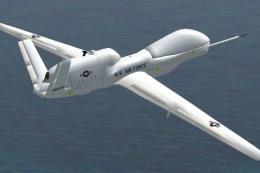
SX RQ-4A Global Hawk UAV. The RQ-4A Global Hawk UAV is a high altitude, long …
 FSX Military Aircraft
This version of the RQ4B includes all of the real world aero/engine dynamics …
 FSX Military Aircraft
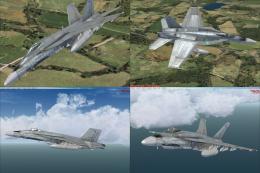
Canadian Air Force/RCAF CF-18 Squadrons low vis repaints for VRS F/A-18 Super…
 FSX Military Aircraft
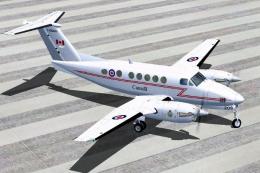
RCAF Beechcraft King Air B200. Textures for International Simulation Design T…
 FSX Military Aircraft
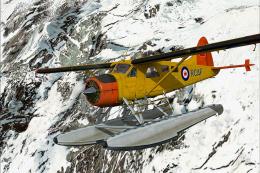
This is a repaint of the FSX default Beaver in RCAF colors. Textures only. By…
 FSX Military Aircraft
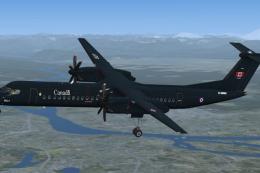
Textures for Majestic Software's payware Dash 8 Q400 depicting fictional Roya…
Read what other simmers think, or add your own.

RCAF Global with a RCAF 777! That is in an alternate universe where Canada is NOT messed up!