

 FSX Military Aircraft
RCAF Global Express
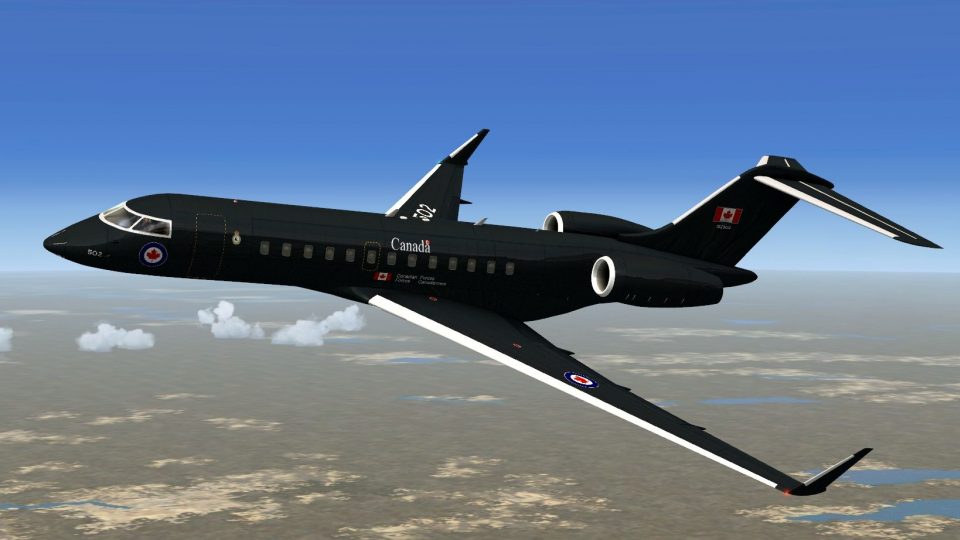
This repaint brings together the Bombardier Global Express airframe with a no…
Royal Canadian Air Force–inspired deep-blue livery transforms the IRIS freeware Bombardier Global Express with crisp stencils, clean panel alignment, and lighting-friendly reflectivity for a polished military VIP look in Microsoft Flight Simulator X. The fictional scheme echoes modern RCAF styling and requires the IRIS Global Express base aircraft.
 Rate
Rate
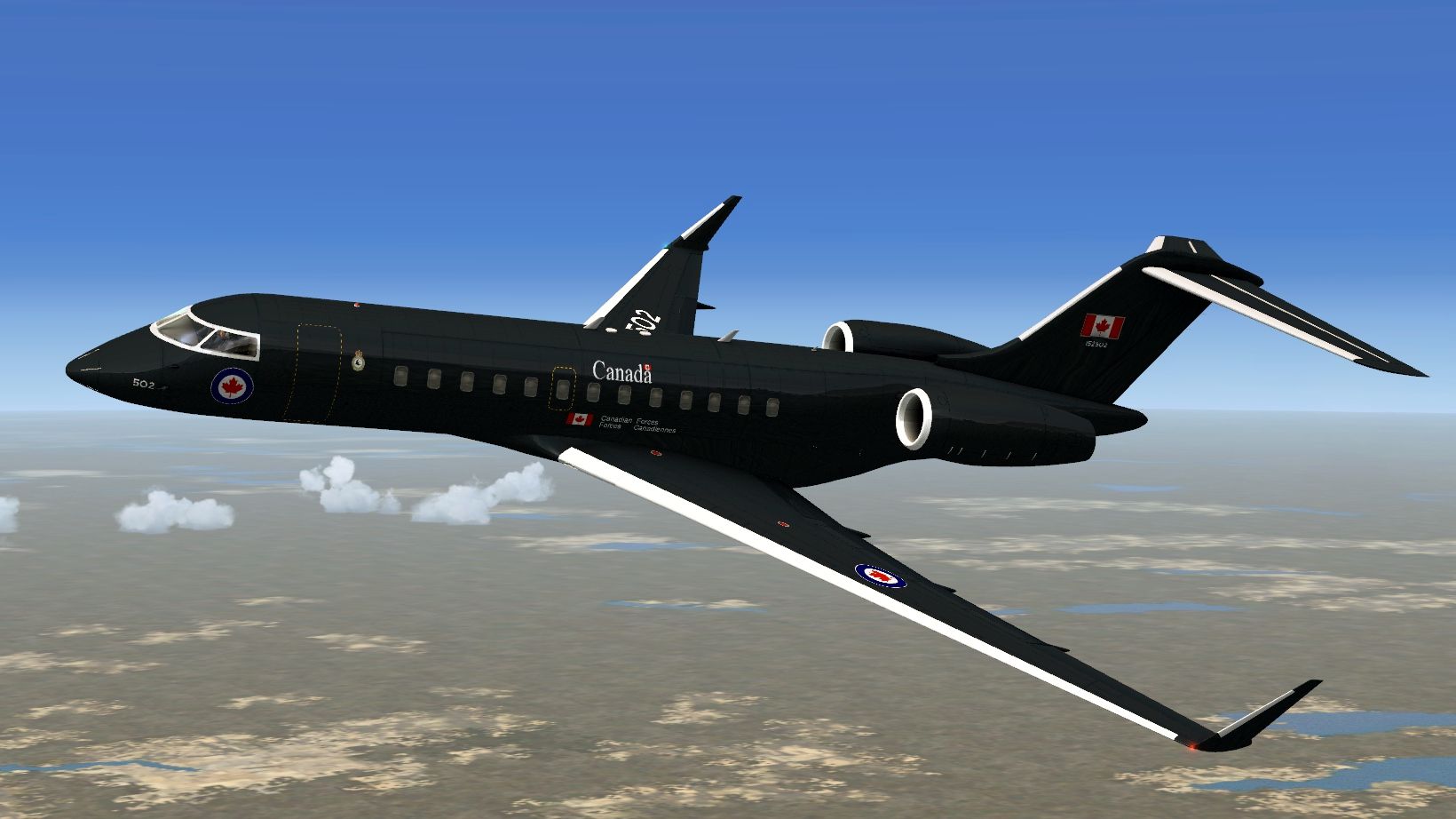
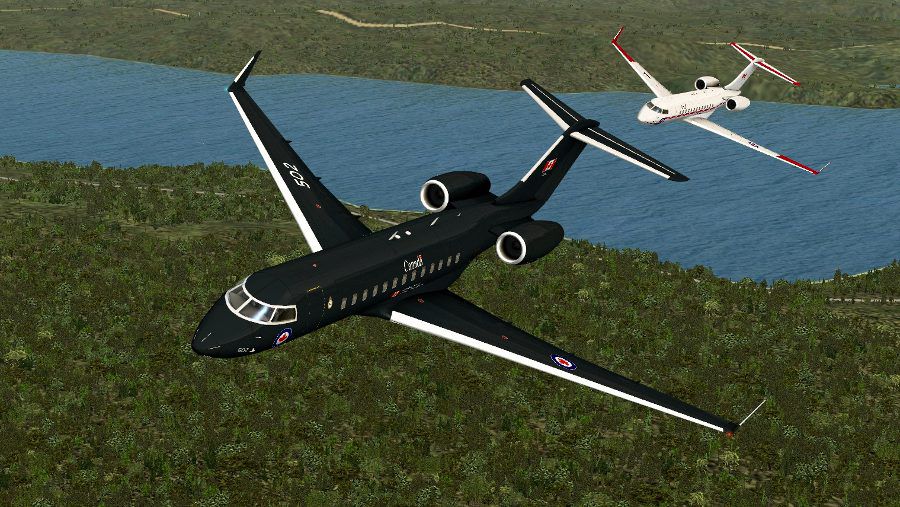

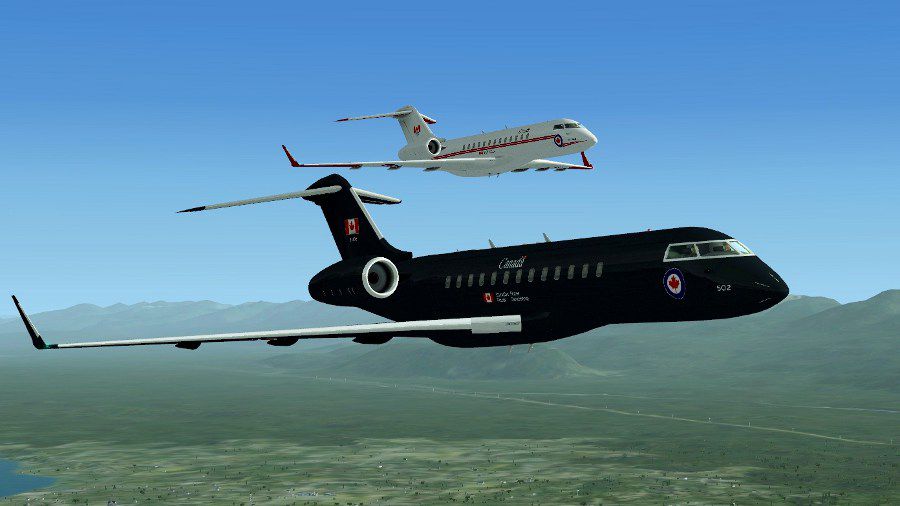

This repaint offers a specialized blue Royal Canadian Air Force scheme crafted by Peter Brown and intended for use with IRIS Flight Simulation Software’s freeware Global Express within Microsoft Flight Simulator X. It is a fictional livery yet retains the style and markings akin to the RCAF while enhancing the visual experience for virtual pilots seeking unique liveries.
Fusing aesthetic design with operational flair, this custom repaint adds a distinctive deep-blue look that celebrates an imagined RCAF Global XRS. The actual Bombardier Global Express jet (classified as a long-range, high-speed business aircraft) serves governmental and VIP transport roles internationally, thanks to its transcontinental range and spacious interior. Although the livery is fictional, it taps into genuine Royal Canadian Air Force tonal influences.
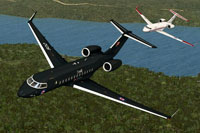
Above: In-flight view showcasing the fictional RCAF paint scheme.
This version incorporates vibrant coloring and stenciled insignia reminiscent of current RCAF aesthetics. Although creative liberties have been taken, the overall look exudes authenticity. The textures integrate seamlessly with IRIS Simulations' model, ensuring smooth panel alignment and reflective surfaces that enhance immersion during different lighting conditions. Peter Brown’s ambition was to highlight Canada’s aviation heritage, blending subtle markings and contemporary design.
This package includes only repaint data; it does not contain the Global Express base model by IRIS Flight Simulation Software, which can be retrieved from the Fly Away Simulation library. After you have the core freeware model installed, proceed with the following:
[fltsim.X] entry, making sure that “X” is replaced by the next available number.Insert the text below into aircraft.cfg to enable this repaint:
[fltsim.X]
title=GEX_FSX RCAF Blue
sim=GEX_FSX
model=
panel=
sound=
texture=RCAFblue
kb_checklists=
kb_reference=
atc_id=502
atc_parking_types=GATE,RAMP
atc_airline=Canforce
ui_manufacturer="Bombardier"
ui_type="Global Express"
ui_variation="RCAF Blue"
ui_typerole="Regional Jet"
ui_createdby="IRIS Flight Simulation Software"
description="CC-144 Livery by Peter Brown"
Make certain to review the lines for accuracy, especially the texture name and user interface choices. The final result should allow you to select the “RCAF Blue” variation from the in-simulator aircraft menu. This introduces a fully fictional yet highly polished depiction of a Canadian Air Force configuration.
The Bombardier Global Express series is renowned for its expansive flight range, modern avionics, and luxurious seating arrangements, making it an ideal base for both civilian and quasi-military flight operations in simulated environments. IRIS Flight Simulation Software’s freeware Global Express model provides detailed exterior geometry, functional control surfaces, and accurate flight dynamics suitable for those who want a realistic corporate or government flight experience inside Microsoft Flight Simulator X.
This add-on enriches the base model with a distinguished RCAF-themed repaint, ensuring virtual aviators enjoy a more immersive depiction of military transport capabilities. Whether replicating executive-style missions or training flights, the high-resolution textures lend further authenticity to your journeys in Microsoft Flight Simulator X.
Free for all simmers · 3.57 MB · Scanned clean Oct 2026
Download speed: Free tier is capped at 0.5 Mbps. PRO members download at full line speed.
texture.{airline}) inside FSX\SimObjects\Airplanes\{base-aircraft}\.aircraft.cfg in Notepad. Add a new [fltsim.X] section per the readme.readme.txt or README file. It tells you exactly where files go, what dependencies are needed, and any quirks specific to this add-on.The archive blue_rcaf_xrs.zip has 24 files and directories contained within it.
This list displays the first 500 files in the package. If the package has more, you will need to download it to view them.
| Filename/Directory | File Date | File Size |
|---|---|---|
| 2013-4-5_19-13-57-811.jpg | 04.05.13 | 92.71 kB |
| 2013-4-5_19-21-22-673.jpg | 04.05.13 | 54.53 kB |
| 2013-4-5_19-22-2-470.jpg | 04.05.13 | 62.51 kB |
| 2013-4-5_19-24-33-278.jpg | 04.05.13 | 128.43 kB |
| Global XRS.jpg | 04.05.13 | 452.46 kB |
| readme.txt | 04.05.13 | 861 B |
| texture.RCAFblue | 04.05.13 | 0 B |
| Canopy_Fresnel_Ramp.dds | 07.25.11 | 4.12 kB |
| Fresnel_Ramp.dds | 09.04.06 | 640 B |
| GEX_FUS_S.dds | 04.01.13 | 2.00 MB |
| GEX_FUS_T.dds | 04.05.13 | 4.00 MB |
| GEX_LW_S.dds | 04.01.13 | 512.12 kB |
| GEX_LW_T.dds | 04.05.13 | 4.00 MB |
| GEX_RW_S.dds | 04.01.13 | 512.12 kB |
| GEX_RW_T.dds | 04.05.13 | 4.00 MB |
| Glass_S.dds | 10.20.11 | 64.12 kB |
| Glass_T.dds | 10.20.11 | 64.12 kB |
| pilot_t.dds | 04.01.13 | 1.00 MB |
| R1_ENG_T.dds | 03.31.13 | 256.12 kB |
| texture.cfg | 03.30.13 | 180 B |
| thumbnail.jpg | 04.05.13 | 10.14 kB |
| thumbnail.gif | 04.05.13 | 7.52 kB |
| flyawaysimulation.txt | 10.29.13 | 959 B |
| Go to Fly Away Simulation.url | 01.22.16 | 52 B |
Only PRO members can place votes.
More FSX & P3D add-ons hand-picked based on this download.
FSX Military Aircraft
This repaint brings together the Bombardier Global Express airframe with a no…
 FSX Military Aircraft
USAF Block 20 Global Hawk (RQ-4B) UAV. The Block 20 Global Hawk (RQ-4B) is a …
 FSX Military Aircraft
SX RQ-4A Global Hawk UAV. The RQ-4A Global Hawk UAV is a high altitude, long …
 FSX Military Aircraft
This version of the RQ4B includes all of the real world aero/engine dynamics …
 FSX Military Aircraft
Canadian Air Force/RCAF CF-18 Squadrons low vis repaints for VRS F/A-18 Super…
 FSX Military Aircraft
RCAF Beechcraft King Air B200. Textures for International Simulation Design T…
 FSX Military Aircraft
This is a repaint of the FSX default Beaver in RCAF colors. Textures only. By…
 FSX Military Aircraft
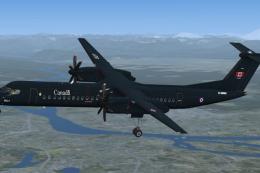
Textures for Majestic Software's payware Dash 8 Q400 depicting fictional Roya…
Be the first to leave a comment on this download.
Be the first to share your thoughts on this download.