

 FSX Military Aircraft
SAAF BAE Hawk Silver Falcons
SAAF repaint of the payware Skysim Hawk. These are only the textures and does…
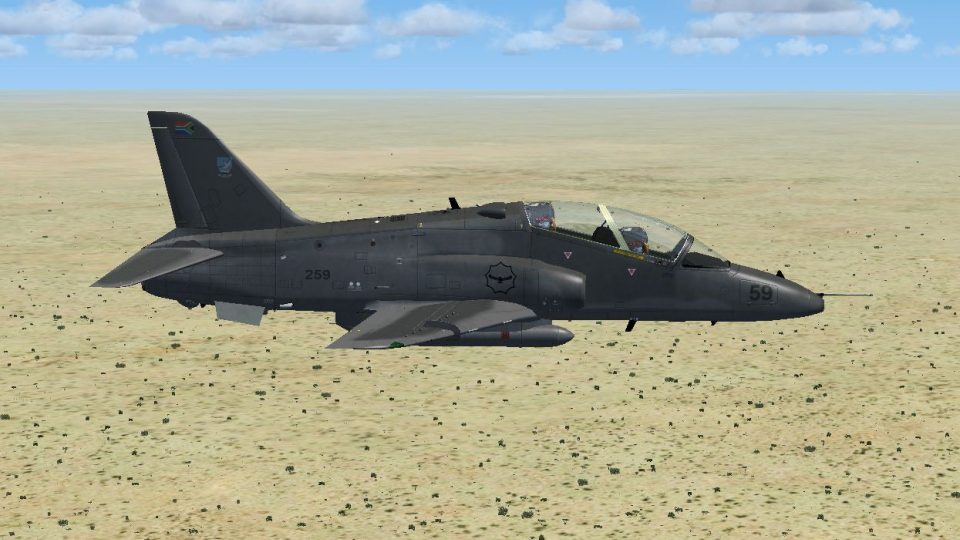
South African Air Force Hawk 259 comes to life with an authentic Combat Flying School repaint based at AFB Makhado, featuring accurate camouflage, insignia, tail flashes, and stenciling aligned across fuselage and control surfaces. Built for Microsoft Flight Simulator X, it requires the payware Skysim Hawk T.Mk1 and integrates seamlessly for a crisp, true-to-reference trainer look.
 Rate
Rate
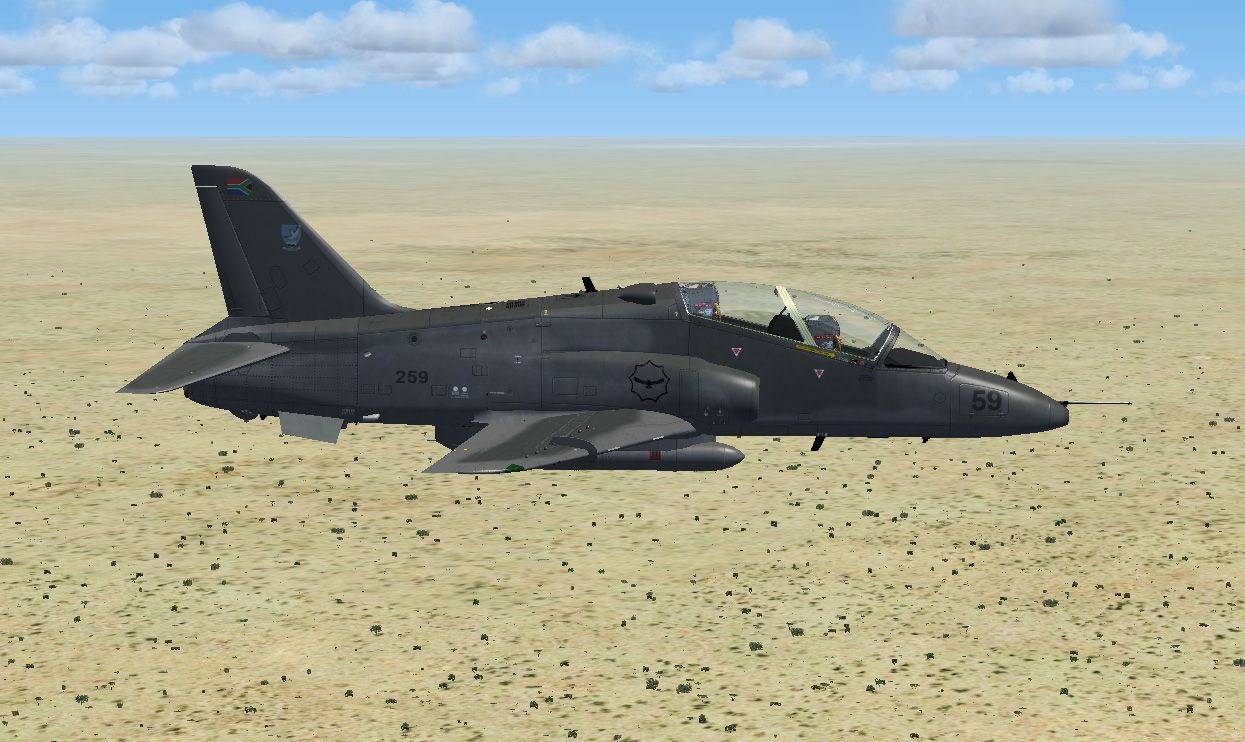
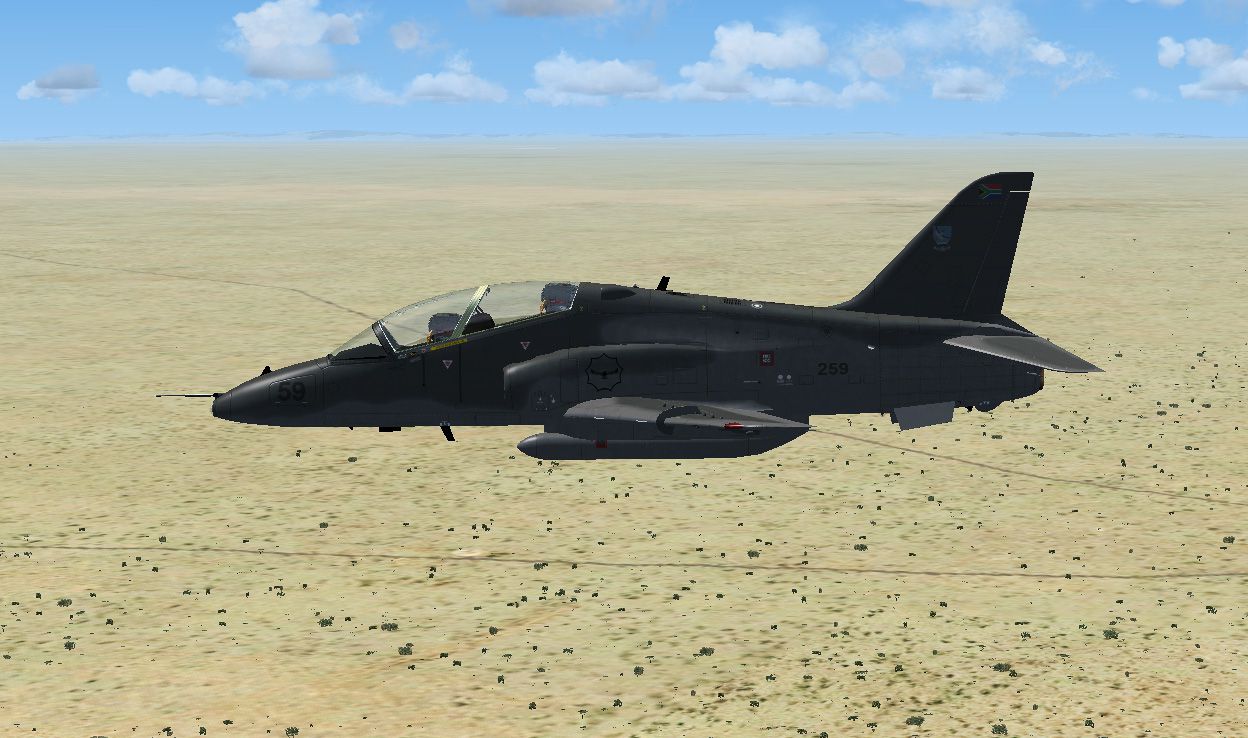
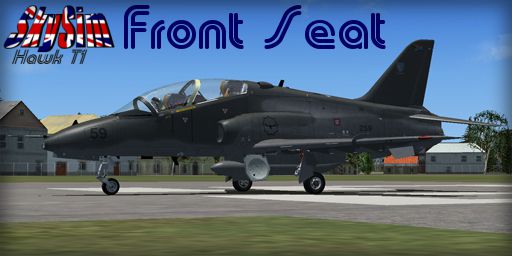
This specialized repaint for Microsoft Flight Simulator X replicates the distinctive South African Air Force (SAAF) Hawk 259 as operated by the Combat Flying School at AFB Makhado. It provides a real-world look and feel for the Skysim Hawk T.Mk1 payware model, capturing technical details that match the advanced jet trainer’s modern role. Authors/developers/creators: Produced by the talented designer Brenden Corlet, this set focuses on authentic visuals and seamlessly integrates with the payware model.
The real-world SAAF Hawk is a derivative of the British-built BAe Hawk series, designated as the Hawk 120 LIFT (Lead-In Fighter Trainer). It is used by the South African Air Force to prepare pilots for multi-role fighters, including instruction in weapons systems and high-speed flight envelop training. The BAe Hawk platform itself is known for its reliable single turbofan engine and agile handling, making it suitable for bridging the gap between basic training aircraft and front-line fighters.
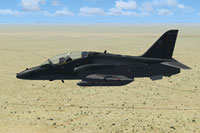
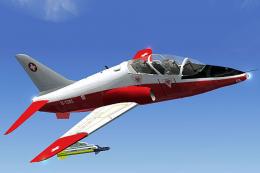
Screenshot displaying the SAAF BAE Hawk in mid-air maneuvers.
Nicknamed the “Home of the Fighter,” Air Force Base Makhado is located in the Limpopo province and is dedicated to advanced fighter development and operational readiness. Hawk 259, represented by this repaint, forms part of the SAAF's evolving combat instruction fleet, ensuring that new pilot graduates receive comprehensive preparation before transitioning to supersonic aircraft.
This livery, inspired by Hawk 259, highlights the iconic camouflage and SAAF insignia. The textures are carefully designed to match official references, with markings that align precisely on the fuselage and control surfaces. Tail flashes, logo positioning, and relevant stenciling replicate the actual aircraft, enhancing visual authenticity during flight.
To implement the SAAF 259 repaint successfully, follow the instructions below:
[fltsim.xx]

title=BAe Hawk T.Mk.1 FrontSeat SAAF

sim=HawkT1

model=frontseat

panel=

sound=

texture=saaf

kb_checklists=HawkT1_check

kb_reference=HawkT1_ref

ui_manufacturer="BAe"

ui_type="Hawk T.Mk1"

ui_variation="SAAF 259"

ui_typerole="Single Engine Jet Trainer"

ui_createdby="Skysim"

atc_id=Air Force Hawk 259

atc_airline=AIRFORCE

atc_flight_number=259

description=South African Air Force Hawk 259 [Combat Flying School]
This repaint was meticulously developed by Brenden Corlet, drawing on expertise in replicating authentic military trainer liveries for flight simulators. The texture pack aims to capture the operational appearance of the SAAF Hawk fleet, preserving the distinctive features of Hawk 259 while integrating seamlessly into the payware Skysim Hawk model.
Free for all simmers · 1.88 MB · Scanned clean Oct 2026
Download speed: Free tier is capped at 0.5 Mbps. PRO members download at full line speed.
texture.{airline}) inside FSX\SimObjects\Airplanes\{base-aircraft}\.aircraft.cfg in Notepad. Add a new [fltsim.X] section per the readme.readme.txt or README file. It tells you exactly where files go, what dependencies are needed, and any quirks specific to this add-on.The archive skysim_hawk_saaf.zip has 10 files and directories contained within it.
This list displays the first 500 files in the package. If the package has more, you will need to download it to view them.
| Filename/Directory | File Date | File Size |
|---|---|---|
| fuse left.jpg | 04.06.13 | 322.20 kB |
| fuse right.jpg | 04.06.13 | 334.52 kB |
| Read Me.txt | 04.06.13 | 2.19 kB |
| Texture.saaf | 04.06.13 | 0 B |
| fuselage_t.dds | 04.04.13 | 2.00 MB |
| texture.cfg | 05.16.08 | 127 B |
| thumbnail.jpg | 04.06.13 | 113.28 kB |
| wing_t.dds | 04.04.13 | 4.00 MB |
| flyawaysimulation.txt | 10.29.13 | 959 B |
| Go to Fly Away Simulation.url | 01.22.16 | 52 B |
Only PRO members can place votes.
More FSX & P3D add-ons hand-picked based on this download.
FSX Military Aircraft
SAAF repaint of the payware Skysim Hawk. These are only the textures and does…
 FSX Military Aircraft
SAAF repaint of the payware Skysim Hawk. These are only the textures and does…
 FSX Military Aircraft
This freeware repaint set offers a highly detailed Gannet-themed livery for t…
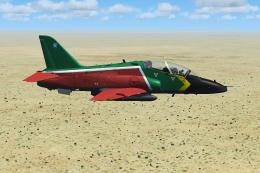 FSX Military Aircraft
This high-fidelity SAAF repaint offers a detailed livery for the payware Skys…
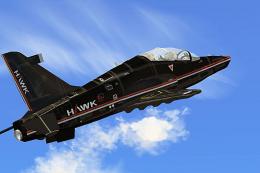 FSX Military Aircraft
FSX BAe Hawk 100. Welcome to the BAE Hawk 100 package for FSX. This is a full…
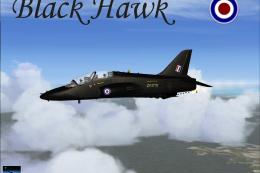 FSX Military Aircraft
FSX RAF Black BAE Hawk FTS. A repaint of David Brice and David Friswell's T45…
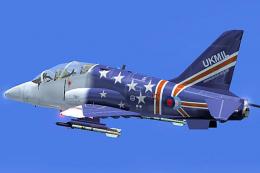 FSX Military Aircraft
FSX BAe Hawk T1a. Welcome to the BAE Hawk T1a package for FS2004. This is a f…
 FSX Military Aircraft
FSX BAE Hawk Mk51 And Mk66. Welcome to the UKMIL BAE Hawk Mk66 and MK51 model…
Be the first to leave a comment on this download.
Be the first to share your thoughts on this download.