

 FSX Military Aircraft
Belgian Meteor NF11
The Armstrong-Whitworth Meteor NF11 in Belgian Air Force markings brings hist…
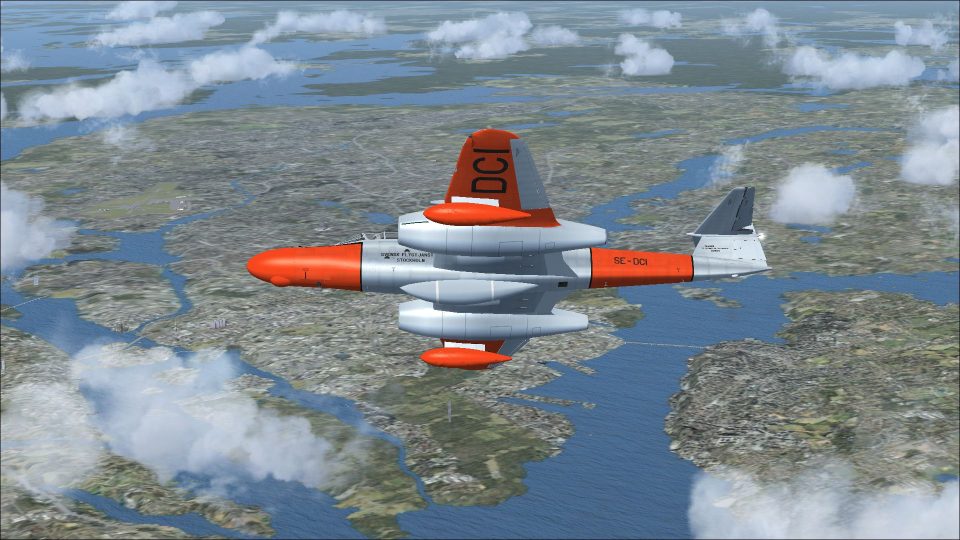
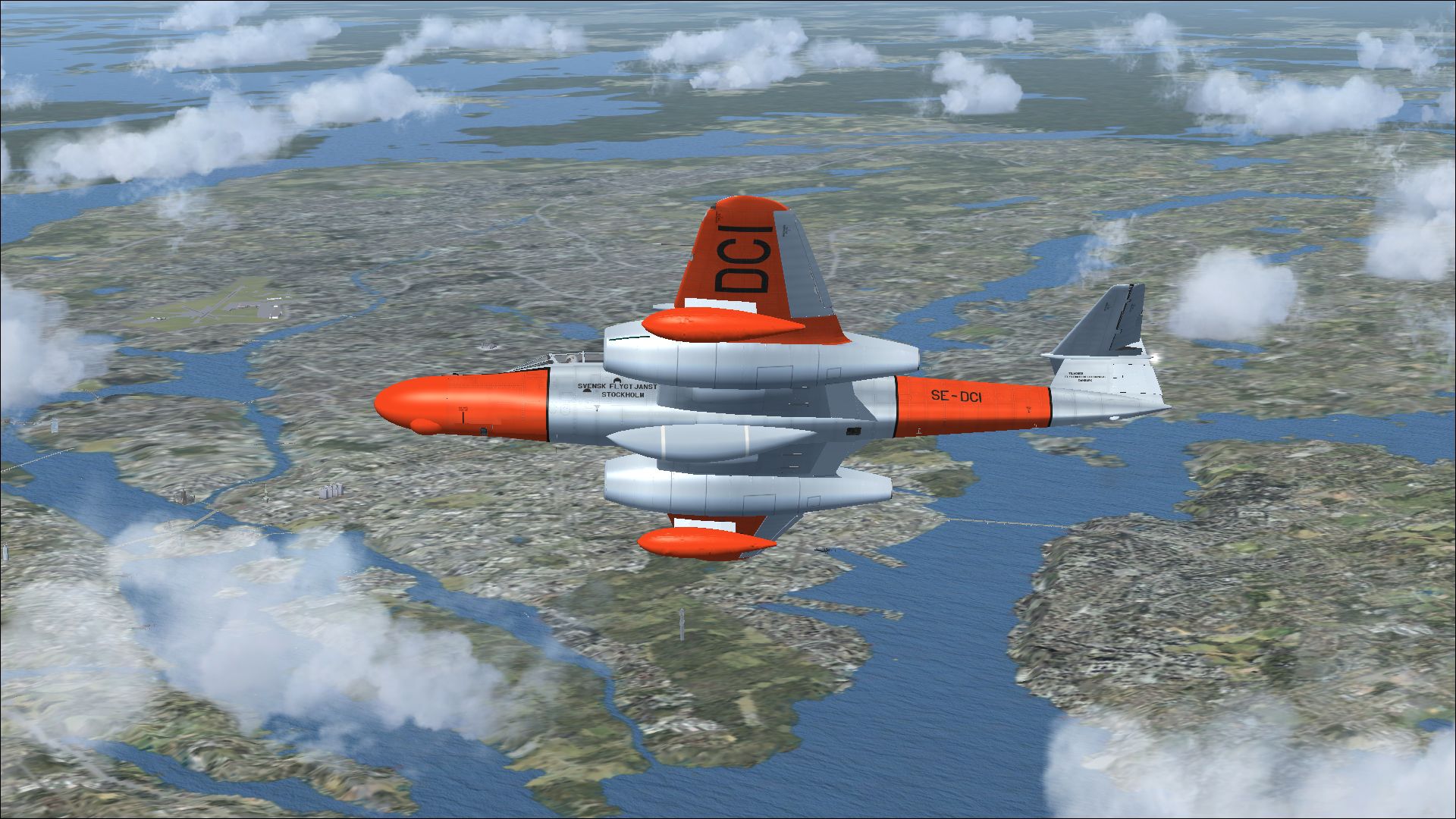
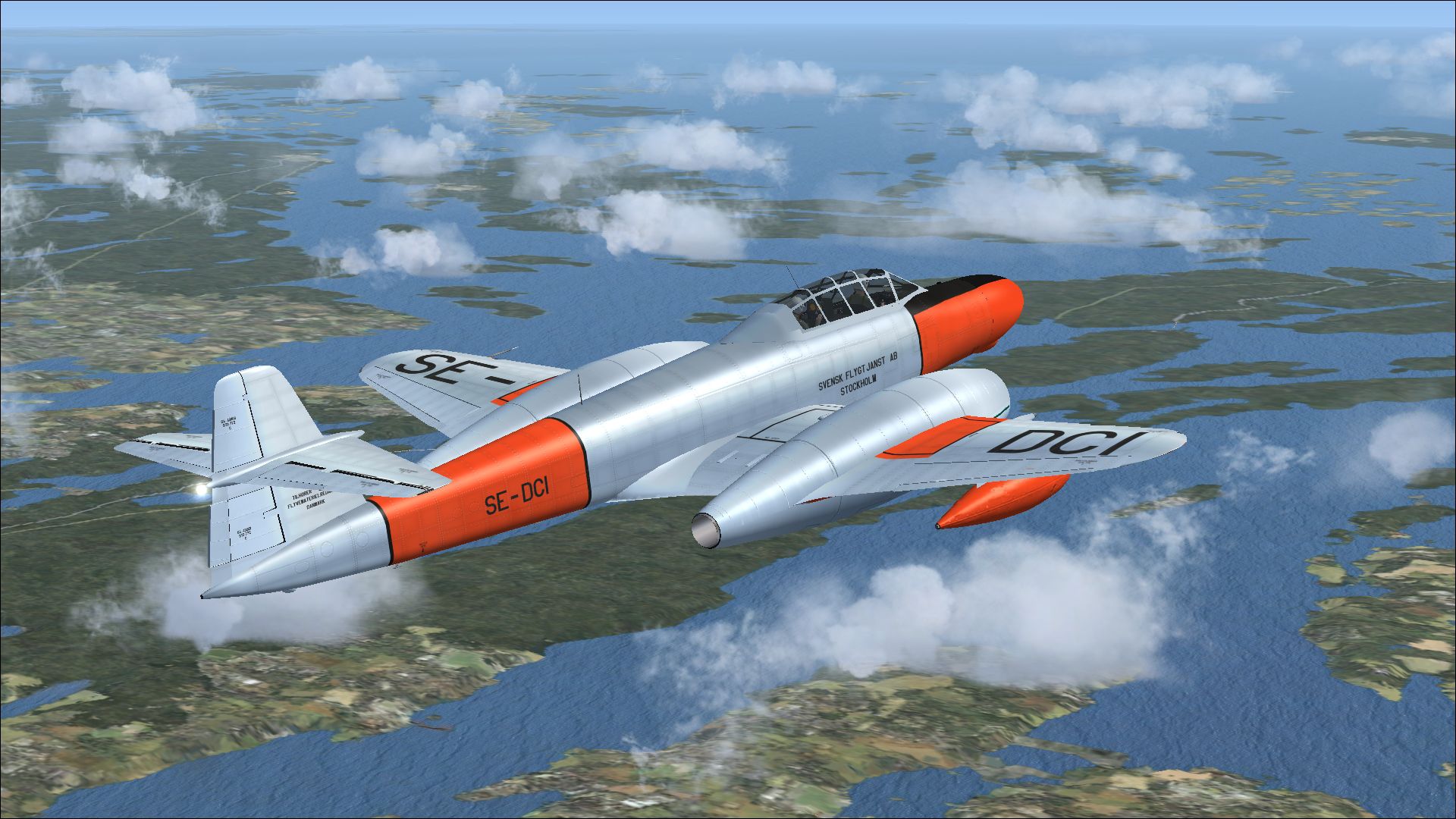
Meteor NF11 SE-DCI livery recreates the Danish-delivered night fighter later flown in Sweden as a TT20 target tug, complete with period-correct markings, stencils, and the distinctive radar nose. Built for Microsoft Flight Simulator X, it requires Rob Richardson’s freeware Meteor NF11 base model for full compatibility.
 Rate
Rate
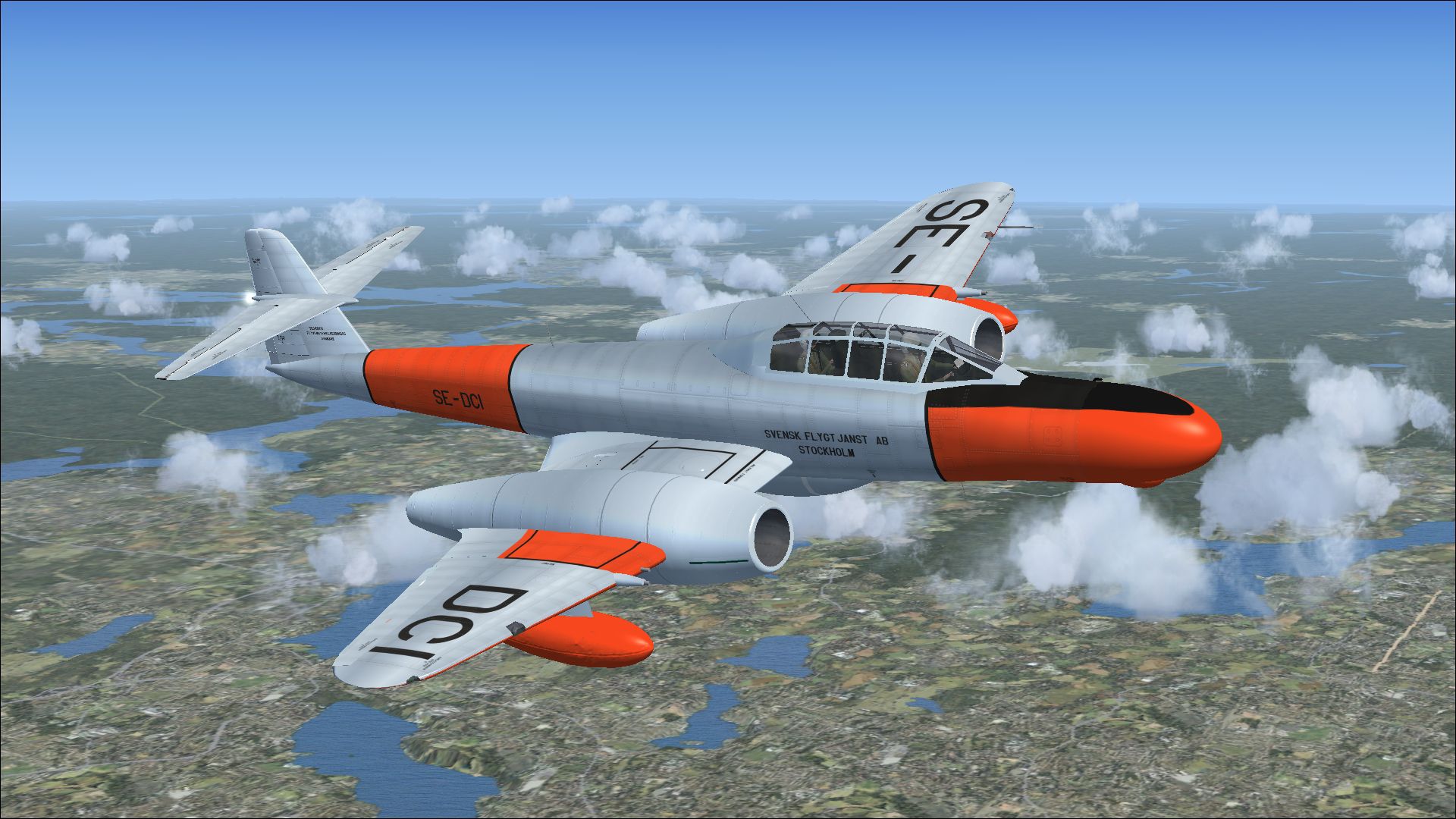
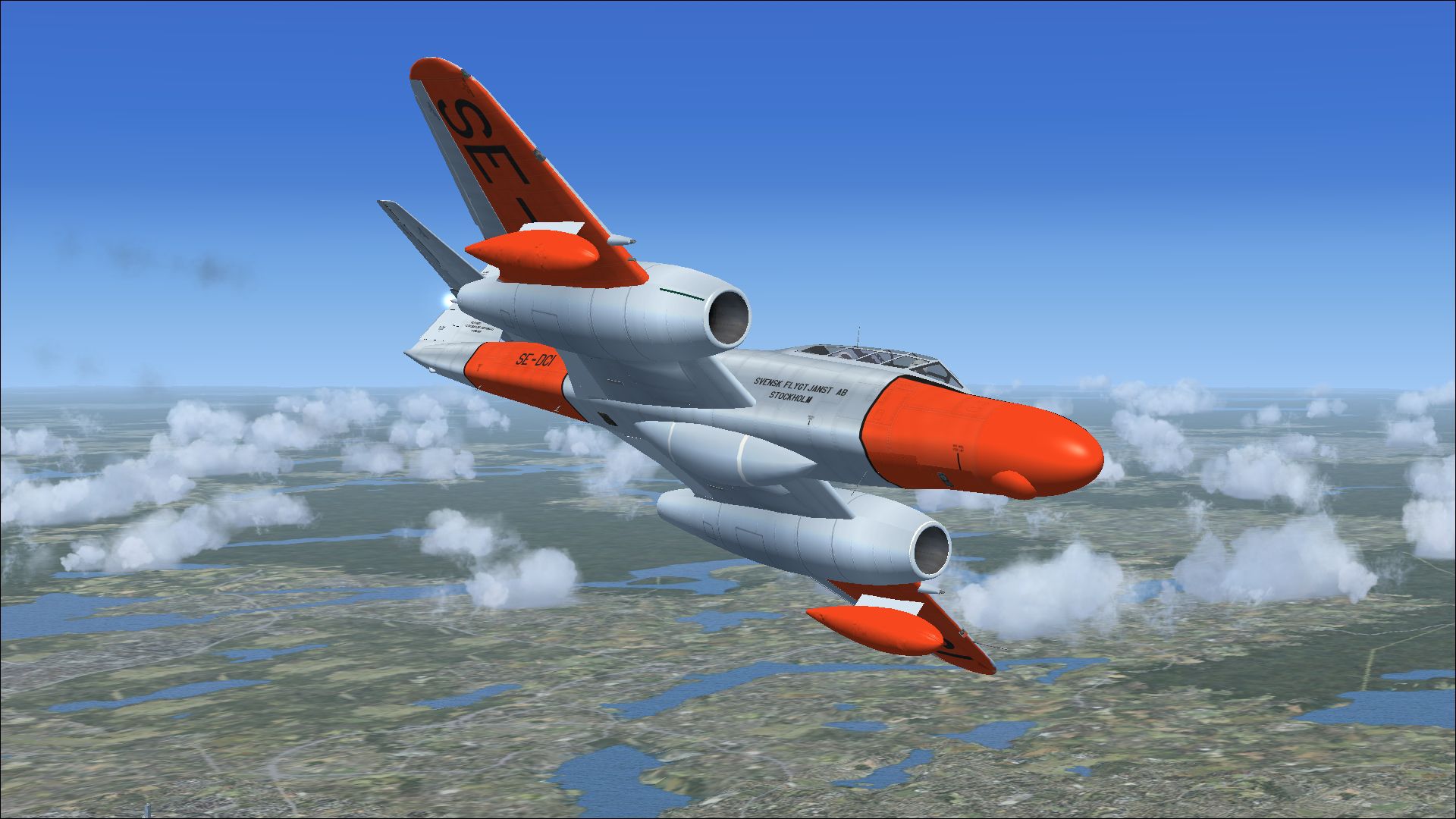
This repaint package brings historical accuracy to a notable NF11 variant by incorporating a detailed texture set, originally delivered to the Royal Danish Air Force and later operated by a Swedish target-towing contractor. It highlights the collaborative involvement of Rob Richardson (the original base model creator) and Peter Watkins (the repaint developer). All core features are designed to work seamlessly in FSX, and the free base model can be found in the Fly Away Simulation library.
The Meteor platform served as a twin-jet fighter long before fully supersonic types became standard worldwide. Derived from British research into early jet propulsion, this particular NF11 iteration was adapted for night operations. It employed an extended nose carrying an AI Mk 10 (SCR-720) radar system (where “AI” designates Air Intercept), while its cannons were moved outboard of the powerplants. Large drop tanks, plus a ventral fuel reservoir, helped address operational range considerations.
Originally delivered to the Royal Danish Air Force as NF11 H-519 in March 1953, the airframe later transitioned into one of six Mark TT20 conversions, enabling specialized target-towing duties. In 1962, it flew under Swedish civilian contract work as SE-DCI, along with several sister aircraft. By 1966, it was ultimately scrapped. However, this livery preserves its memory within the virtual skies.
Screenshot showcasing the SE-DCI paint scheme.
Peter Watkins meticulously recreated the external markings, ensuring subtle details like fuselage insignia and stenciling are portrayed accurately. This texture aligns precisely with Rob Richardson’s underlying model geometry, highlighting the distinct nose profile and classic tail empennage inherited from the earlier Meteor lineage.
After moving the texture files, append the excerpt below to the aircraft’s aircraft.cfg. Replace “xx” with your next sequential [fltsim] entry number:
[fltsim.xx]
title=Armstrong Whitworth Meteor NF11 SE-DCI
sim=Armstrong Whitworth Meteor NF11
model=
panel=
sound=
texture=SE-DCI
kb_checklists=AW_Meteor_NF11_check
kb_reference=AW_Meteor_NF11_ref
ui_manufacturer=Armstrong Whitworth
ui_type=Meteor NF11
ui_variation=SE-DCI
ui_typerole="Twin engine jet night fighter"
ui_createdby="RJR"
atc_id=SE-DCI
atc_airline=Air Force
atc_flight_number=346
description=As a night fighter, the Meteor succeeded the Mosquito as an interim solution. The two-seat configuration allowed the pilot forward seating and the navigator behind. Armstrong Whitworth took over detailed design and production once Gloster’s initial plan was approved. The first prototype flew on 31 May 1950. Though based on the T.7, it used the F.8 fuselage and tail. It adopted the F.3’s longer wings, plus an extended nose for an AI Mk 10 Air Intercept radar. Consequently, 20 mm cannons moved to the wings. A belly tank and wing drop tanks were added to extend operational range.
Please remember this package only offers a repaint. The essential freeware base model by Rob Richardson is not included here, yet it is required for proper functionality. You can secure that essential component through the Fly Away Simulation repository. After installing, place this texture as directed, update your configuration data, and you are set to experience the iconic lines of the NF11 in FSX.
Free for all simmers · 10.25 MB · Scanned clean Oct 2026
Download speed: Free tier is capped at 0.5 Mbps (this file takes approximately 3 mins at the cap). PRO members download at full line speed.
texture.{airline}) inside FSX\SimObjects\Airplanes\{base-aircraft}\.aircraft.cfg in Notepad. Add a new [fltsim.X] section per the readme.readme.txt or README file. It tells you exactly where files go, what dependencies are needed, and any quirks specific to this add-on.The archive meteor_nf11_se-dci.zip has 17 files and directories contained within it.
This list displays the first 500 files in the package. If the package has more, you will need to download it to view them.
| Filename/Directory | File Date | File Size |
|---|---|---|
| 30253429.jpg | 10.20.13 | 1.28 MB |
| 30266471.jpg | 10.20.13 | 1.15 MB |
| 30297110.jpg | 10.20.13 | 931.92 kB |
| 30355314.jpg | 10.20.13 | 1.36 MB |
| Installation readme.txt | 10.20.13 | 3.17 kB |
| texture.SE-DCI | 10.20.13 | 0 B |
| meteor 1 bump.dds | 09.27.13 | 16.00 MB |
| meteor 1.dds | 10.20.13 | 16.00 MB |
| meteor 2.dds | 10.20.13 | 16.00 MB |
| meteor 4.dds | 10.20.13 | 4.00 MB |
| meteor 5.dds | 10.03.13 | 4.00 MB |
| texture.cfg | 09.21.13 | 137 B |
| thumbnail.jpg | 10.20.13 | 1.15 MB |
| Thumbs.db | 09.21.13 | 22.50 kB |
| wrap.dds | 10.04.13 | 64.12 kB |
| flyawaysimulation.txt | 10.29.13 | 959 B |
| Go to Fly Away Simulation.url | 01.22.16 | 52 B |
Only PRO members can place votes.
More FSX & P3D add-ons hand-picked based on this download.
FSX Military Aircraft
The Armstrong-Whitworth Meteor NF11 in Belgian Air Force markings brings hist…
 FSX Military Aircraft
Discover a meticulously crafted paint scheme for Rob Richardson’s freeware Ar…
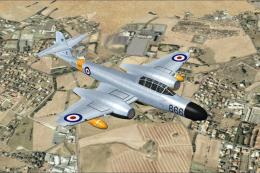 FSX Military Aircraft
This add-on provides a meticulously crafted rendition of the Armstrong-Whitwo…
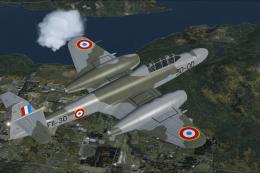 FSX Military Aircraft
This freeware repaint showcases the Armstrong-Whitworth Meteor NF11 in a dist…
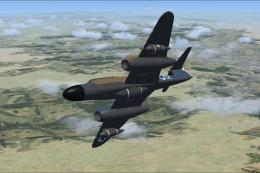 FSX Military Aircraft
This repaint package depicts one of the Meteor night fighters obtained by the…
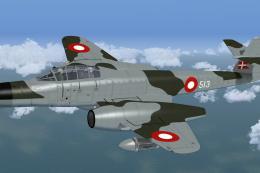 FSX Military Aircraft
Repaint for the Meteor NF14 by Rob Richardson. It is painted as Meteor NF.11 …
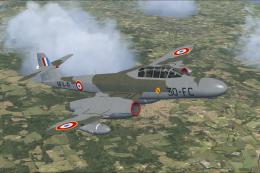 FSX Military Aircraft
A repaint for Rob Richardsons Armstrong-Whitworth Meteor NF11. NF11-41 was th…
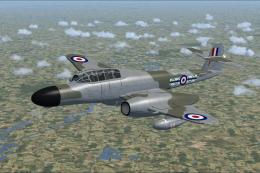 FSX Military Aircraft
This repaint depicts Armstrong Whitworth Meteor NF11 WD673, a historic Royal …
Be the first to leave a comment on this download.
Be the first to share your thoughts on this download.