

 FSX Military Aircraft
USAF RQ-1A Predator UAV
Updated for FSX, USAF RQ1A Predator UAV, v1.0. Hard working unmanned aerial v…
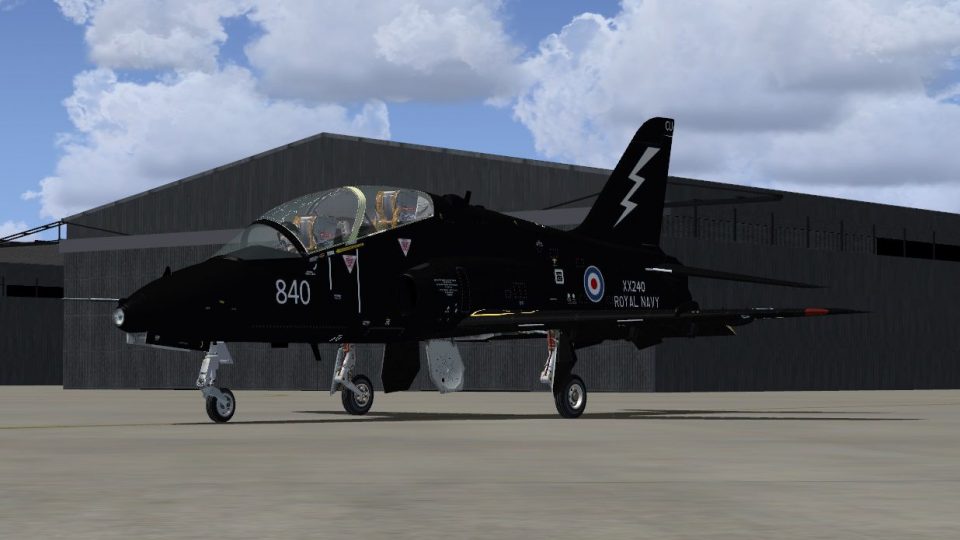
Royal Navy 736 Naval Air Squadron Hawk T.1A repaint brings XX240’s 2014 scheme to life in FSX, matching the unit formed at RNAS Culdrose for realistic mock attack training support across UK and NATO fleets. Crisp exterior markings complement trainer details and squadron identity, and it requires the Skysim Hawk.
 Rate
Rate
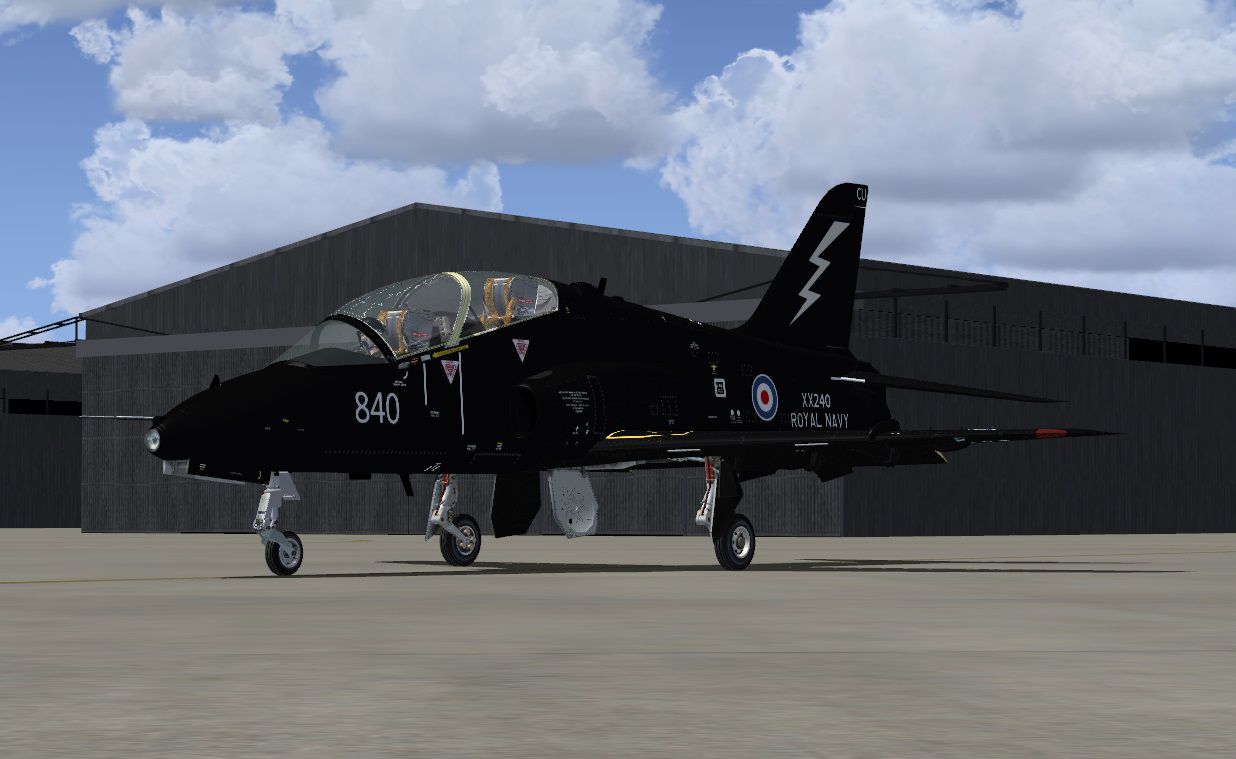
For use with the Skysim Hawk. This repaint shows the newly painted 736 NAS colors on the first aircraft XX240. 736 NAS stood up as a operational Fleet air arm unit of the Royal Navy on 6th June 2013, at RNAS Culdrose. This takes over responsibilities from FRADU (Fleet Requirements and Aircraft Direction Unit), providing mock attack training for Royal Navy and other NATO ships from the UK. By Matthew Kingscott.
Screenshot of 736 NAS Hawk T.1A 2014 on the ground.
Installation:
[fltsim.xx]

title=BAe Hawk T.Mk.1 FrontSeat XX240 736NAS

sim=HawkT1

model=frontseat

panel=

sound=

texture=736NAS_840

kb_checklists=HawkT1_check

kb_reference=HawkT1_ref

ui_manufacturer="BAe"

ui_type="Hawk T.Mk1"

ui_variation="736NAS FrontSeat"

ui_typerole="Single Engine Jet Trainer"

ui_createdby="Skysim"

atc_id=XX240

atc_airline=FLEET AIR ARM

atc_flight_number=840

description=BAe Hawk T1A\n\2014 Matthew Kingscott
Free for all simmers · 829.61 KB · Scanned clean Oct 2026
Download speed: Free tier is capped at 0.5 Mbps. PRO members download at full line speed.
texture.{airline}) inside FSX\SimObjects\Airplanes\{base-aircraft}\.aircraft.cfg in Notepad. Add a new [fltsim.X] section per the readme.readme.txt or README file. It tells you exactly where files go, what dependencies are needed, and any quirks specific to this add-on.The archive 736nas_xx240_2014.zip has 8 files and directories contained within it.
This list displays the first 500 files in the package. If the package has more, you will need to download it to view them.
| Filename/Directory | File Date | File Size |
|---|---|---|
| README.txt | 06.27.14 | 1.25 kB |
| fuselage_t.dds | 06.27.14 | 2.00 MB |
| texture.cfg | 06.19.10 | 127 B |
| thumbnail.jpg | 06.27.14 | 8.42 kB |
| wing_t.dds | 06.19.10 | 4.00 MB |
| 736NAS Hawk In Action.jpg | 06.27.14 | 162.02 kB |
| flyawaysimulation.txt | 10.29.13 | 959 B |
| Go to Fly Away Simulation.url | 01.22.16 | 52 B |
Only PRO members can place votes.
More FSX & P3D add-ons hand-picked based on this download.
FSX Military Aircraft
Updated for FSX, USAF RQ1A Predator UAV, v1.0. Hard working unmanned aerial v…
 FSX Military Aircraft
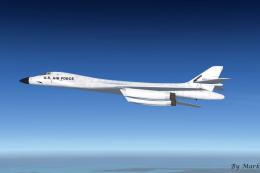
This is a Alpha Sim's 2004 freeware version of the Rockwell B1B Lancer modifi…
 FSX Military Aircraft
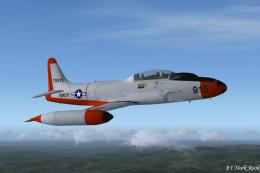
This freeware package replicates the Lockheed T-1A Sea Star—a US Navy jet tra…
 FSX Military Aircraft
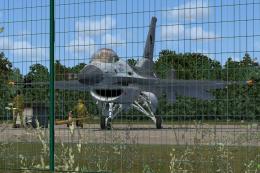
This is the new display jet of the Royal Netherlands Air Force, performed by …
 FSX Military Aircraft
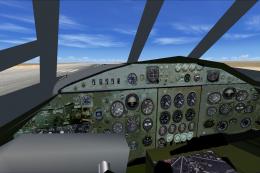
This package features a new VC with working FSX compatible gauges for the Bri…
 FSX Military Aircraft
Experience a richly detailed representation of the Royal New Zealand Air Forc…
 FSX Military Aircraft
This depicts the Royal Air Force Tucano in 2014 display textures. Model by Si…
 FSX Military Aircraft
This is a set of VFA-192 'Golden Dragons' LINE textures for the FSX VRS F/A-1…
Be the first to leave a comment on this download.
Be the first to share your thoughts on this download.