

 FSX Civil Aircraft
Embraer ERJ-195 FlyBe
The first aircraft to enter was deliverd to FlyBe in mid 2006. The aircraft i…
Flybe’s colors meet Boeing’s 737-800 in a crisp fictional livery repaint for the default jet in Microsoft Flight Simulator X, featuring vivid branding and refined textures designed to stay sharp on the stock model. Requires the default freeware Boeing 737-800 base aircraft files for proper display in the virtual cockpit and exterior views.
 Rate
Rate
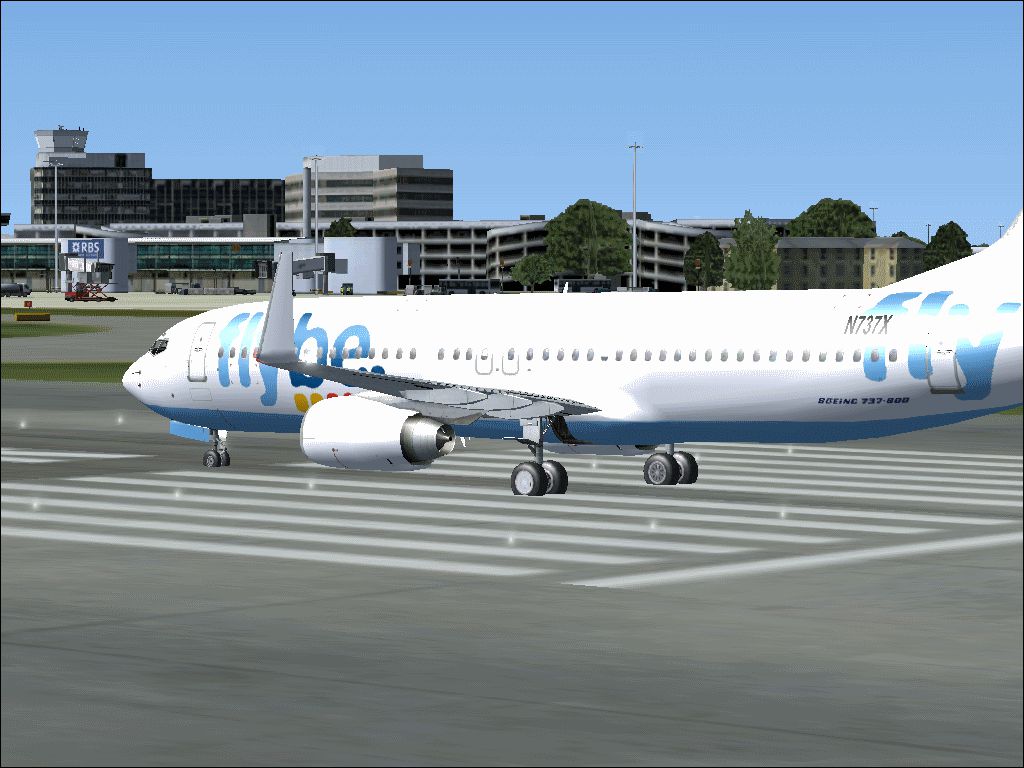
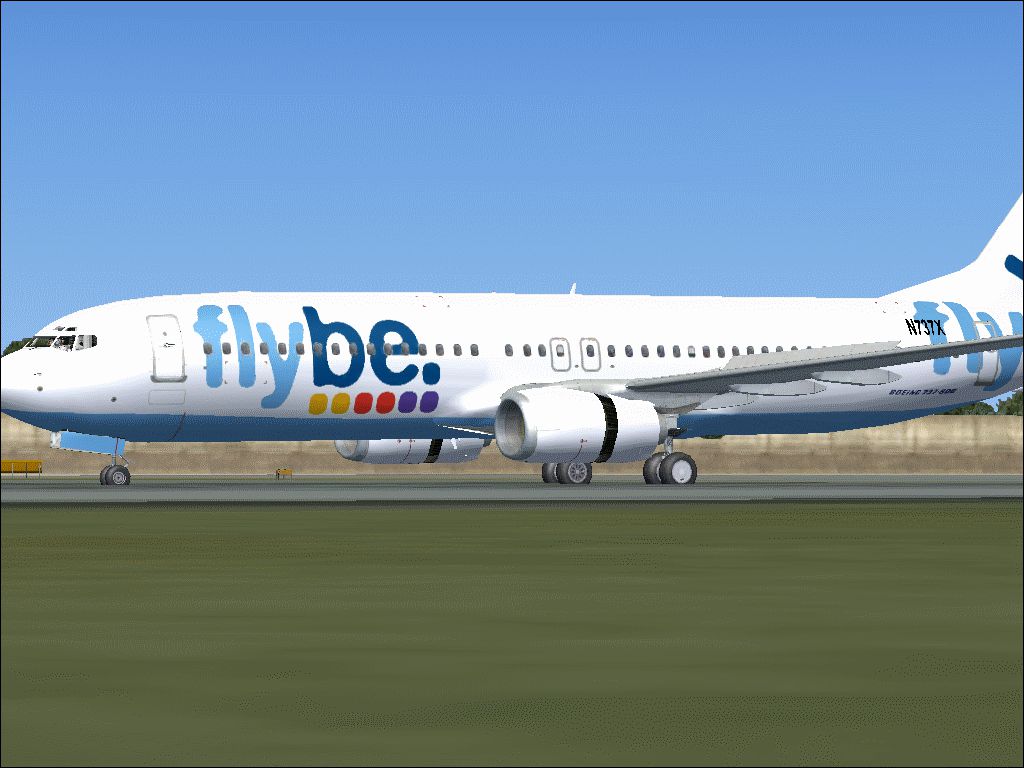
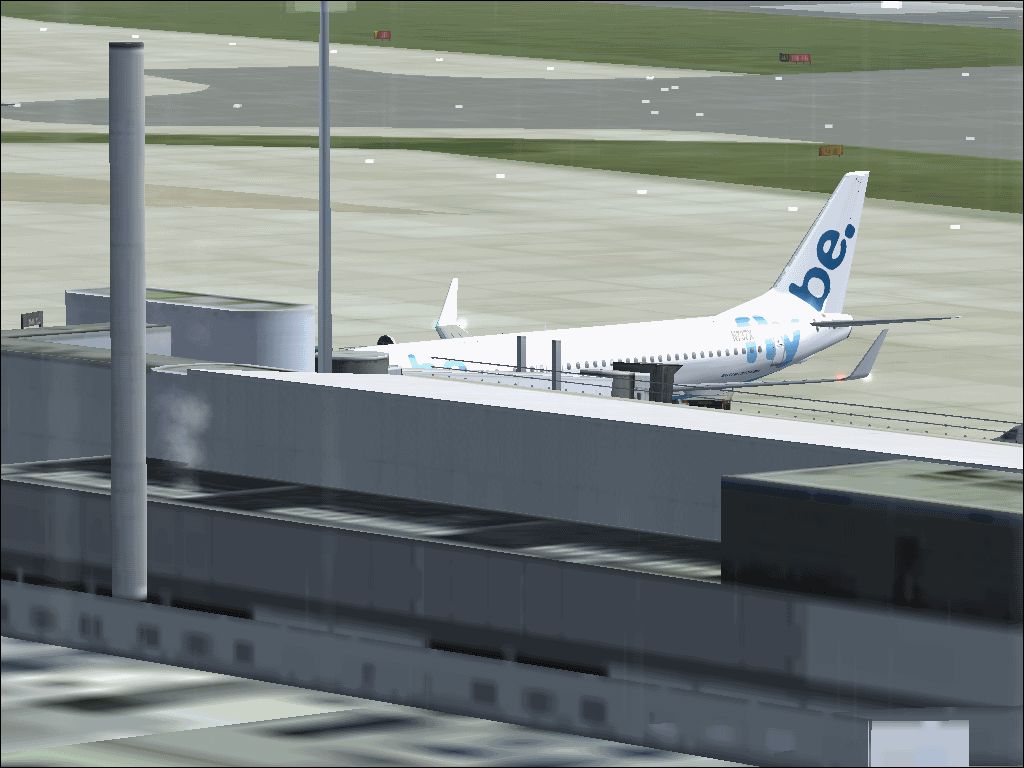
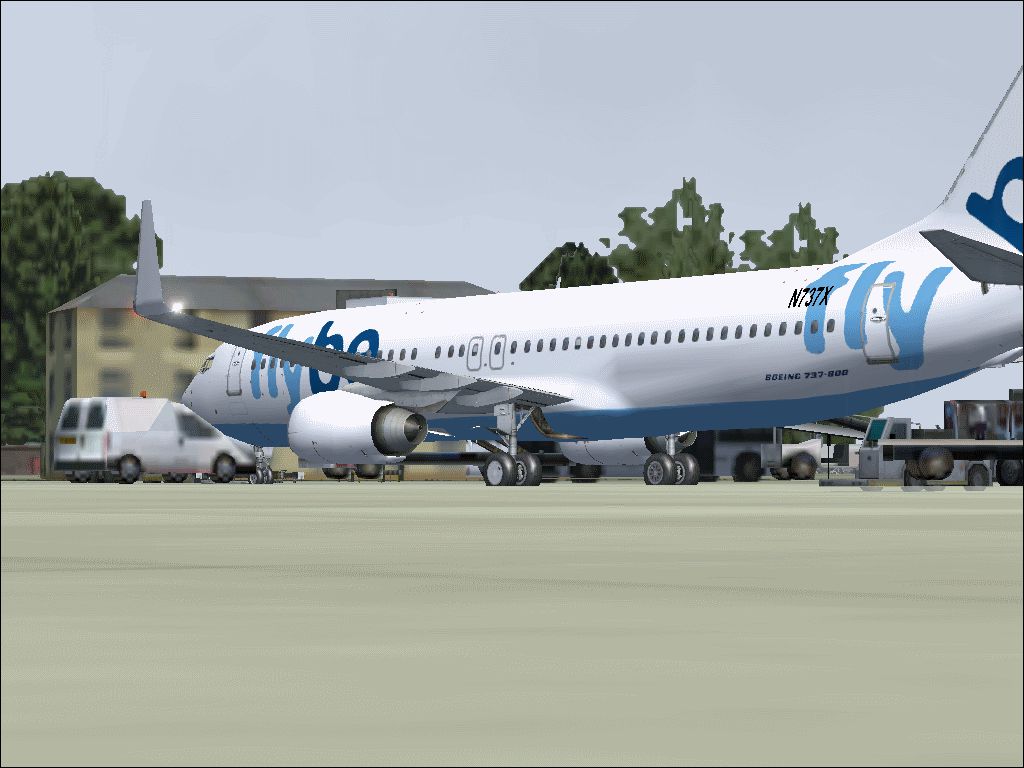
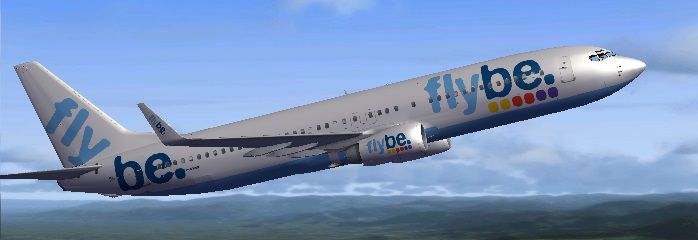
This freeware package delivers a fictional Flybe-themed livery for the default Boeing 737-800 in Microsoft Flight Simulator X. Created by Brian Sheen-Heggie, this vivid repaint provides a customized exterior appearance that stands out during virtual airline operations. Though Flybe services were originally focused on regional flights around Europe using smaller turboprops and jets, this release imagines a scenario in which the airline adopted the popular 737-800. Please note that the base aircraft files are not included here, so visit the Fly Away Simulation library to obtain the required freeware model.
Flybe once specialized in short-haul services across various UK and European destinations. This fictional repaint extends that concept to Boeing’s renowned single-aisle platform. It has been carefully adjusted to avoid the blurry texture artifacts sometimes seen on default models. By reworking the visual elements, the paint depicts a neat, high-resolution finish with distinct Flybe branding.
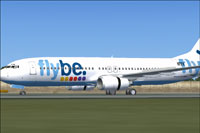
Screenshot of Flybe Boeing 737-800 on runway.
Texture.X to the next sequential Texture.[number] folder.xx entries to match the newly assigned [fltsim] index:[fltsim.xx]
title=Boeing 737-800 Paintxx
sim=Boeing737-800
model=
panel=
sound=
texture=xx
kb_checklists=Boeing737-800_check
kb_reference=Boeing737-800_ref
atc_id=N737X
atc_airline=Flybe
atc_flight_number=
ui_manufacturer="Boeing"
ui_type="737-800"
ui_variation="Flybe"
ui_typerole="Commercial Airliner"
ui_createdby="Microsoft Corporation"
description="Boeing's 737 series has evolved over decades, becoming a bestselling workhorse for global operators. This repaint envisions Flybe adopting the 737-800 for broader short-to-medium routes while retaining the airline’s recognizable colors and branding."
Since this offering is only a repaint, you will need the freeware default Boeing 737-800 model from Fly Away Simulation if it is not already installed. Be sure to confirm you have the correct files before adding this livery.
Free for all simmers · 7.02 MB · Scanned clean Oct 2026
Download speed: Free tier is capped at 0.5 Mbps (this file takes approximately 2 mins at the cap). PRO members download at full line speed.
texture.{airline}) inside FSX\SimObjects\Airplanes\{base-aircraft}\.aircraft.cfg in Notepad. Add a new [fltsim.X] section per the readme.readme.txt or README file. It tells you exactly where files go, what dependencies are needed, and any quirks specific to this add-on.The archive flybe737-800.zip has 33 files and directories contained within it.
This list displays the first 500 files in the package. If the package has more, you will need to download it to view them.
| Filename/Directory | File Date | File Size |
|---|---|---|
| 737_Refection.dds | 03.21.15 | 128.12 kB |
| B737_800_1_C.dds | 03.21.15 | 512.12 kB |
| b737_800_1_LM.dds | 03.21.15 | 128.12 kB |
| B737_800_1_night_C.dds | 03.21.15 | 512.12 kB |
| b737_800_1_T.dds | 04.01.15 | 1.00 MB |
| b737_800_1_T_Bump.dds | 03.21.15 | 1.00 MB |
| b737_800_1_T_Specular.dds | 03.21.15 | 1.00 MB |
| B737_800_2_C.dds | 03.21.15 | 512.12 kB |
| B737_800_2_night_C.dds | 03.21.15 | 512.12 kB |
| b737_800_2_T.dds | 04.01.15 | 1.00 MB |
| b737_800_2_T_Bump.dds | 03.21.15 | 1.00 MB |
| b737_800_2_T_Specular.dds | 03.21.15 | 1.00 MB |
| B737_800_3_C.dds | 03.21.15 | 512.12 kB |
| B737_800_3_night_C.dds | 03.21.15 | 512.12 kB |
| B737_800_4_C.dds | 03.21.15 | 512.12 kB |
| B737_800_4_night_C.dds | 03.21.15 | 512.12 kB |
| B737_800_5_C.dds | 03.21.15 | 128.12 kB |
| B737_800_5_night_C.dds | 03.21.15 | 128.12 kB |
| B737_800_C.bmp | 03.21.15 | 512.07 kB |
| B737_800_Interior.dds | 03.21.15 | 128.12 kB |
| Fresnel_Ramp.dds | 03.21.15 | 640 B |
| Pilots_737.dds | 03.21.15 | 32.12 kB |
| texture.cfg | 03.21.15 | 137 B |
| thumbnail.jpg | 03.22.15 | 43.64 kB |
| READ ME.txt | 04.01.15 | 2.33 kB |
| Flybe1.png | 04.01.15 | 169.23 kB |
| Flybe2.png | 04.01.15 | 157.61 kB |
| Flybe3.png | 04.01.15 | 185.64 kB |
| Flybe4.png | 04.01.15 | 194.08 kB |
| Flybe5.png | 04.01.15 | 156.10 kB |
| thumbnail.jpg | 03.22.15 | 43.64 kB |
| flyawaysimulation.txt | 10.29.13 | 959 B |
| Go to Fly Away Simulation.url | 01.22.16 | 52 B |
Only PRO members can place votes.
More FSX & P3D add-ons hand-picked based on this download.
FSX Civil Aircraft
The first aircraft to enter was deliverd to FlyBe in mid 2006. The aircraft i…
 FSX Civil Aircraft
Continental Boeing 737-800. Fictional textures for the default B737-800. Repa…
 FSX Civil Aircraft
This freeware repaint features a custom interpretation of the default Boeing …
 FSX Civil Aircraft
Includes pictures of the plane, a mini guide to help you and the texture fold…
 FSX Civil Aircraft
FSX Ryanair Boeing 737-800. EI-DAP textures for the default FSX B737-800. By …
 FSX Civil Aircraft
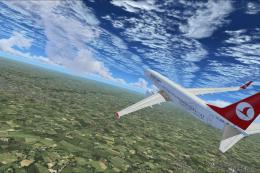
Turkish Airlines Boeing 737-800. Textures by Alex James for the default B737-…
 FSX Civil Aircraft
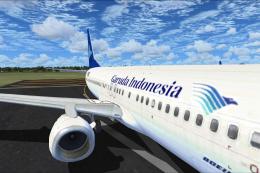
FSX Garuda Indonesia Boeing 737-800, registration PK-GEE. Textures only for t…
 FSX Civil Aircraft
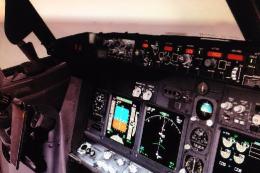
Includes: EZDok cameras and effects; FSForce profile; ShockWave lights; landi…
Be the first to leave a comment on this download.
Be the first to share your thoughts on this download.