


 Czechia
  MSFS Scenery
Dubai, UAE City Building & Pack
A large freeware scenery add-on pack put together by the developer who goes b…
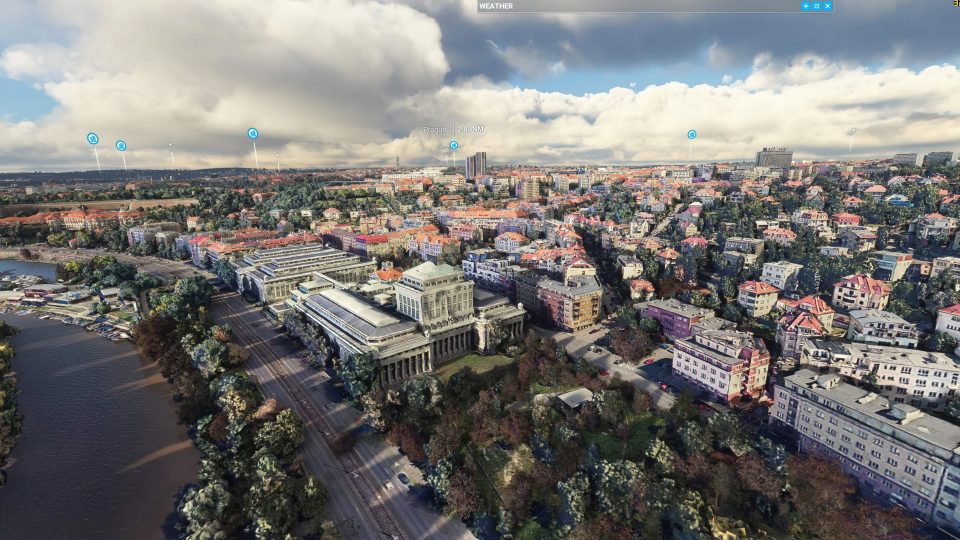
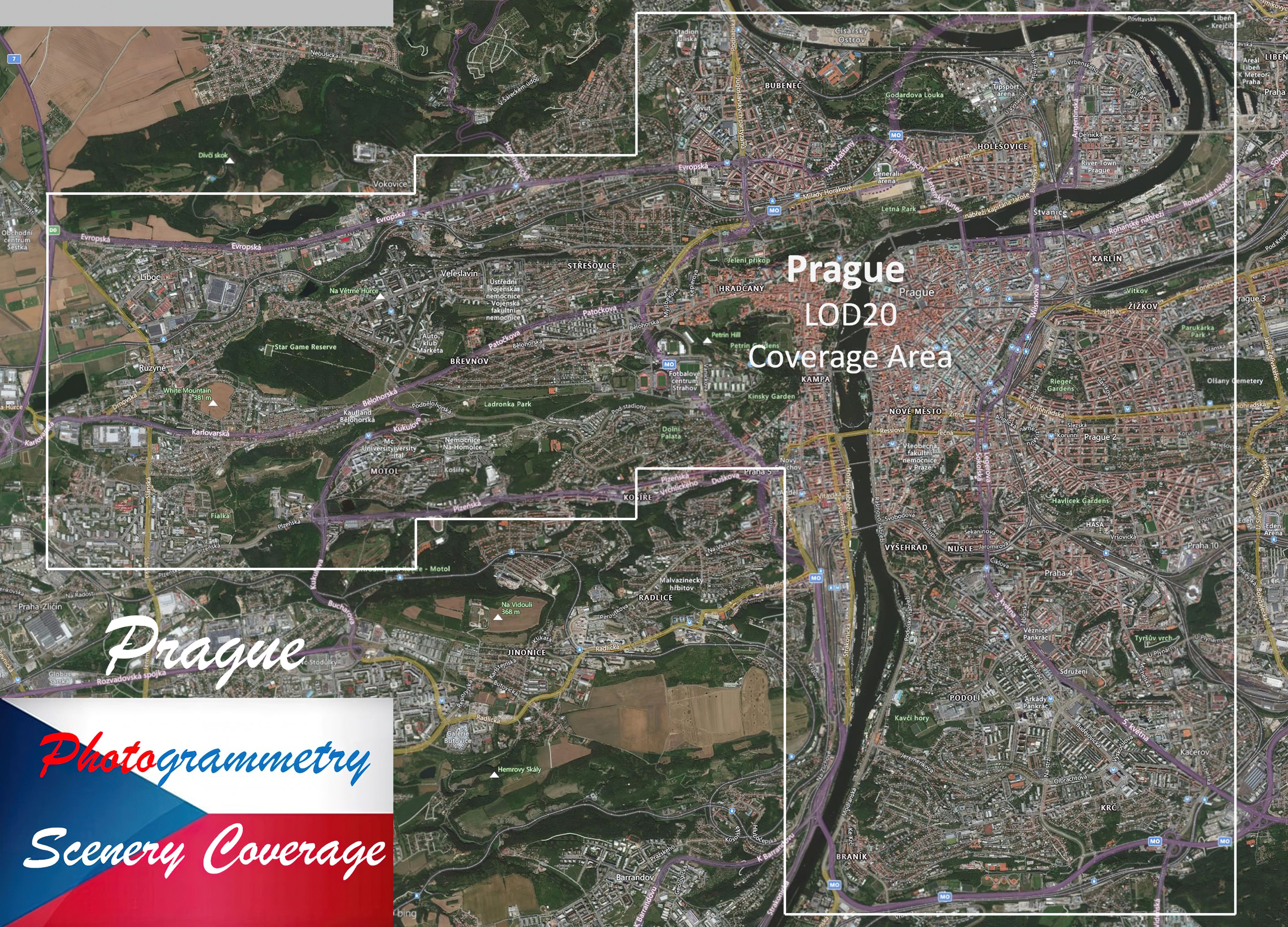
Prague, Czech Republic gets a full city refresh with high-detail photogrammetry, photoreal ground textures, and accurately modeled buildings, extending west to better connect the center with LKPR. Built for Microsoft Flight Simulator, the package includes optimized, color-corrected textures for crisp visuals and smooth loading on mid-range PCs.
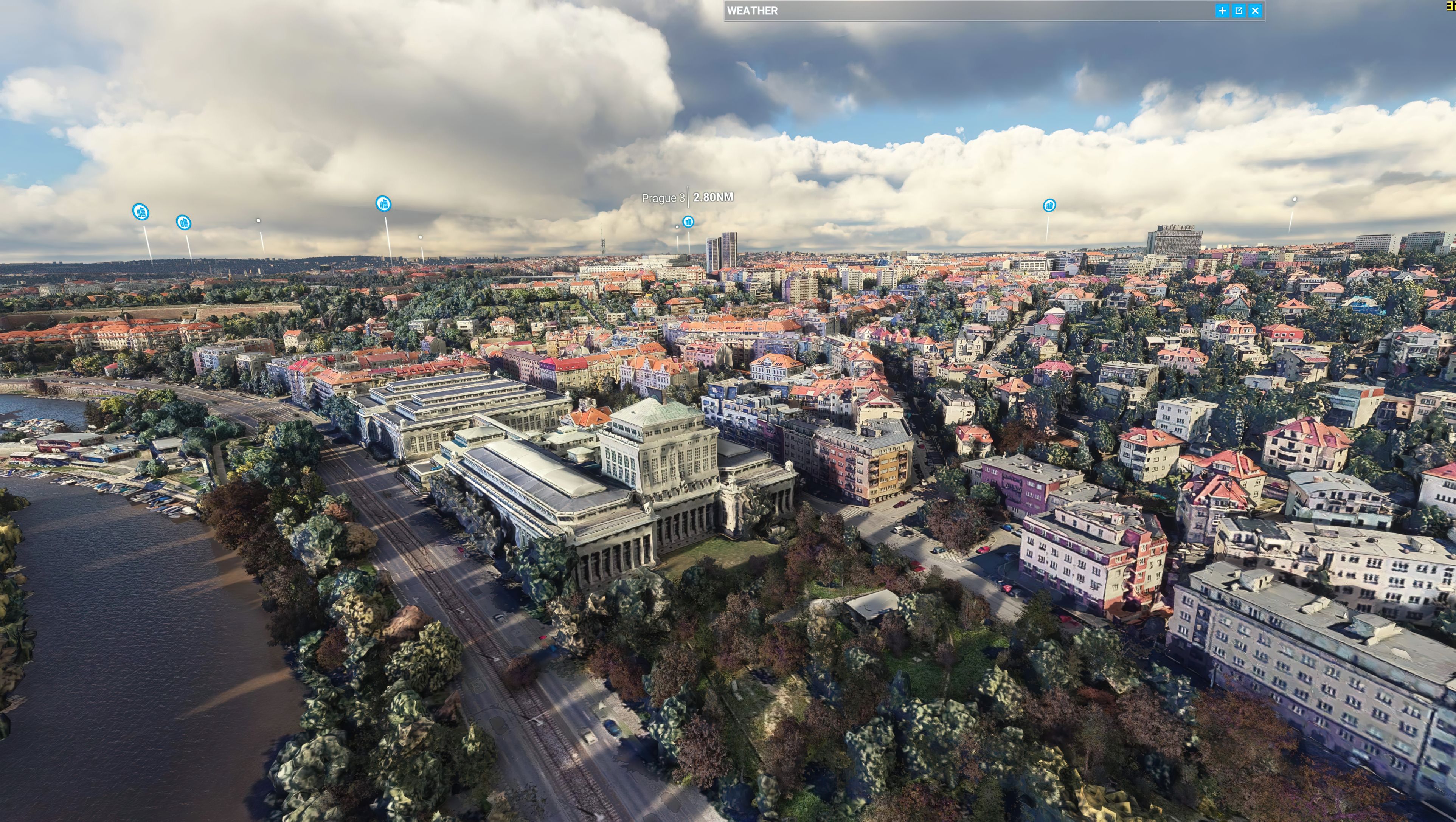
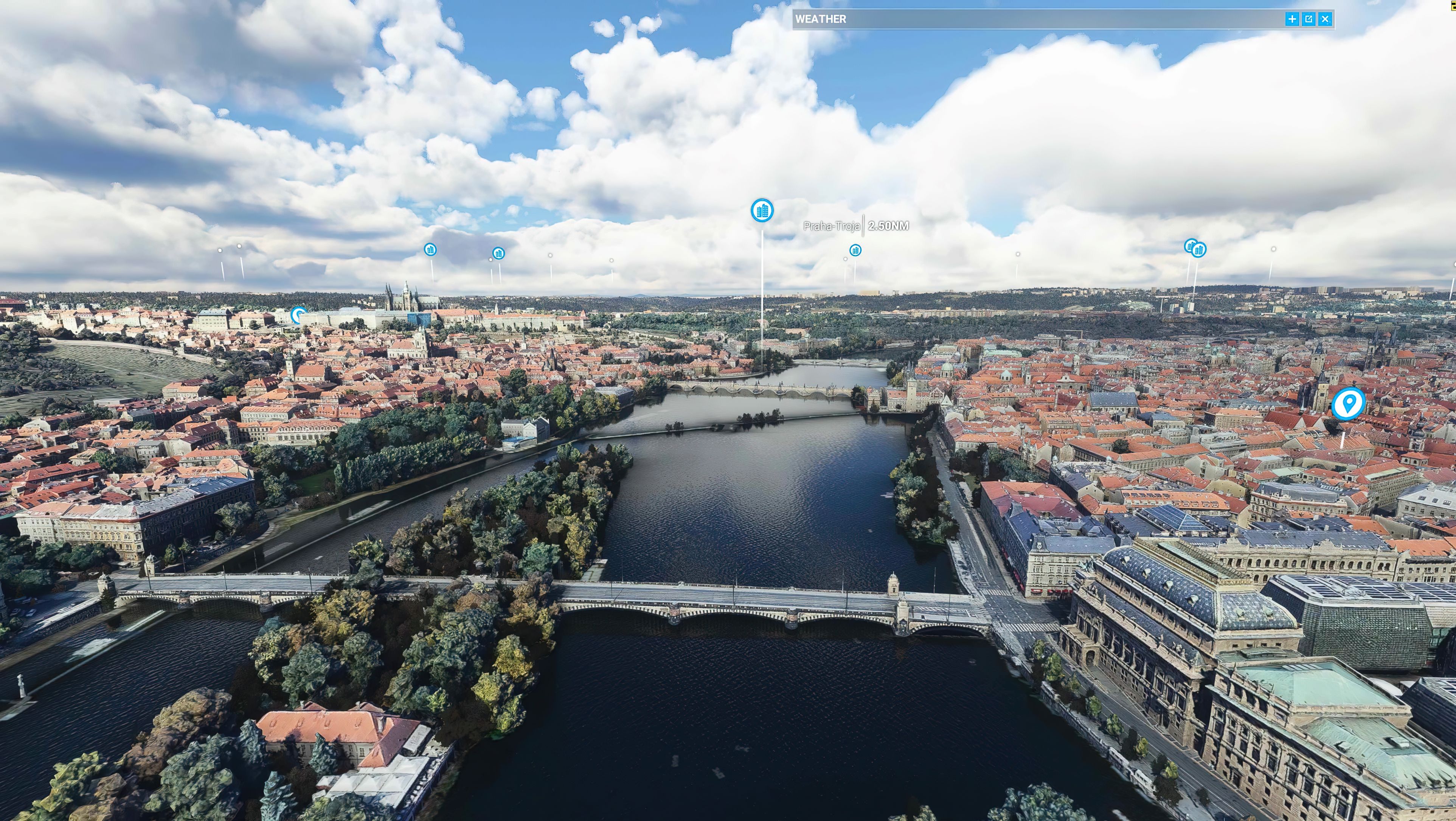

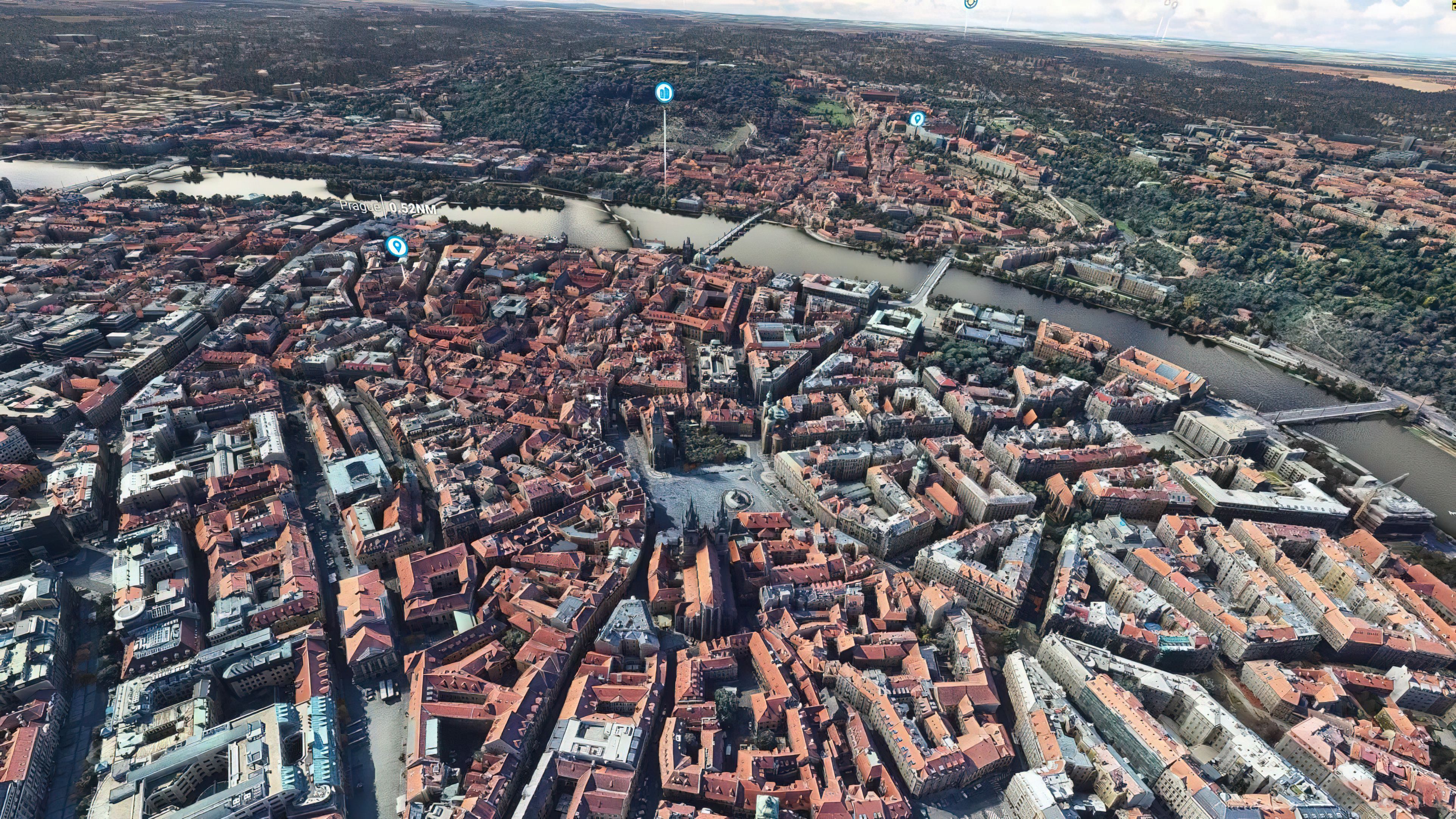
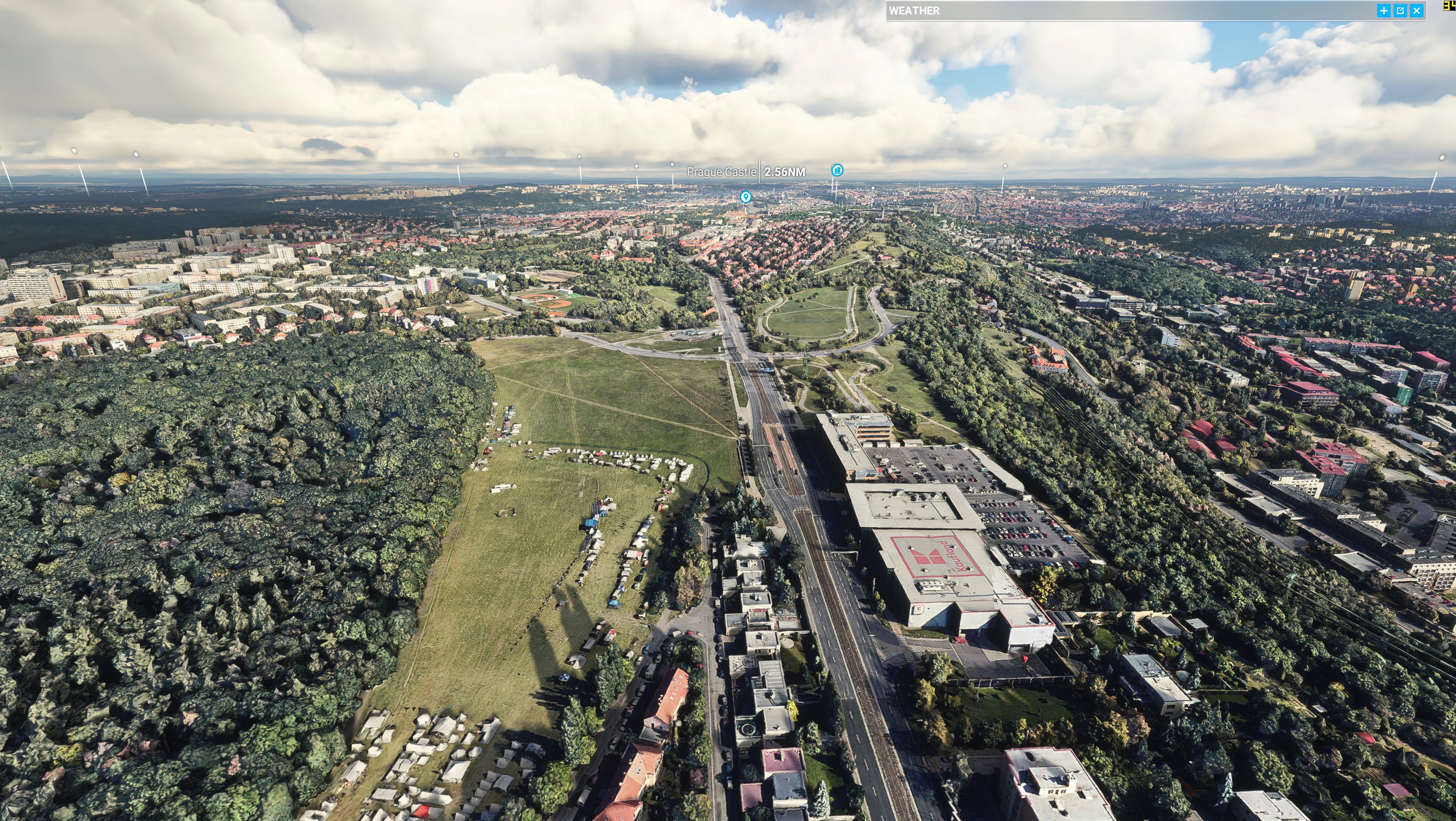
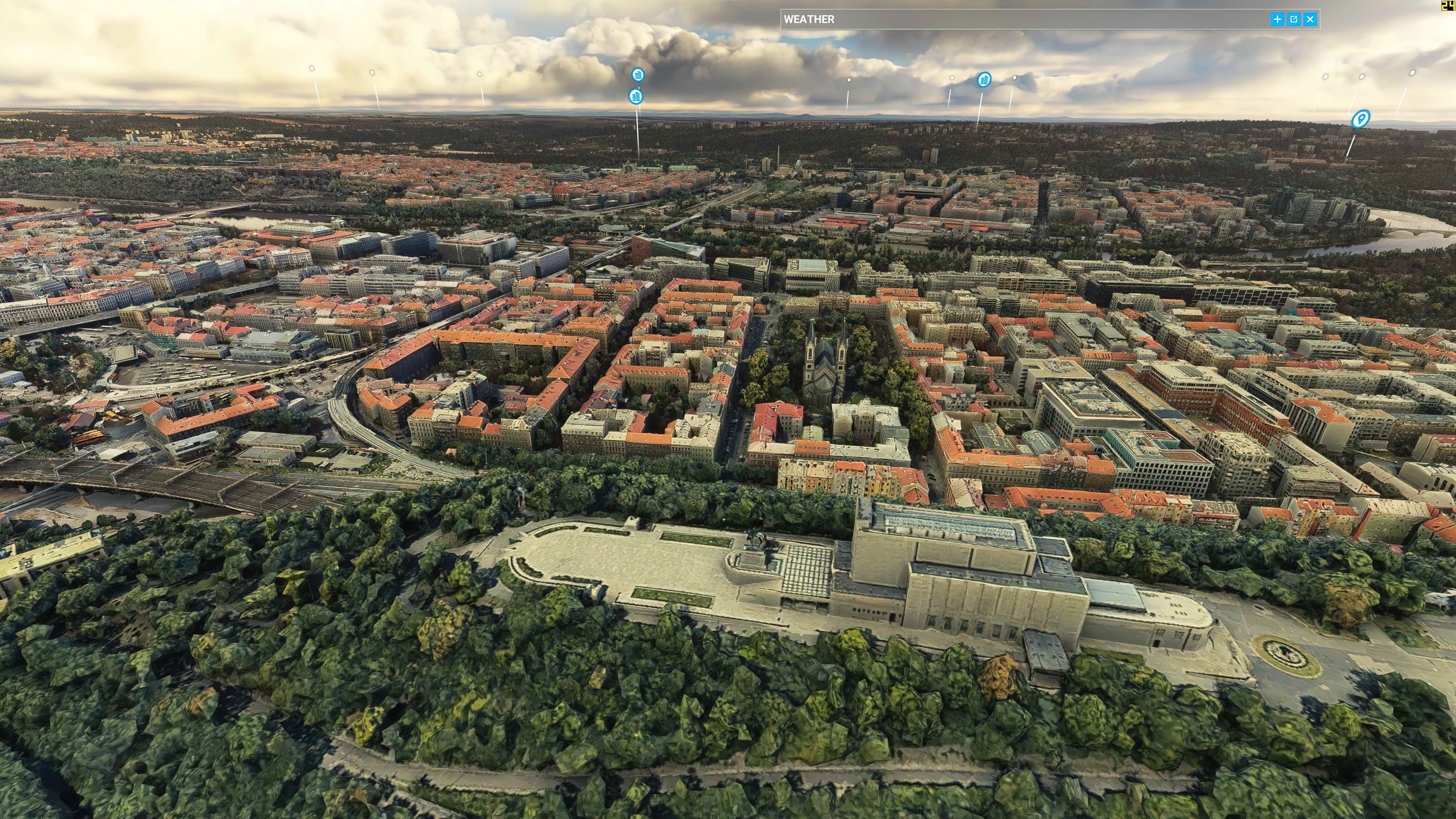
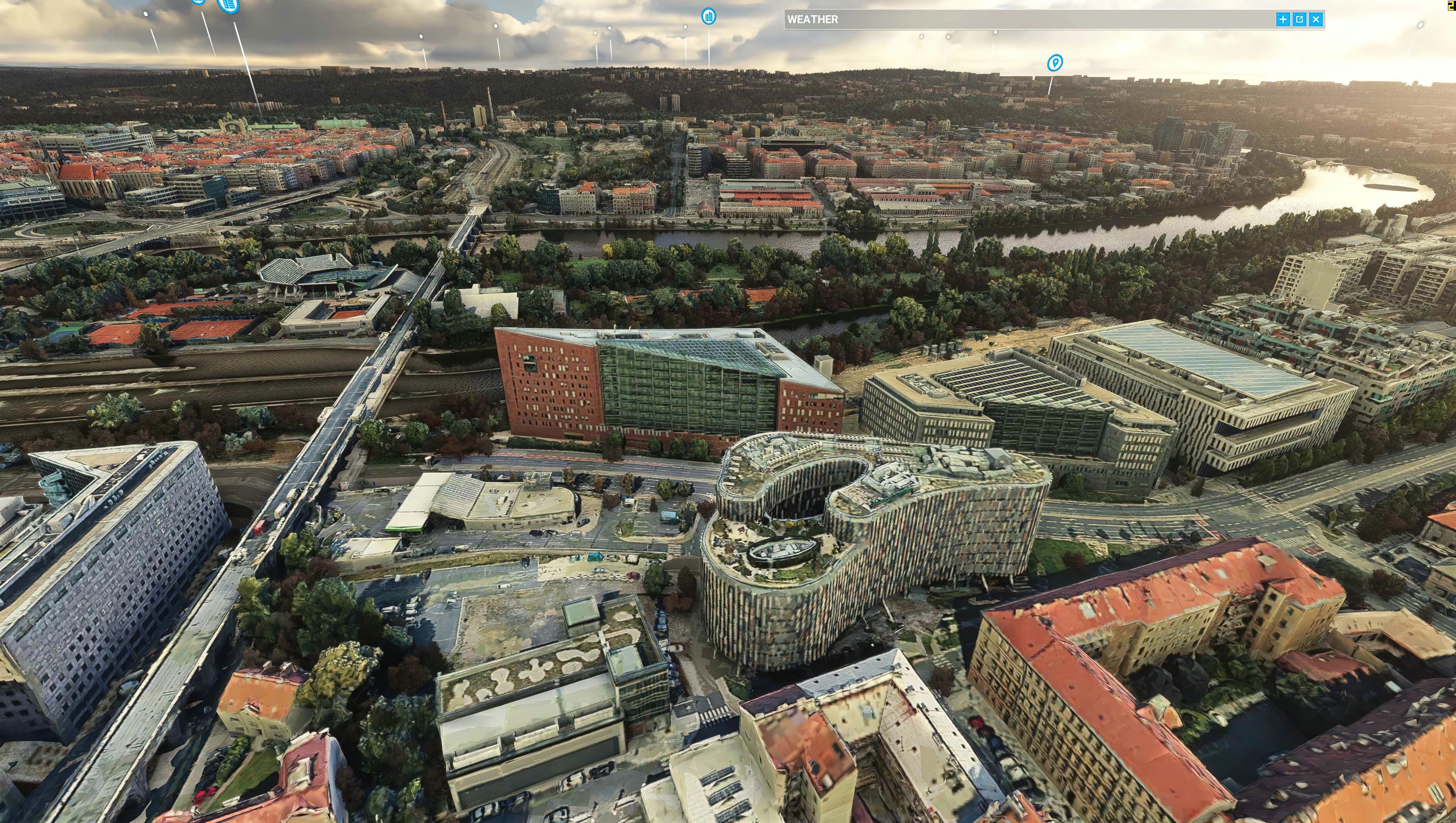
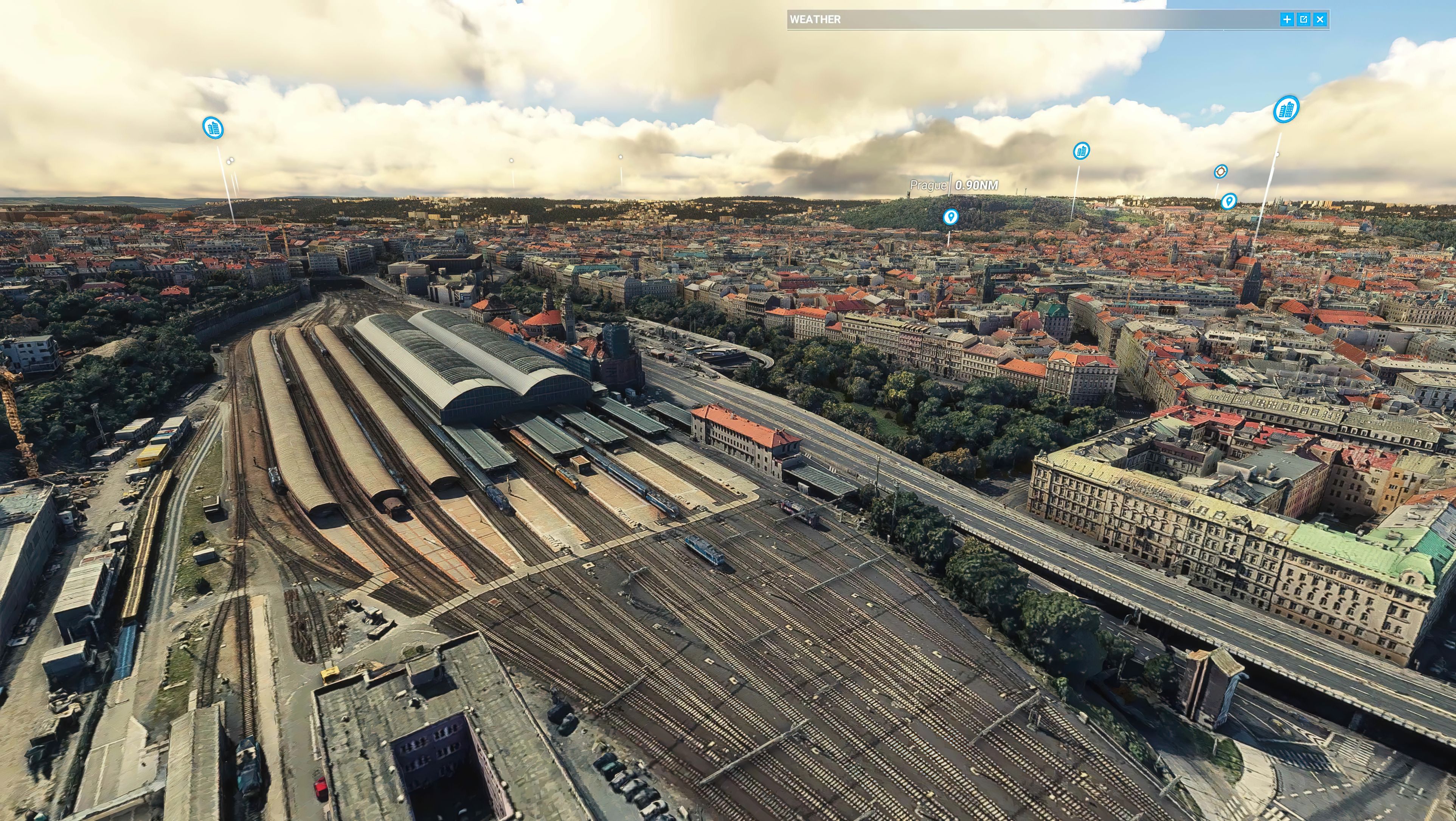
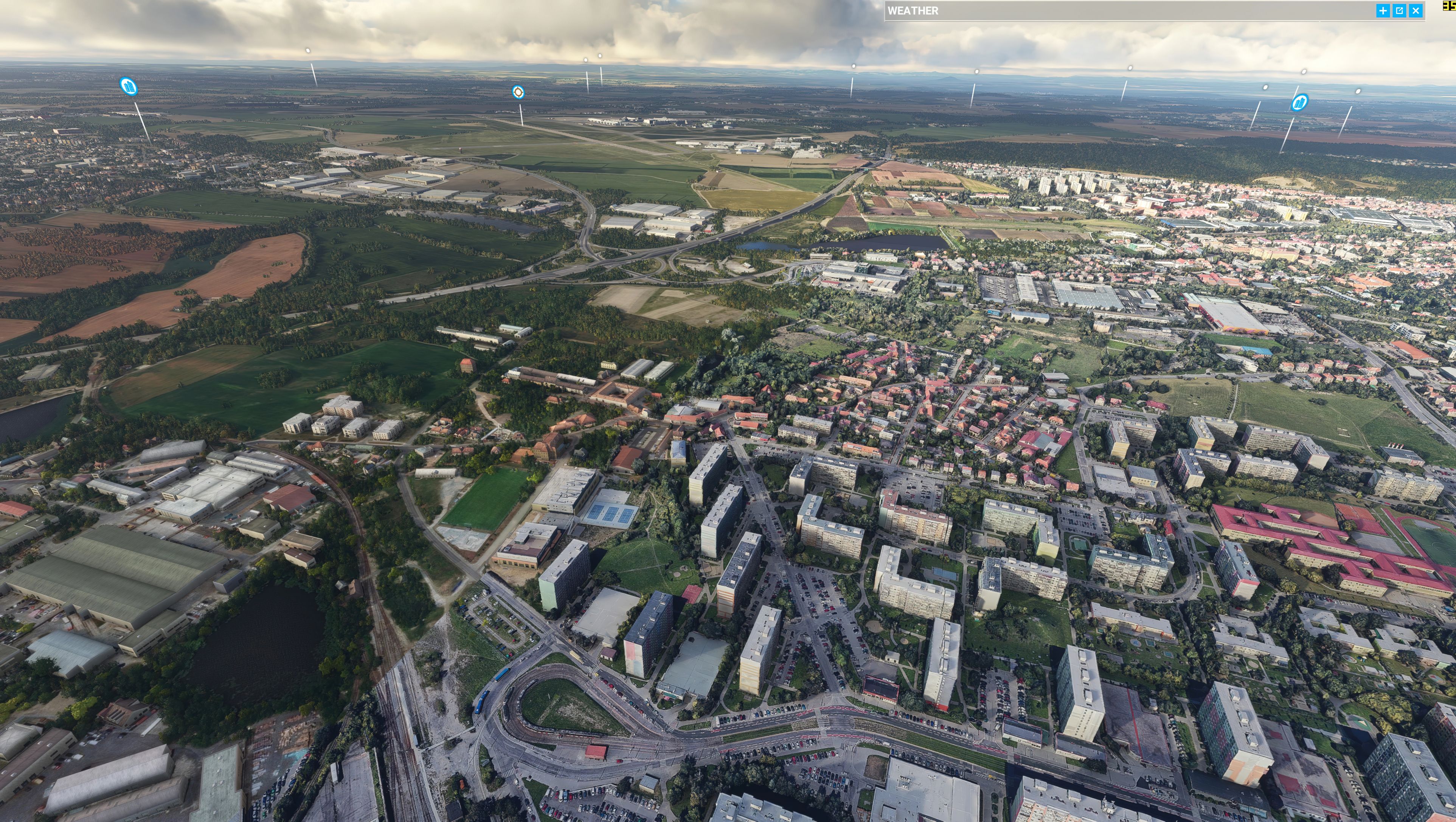
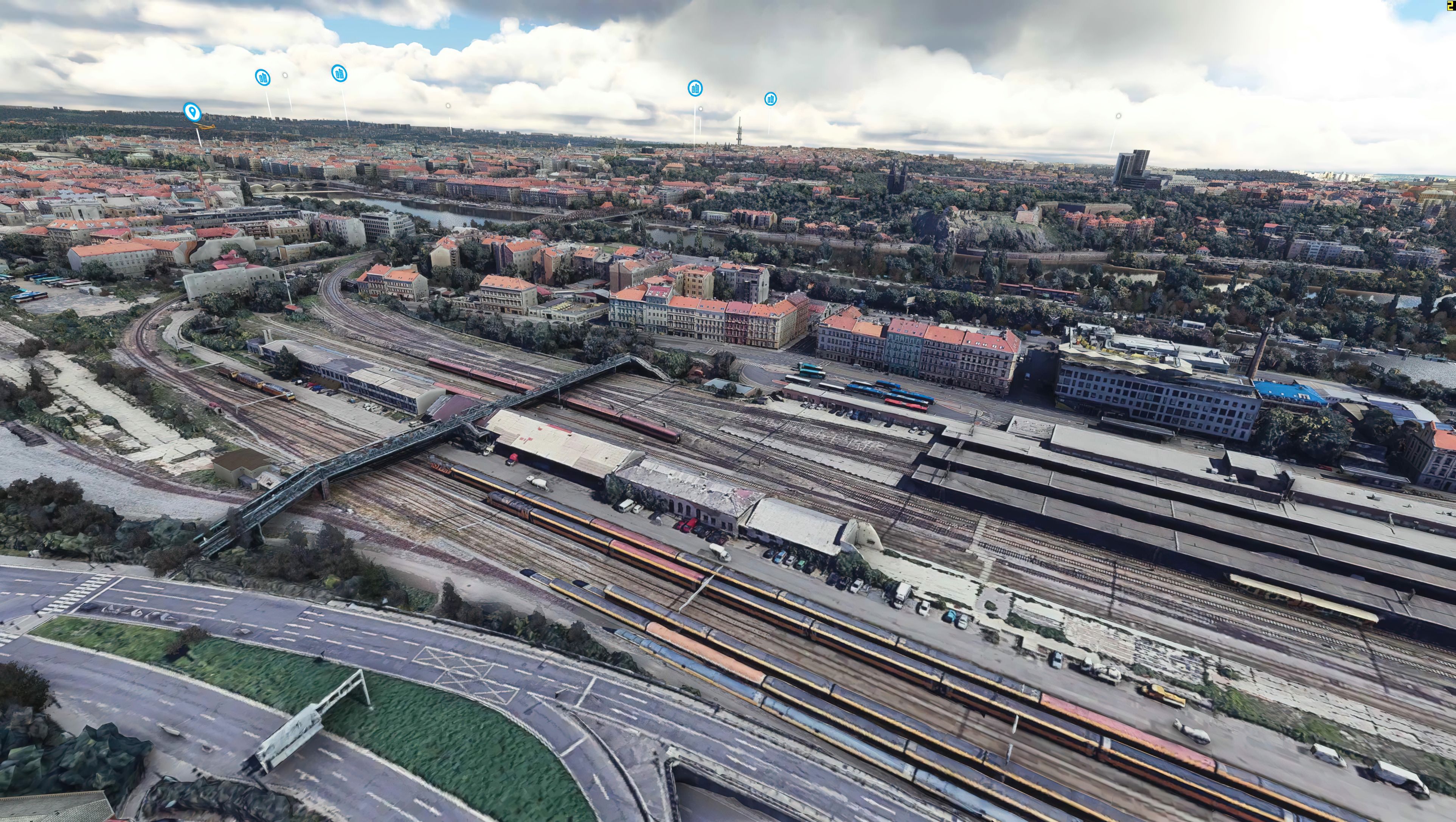
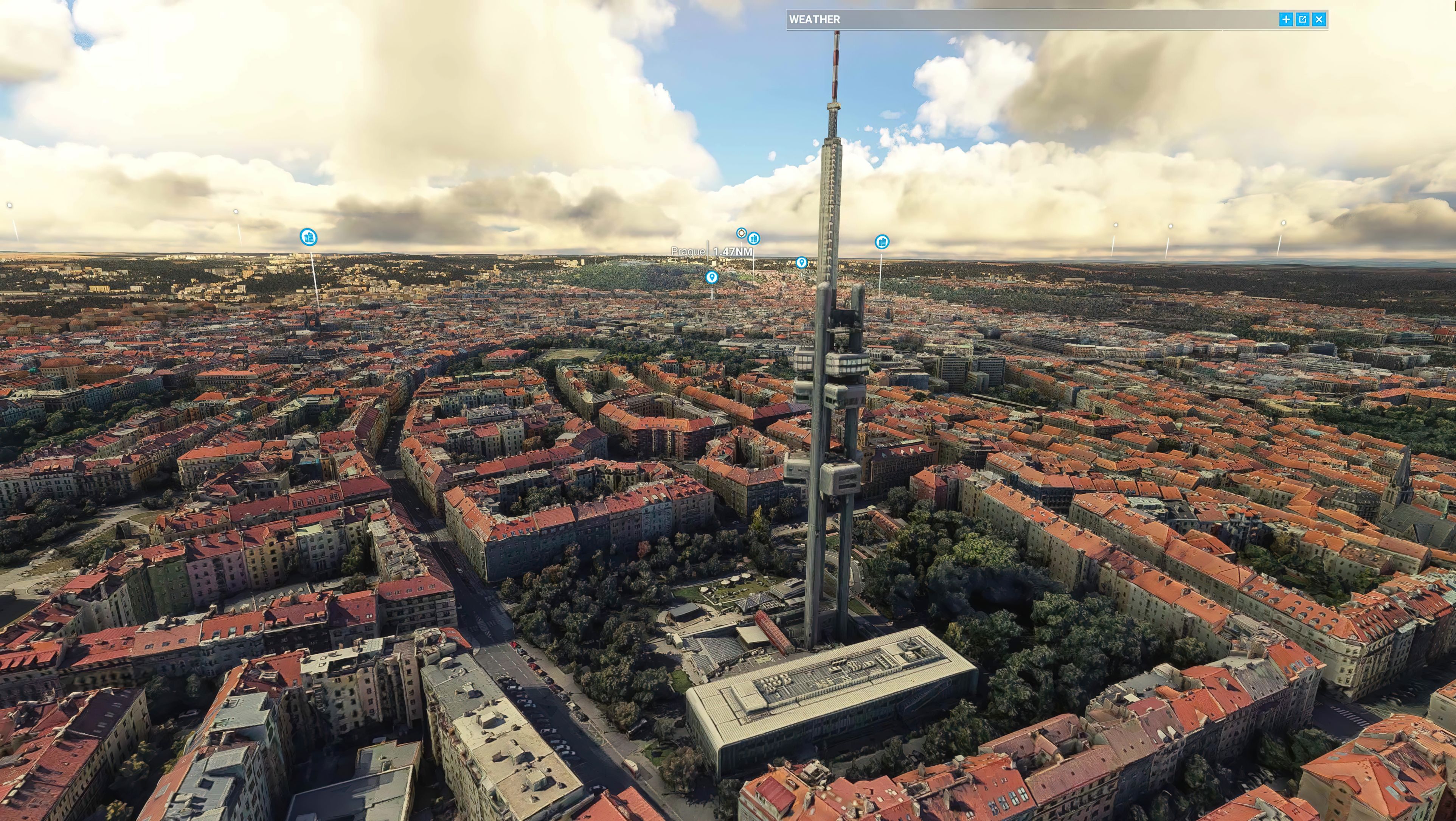
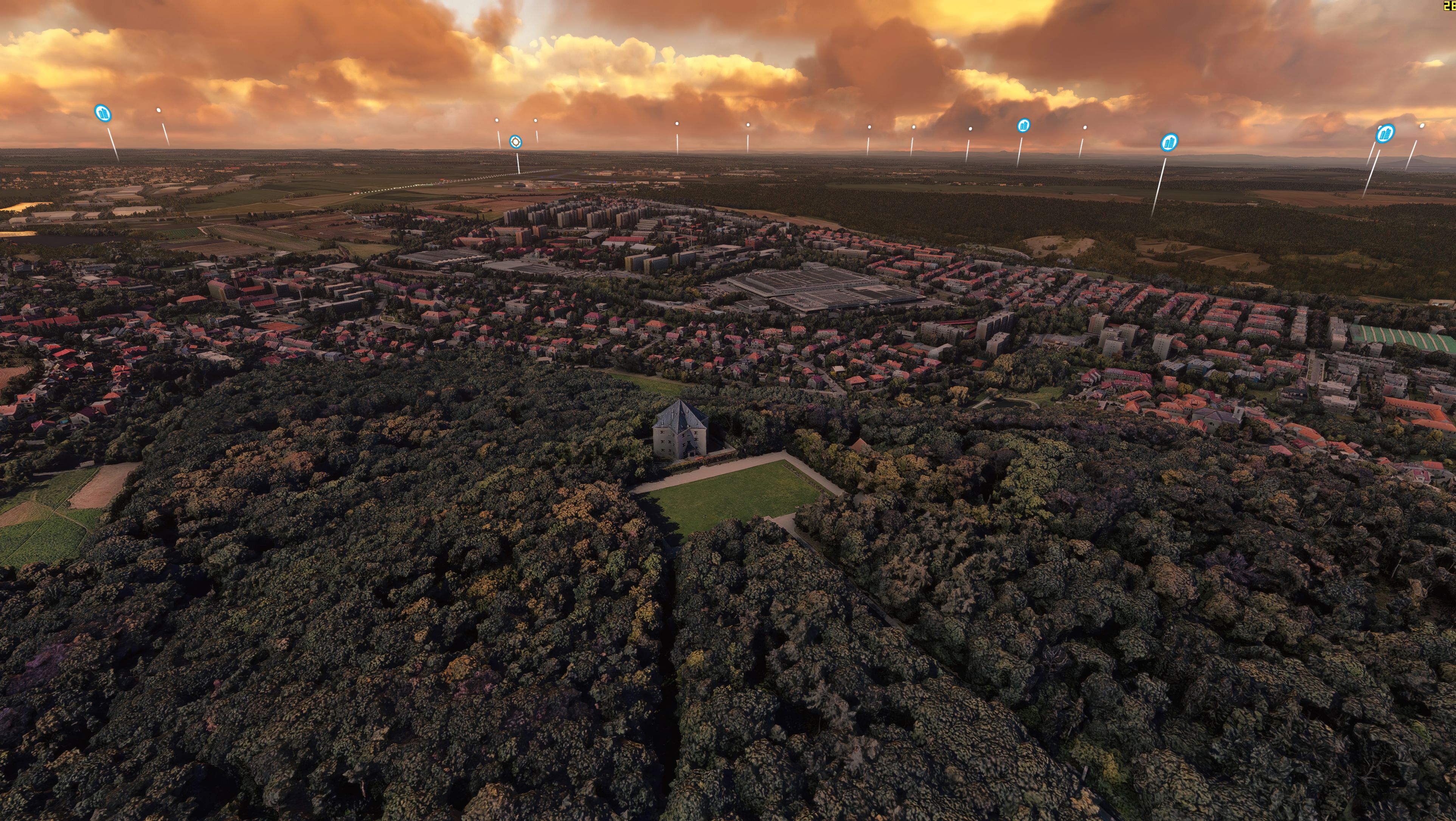
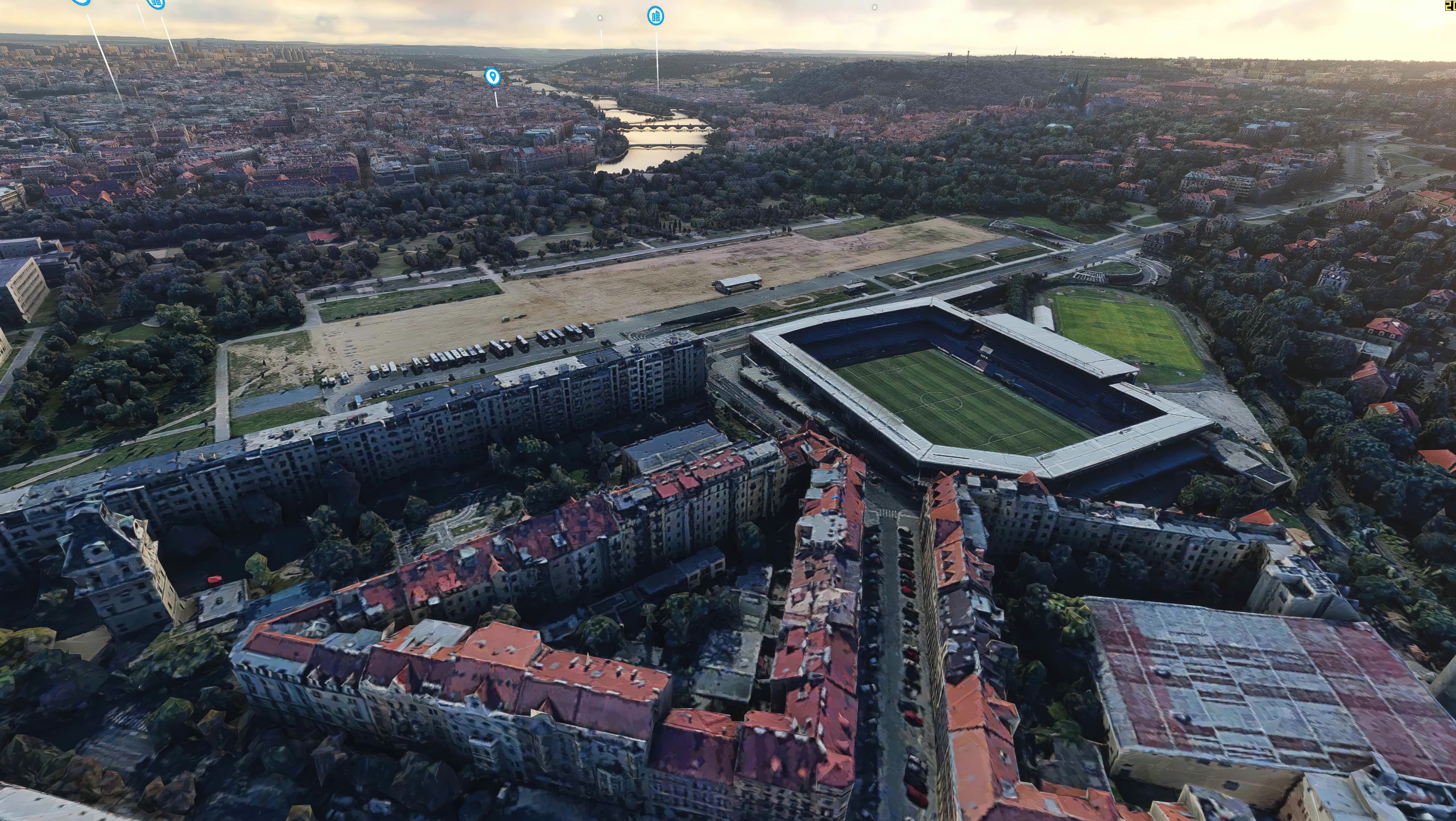
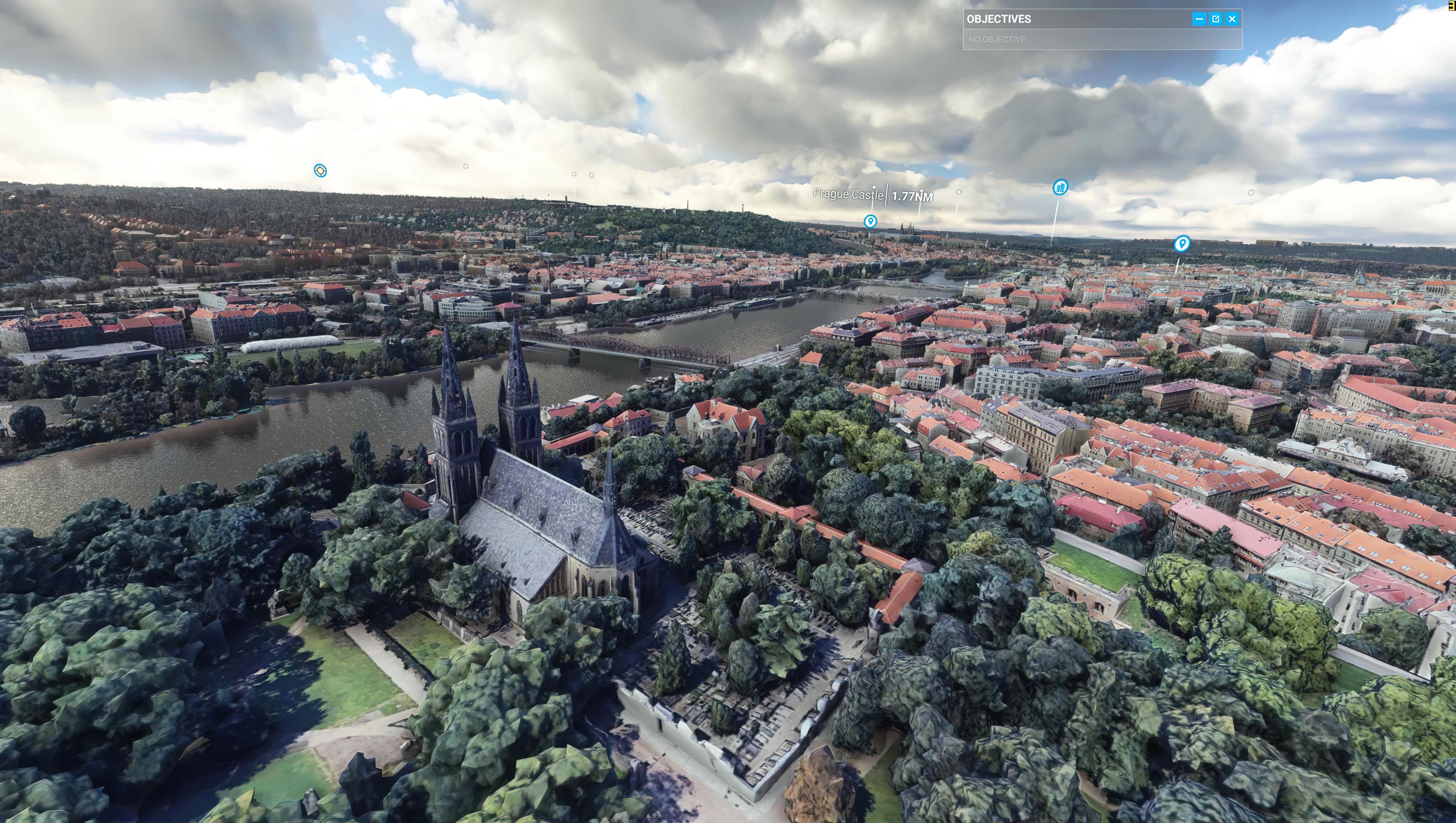
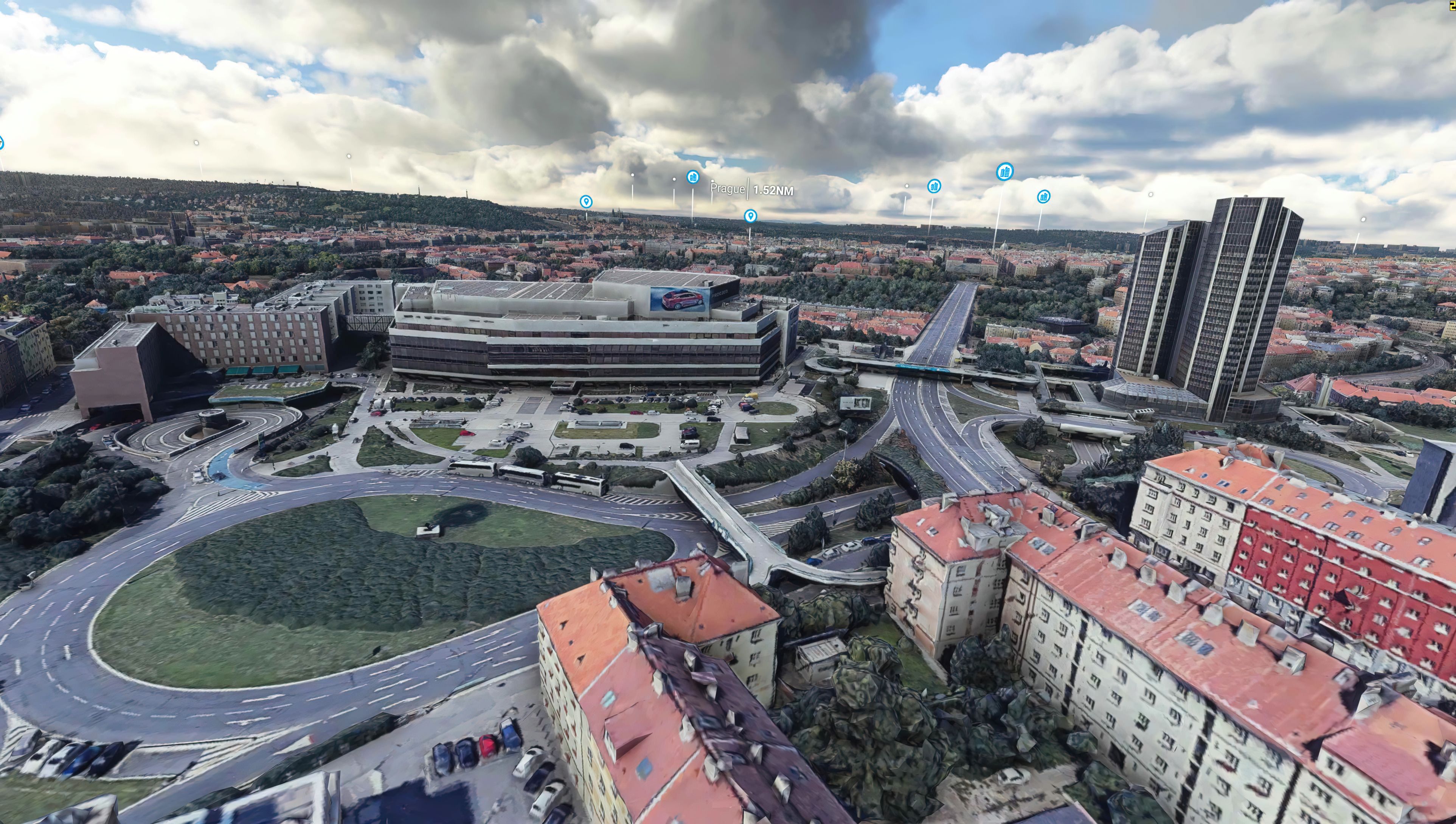
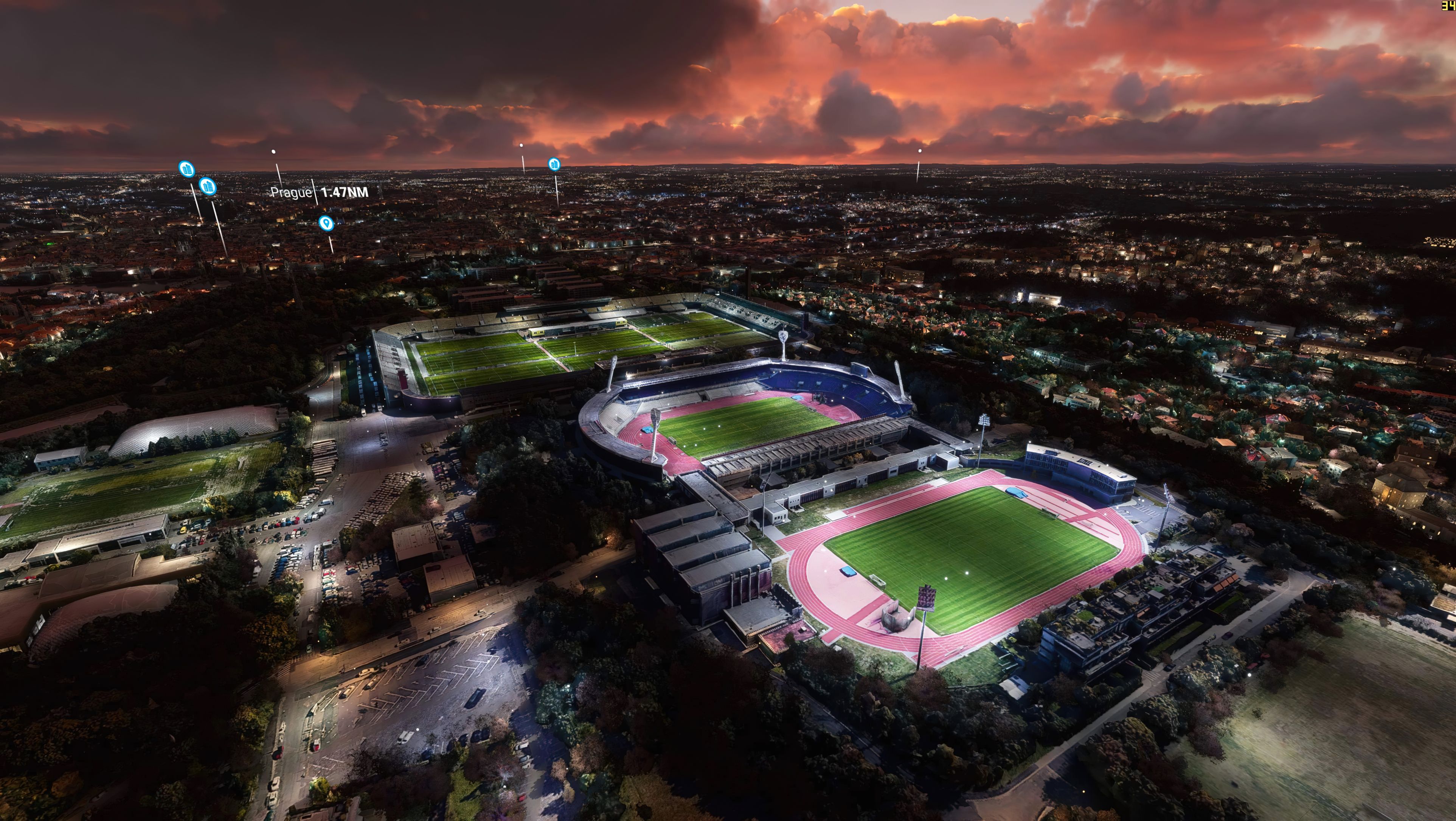
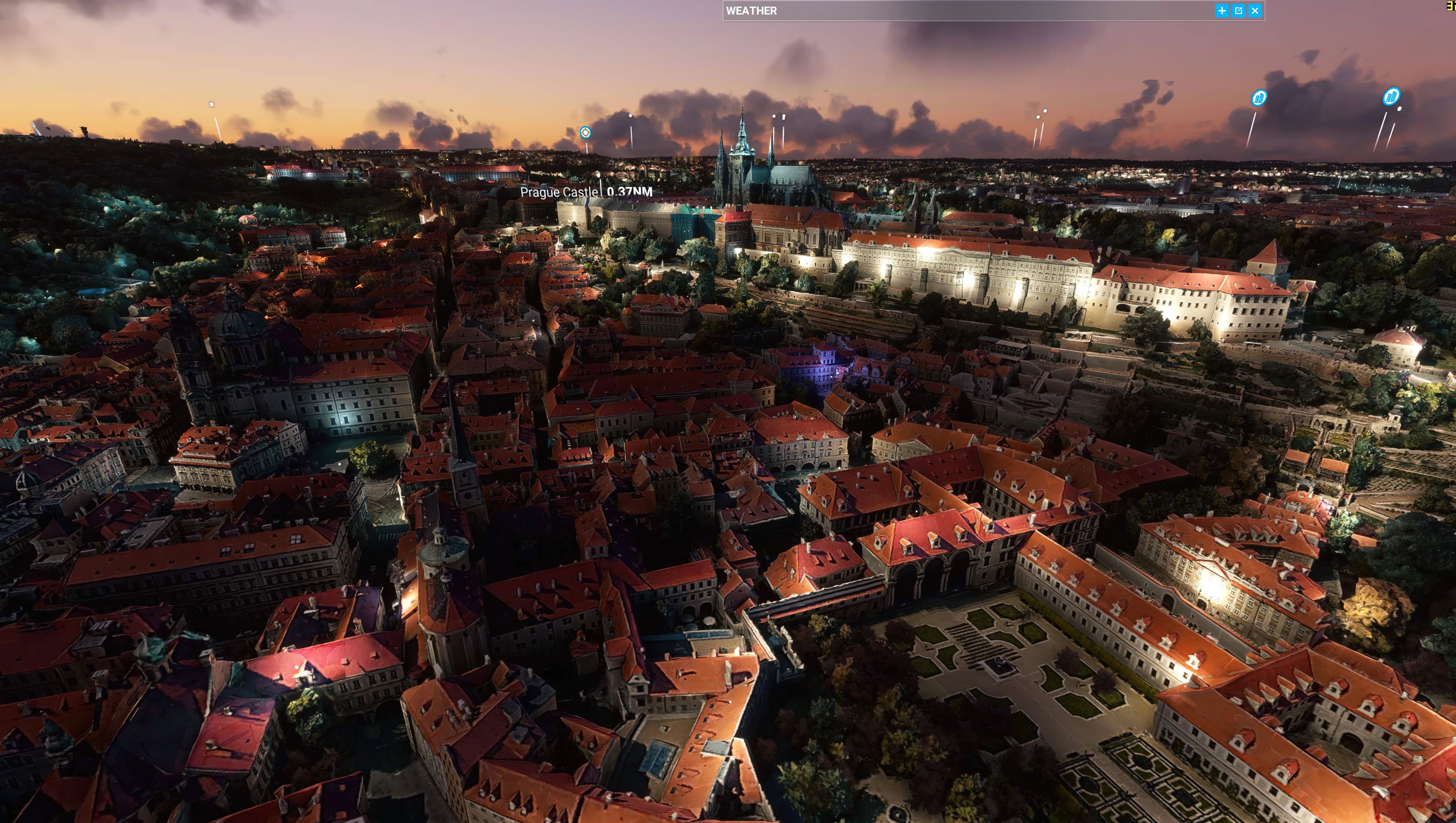
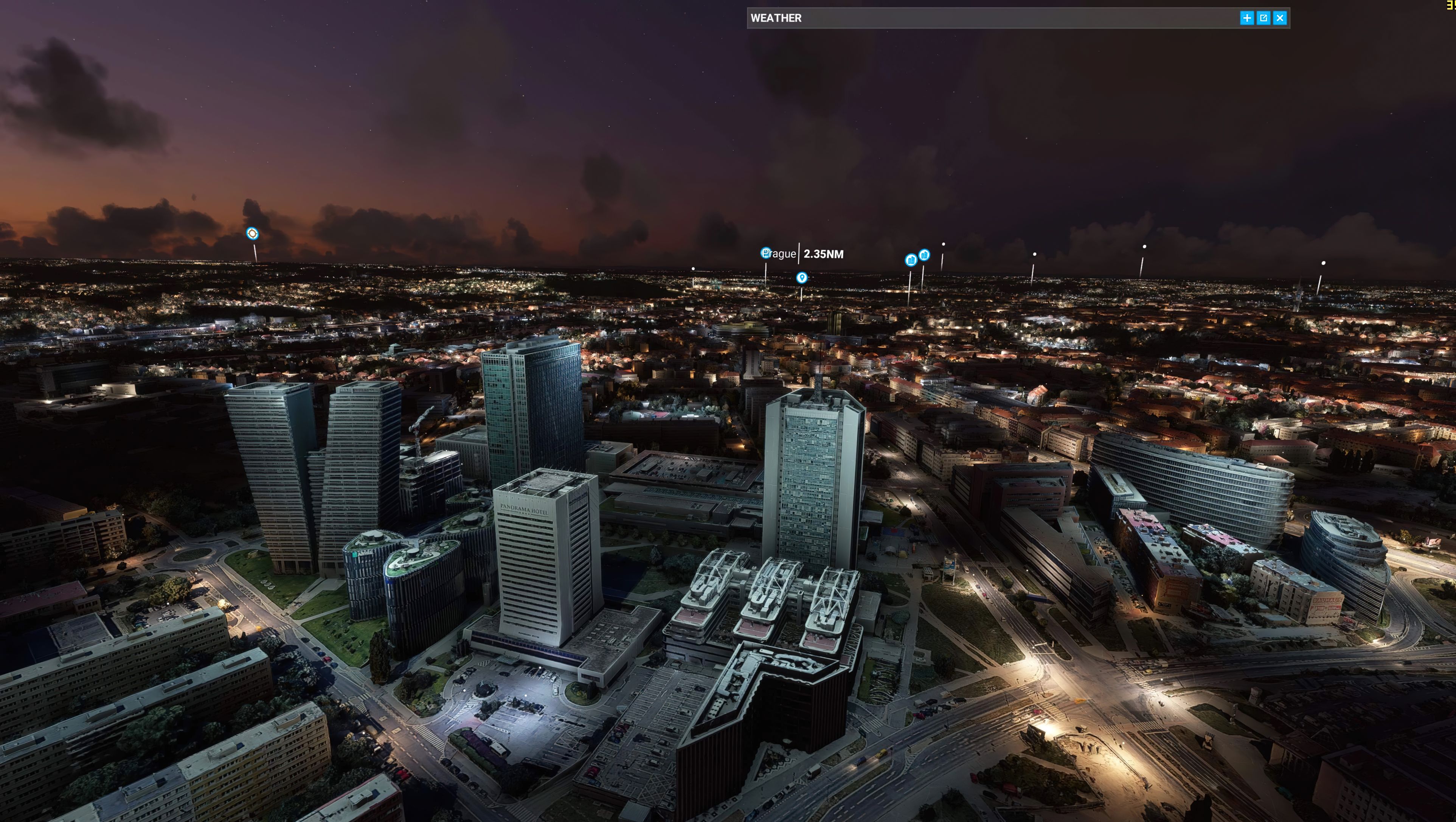
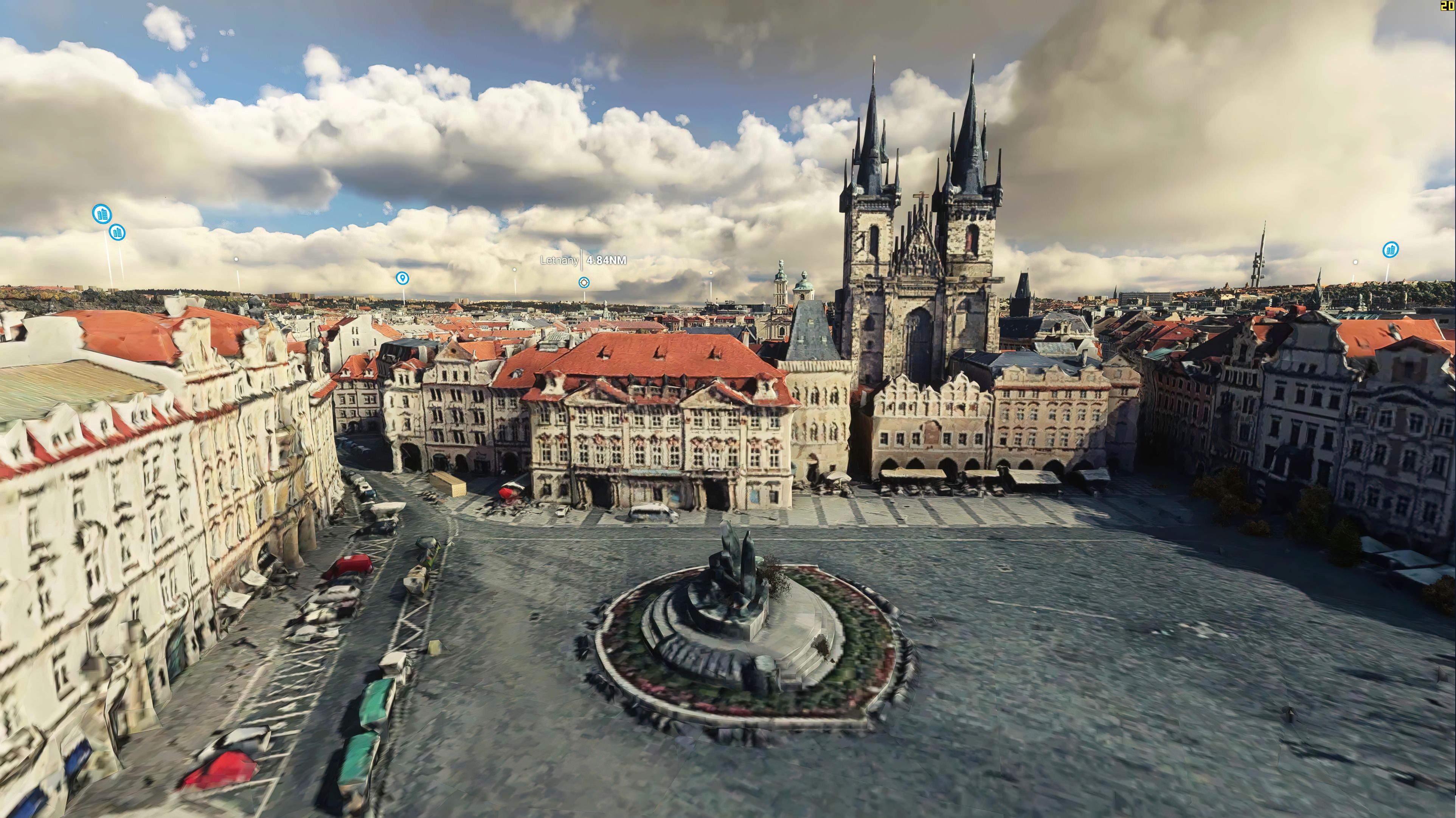

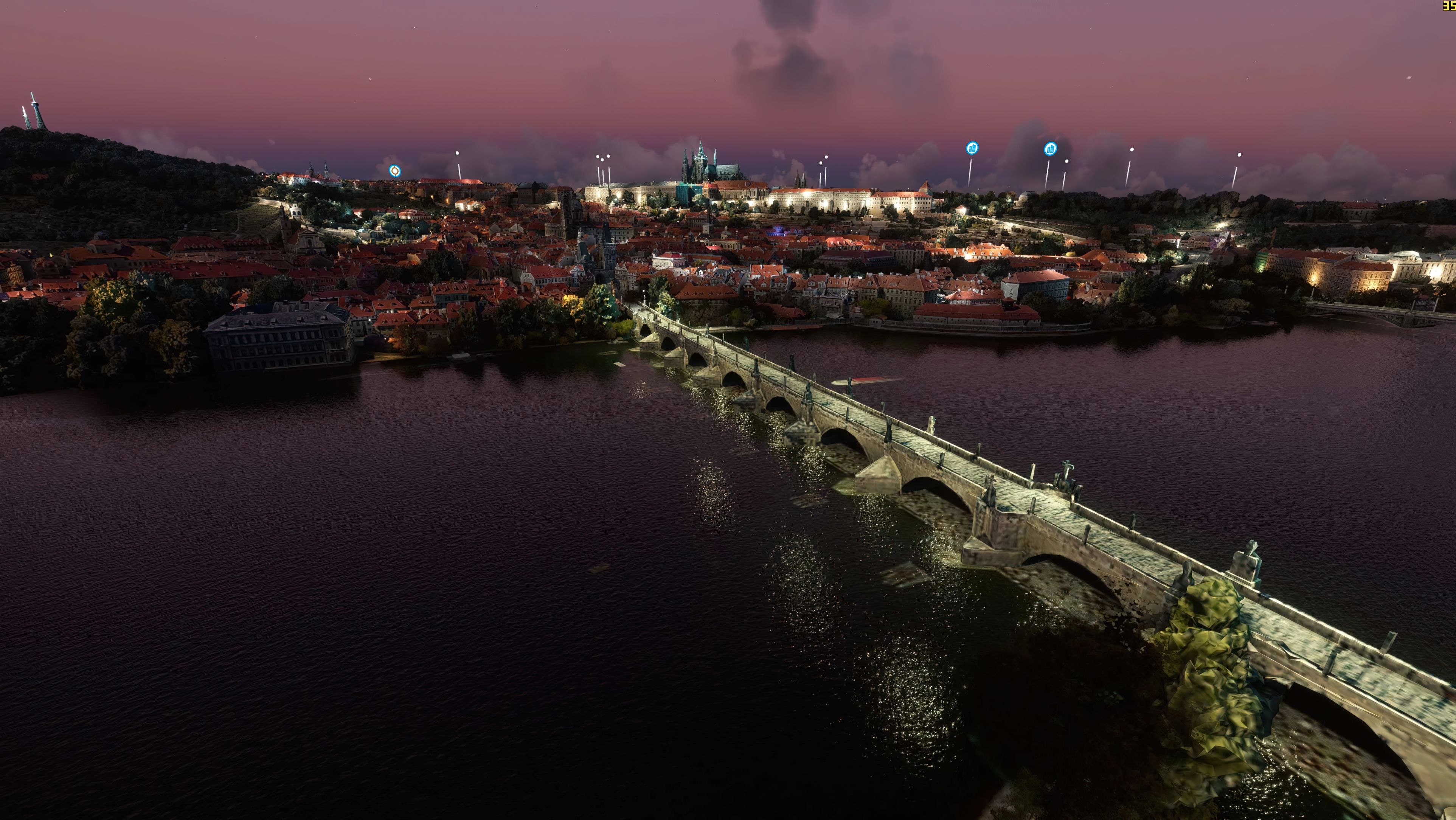
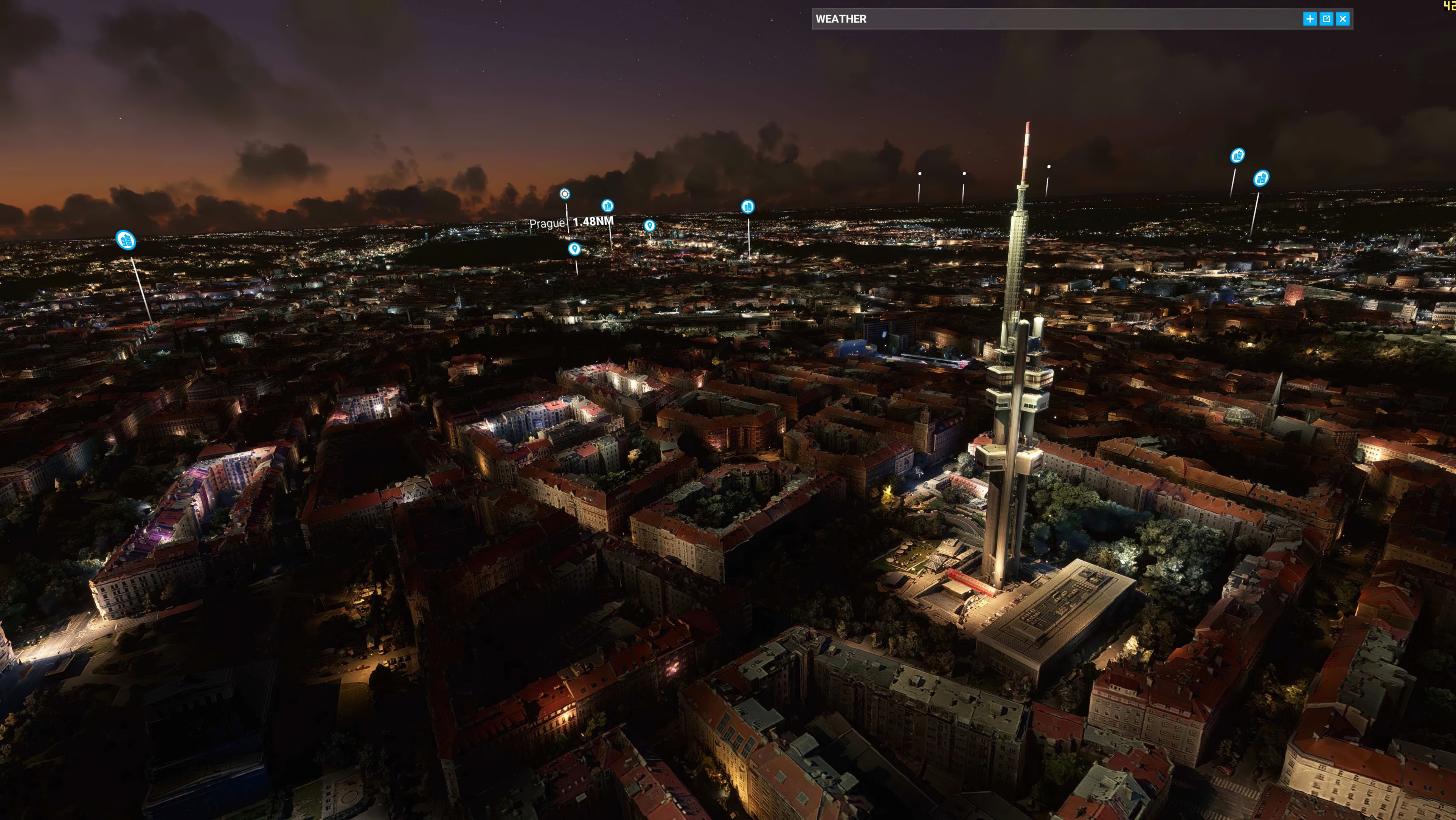
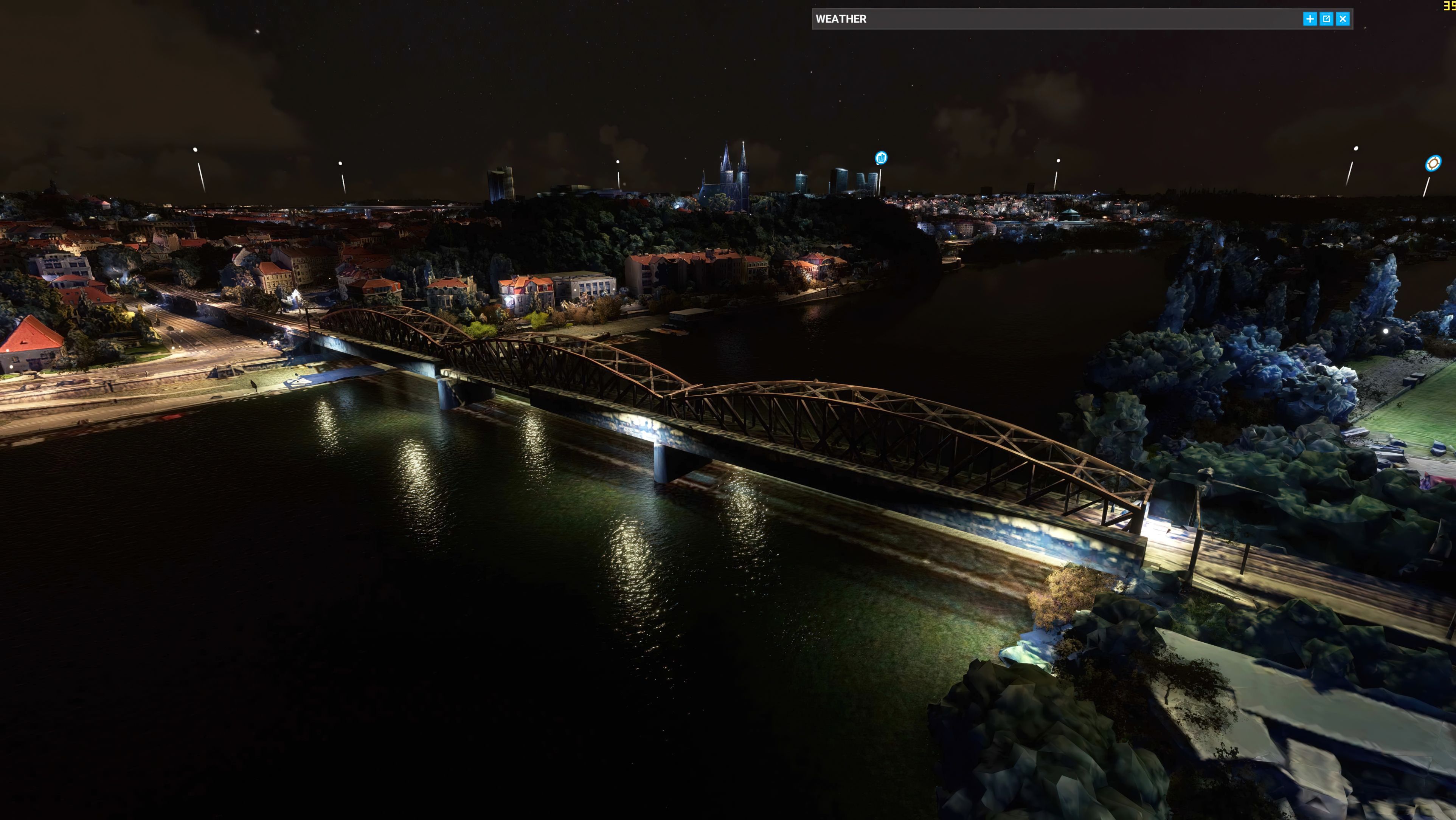

This custom scenery upgrade brings Prague to life with updated photogrammetric data, elevating the city’s appearance to a crisp level of detail in your flight simulator. Developed by steveli, the mod delivers refined color corrections and optimized textures for smoother performance, even on moderate systems. Version 4 extends coverage west to seamlessly connect the picturesque center with Prague Václav Havel Airport, adding extra realism to your aeronautical adventures.
Bundled into a single download, it contains every component needed to transform Prague into a richly detailed destination, capturing the city’s iconic architecture and unique European flair. After personally testing this enhancement, I can say it offers a stunning vantage point for virtual pilots and flight enthusiasts looking to explore Prague’s historic skyline or launch flights across Europe with smooth, visually impressive landscapes below.
A complete replacement using newer (and more detailed) photogrammetric data covering the entire city of Prague, Czech Republic for the Microsoft Flight Simulator (MSFS) 2020 release.
 This replacement scenery mod brings Prague in the Czech Republic up to LOD20 (level of detail). LOD is a term used for, essentially the zoom amount (and detail) of satellite imagery. The higher the LOD, the higher the texture detail and resolution for the tile requested.
This pack, developed by steveli covers the entire city of Prague both with photorealistic ground textures along with 3D modeling of buildings in the city along with those textures applied to the buildings and objects.
This mod is exclusively for Microsoft Flight Simulator and is completely free to download and use.
The developer has also post-produced the sourced texture files to improve color, add color corrections, and even optimized the textures to better loading speeds on even mid-range machines. You don't need a behemoth of a PC in order to run this mod.
Prague is a fun place to fly into and from in Microsoft Flight Simulator and also a good place to start your European flights. Many commercial and cargo routes fly into the area, so why not simulate some of those? Perhaps a flight from Prague Václav Havel Airport (LKPR) to a German airport such as Düsseldorf Airport (EDDL) with a cargo load will be realistic and true-to-life.
This is the latest version (v4) and this version the developer has stated, brings;
Extended to the west of Prague to fill up the gap between Prague Ruzyne International Airport (LKPR) and center of Prague
The freeware release available from Fly Away Simulation includes all packs needed to experience the whole scenery area of Prague. Some other sites that list this file release it in parts. The one you download from here will include all parts (1-5) and is a complete, single download pack with no need to source or search for additional files or releases. It's a complete package with a single download. The developer originally released this scenery in 5 parts - they are all included.
This is a very large download and while it's easy to download (all in one pack), we recommend a download manager should your connection get interrupted.
If using simply GPS, the coordinates for the center of Prague are: 50.0755° N, 14.4378° E
If you're wanting to start/stop flights at airports in and around the scenery coverage area, the best places to take off from and land at are;
Once you have downloaded the archive and extracted the content, simply browse into the MSFS Scenery Files folder and copy the following folders into your MSFS community folder:
prague1_v4prague2_v4prague3_v4prague4_v4prague5_v4Once that's complete, you should be able to load the scenery and perhaps use one of the starting airports listed above.
This freeware scenery package for MSFS has been developed by steveli and they have permitted publication.
The developer does publish a public donation page for their freeware work and if you like this pack, you can donate to the developer using this PayPal link.
Free for all simmers · 11.34 GB · Scanned clean Oct 2026
Download speed: Free tier is capped at 2 Mbps (this file takes approximately 13h 32m at the cap). PRO members download at full line speed.
%LOCALAPPDATA%\Packages\Microsoft.FlightSimulator_8wekyb3d8bbwe\LocalCache\Packages\Community\. Steam version: %APPDATA%\Microsoft Flight Simulator\Packages\Community\. Tip: enable Developer Mode in MSFS to see your exact Community folder path.readme.txt or README file. It tells you exactly where files go, what dependencies are needed, and any quirks specific to this add-on.Only PRO members can place votes.
More MSFS add-ons hand-picked based on this download.
MSFS Scenery
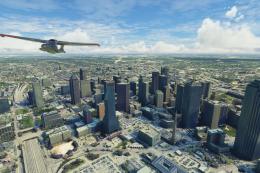
A large freeware scenery add-on pack put together by the developer who goes b…
 MSFS Scenery
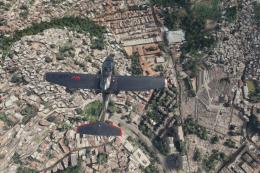
A brand new, version 2 (enhanced) scenery pack covering the entire area of th…
 MSFS Scenery
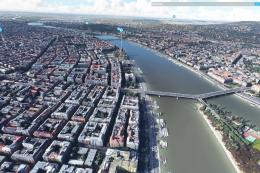
Discover the MSFS Rio de Janeiro City Scenery add-on, a photogrammetry master…
 MSFS Scenery
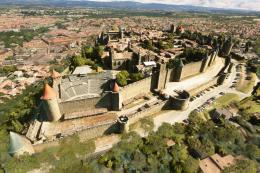
A complete rework and replacement freeware scenery mod for the city of Budape…
 MSFS Scenery
Step into a world of historical authenticity and stunning detail with the Car…
 MSFS Scenery
A complete pack for Microsoft Flight Simulator (MSFS) 2020 release bringing A…
 MSFS Scenery
Explore Cardiff like never before with the MSFS Cardiff City Scenery add-on f…
 MSFS Scenery
Immerse yourself in the vibrant and dynamic environment of Mexico City Intern…
Be the first to leave a comment on this download.
Be the first to share your thoughts on this download.