


 Puerto Rico

 MSFS Scenery
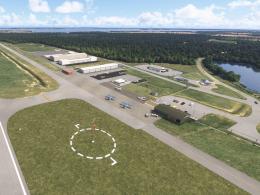
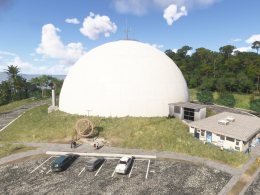
Rincon, Puerto Rico Domes Nuclear Plant
Benny's Flight Sim Stuff recreates the Domes nuclear plant at Rincon, Puerto …
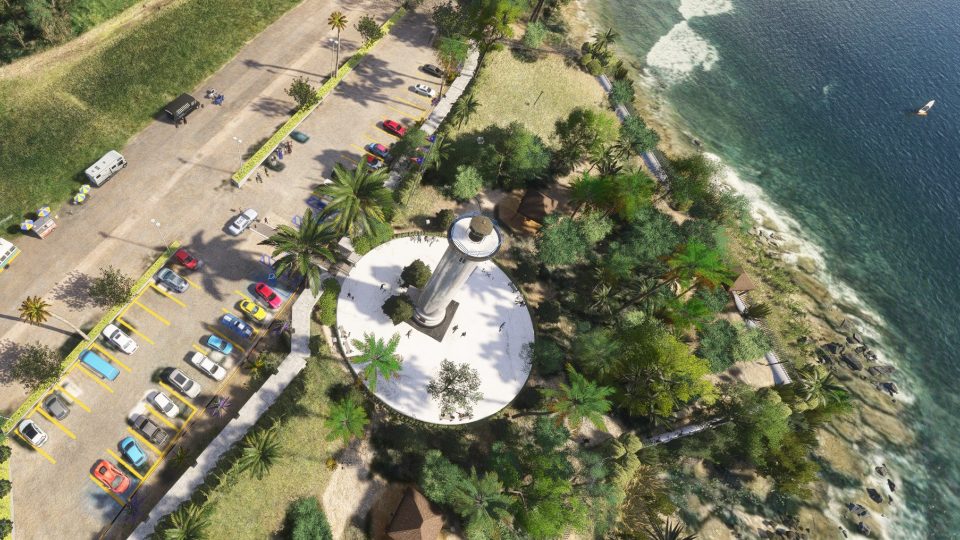
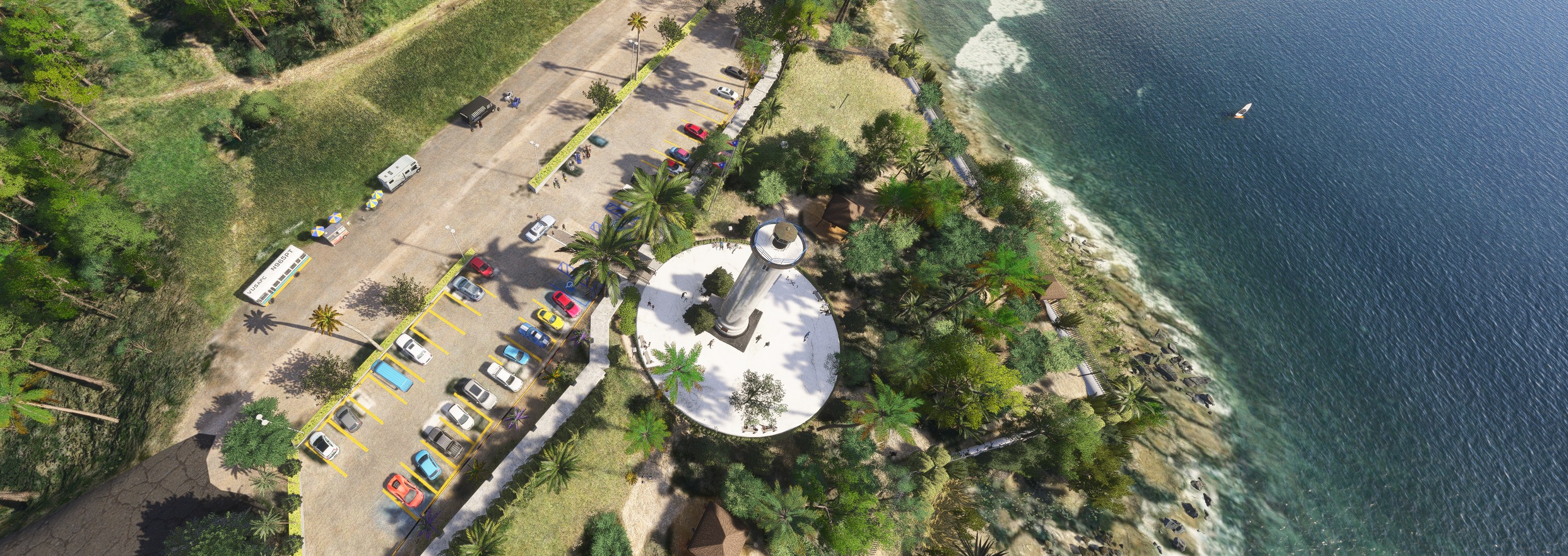
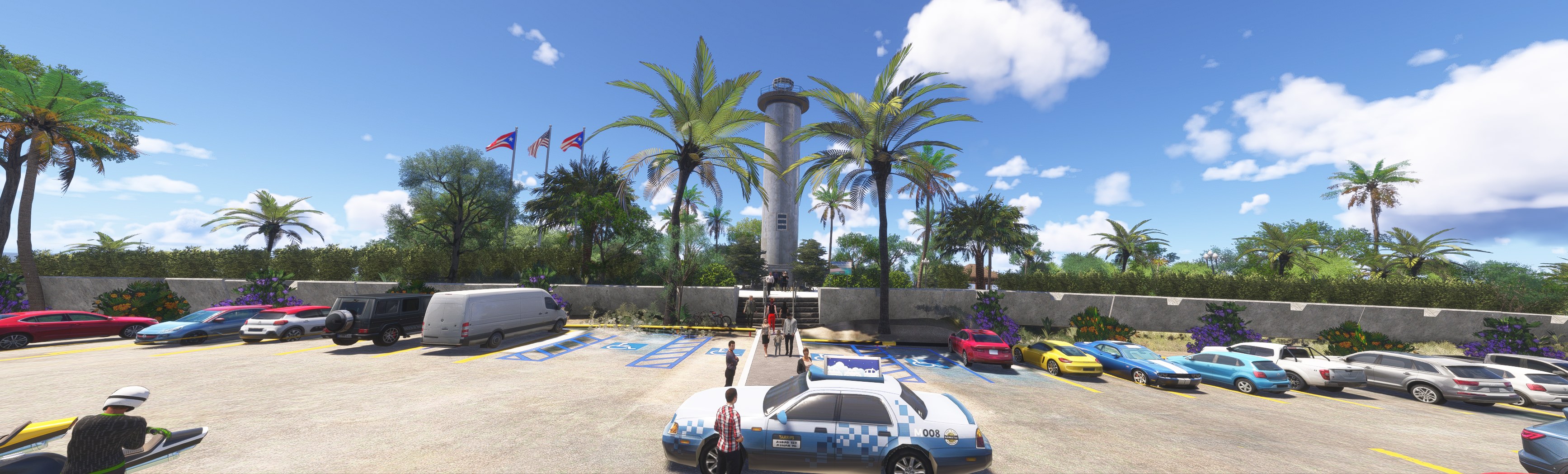
Rincón lighthouse scenery adds a recognizable coastal landmark to Puerto Rico’s western shoreline in Microsoft Flight Simulator 2024. Designed specifically for this simulator, the scenery gives pilots a useful visual reference for VFR navigation along the coast and a focal point for flights around the island’s western tip.
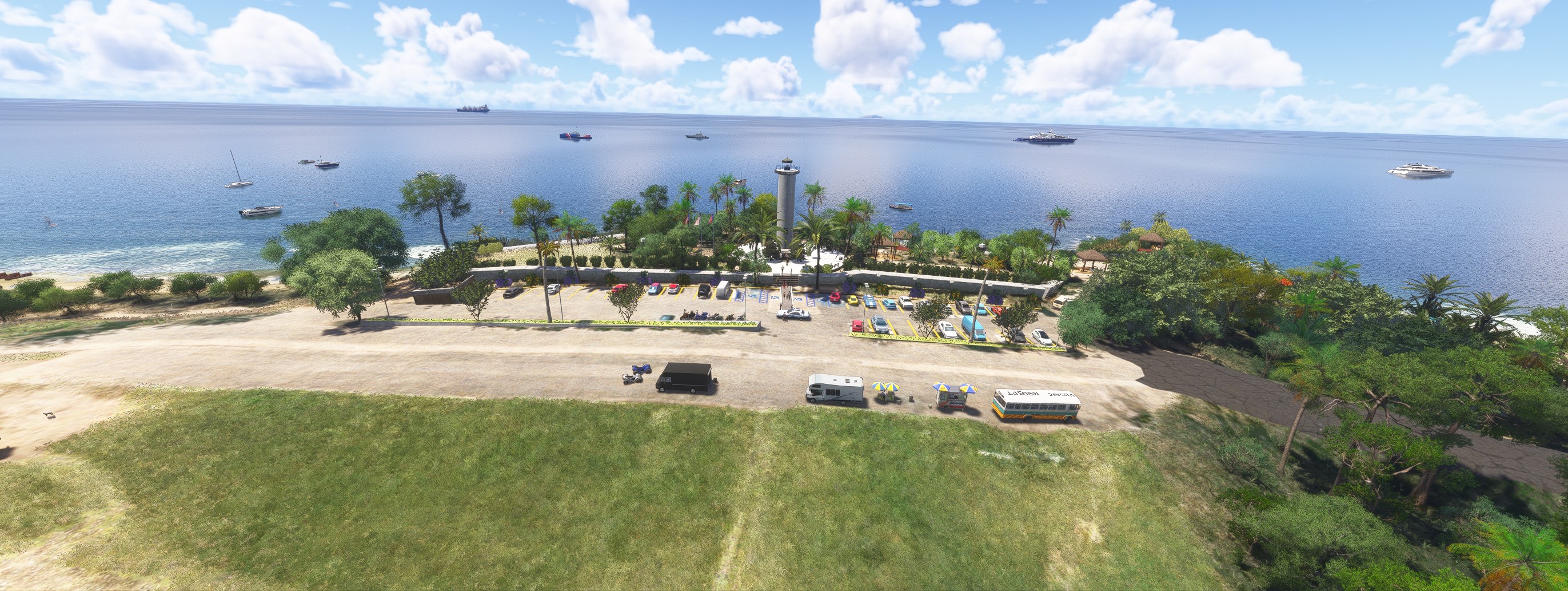

I'd want the beacon's simulated behavior spelled out; the quoted flash interval and range don't establish what the light actually does in the sim. The daylight treatment carries it for me anyway. There's a reason to make a sightseeing pass without relying on the beacon.
Banking around the tower, I liked the broad white plaza beneath it and the palms around its edge. That setting gives the lighthouse a sense of place rather than leaving an isolated tower on the shore.
Benny's Flight Sim Stuff adds the Rincon lighthouse in Puerto Rico to Microsoft Flight Simulator 2024. The scenery focuses on a coastal landmark on the island's west coast, a useful visual reference for VFR flights along the shoreline. It's for MSFS 2024 only.
The developer describes the active lighthouse as one of Latin America's tallest at 203 ft, with a flash every 40 seconds and a visibility range of 29 nautical miles. Those are the author's figures for the lighthouse; the description doesn't confirm that the scenery simulates that flash interval or light range.
Free for all simmers · 56.3 KB · Scanned clean Nov 2026
Download speed: Free tier is capped at 2 Mbps. PRO members download at full line speed.
Initial release.
%LOCALAPPDATA%\Packages\Microsoft.FlightSimulator_8wekyb3d8bbwe\LocalCache\Packages\Community\. Steam version: %APPDATA%\Microsoft Flight Simulator\Packages\Community\. Tip: enable Developer Mode in MSFS to see your exact Community folder path.readme.txt or README file. It tells you exactly where files go, what dependencies are needed, and any quirks specific to this add-on.Use these coordinates to fly directly to this location once the mod is installed.
18.36200000,-67.27100000
Paste these coordinates into the Microsoft Flight Simulator search bar when planning a flight, or into the Developer Mode Teleport window, to fly directly to this location.
Private Pilot since 1987. Experimental Aircraft Builder. Lover of all things aviation. I recently taught myself to create sceneries and such on my sim and at my age it ain't easy!
Are you Benny's Flight Sim Stuff? Sign in to Fly Away Creators for download stats, comment replies and updates. Make add-ons? Publish them here.
Only PRO members can place votes.
More MSFS add-ons hand-picked based on this download.
MSFS Scenery
Benny's Flight Sim Stuff recreates the Domes nuclear plant at Rincon, Puerto …
 MSFS Scenery
A large freeware scenery add-on pack put together by the developer who goes b…
 MSFS Scenery
A quick rework of several Swiss cities and landmarks such as the Matterhorn u…
 MSFS Scenery
This pack by the developer who simply goes by the name of Chris brings the me…
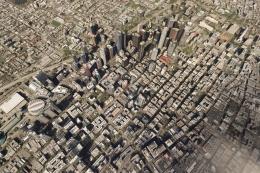 MSFS Scenery
Enhance your Microsoft Flight Simulator experience with the Downtown Los Ange…
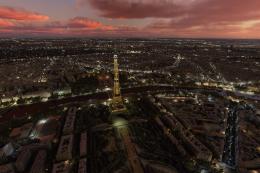 MSFS Scenery
A new, easy-to-install, and accurate replacement of the default Paris photore…
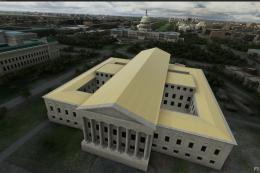 MSFS Scenery
A massive freeware pack created by the developer Srinivasman containing over …
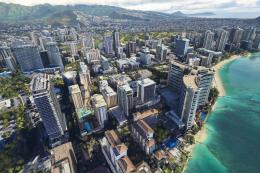 MSFS Scenery
This is a complete replacement scenery pack covering the entire city of Honol…
Be the first to leave a comment on this download.
Be the first to share your thoughts on this download.