


 Greece











 MSFS Scenery
Yosemite Valley, California
A fun pack featuring new ground textures, rock texture upgrades, and general …
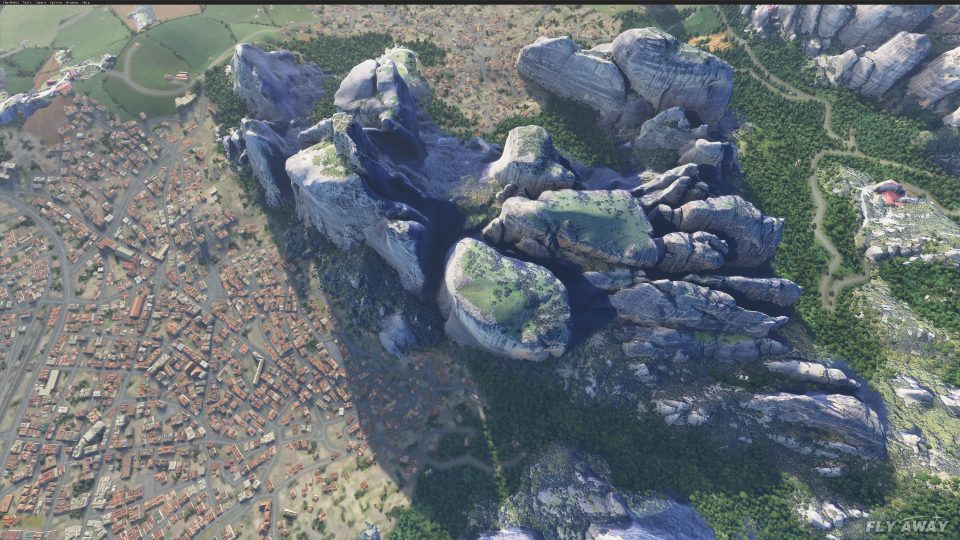
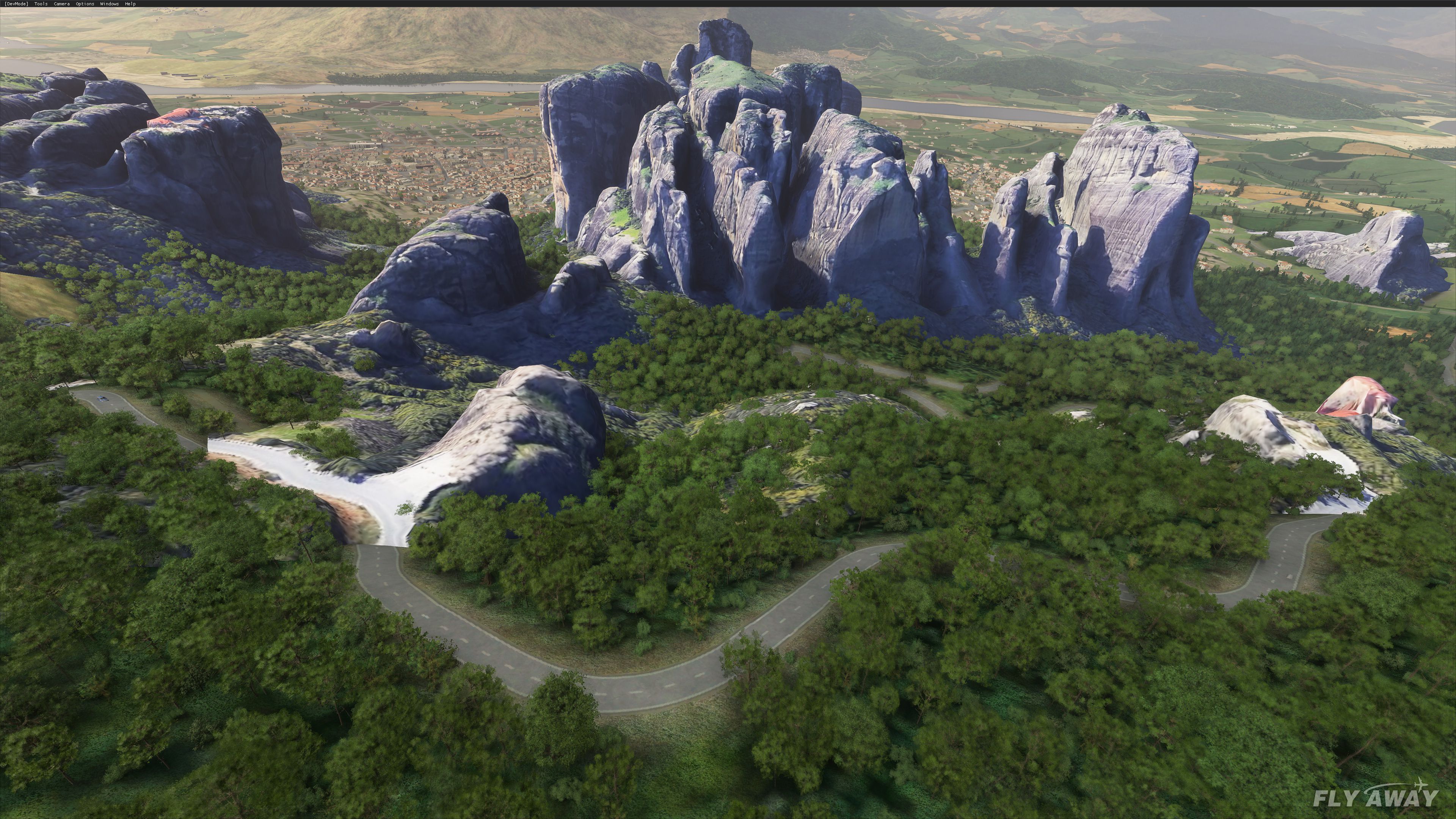
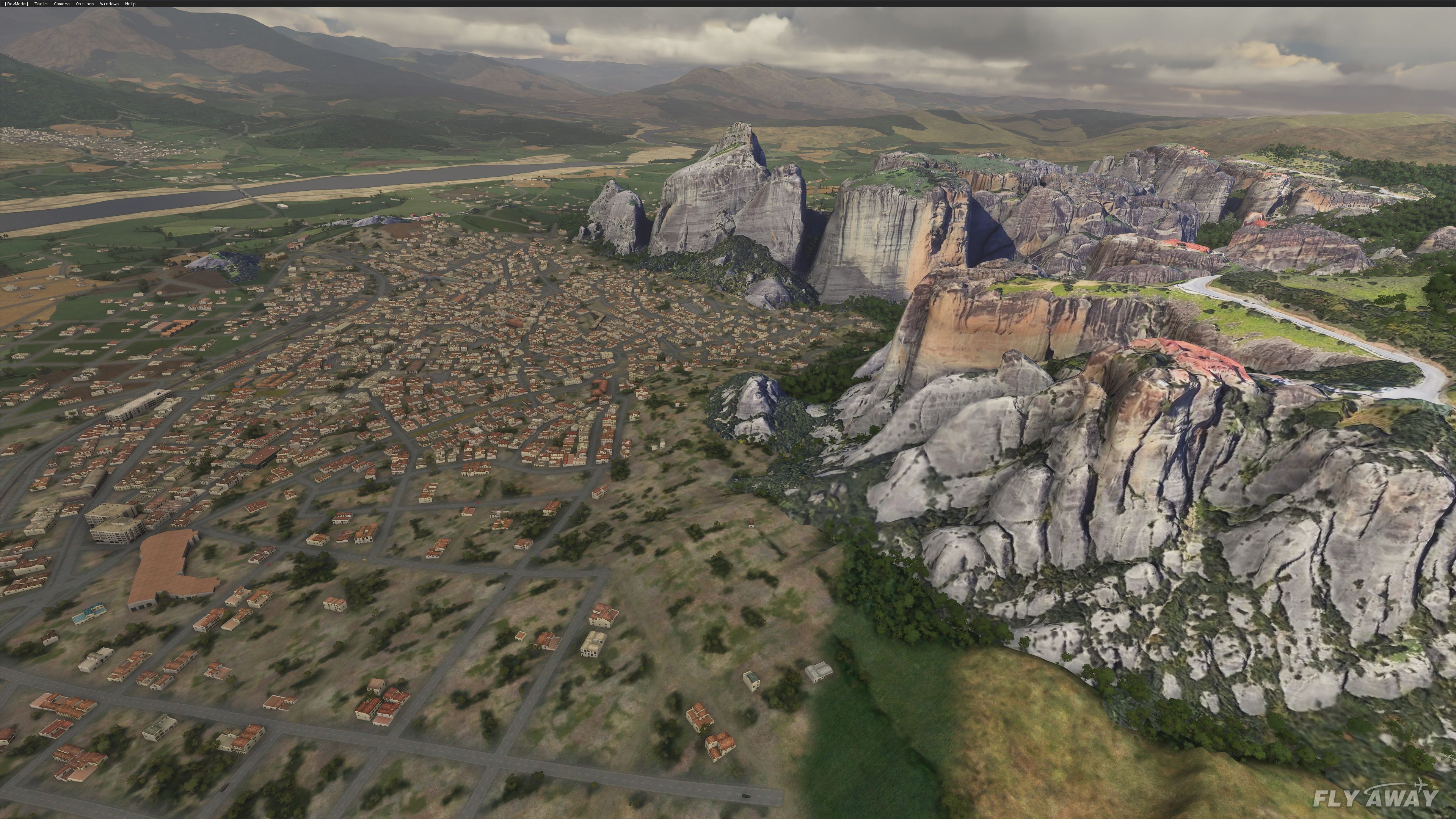
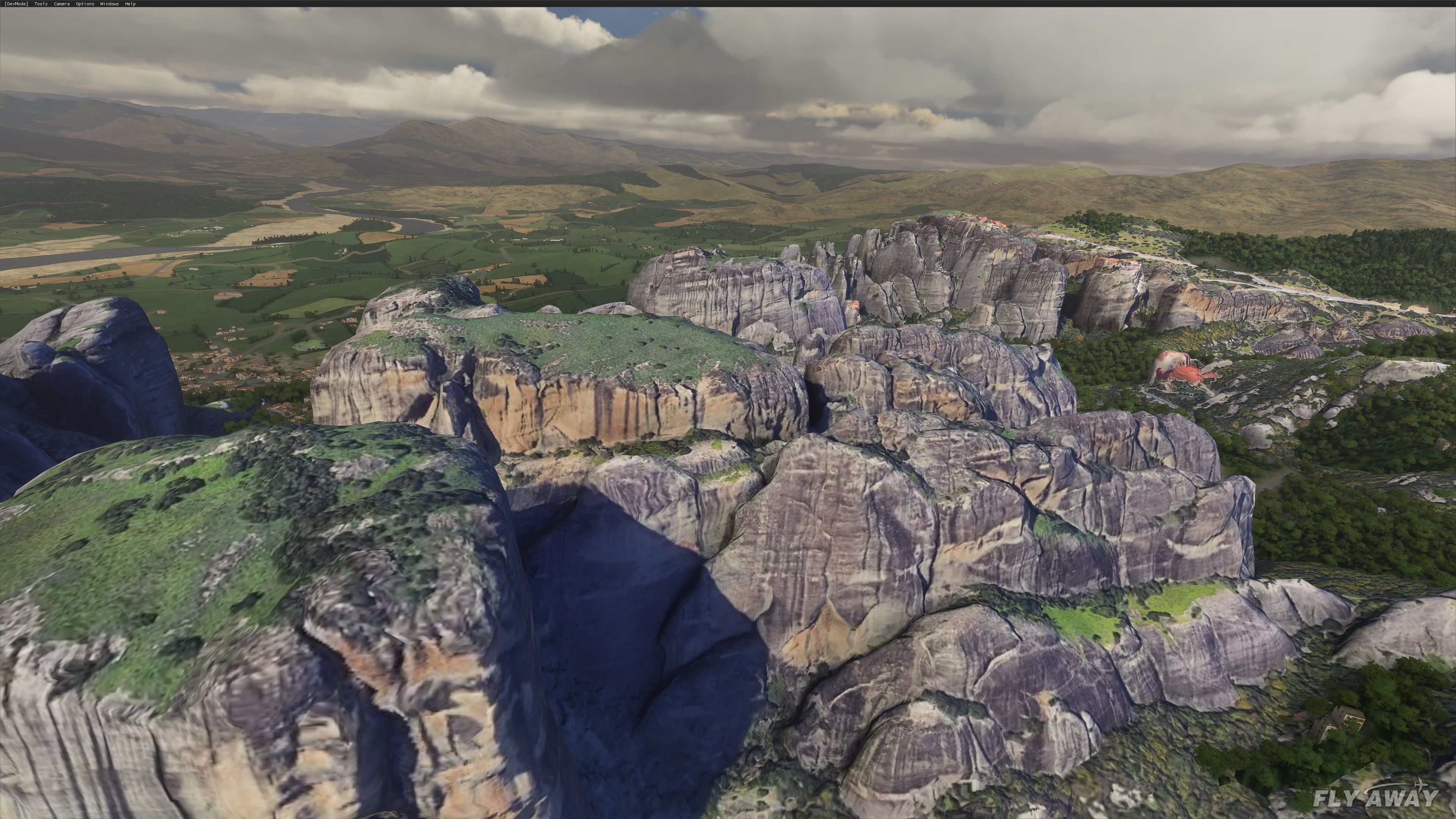
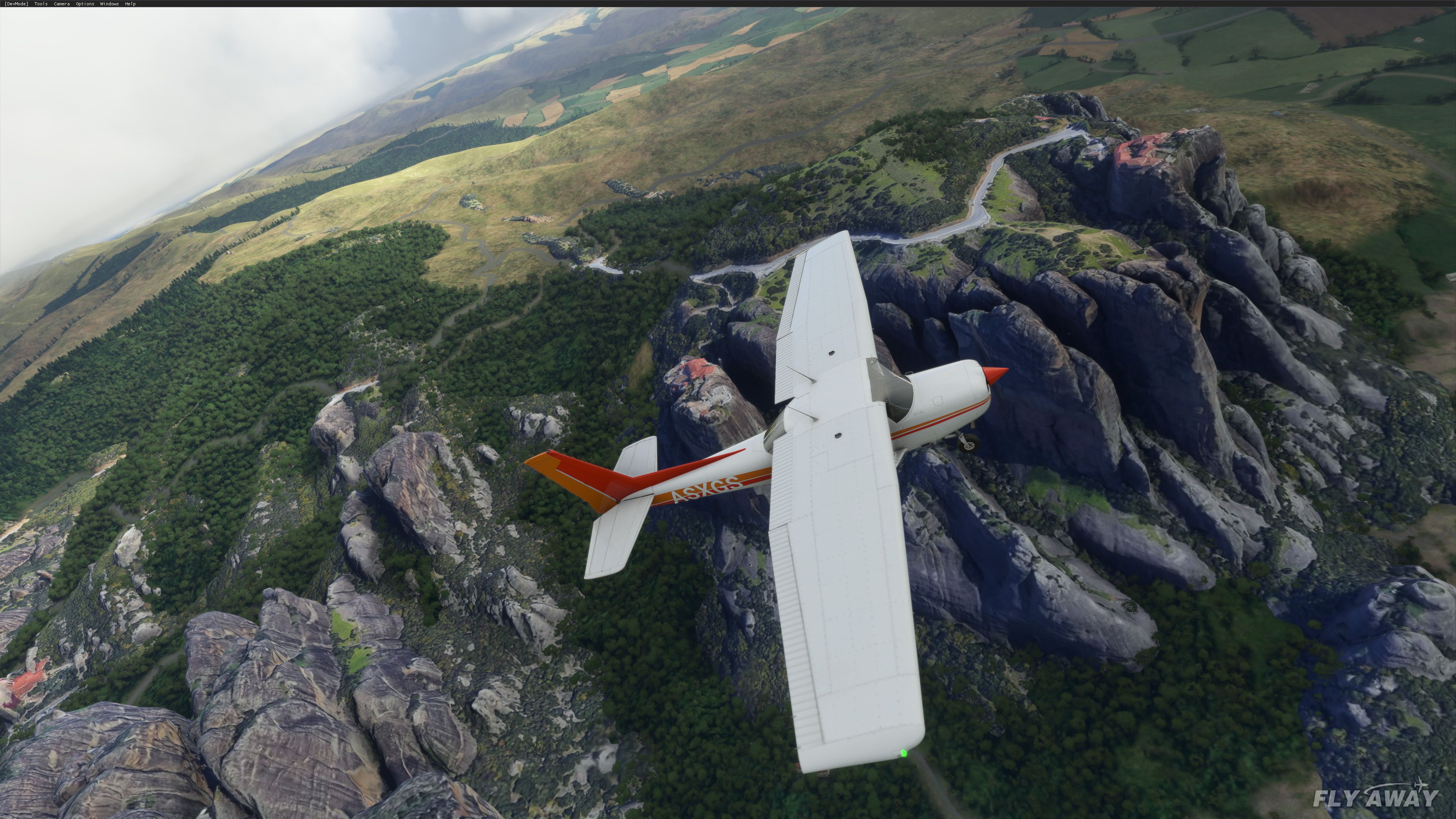
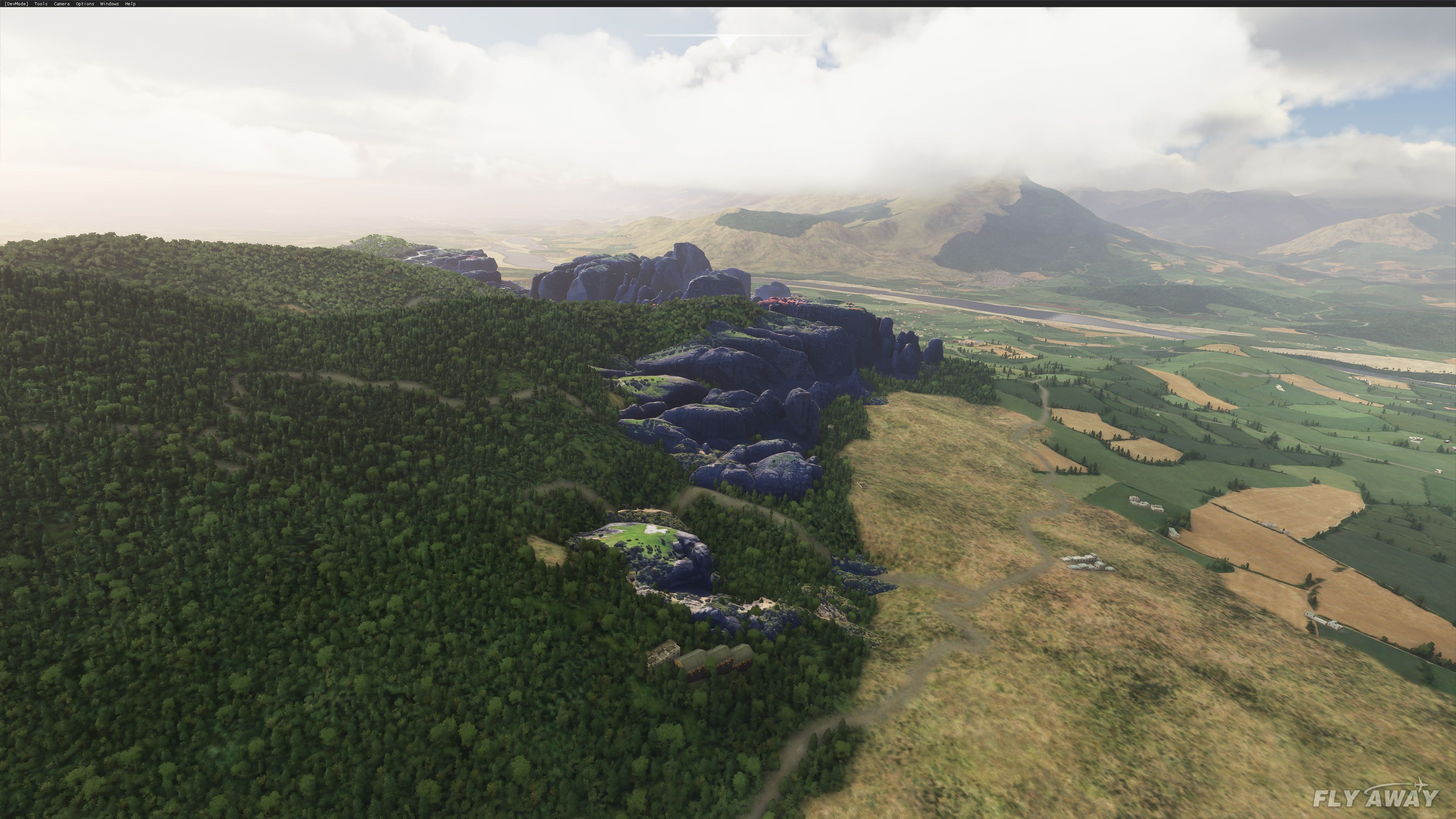
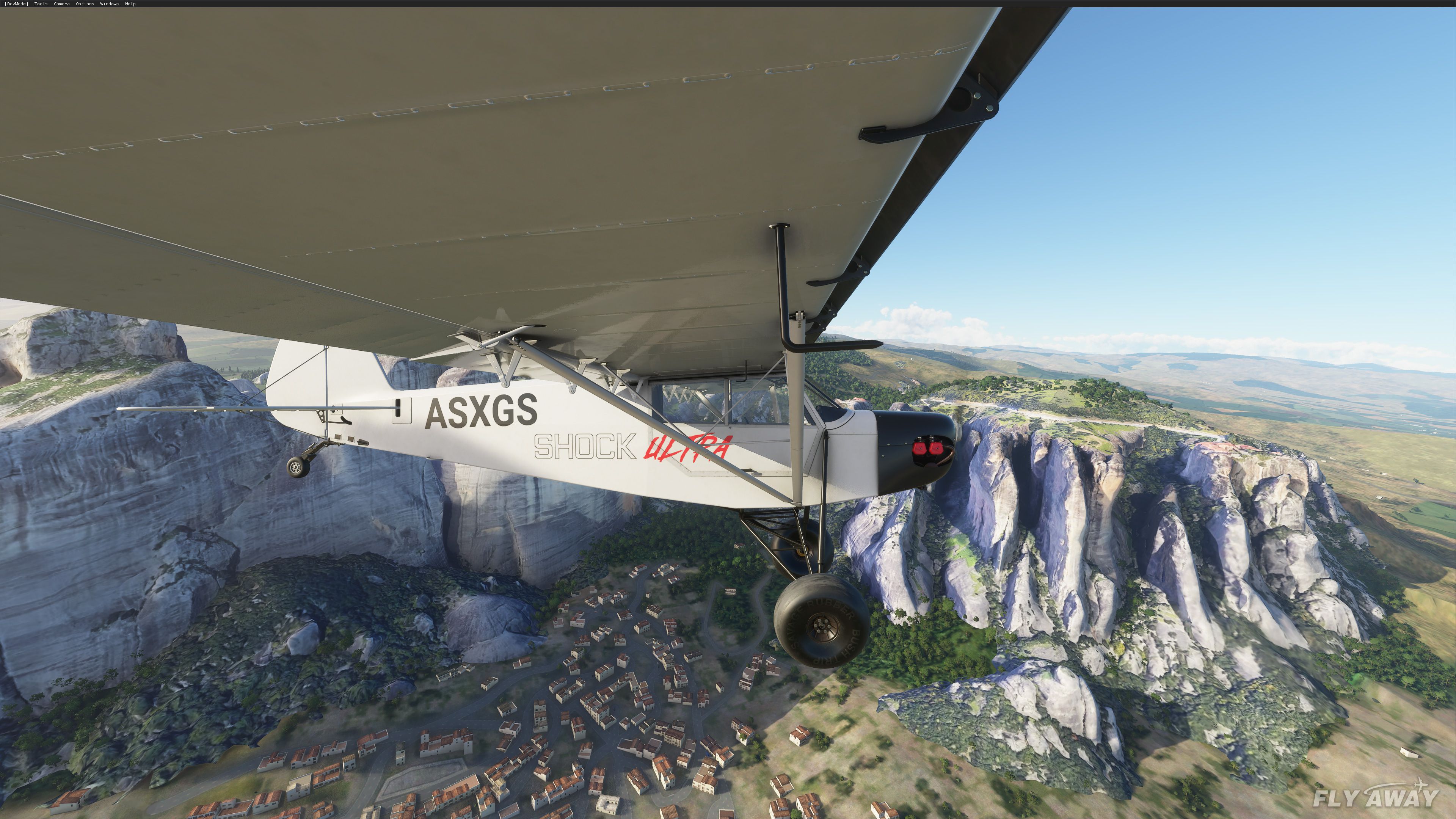
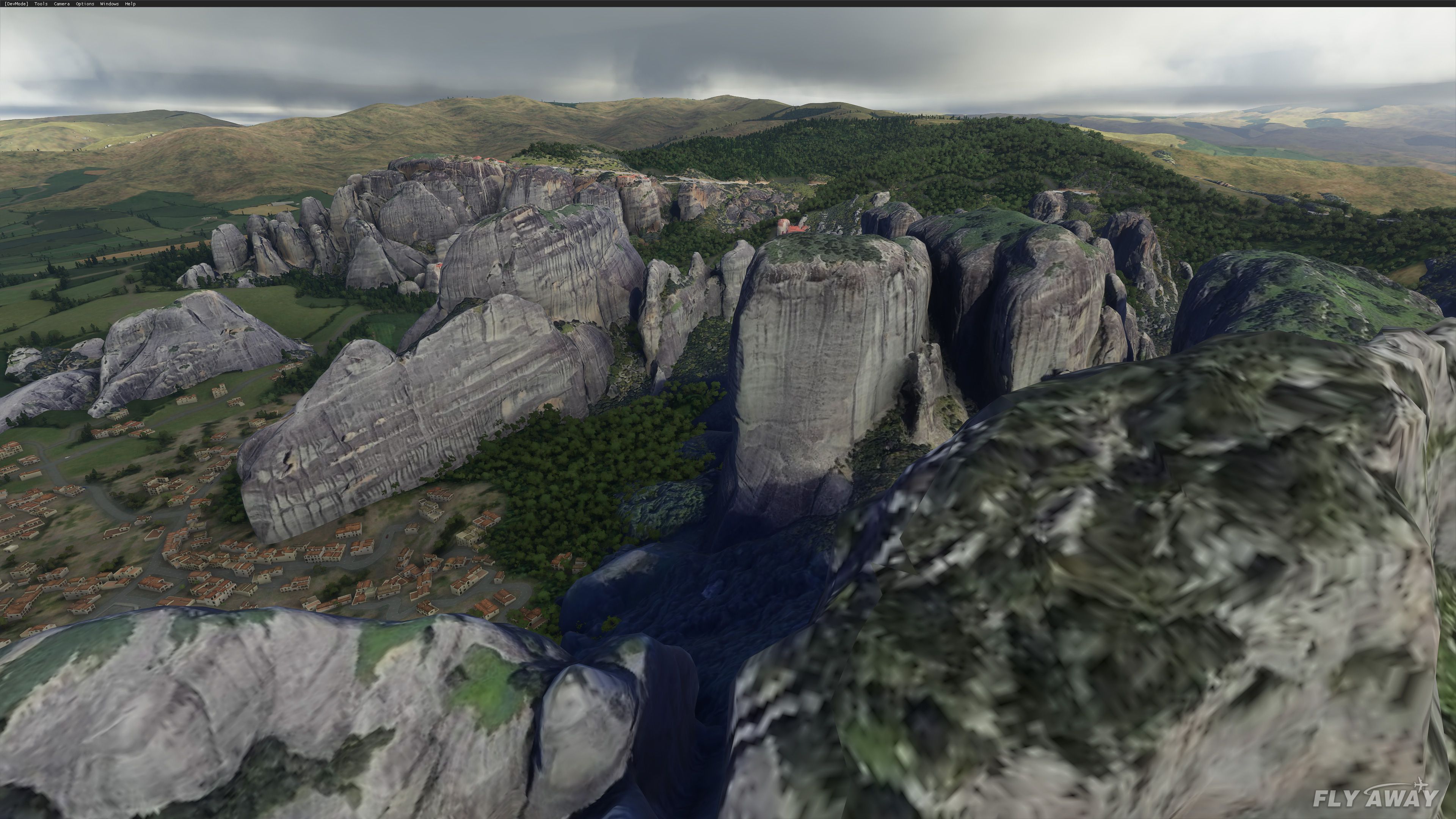
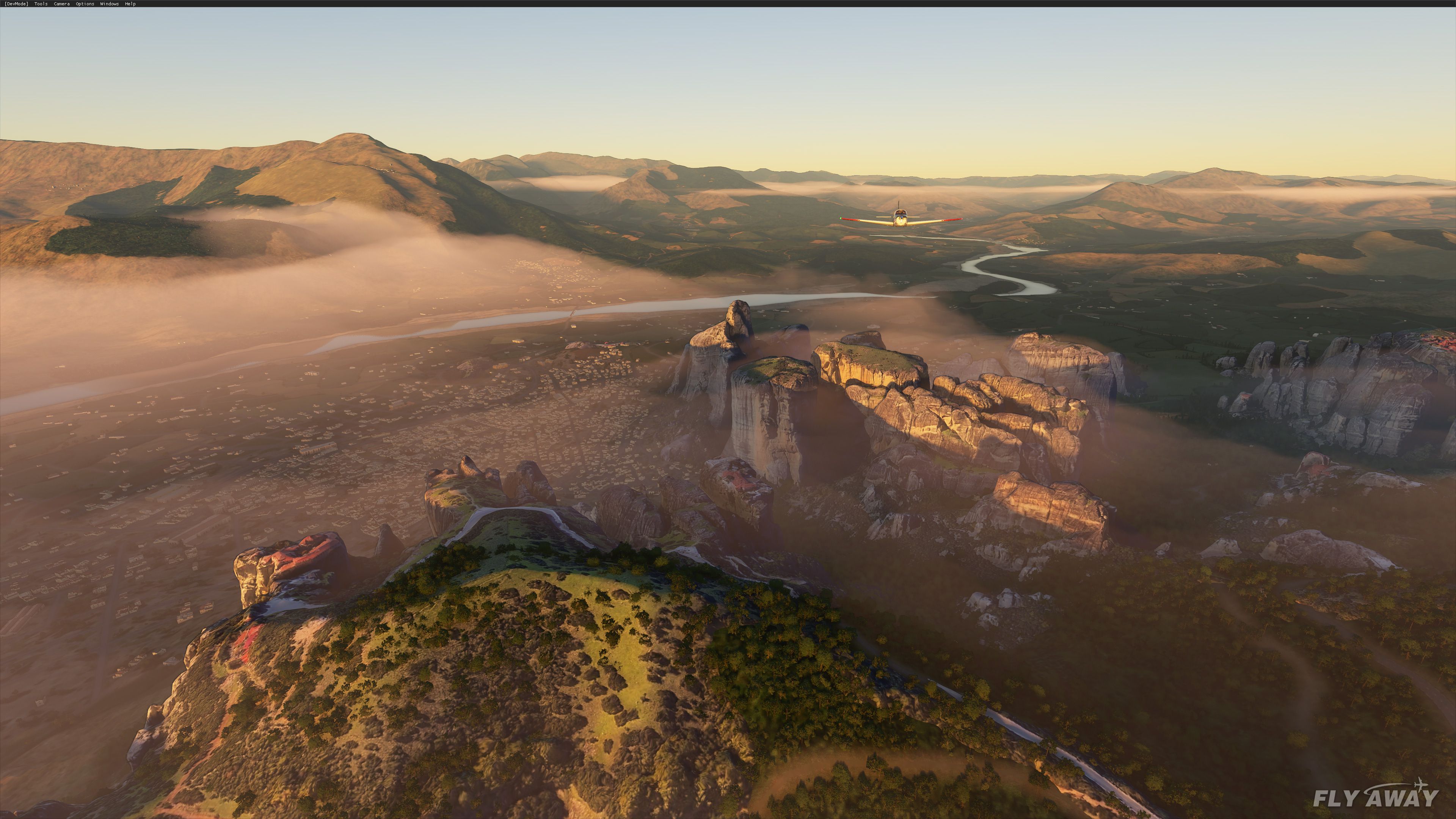
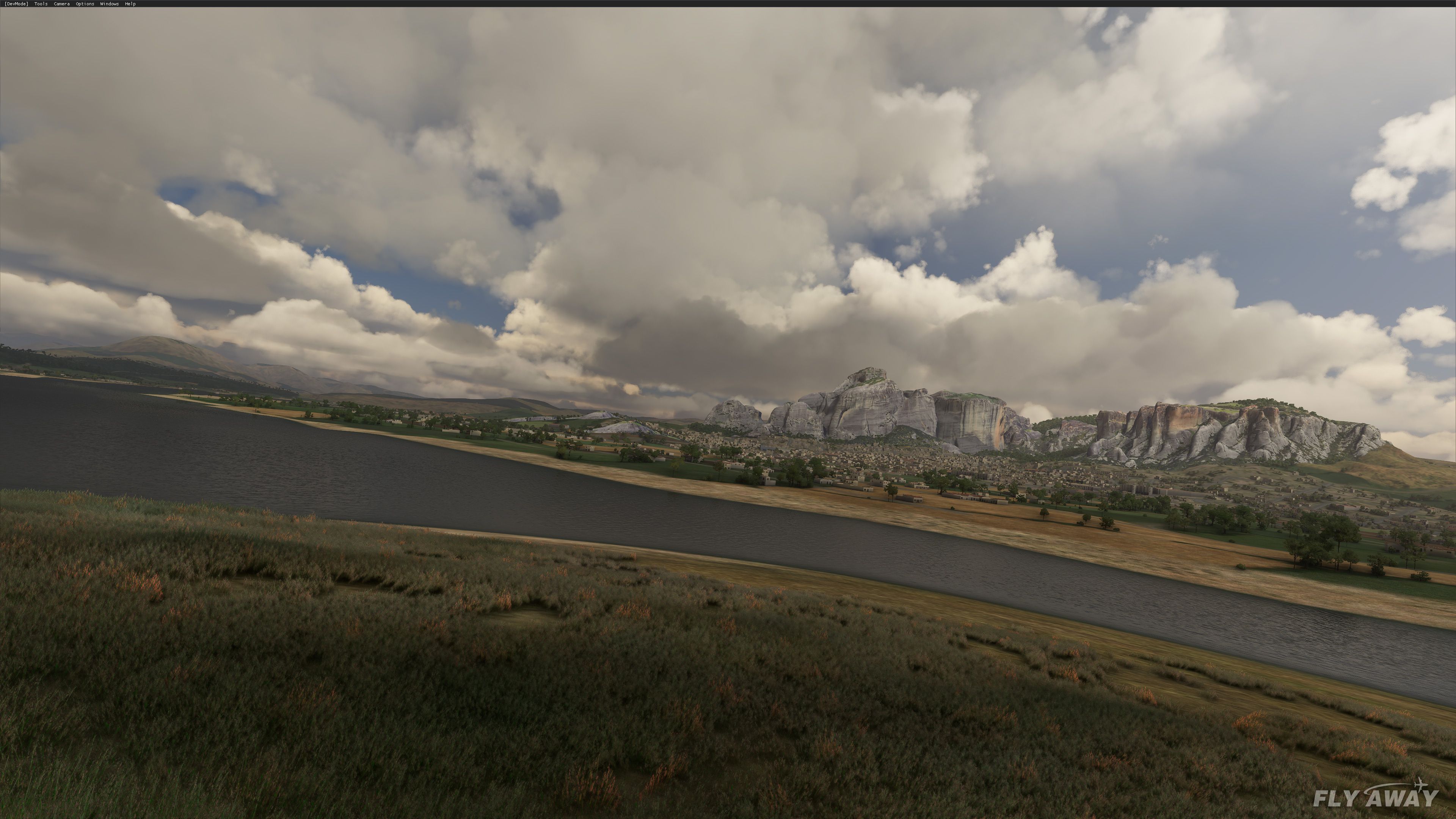
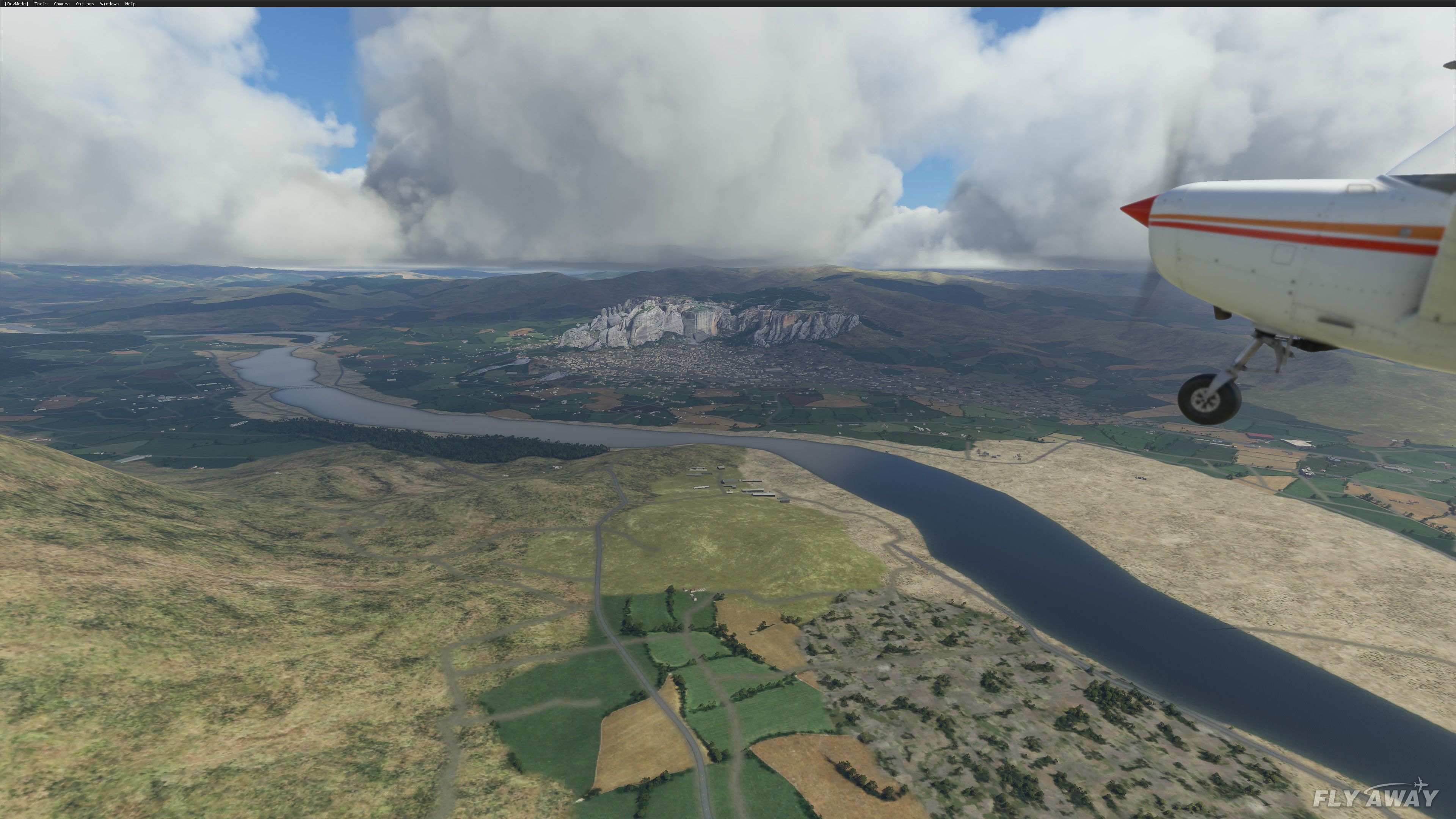
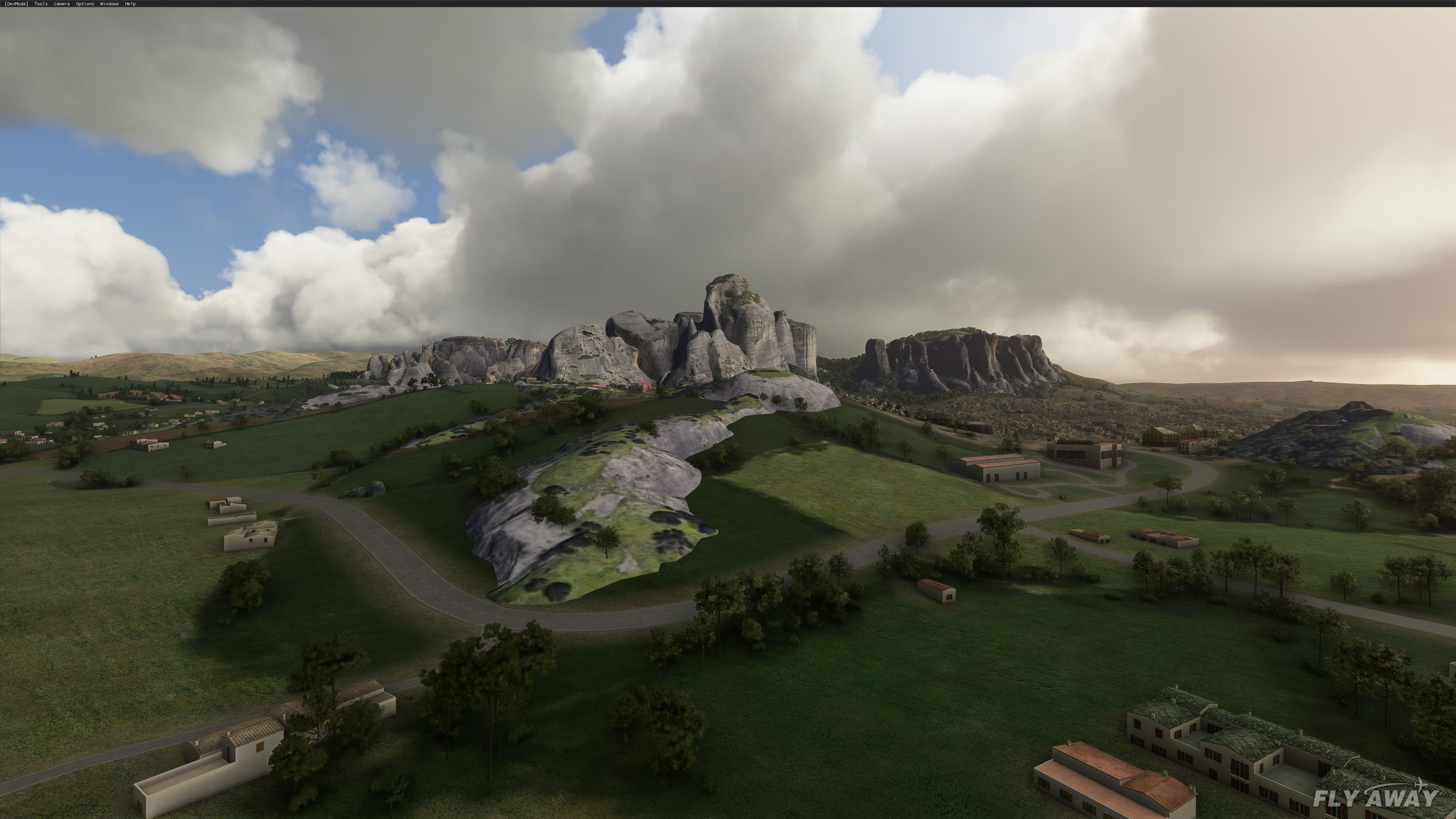
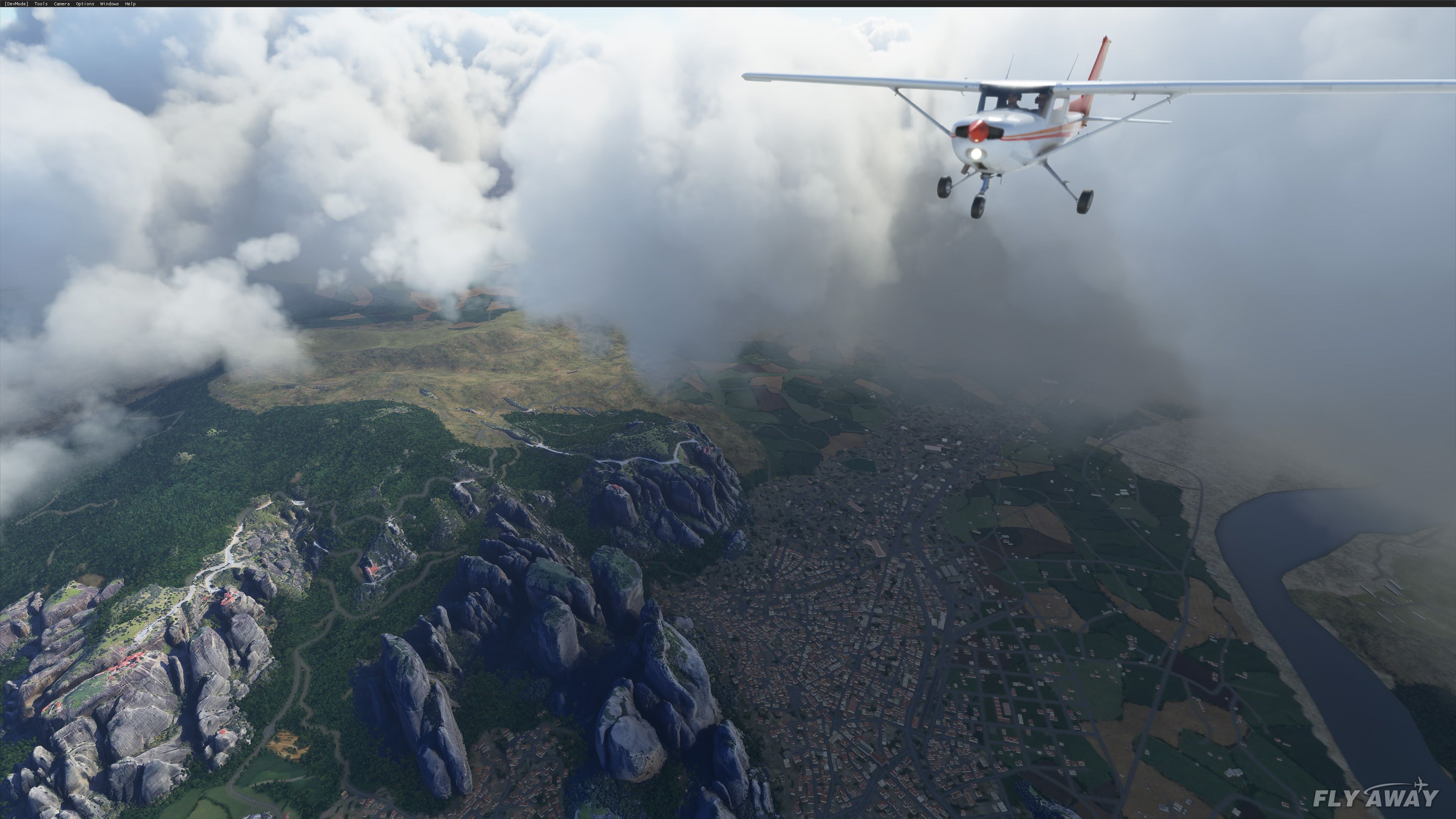
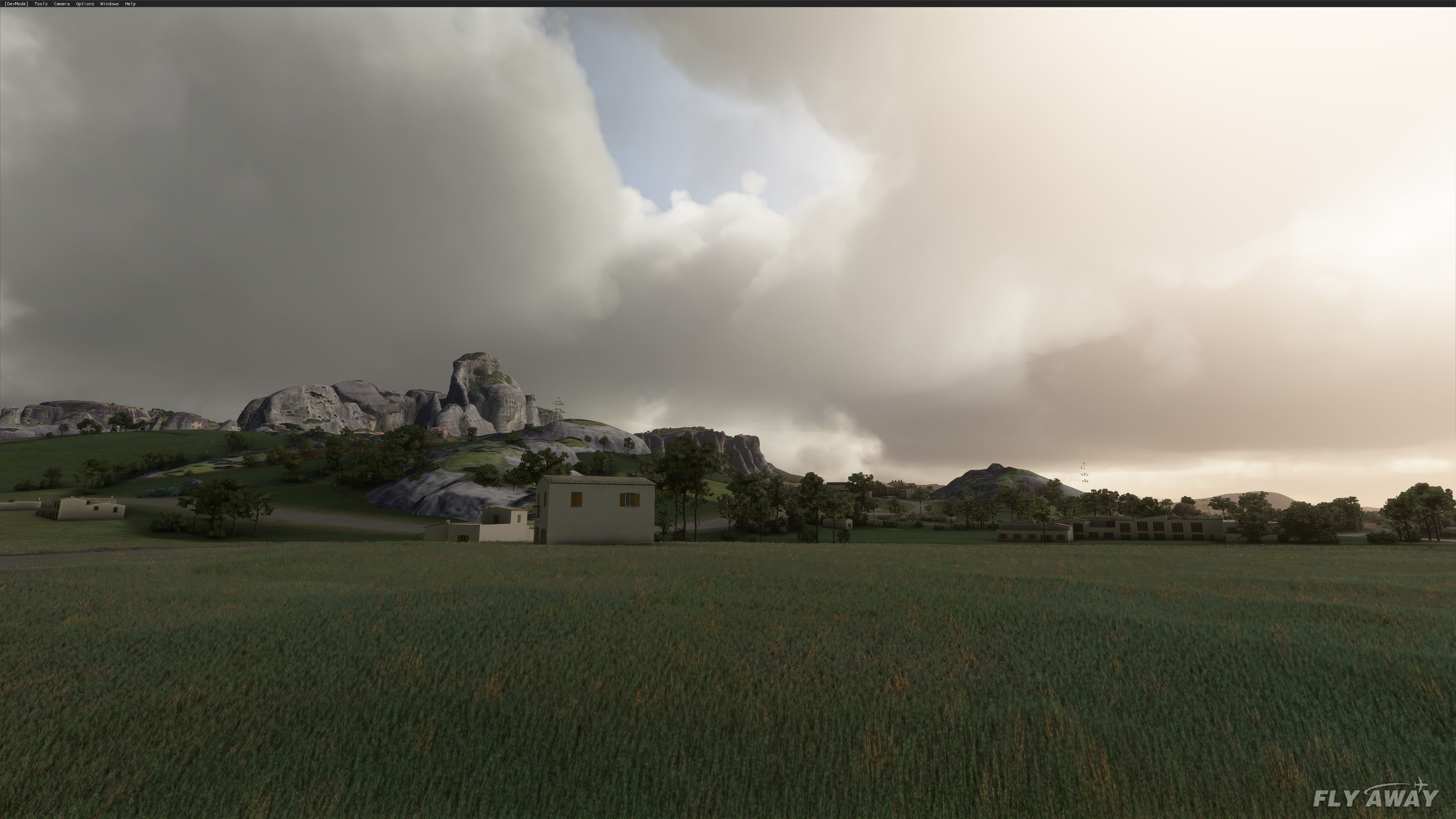
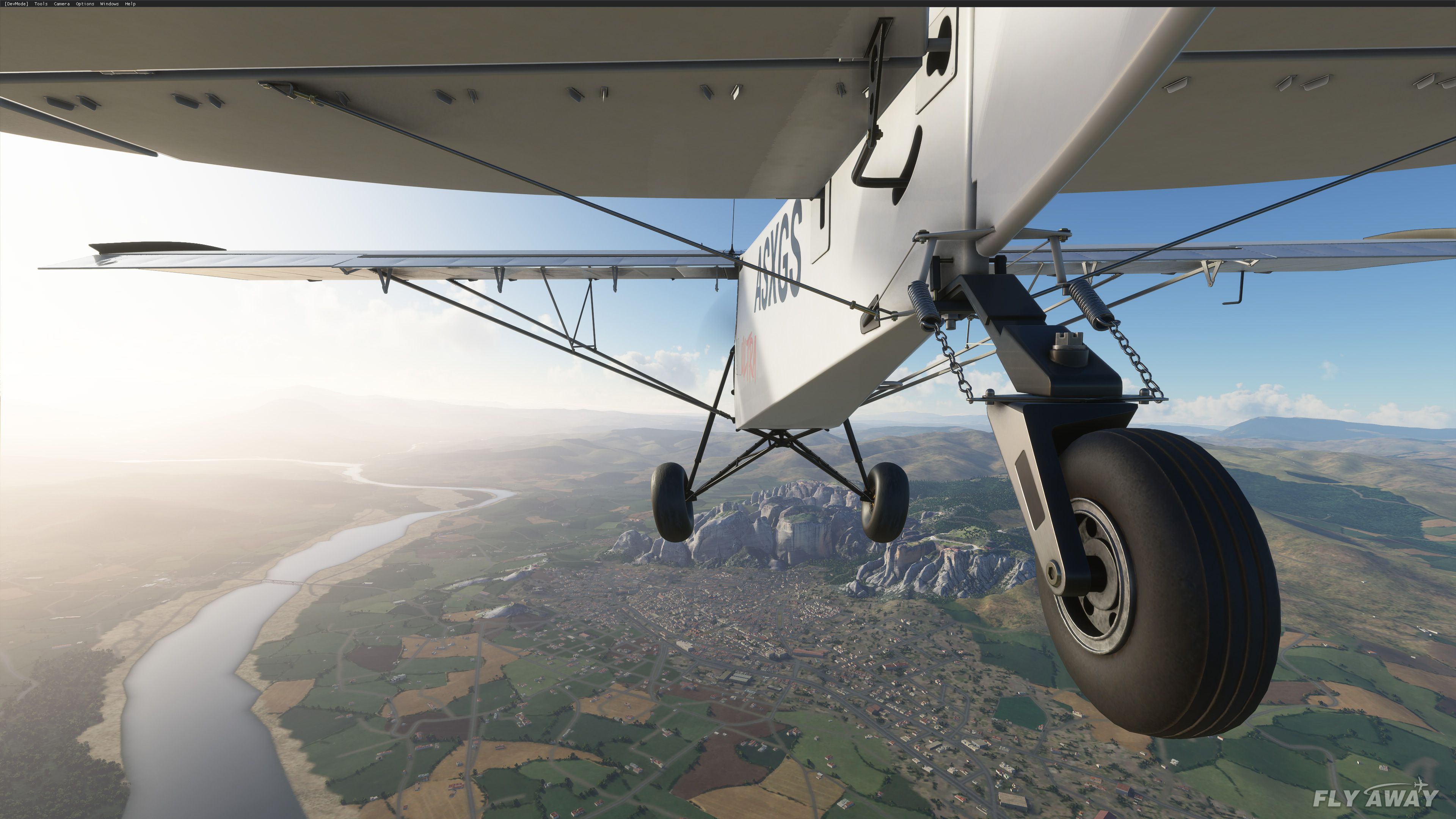
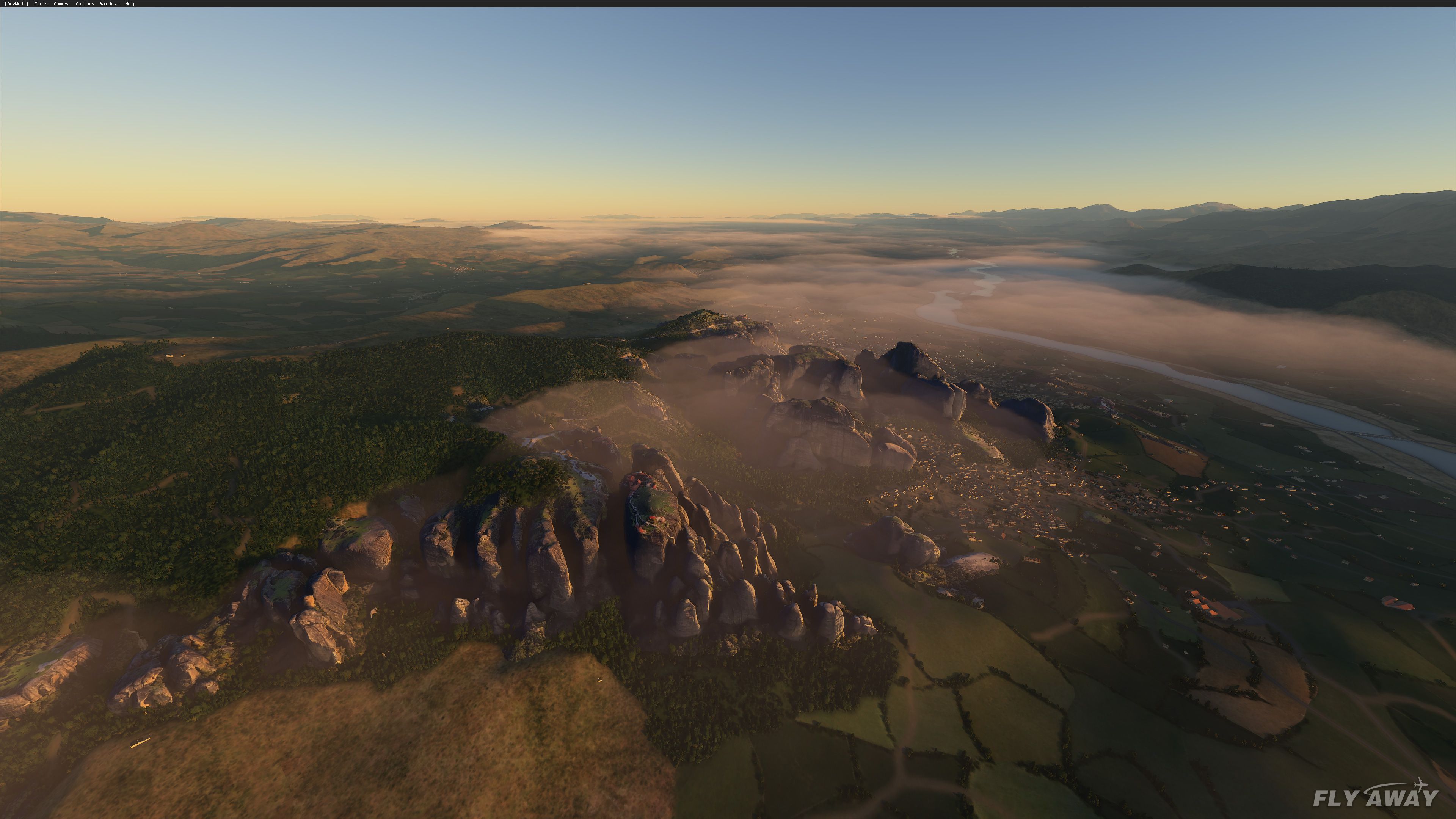
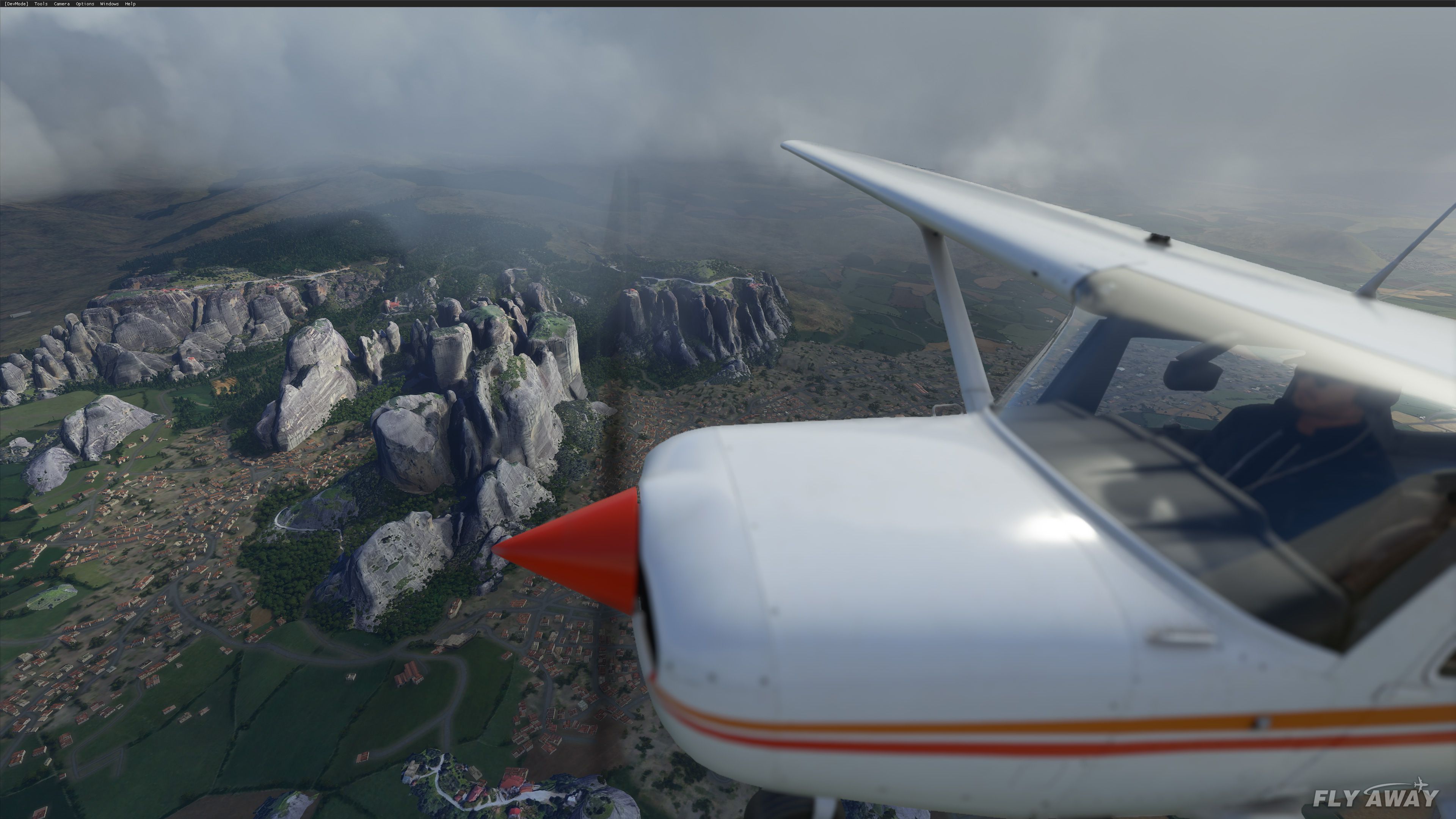
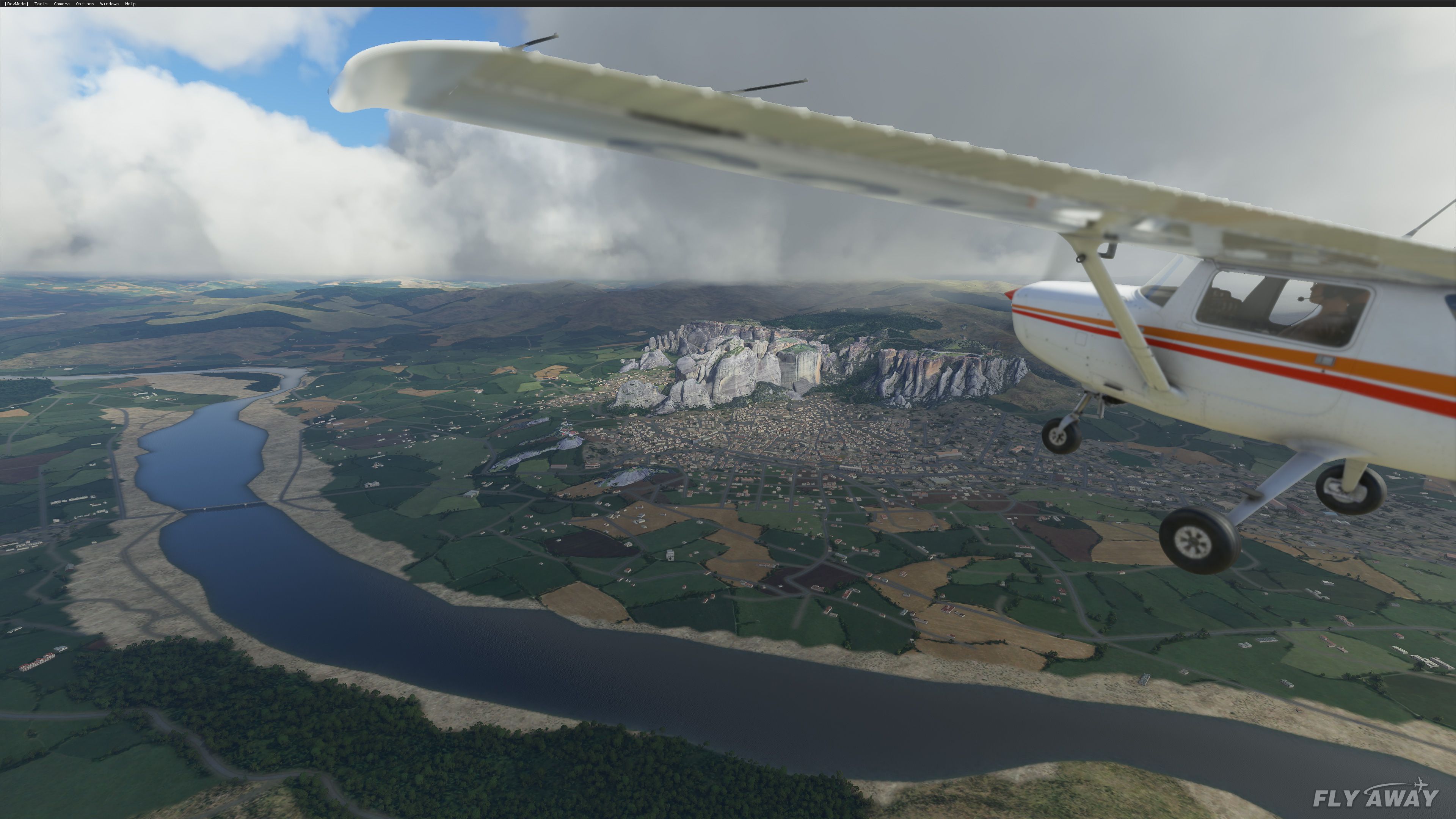
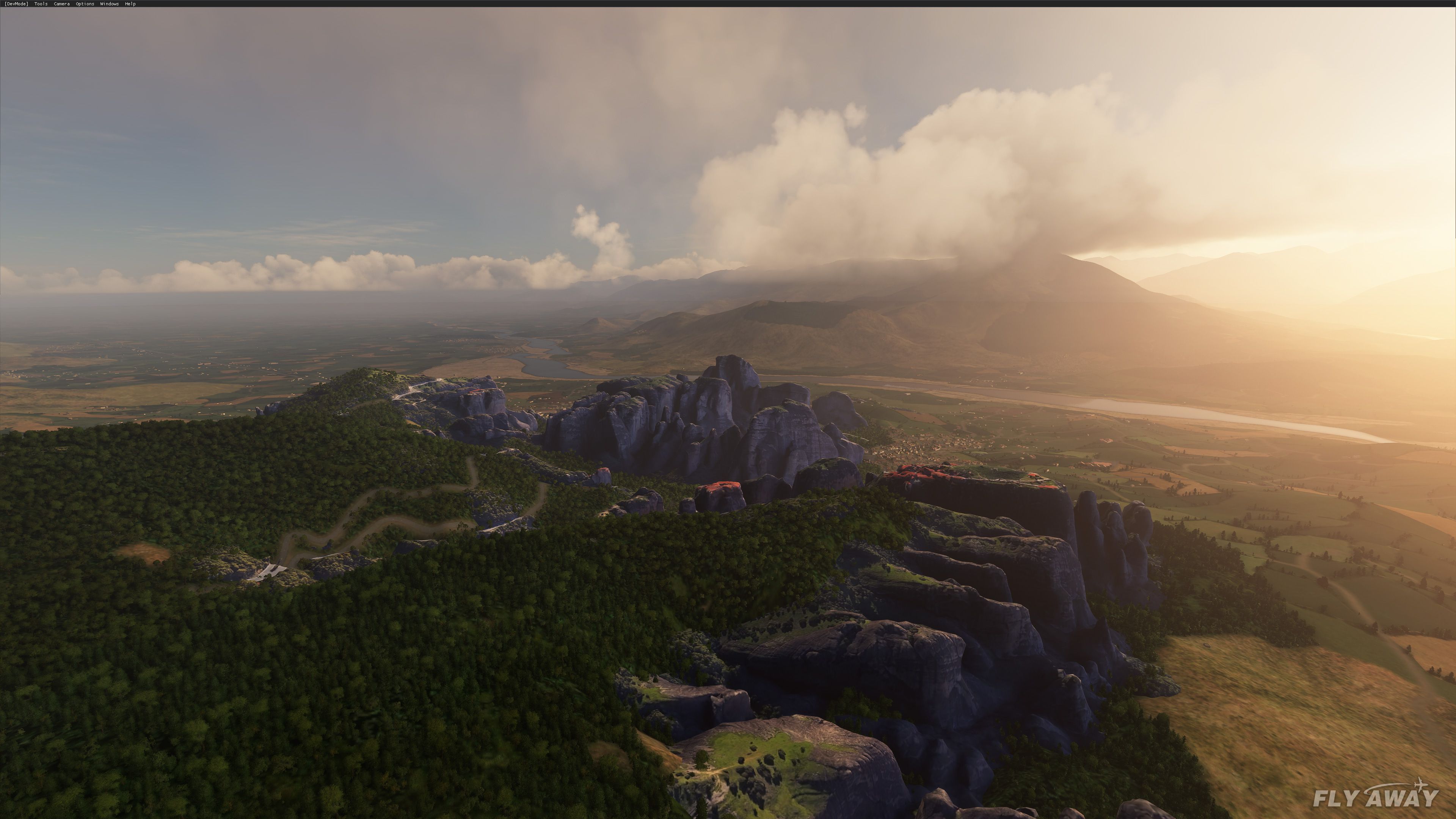
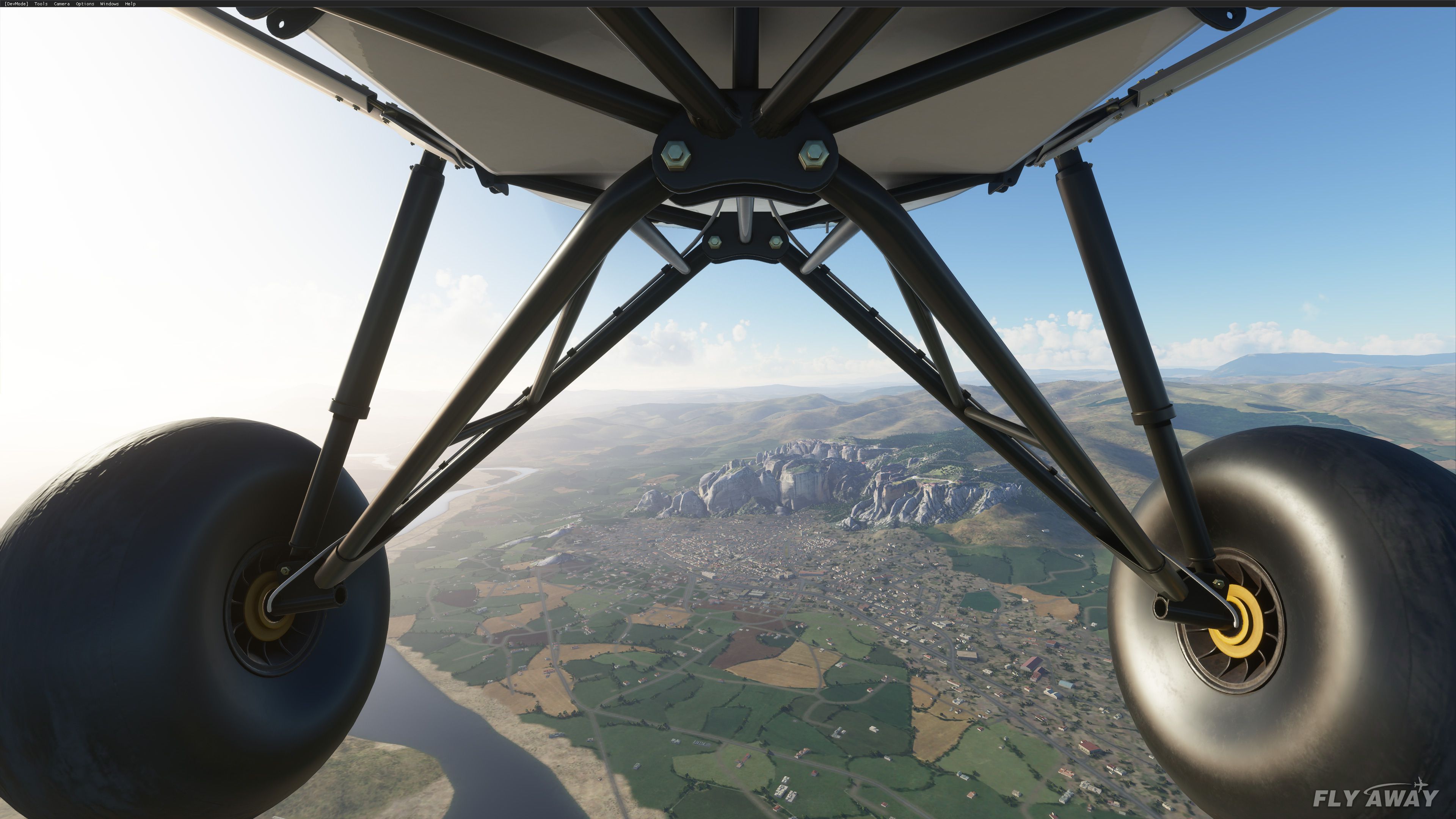
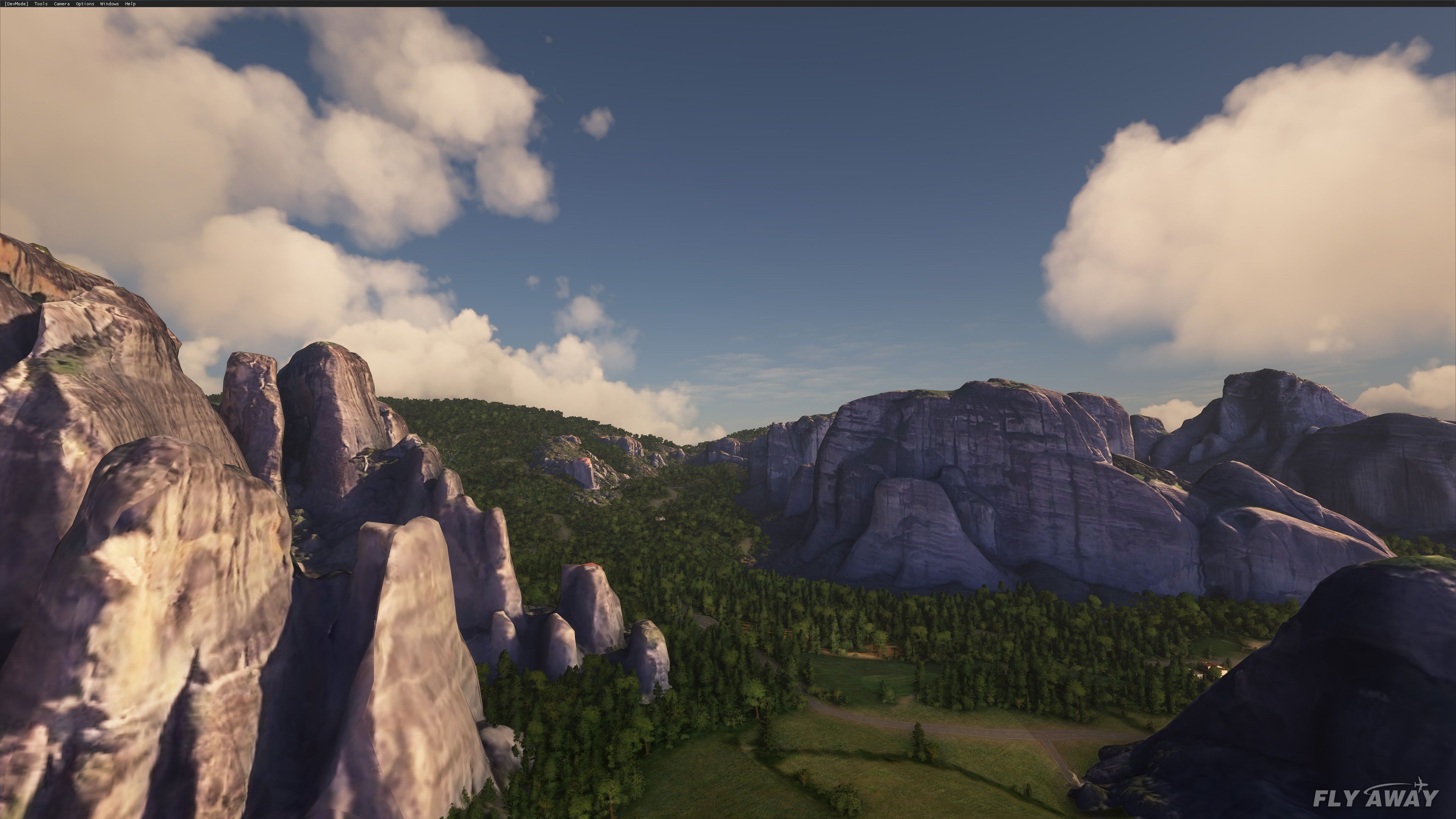
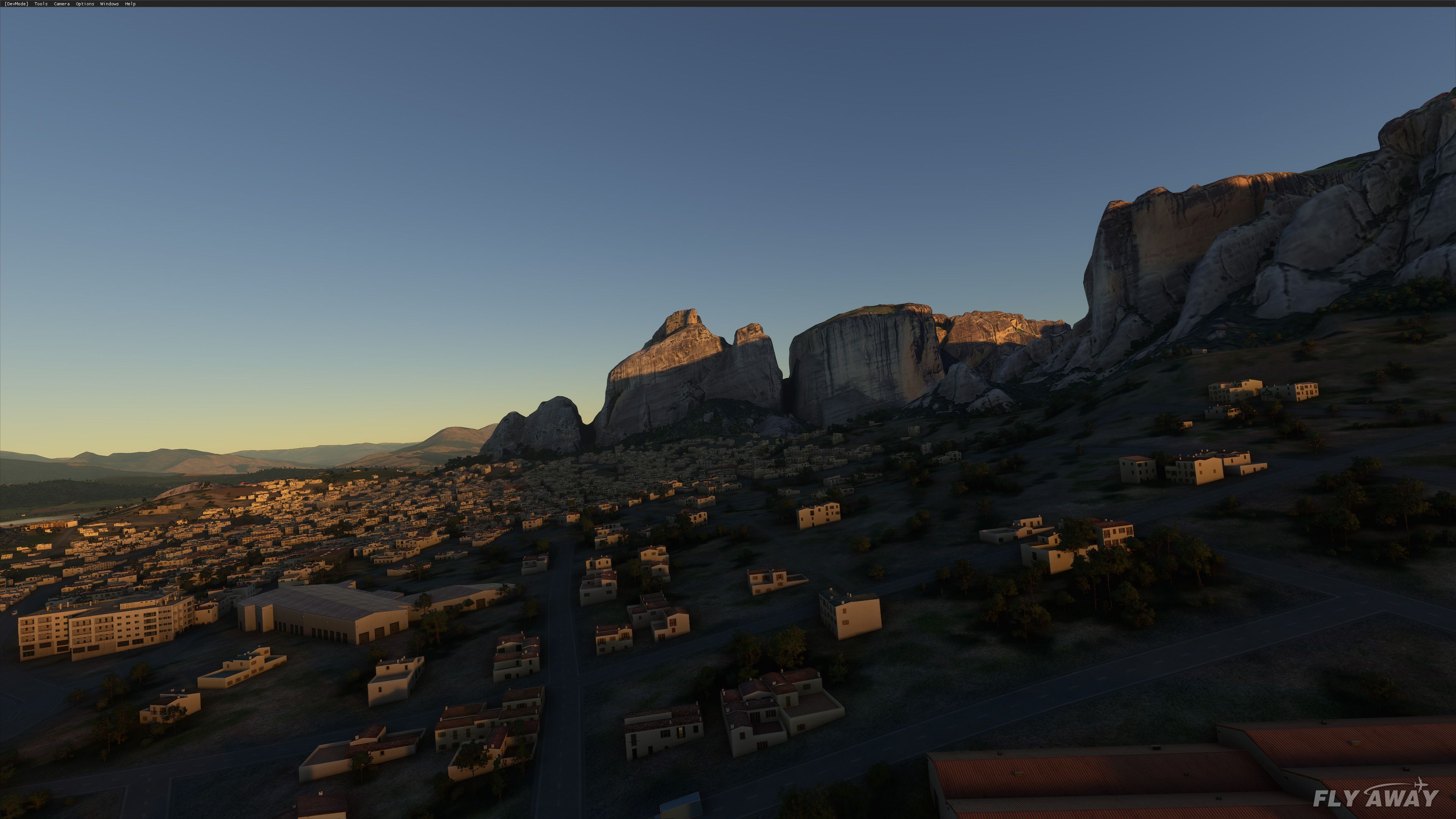
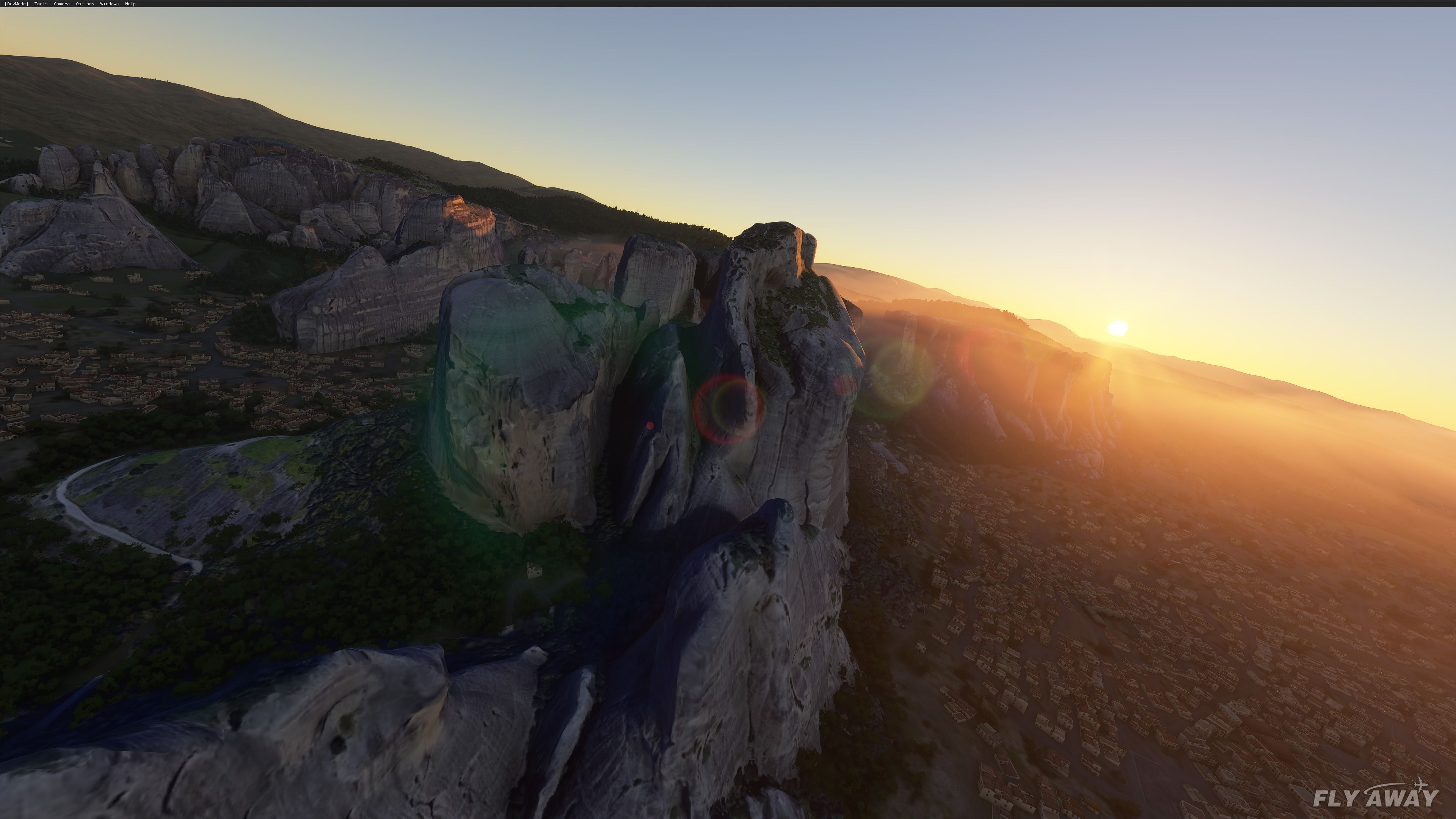
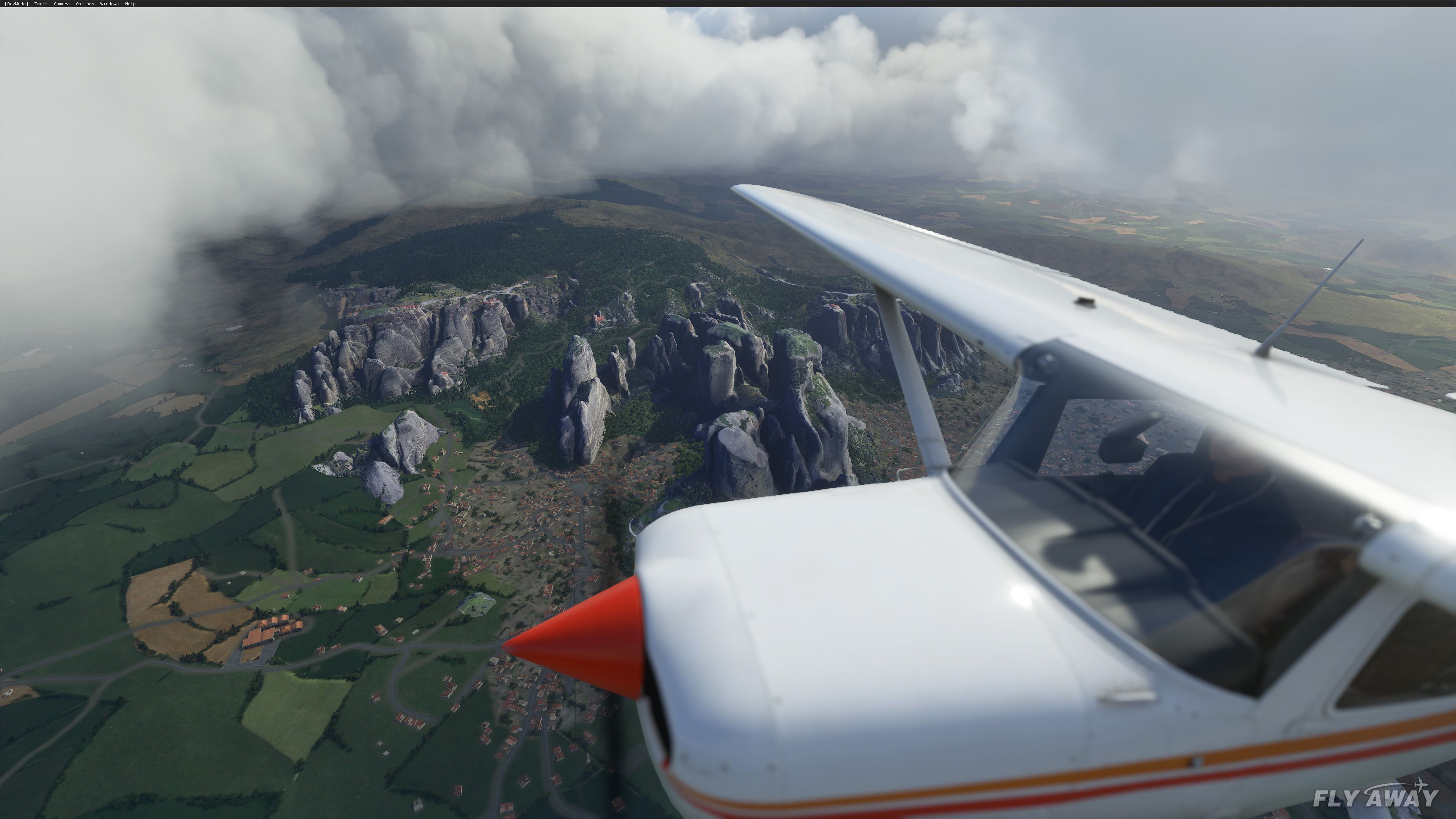
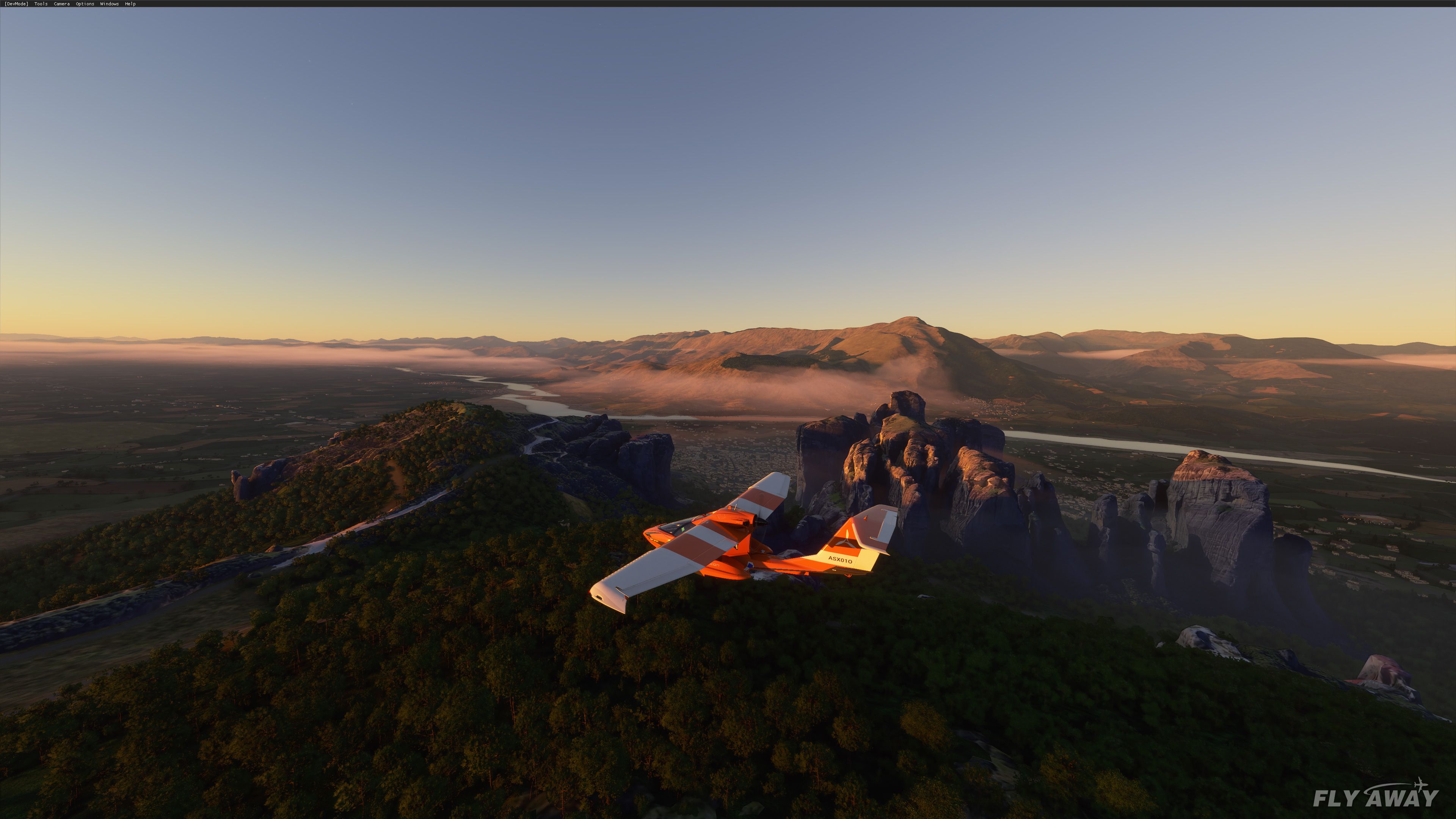
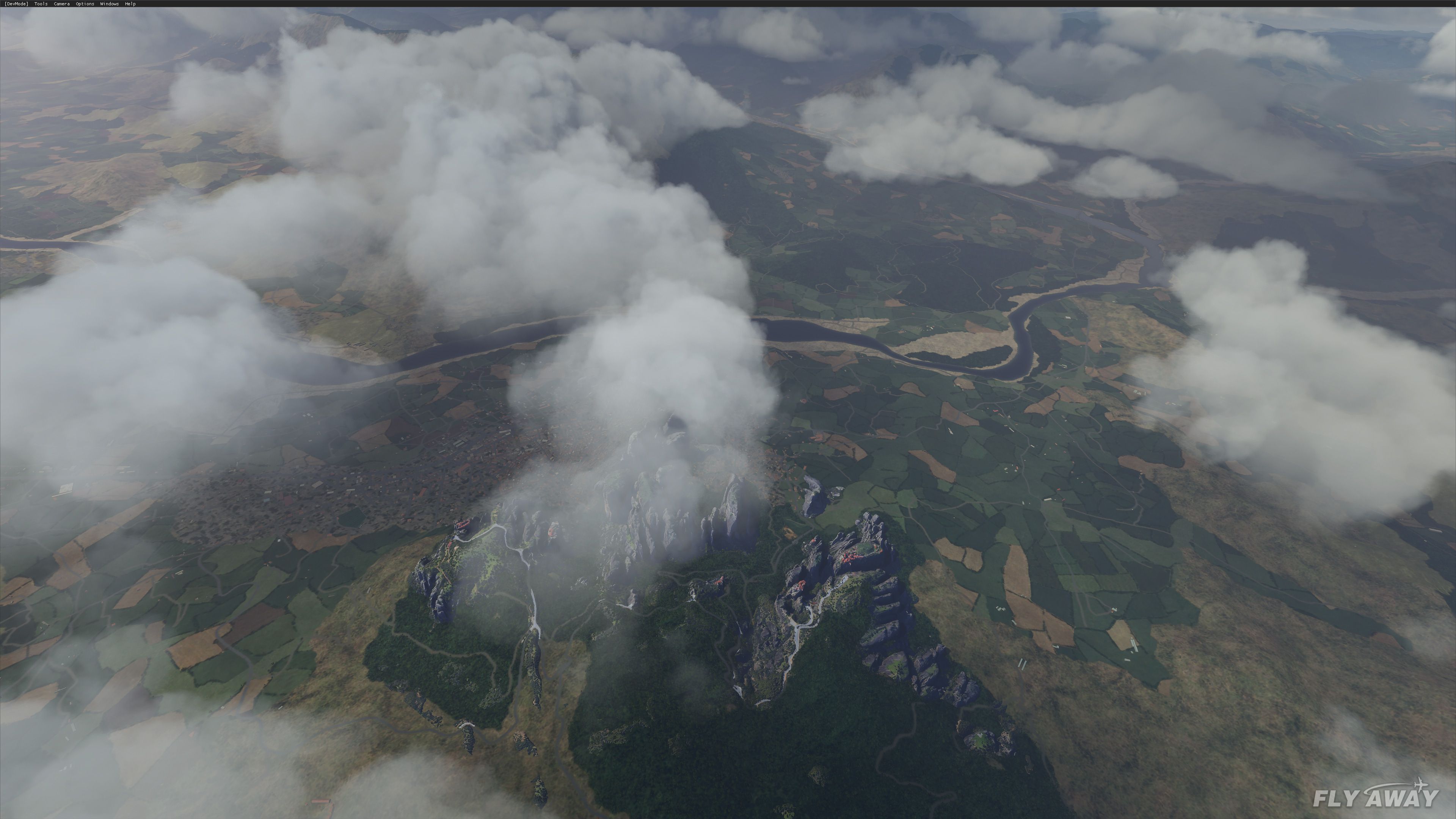
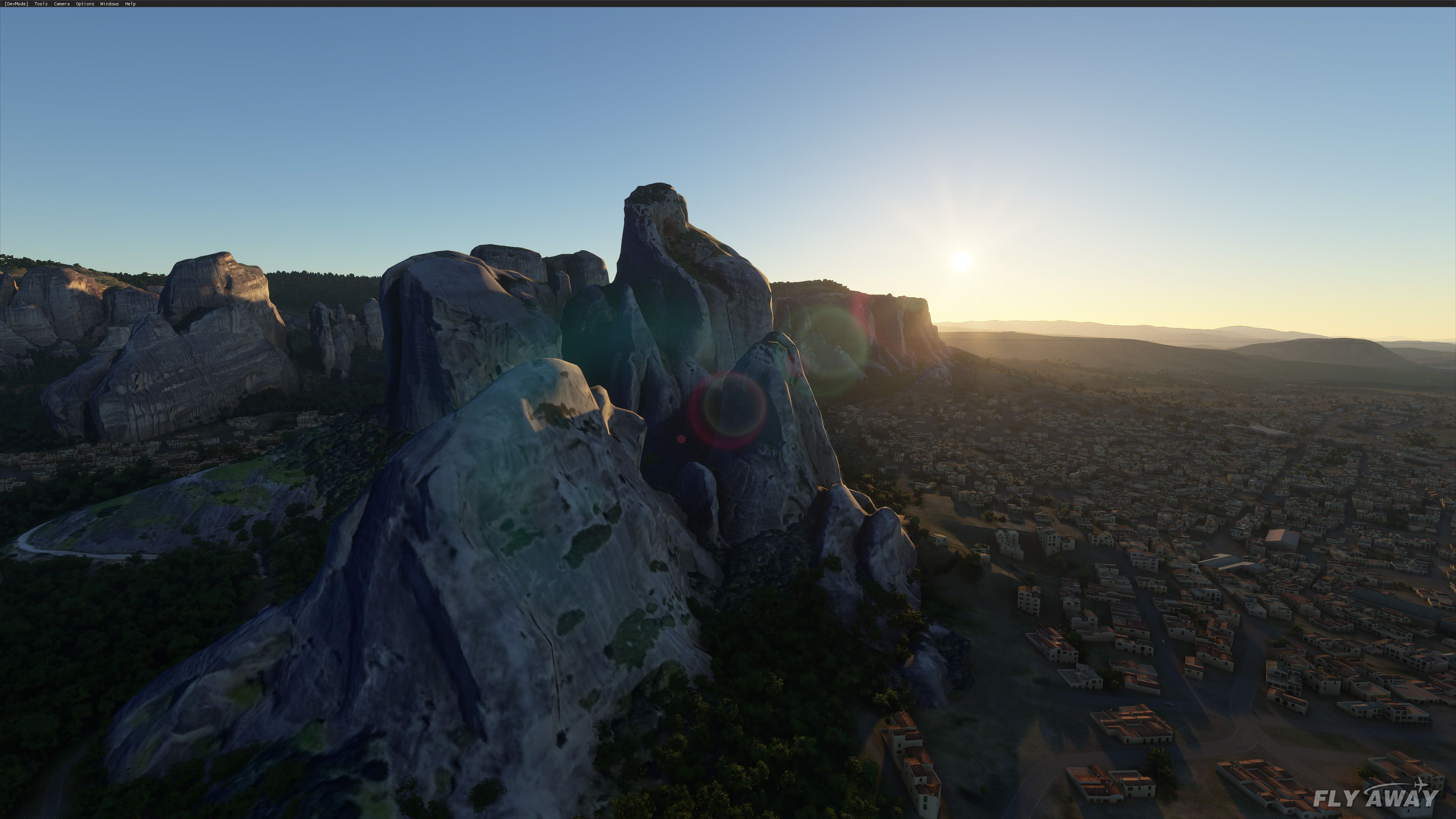
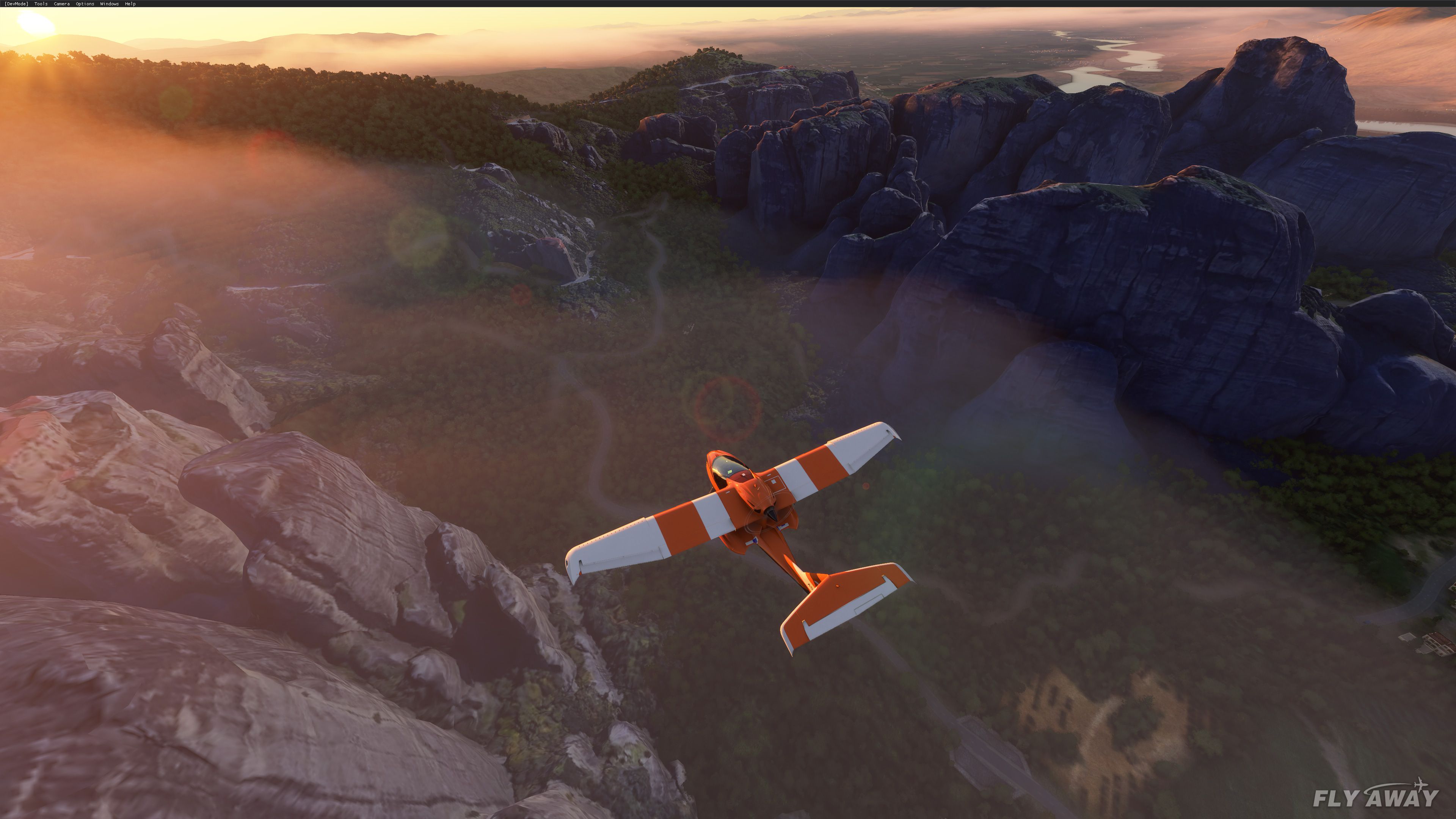
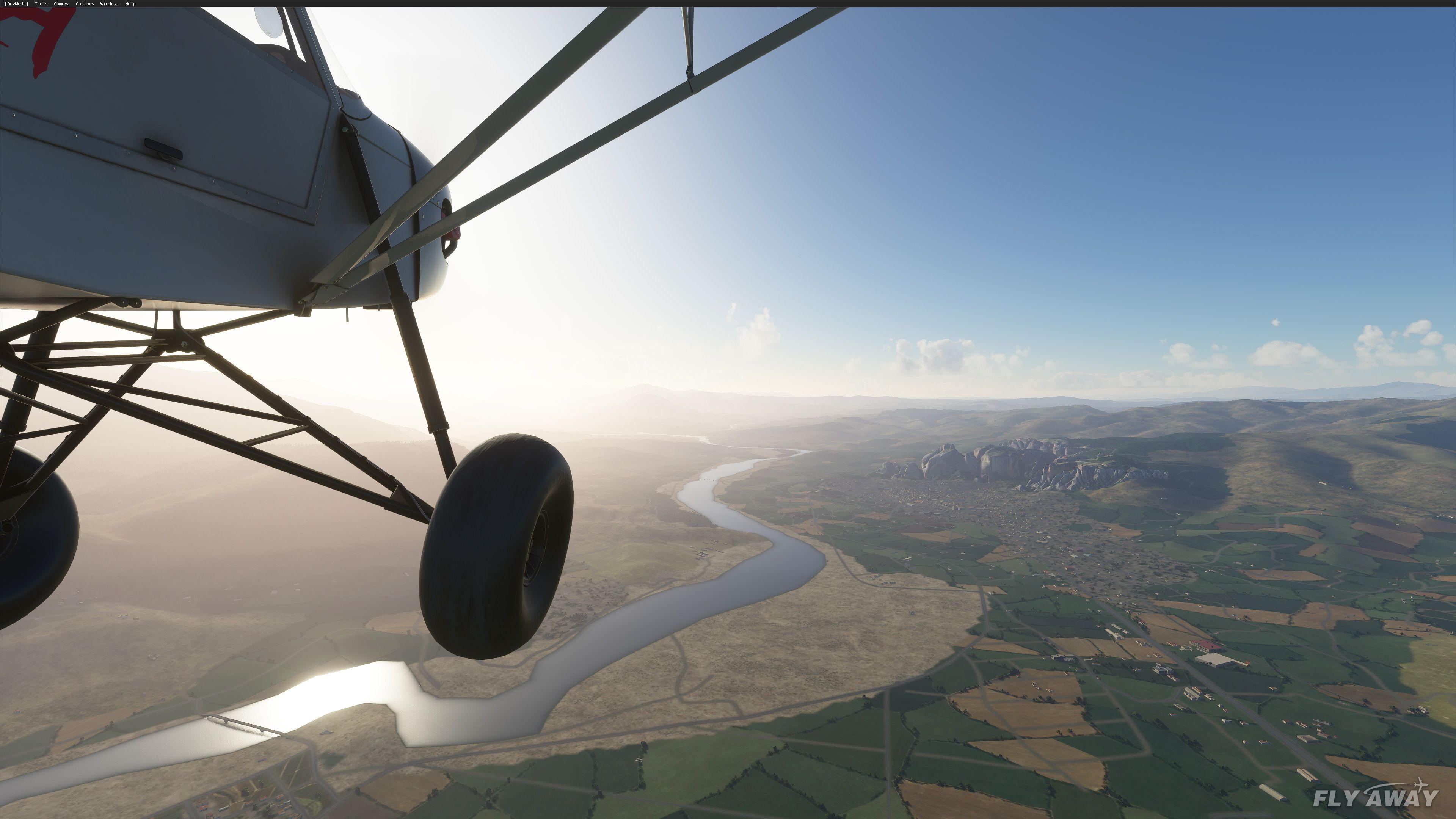
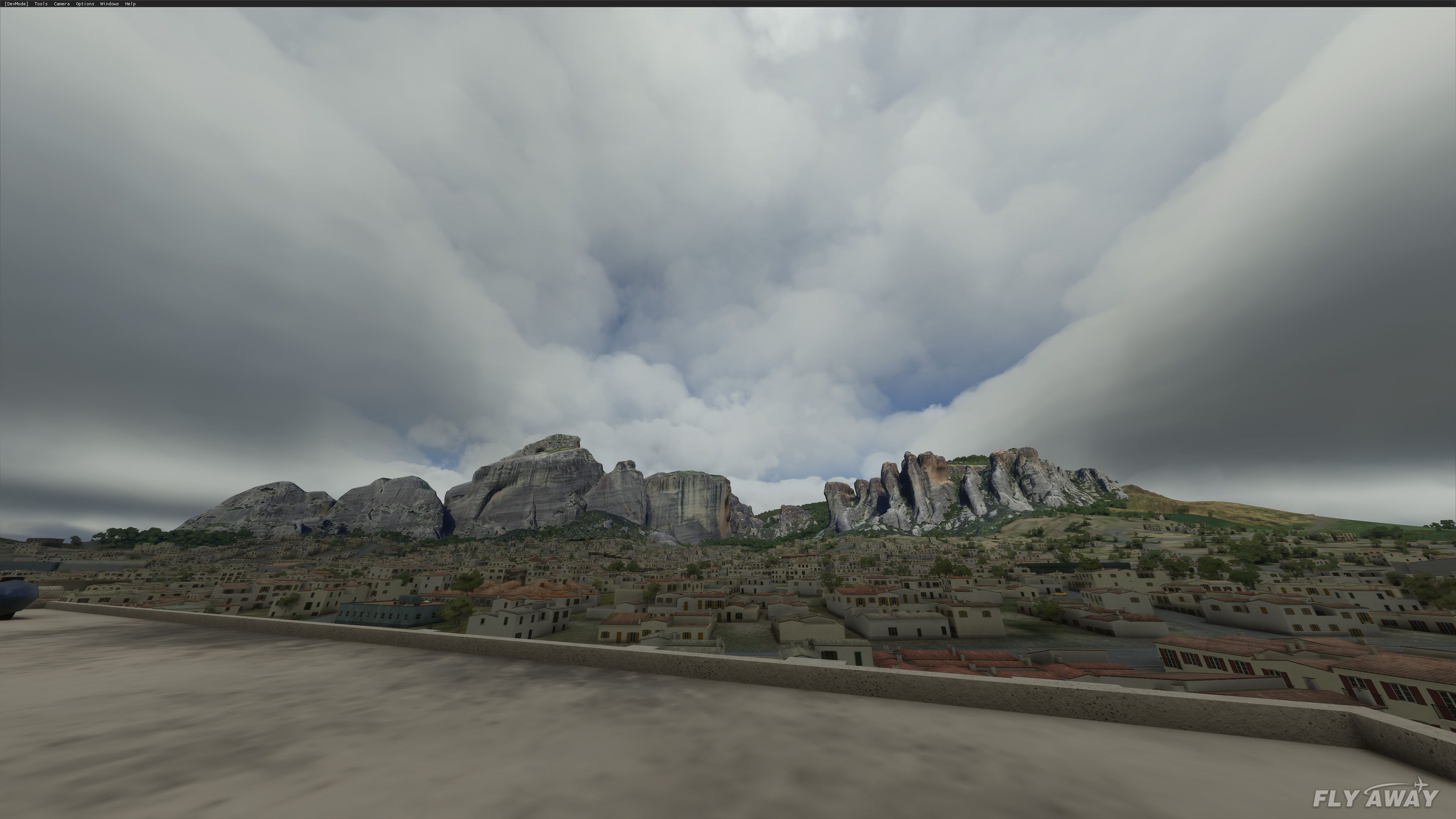
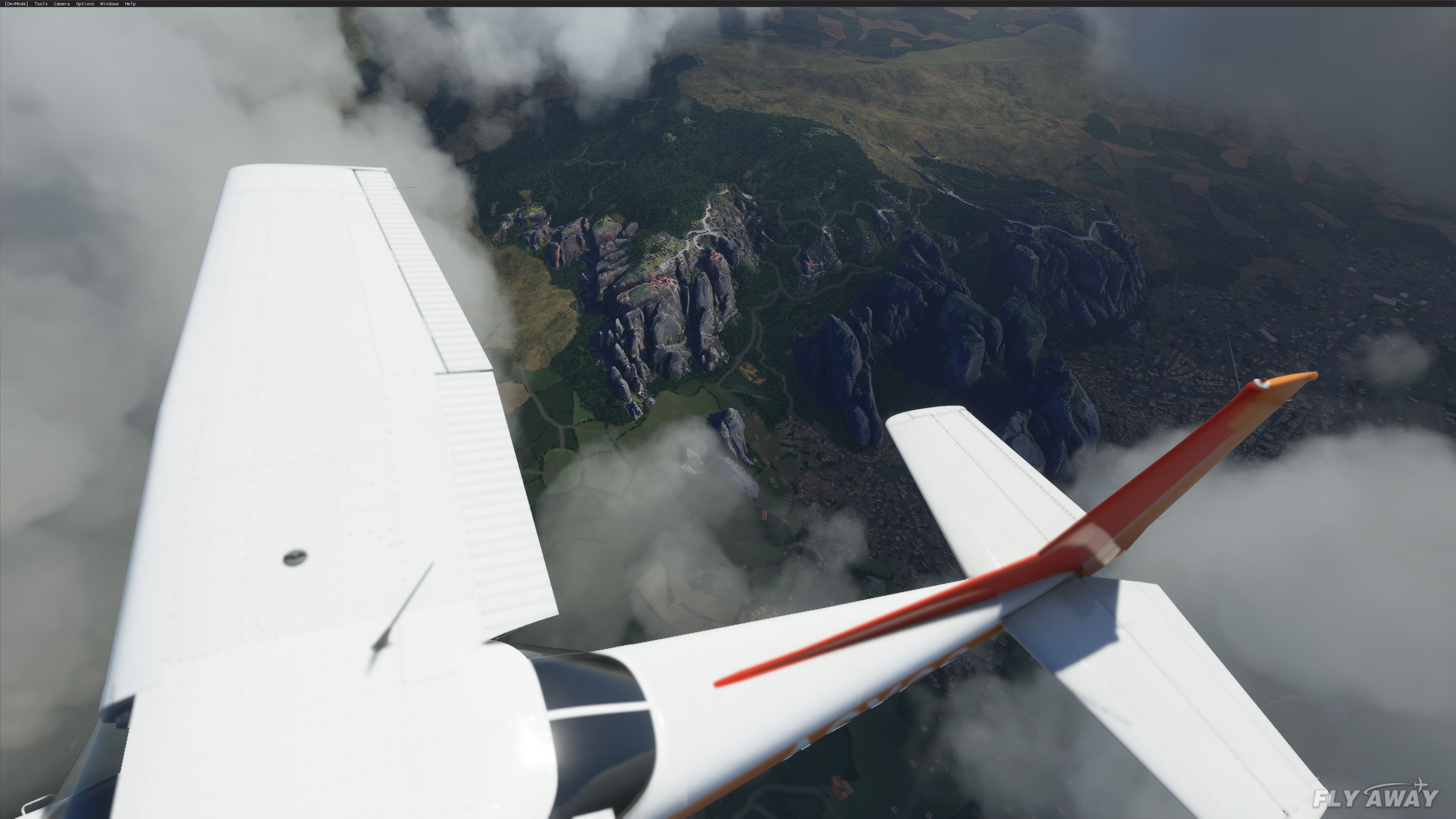
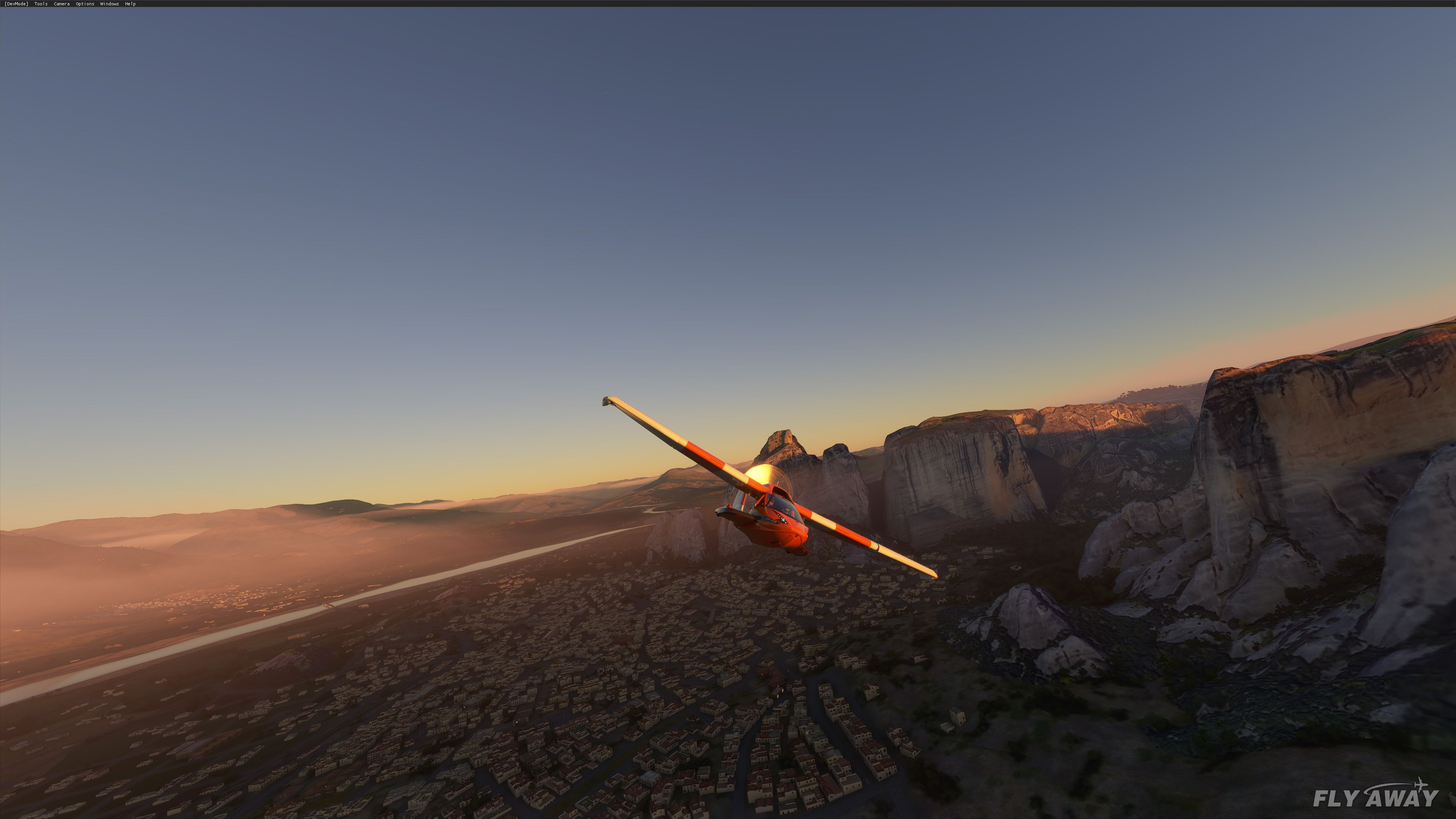
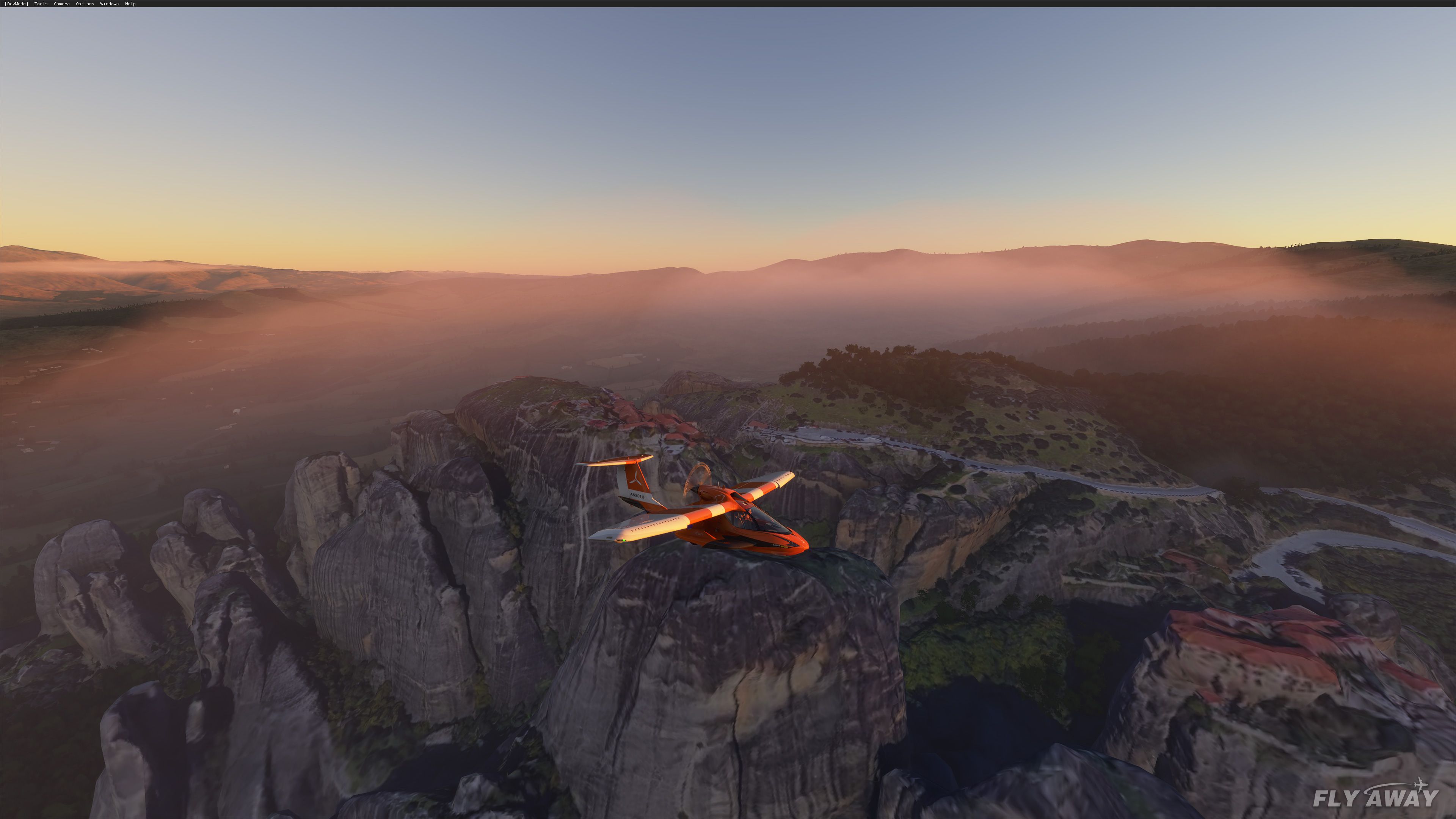
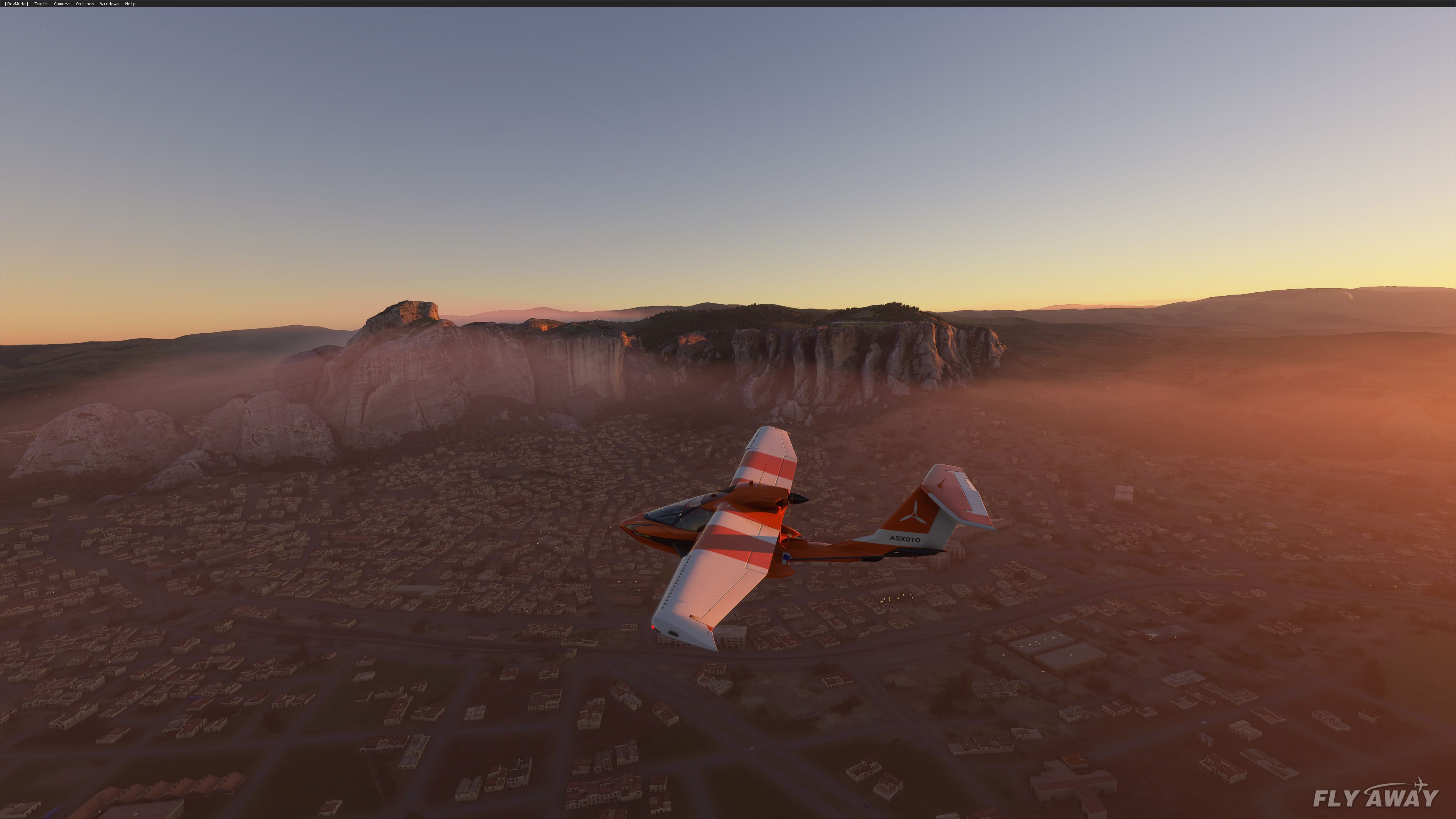
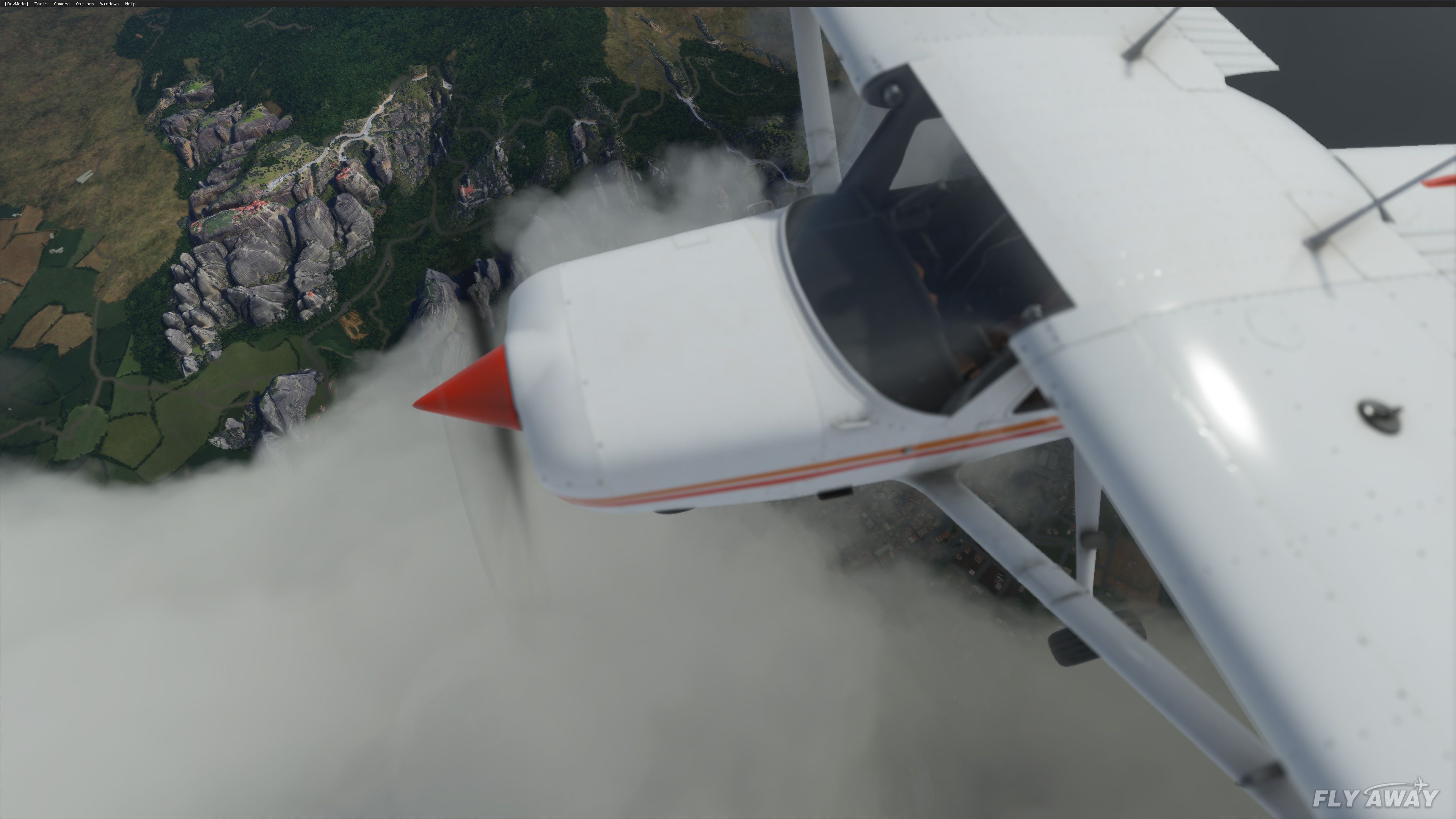
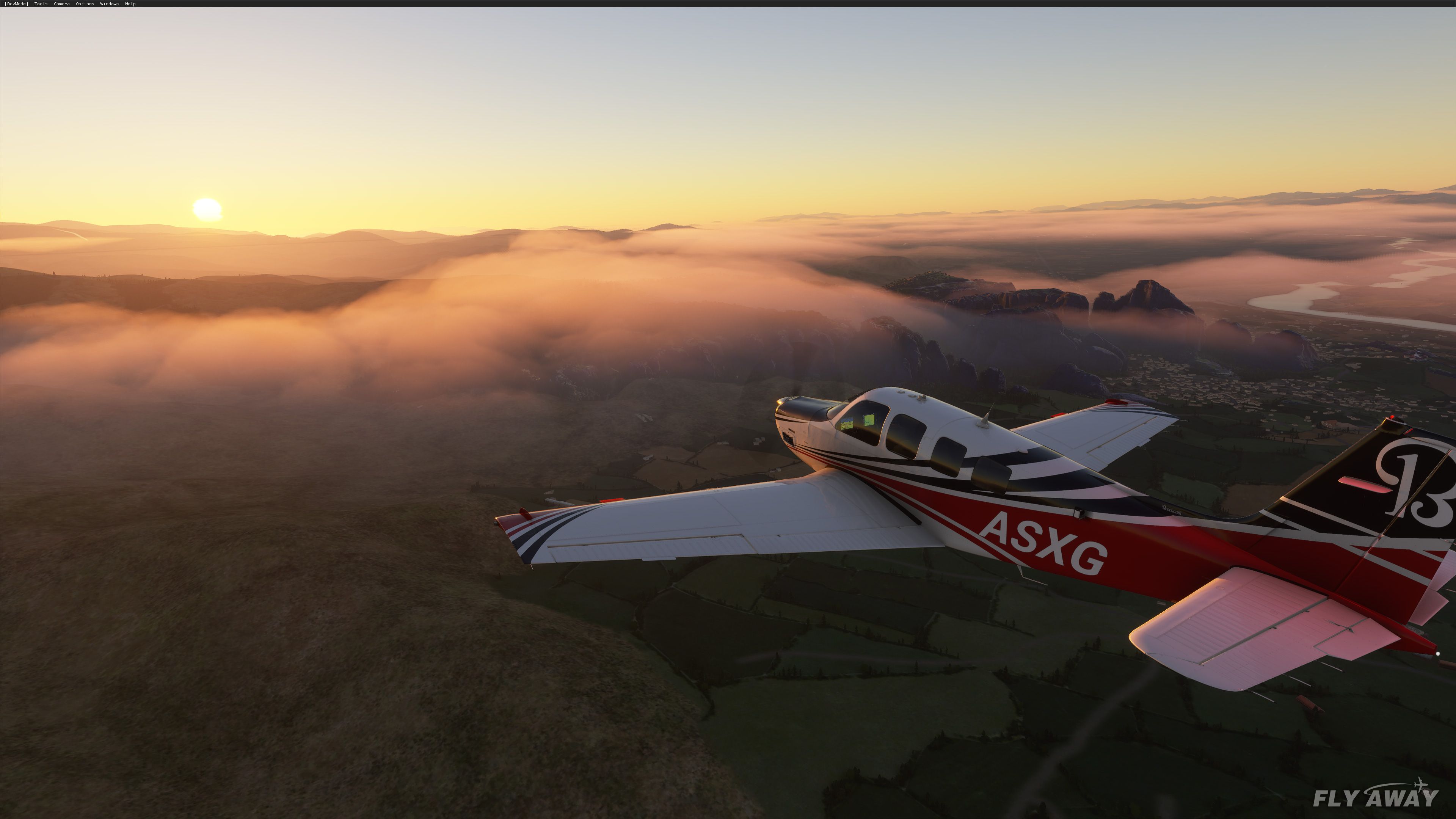
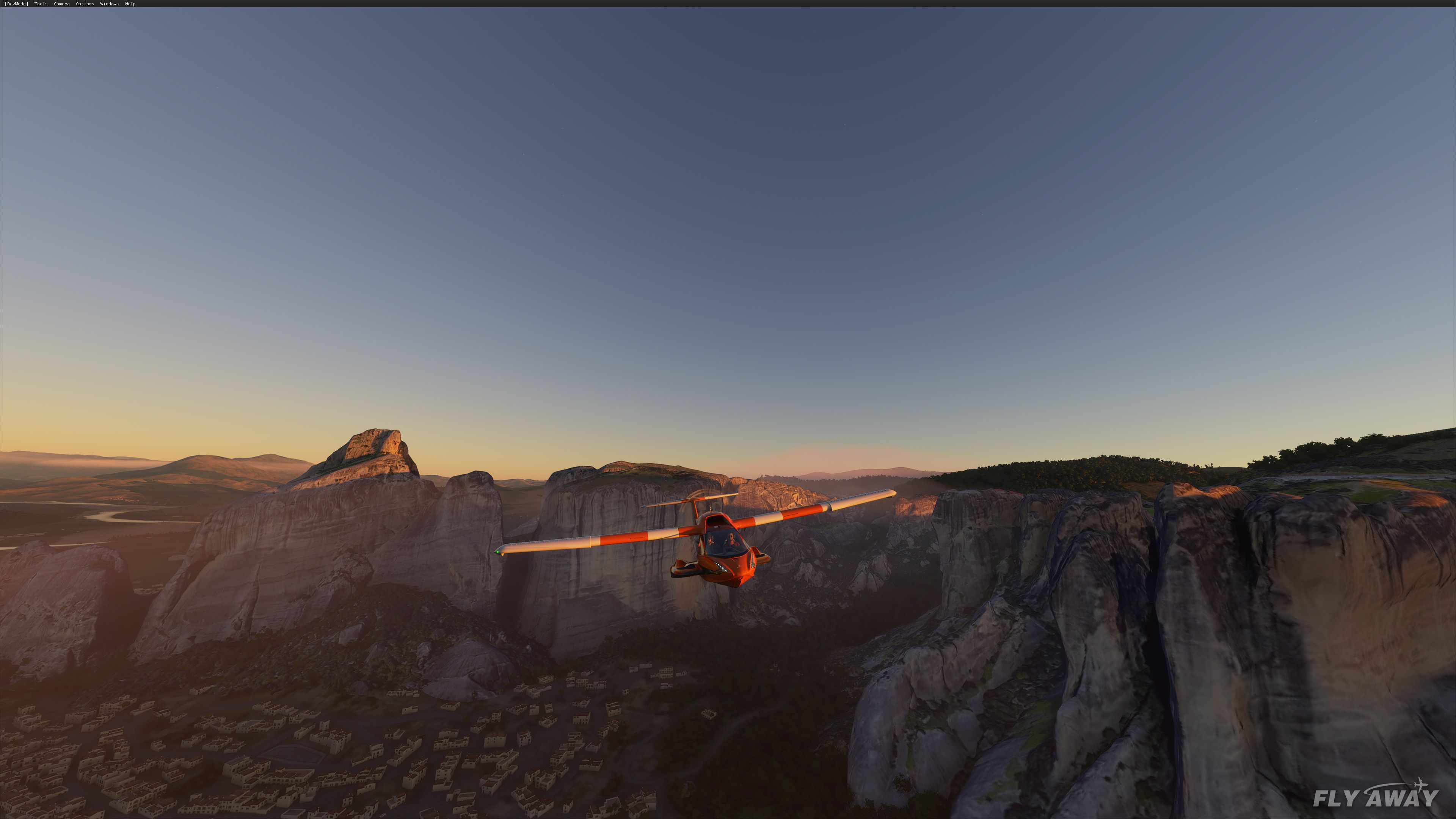
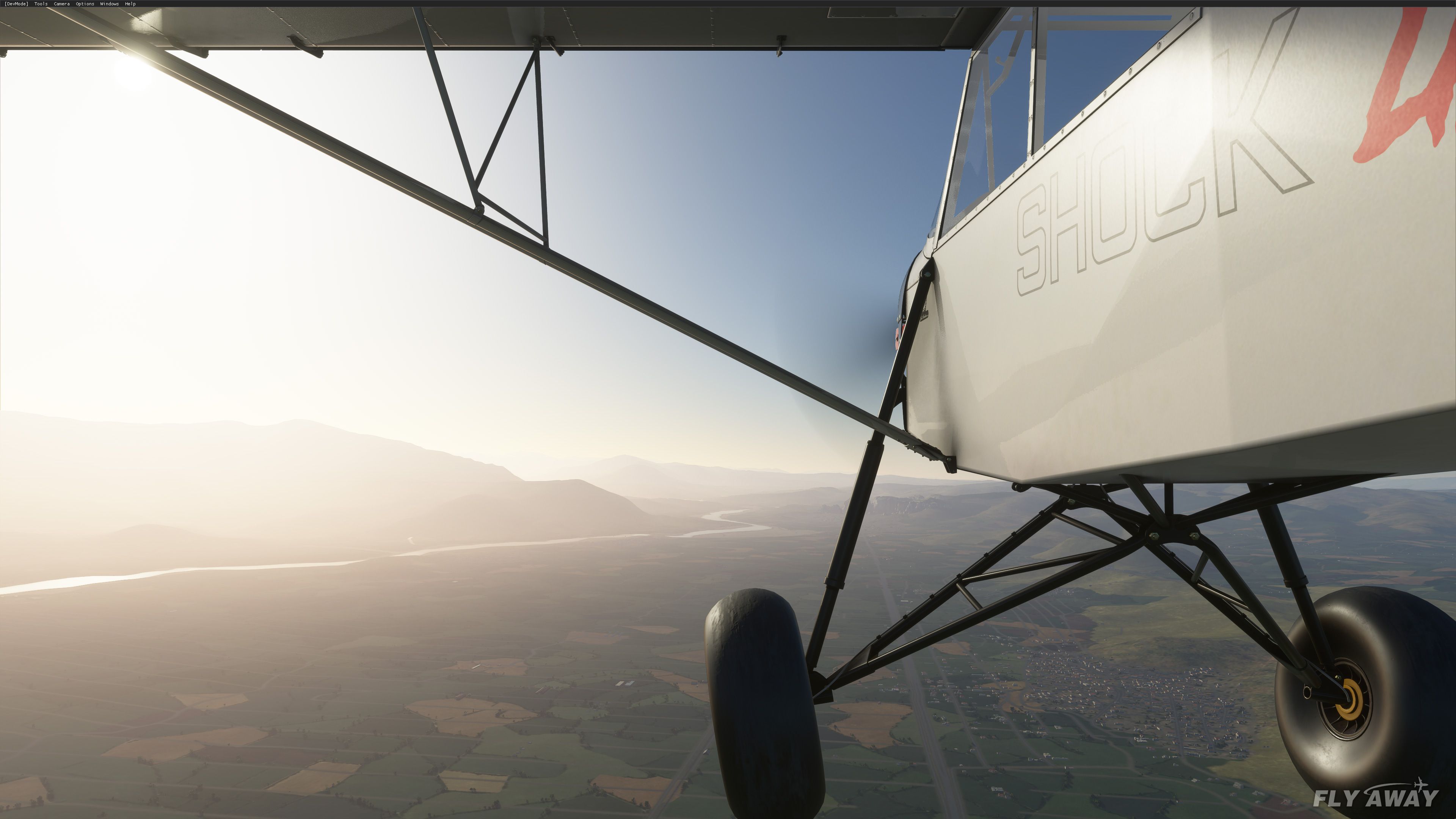
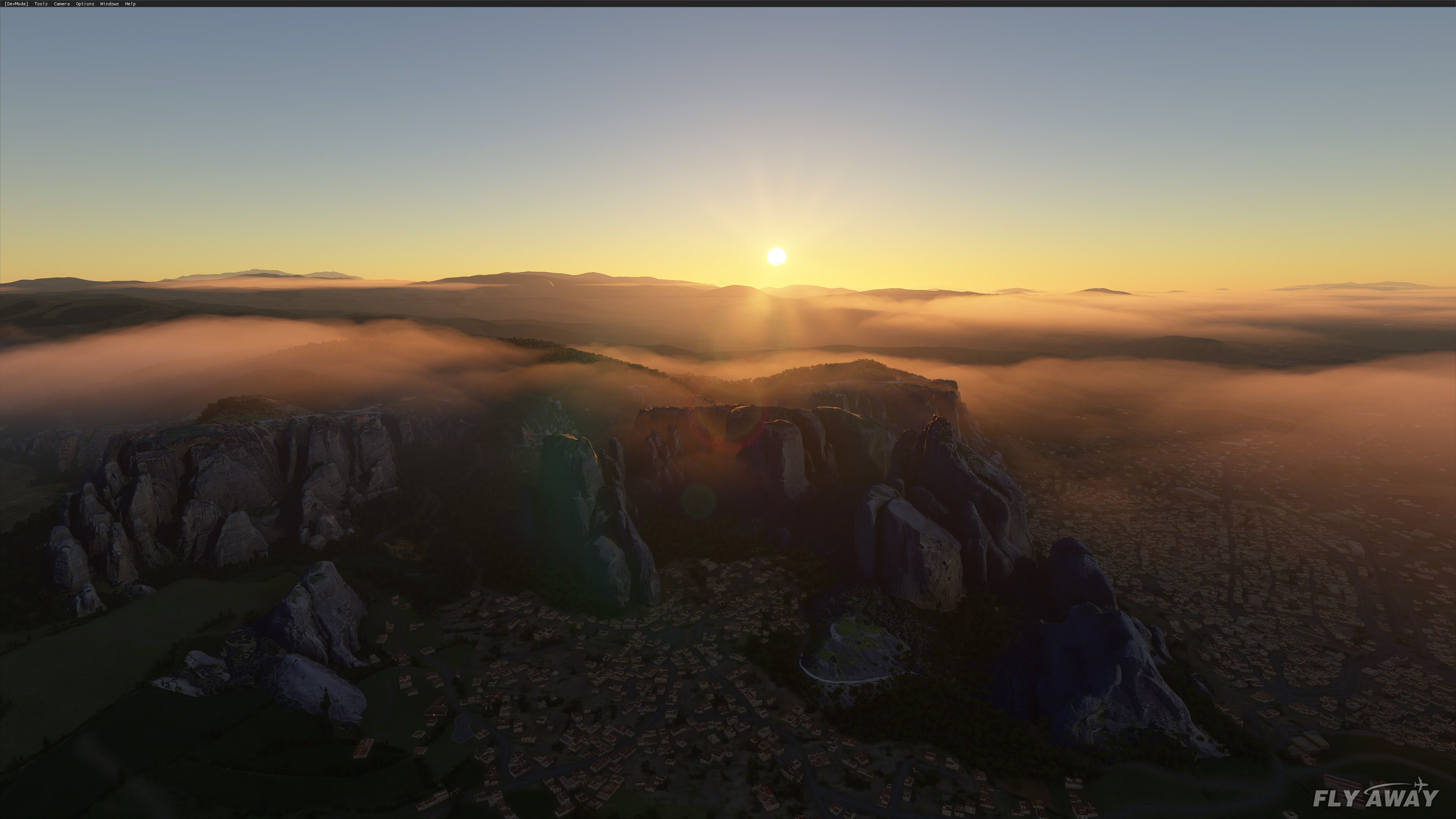
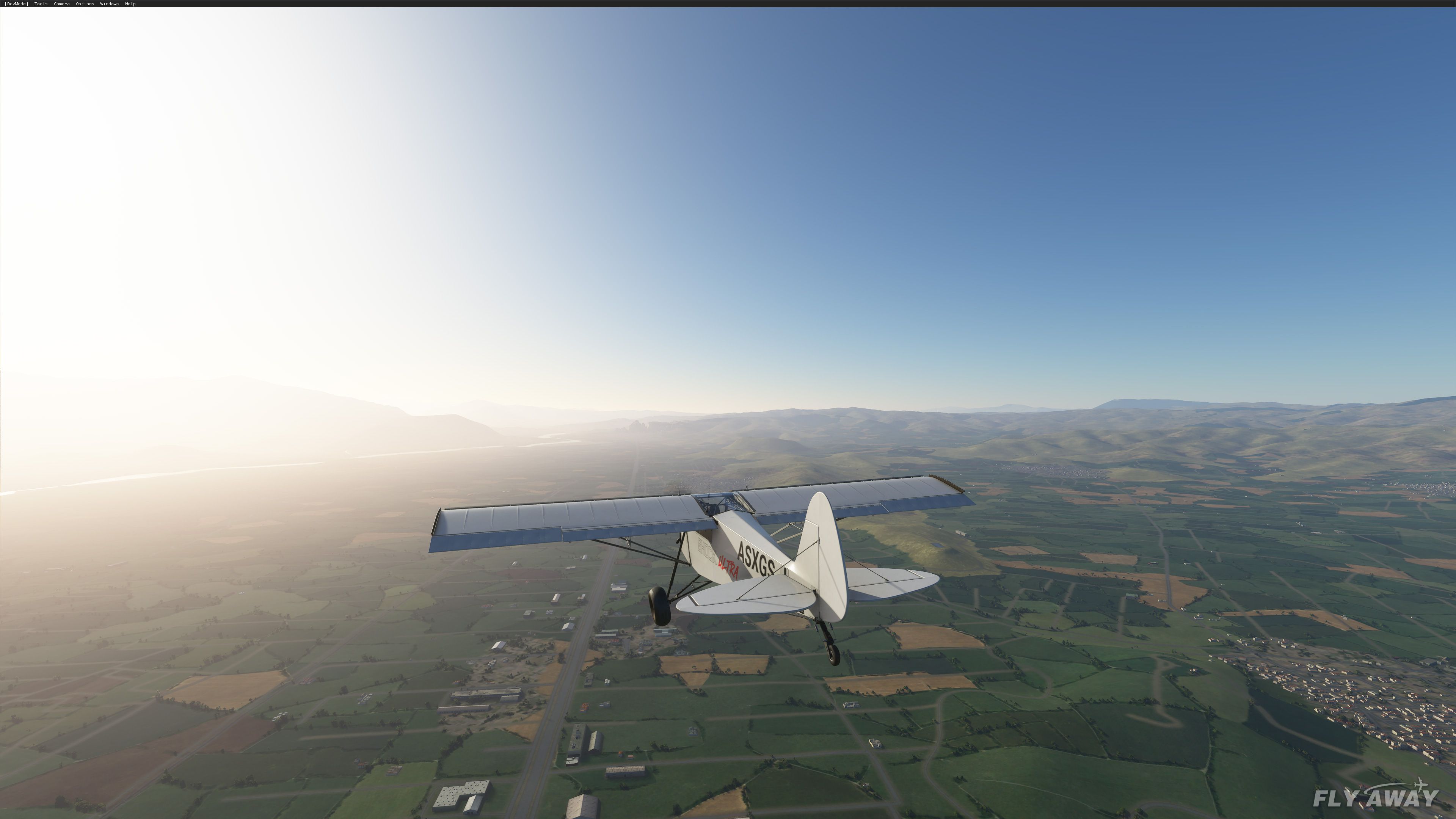
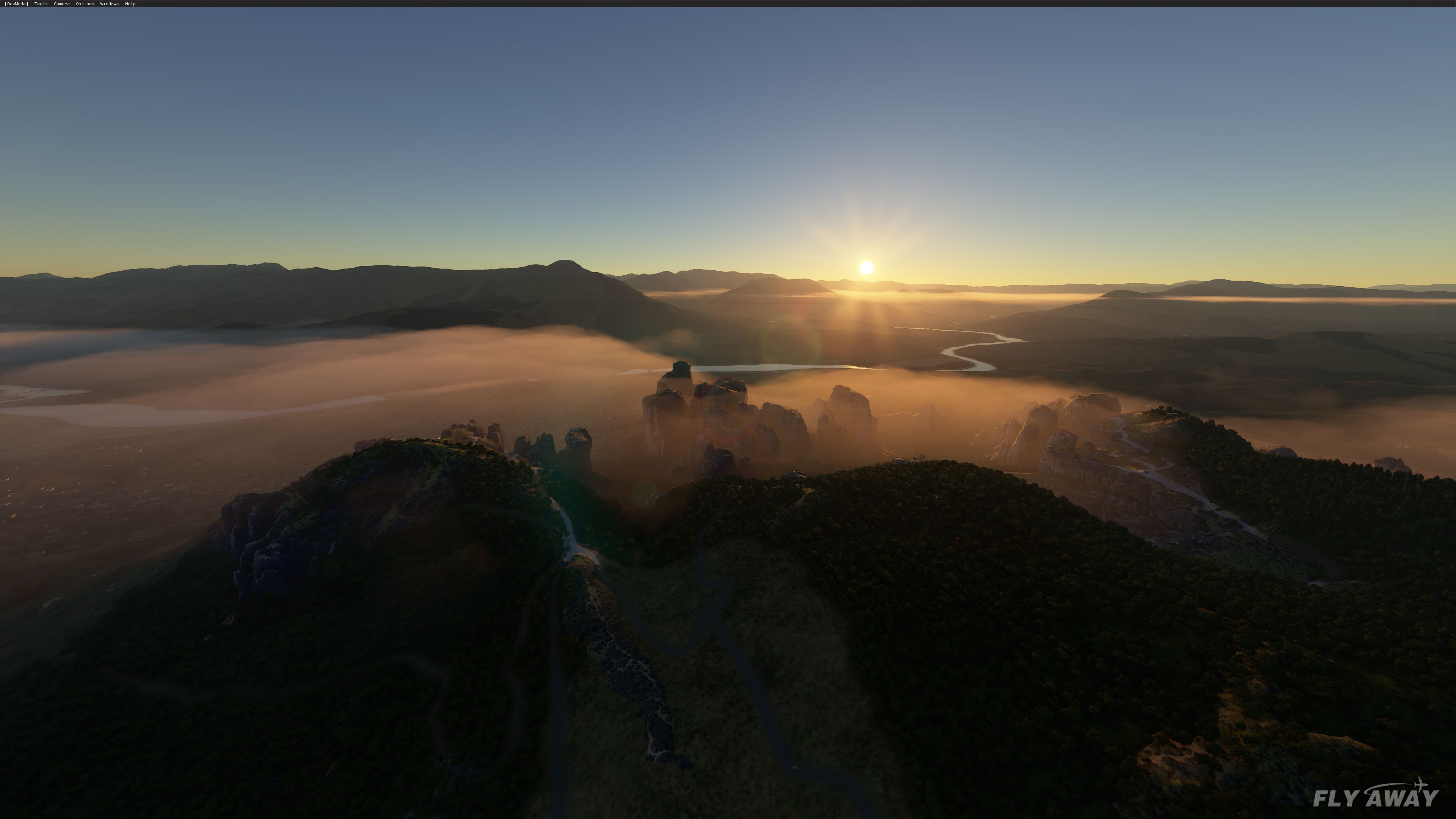
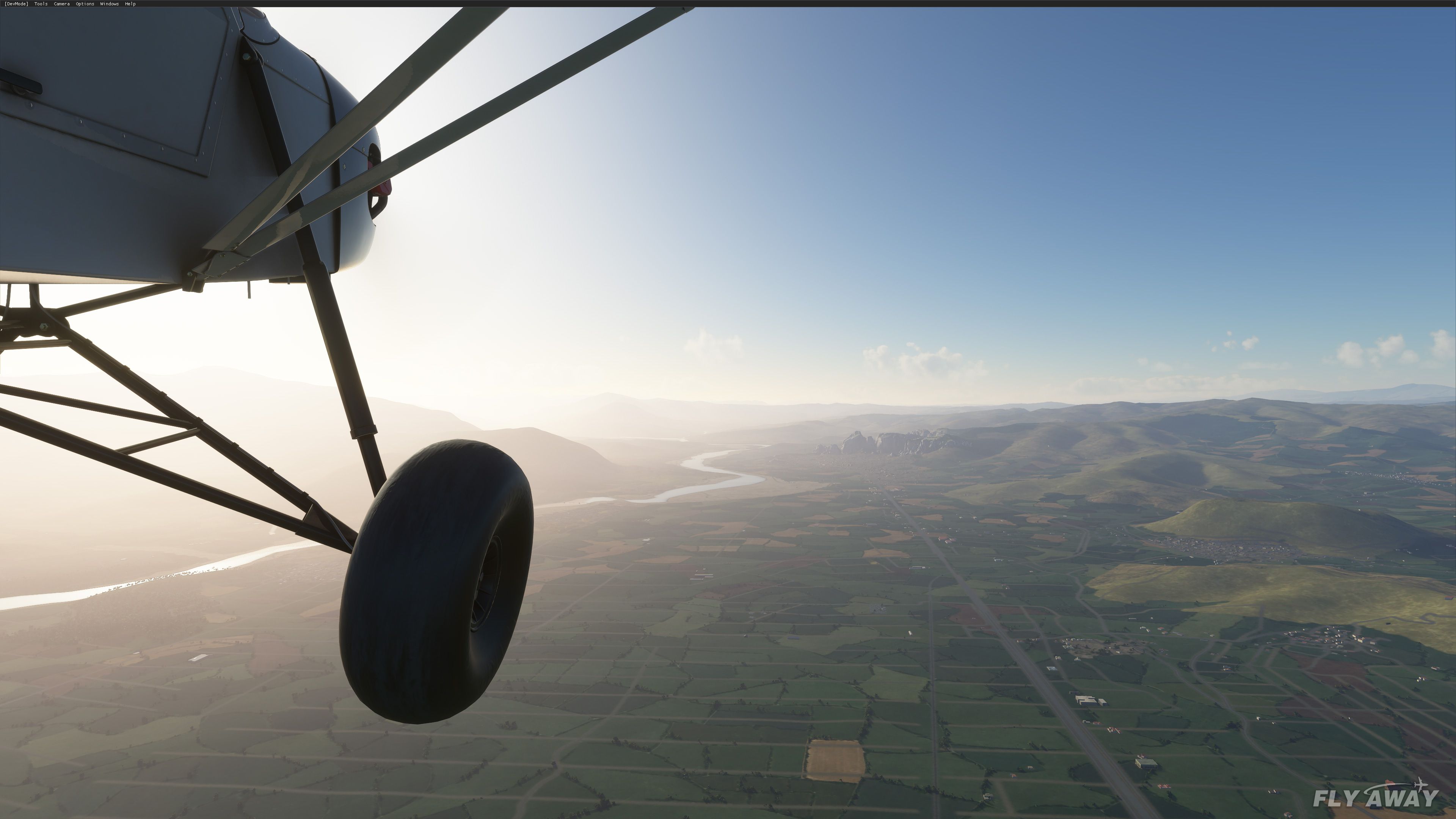
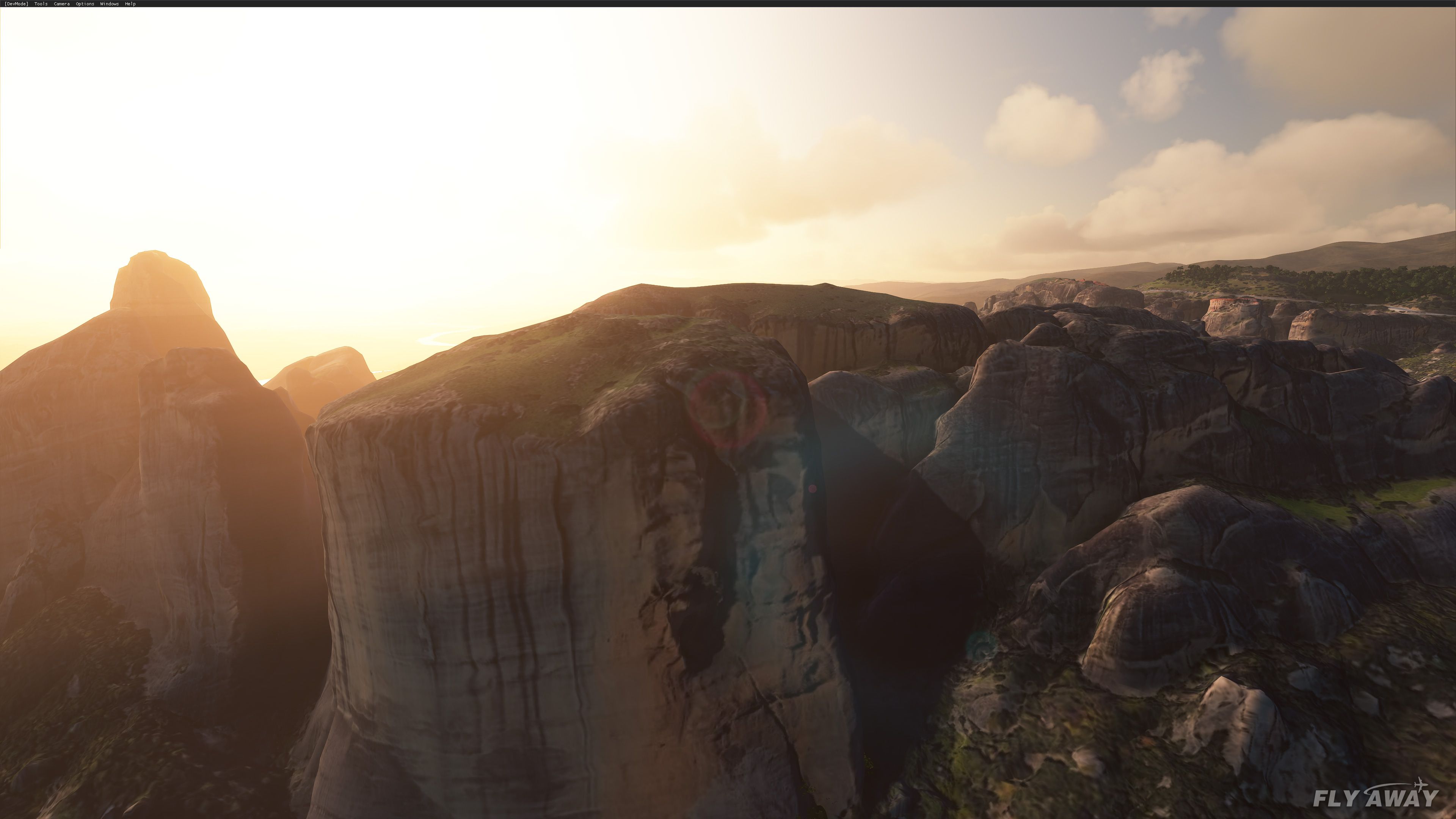
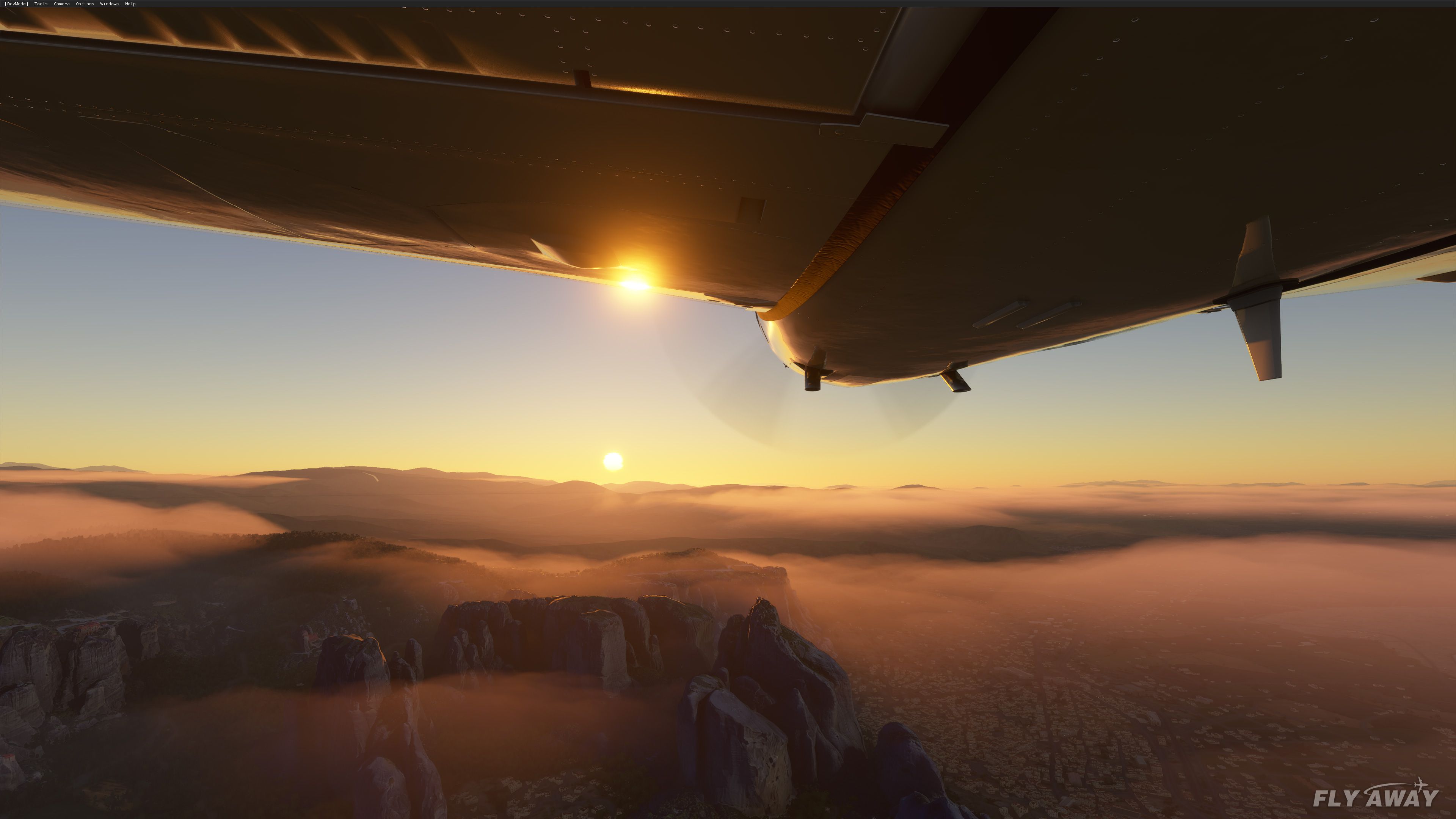
Meteora Valley scenery refreshes central Greece with a corrected photogrammetry mesh and careful terraforming so the famous rock pillars and surrounding valleys blend more naturally into the default terrain. Built for Microsoft Flight Simulator, it enhances low-level sightseeing and VFR navigation around Meteora with cleaner contours, improved ground shaping, and a more convincing regional footprint.

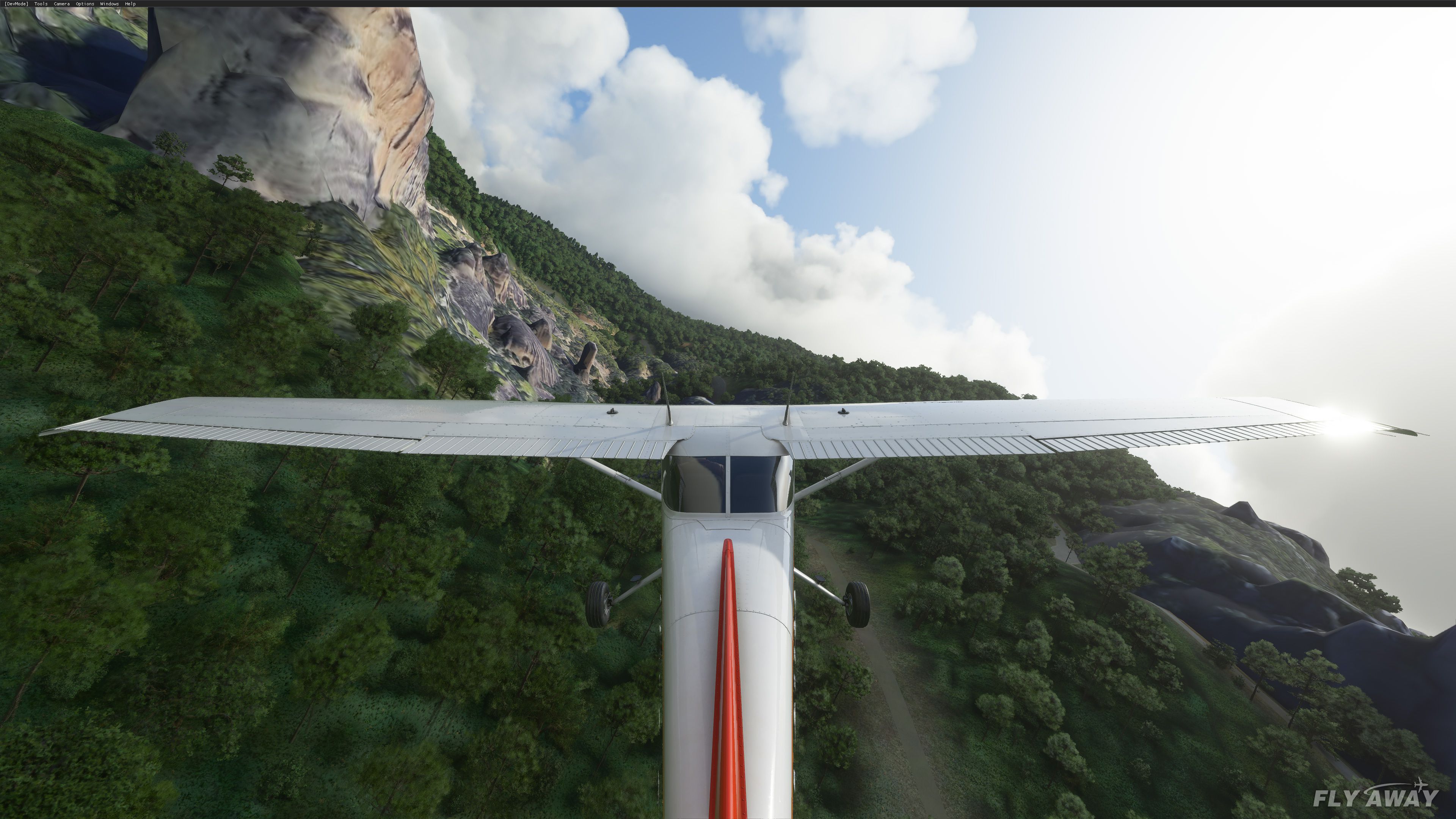
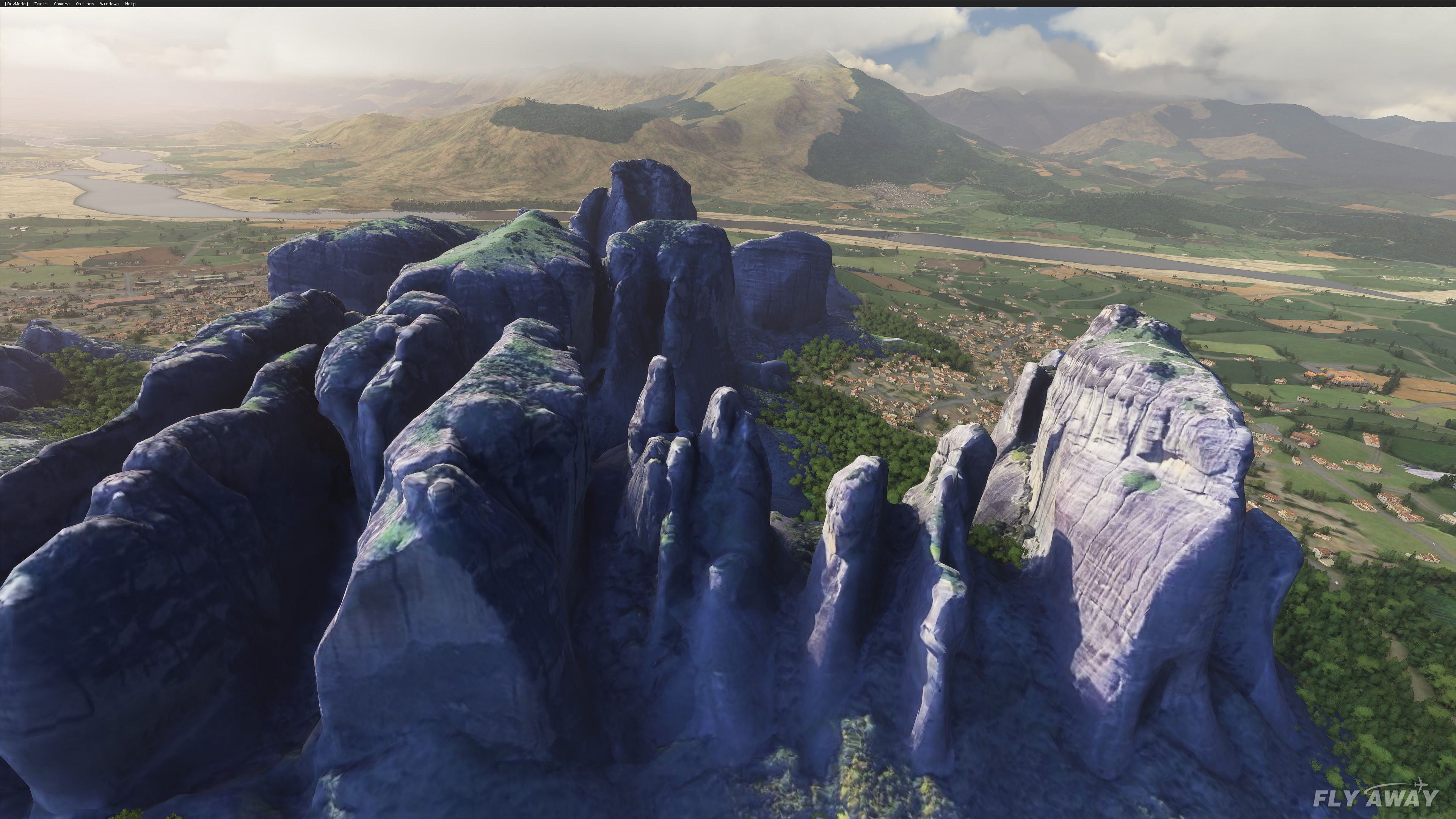
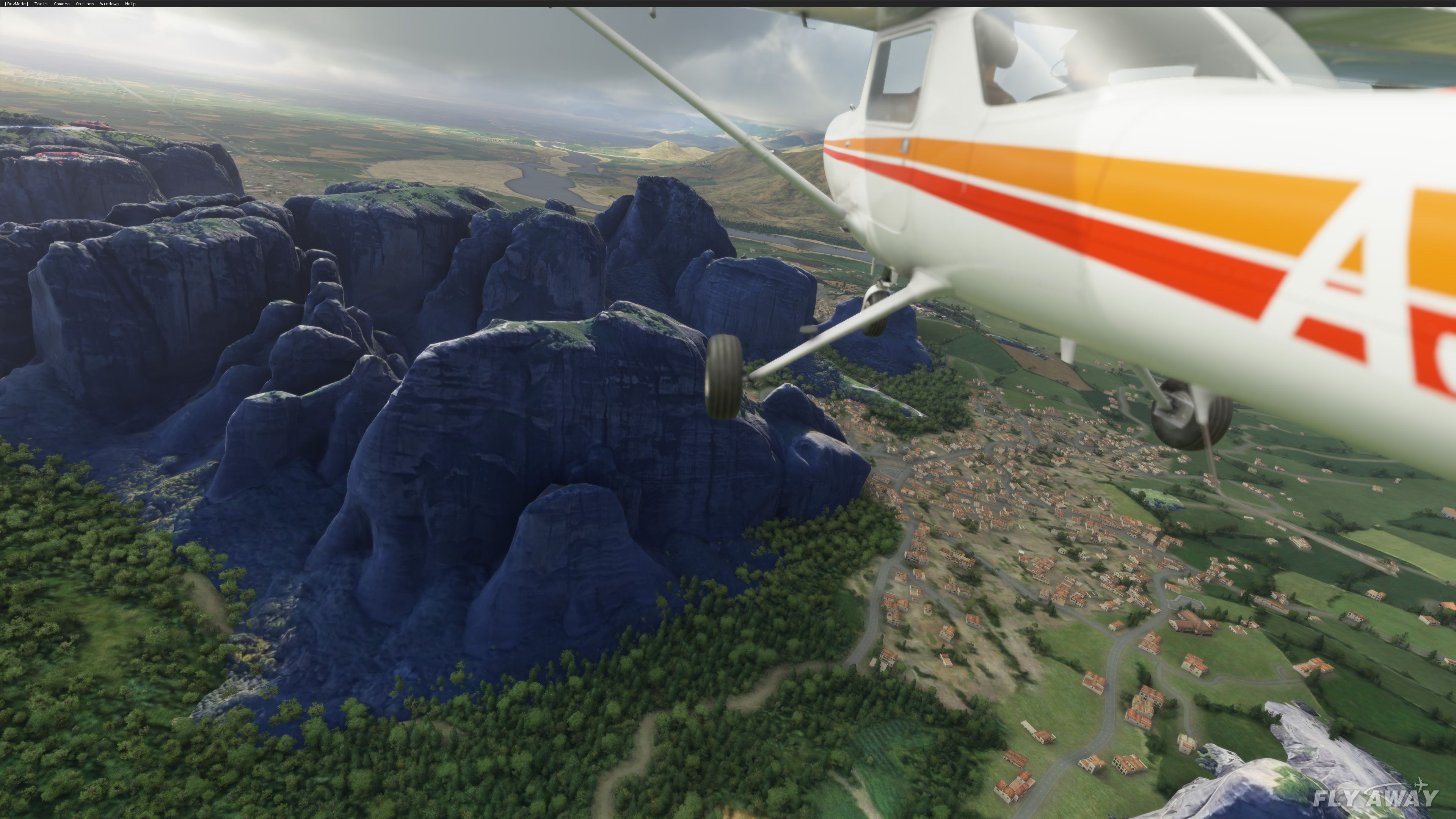
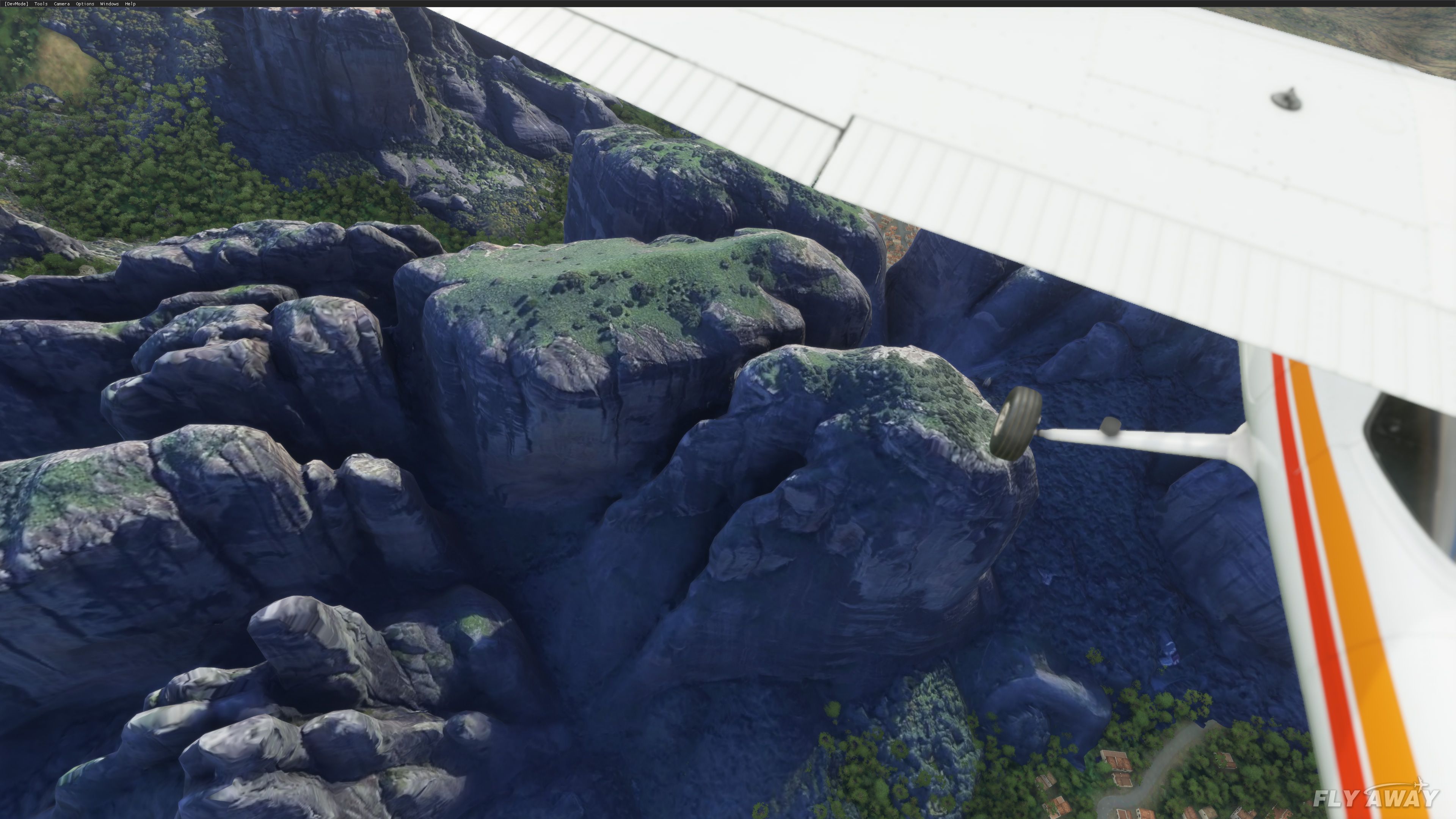
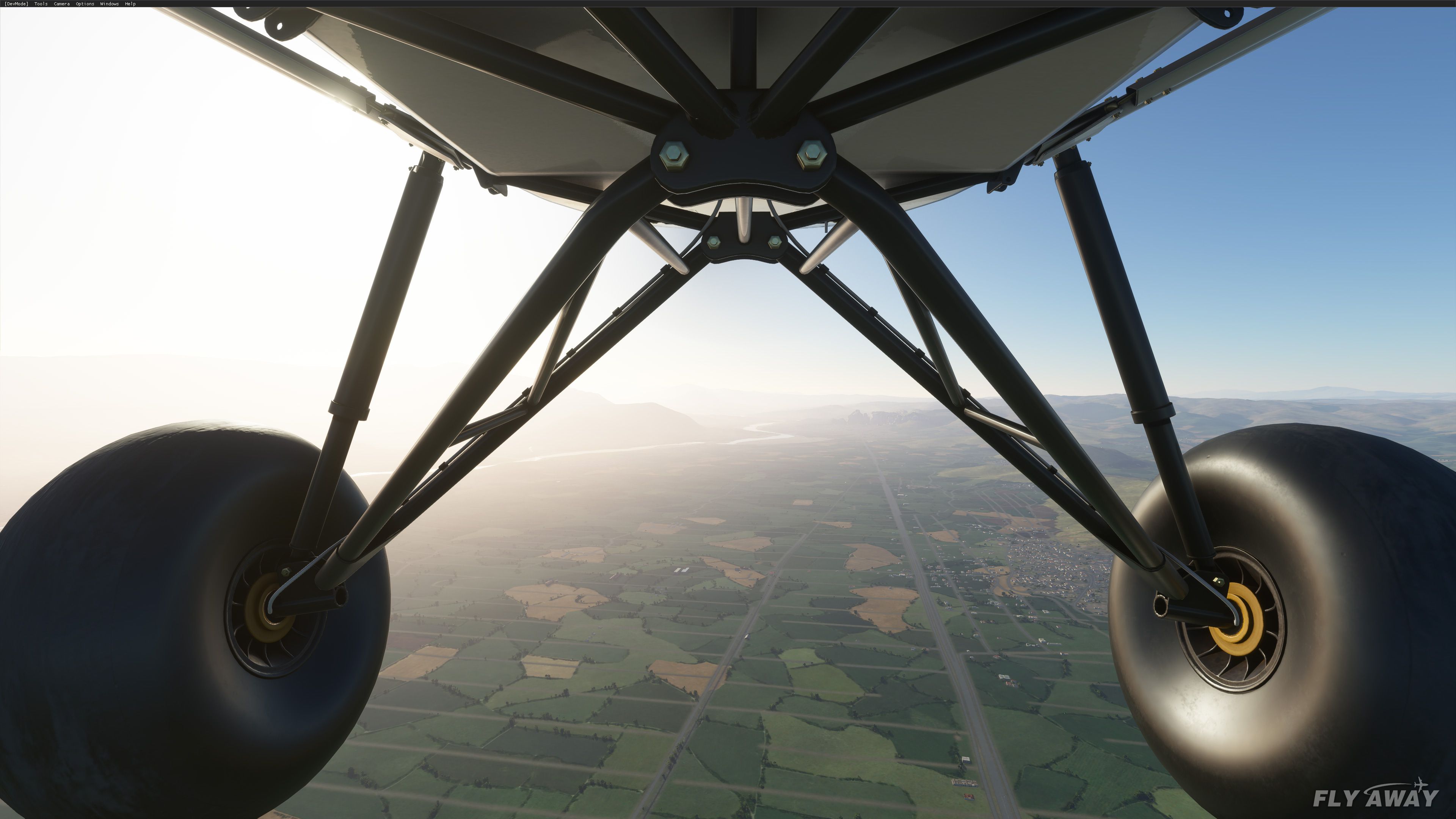
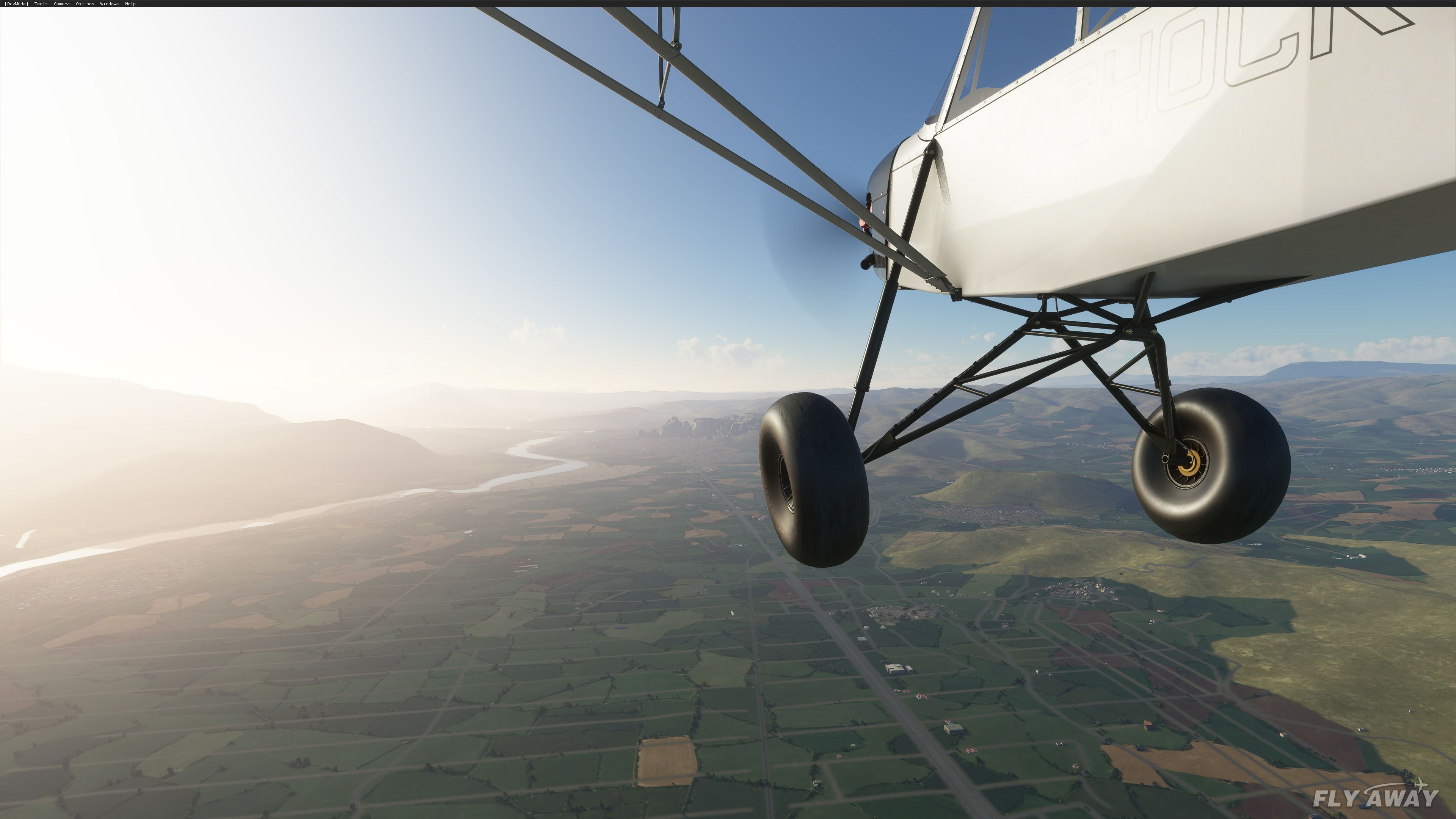
This scenery add-on for Microsoft Flight Simulator upgrades the Meteora Valley region in central Greece with a refined photogrammetry model that dramatically enhances rock formations and overall terrain fidelity. Developed by NikPrist, the mod integrates dozens of carefully placed terraforming rectangles so that the picturesque cliffs seamlessly blend with the default Blackshark AI landscape, resulting in a distinctly authentic look. Although collisions are not fully implemented, the visual realism and sense of elevation are notably improved when flying low through these towering landmarks.
Having tested this mod extensively, I can confirm it breathes new life into the sim by adding greater detail and realism to this acclaimed World Heritage site. While you may occasionally notice clipping as the photogrammetry merges with the default terrain, the overall effect is a captivating aerial experience that showcases the immense natural beauty of the Meteora Valley. It is a solid addition to any serious flight simmer’s scenery collection.
A replacement and fix for the Meteora region and valleys, central Greece in Microsoft Flight Simulator 2020.
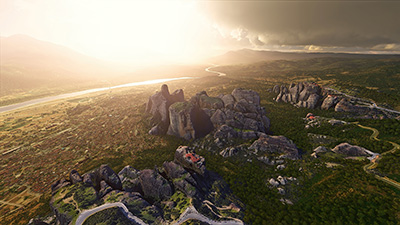 ?This hybrid version took many hours to be realized into its final form, due to the technical difficulty of making so many different terraforming rectangles into the SDK, so that the model "fits" naturally into the default landscape that Blackshark AI created.
It is also quite important to note, that not all the rocks have collision and that you can actually fly under the ground on many occasions. It is not an easy task to "fit" the default, real ground of the sim, to the modded one of the photogrammetric model.
TO INSTALL
Just choose the version of your liking (most pleasing to you) and drag and drop the folder from the .zip to your "Community" folder.
HOW TO FIND THE VALLEY
Developer: NikPrist.
Free for all simmers · 294.15 MB · Scanned clean Oct 2026
Download speed: Free tier is capped at 2 Mbps (this file takes approximately 21 mins at the cap). PRO members download at full line speed.
%LOCALAPPDATA%\Packages\Microsoft.FlightSimulator_8wekyb3d8bbwe\LocalCache\Packages\Community\. Steam version: %APPDATA%\Microsoft Flight Simulator\Packages\Community\. Tip: enable Developer Mode in MSFS to see your exact Community folder path.readme.txt or README file. It tells you exactly where files go, what dependencies are needed, and any quirks specific to this add-on.Only PRO members can place votes.
More MSFS add-ons hand-picked based on this download.
MSFS Scenery
A fun pack featuring new ground textures, rock texture upgrades, and general …
 MSFS Scenery
A complete freeware package covering the famous Monument Valley, USA, and bri…
 MSFS Scenery
A large freeware scenery add-on pack put together by the developer who goes b…
 MSFS Scenery
A quick rework of several Swiss cities and landmarks such as the Matterhorn u…
 MSFS Scenery
This pack by the developer who simply goes by the name of Chris brings the me…
 MSFS Scenery
Enhance your Microsoft Flight Simulator experience with the Downtown Los Ange…
 MSFS Scenery
A new, easy-to-install, and accurate replacement of the default Paris photore…
 MSFS Scenery
A massive freeware pack created by the developer Srinivasman containing over …
Read what other simmers think, or add your own.
