

 MSFS Utilities & Tools
Jetstream - Airline Career Mode and Pilot Progression
Jetstream gives Microsoft Flight Simulator 2020 and Microsoft Flight Simulato…
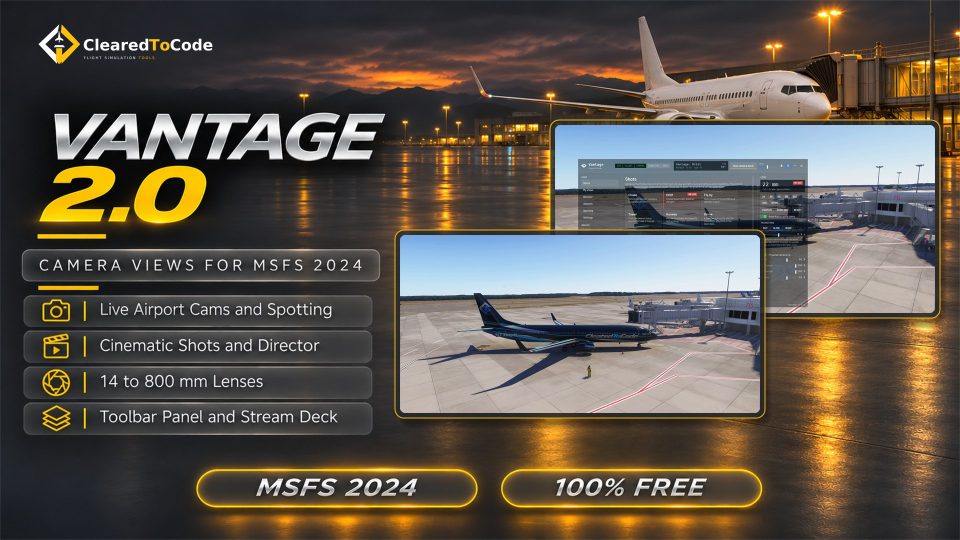
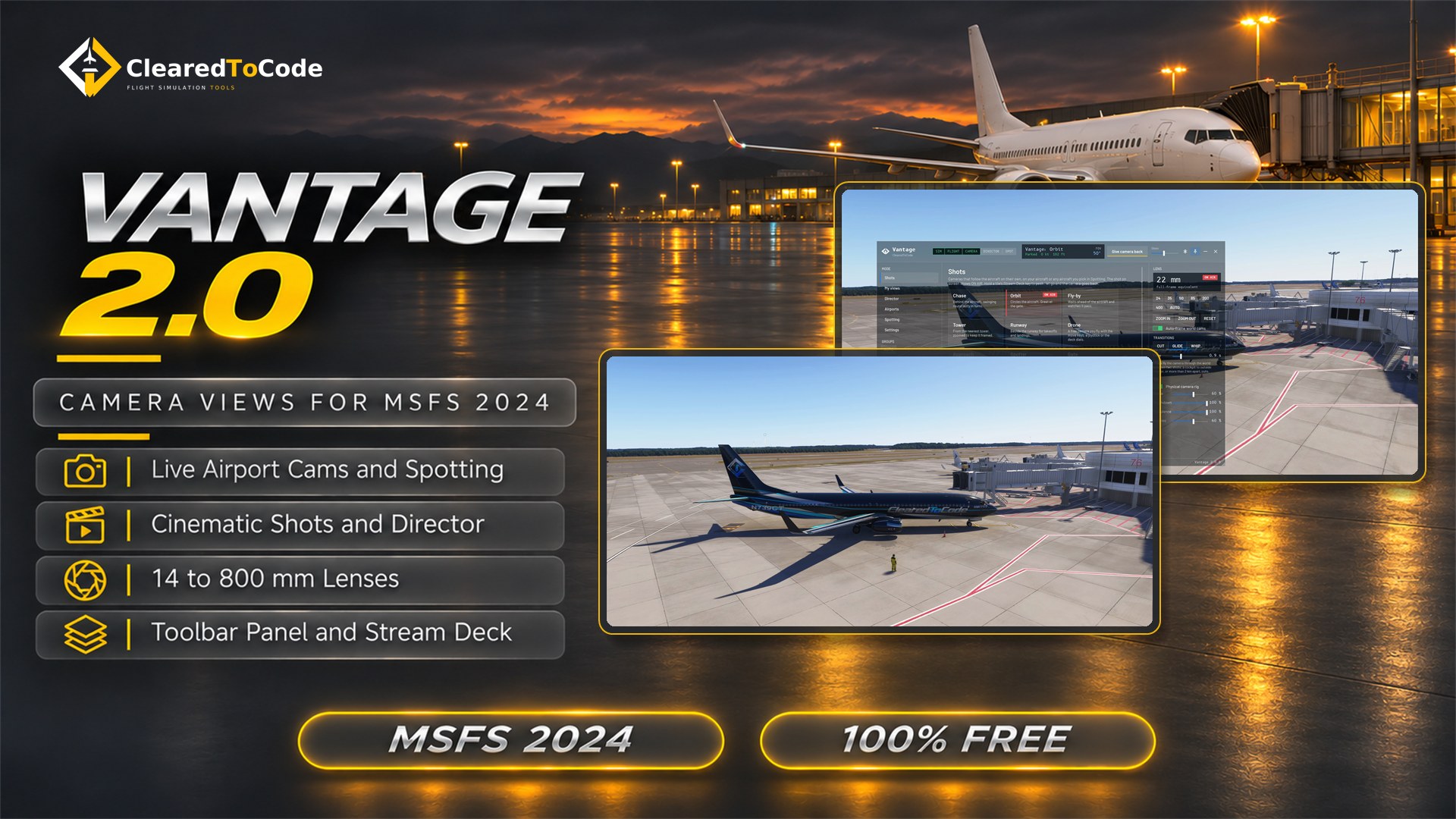
Vantage brings simulated tower, apron and runway cameras, aircraft spotting and automated cinematic cuts to Microsoft Flight Simulator 2024 through its Camera API. It requires Windows 10 or 11, connects automatically and offers a 14–800 mm lens range, a VR-friendly toolbar panel and Stream Deck controls for favorite shots.
 Rate
 By ClearedtoCode
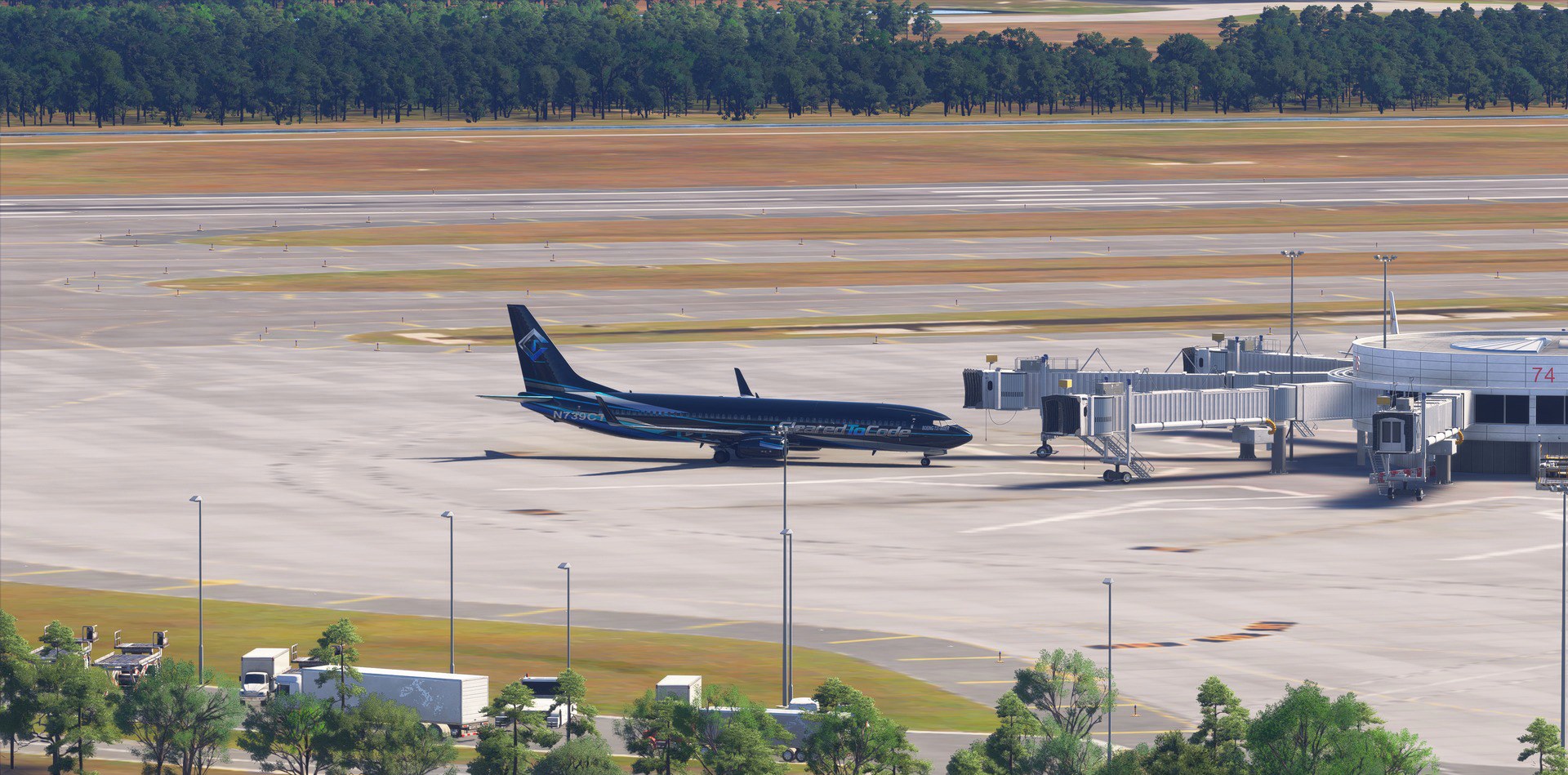
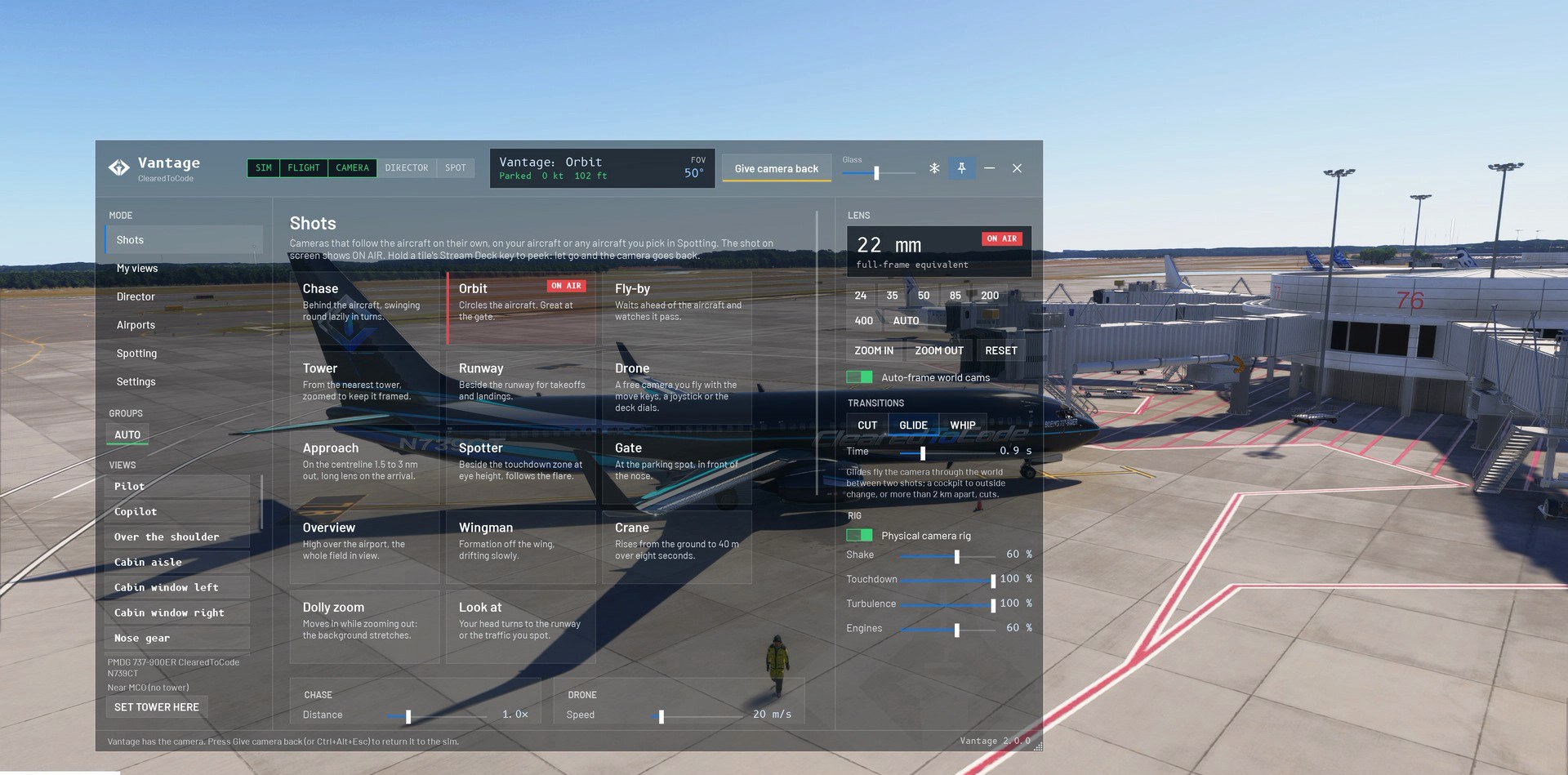
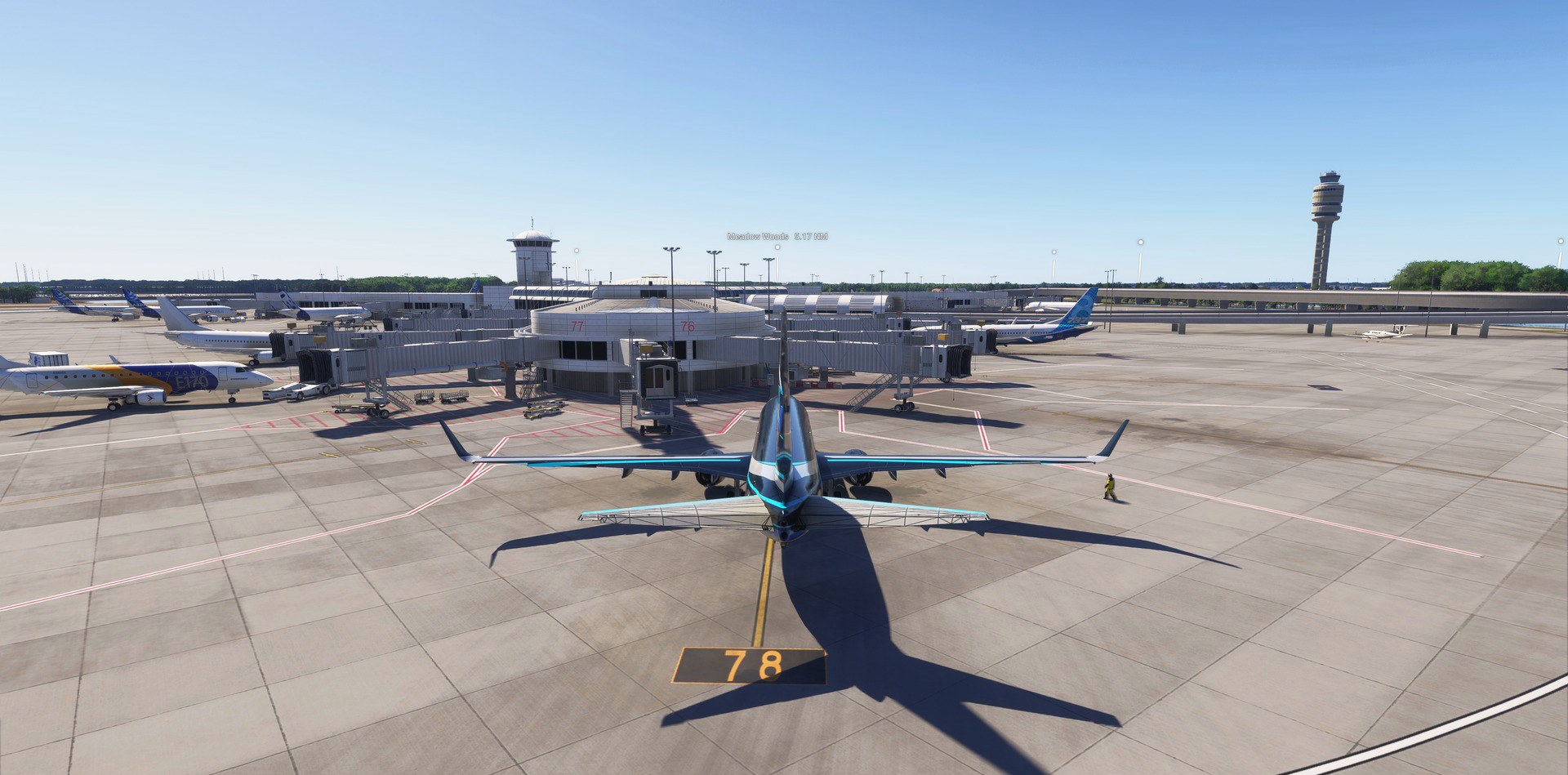
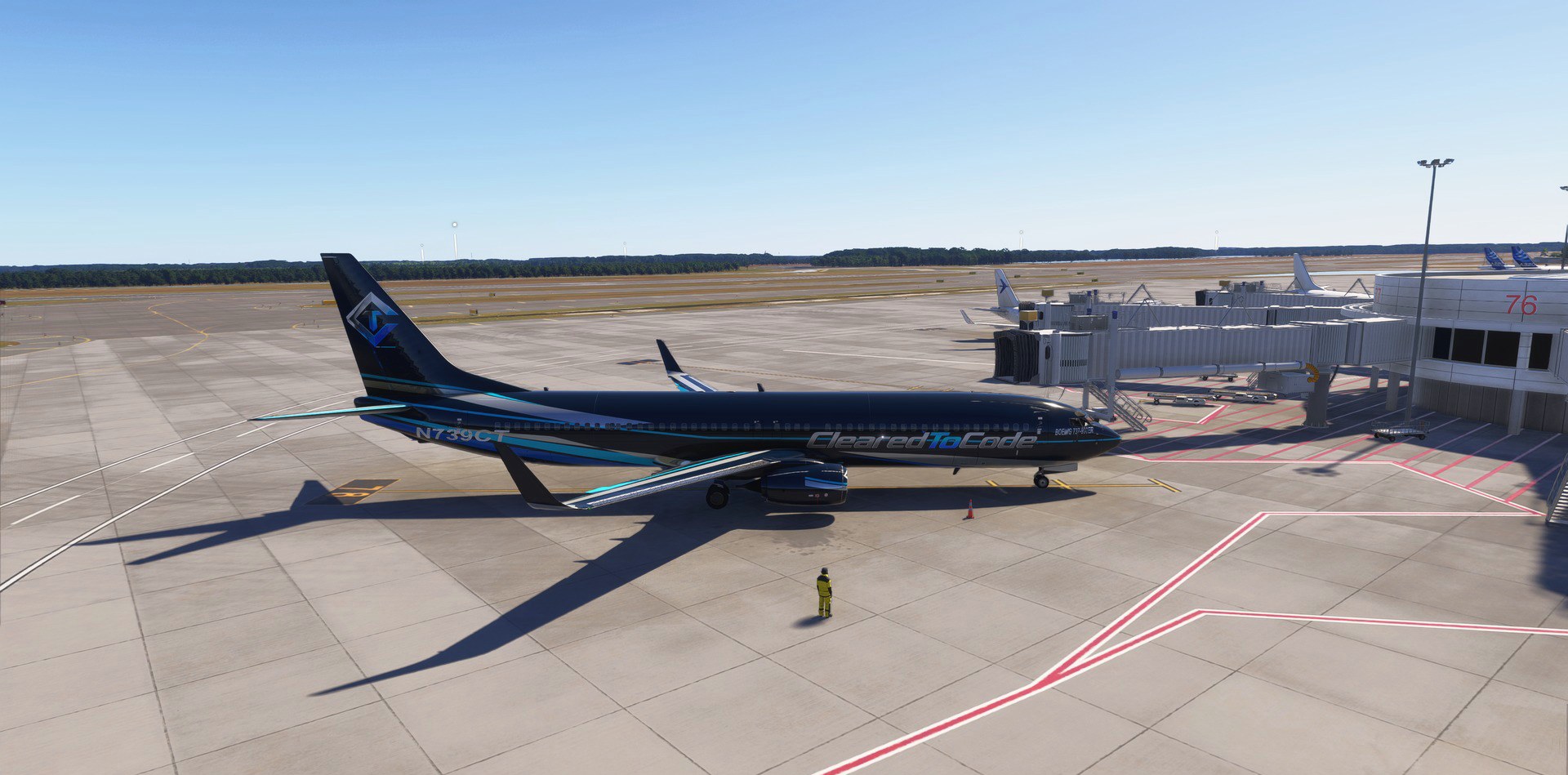

How easily could I get back to flying after handing the camera over? Ctrl+Alt+Esc answered that: it returns camera control to the sim without making me hunt through the shot controls. That matters more to me than another dramatic angle. I want to spend a minute watching the aircraft, then get on with the flight.
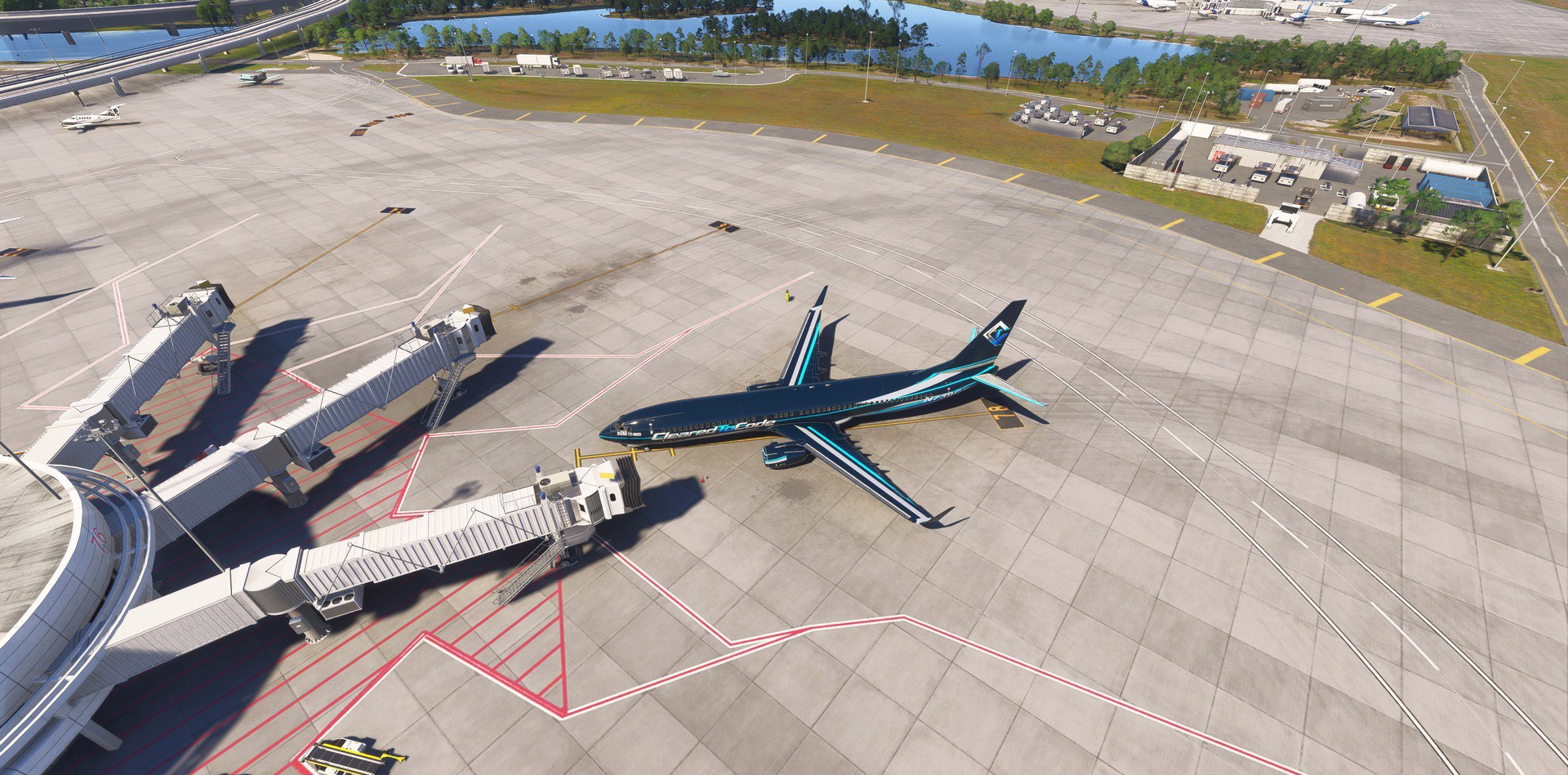
At the gate, I selected Orbit and let the camera circle the parked aircraft instead of steering the view myself. The jet bridges and apron gave the movement some context; it wasn't just a close-up of the fuselage. I like having that option for a quiet moment before departure. The shot tiles also explain their behavior in plain language, which helps when choosing an angle rather than experimenting with an unfamiliar label.
Vantage lets you watch a flight through airport cameras, automated cinematic shots and spotting views in Microsoft Flight Simulator 2024. ClearedtoCode’s free camera app uses the simulator’s own Camera API, with an in-sim toolbar panel for control and an included Stream Deck plugin for putting favorite shots on keys.
The “live airport cams” are views within the simulator, not real-world video feeds. Tower, apron and runway viewpoints let you watch your aircraft or other activity at the field. The lens range runs from 14 to 800 mm, covering wide apron scenes and tight spotter views. For cinematic sequences, a director can cut between shots automatically.
Start MSFS 2024 and load a flight; Vantage connects automatically. Select a shot and the app moves the camera for you. To return camera control to the simulator, use the button in Vantage or press Ctrl+Alt+Esc. The toolbar panel lets you operate it without leaving the flight and is VR-friendly.
Vantage requires Windows 10/11 and MSFS 2024. Microsoft Flight Simulator 2020 lacks the Camera API it uses and isn't supported.
Uninstall Vantage through Windows Settings > Apps.
Free for all simmers · 61.9 MB · Scanned clean Nov 2026
Download speed: Free tier is capped at 2 Mbps (this file takes approximately 4 mins at the cap). PRO members download at full line speed.
2.0.1: current release of Vantage 2.0, with live airport cams, cinematic shots and director, 14 to 800 mm lenses, the toolbar panel and the Stream Deck plugin.
%LOCALAPPDATA%\Packages\Microsoft.FlightSimulator_8wekyb3d8bbwe\LocalCache\Packages\Community\. Steam version: %APPDATA%\Microsoft Flight Simulator\Packages\Community\. Tip: enable Developer Mode in MSFS to see your exact Community folder path.readme.txt or README file. It tells you exactly where files go, what dependencies are needed, and any quirks specific to this add-on.ClearedToCode is a premium development company for Microsoft Flight Simulator 2020 and 2024. We care about two things: building every product to a high standard, and looking after the people who use them.
Are you ClearedtoCode? Sign in to Fly Away Creators for download stats, comment replies and updates. Make add-ons? Publish them here.
Only PRO members can place votes.
More MSFS add-ons hand-picked based on this download.
MSFS Utilities & Tools
Jetstream gives Microsoft Flight Simulator 2020 and Microsoft Flight Simulato…
 MSFS Utilities & Tools
AeroTuneMFS runs alongside Microsoft Flight Simulator 2020 and Microsoft Flig…
 MSFS Utilities & Tools
TechLog tracks maintenance, wear and defects across supported airliners in Mi…
 MSFS Utilities & Tools
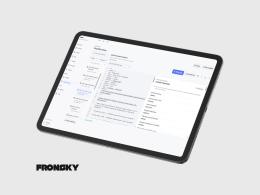
Fronsky EFB runs alongside Microsoft Flight Simulator 2020 and Microsoft Flig…
 FS2004 Utilities/Misc
Many users of the Microsoft Flight simulator surely know the additional progr…
FSX Civil Aircraft
New camera and wing views for the default Boeing 737 and 747 and the Airbus A…
 FSX Panels & Gauges
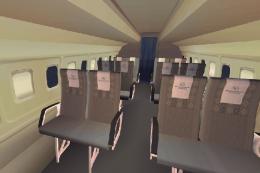
New Fokker 50 camera views to introduce some corrections and new views. Toget…
 FSX Misc
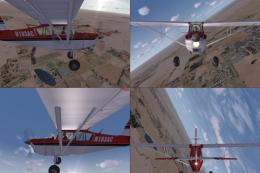
Adds external camera views to the payware Scout 2007 package. By Ryan Butterw…
Be the first to leave a comment on this download.
Be the first to share your thoughts on this download.