

 MSFS Utilities & Tools
CheckRide - AI Flight Instructor and Checkride Examiner
CheckRide records and grades your flights in Microsoft Flight Simulator 2020 …
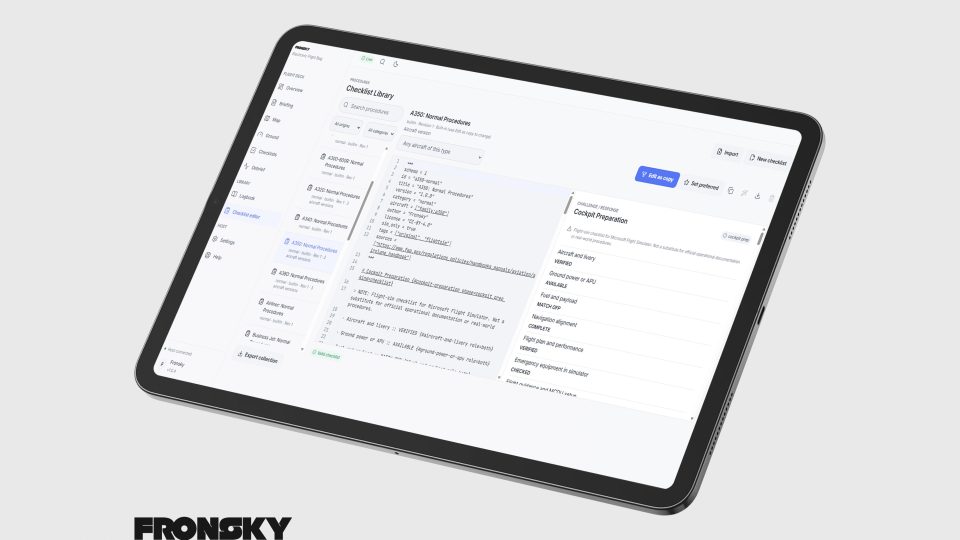
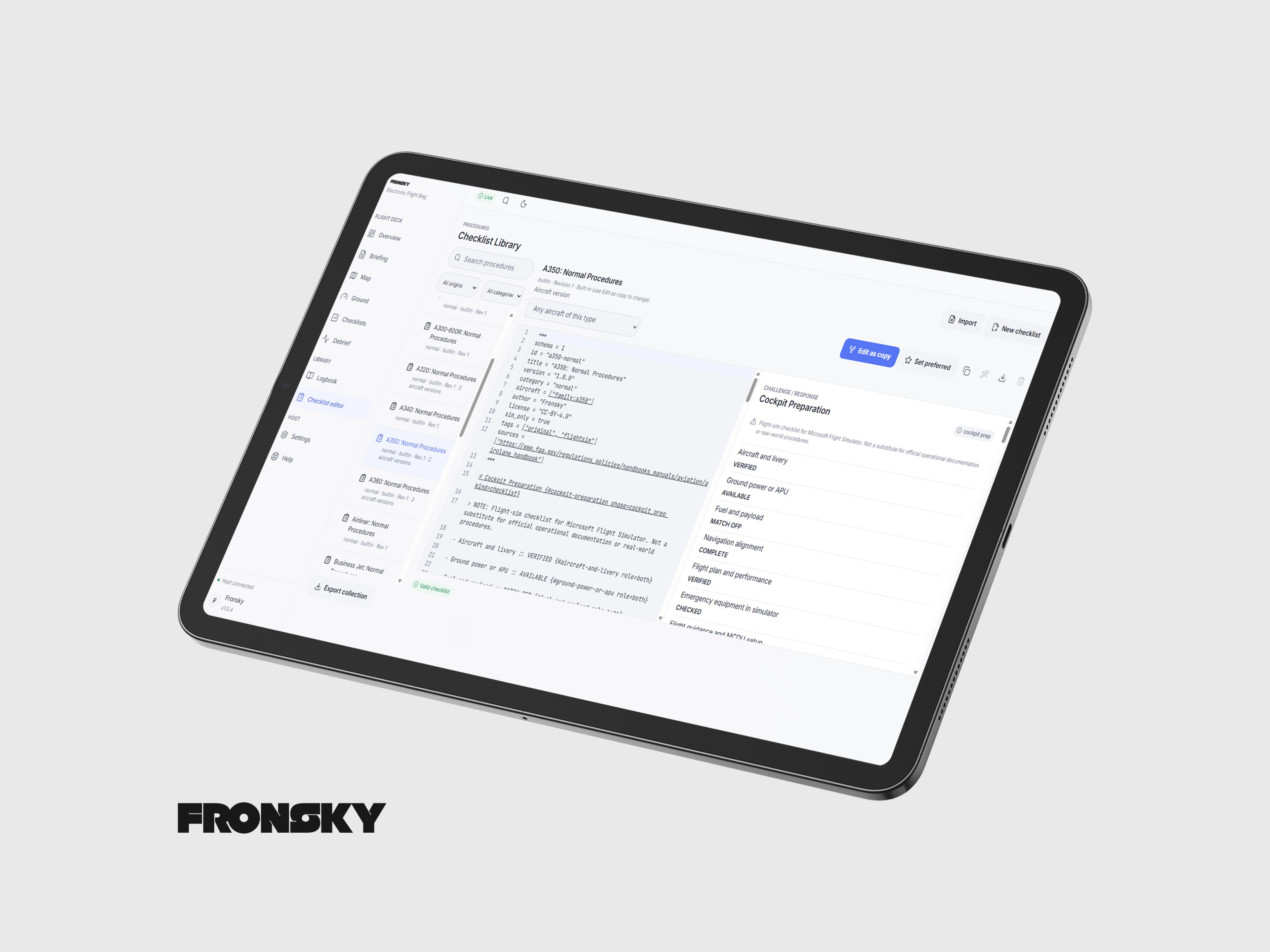
Fronsky EFB brings live flight tracking, SimBrief and PLN briefings, weather, NOTAMs, editable checklists and airport charts to Microsoft Flight Simulator 2020 and 2024. Running on a Windows PC with iPad and browser access over your home network, the electronic flight bag also provides landing analysis, scores and a searchable logbook while keeping flight records locally.
 Rate
 By Fronsky
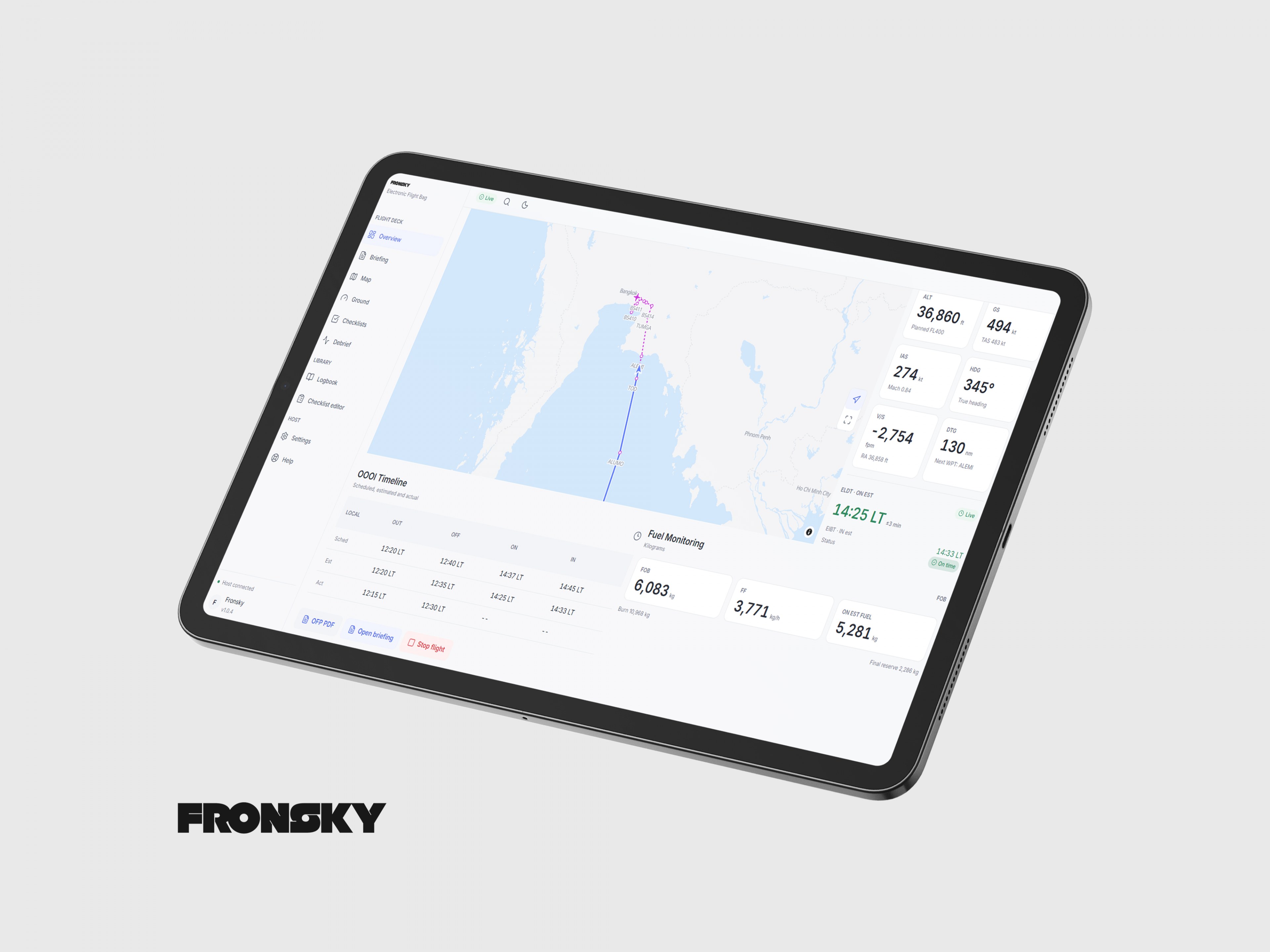
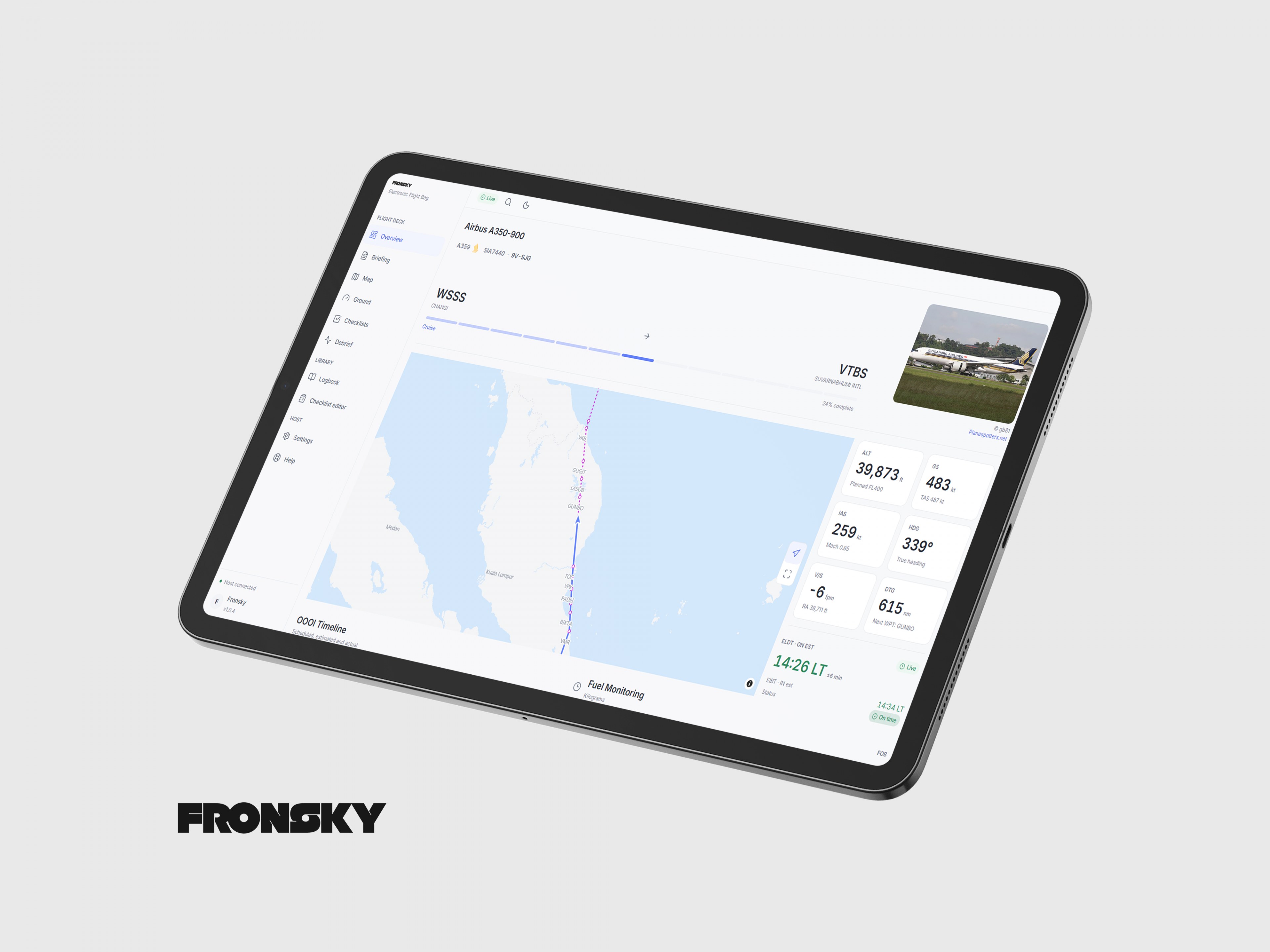
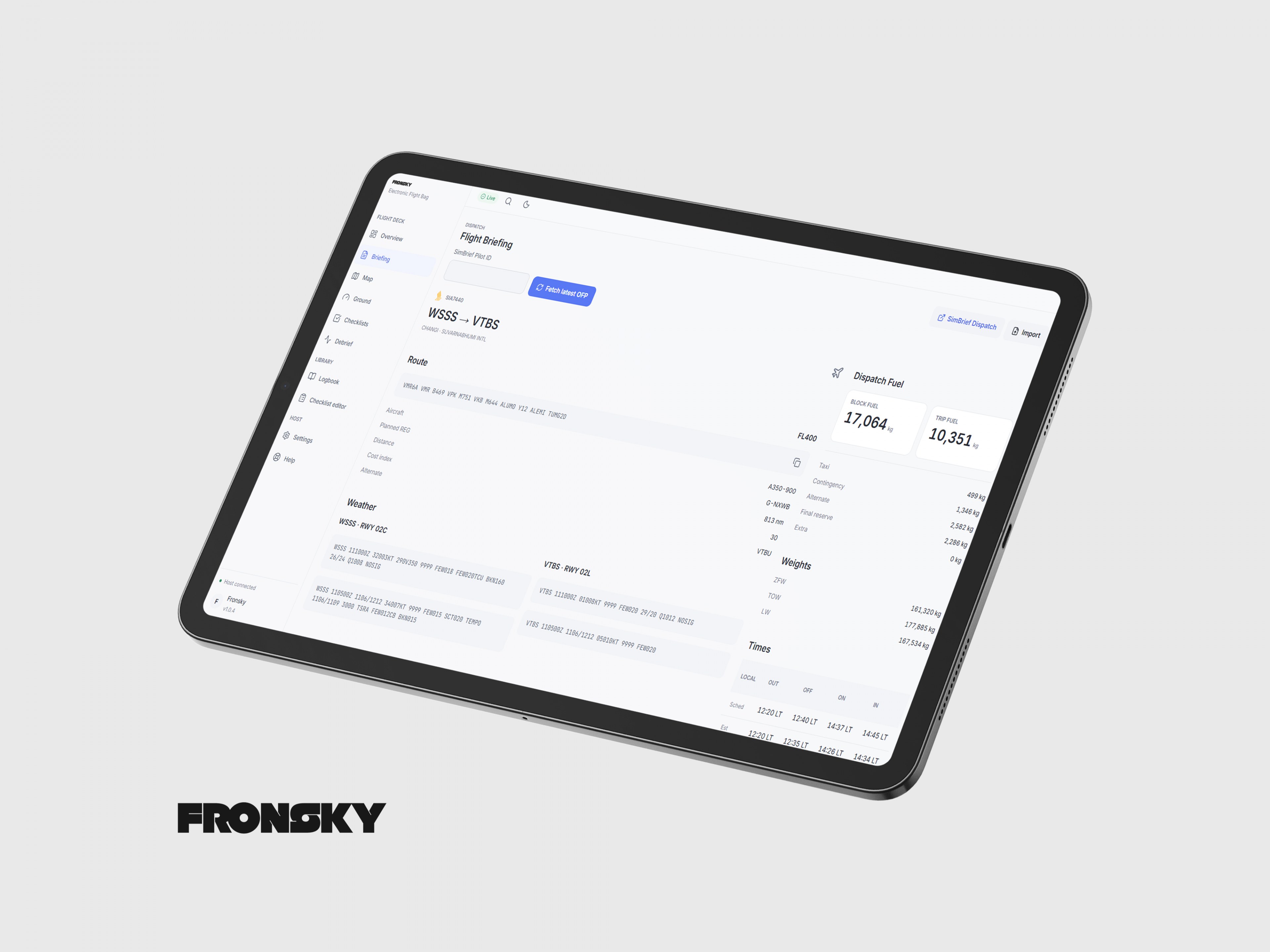
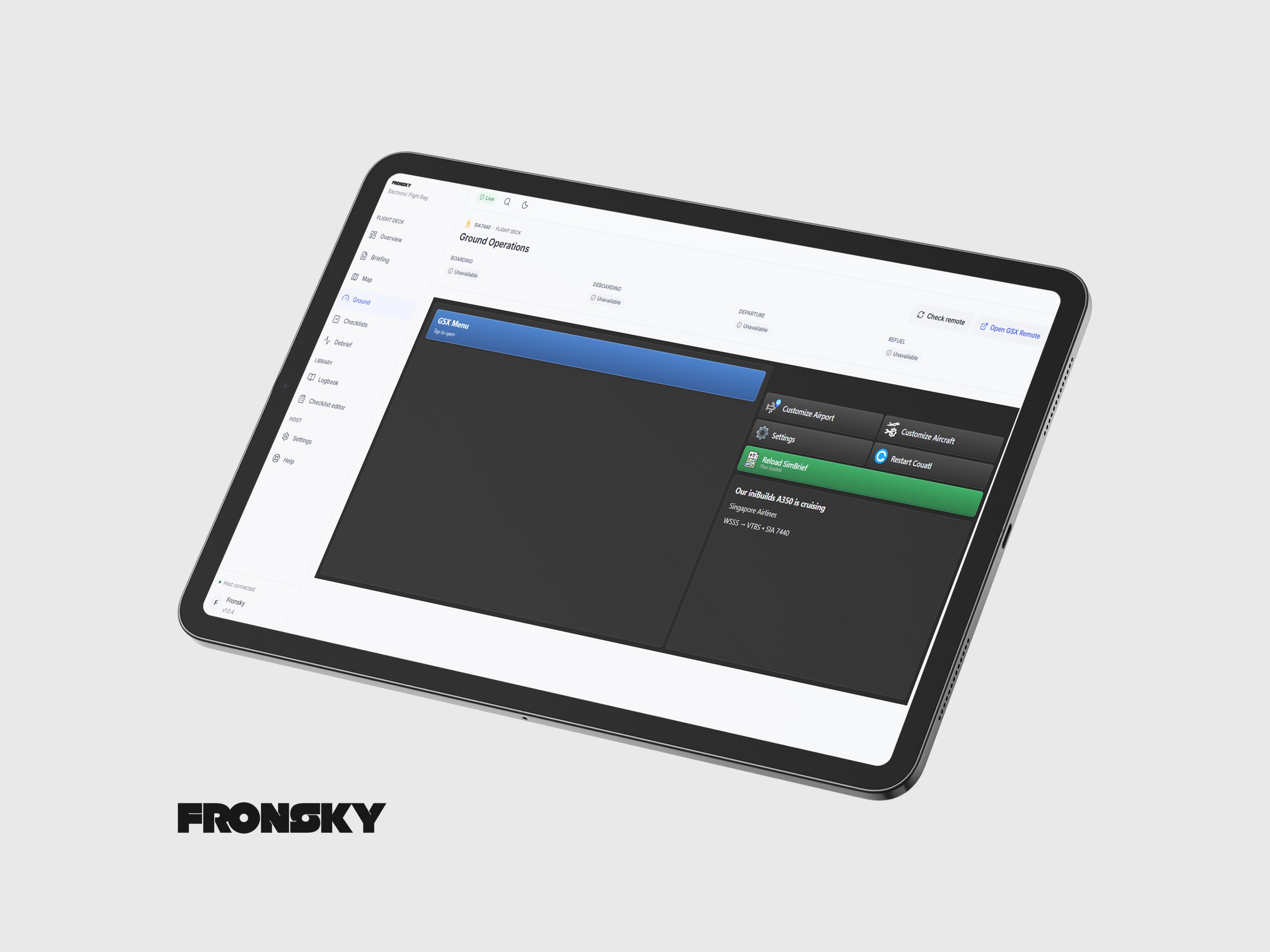
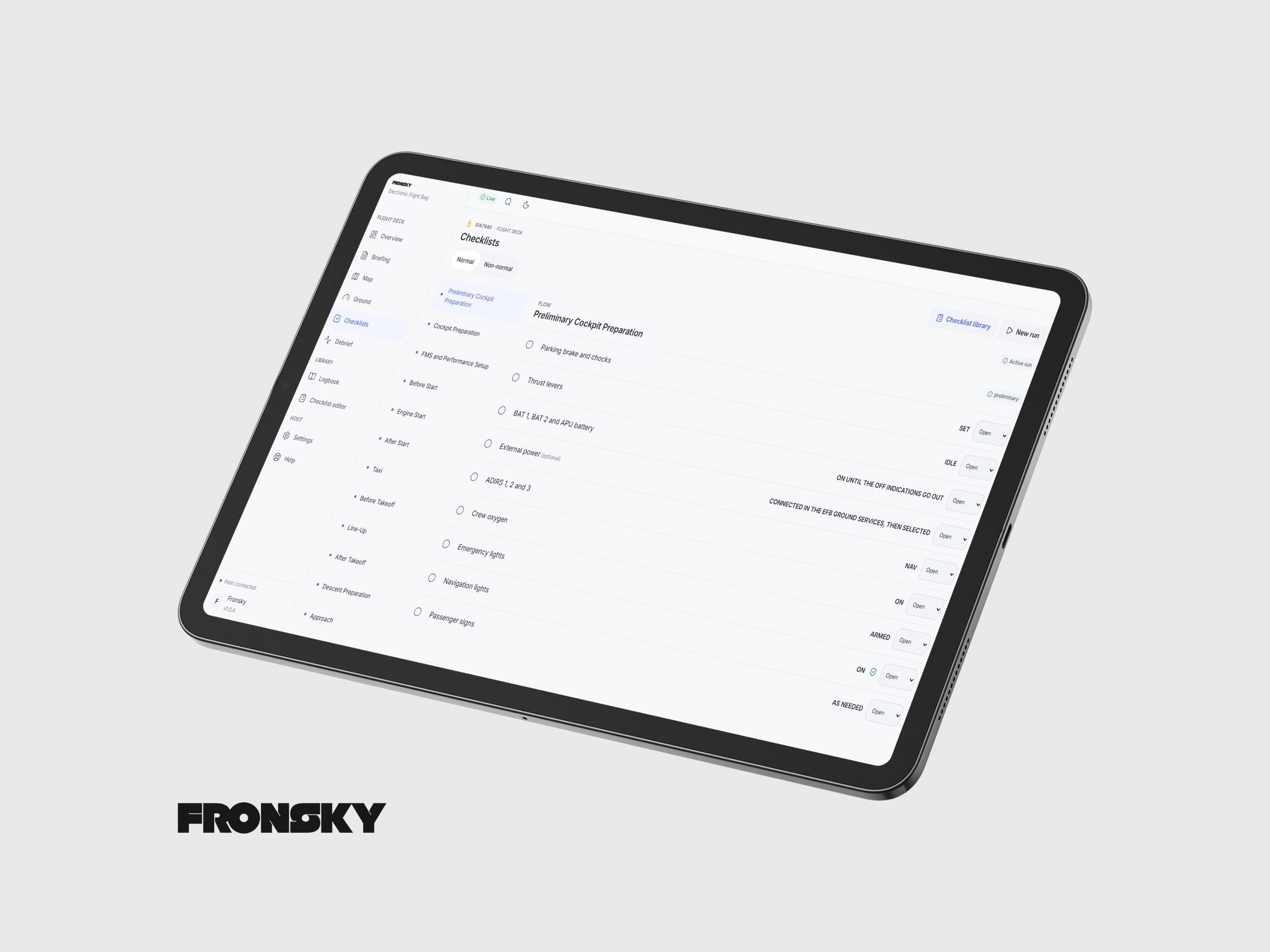
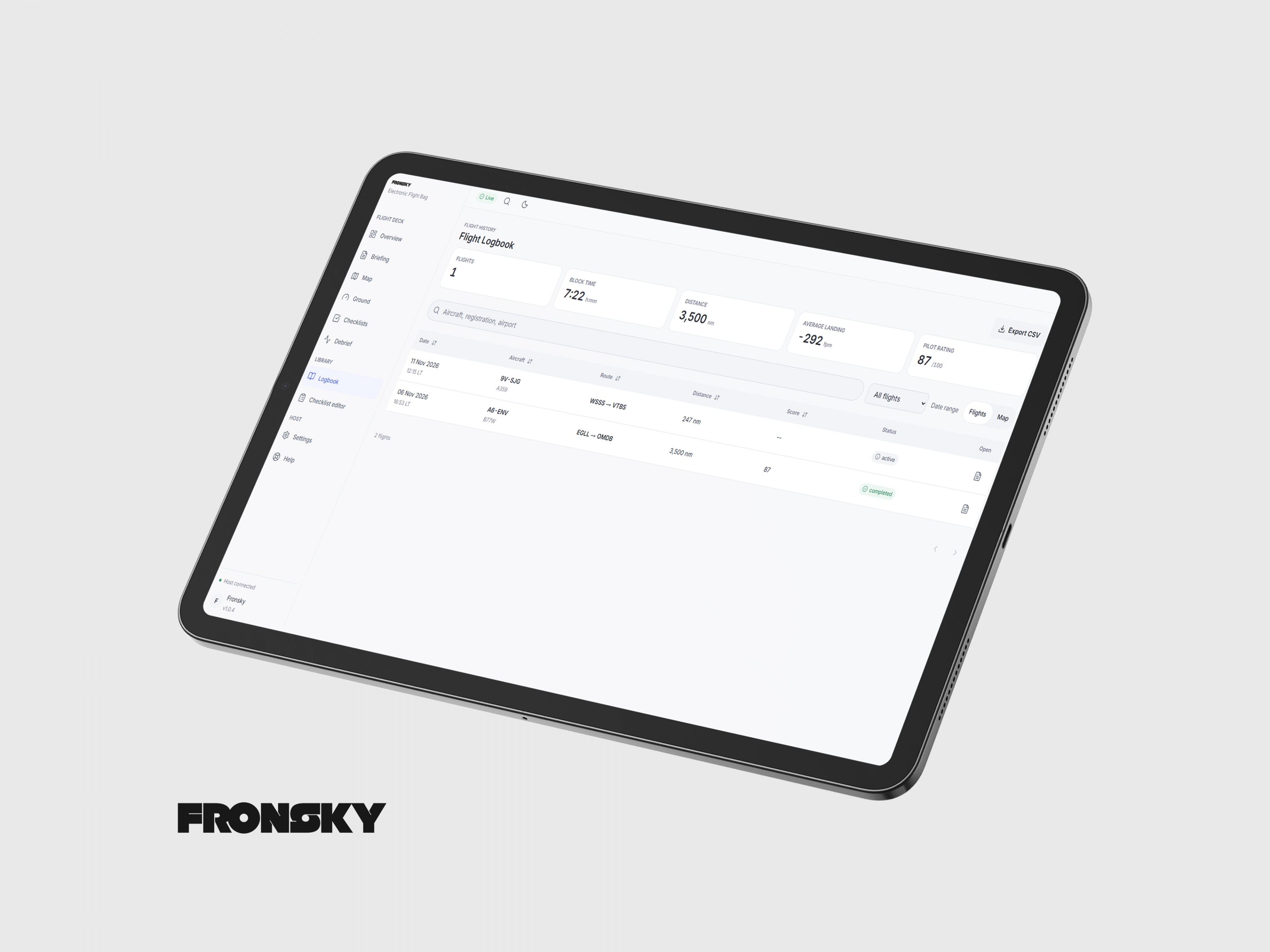
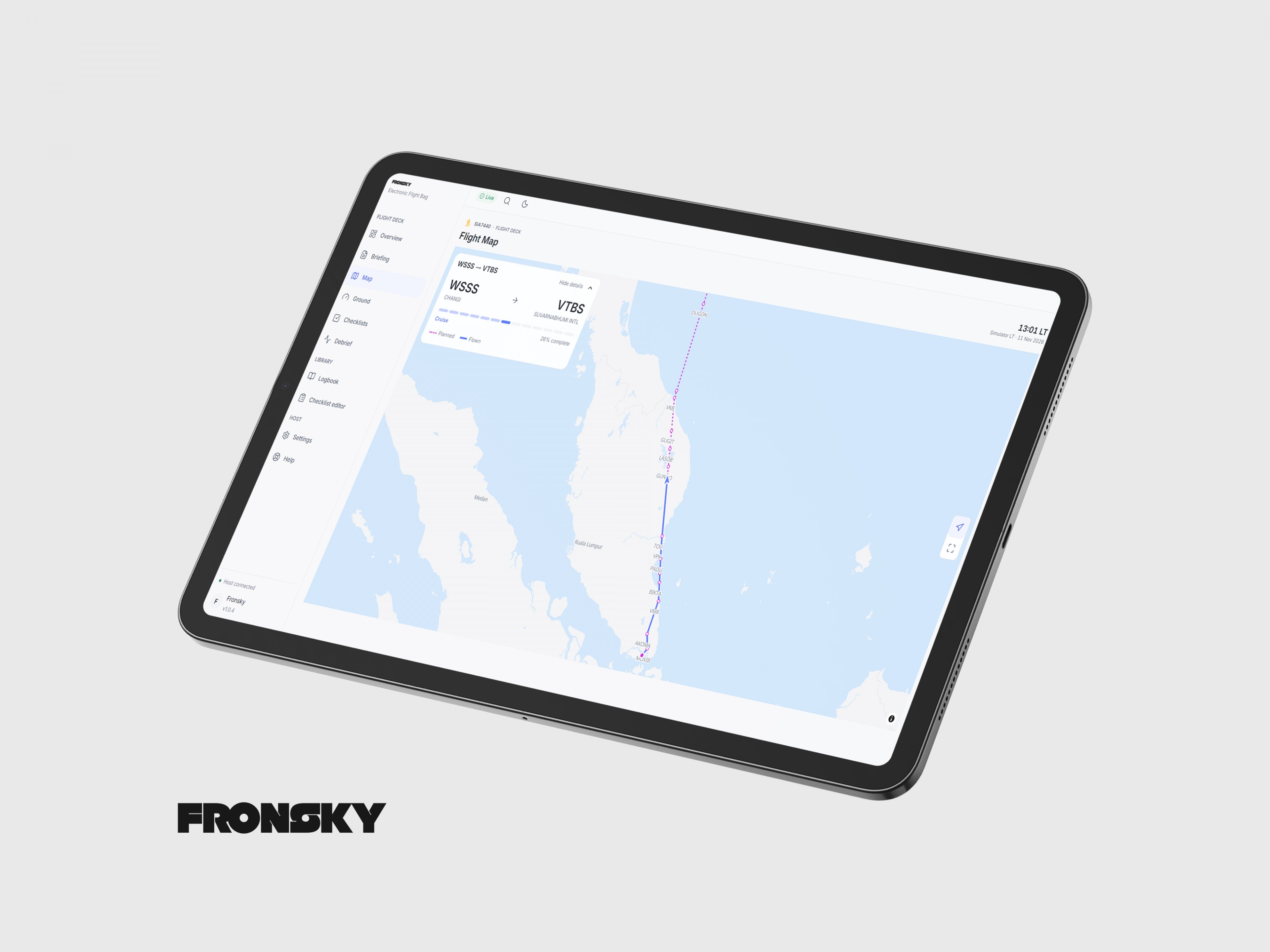

My usual predeparture NOTAM check means reading down a list to find what could stop the flight; putting closures first gives Fronsky a more sensible starting point. Before departure, I opened the airport notices and checked their active status and applicable times alongside the explanations. That’s useful organization, not just more briefing text. I particularly appreciate having the timing there: a closure deserves attention, but whether it applies to my flight is the next question.
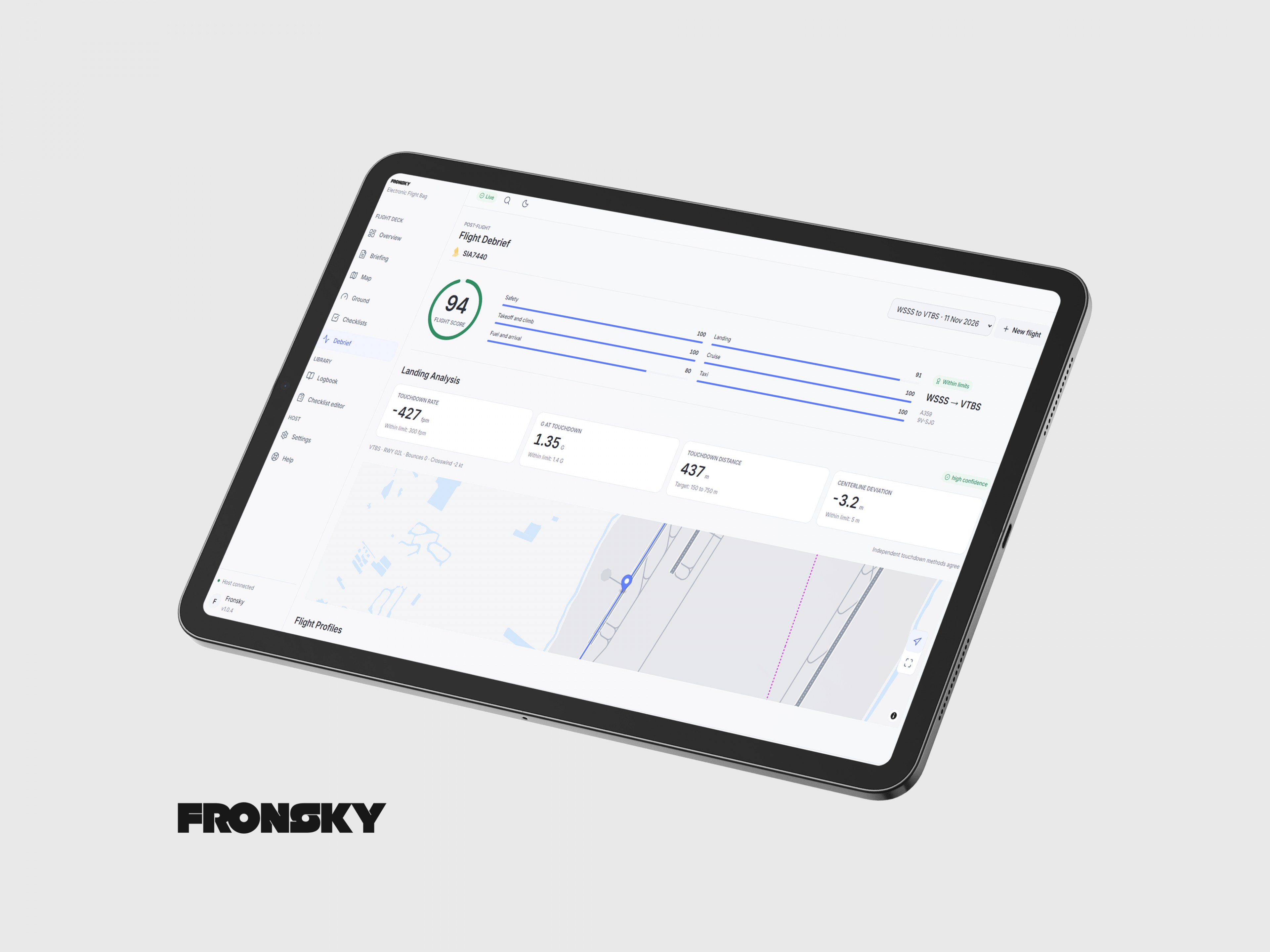
The debrief also gives me something worth examining beyond a score. Touchdown distance and centerline deviation sit in separate cards above the map; I’d use those to judge an arrival rather than chase a higher number. Be aware that this runs outside the sim, not as a cockpit panel. FSUIPC7 is recommended, though MSFS 2024 can use the built-in SimConnect connection without it.
Fronsky EFB runs alongside Microsoft Flight Simulator 2020 and Microsoft Flight Simulator 2024 on a Windows PC, with access from an iPad or browser on your home network. Developed by Fronsky, this free electronic flight bag combines live flight tracking, flight-plan briefings, editable checklists and landing scores. The EFB itself needs no account.
You’ll need Windows 10 or 11 (64-bit) and the Microsoft WebView2 Runtime, which is included with current Windows 11 and most Windows 10 installations. This is a separate application, not an in-sim panel.
Fronsky recommends running FSUIPC7 alongside the simulator. In MSFS 2024, the EFB’s built-in SimConnect connection also works without FSUIPC7. A free SimBrief account is optional for flight plans, as is a tablet or second PC on the same private network.
Active Sky can supply live weather if it runs on the same PC. Without it, the EFB uses simulator weather, with the flight plan’s weather as a fallback.
The interface offers light and dark modes, UTC or local time, and a 12- or 24-hour clock. Optional Discord presence shows your flight on your Discord profile.
The installer is not code-signed yet, so Windows SmartScreen may show a warning on first start. Fronsky’s instruction is to choose More info > Run anyway.
Flight records and simulator data stay on your computer. There are no analytics, ads or telemetry, and no uploads of your flights. The application contacts services for update checks, SimBrief, aircraft photos and map tiles. Active Sky queries stay on the local PC.
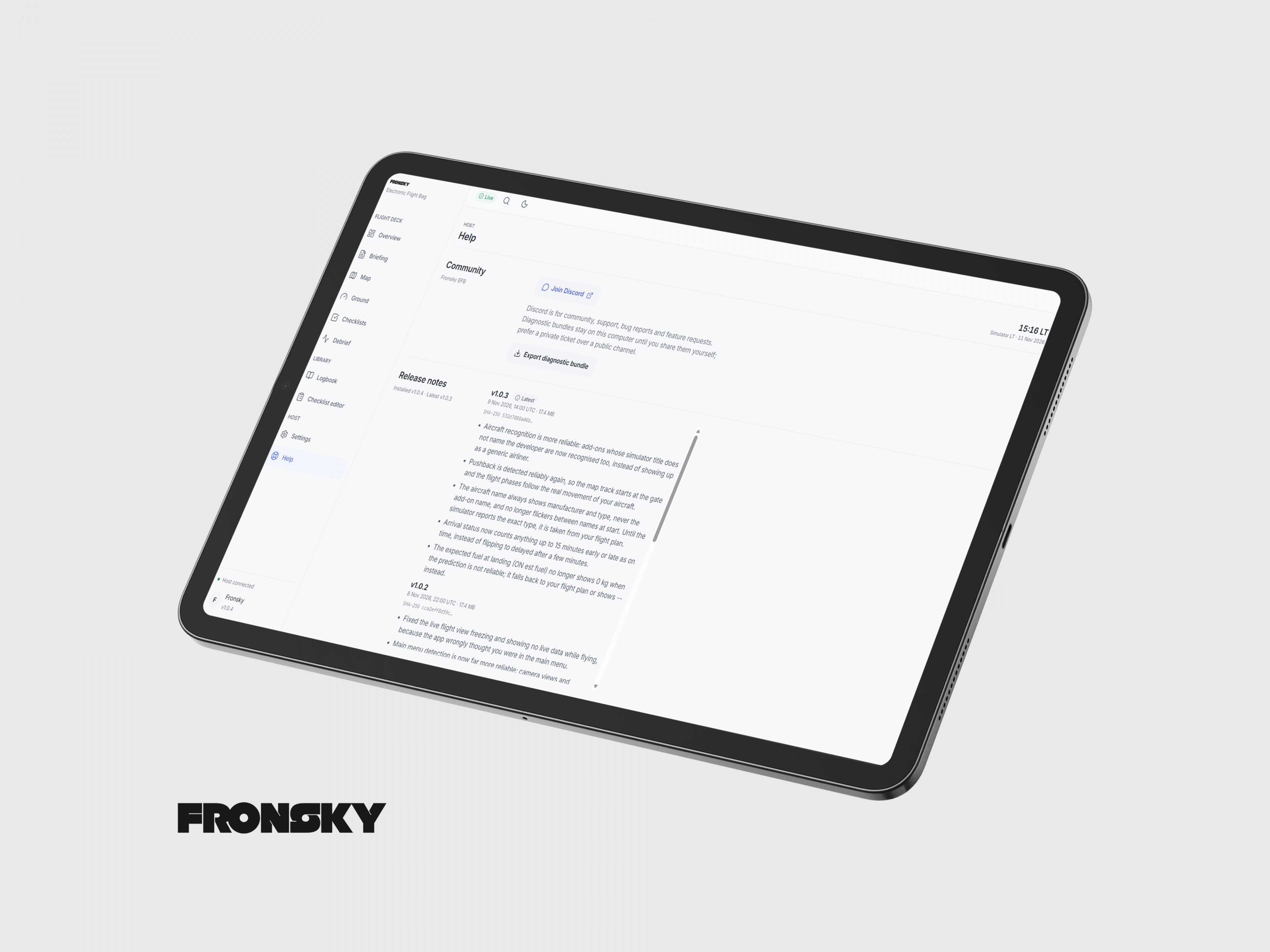
Support is available through the Fronsky Discord server. To report a bug, create a topic in a Discord forum. When staff creates a private ticket, include your simulator version and the diagnostic bundle from Settings > Diagnostics.
Fronsky developed the EFB in the Netherlands. Map data © OpenStreetMap contributors, tiles by OpenFreeMap. Aircraft photos by Planespotters.net photographers. Flight plans from SimBrief.
© 2026 Fronsky. All rights reserved. Freeware for personal, non-commercial flight simulation use. Redistribution, reupload, modification, reverse engineering or commercial use without written permission is not allowed. The Fronsky name and logos are trademarks of Fronsky. Provided "as is", without warranty of any kind.
Aircraft and airline names and logos are trademarks of their owners and are shown for identification only.
Fronsky EFB is an independent project, not affiliated with or endorsed by any company or product mentioned here. All names and trademarks belong to their owners. For flight simulation only, not for real-world navigation.
Free for all simmers · 16.9 MB · Scanned clean Nov 2026
Download speed: Free tier is capped at 2 Mbps (this file takes approximately 1 min at the cap). PRO members download at full line speed.
Initial release.
%LOCALAPPDATA%\Packages\Microsoft.FlightSimulator_8wekyb3d8bbwe\LocalCache\Packages\Community\. Steam version: %APPDATA%\Microsoft Flight Simulator\Packages\Community\. Tip: enable Developer Mode in MSFS to see your exact Community folder path.readme.txt or README file. It tells you exactly where files go, what dependencies are needed, and any quirks specific to this add-on.Fronsky builds tools for flight simulation, focused on clean design, useful information and a calm cockpit experience.
Are you Fronsky? Sign in to Fly Away Creators for download stats, comment replies and updates. Make add-ons? Publish them here.
Only PRO members can place votes.
More MSFS add-ons hand-picked based on this download.
MSFS Utilities & Tools
CheckRide records and grades your flights in Microsoft Flight Simulator 2020 …
 MSFS Utilities & Tools
Max Flight Deck Lite sends Microsoft Flight Simulator 2024 cockpit screens to…
 MSFS Utilities & Tools
PERFLIGHT from Innersanctum Studios handles mod selection, flight-service lau…
 MSFS Utilities & Tools
Jetstream gives Microsoft Flight Simulator 2020 and Microsoft Flight Simulato…
 MSFS Utilities & Tools
AeroTuneMFS runs alongside Microsoft Flight Simulator 2020 and Microsoft Flig…
 MSFS Utilities & Tools
TechLog tracks maintenance, wear and defects across supported airliners in Mi…
 MSFS Utilities & Tools
Vantage lets you watch a flight through airport cameras, automated cinematic …
 MSFS Utilities & Tools
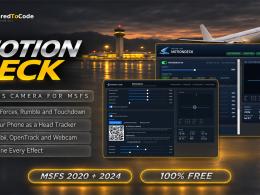
MotionDeck by ClearedtoCode adds a free physics-driven cockpit camera and pho…
Be the first to leave a comment on this download.
Be the first to share your thoughts on this download.