


 Australia

 MSFS Scenery
Melbourne, Australia Cityscape
A remarkable and generous update for the city of Melbourne, AU created by the…
Port Lincoln Airport (YPLC) scenery brings South Australia’s Eyre Peninsula to Microsoft Flight Simulator 2024 with custom models, detailed textures, tailored airport services, and a recreation of the terminal, hangars, and surrounding landscape. Its coastal setting near Spencer Gulf provides a distinctive base for regional flights to Adelaide and general aviation sightseeing.
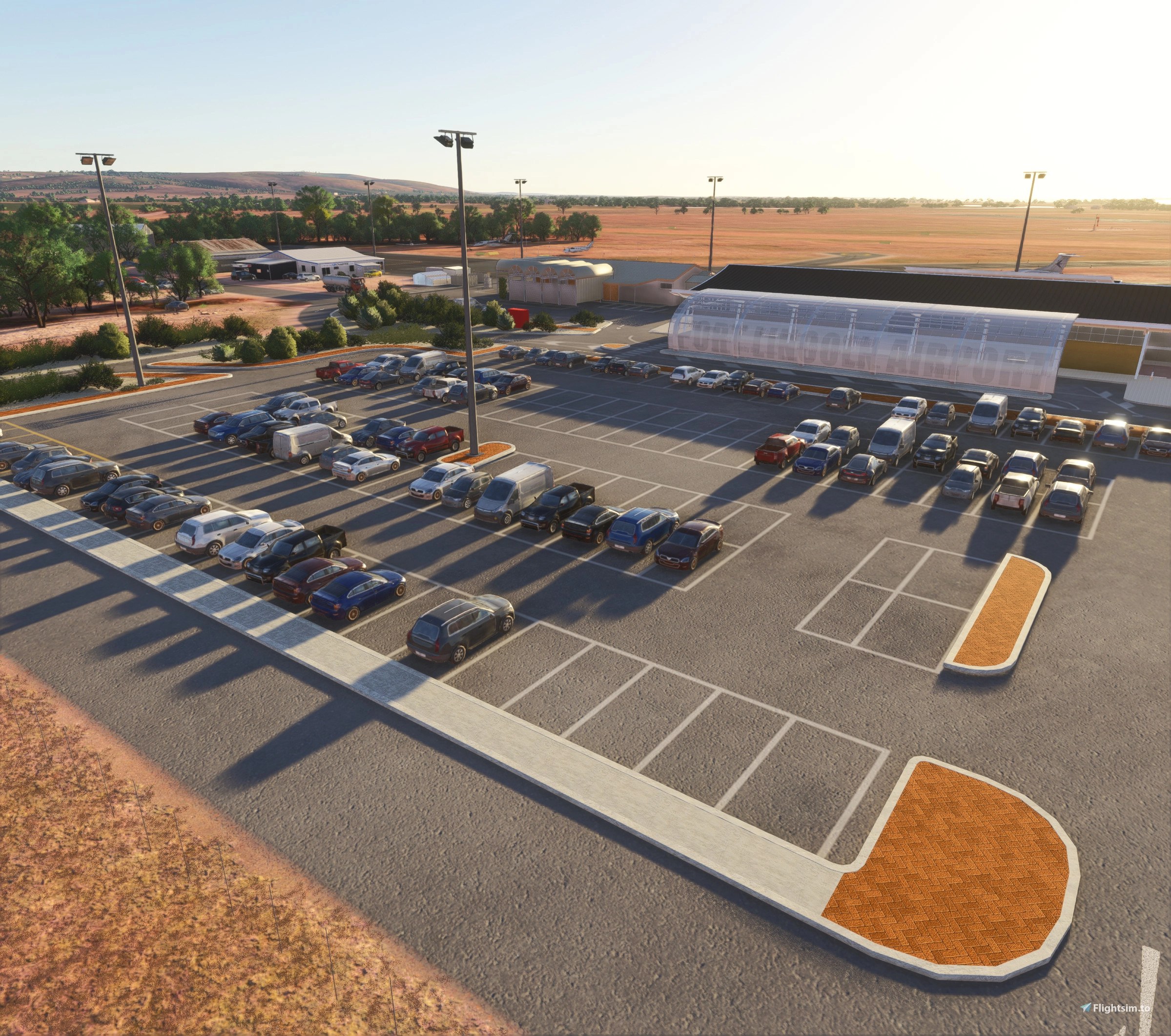
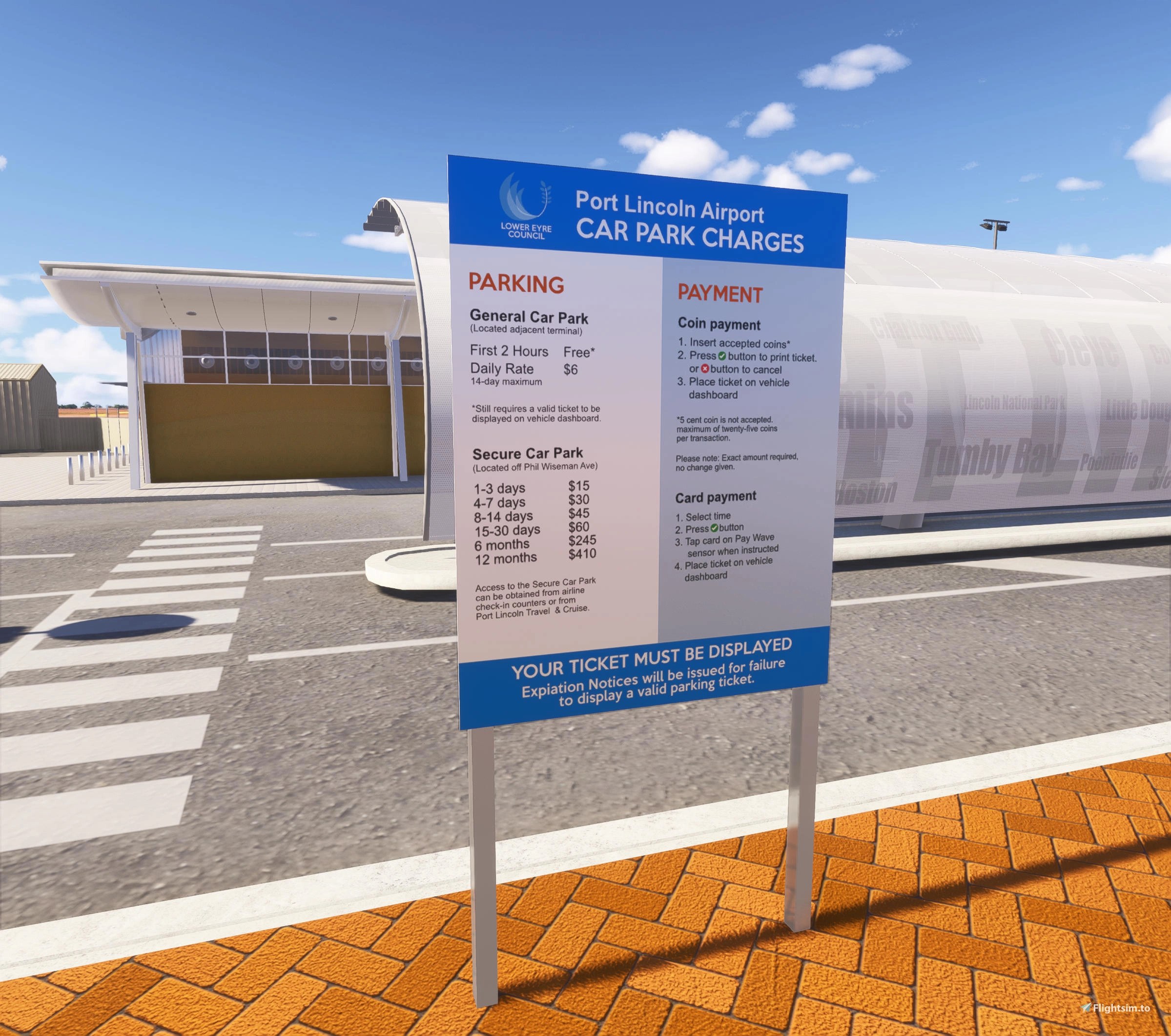
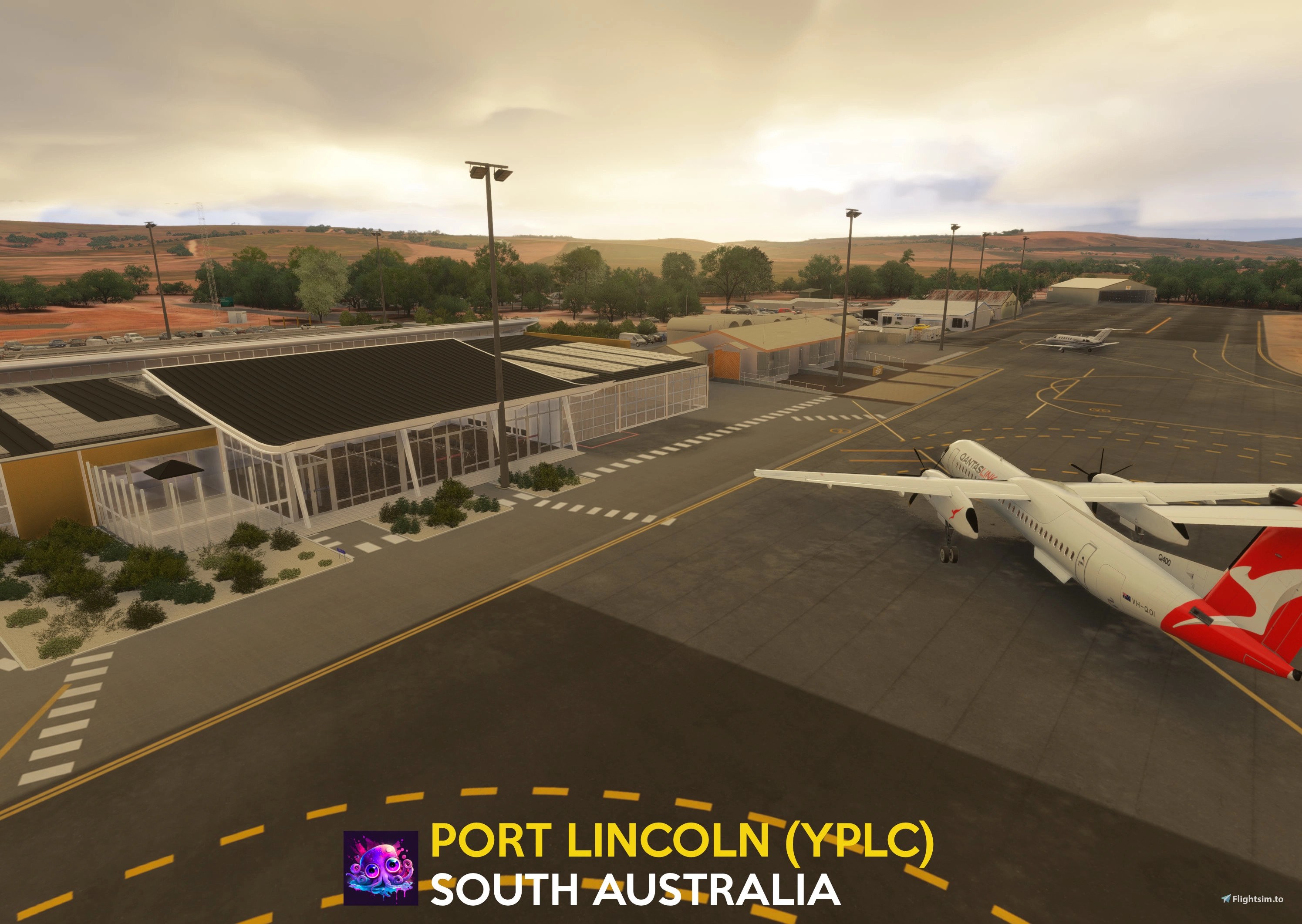
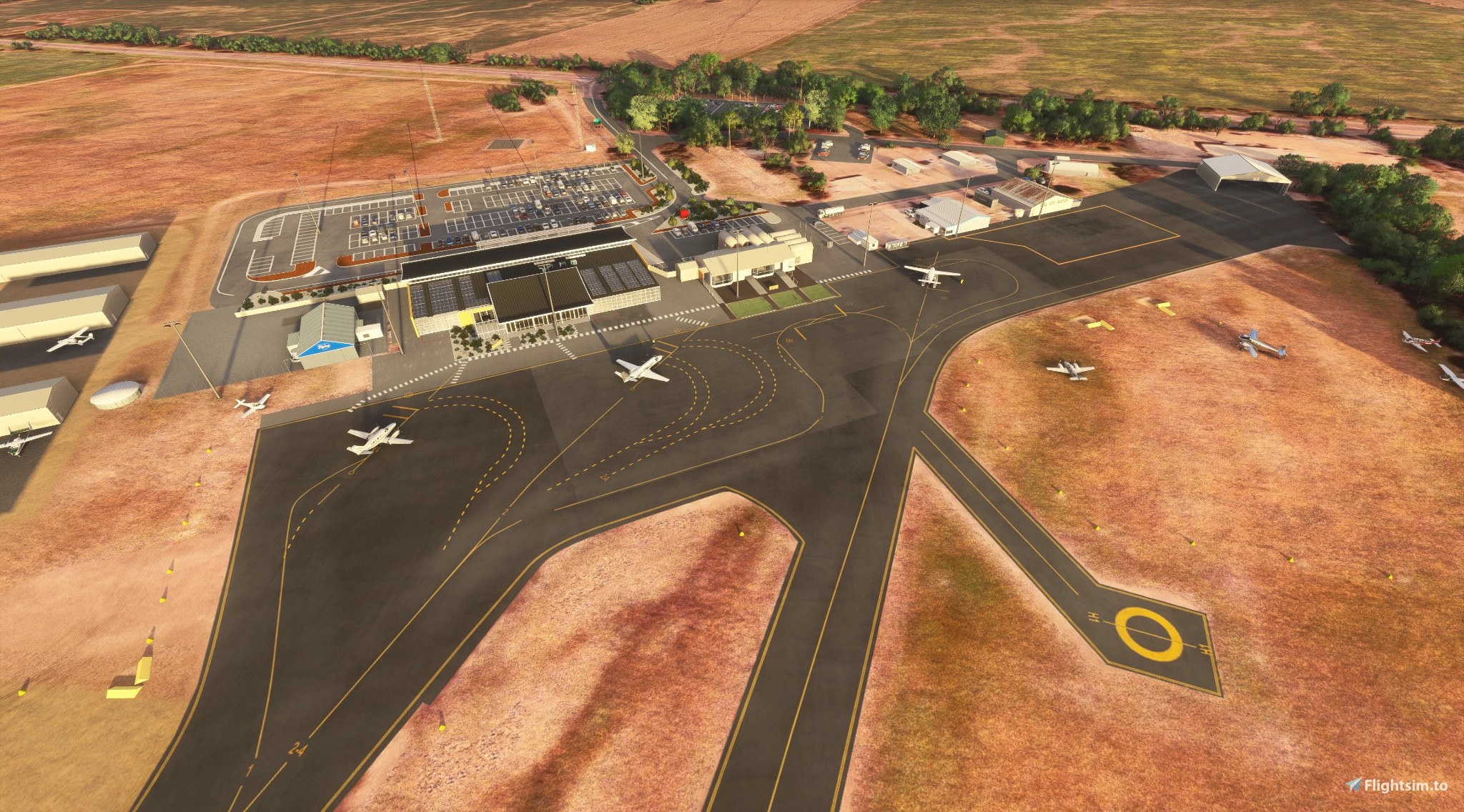
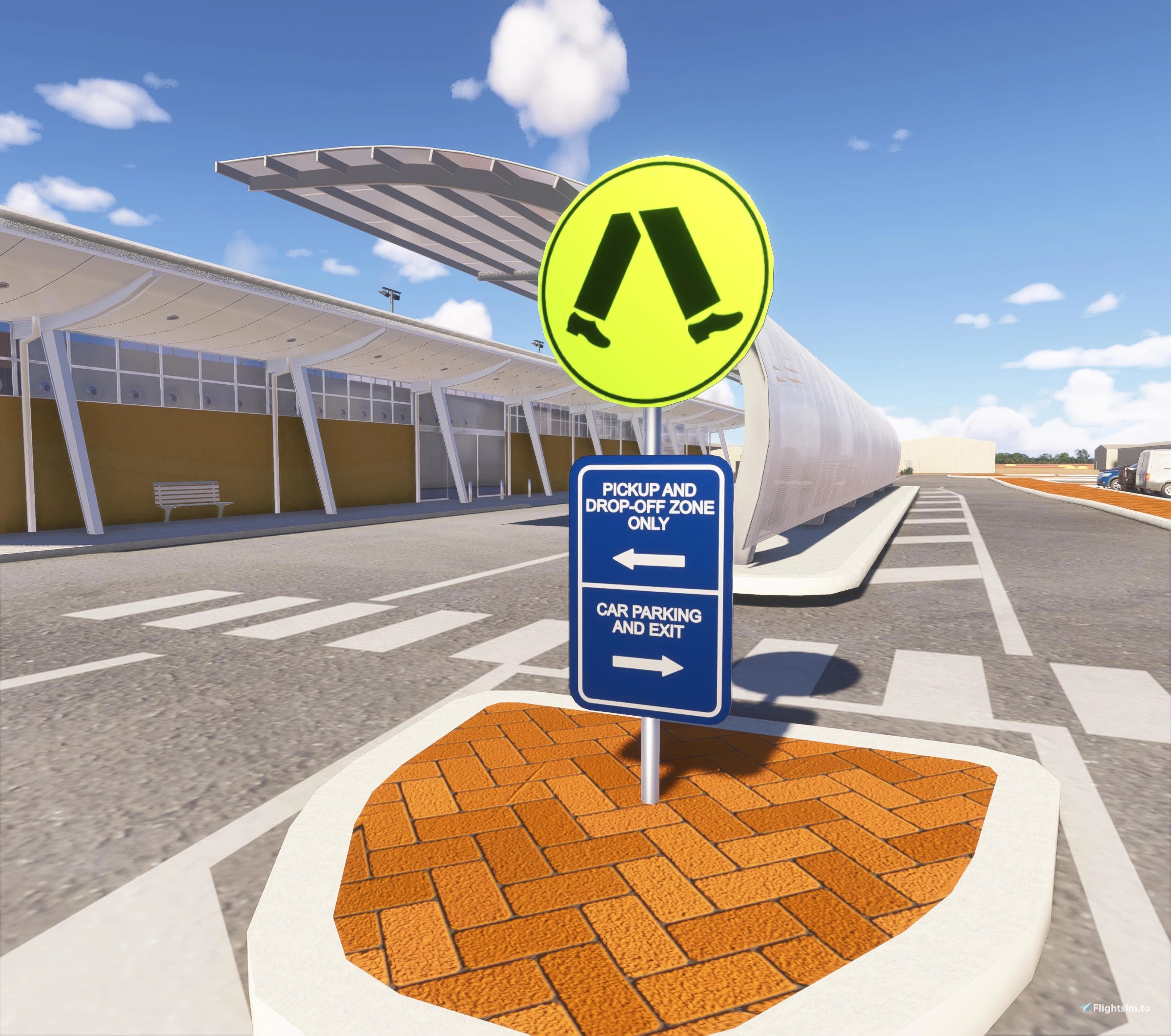
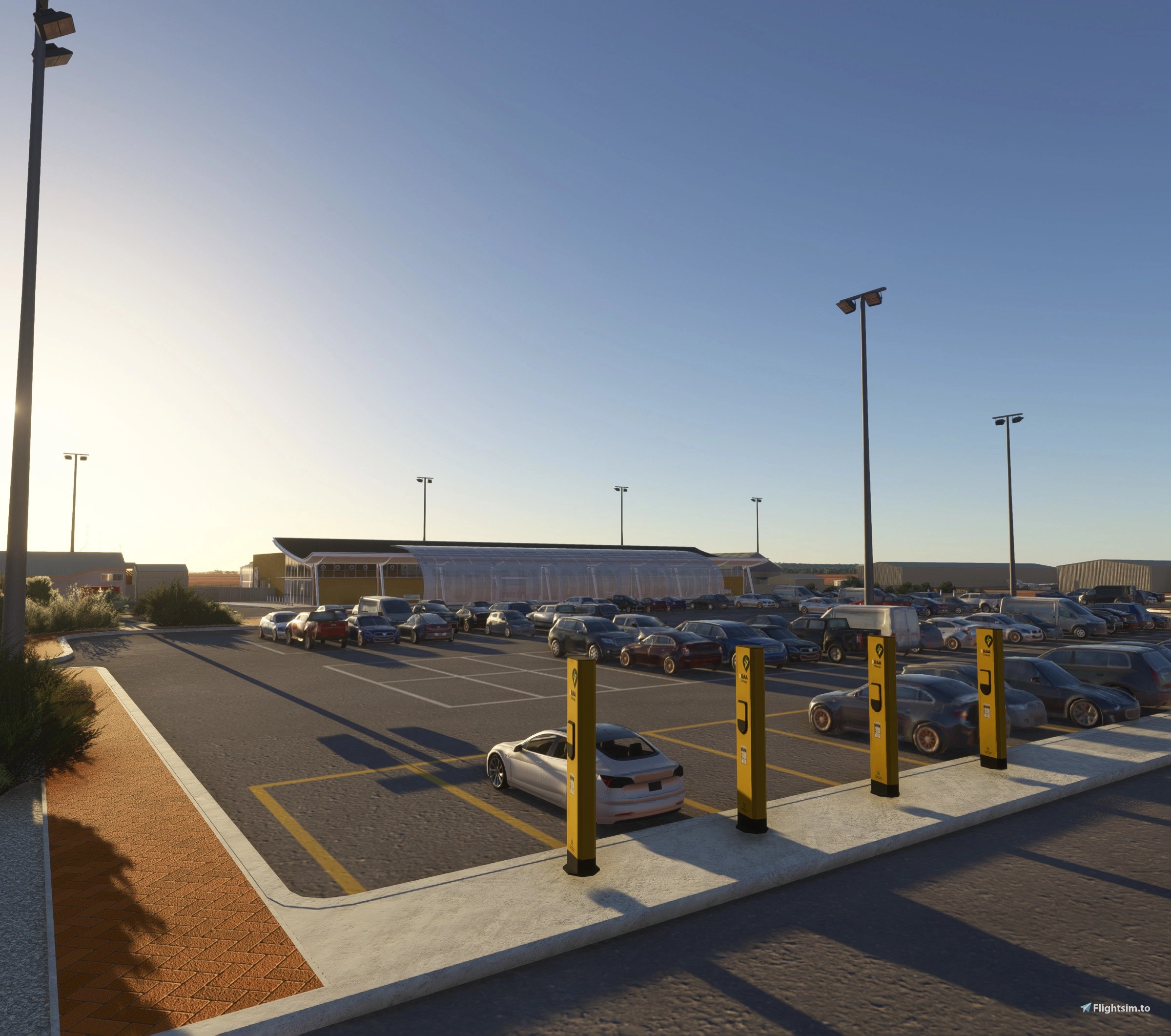
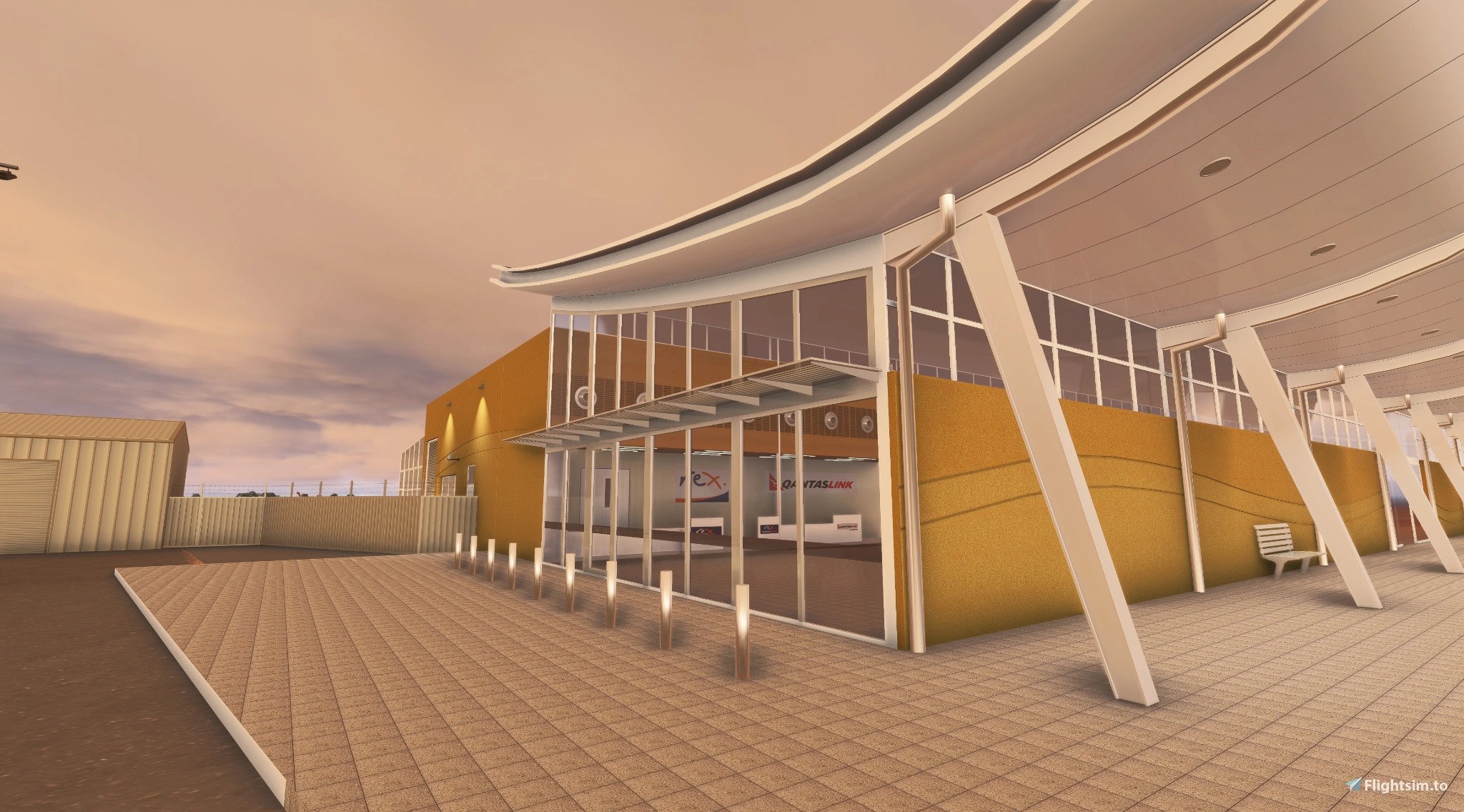
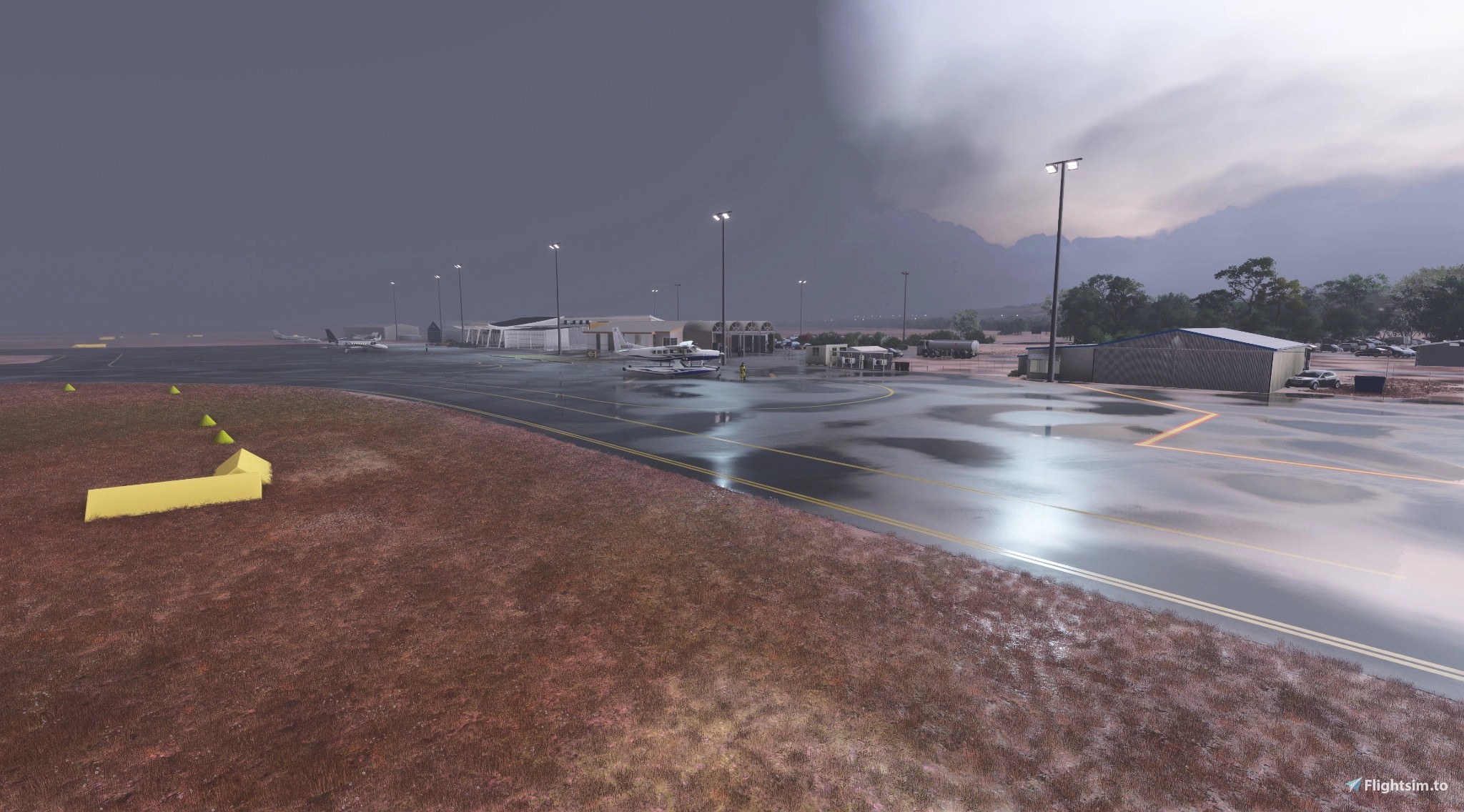
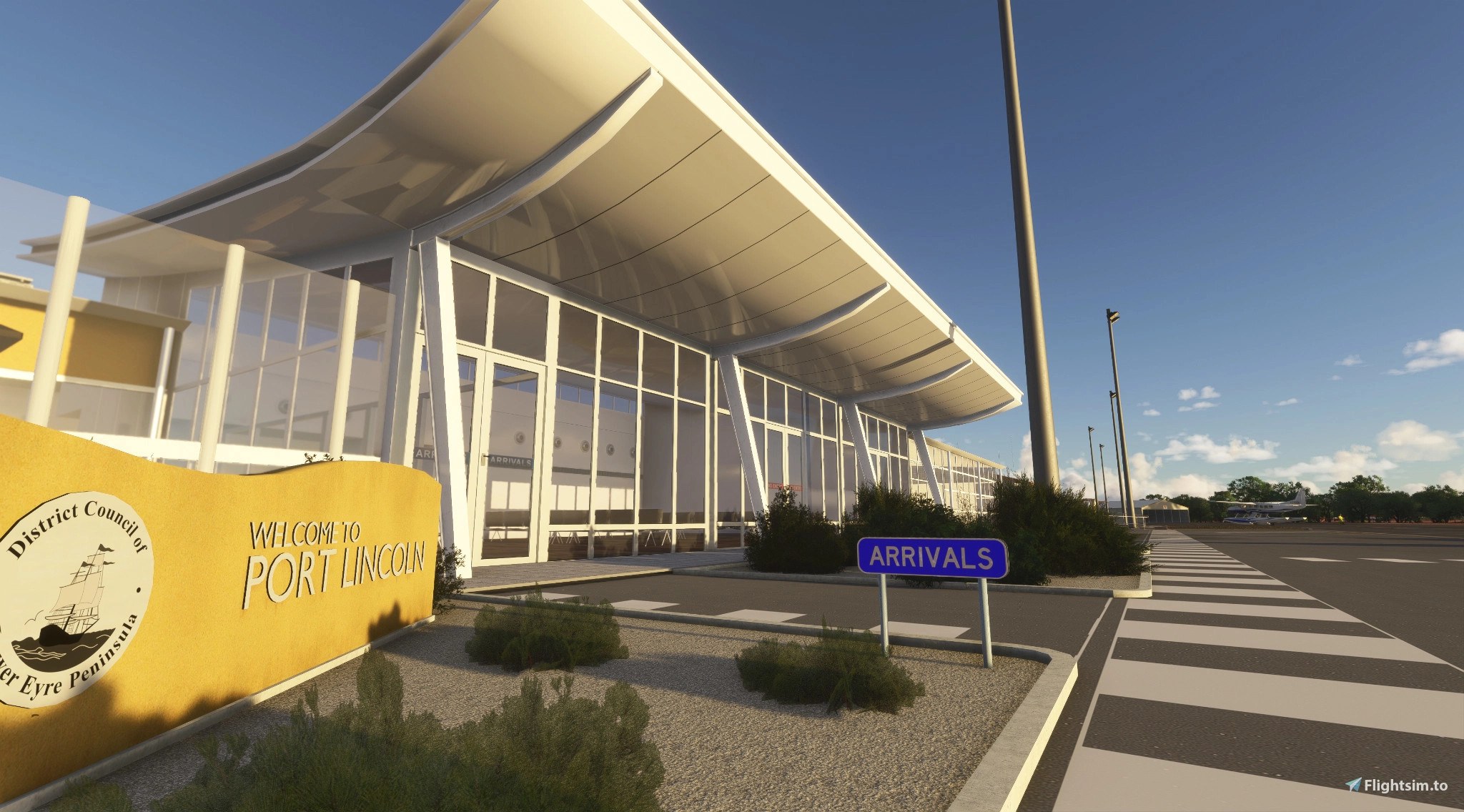
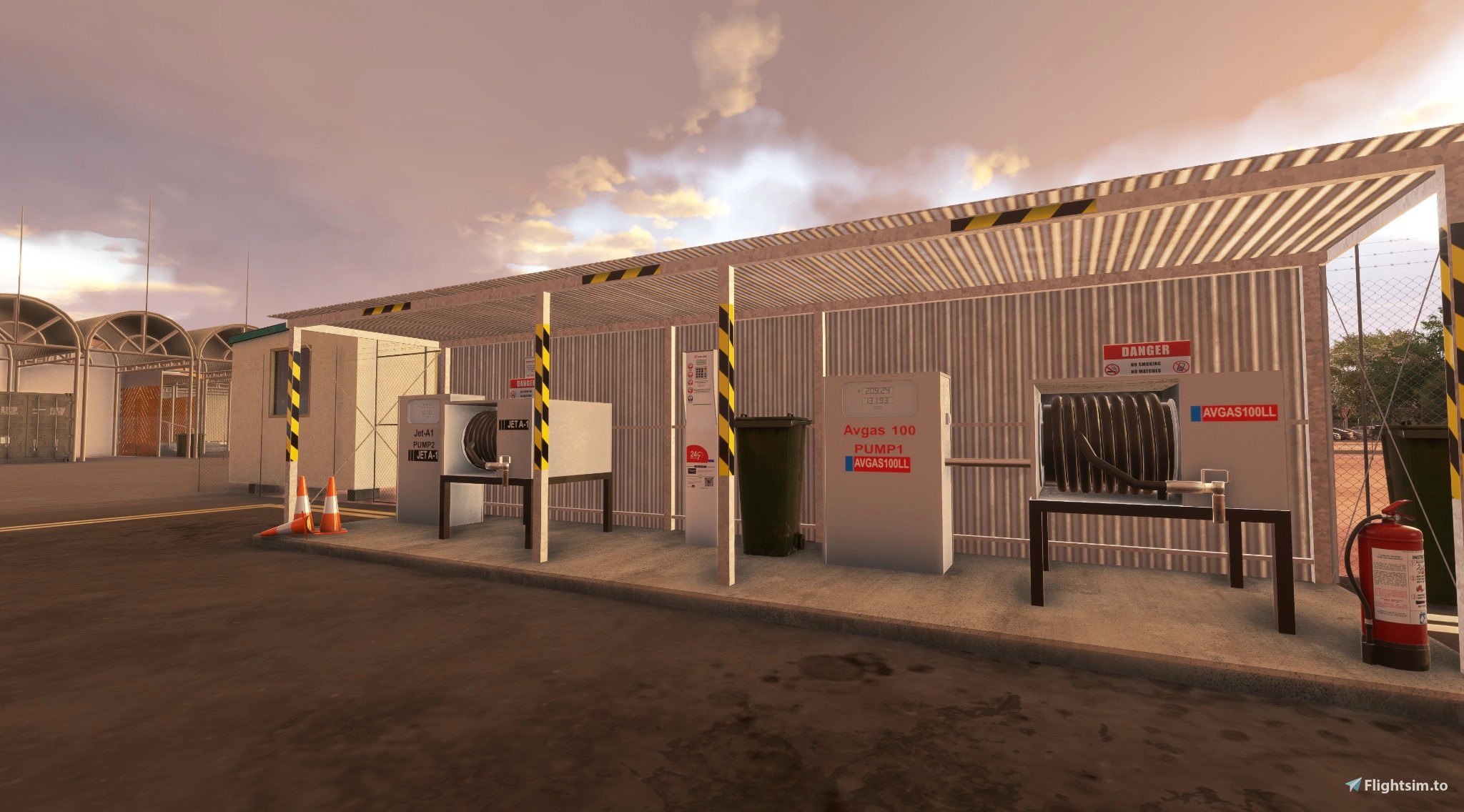
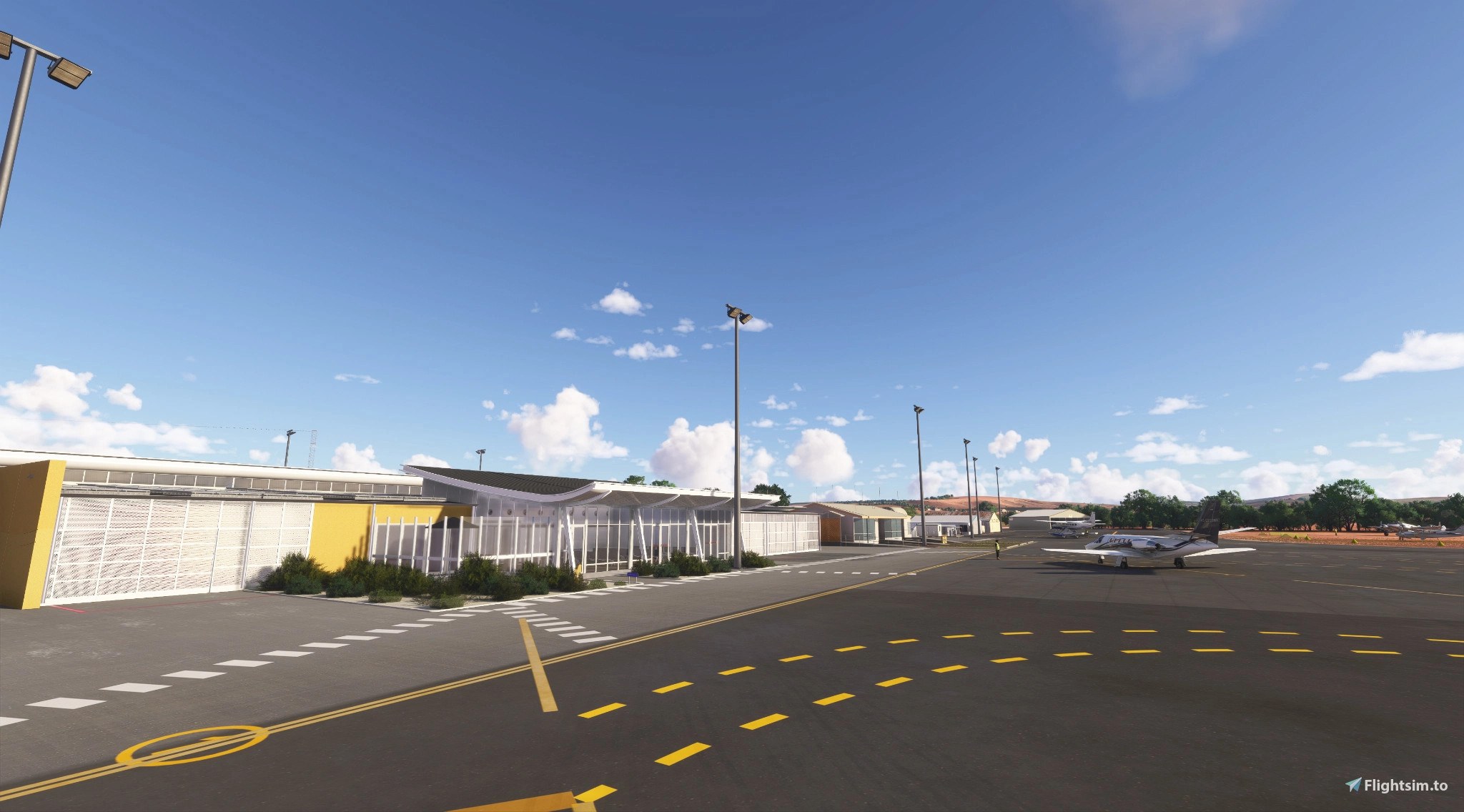

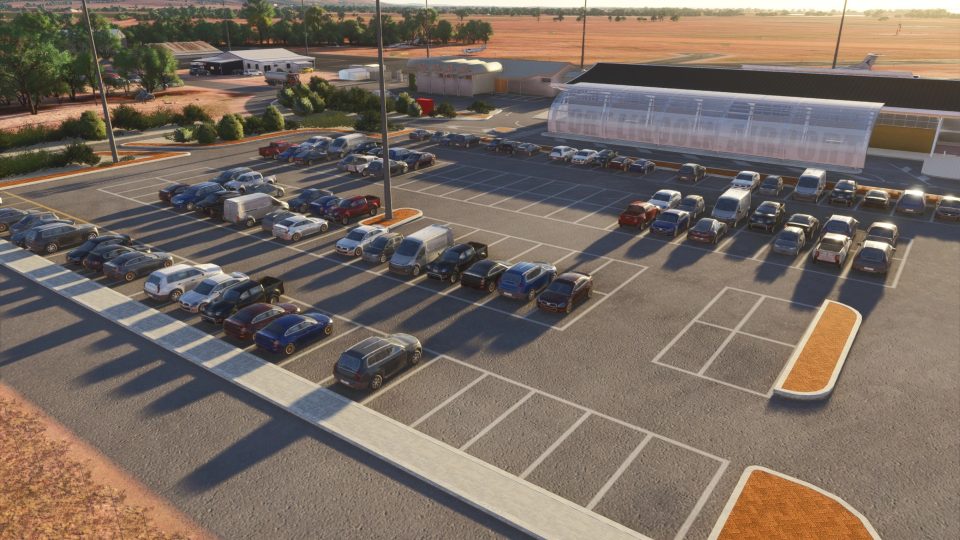
I normally finish a regional arrival at shutdown, but YPLC gave me a reason to keep looking around beyond the apron. The landside work matters here: an airport this size benefits from attention to the places passengers actually use. I like that bigsquidaus has put effort into those everyday details rather than treating the terminal frontage as background.
After parking, I took the camera around to the entrance and stopped at the car park charges sign. Even the payment instructions were readable. The curved screen across the frontage gives the building a recognizable shape, too. Neither detail affects a flight, but both reward the sort of close look I rarely bother taking at a small regional stop.
bigsquidaus recreates Port Lincoln Airport (YPLC) on South Australia’s Eyre Peninsula for Microsoft Flight Simulator 2024 only. The free, work-in-progress scenery covers the regional airport and its surrounding landscape, with attention to the modest terminal and hangars that give YPLC its character.
The package uses custom models, detailed textures, and tailored airport services. Development is still underway, so treat it as an evolving airport project rather than a finished recreation.
Port Lincoln’s scheduled passenger services connect the peninsula with Adelaide, a useful route to try alongside general aviation flights along the coast. The airport sits north of the city near the shore of Spencer Gulf, which gives local sightseeing flights a recognizable stretch of coastline to follow.
Redistribution and commercial use is STRICTLY forbidden without permission from the author.
Free for all simmers · 497.62 MB · Scanned clean Nov 2026
Download speed: Free tier is capped at 2 Mbps (this file takes approximately 35 mins at the cap). PRO members download at full line speed.
Initial release.
%LOCALAPPDATA%\Packages\Microsoft.FlightSimulator_8wekyb3d8bbwe\LocalCache\Packages\Community\. Steam version: %APPDATA%\Microsoft Flight Simulator\Packages\Community\. Tip: enable Developer Mode in MSFS to see your exact Community folder path.readme.txt or README file. It tells you exactly where files go, what dependencies are needed, and any quirks specific to this add-on.Use these coordinates to fly directly to this location once the mod is installed.
-34.60530000,135.88030000
Paste these coordinates into the Microsoft Flight Simulator search bar when planning a flight, or into the Developer Mode Teleport window, to fly directly to this location.
South Australian aviation and tech enthusiast.
Are you bigsquidaus? Sign in to Fly Away Creators for download stats, comment replies and updates. Make add-ons? Publish them here.
Only PRO members can place votes.
More MSFS add-ons hand-picked based on this download.
MSFS Scenery
A remarkable and generous update for the city of Melbourne, AU created by the…
 MSFS Scenery
Explore Cape Town’s city center, waterfront and main marina with keinowaara’s…
 MSFS Scenery
This mod developed by JustOkayPilot brings Grand Canyon National Park Airport…
 MSFS Scenery
Sandane Airport (ENSD) is located on the beautiful west coast of Norway and i…
 MSFS Scenery
Enhance your flight simulation experience with this mod for Microsoft Flight …
 MSFS Scenery
The Disney World airport/STOLport (also known as the Lake Buena Vista airport…
 MSFS Scenery
Enhance your flight simulation experience with a detailed rendition of Madrid…
 MSFS Scenery
A complete and extensive replacement freeware scenery package for Paris–Le Bo…
Be the first to leave a comment on this download.
Be the first to share your thoughts on this download.