


 Costa Rica

 MSFS Scenery
Cóbano Airport MRAF Costa Rica
Matías Barrenechea’s Cóbano Airport scenery updates Aeródromo de Cóbano (MRAF…
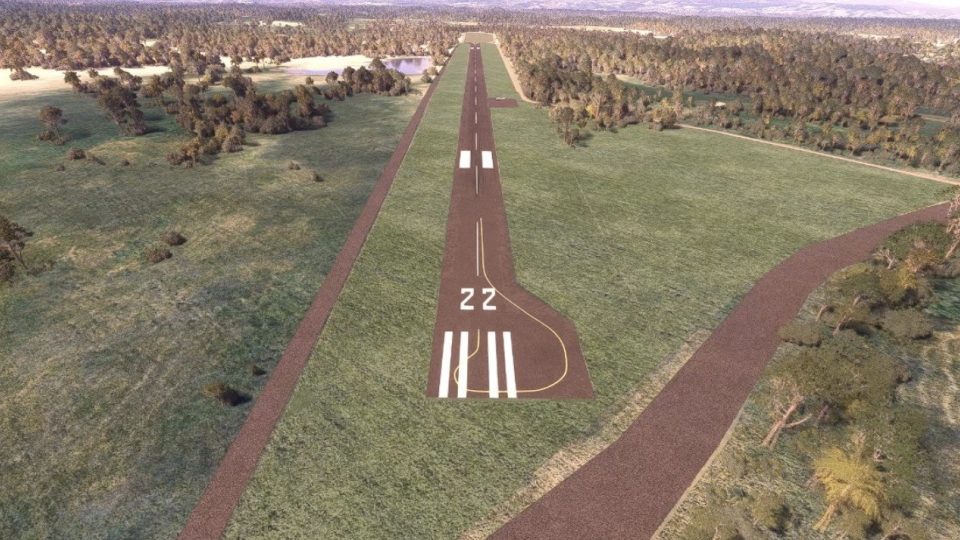
Upala Airport (MRUP) scenery brings a small public airfield in northern Costa Rica to Microsoft Flight Simulator 2020. Near the Nicaraguan border in Alajuela Province, this rural destination offers a compact setting for general aviation, short regional hops and low-altitude sightseeing around the town of Upala and the Zapote River.
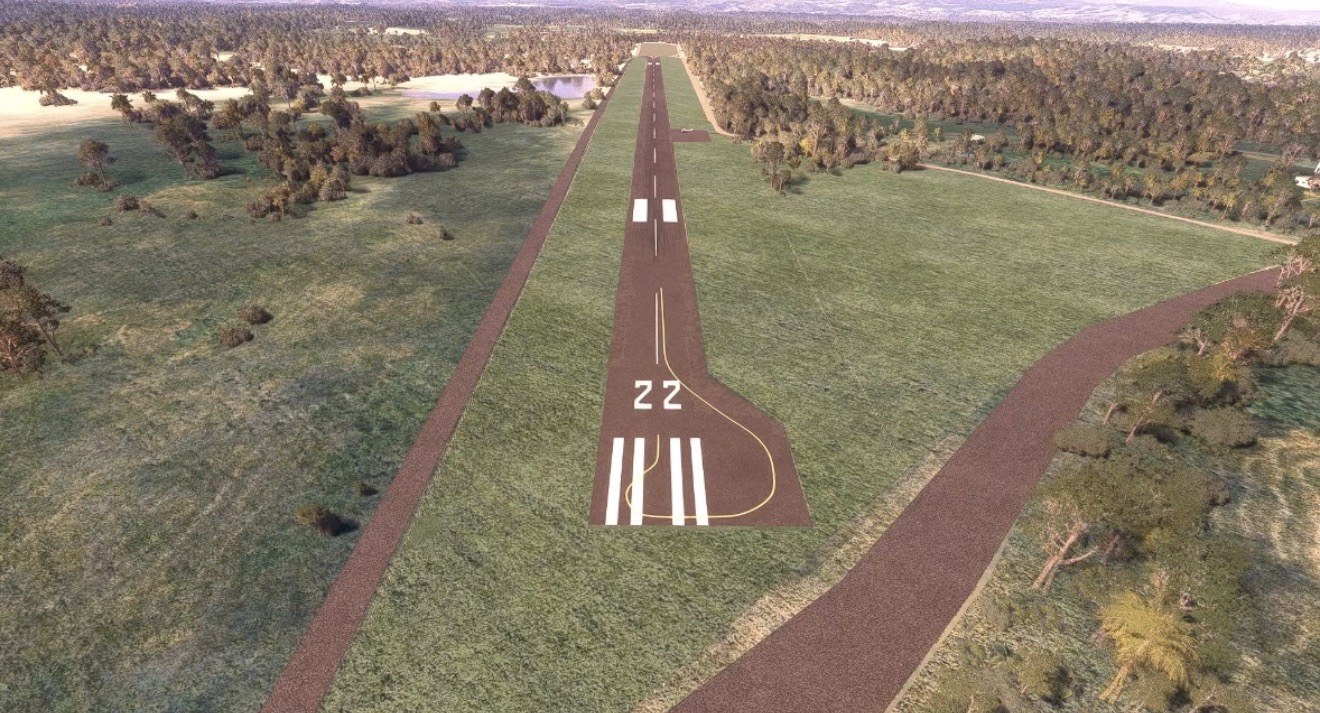
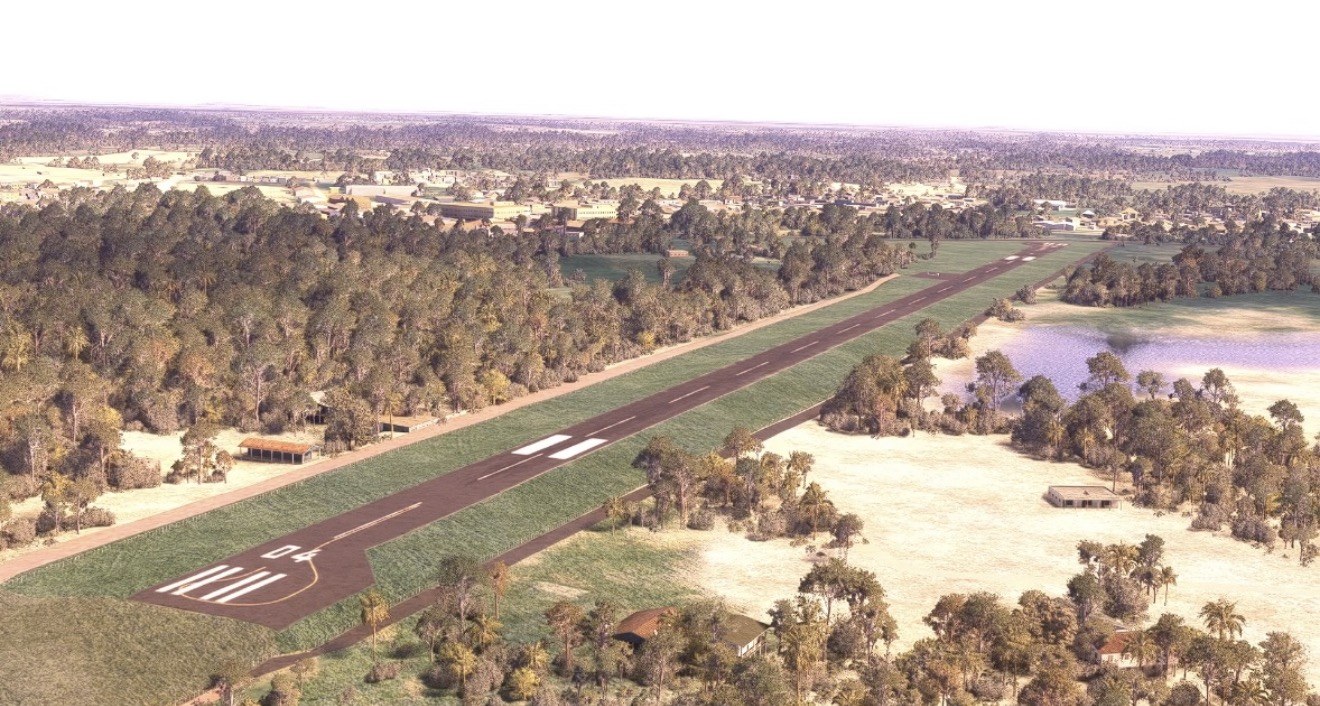
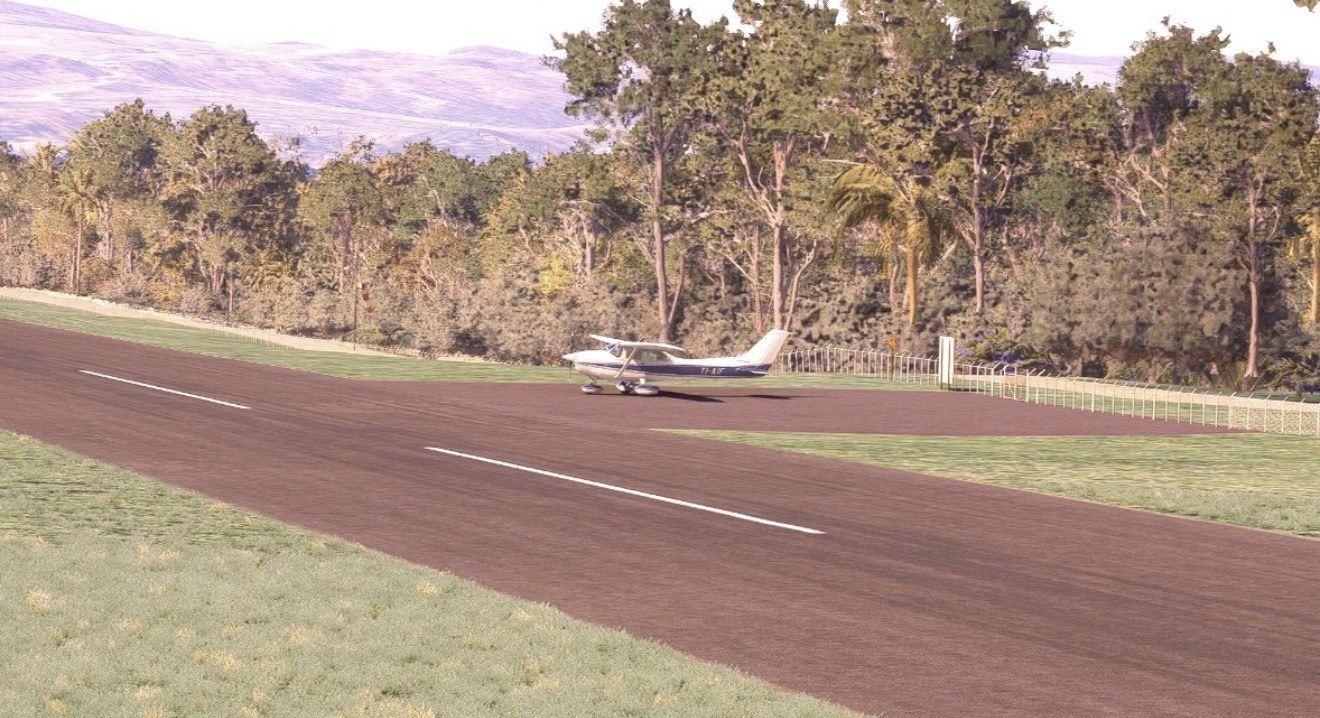
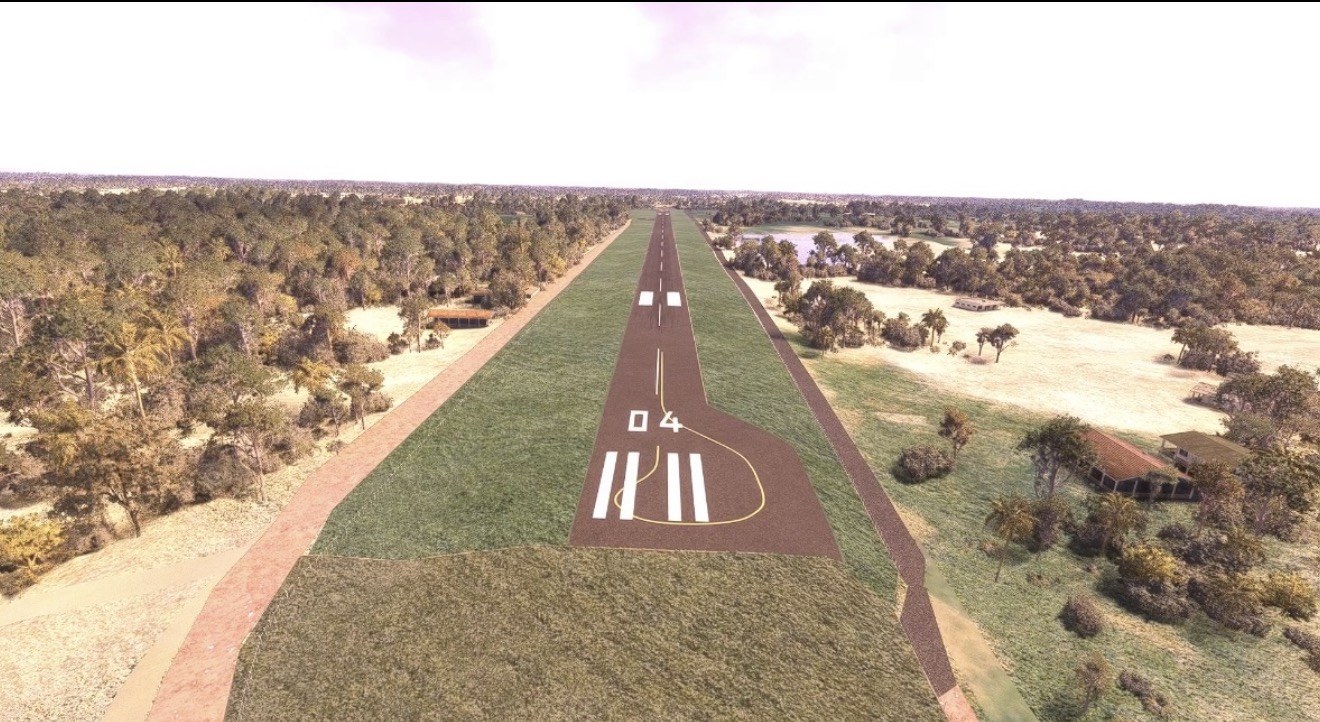
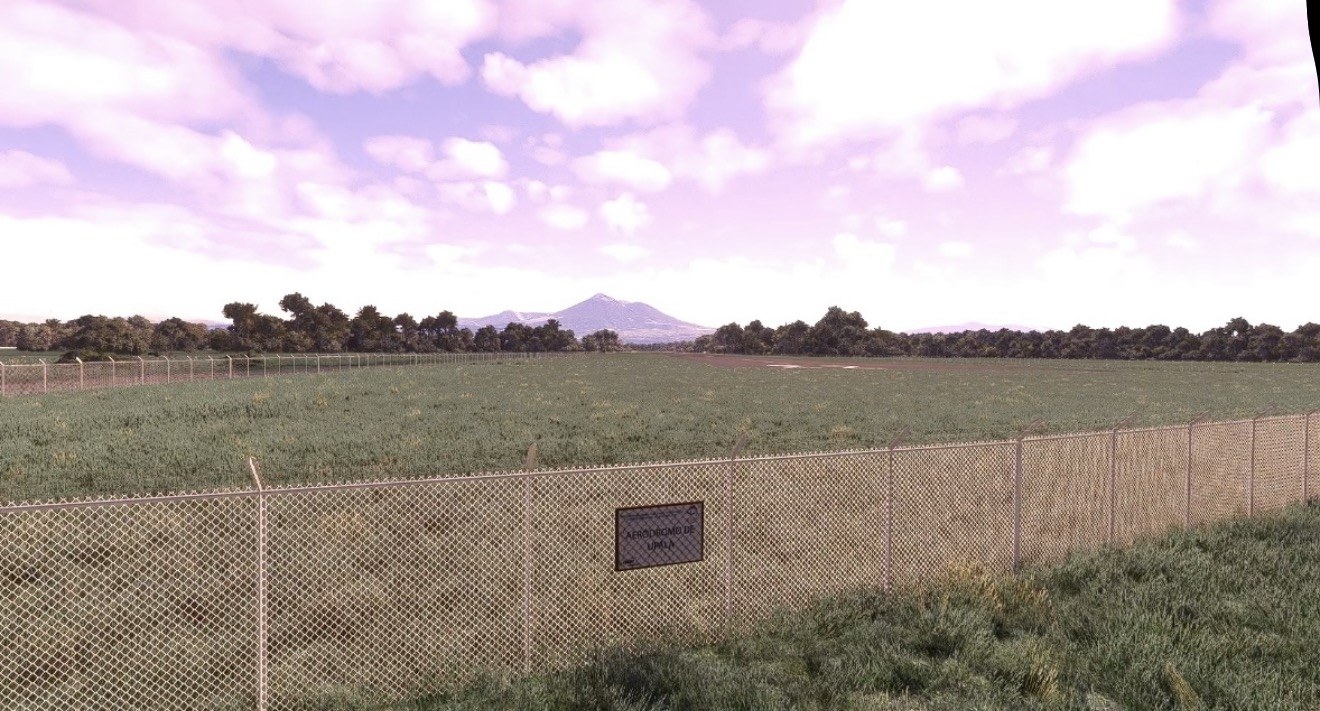
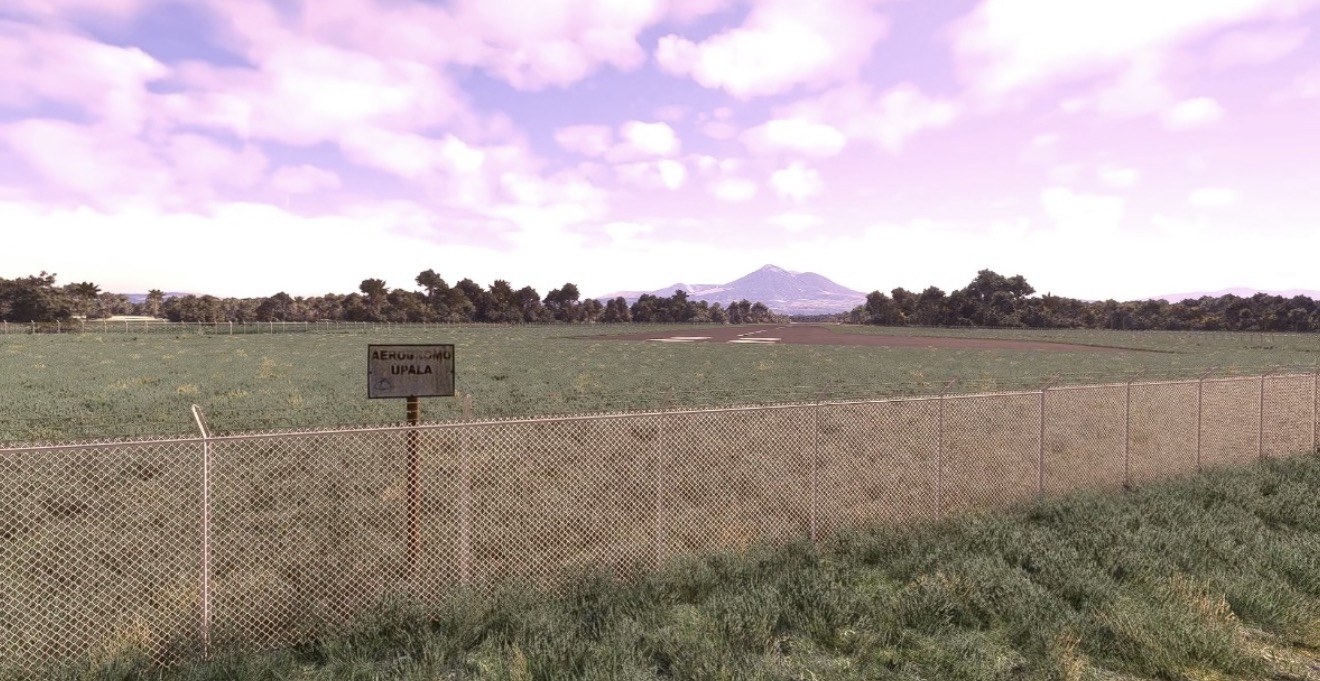
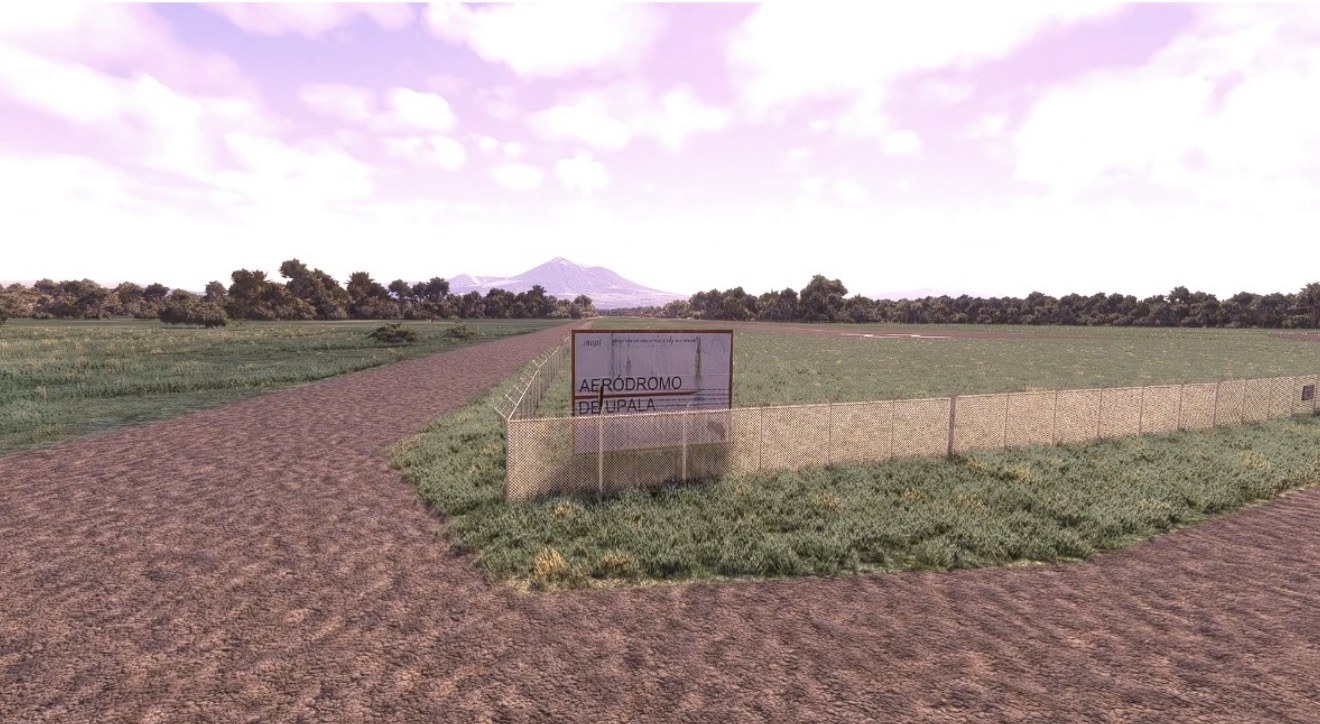
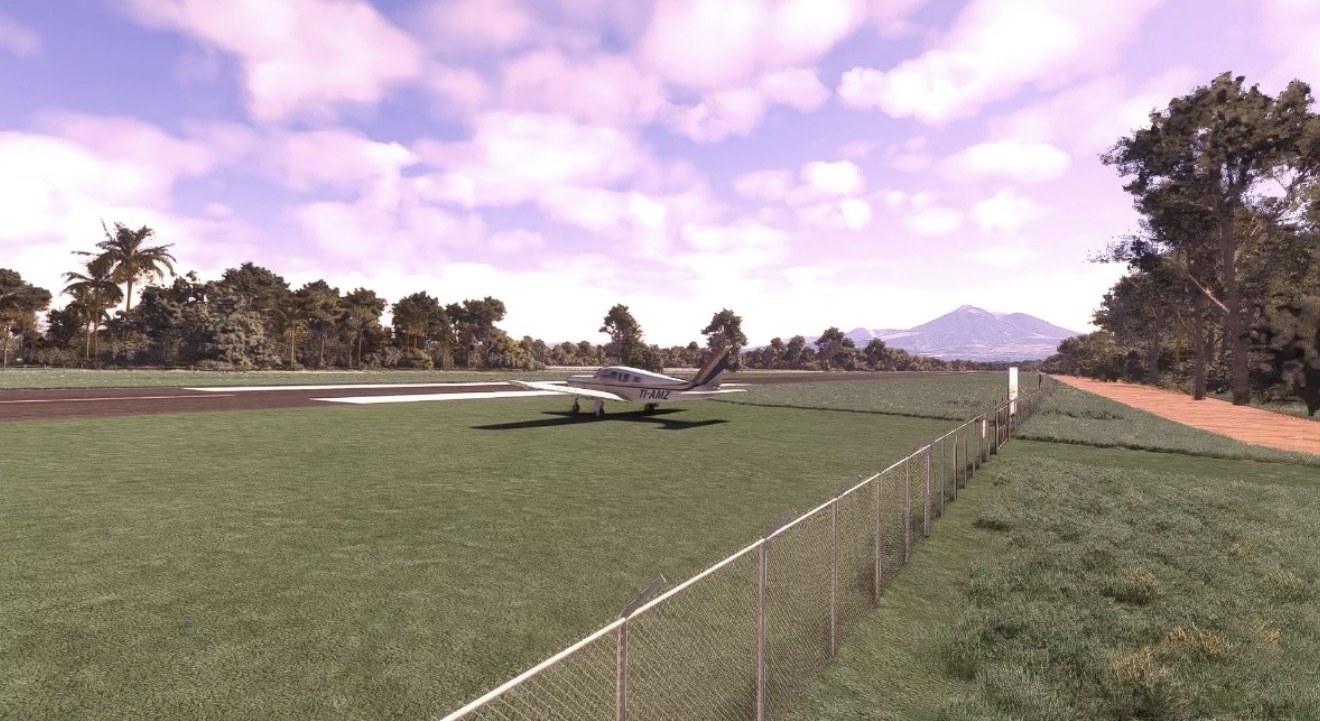
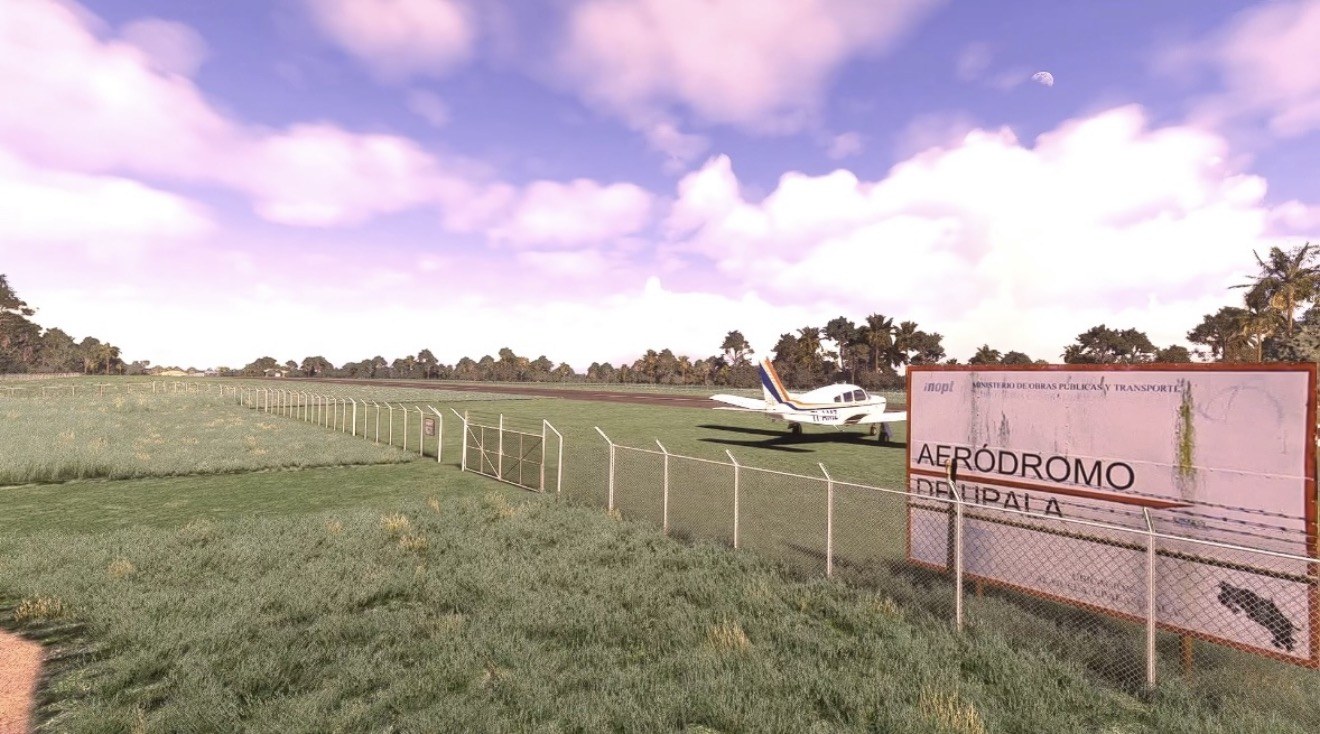
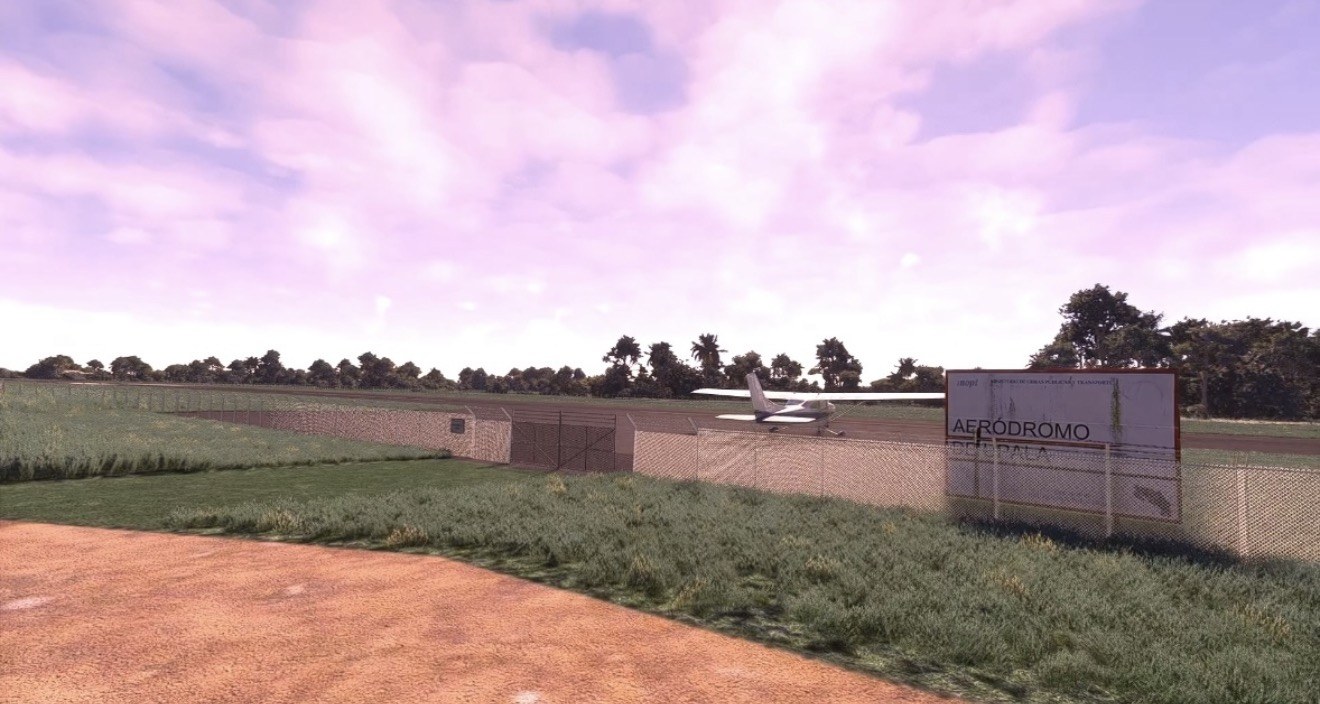

Turning onto final for runway 04, I noticed how plainly the strip stood out between the grass margins and trees; there’s very little visual clutter competing with the threshold. That suits the kind of arrival I’d come here for. The runway surface looks rather uniform to me, though, and more ground detail would give it a less freshly drawn appearance. I’d put that ahead of adding extra environmental objects as development continues.
Barrenechea’s decision to call this a foundation for further work sets the right expectation. I’m happy to use Upala as a flying destination now, but I wouldn’t choose this release for a close inspection of accurately reproduced airport buildings. Those refinements are still plans, not delivered features. Compatibility is limited to MSFS 2020, and the author specifically flags the README as necessary for proper operation.
Matías Barrenechea models Upala Airport (MRUP) in northern Costa Rica for Microsoft Flight Simulator 2020. This work-in-progress scenery covers a small public aerodrome near the Nicaraguan border, a destination suited to general aviation and short regional flights. Compatibility is limited to MSFS 2020, and the author directs users to the README for proper operation.
Upala sits in Alajuela Province, approximately 10 km south of Nicaragua, near the town of Upala and the Zapote River. The real airfield has a paved runway approximately 1,000 meters long and 18 meters wide, at an elevation of about 177 feet (54 meters). Those dimensions make it a more compact destination than Costa Rica’s larger commercial airports.
The airport serves surrounding rural communities and supports emergency operations, including air ambulance flights. A major runway improvement project in February 2019 expanded and restored the strip following damage from Hurricane Otto in 2016.
Open farmland, tropical vegetation, and scattered buildings characterize this part of Costa Rica’s Northern Zone. For virtual flying, Upala lends itself to low-altitude sightseeing or a short hop between a rural airfield and one of the country’s larger aviation hubs.
Barrenechea describes the initial release as the foundation for further work. Accuracy and detail will be refined as new photographs, reference material, and updated airport information become available. Possible future changes include more accurate airport buildings, ground details, surrounding vegetation, and environmental objects, with the aim of preserving the aerodrome’s modest character. These are development plans, not a list of finished features.
Read the README before using the scenery. The author specifically flags it as necessary for proper functioning; the supplied description gives no installation procedure or dependency list.
Free for all simmers · 17.48 MB · Scanned clean Nov 2026
Download speed: Free tier is capped at 2 Mbps (this file takes approximately 1 min at the cap). PRO members download at full line speed.
Initial release.
%LOCALAPPDATA%\Packages\Microsoft.FlightSimulator_8wekyb3d8bbwe\LocalCache\Packages\Community\. Steam version: %APPDATA%\Microsoft Flight Simulator\Packages\Community\. Tip: enable Developer Mode in MSFS to see your exact Community folder path.readme.txt or README file. It tells you exactly where files go, what dependencies are needed, and any quirks specific to this add-on.Use these coordinates to fly directly to this location once the mod is installed.
10.89220000,-85.01620000
Paste these coordinates into the Microsoft Flight Simulator search bar when planning a flight, or into the Developer Mode Teleport window, to fly directly to this location.
Soy un Piloto, desarrollador de escenarios y liveries de Costa Rica!Me enfoco en completar a mi país con sus aeródromos y aerolíneas regionales para msfs2020, me encanta recrear los lugares más preciosos y atractivos para el disfrute de…
Are you Matías Barrenechea? Sign in to Fly Away Creators for download stats, comment replies and updates. Make add-ons? Publish them here.
Only PRO members can place votes.
More MSFS add-ons hand-picked based on this download.
MSFS Scenery
Matías Barrenechea’s Cóbano Airport scenery updates Aeródromo de Cóbano (MRAF…
 MSFS Scenery
Matías Barrenechea’s Arenal Airport scenery covers MRAN at La Fortuna, Costa …
 MSFS Scenery
Matías Barrenechea recreates Golfito Airport (MRGF) on Costa Rica’s southern …
 MSFS Scenery
Matías Barrenechea models Nosara Airport (MRNS / NOB) in Costa Rica for Micro…
 MSFS Scenery
Matías Barrenechea recreates Carate Airport (MRCE) and its surroundings in Co…
 MSFS Scenery
Matías Barrenechea models Carrillo Airport (MRCR) near Puerto Carrillo in Gua…
 MSFS Scenery
Matías Barrenechea recreates Punta Islita Airport (MRIA/PBP) for Microsoft Fl…
 MSFS Scenery
Matías Barrenechea recreates Drake Bay Airport (MRDK) and its surroundings on…
Be the first to leave a comment on this download.
Be the first to share your thoughts on this download.