

 France

 MSFS Scenery
Naval Air Station Joint Reserve Base New Orleans (KNBG)
This scenery package focuses on Naval Air Station Joint Reserve Base New Orle…
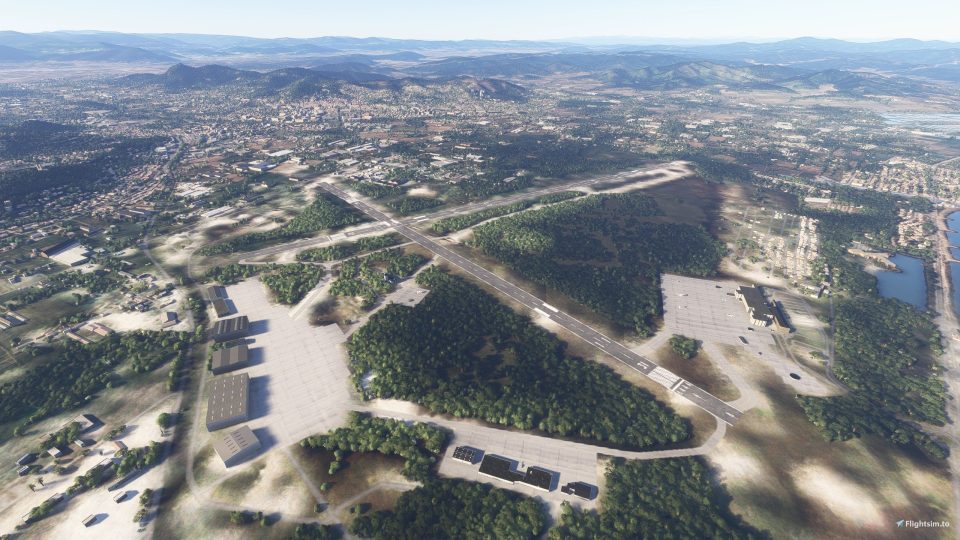
Hyères Le Palyvestre Naval Air Base (LFTH) brings southern France’s shared naval and civilian airfield to Microsoft Flight Simulator 2024. Two runways, 05/23 and 13/31, support arrivals and departures, while taxiways, a heliport and dedicated military, commercial, Gendarmerie and Customs aprons accommodate varied operations at the Mediterranean coastal base shared with Toulon Hyères Airport.
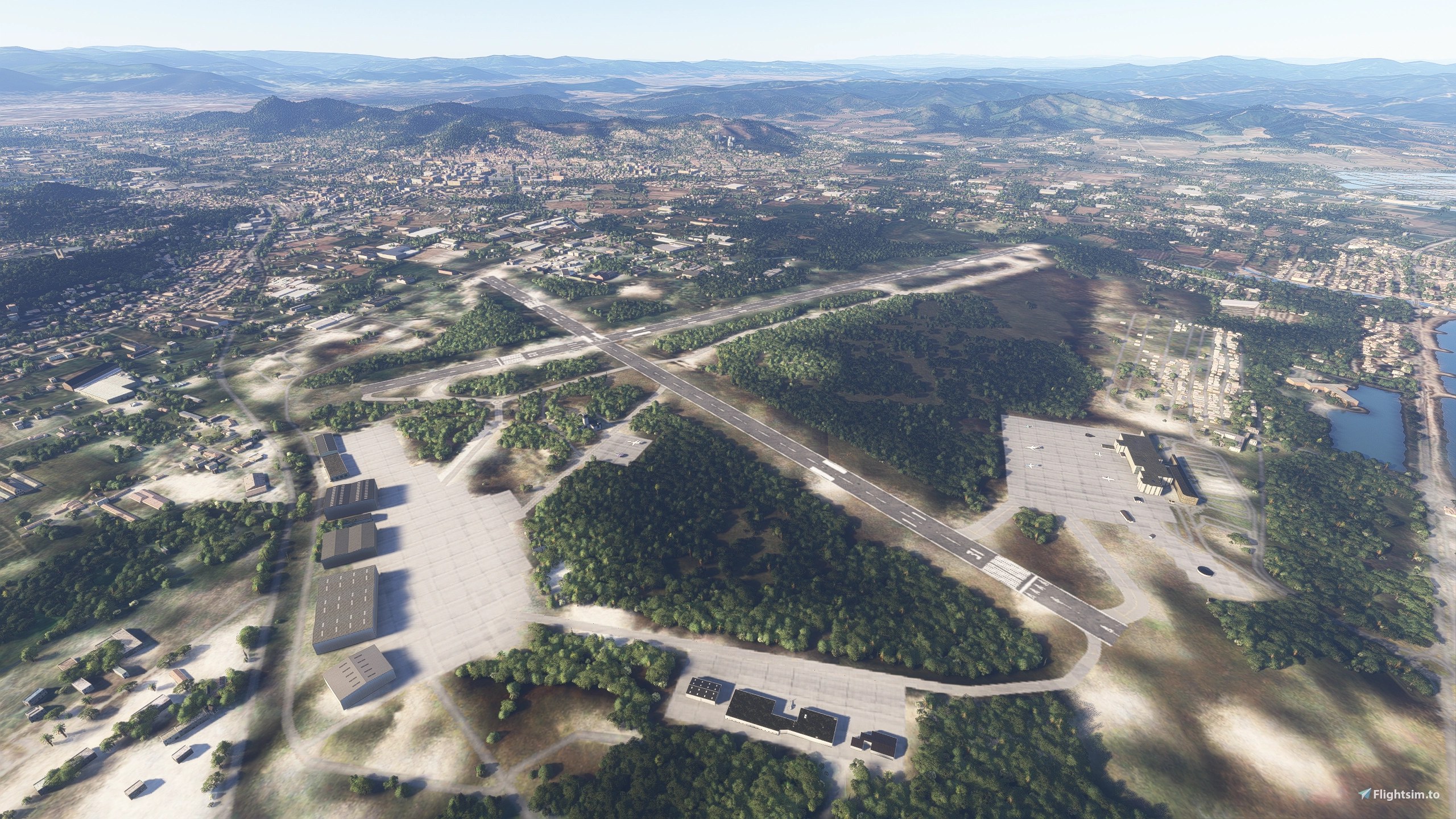
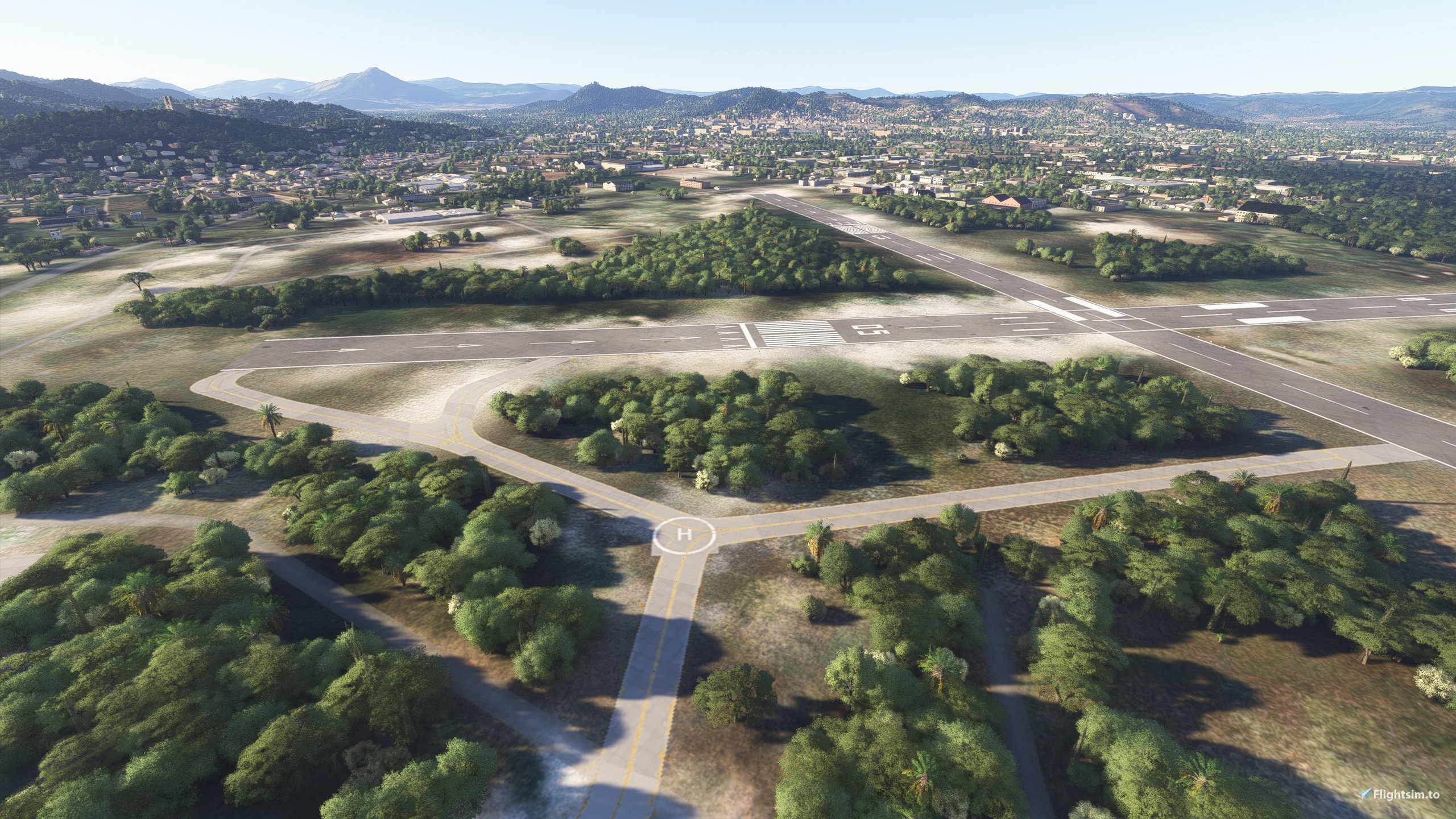
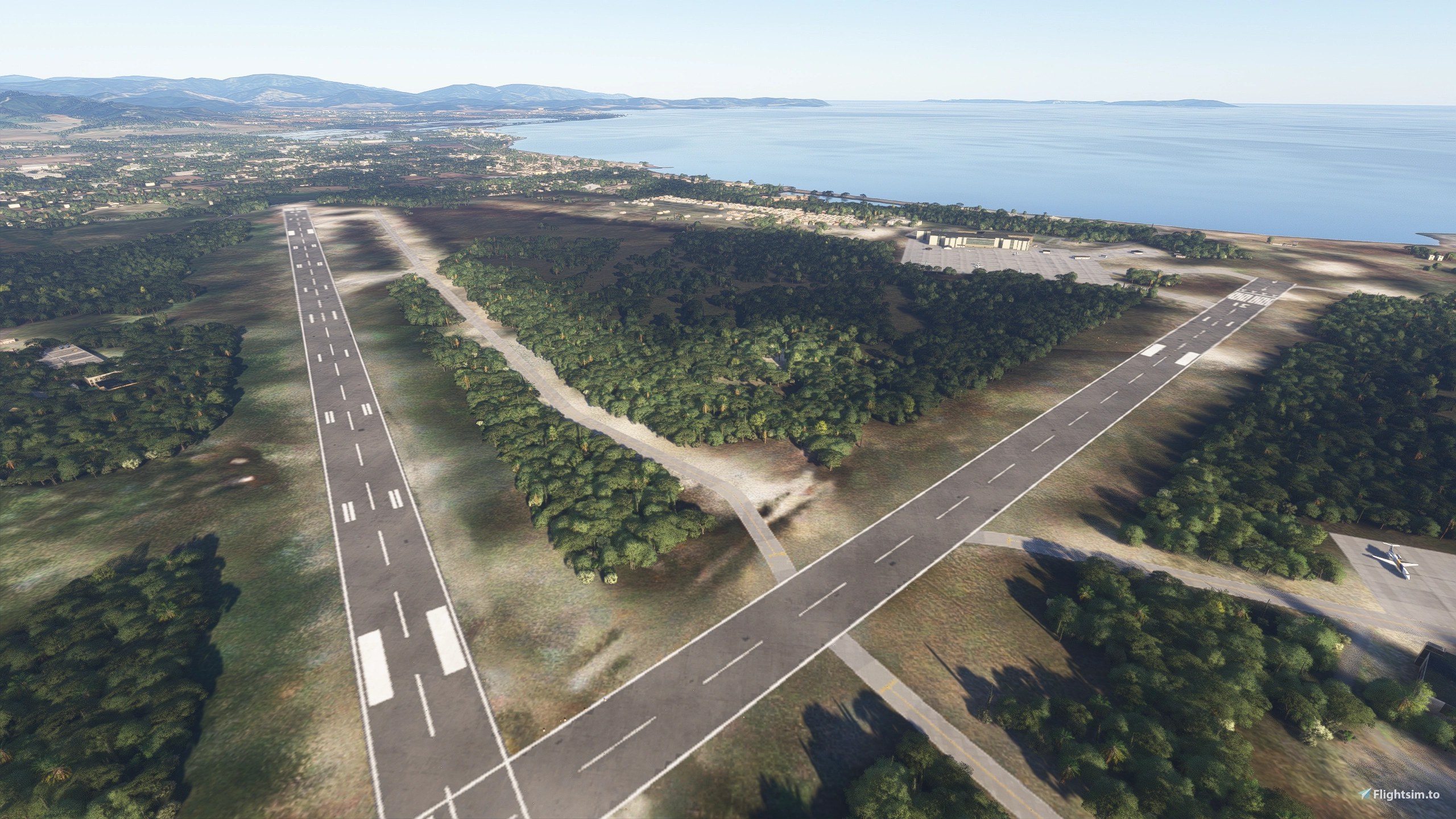
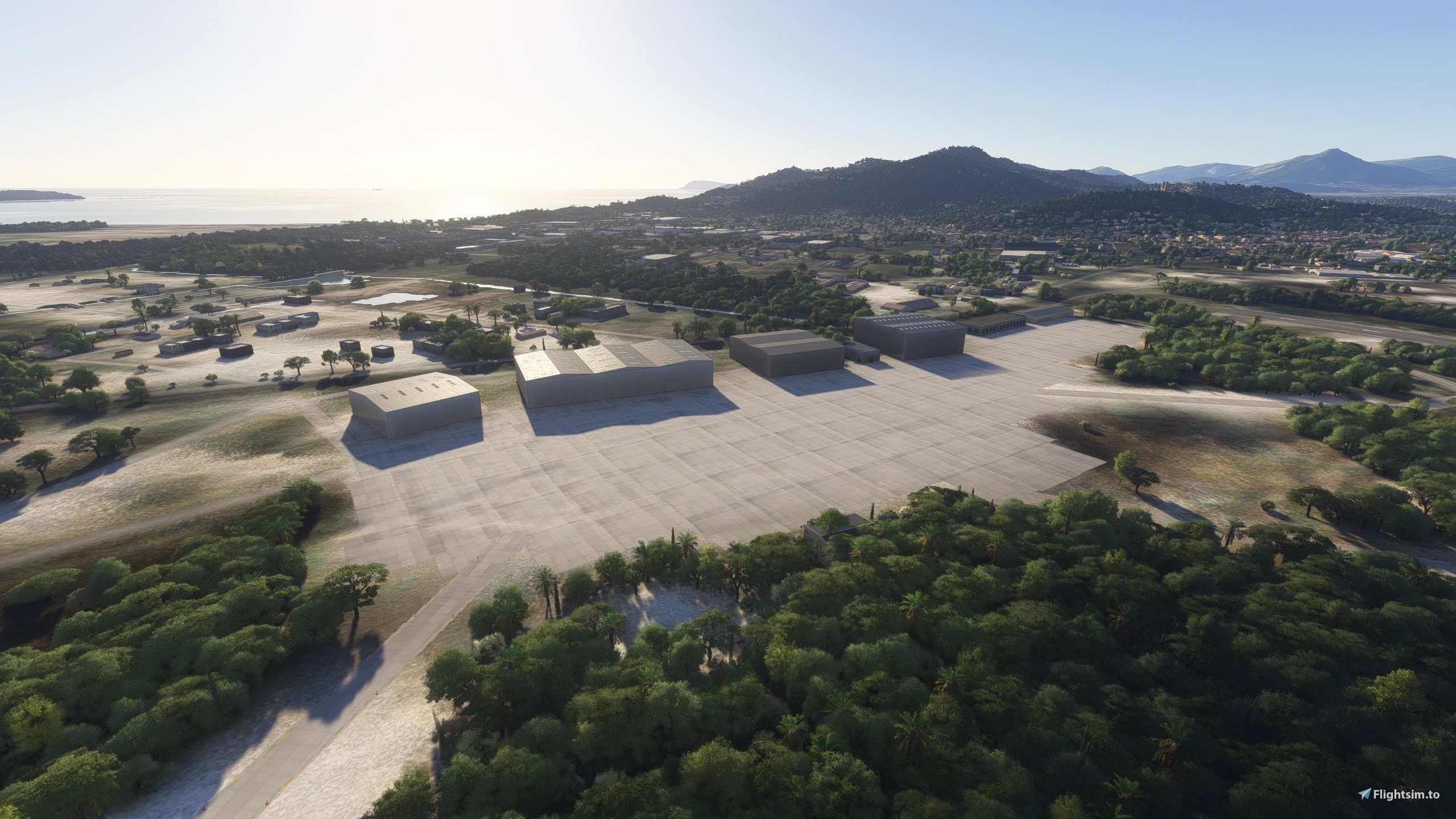
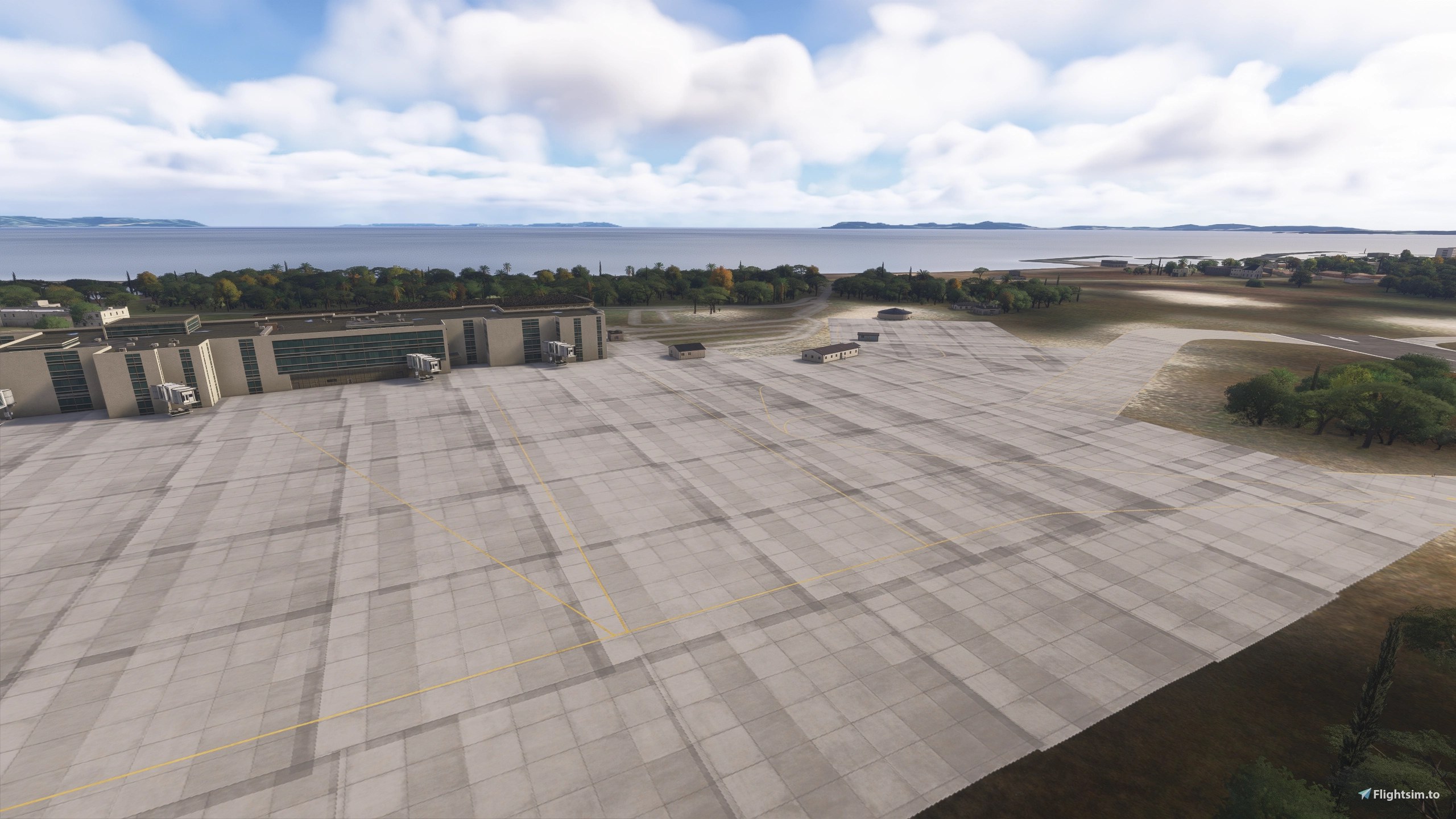

The yellow centerlines following the taxiway bends told me TomH had given some thought to getting around LFTH, not just landing there. Starting from parking, I taxied out to the runway; that ground leg gave me a better feel for the layout than an overhead look. The broad apron and plain, boxy hangars look basic, though. I’d use this for flights built around the base’s operations, rather than for close-up exploration of its buildings.
The approximate ground geometry is the compromise I’d weigh before downloading. TomH makes no claim to exact apron or taxiway dimensions, and I wouldn’t choose this for rehearsing precise real-world ground movements. For ordinary sim departures and arrivals, I’m happy to work with that limitation. More accurate positioning would be my priority for a future revision. This release requires MSFS 2024; it isn’t offered for the earlier sim.
TomH models Hyères Le Palyvestre Naval Air Base (LFTH) in southern France for Microsoft Flight Simulator 2024 only. The scenery supports departures from parking, taxiing, and arrivals or departures on either of the base’s two runways, with separate parking areas for military, commercial, and government operations.
LFTH shares its airfield with Toulon Hyères Airport, so the mix of naval facilities and civilian parking reflects its real-world role on France’s Mediterranean coast.
This is TomH’s first mod. The apron and taxiway positions and dimensions are approximate because the author did not have exact measurements or coordinates. Expect a usable layout with realistic taxi routes, not meter-accurate ground geometry.
No prerequisites are listed beyond MSFS 2024. TomH’s installation guidance is simply to download and install the scenery; no package-specific folder instructions are supplied.
TomH welcomes feedback and improvement ideas in the comments, along with suggestions for other airports to model. Airport requests may become future projects. Optional donations to support the work are welcome through PayPal.
Free for all simmers · 15.71 KB · Scanned clean Nov 2026
Download speed: Free tier is capped at 2 Mbps. PRO members download at full line speed.
1.1 : Mise à jour du parking civil | Civilian parking update
%LOCALAPPDATA%\Packages\Microsoft.FlightSimulator_8wekyb3d8bbwe\LocalCache\Packages\Community\. Steam version: %APPDATA%\Microsoft Flight Simulator\Packages\Community\. Tip: enable Developer Mode in MSFS to see your exact Community folder path.readme.txt or README file. It tells you exactly where files go, what dependencies are needed, and any quirks specific to this add-on.Use these coordinates to fly directly to this location once the mod is installed.
43.09730000,6.14600000
Paste these coordinates into the Microsoft Flight Simulator search bar when planning a flight, or into the Developer Mode Teleport window, to fly directly to this location.
Are you TomH? Sign in to Fly Away Creators for download stats, comment replies and updates. Make add-ons? Publish them here.
Only PRO members can place votes.
More MSFS add-ons hand-picked based on this download.
MSFS Scenery
This scenery package focuses on Naval Air Station Joint Reserve Base New Orle…
 MSFS Scenery
A complete and extensive replacement freeware scenery package for Paris–Le Bo…
 MSFS Scenery
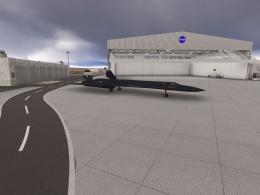
Edwards Air Force Base (KEDW) brings revised runways, custom-painted taxiway …
 MSFS Scenery
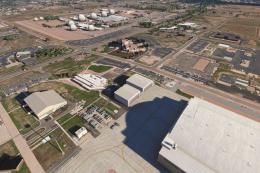
Bring Buckley Space Force Base (KBKF) into sharper focus in Microsoft Flight …
 MSFS Scenery
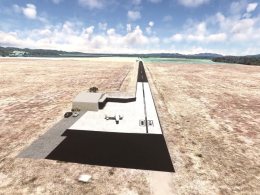
Matías Barrenechea recreates Guanacaste Air Park (MRPS) for Microsoft Flight …
 MSFS Scenery
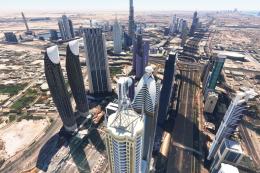
A large freeware scenery add-on pack put together by the developer who goes b…
 MSFS Scenery
A quick rework of several Swiss cities and landmarks such as the Matterhorn u…
 MSFS Scenery
This pack by the developer who simply goes by the name of Chris brings the me…
Be the first to leave a comment on this download.
Be the first to share your thoughts on this download.