



 MSFS Utilities & Tools
Jetstream - Airline Career Mode and Pilot Progression
Jetstream gives Microsoft Flight Simulator 2020 and Microsoft Flight Simulato…
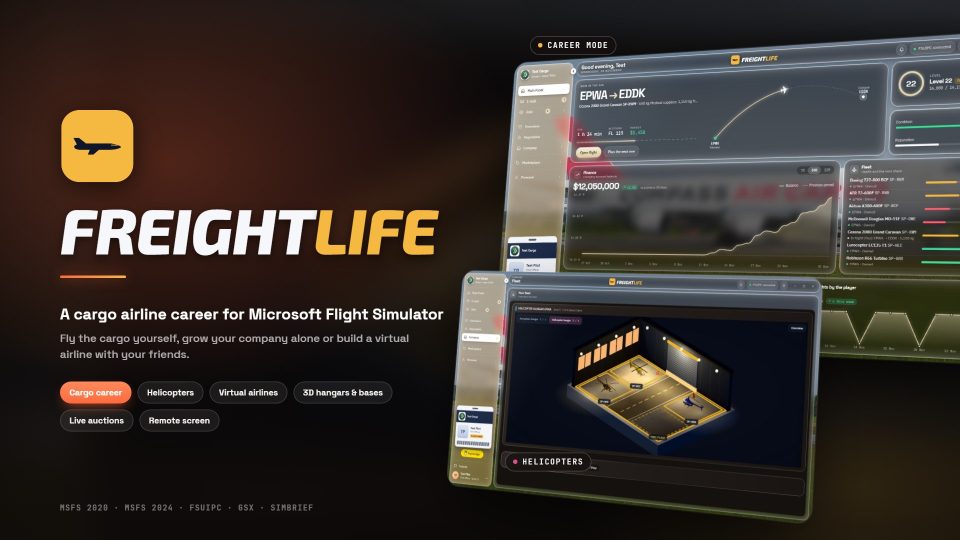
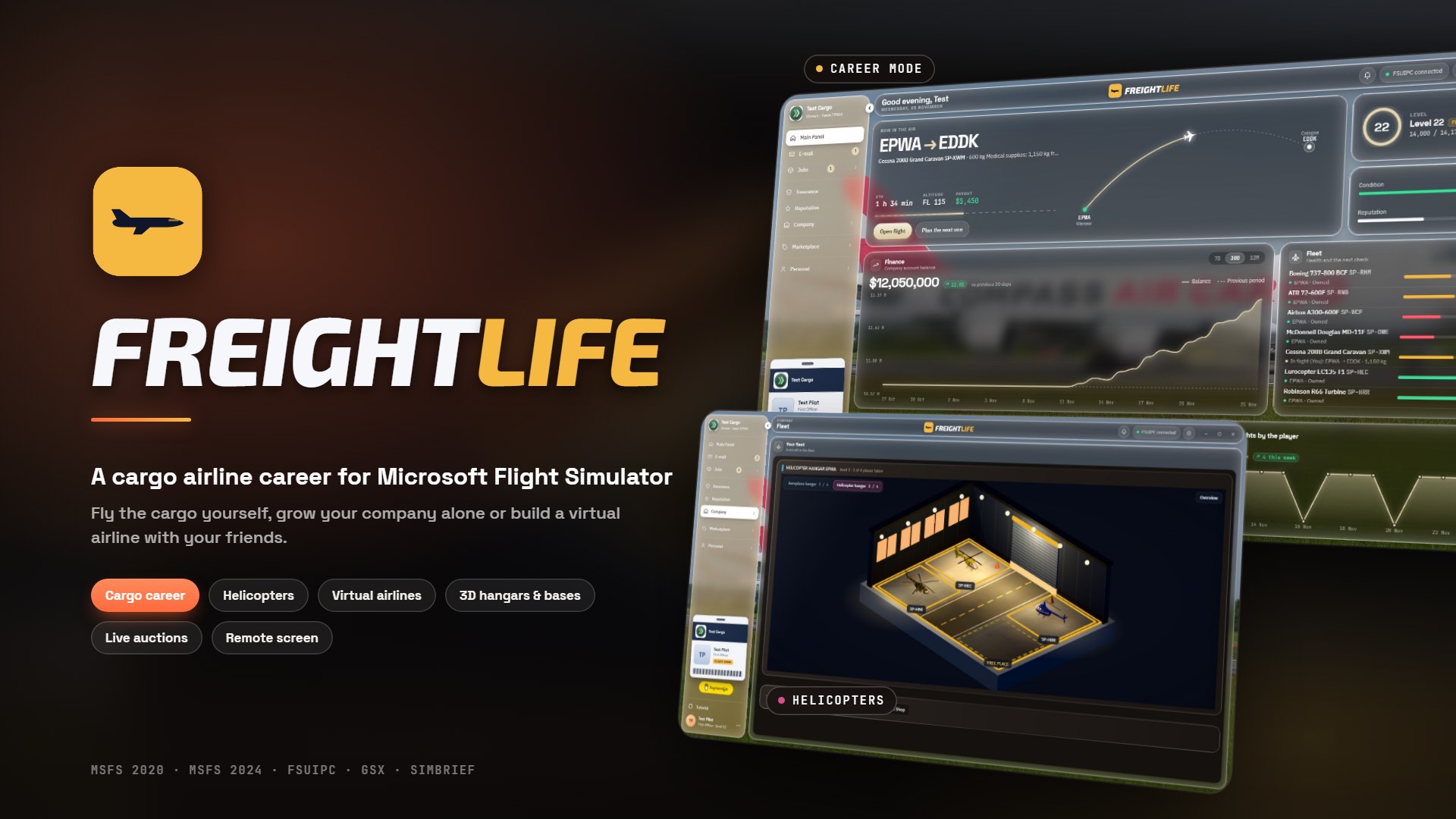
FreightLife builds a cargo airline career around Microsoft Flight Simulator 2020 and 2024, combining fixed-wing and helicopter contracts with fleet ownership, maintenance, bases, finances and AI crews. The standalone utility rewards delivered cargo, supports SimBrief and GSX, and offers interactive 3D management in single-player careers and shared online airlines; flight tracking requires FSUIPC7.
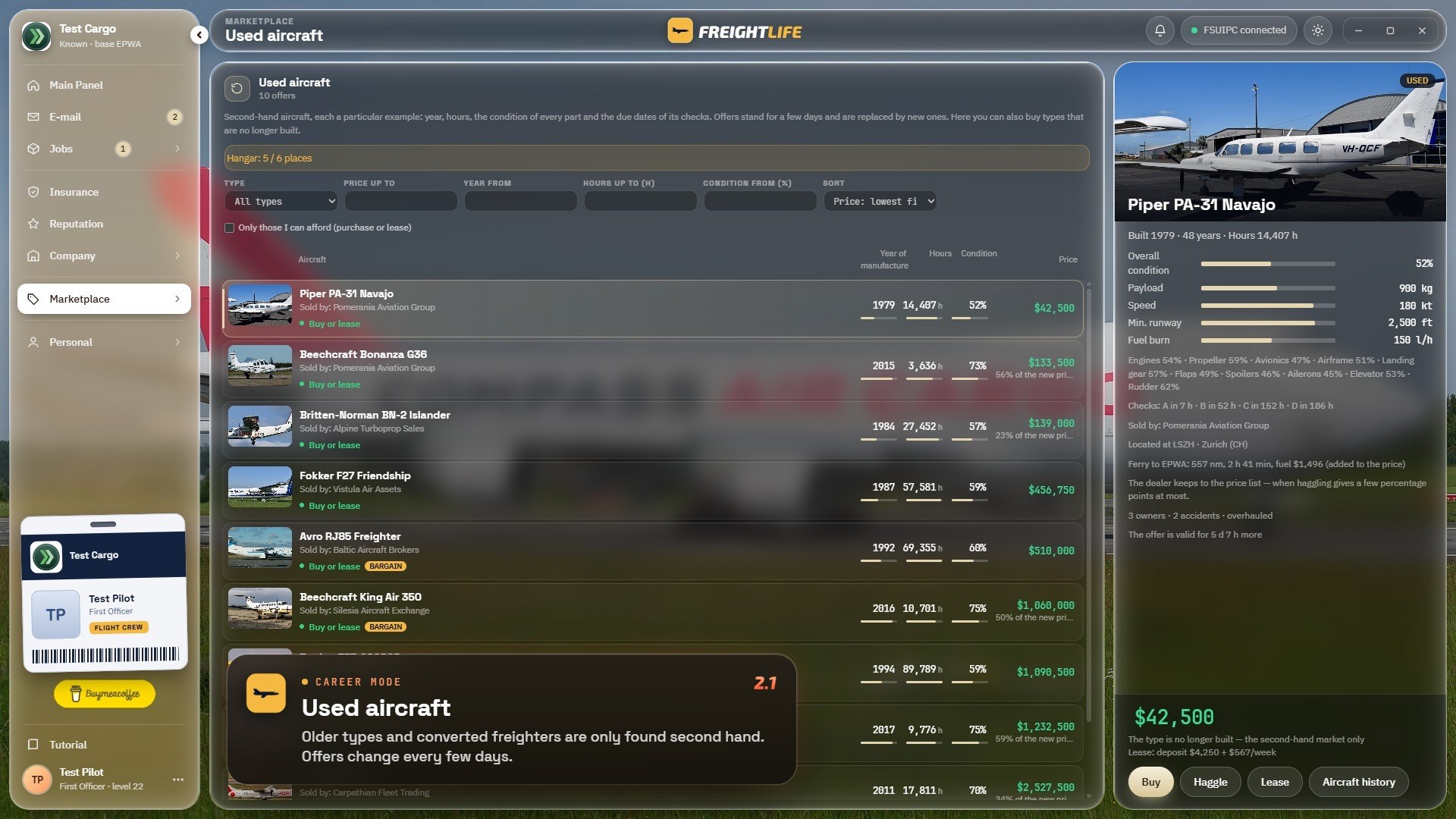
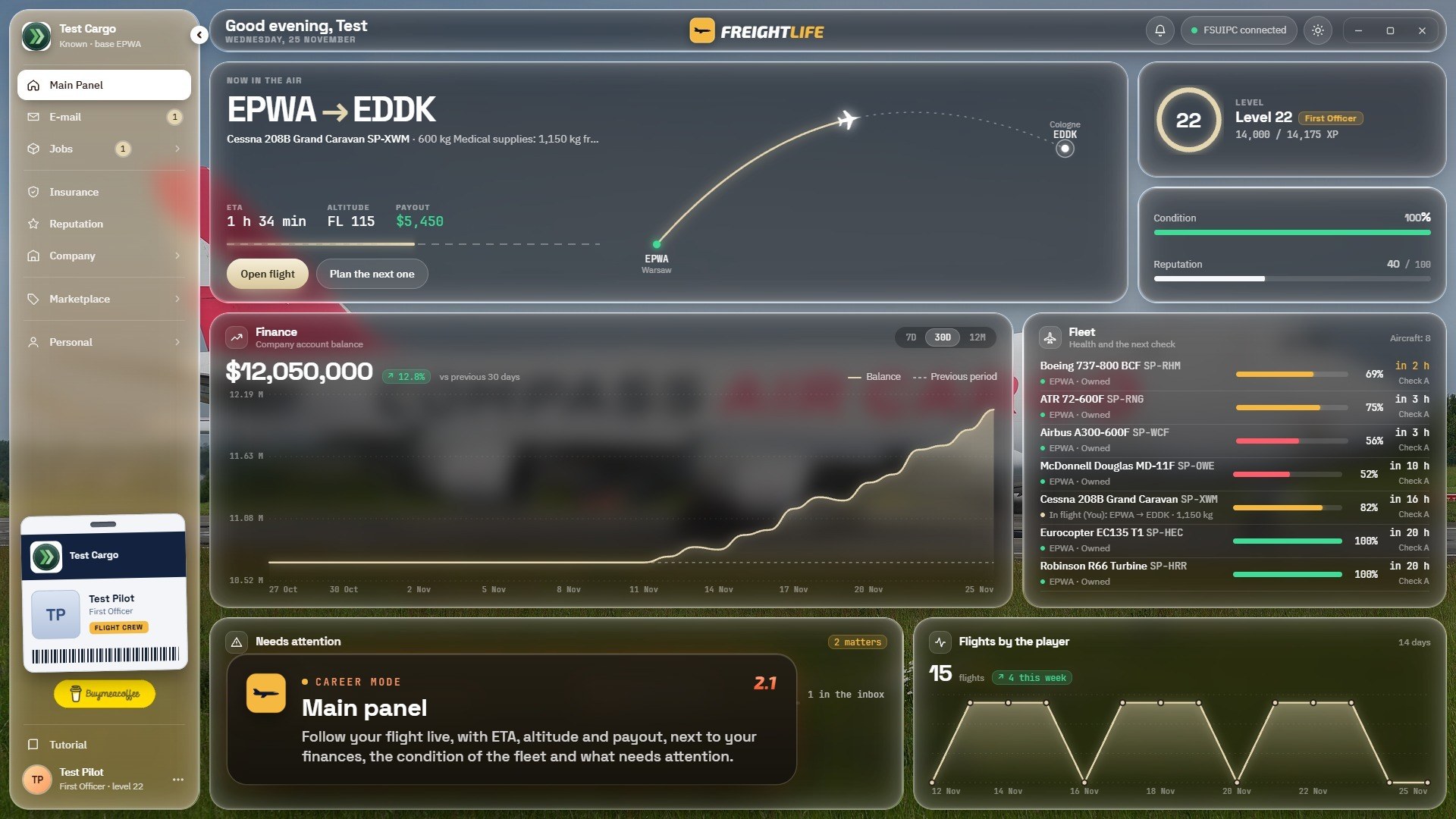
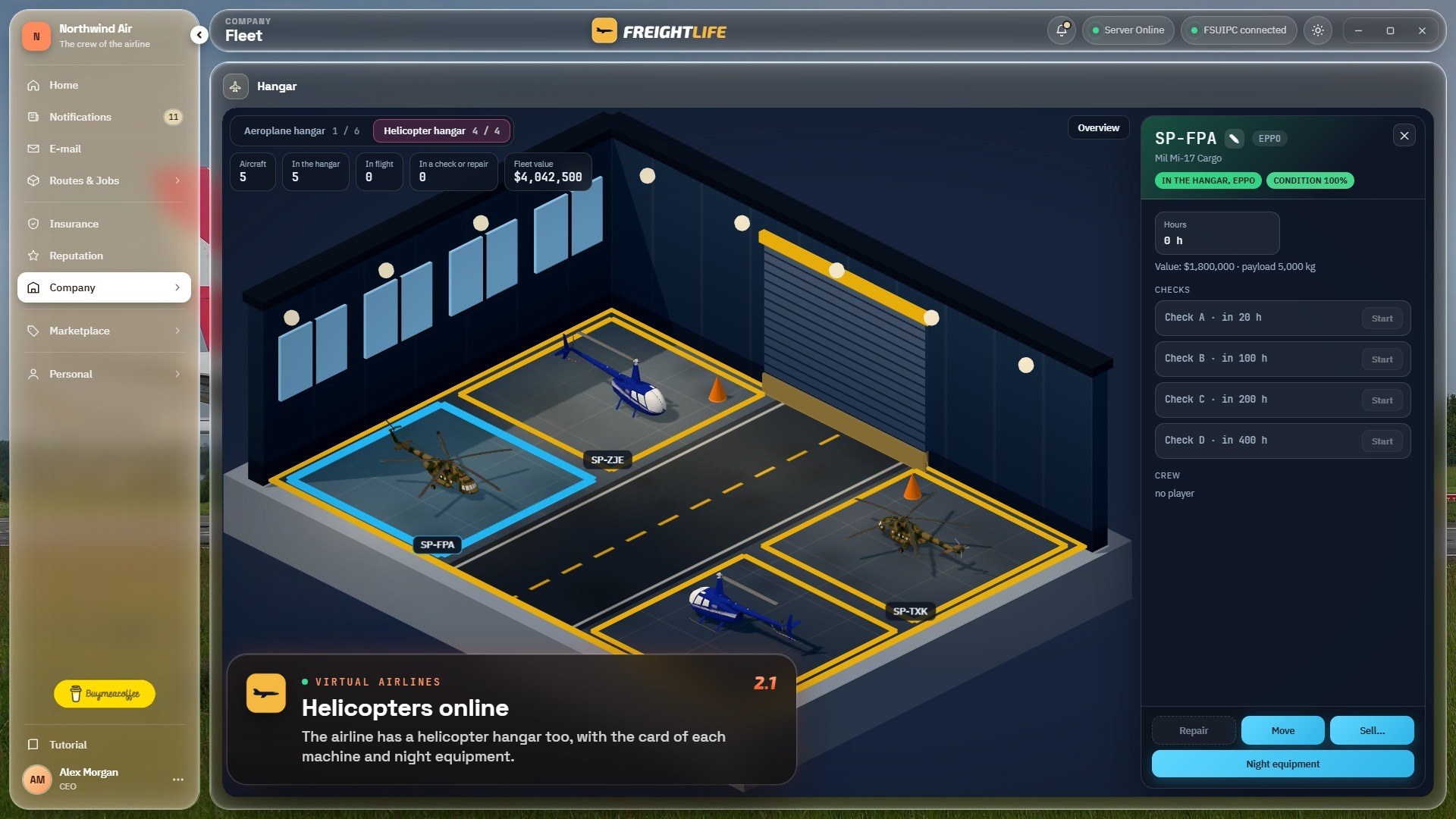
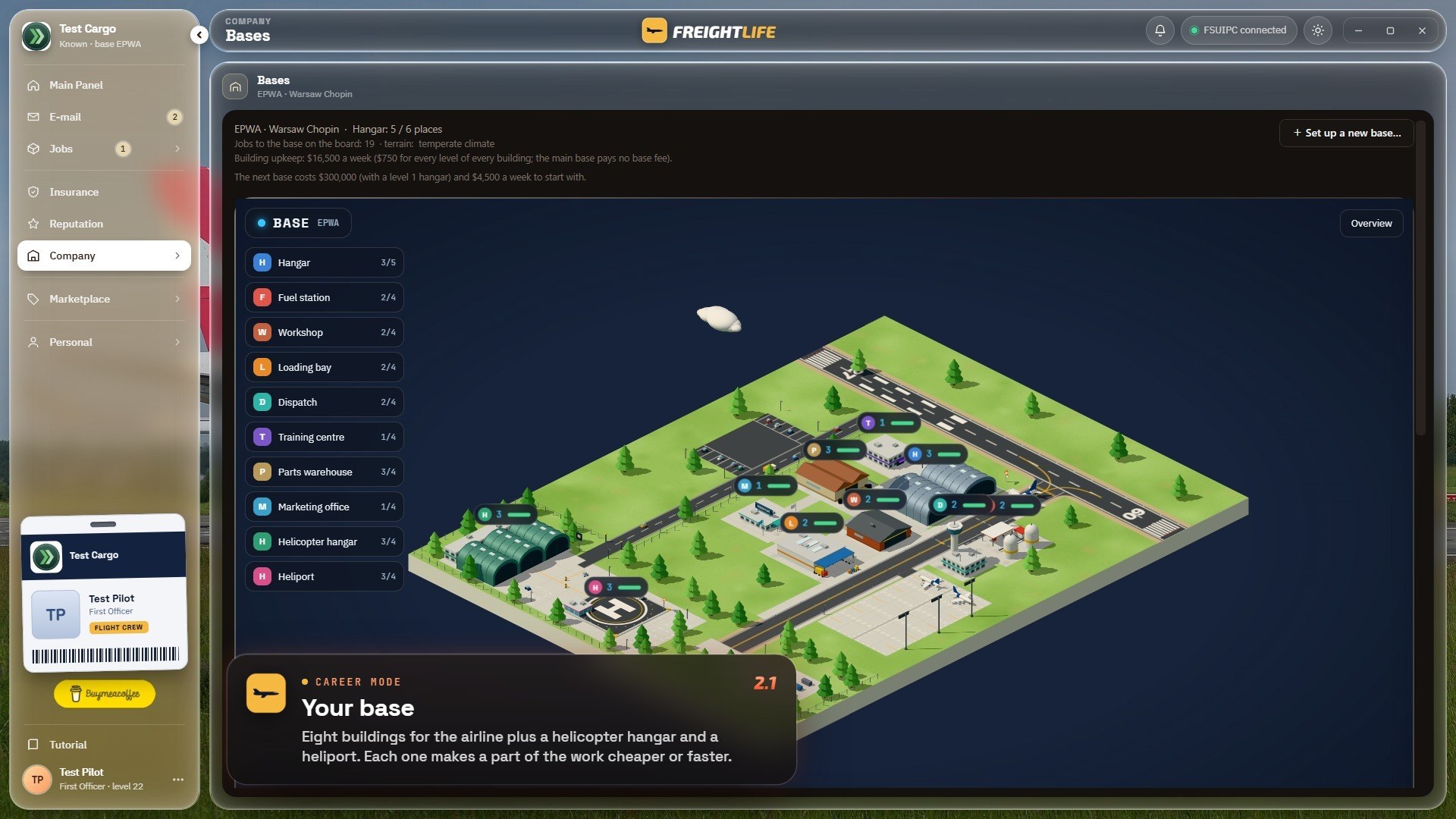
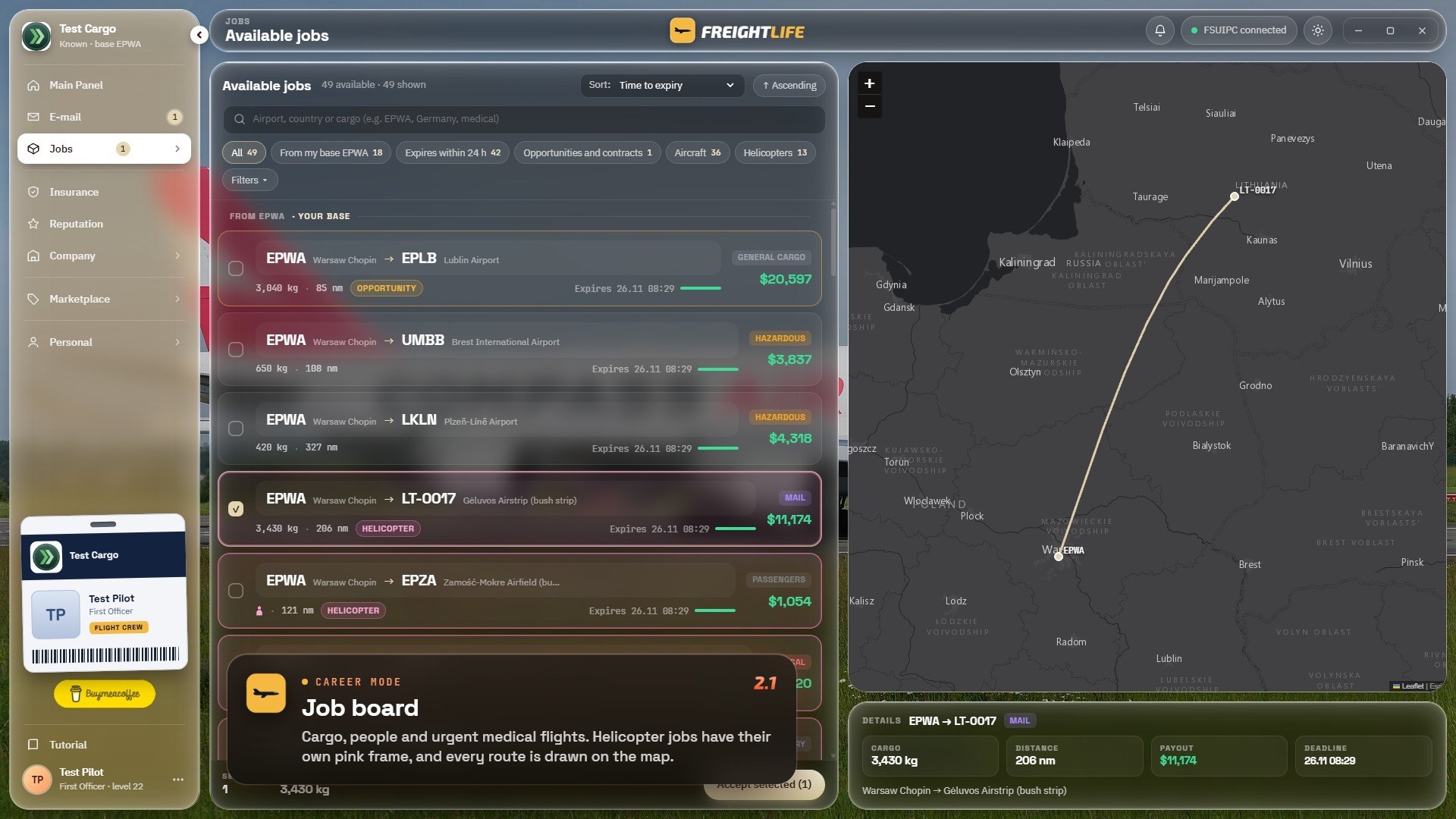
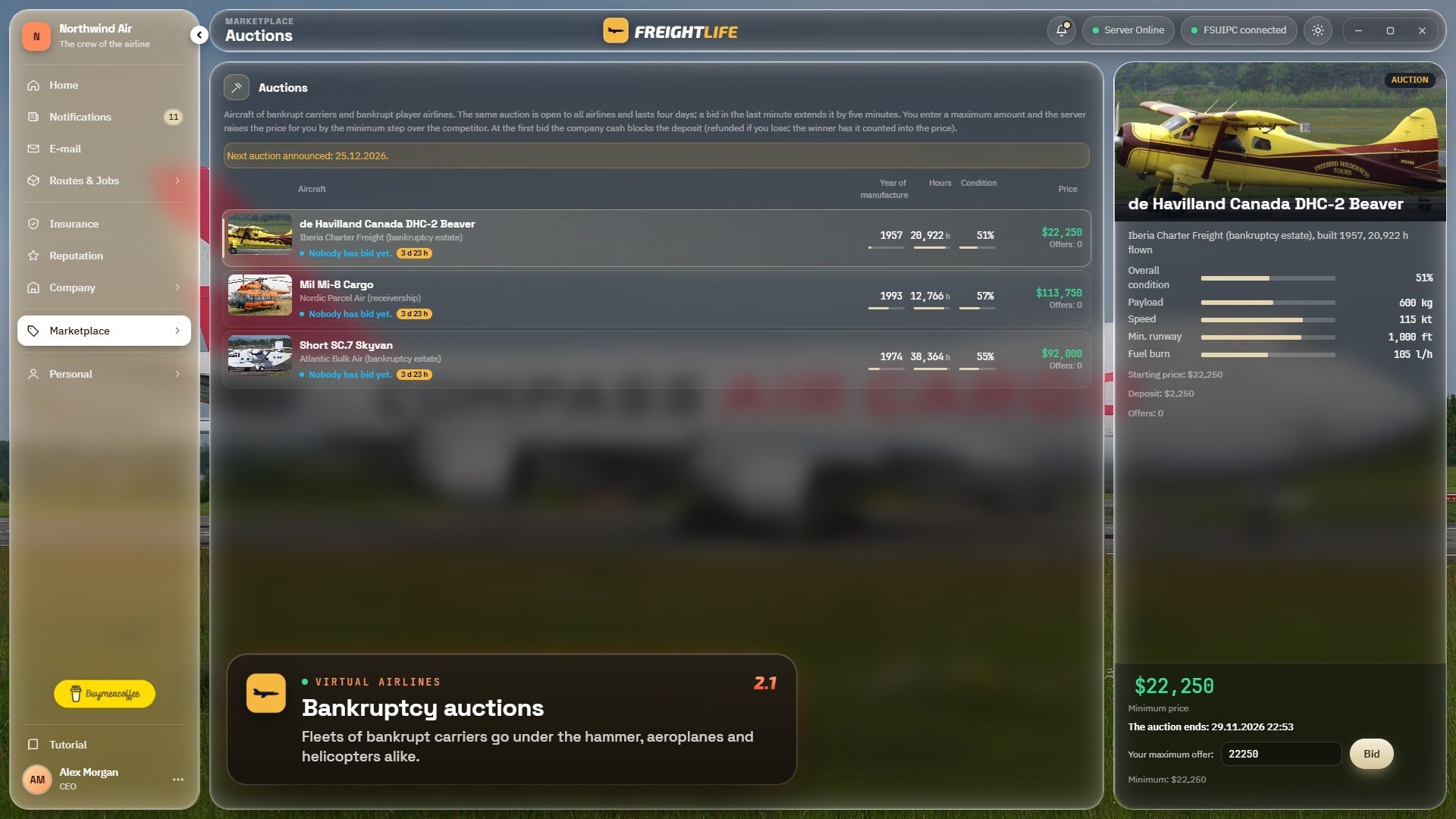

Would the company finances actually change which jobs I chose? The extra pay for grass-strip work, set against added landing-gear wear, gave me a reason to think beyond the contract payout. That’s the sort of decision I want from a cargo career. Browsing used aircraft, I stopped at a low-priced Navajo, then checked its component condition and upcoming inspections before getting carried away with the asking price. Having those details beside the offer makes the used market worth spending time in. Repairs take real time and consume warehouse spares, so a cheap purchase carries obligations beyond the next fuel bill. I like that commitment, though I’d choose this for evenings when I want to run the company as well as fly. The translucent panels are less to my taste; I’d prefer a plainer background behind the smaller maintenance text. One important distinction for route planning: the scan that restricts jobs to airports and helipads available in your simulator is specified for MSFS 2024, not 2020.
Piciek’s FreightLife puts a cargo airline career around your flying in Microsoft Flight Simulator 2024 and Microsoft Flight Simulator 2020. This free standalone companion tracks deliveries and pays for the cargo you actually deliver, with fleet ownership, helicopter work, AI crews and a shared online airline mode alongside the single-player career.
FSUIPC7 is the link between FreightLife and MSFS. It reads the aircraft from the simulator, detects takeoff and landing automatically, places cargo in the aircraft’s payload stations and rates the landing. GSX is supported. You can also run FreightLife without the simulator to plan flights and manage the company.
There’s no installer. Unpack the folder and run FreightLife.exe. FreightLife writes nothing into its program folder; careers are stored in %AppData%\FreightLife.
You begin with a hangar and one small aircraft. The job board refreshes in real time, with contracts, tenders against rival airlines, double-pay opportunities and multi-stop routes that let you collect cargo along the way. Routes are matched to the aircraft’s range and runway requirements.
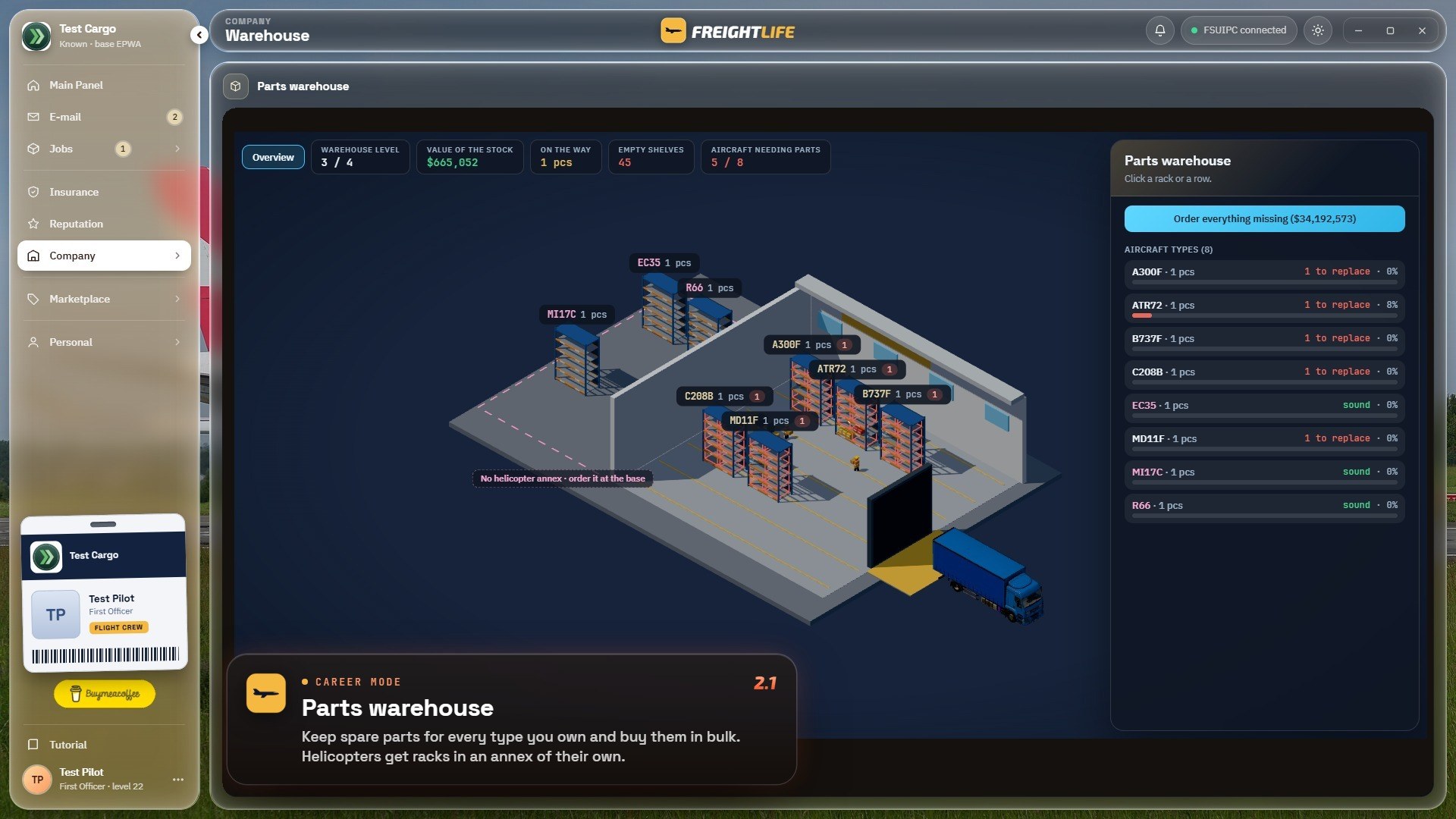
The fixed-wing management roster covers 26 aircraft types, from the Cessna 172 and Beaver to the Boeing 747-8F and BelugaXL. You can buy new, negotiate a used purchase, lease or sell. Ownership carries more than a purchase price. Aircraft depreciate and wear out, with insurance, scheduled A through D checks, repairs that take real time and spare parts drawn from your own warehouse.
Helicopter work covers 12 types, including the PZL Mi-2, Bell 206, Mi-17 and Chinook. Jobs carry cargo, passengers and VIPs to heliports, hospital and rooftop pads, mountain huts and offshore platforms. Urgent hospital flights are part of the work, as are helicopter licenses and type ratings.
For MSFS 2024, FreightLife reads the airports and helipads available in your simulator and sends jobs only to those locations. That scenery scan is specifically described for MSFS 2024. Small aircraft can take medicine and supply loads of 30-200 kg into grass and gravel strips for 30% extra pay; airliners cannot use those strips, and grass landings add landing-gear wear.
Bases can be established at airports worldwide. There are ten building types to manage.
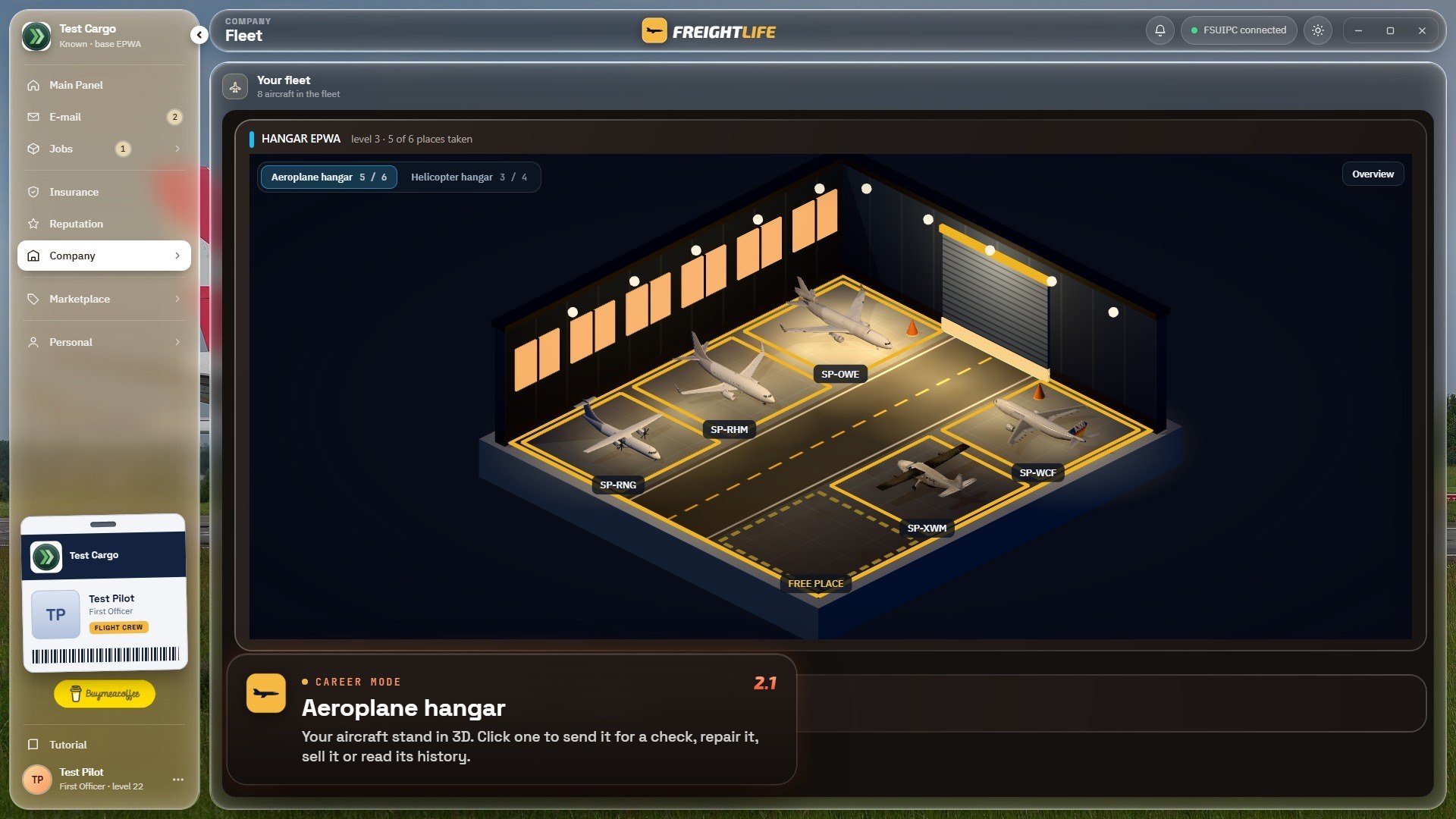
Airplanes and helicopters have separate 3D hangars. Building staff include mechanics, storekeepers, a supply officer and dispatchers, among others. Each employee provides a bonus and draws a weekly wage.
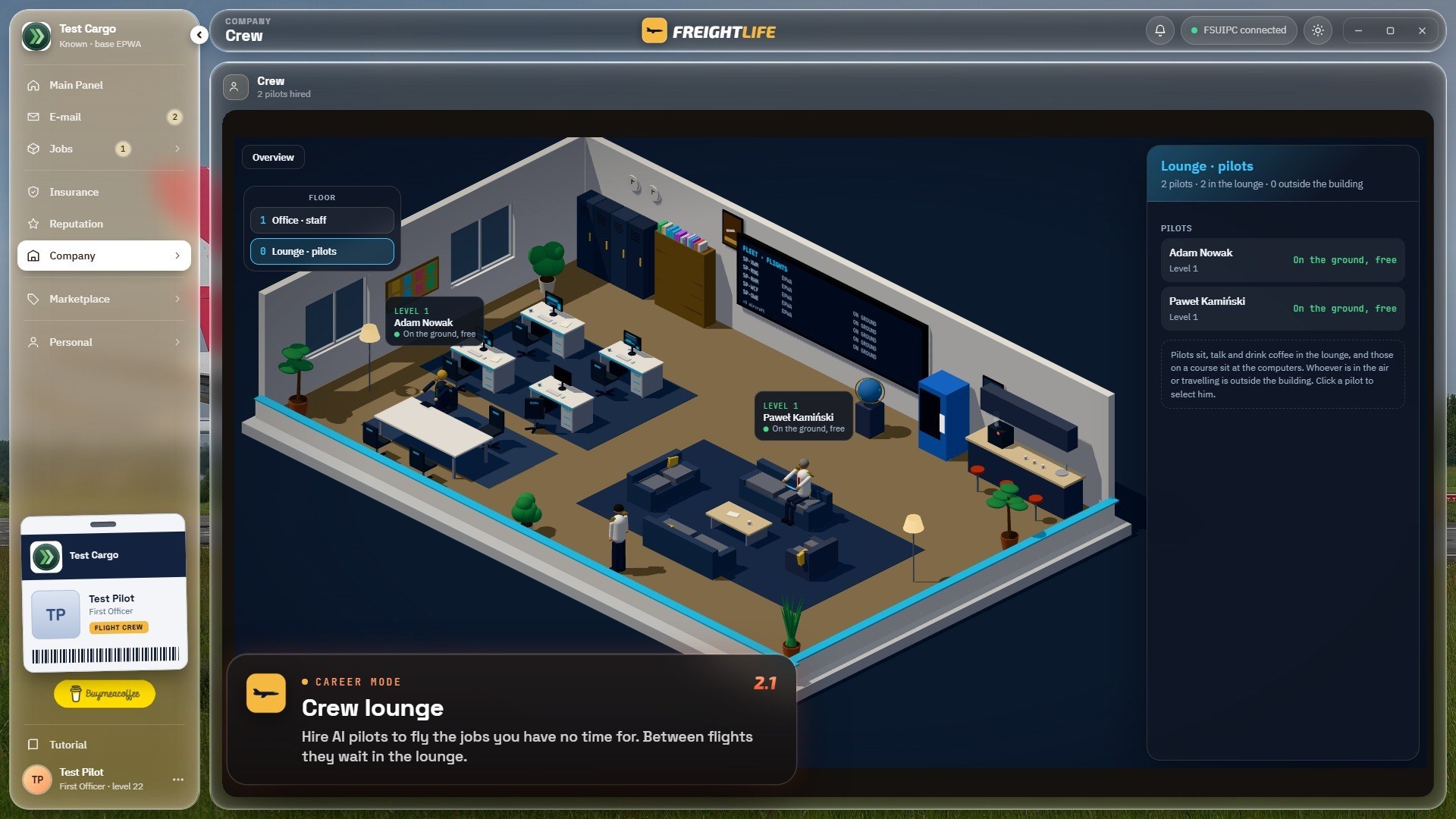
Hired AI pilots fly airplane and helicopter jobs while you handle your own flights. They have skills, levels and type ratings, can be trained and can travel between locations on a ticket. Rival operators may try to poach them.
The financial side includes changing fuel prices, forward fuel contracts, loans, company valuation, shares and reputation. Bankruptcy is possible.
Export a .pln flight plan for either supported simulator, or use SimBrief with a fuel-cost estimate and a printable briefing. Real METAR weather can trigger career events.
A live world map shows your flights and AI flights, together with each route’s history. Aircraft cards, statistics, CSV export and individual flight summaries provide the records behind the map. Career milestones earn achievement badges in both single-player and Virtual Airline modes.
Enable the remote screen to control FreightLife from a phone or tablet on your home network.
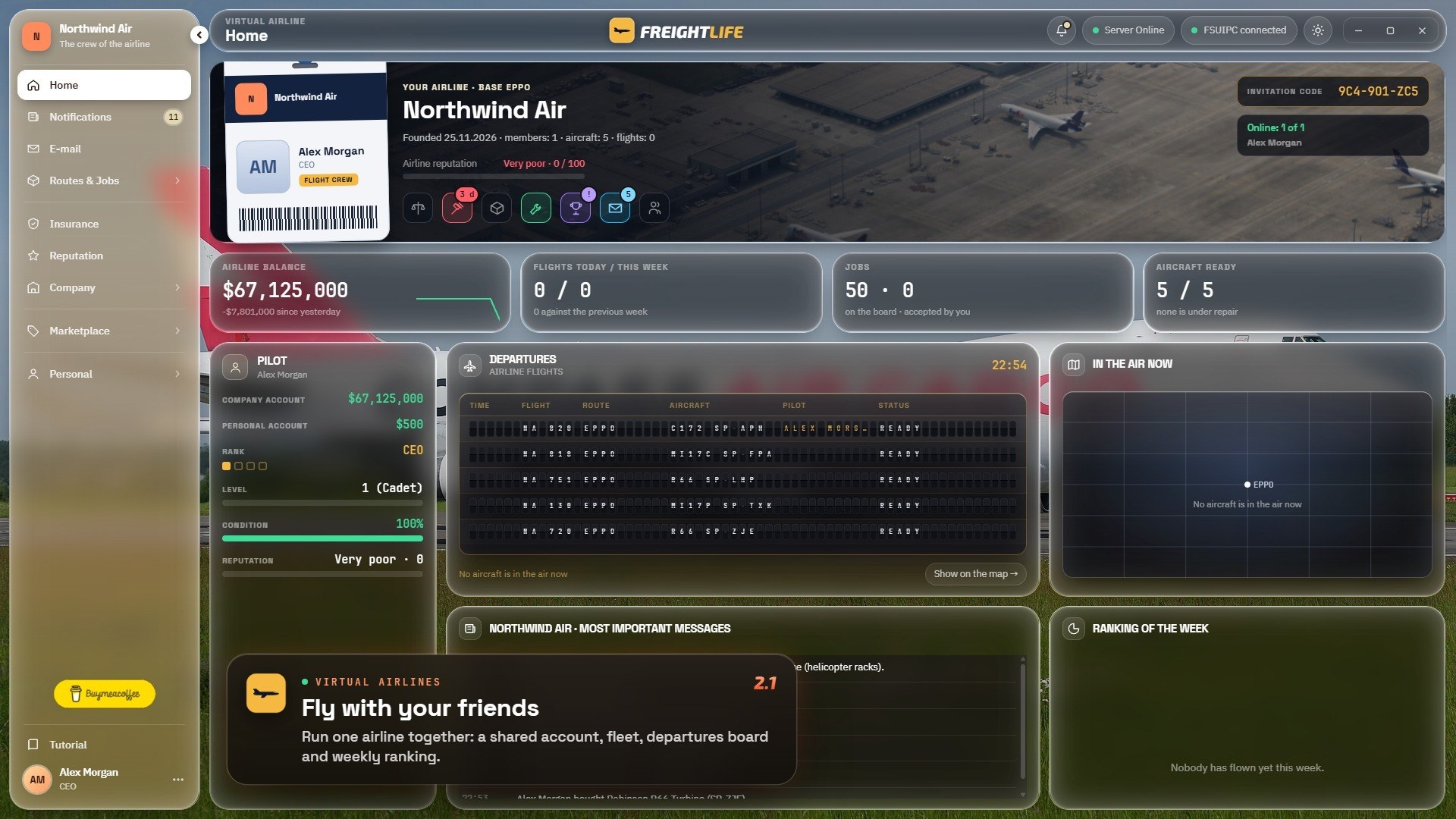
You can found an airline or join one through a join code or an application from the airline list. Members share a company account, fleet in 3D hangars, job board, bases, staff and auctions. Long-term contracts go out to bidding between airlines run by real players. Helicopters are supported here too.
Each member flies their own jobs in MSFS. FreightLife reports those flights to its server, which pays both the company and the pilot. The online mode is currently English-only.
The base, hangar, parts warehouse, crew lounge, office and player’s home are live 3D scenes. Aircraft move out of the hangar, workers walk through the warehouse and pilots sit in the lounge; clicking a pilot opens that pilot’s card. The interface uses a glass-style appearance, with an animated introduction and an interactive tutorial.
The program and its PDF instructions support ten languages: English, Polish, German, Italian, French, Ukrainian, Spanish, Norwegian, Swedish and Greek.
FreightLife remains in active development, with regular improvements, fixes and new features planned. Bug reports, ideas and feature requests can be sent directly to Piciek through the Feedback button in the program’s left column.
Free for all simmers · 396.19 MB · Scanned clean Nov 2026
Download speed: Free tier is capped at 2 Mbps (this file takes approximately 28 mins at the cap). PRO members download at full line speed.
Initial release.
%LOCALAPPDATA%\Packages\Microsoft.FlightSimulator_8wekyb3d8bbwe\LocalCache\Packages\Community\. Steam version: %APPDATA%\Microsoft Flight Simulator\Packages\Community\. Tip: enable Developer Mode in MSFS to see your exact Community folder path..exe installer if provided, or follow the readme. Some utilities use SimConnect — ensure MSFS is running before launching.readme.txt or README file. It tells you exactly where files go, what dependencies are needed, and any quirks specific to this add-on.Are you Piciek? Sign in to Fly Away Creators for download stats, comment replies and updates. Make add-ons? Publish them here.
Only PRO members can place votes.
More MSFS add-ons hand-picked based on this download.
MSFS Utilities & Tools
Jetstream gives Microsoft Flight Simulator 2020 and Microsoft Flight Simulato…
 MSFS Utilities & Tools
FINRES Ops puts an airline operations desk alongside Microsoft Flight Simulat…
 MSFS Utilities & Tools
AeroTuneMFS runs alongside Microsoft Flight Simulator 2020 and Microsoft Flig…
 MSFS Utilities & Tools
TechLog tracks maintenance, wear and defects across supported airliners in Mi…
 MSFS Utilities & Tools
FlightDeck Bridge by ClearedtoCode puts vPilot’s VATSIM messages on your tabl…
 MSFS Utilities & Tools
FS Voyager by JerryXiao lets you queue landmark visits and teleport between t…
 FS2004 Civil Jet Aircraft
This file just contains the model file, texture file for the Arrow cargo vers…
 FSX Civil Aircraft
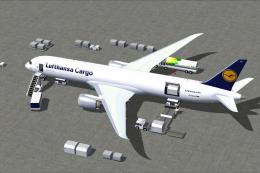
This latest freeware release merges a specialized cargo rendition of the Boei…
Be the first to leave a comment on this download.
Be the first to share your thoughts on this download.