


 Canada

 MSFS Scenery
Bill Thorpe Walking Bridge Fredericton
NonSmallJohn models Fredericton’s Bill Thorpe Walking Bridge for Microsoft Fl…
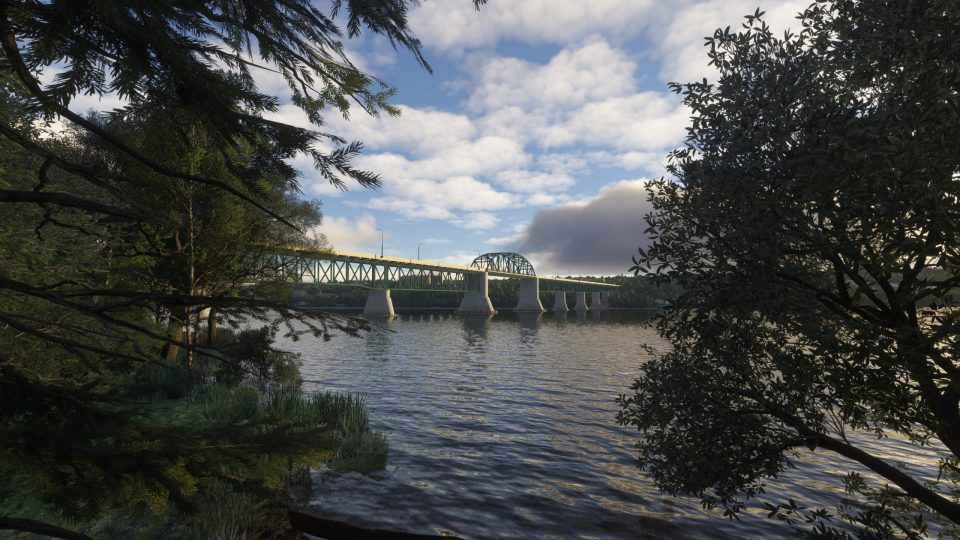
Princess Margaret Bridge scenery recreates Fredericton’s two-lane highway crossing over the Saint John River in New Brunswick, Canada, for Microsoft Flight Simulator 2024. Six levels of detail adapt the bridge model to viewing distance, while corrected ground materials refine the underlying satellite imagery and rocks, gravel, and fallen trees add local landscape detail.
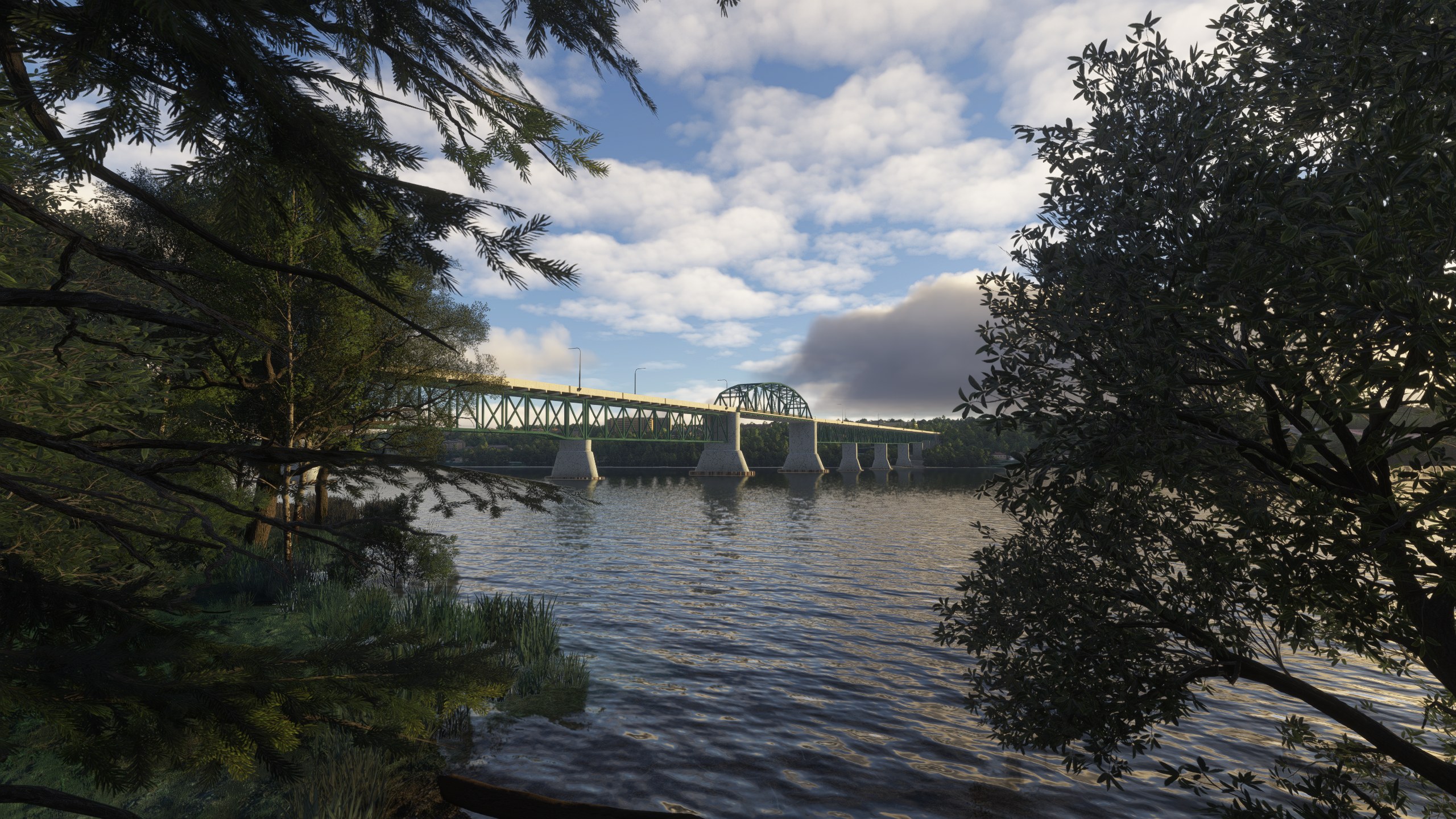
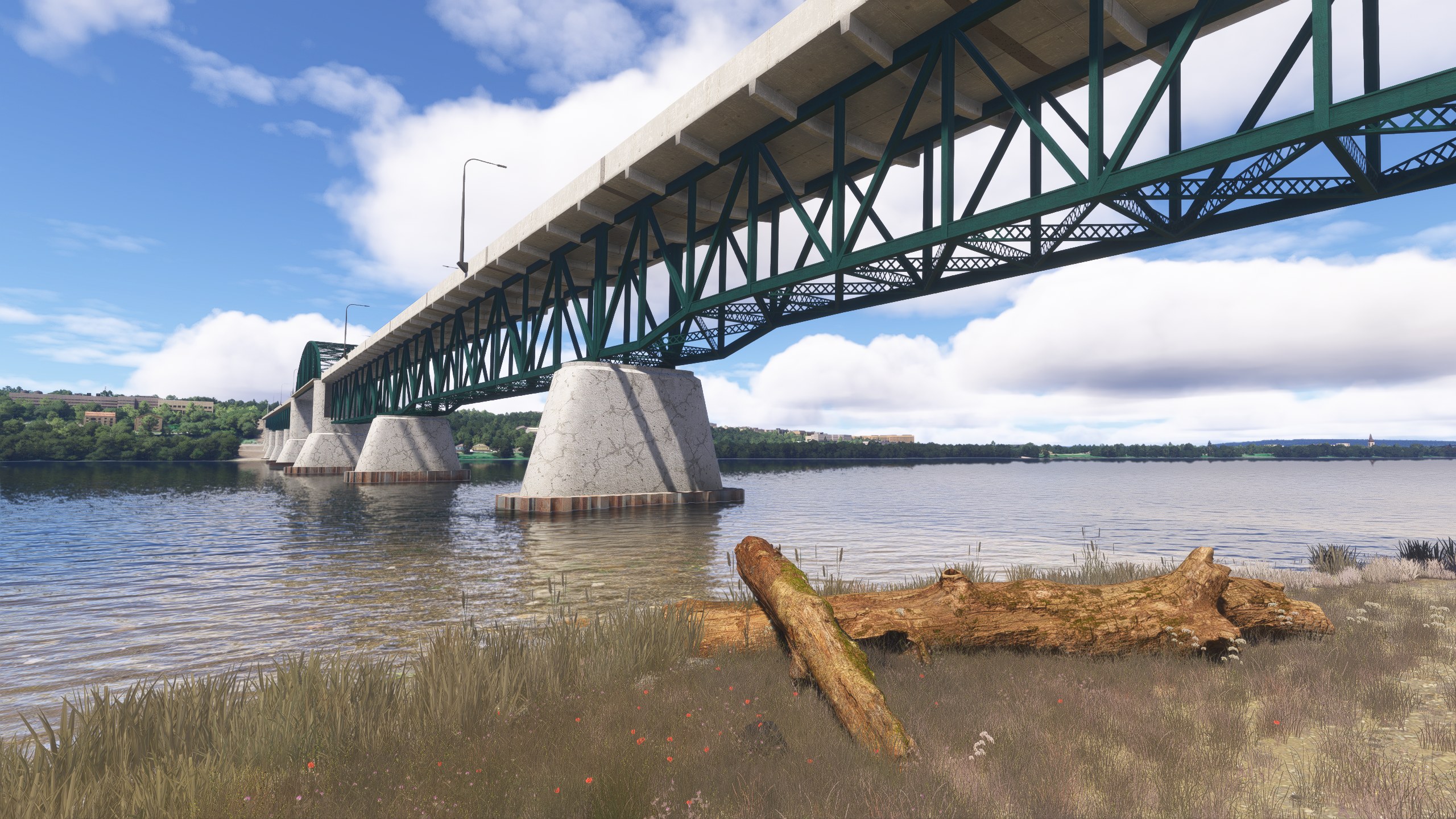
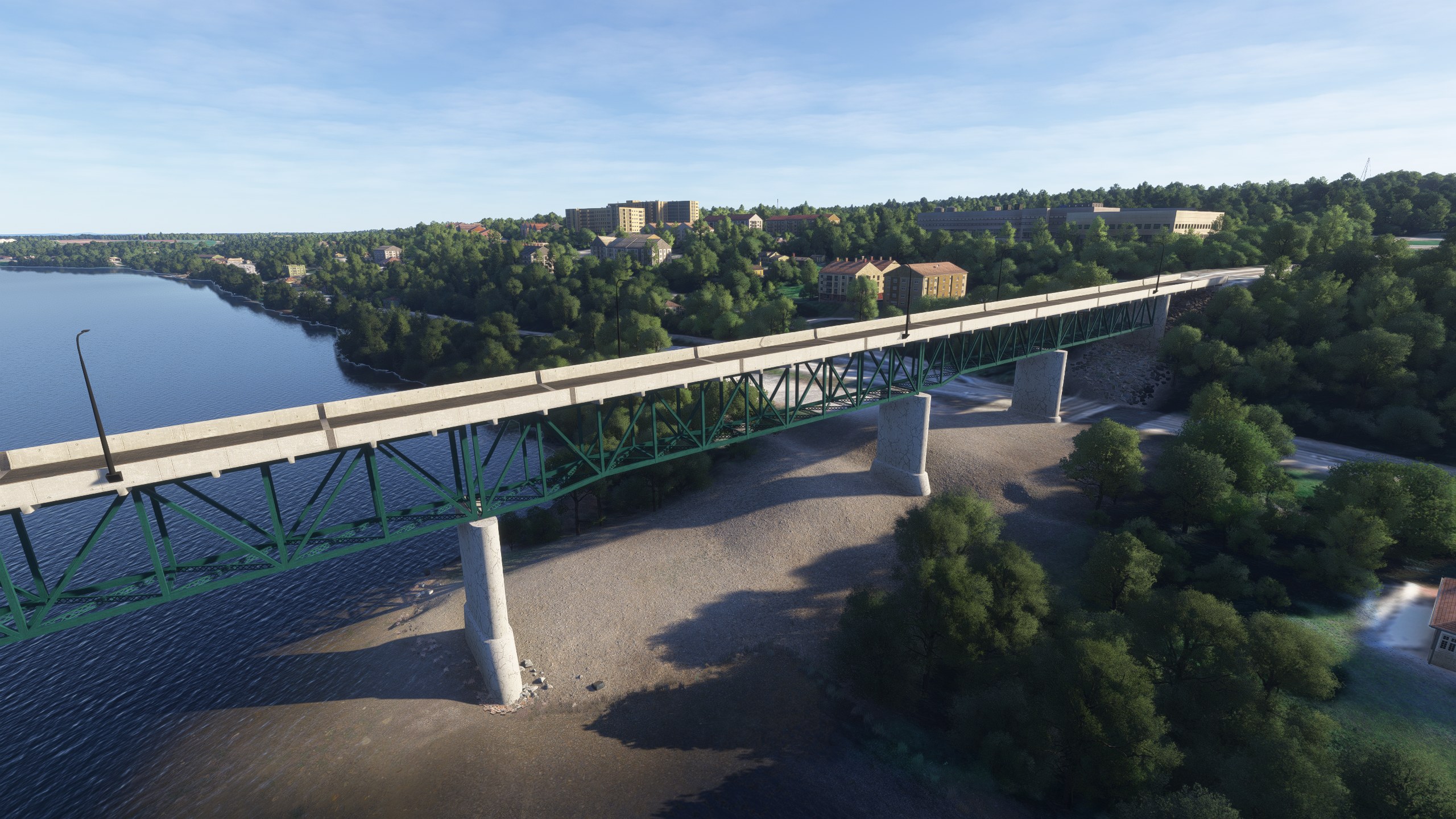
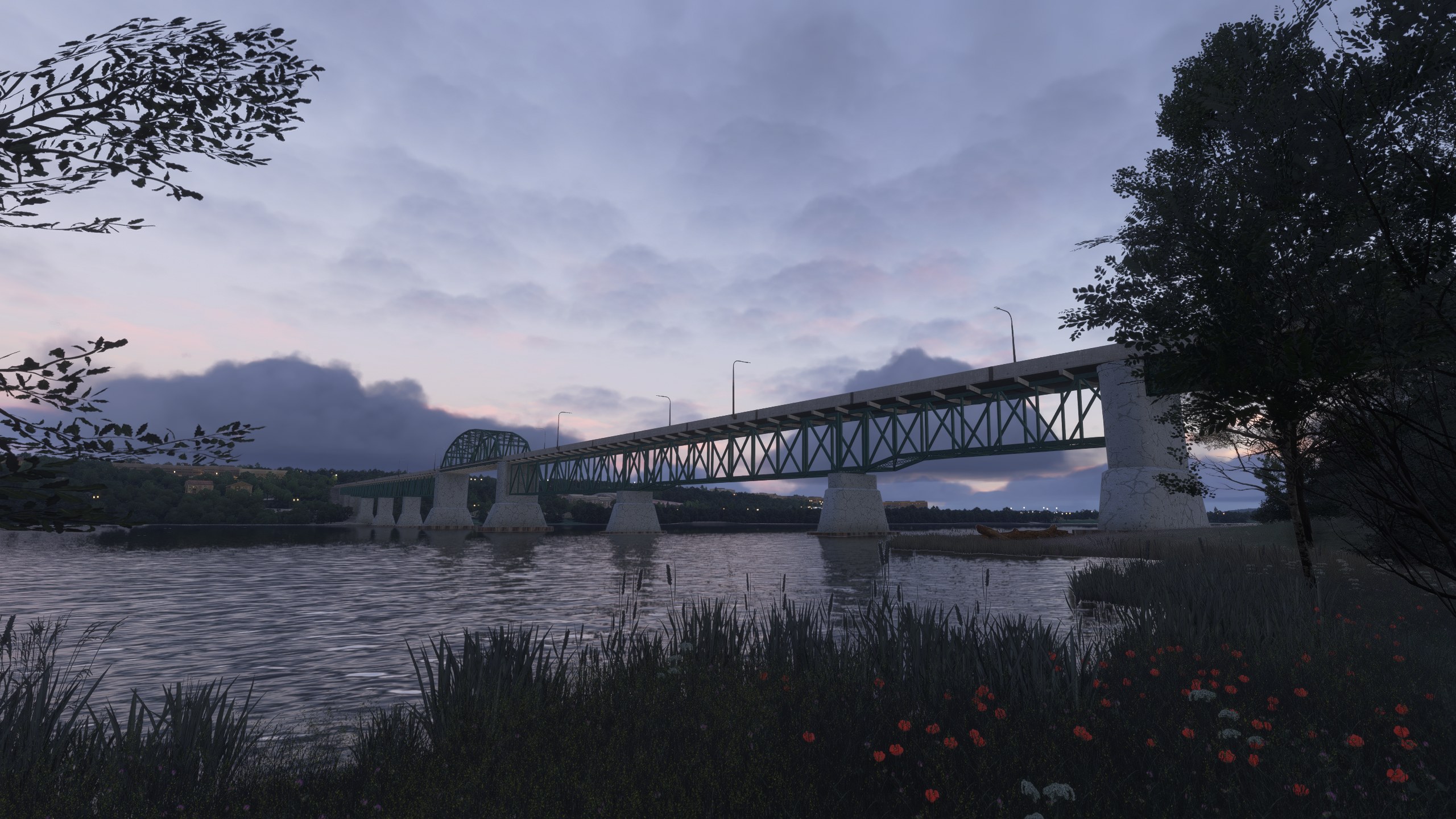
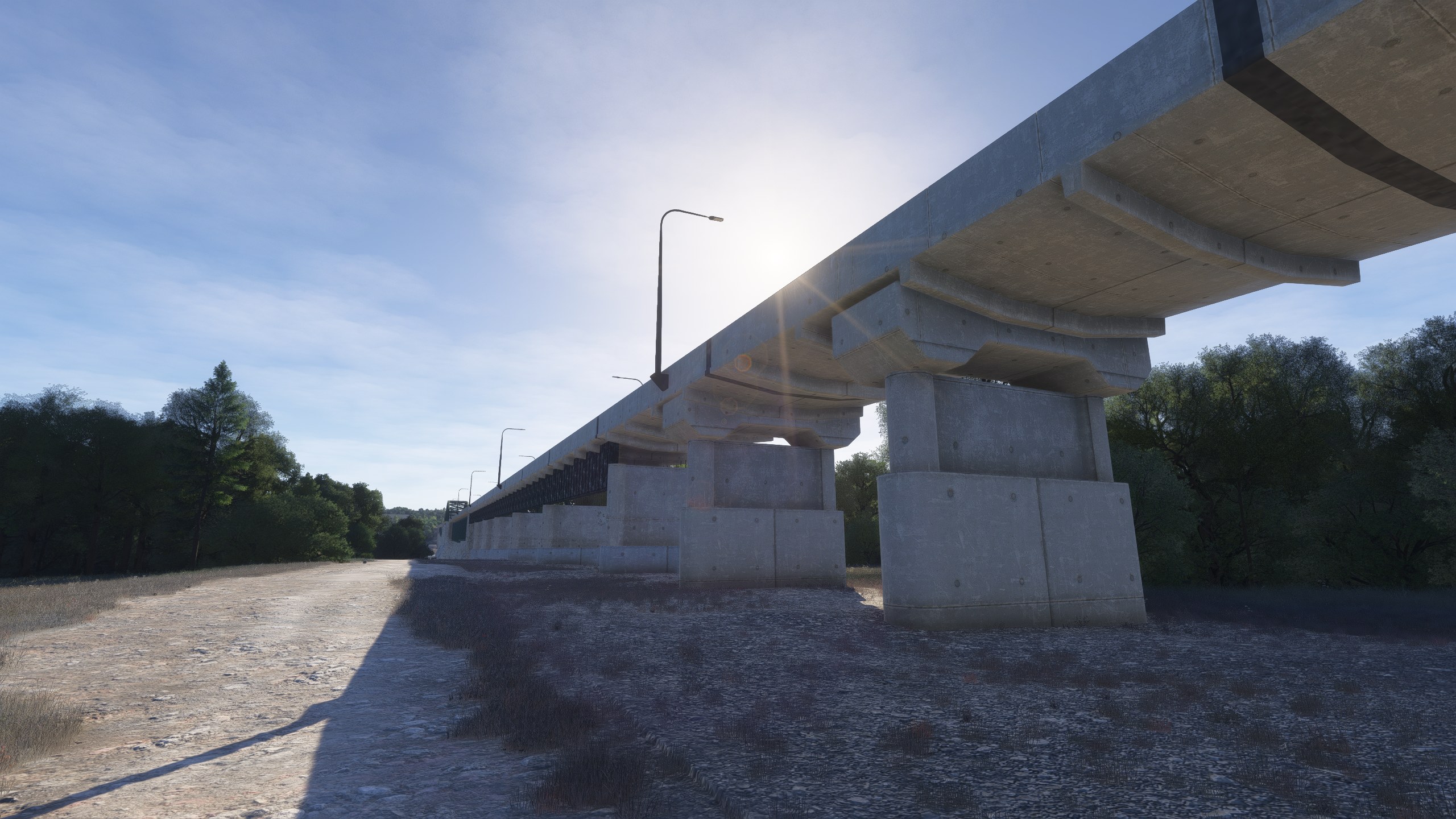
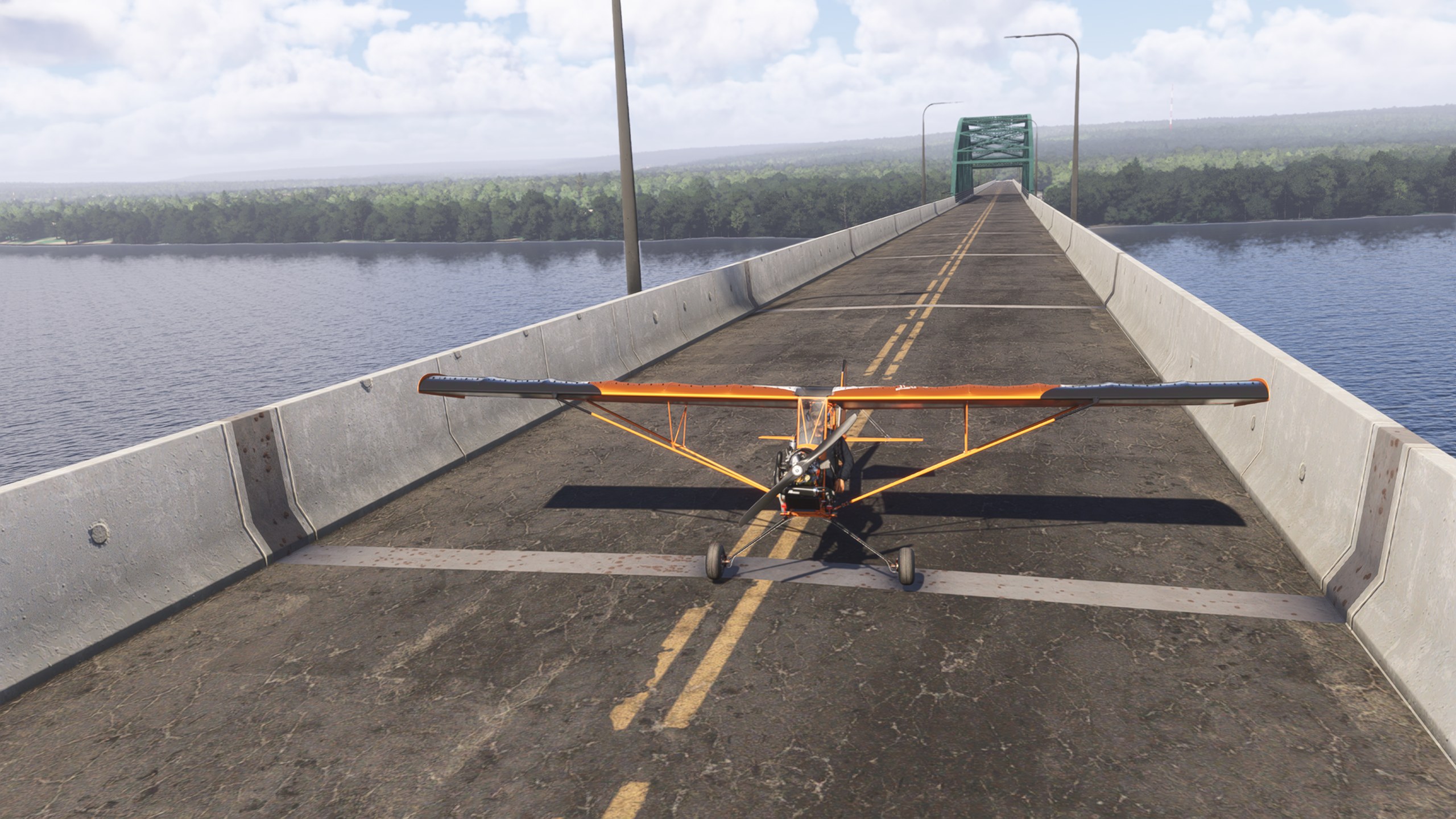
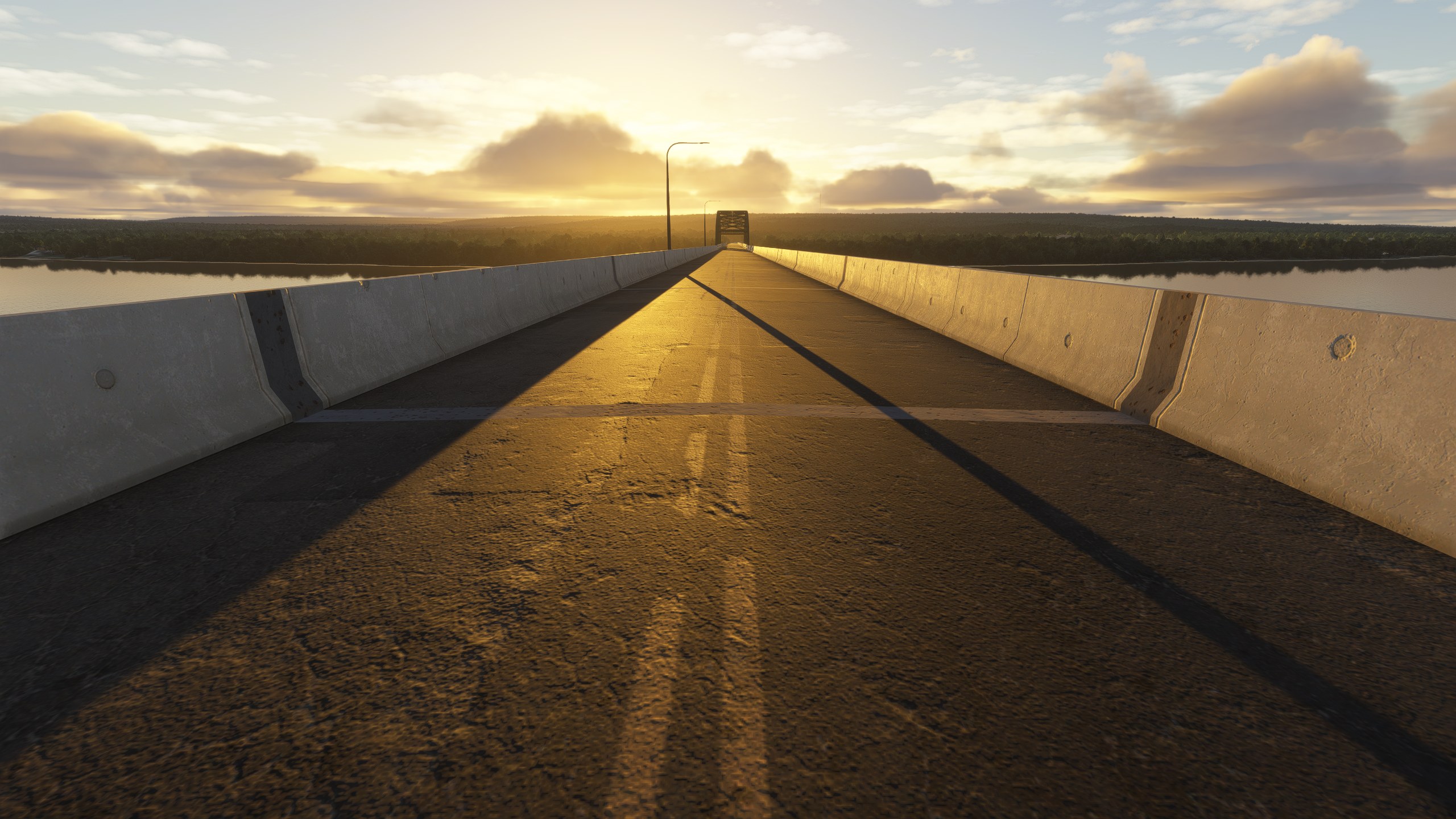
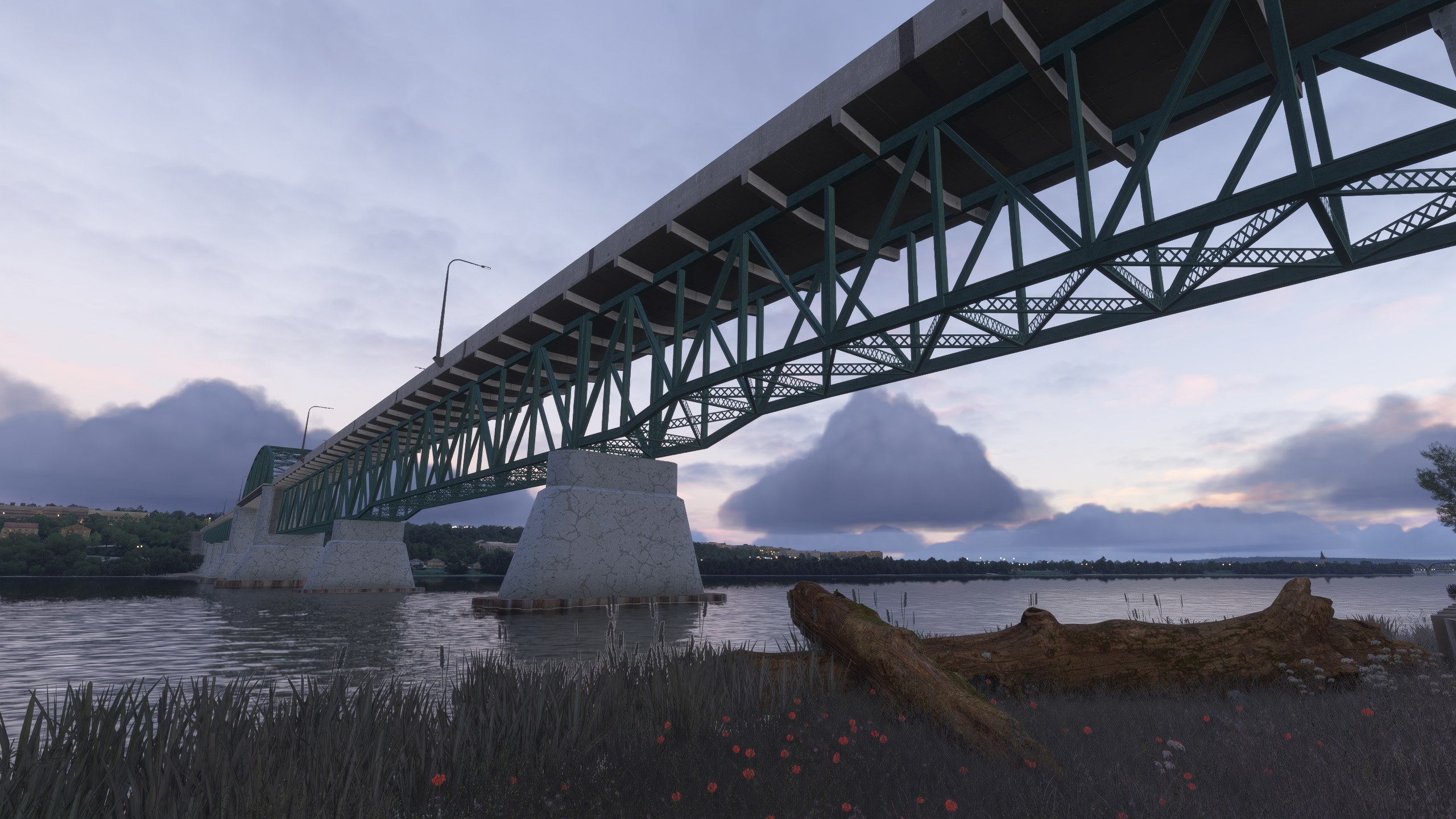
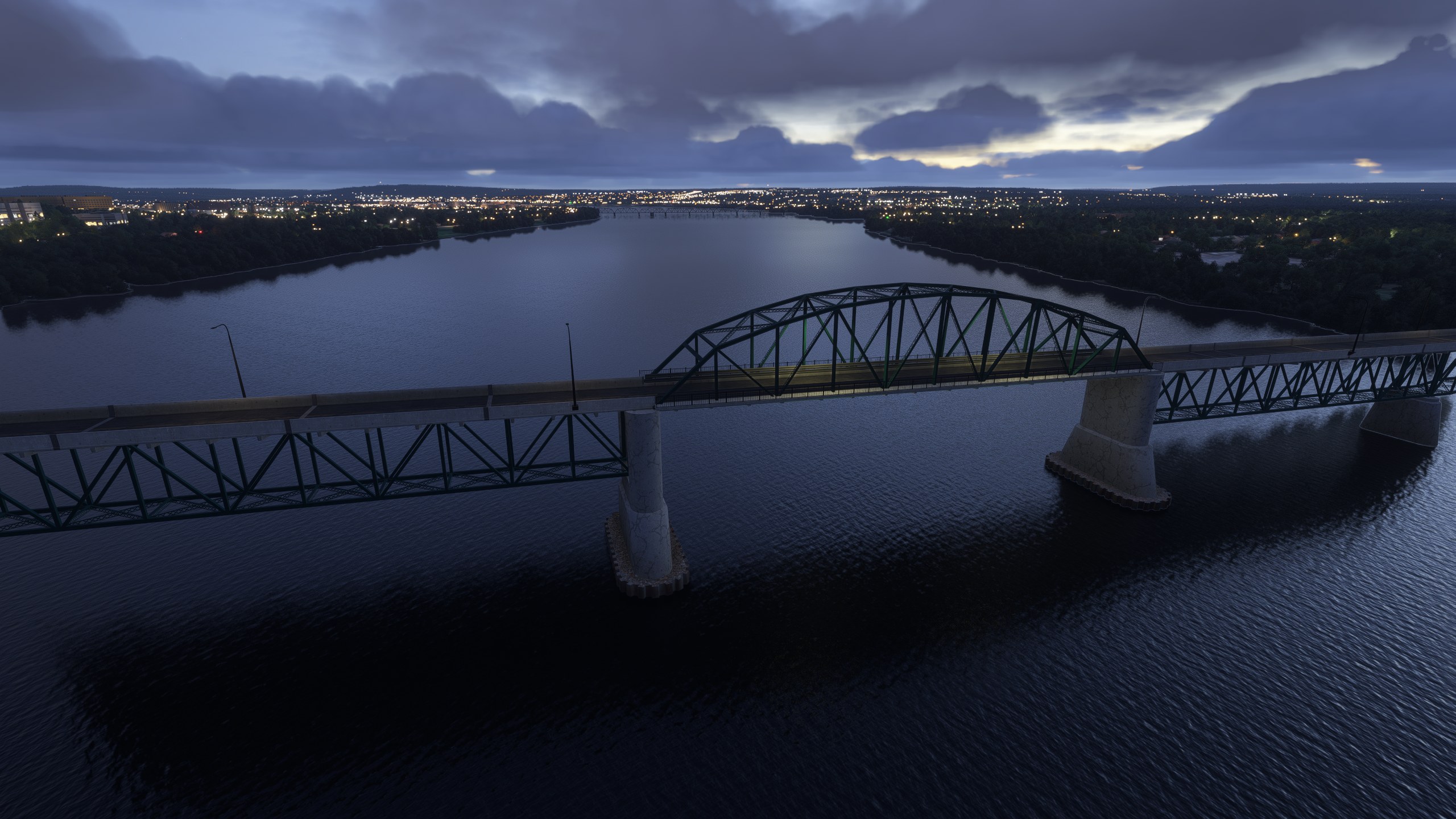
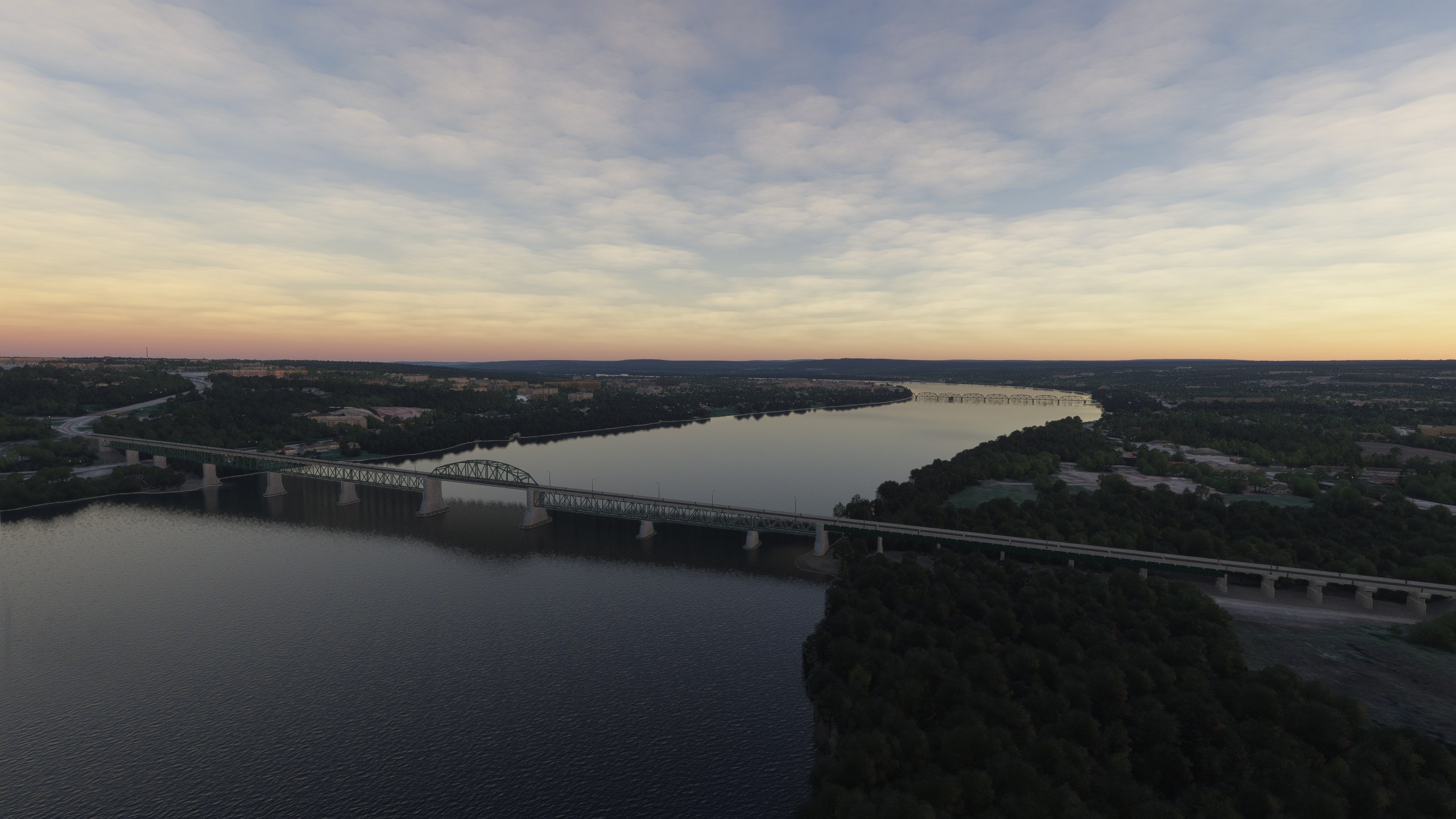
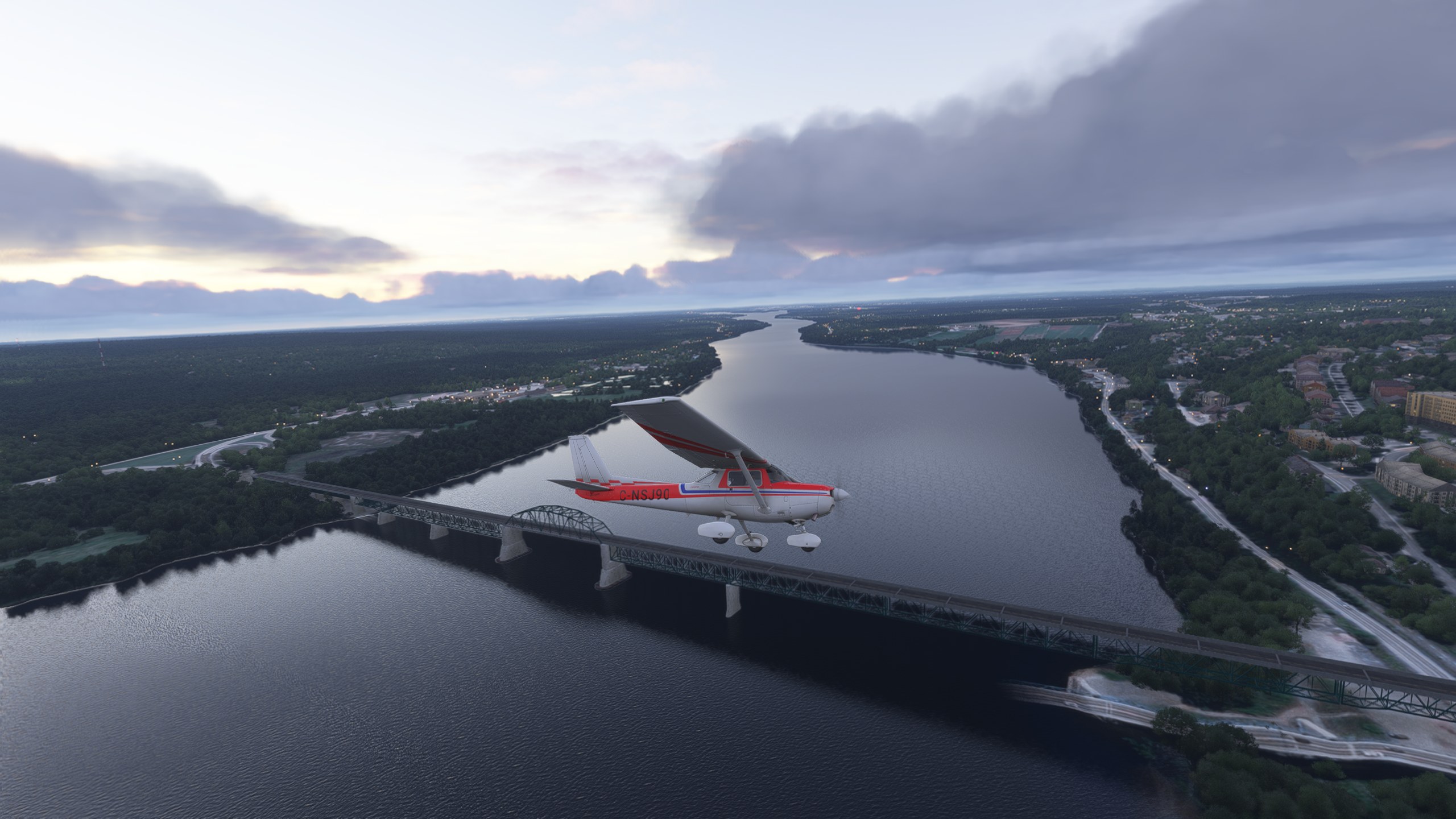
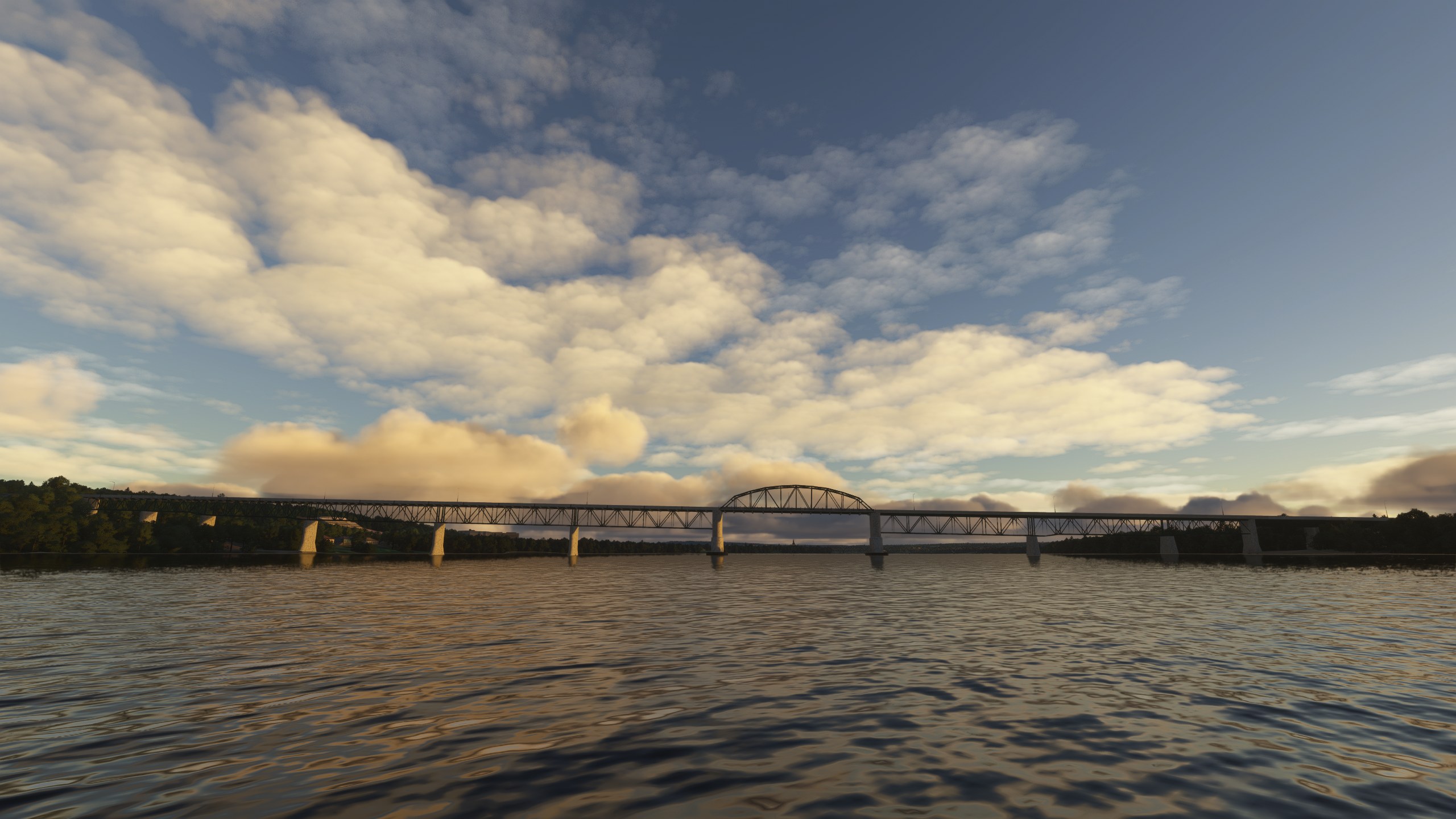
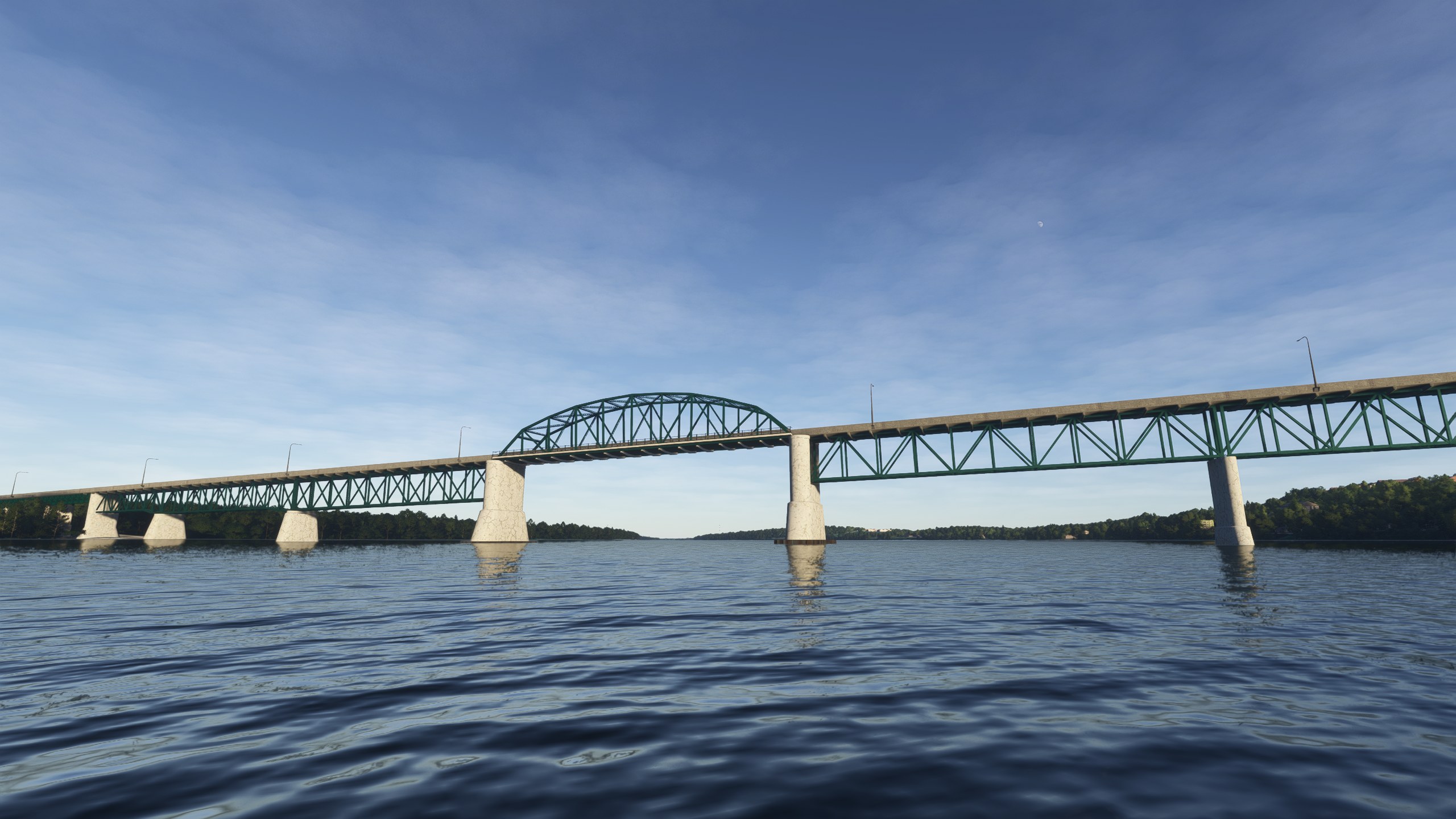
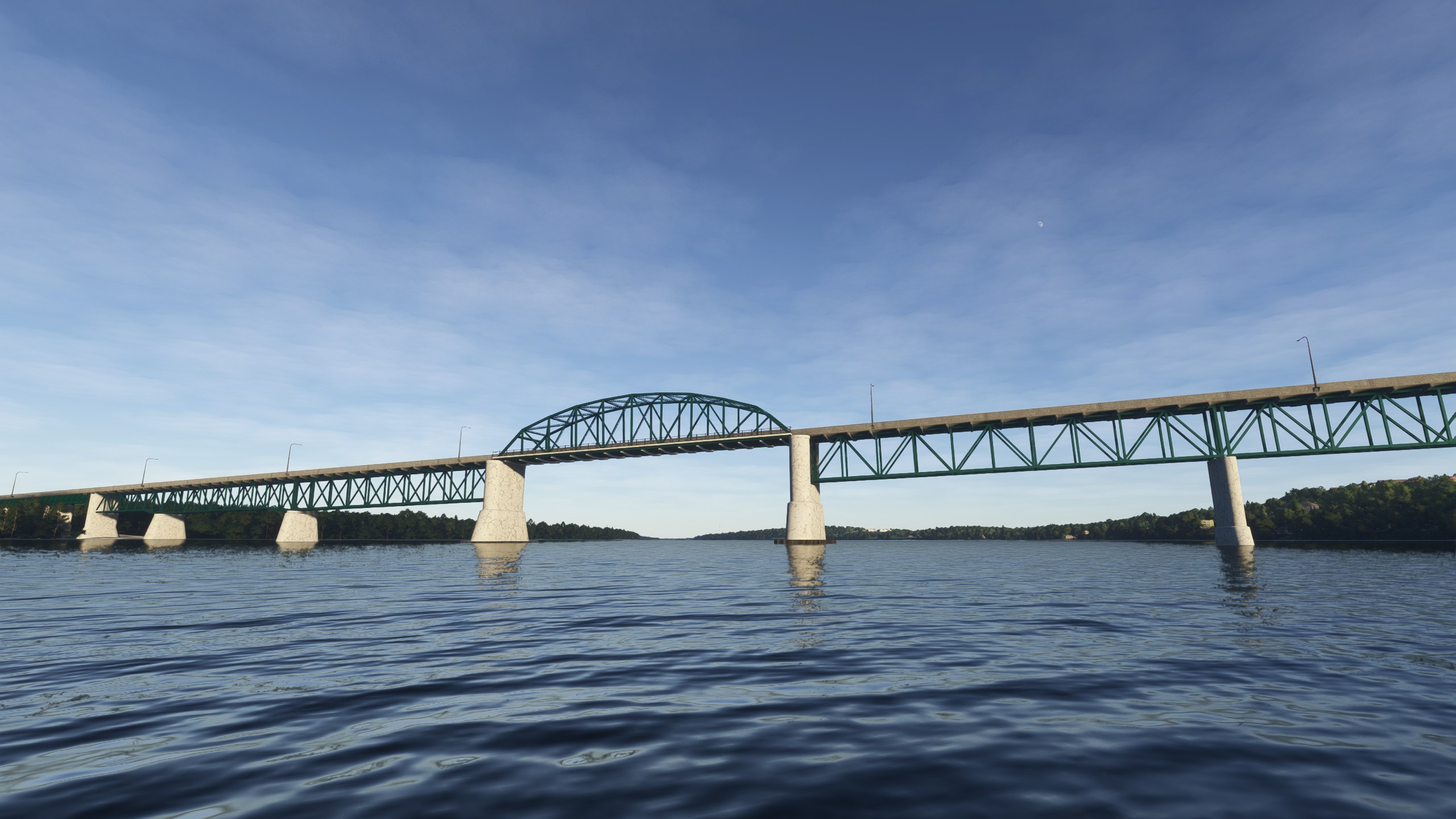
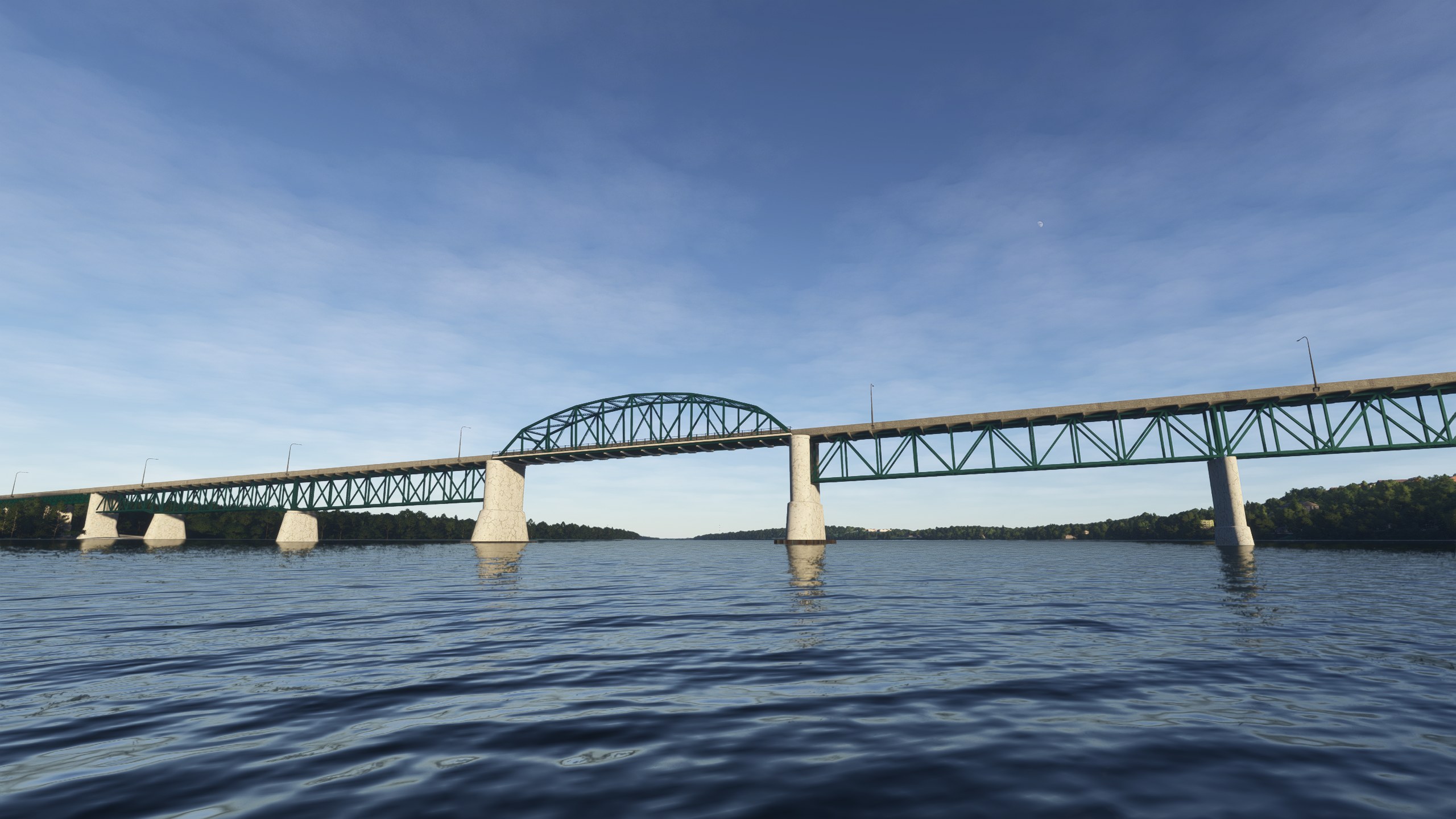
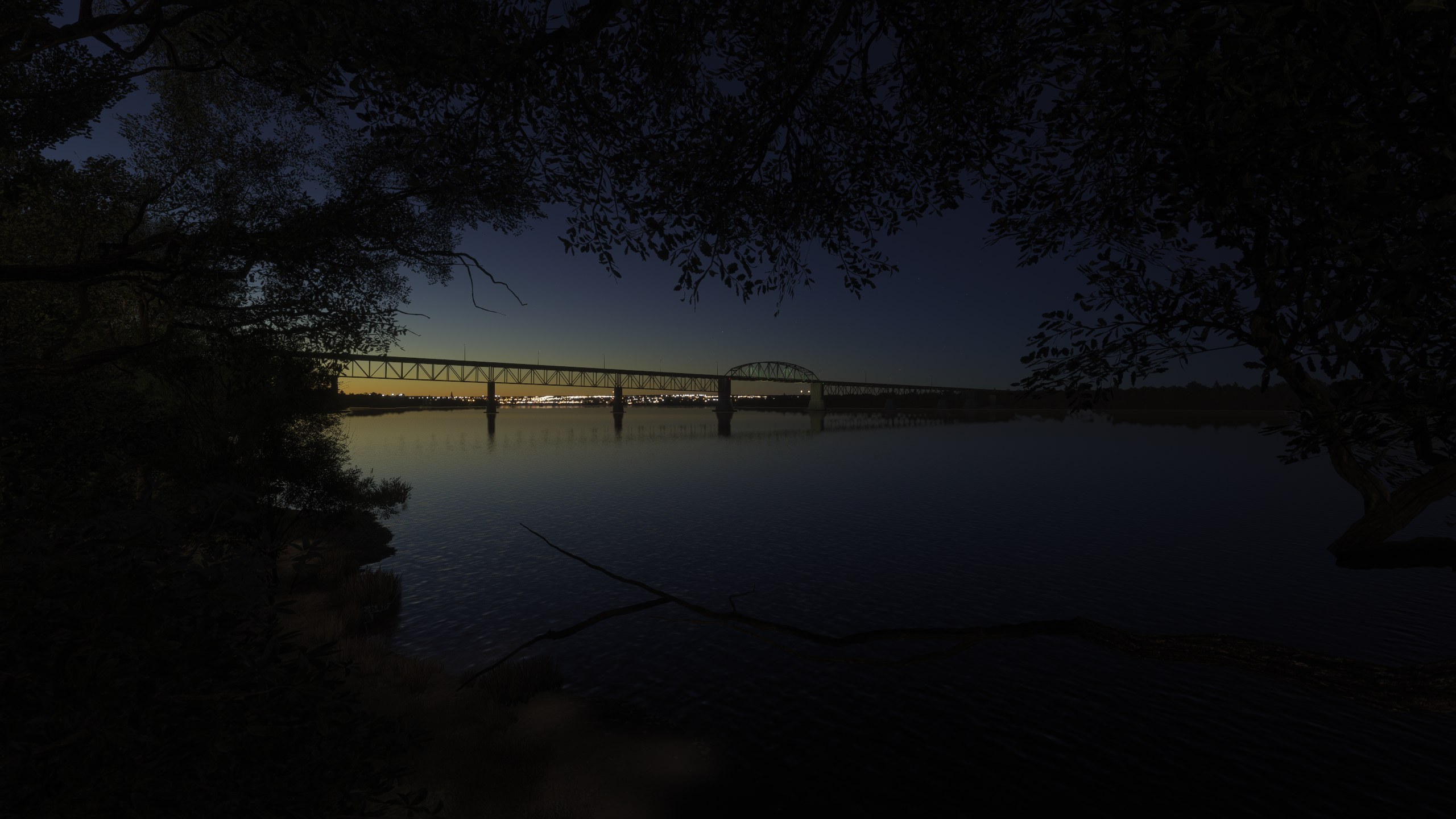
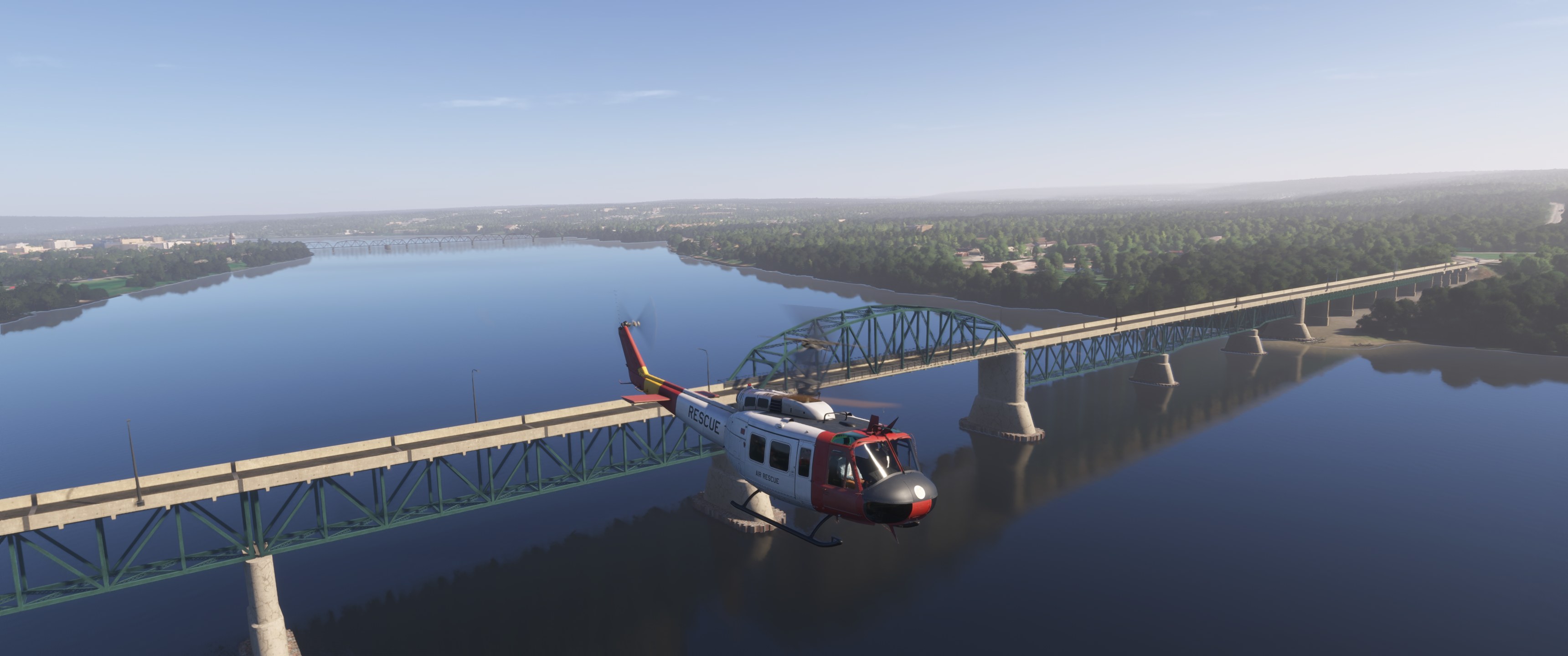
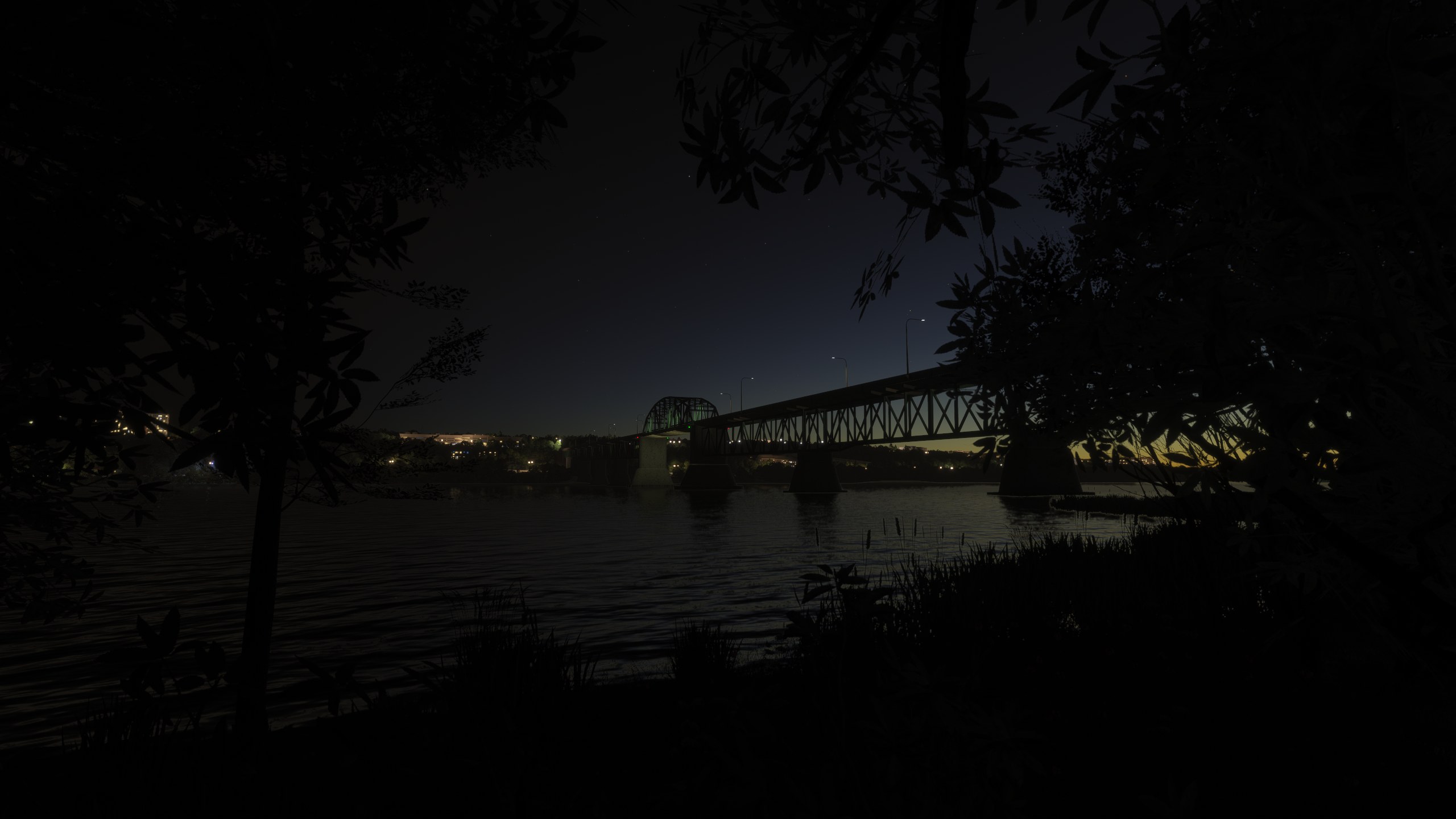

I’d keep this scenery for low-level flights around Fredericton. The bridge has a strong profile without needing a close inspection to make it interesting. Coming alongside it, I liked the green trusswork below the pale deck and the raised central span breaking the long horizontal line. That’s the view I’d plan a river pass around; looking straight down at the roadway misses much of the modeling.
The ground corrections matter to me because a detailed bridge still needs to meet convincing terrain. NonSmallJohn has given that junction some attention, and the fallen trees give me a reason to bring the camera down to the riverbank afterward. I appreciate that extra work on a small landmark project. The appeal here is quite specific: somewhere worth slowing down to look at during a local flight.
NonSmallJohn’s Princess Margaret Bridge scenery adds the two-lane highway bridge over the Saint John River in Fredericton, New Brunswick, Canada, to Microsoft Flight Simulator 2024. Alongside the bridge model, the package includes local ground corrections and small landscape details.
The model uses six levels of detail, LOD00 to LOD05, so the simulator can vary its complexity with viewing distance. Rocks, gravel, and fallen trees dress the surroundings, while edited ground materials correct the underlying satellite imagery.
To install, extract the downloaded archive, open the extracted folder, and drag its contents into your Community folder.
Free for all simmers · 59.82 MB · Scanned clean Nov 2026
Download speed: Free tier is capped at 2 Mbps (this file takes approximately 4 mins at the cap). PRO members download at full line speed.
%LOCALAPPDATA%\Packages\Microsoft.FlightSimulator_8wekyb3d8bbwe\LocalCache\Packages\Community\. Steam version: %APPDATA%\Microsoft Flight Simulator\Packages\Community\. Tip: enable Developer Mode in MSFS to see your exact Community folder path.readme.txt or README file. It tells you exactly where files go, what dependencies are needed, and any quirks specific to this add-on.Use these coordinates to fly directly to this location once the mod is installed.
45.94100000,-66.60400000
Paste these coordinates into the Microsoft Flight Simulator search bar when planning a flight, or into the Developer Mode Teleport window, to fly directly to this location.
I am Michael, I primarily produce scenery mods for Microsoft Flight Simulator 2024 and 2020. I stive to improve the local scenery and keep it up to date with reality.
Are you NonSmallJohn? Sign in to Fly Away Creators for download stats, comment replies and updates. Make add-ons? Publish them here.
Only PRO members can place votes.
More MSFS add-ons hand-picked based on this download.
MSFS Scenery
NonSmallJohn models Fredericton’s Bill Thorpe Walking Bridge for Microsoft Fl…
 MSFS Scenery
NonSmallJohn models the J. C. Van Horne Bridge over the Restigouche River bet…
 MSFS Scenery
A large freeware scenery add-on pack put together by the developer who goes b…
 MSFS Scenery
A quick rework of several Swiss cities and landmarks such as the Matterhorn u…
 MSFS Scenery
This pack by the developer who simply goes by the name of Chris brings the me…
 MSFS Scenery
Enhance your Microsoft Flight Simulator experience with the Downtown Los Ange…
 MSFS Scenery
A new, easy-to-install, and accurate replacement of the default Paris photore…
 MSFS Scenery
A massive freeware pack created by the developer Srinivasman containing over …
Be the first to leave a comment on this download.
Be the first to share your thoughts on this download.