


 South Africa

 MSFS Scenery
New Orleans Lakefront Airport KNEW
James Daniels models New Orleans Lakefront Airport (KNEW) for Microsoft Fligh…
New Tempe Airport (FATP) scenery recreates Bloemfontein’s general aviation airfield in South Africa’s Free State, with two asphalt runways and grass glider strips, and requires Microsoft Flight Simulator 2024 Standard Edition. The airfield supports private flying, weekend skydiving and year-round military parachute training, with nearby Gariep Dam offering a breakfast-run destination.
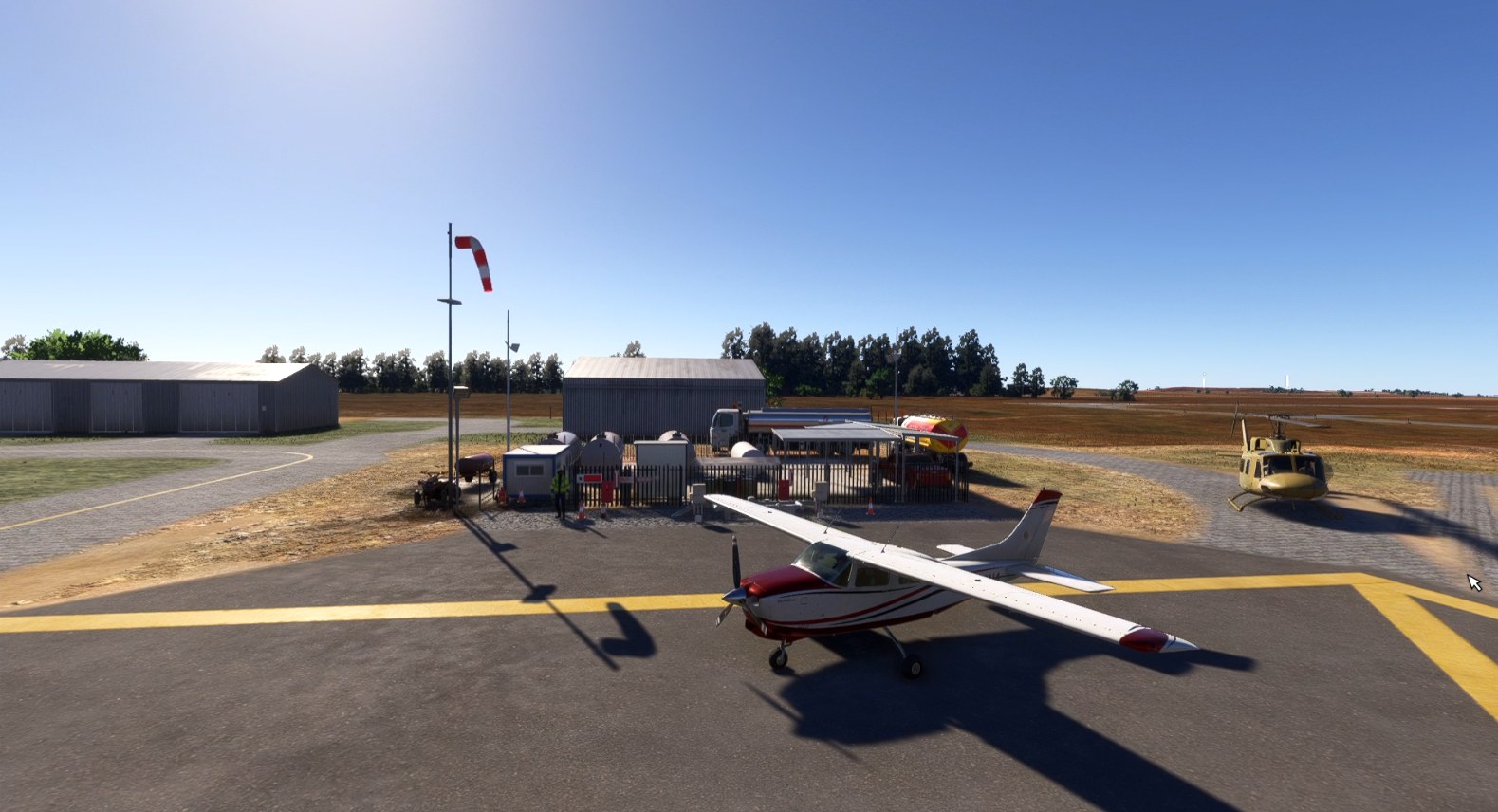
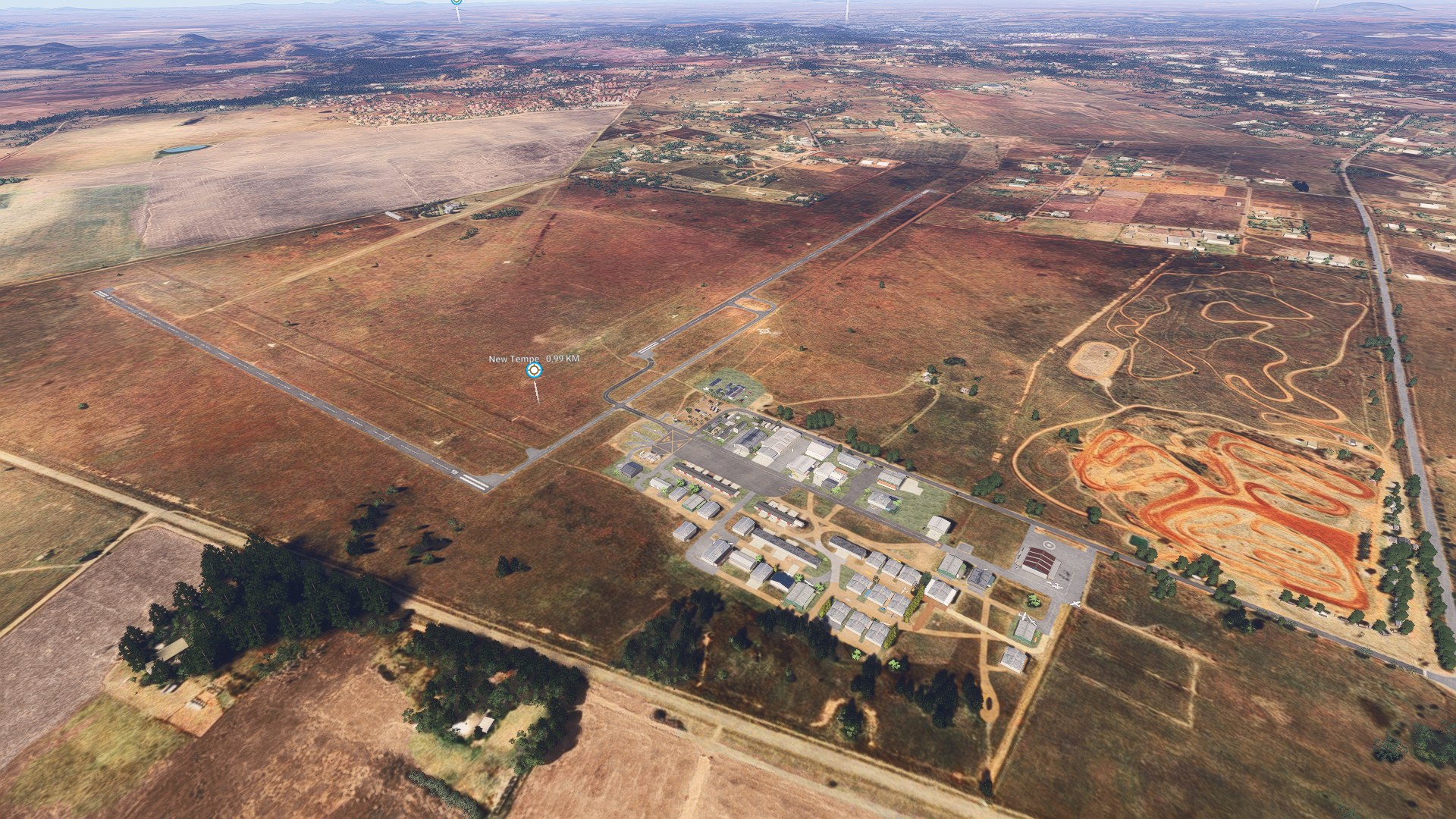
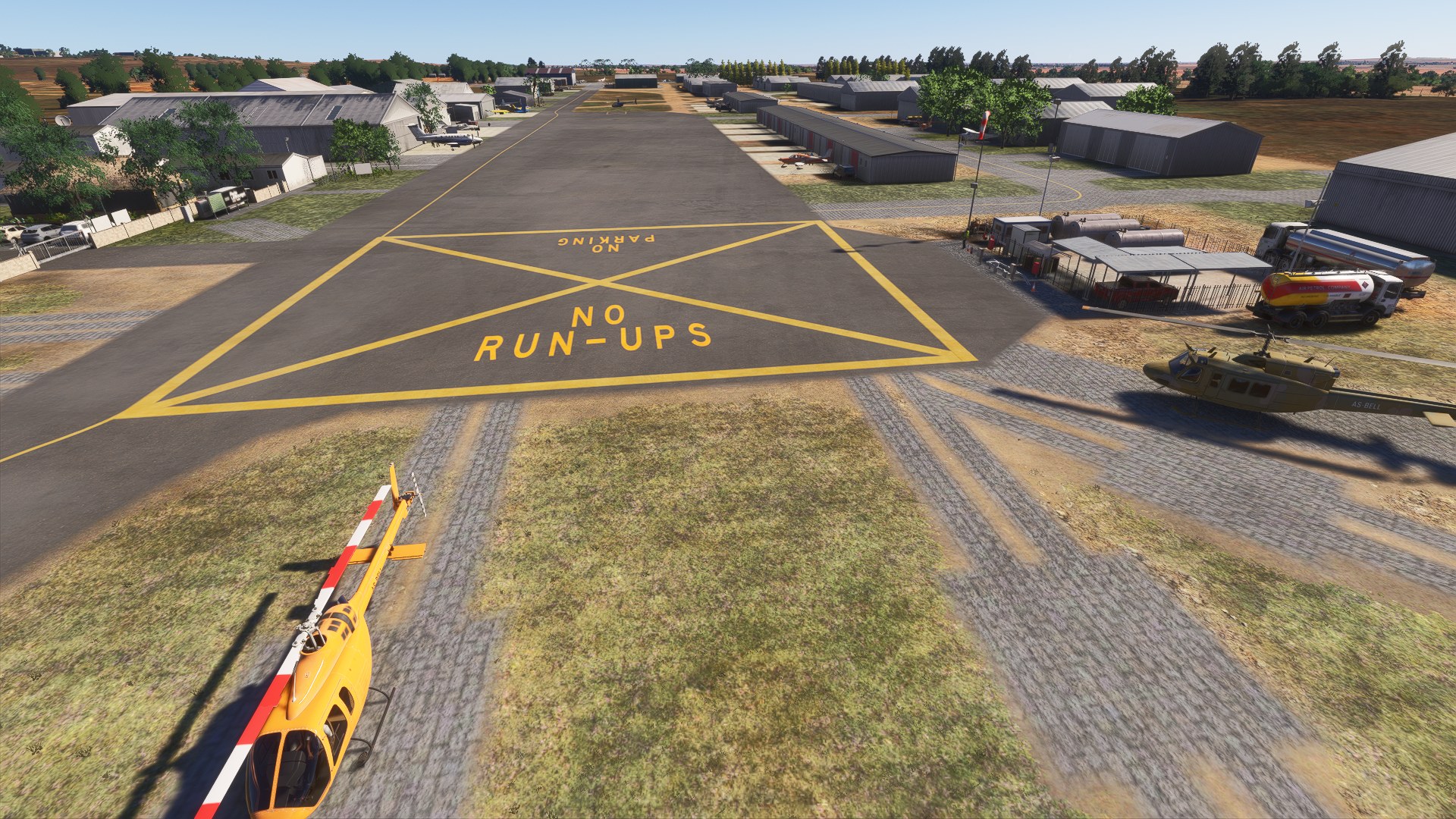
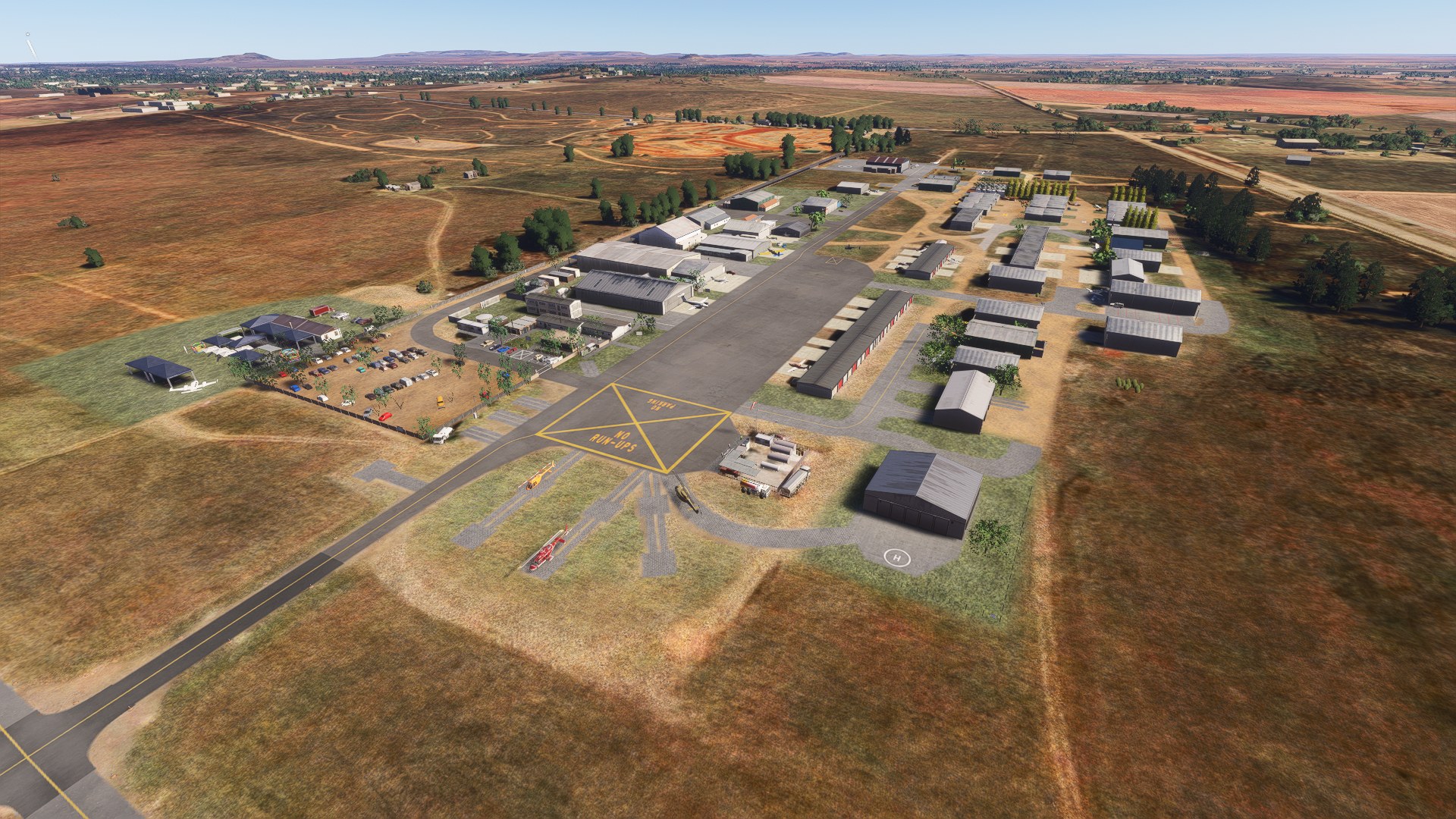
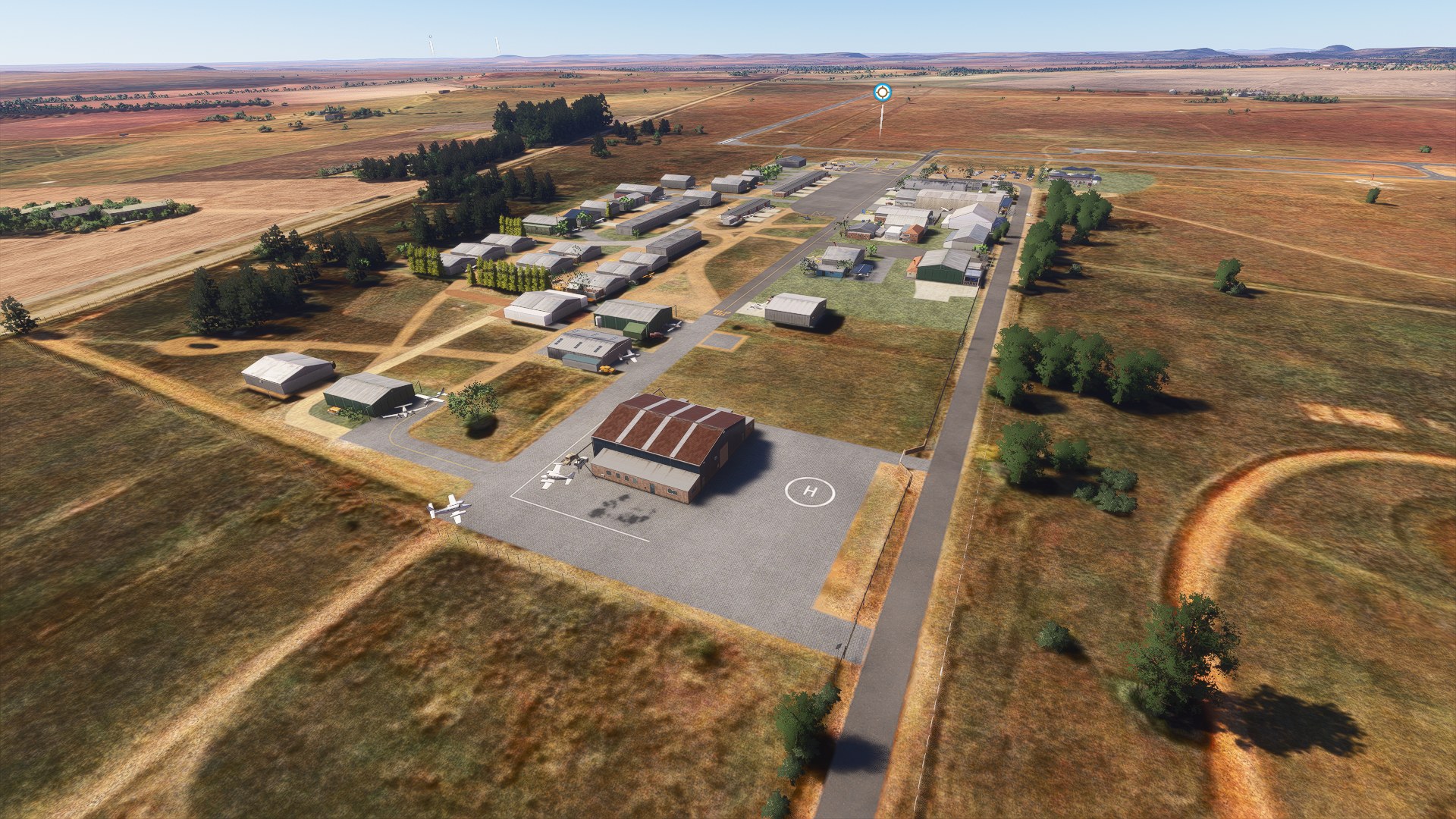
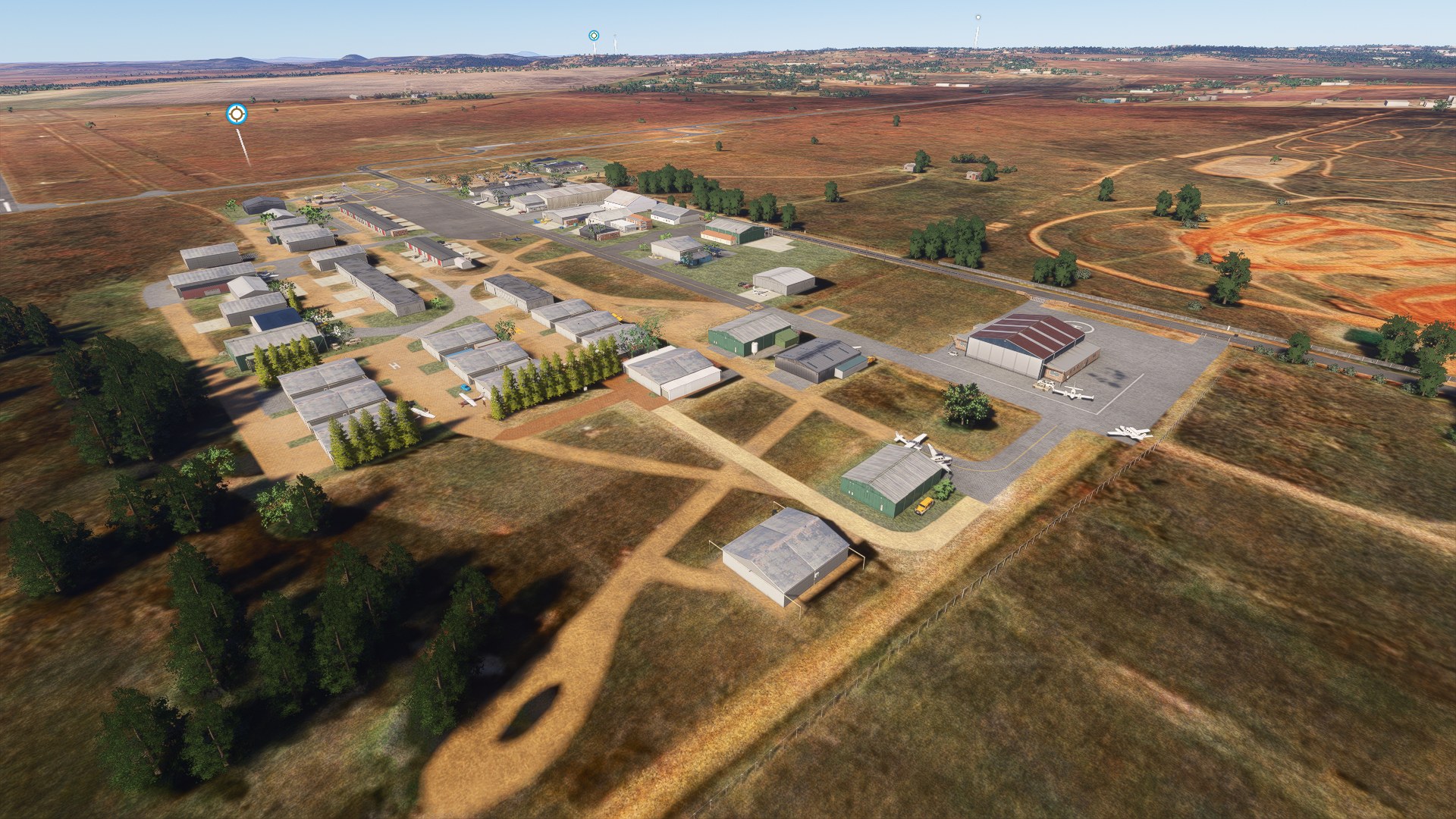
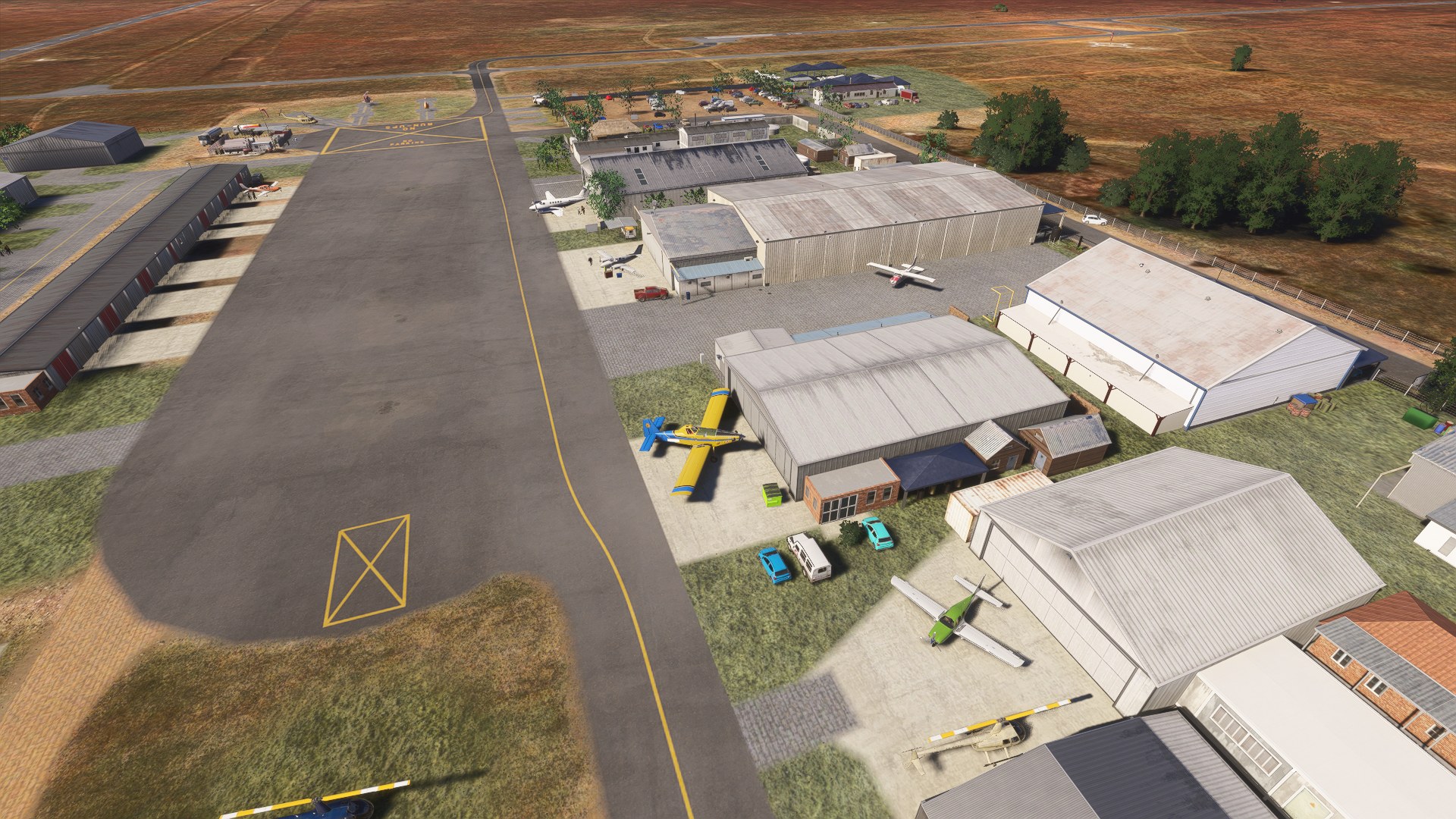
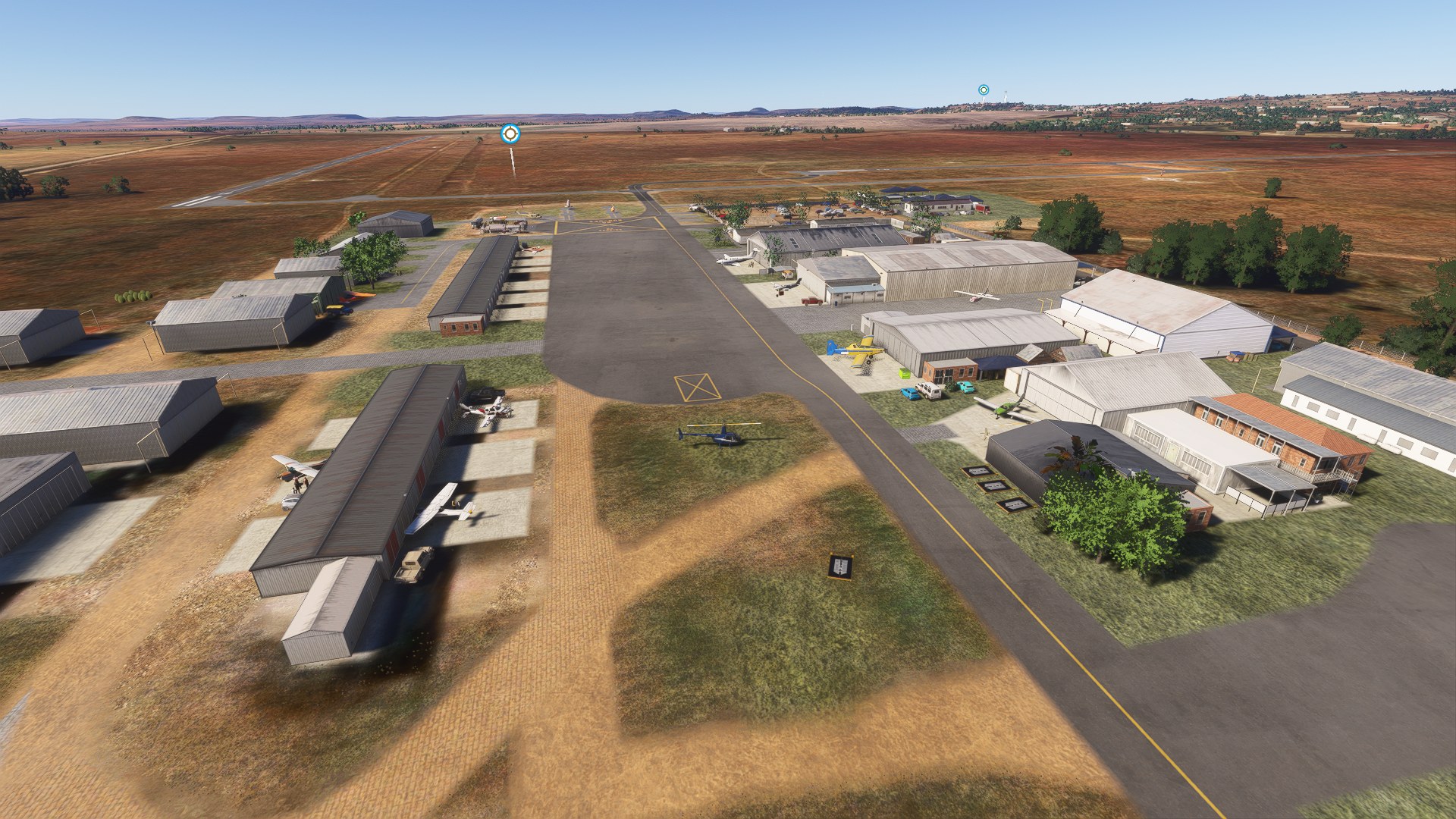

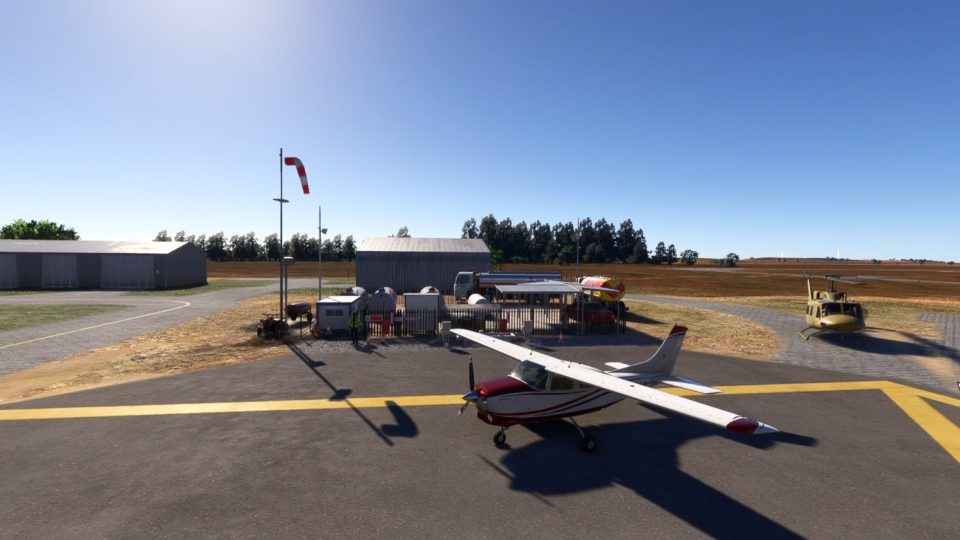
For simmers who like a local flying-club base, I think Tempe has the right priorities: it gives the time spent on the ground some personality. Taxiing toward the apron, I caught the big yellow “NO RUN-UPS” marking and kept rolling rather than stopping there for my checks. That's a detail I appreciate because it makes me treat the place as an airfield with its own rules, not just somewhere to spawn and depart.
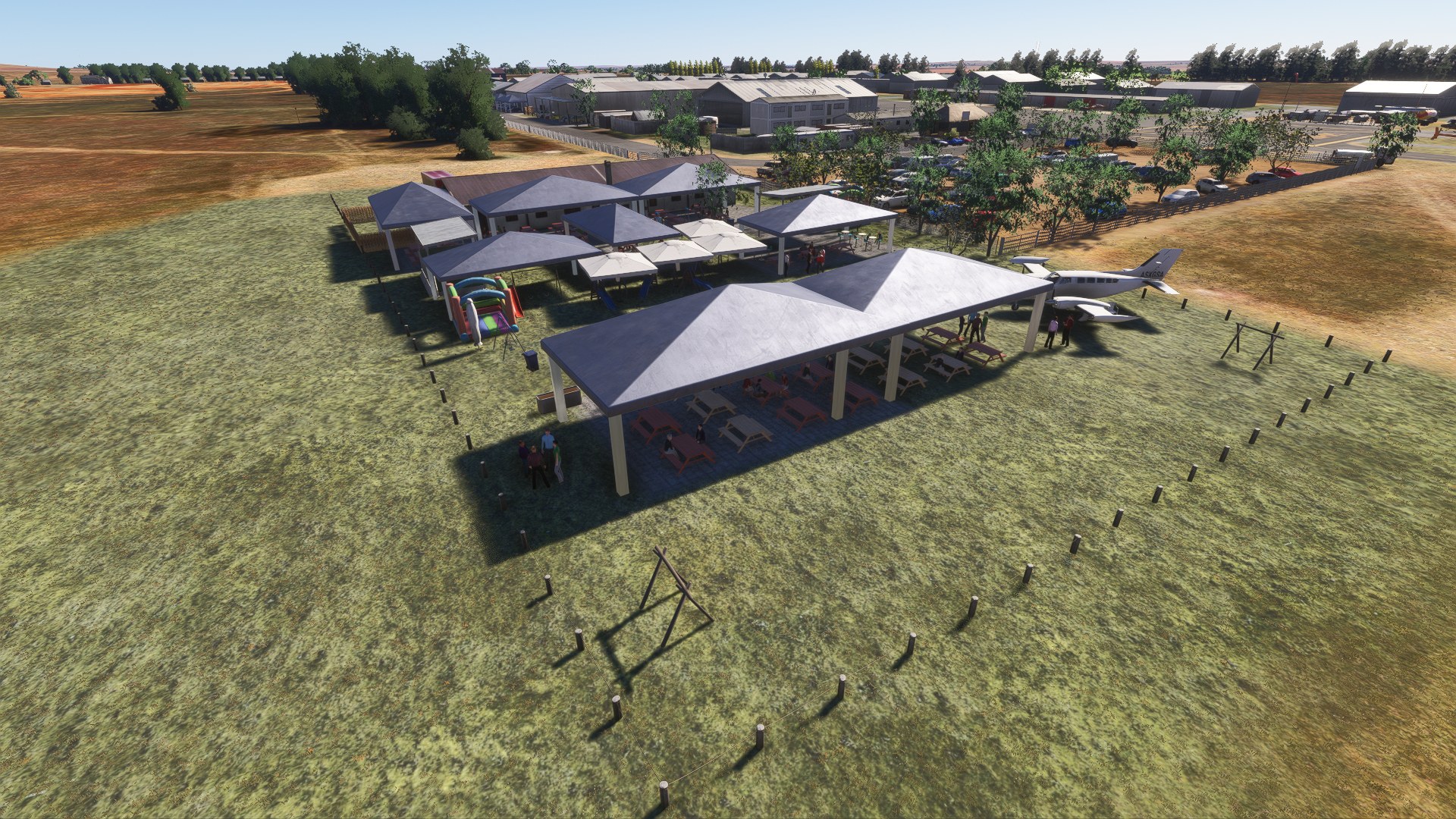
The covered picnic tables add a welcome social side to the airport. They help sell the idea that people come here to spend a day around flying, and I like that GeraldSmithArt has made room for that. I'd use this for unhurried local flights, with a return to the same field rather than a different destination every session. The appeal for me is having a home base that feels worth coming back to.
GeraldSmithArt models New Tempe Airport (FATP), near Bloemfontein in South Africa’s Free State province, for Microsoft Flight Simulator 2024. The scenery features two asphalt runways alongside grass glider runways at an aerodrome popular with private pilots. It requires the Standard Edition of the simulator and installs in the Community folder.
New Tempe’s traffic extends beyond powered light aircraft and gliders. Weekend skydiving is a regular activity, and military parachute training takes place throughout the year. For a short flight out of FATP, the developer points to nearby Gariep Dam as a popular breakfast-run destination.
Unzip the download and place the extracted scenery folder in your Community folder. Compatibility is limited to MSFS 2024.
This scenery is copyright of Gerald Smith Art and may not distributed, sold or modified in any way or form.
Free for all simmers · 115.42 KB · Scanned clean Nov 2026
Download speed: Free tier is capped at 2 Mbps. PRO members download at full line speed.
Initial release.
%LOCALAPPDATA%\Packages\Microsoft.FlightSimulator_8wekyb3d8bbwe\LocalCache\Packages\Community\. Steam version: %APPDATA%\Microsoft Flight Simulator\Packages\Community\. Tip: enable Developer Mode in MSFS to see your exact Community folder path.readme.txt or README file. It tells you exactly where files go, what dependencies are needed, and any quirks specific to this add-on.Use these coordinates to fly directly to this location once the mod is installed.
-29.03290000,26.15760000
Paste these coordinates into the Microsoft Flight Simulator search bar when planning a flight, or into the Developer Mode Teleport window, to fly directly to this location.
I am an artist/digital artist from South Africa and I specialize mostly in aviation art and I have been flying Microsoft Flight Simulator since the 90's, since the very first version of the sim.
Are you GeraldSmithArt? Sign in to Fly Away Creators for download stats, comment replies and updates. Make add-ons? Publish them here.
Only PRO members can place votes.
More MSFS add-ons hand-picked based on this download.
MSFS Scenery
James Daniels models New Orleans Lakefront Airport (KNEW) for Microsoft Fligh…
 MSFS Scenery
Benny's Flight Sim Stuff replaces the default E14 airport in Microsoft Flight…
 MSFS Scenery
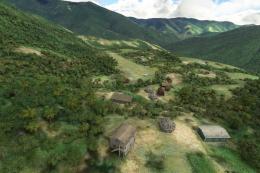
A complete scenery mod featuring Simogu Airstrip (AYQM) in Papua New Guinea b…
 MSFS Scenery
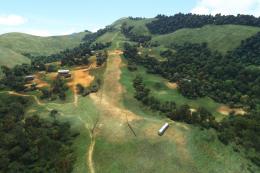
A fun and exciting scenery mod bringing Owena Airstrip (AYWW) in Papua New Gu…
 MSFS Scenery
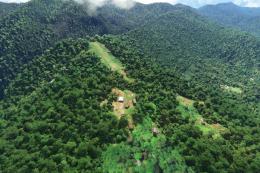
Bambui (BCP) is an exciting dirt strip in Papua New Guinea that is perched ri…
 MSFS Scenery
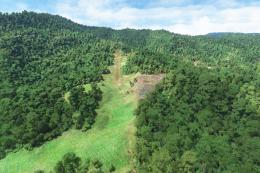
Another obscure airstrip in Papua New Guinea, Gema Airstrip (AYGM) by develop…
 MSFS Scenery
A fun and exciting scenery pack for MSFS featuring Aziana Airstrip (AYLA) in …
 MSFS Scenery
Another fun and challenging strip in Papua New Guinea from Photosbykev - this…
Be the first to leave a comment on this download.
Be the first to share your thoughts on this download.