

 FSX Other Aircraft & Vehicles
Fuji Blimp
FSX Fuji Blimp. Sound by Bill Lyons. Flight dynamics by G. Kirschstein. Airsh…
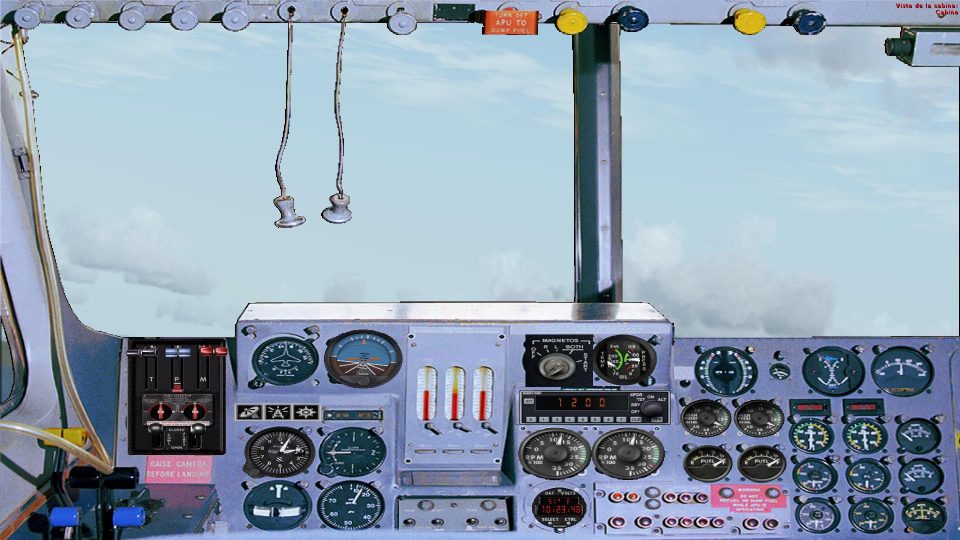
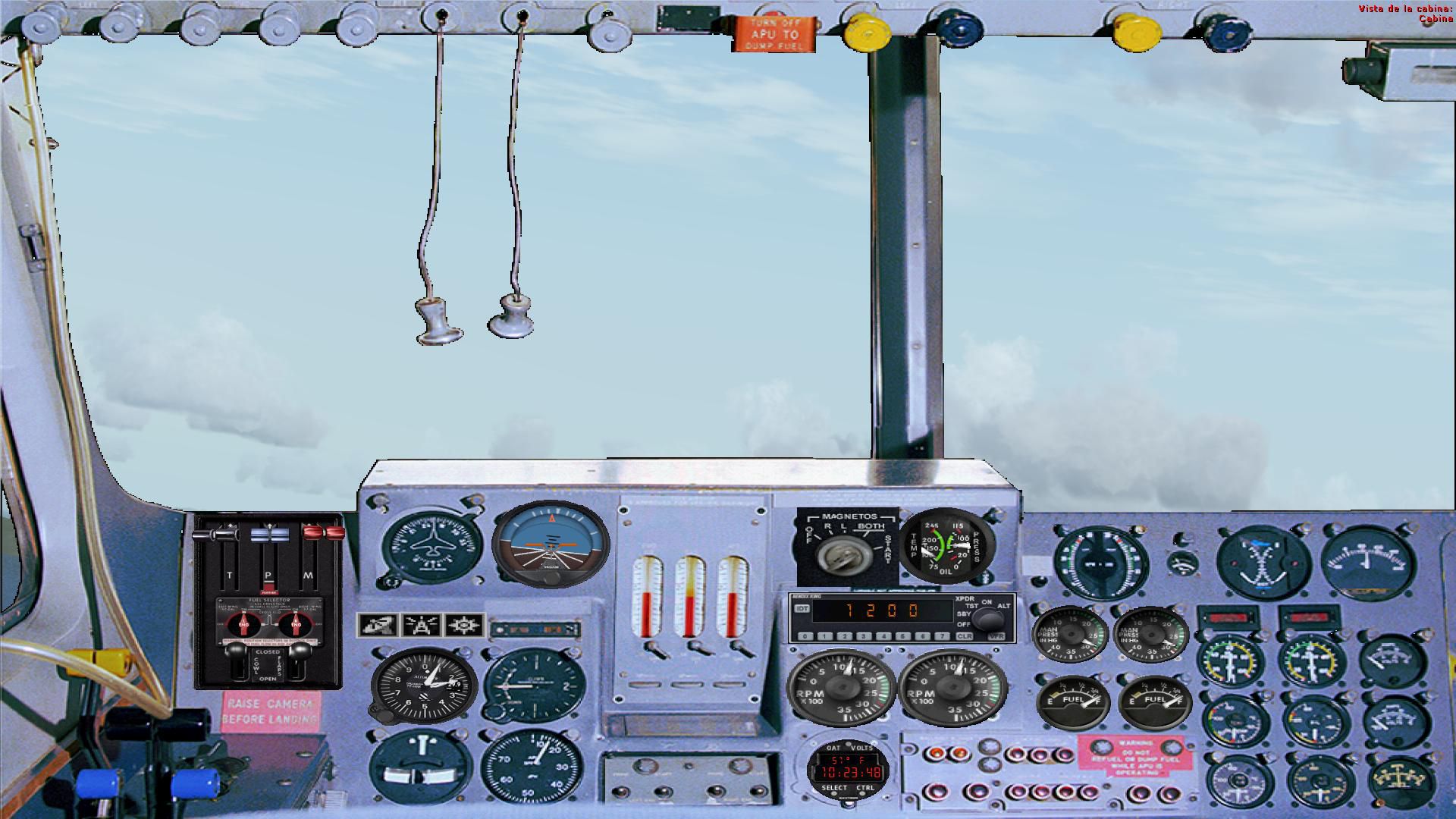
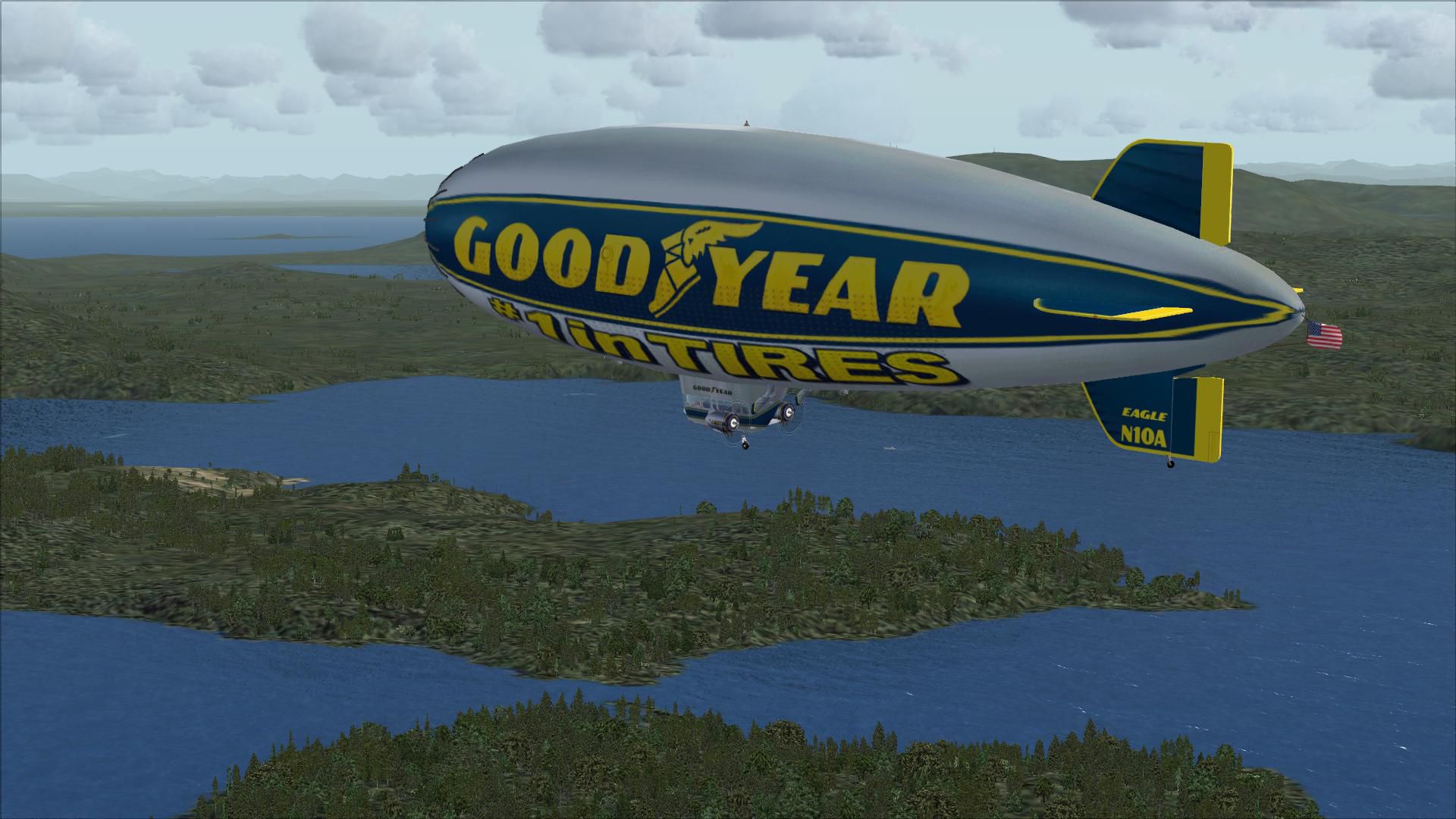
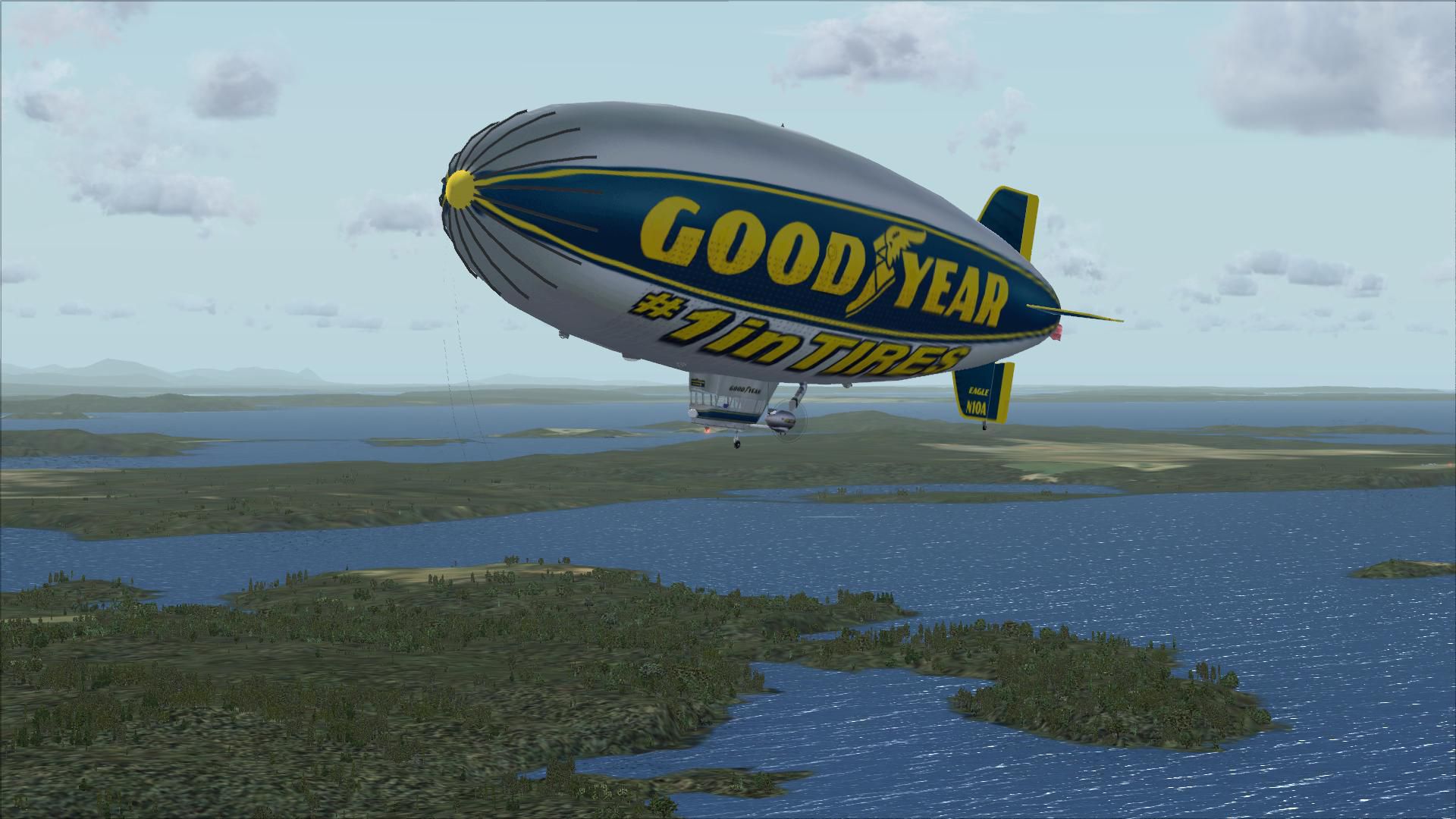
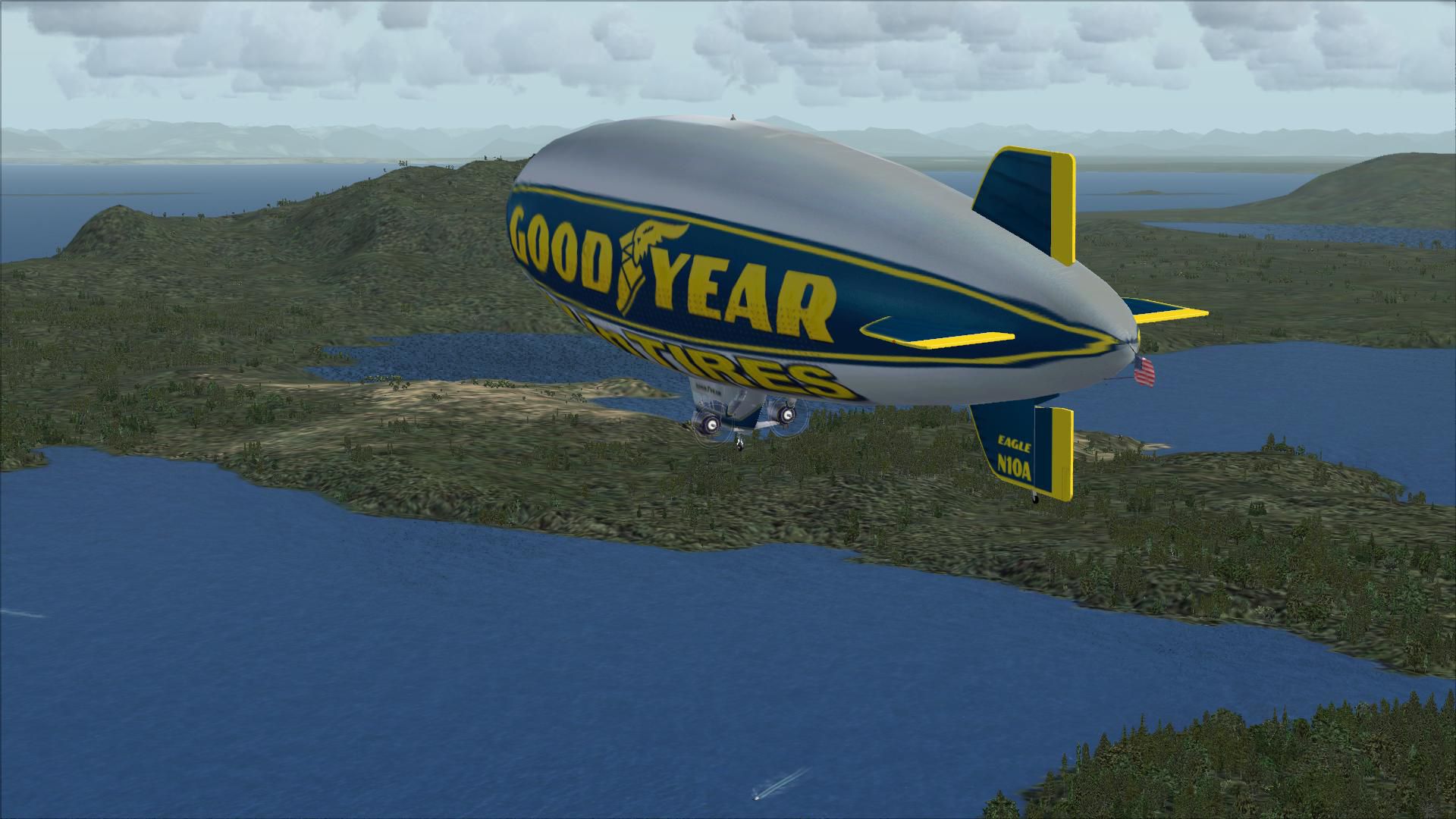
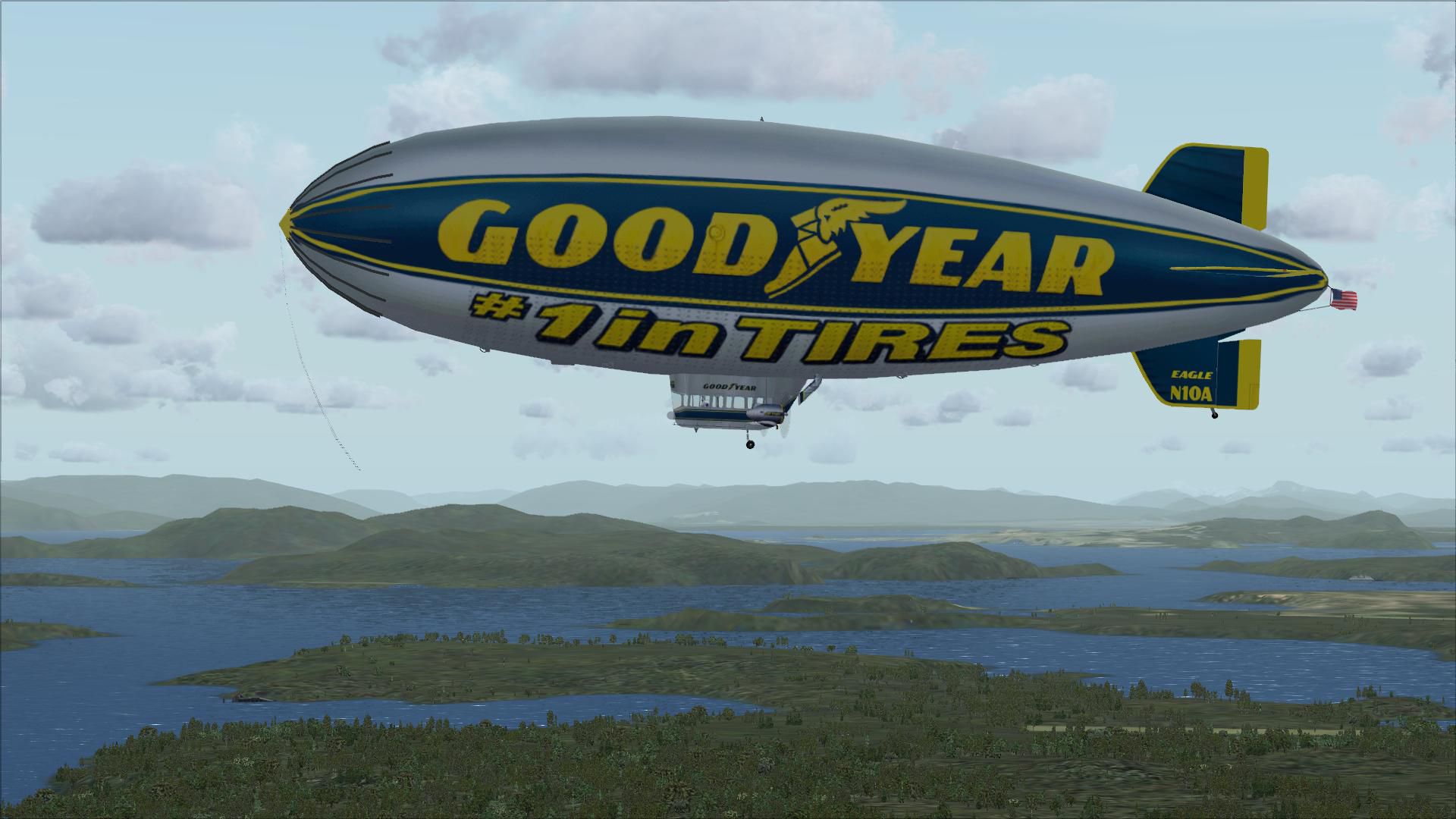
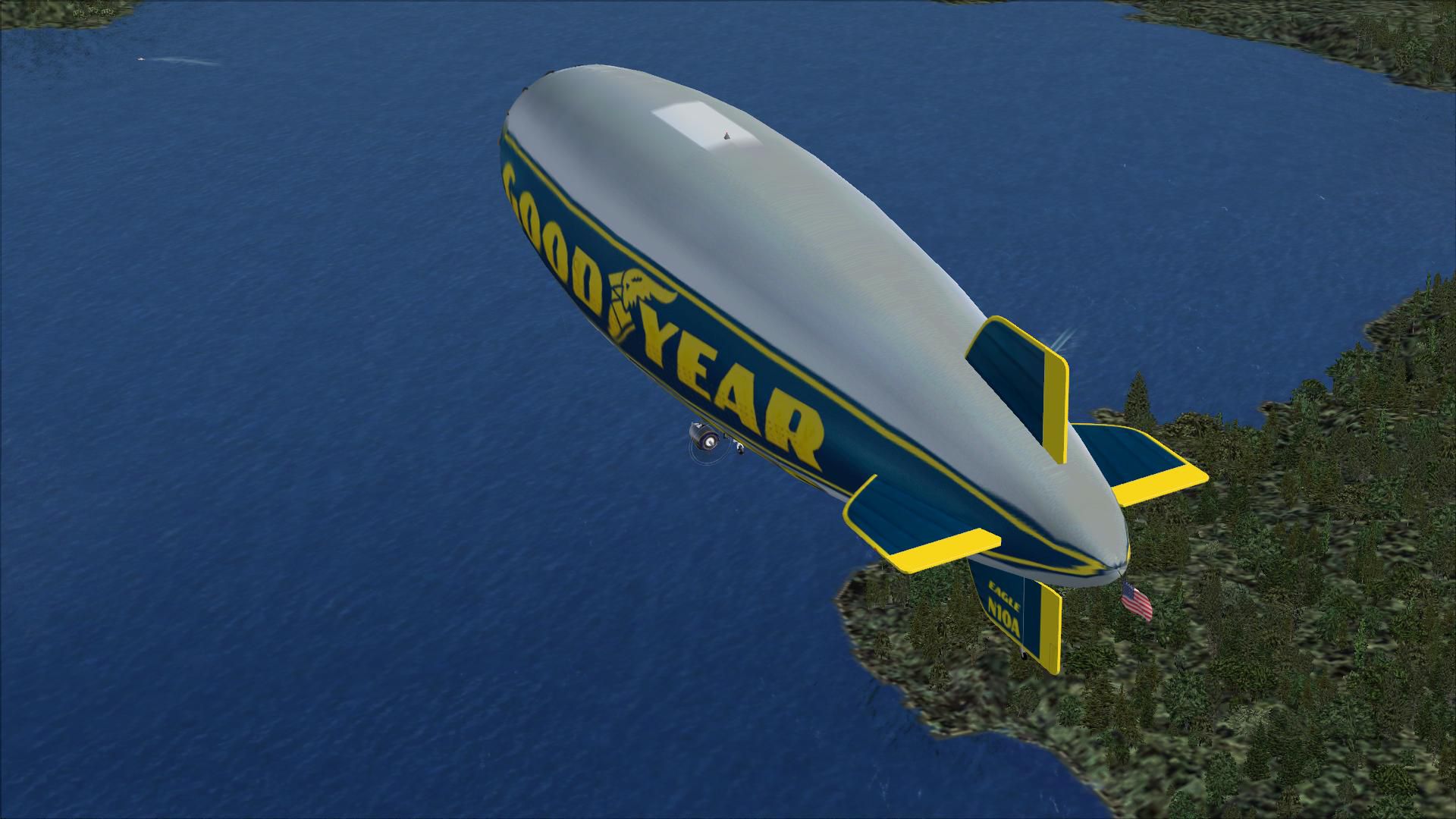
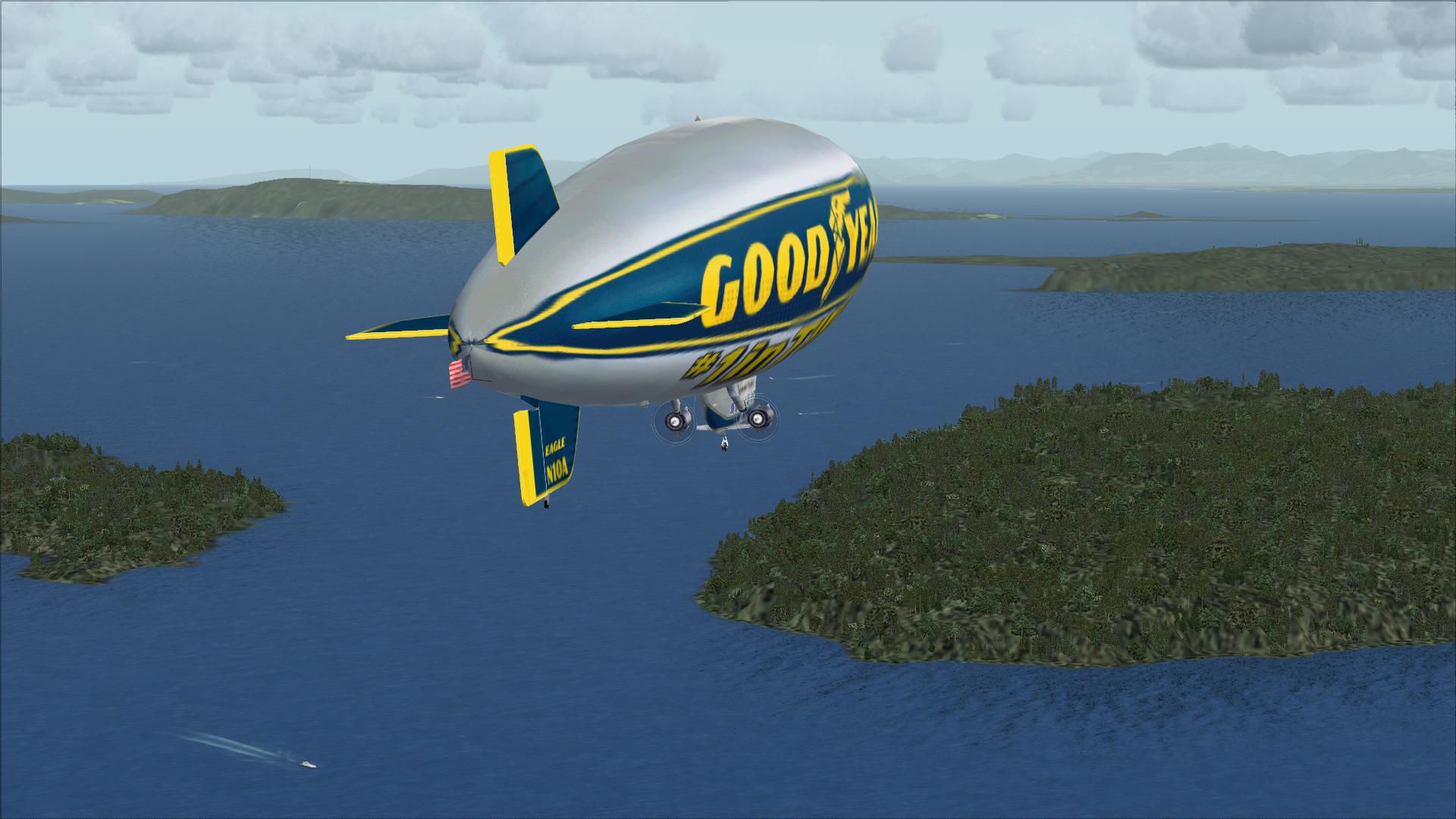
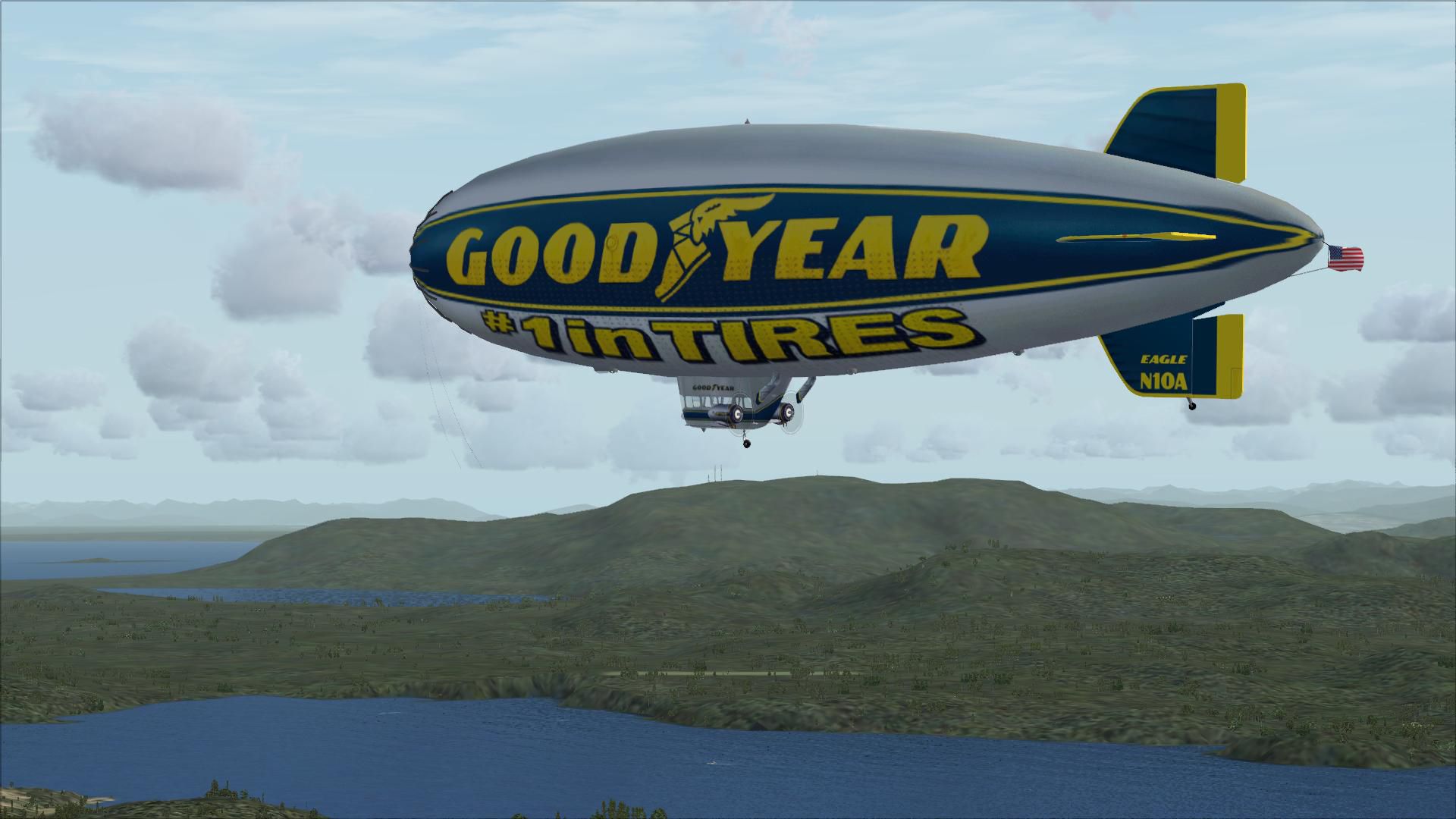
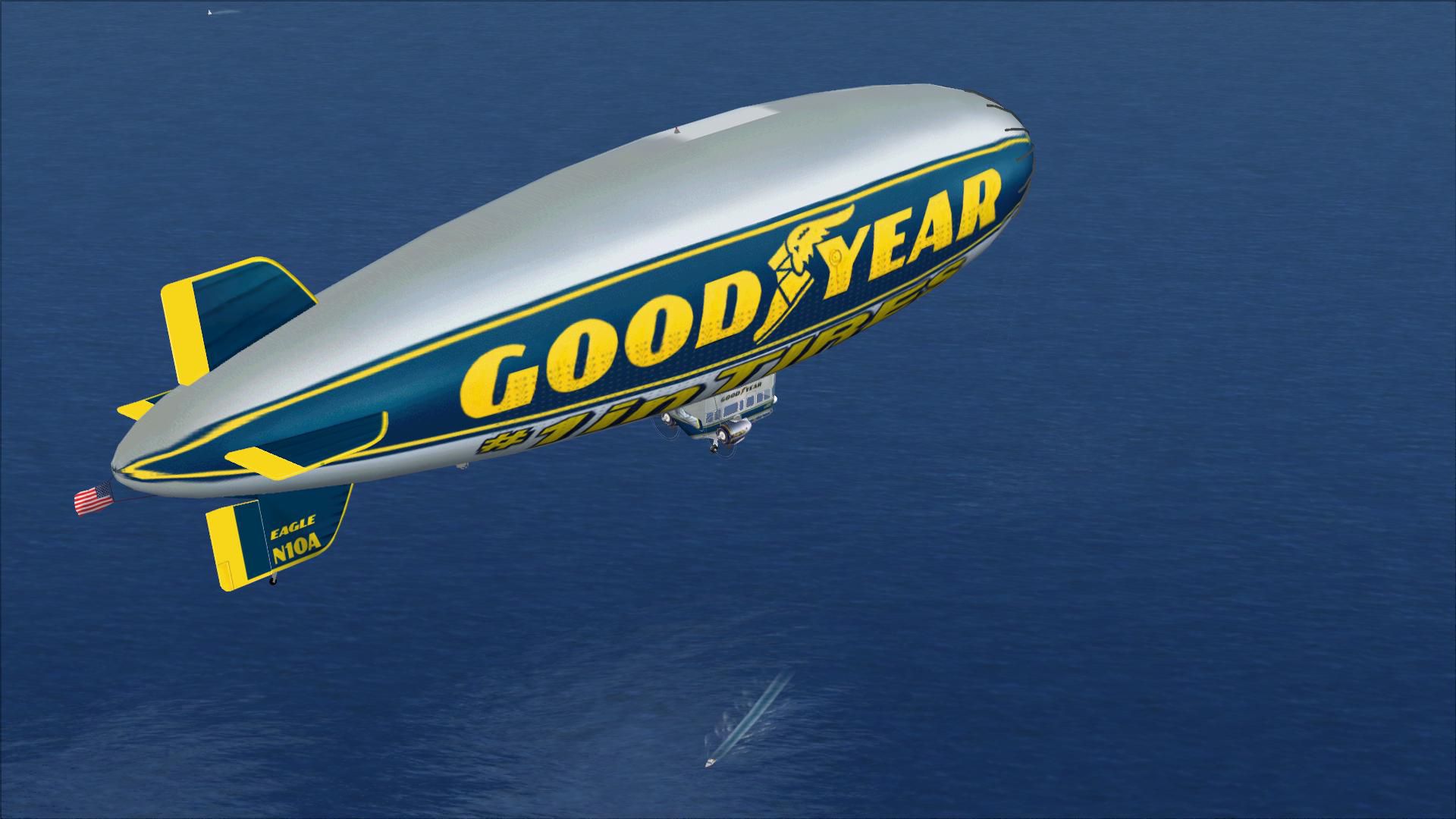
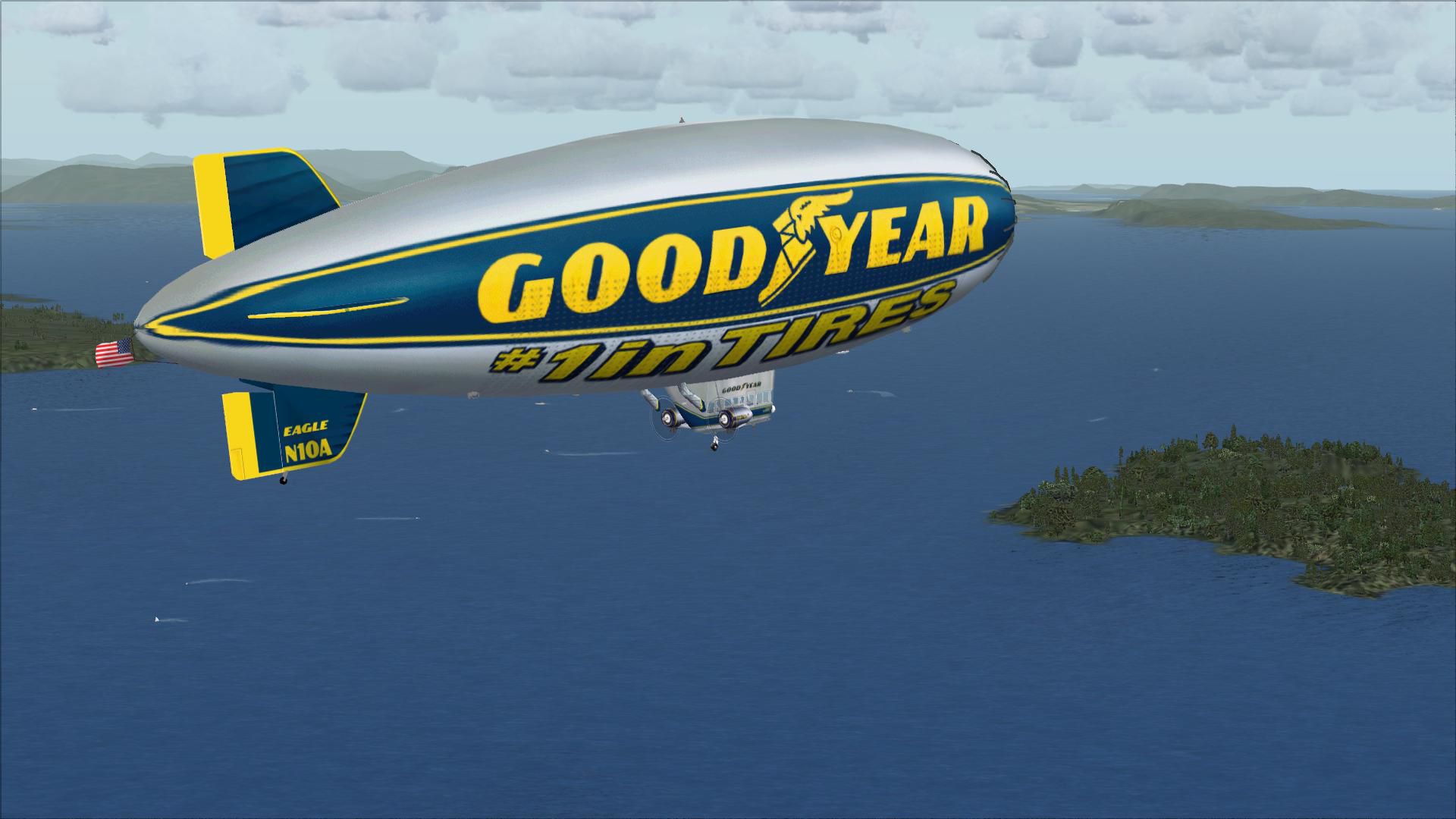
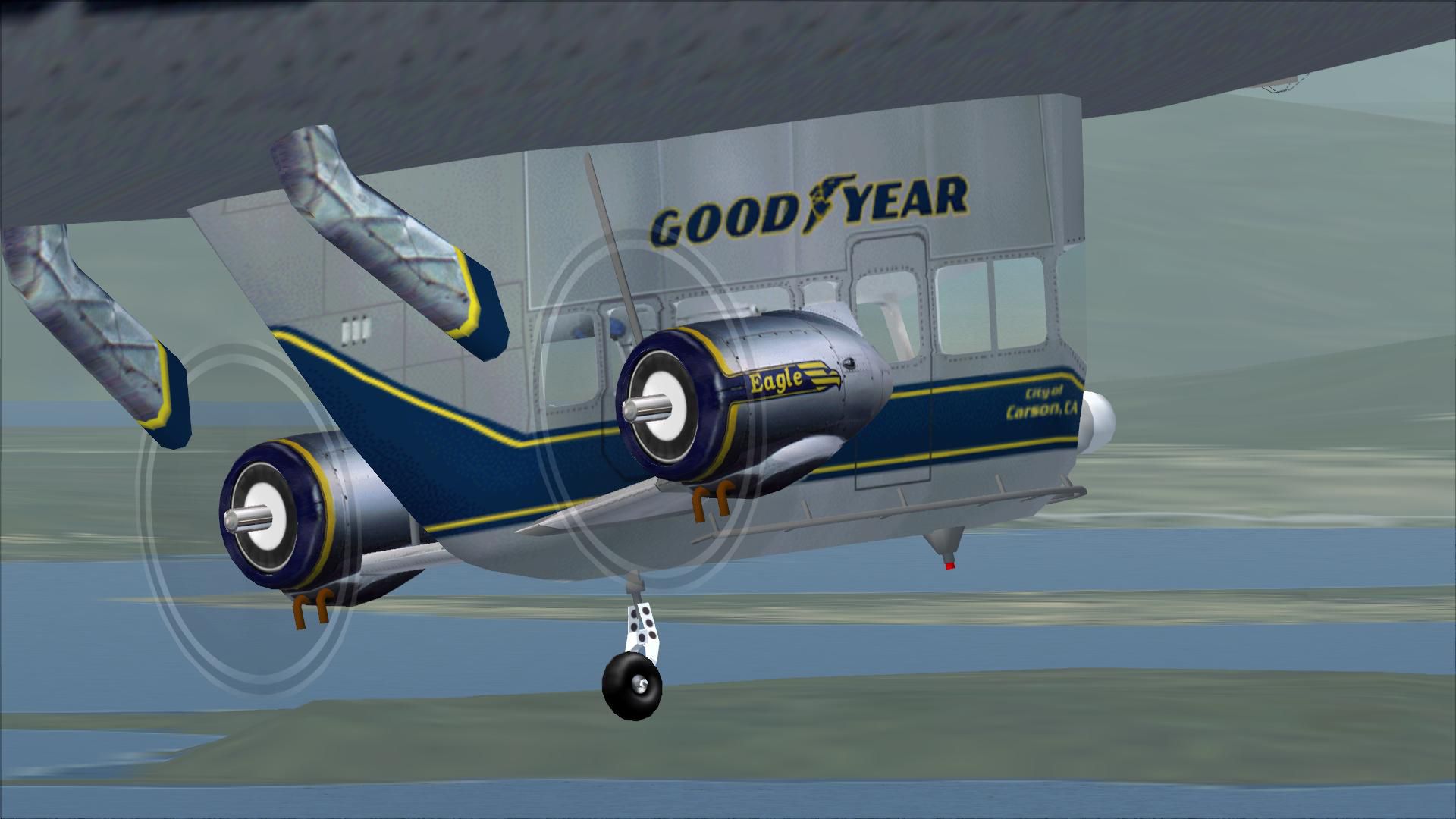
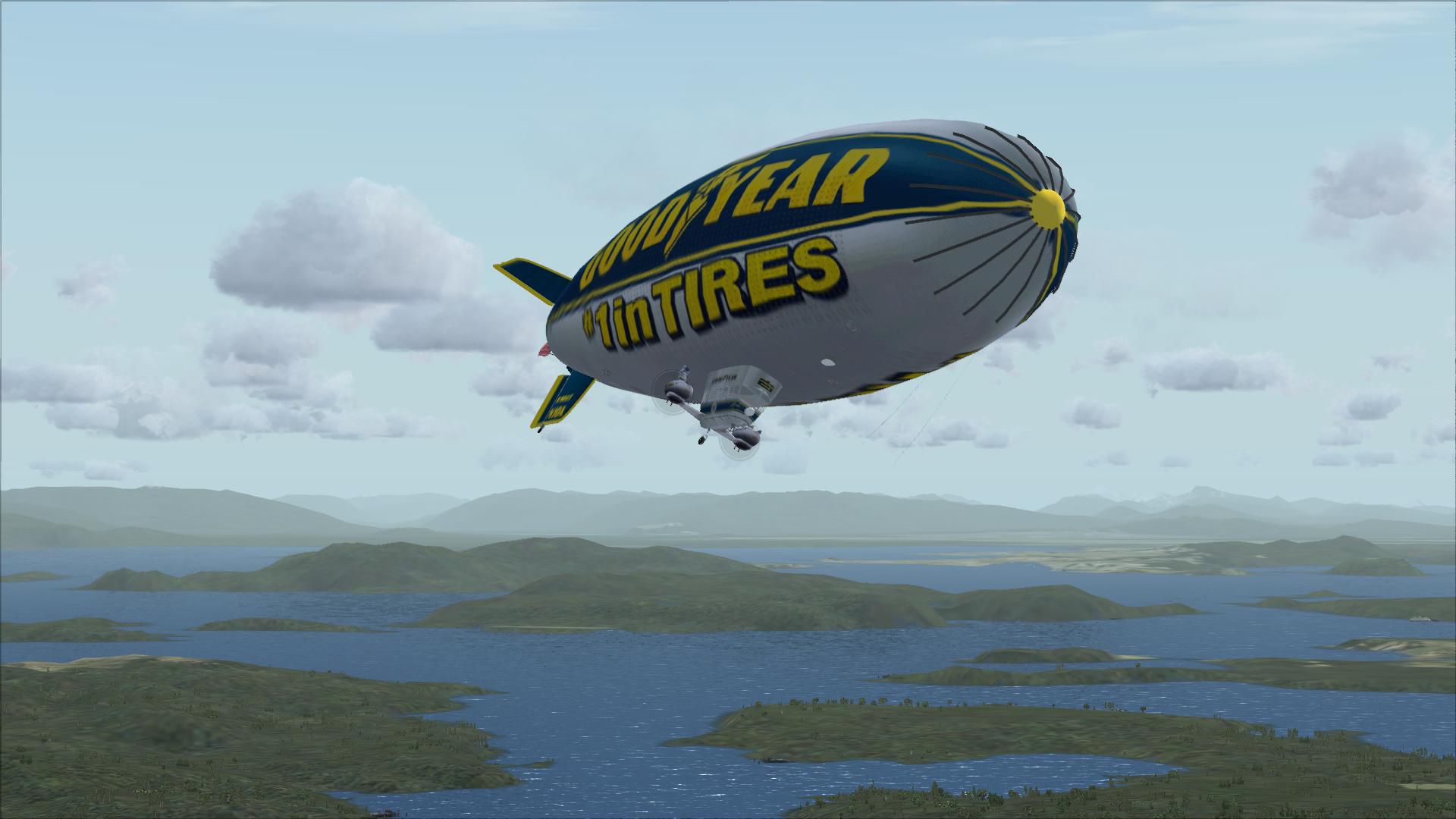
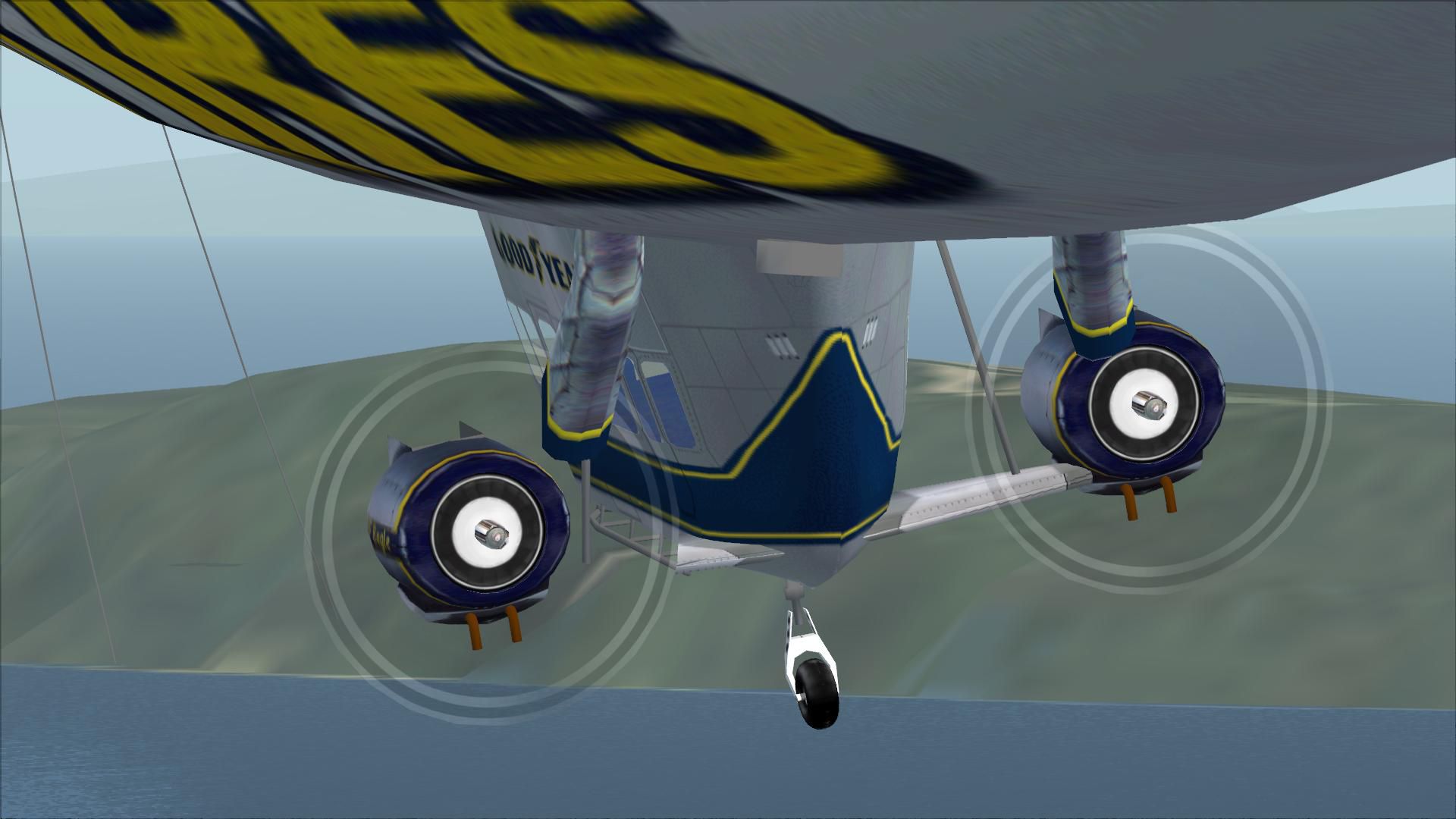
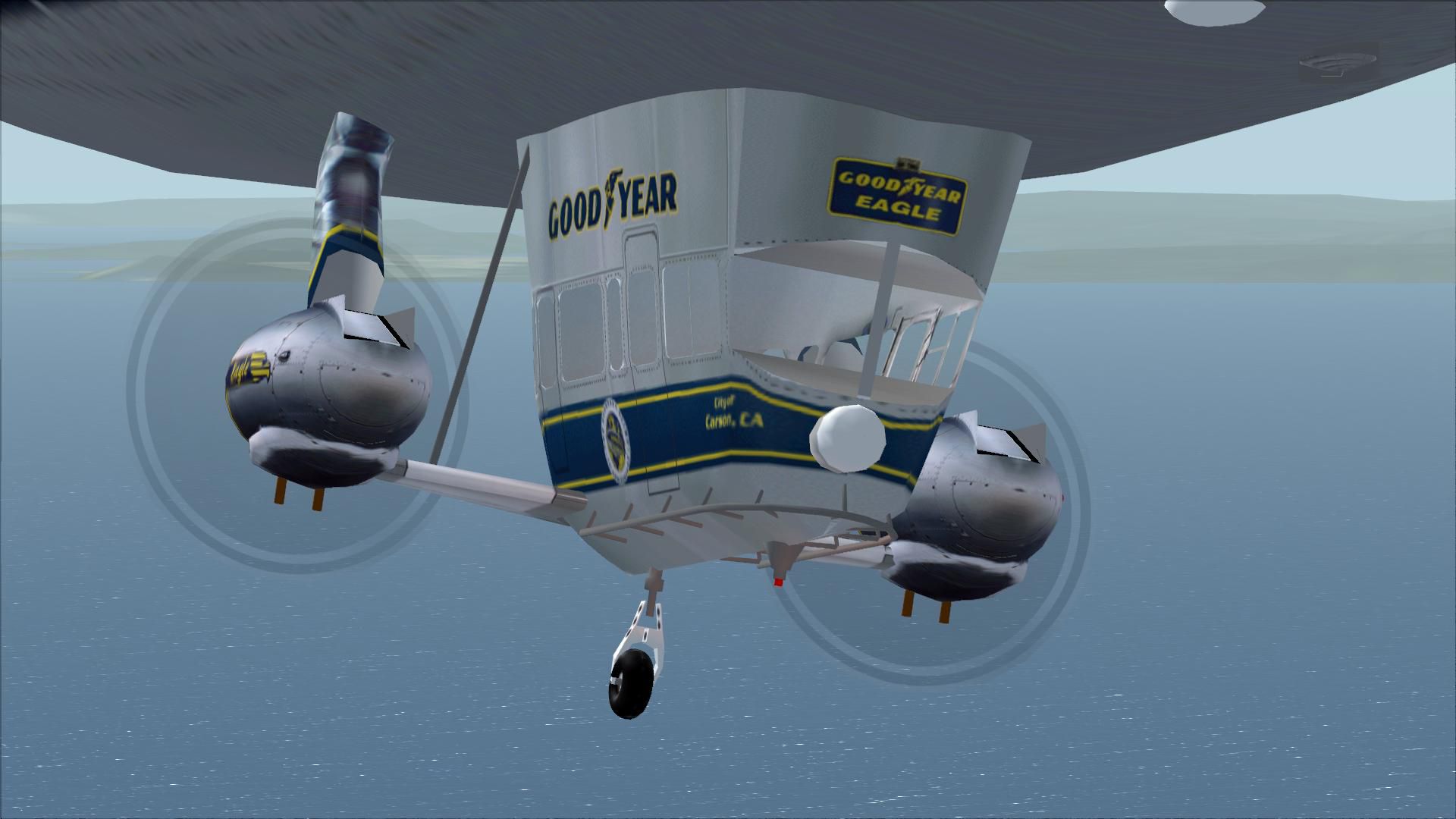
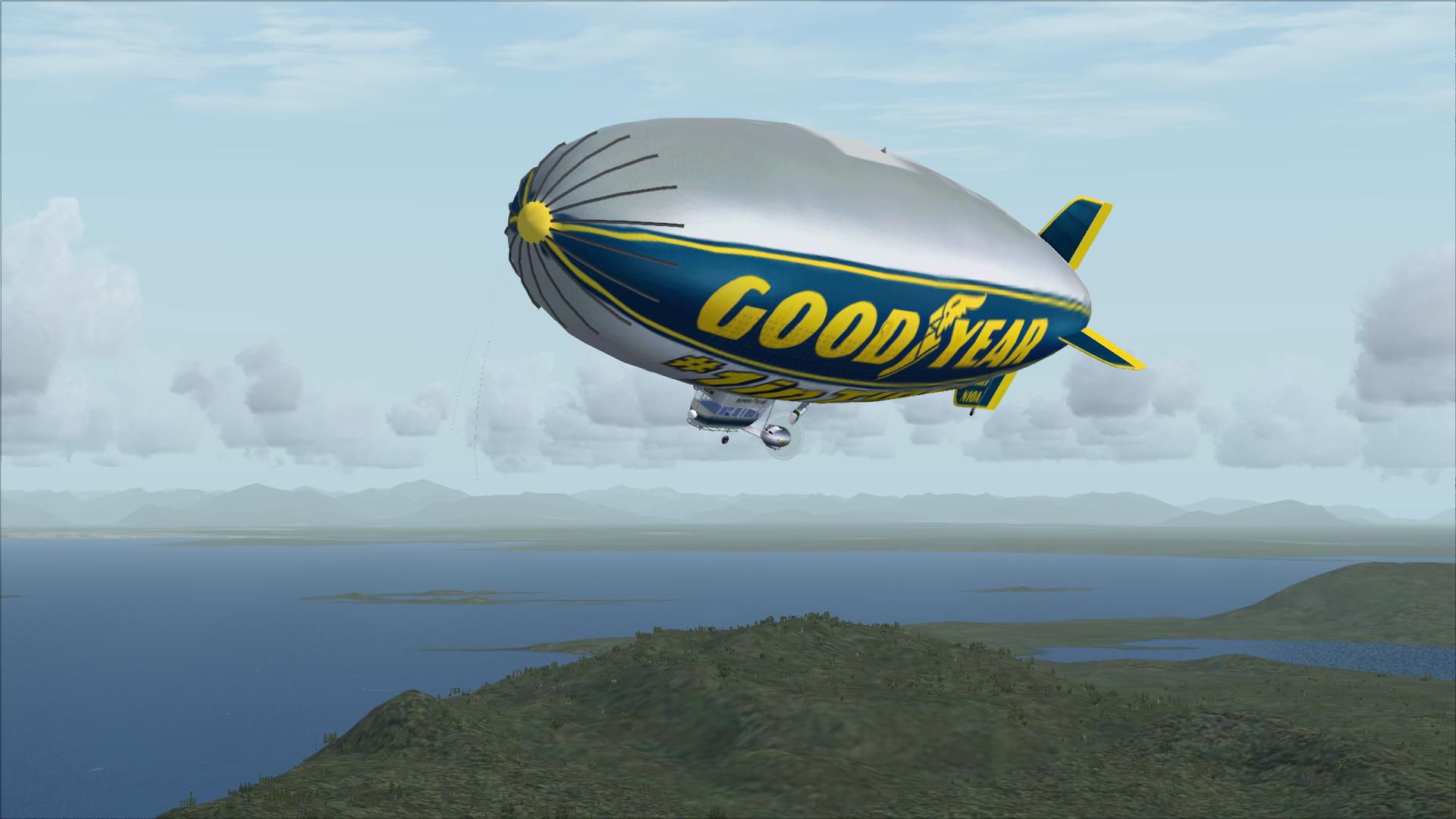
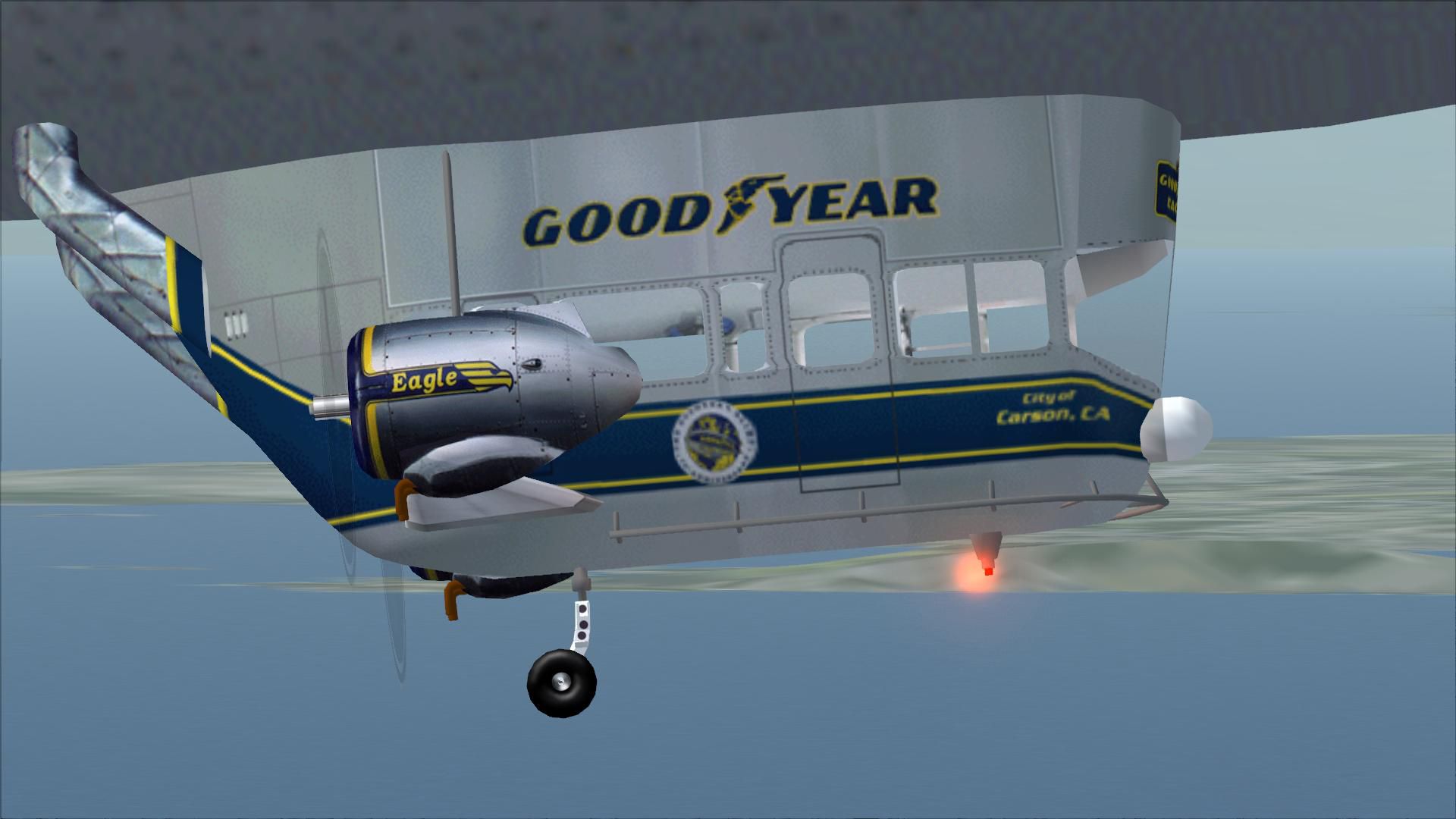
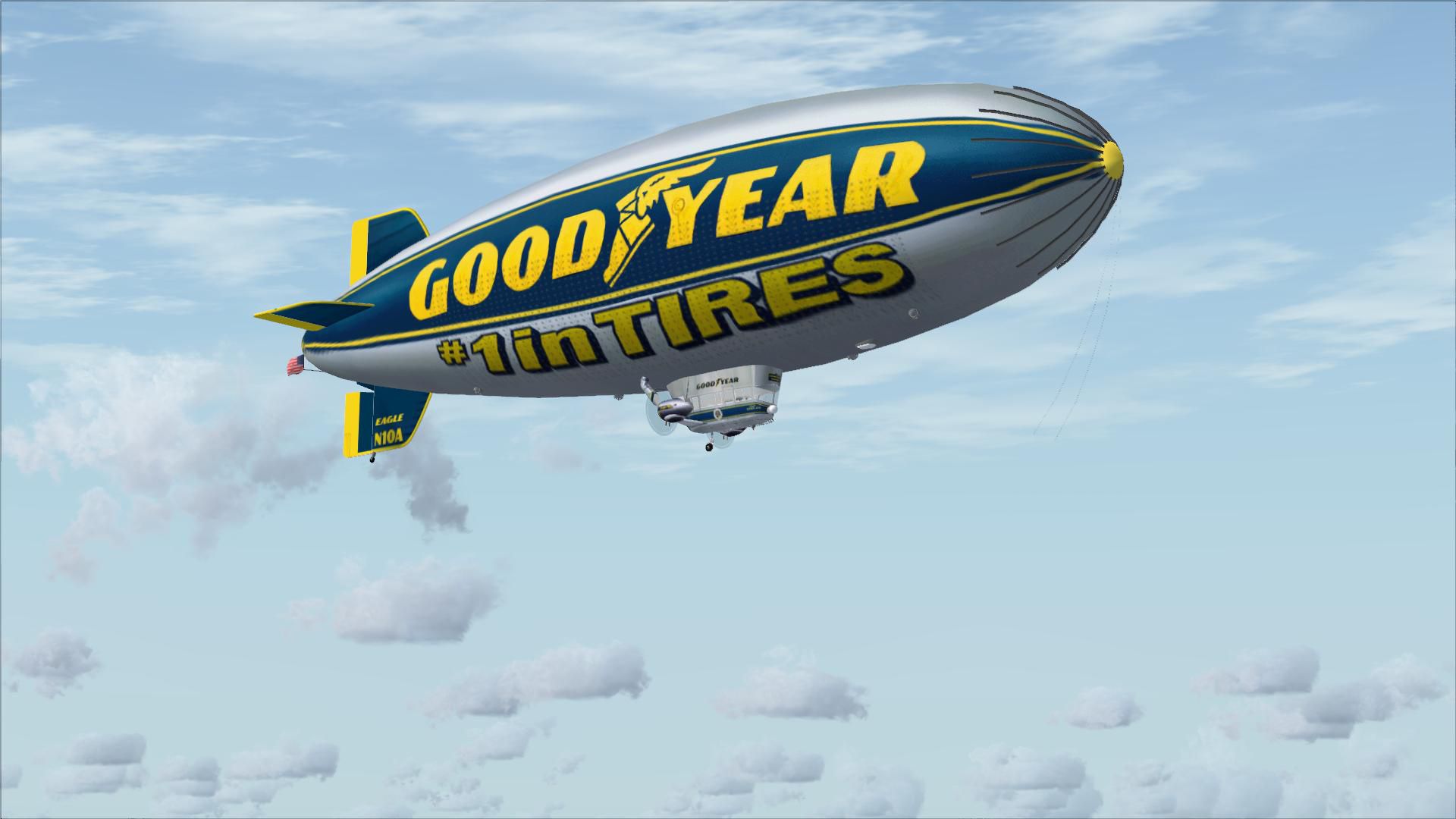
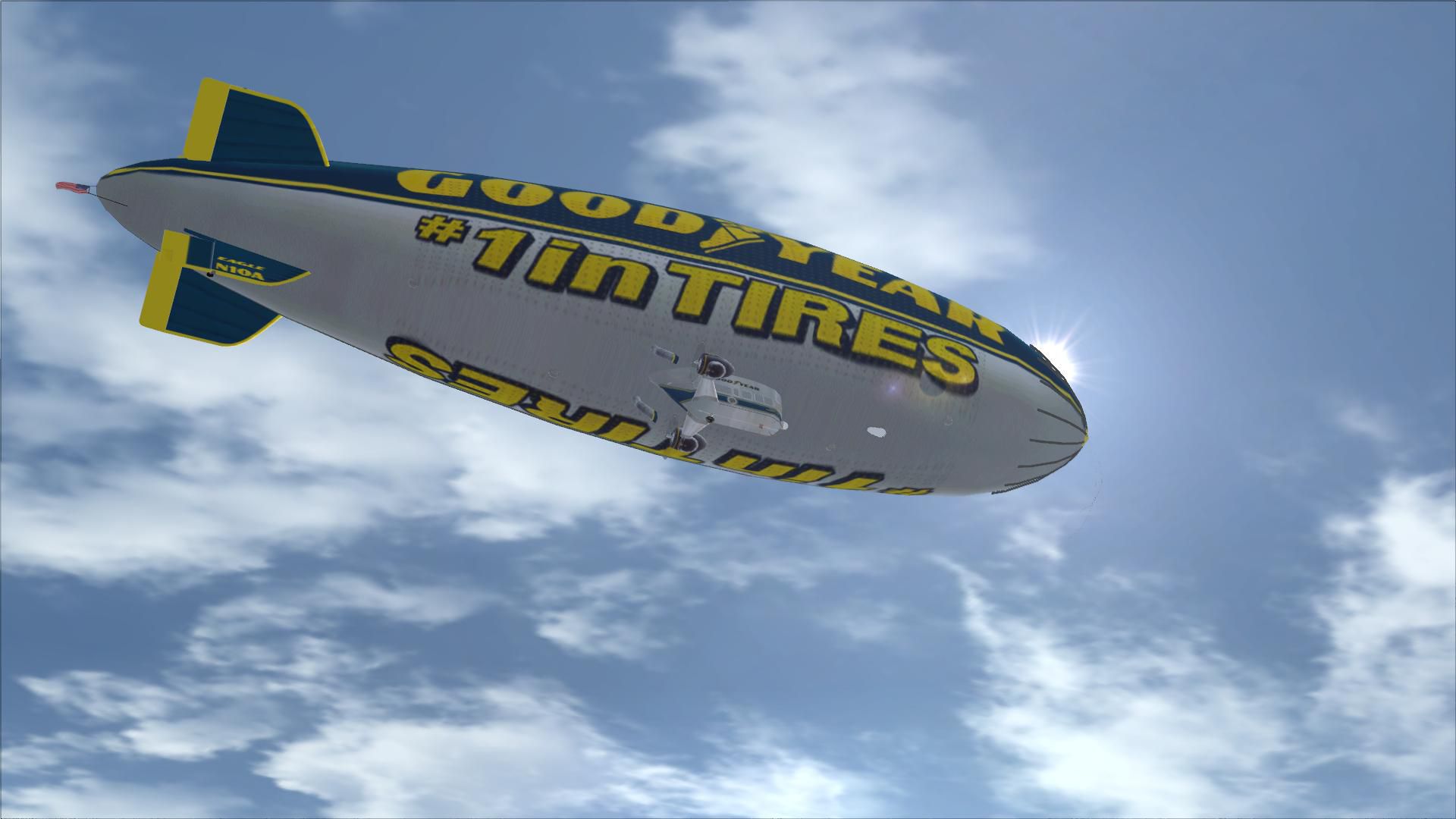
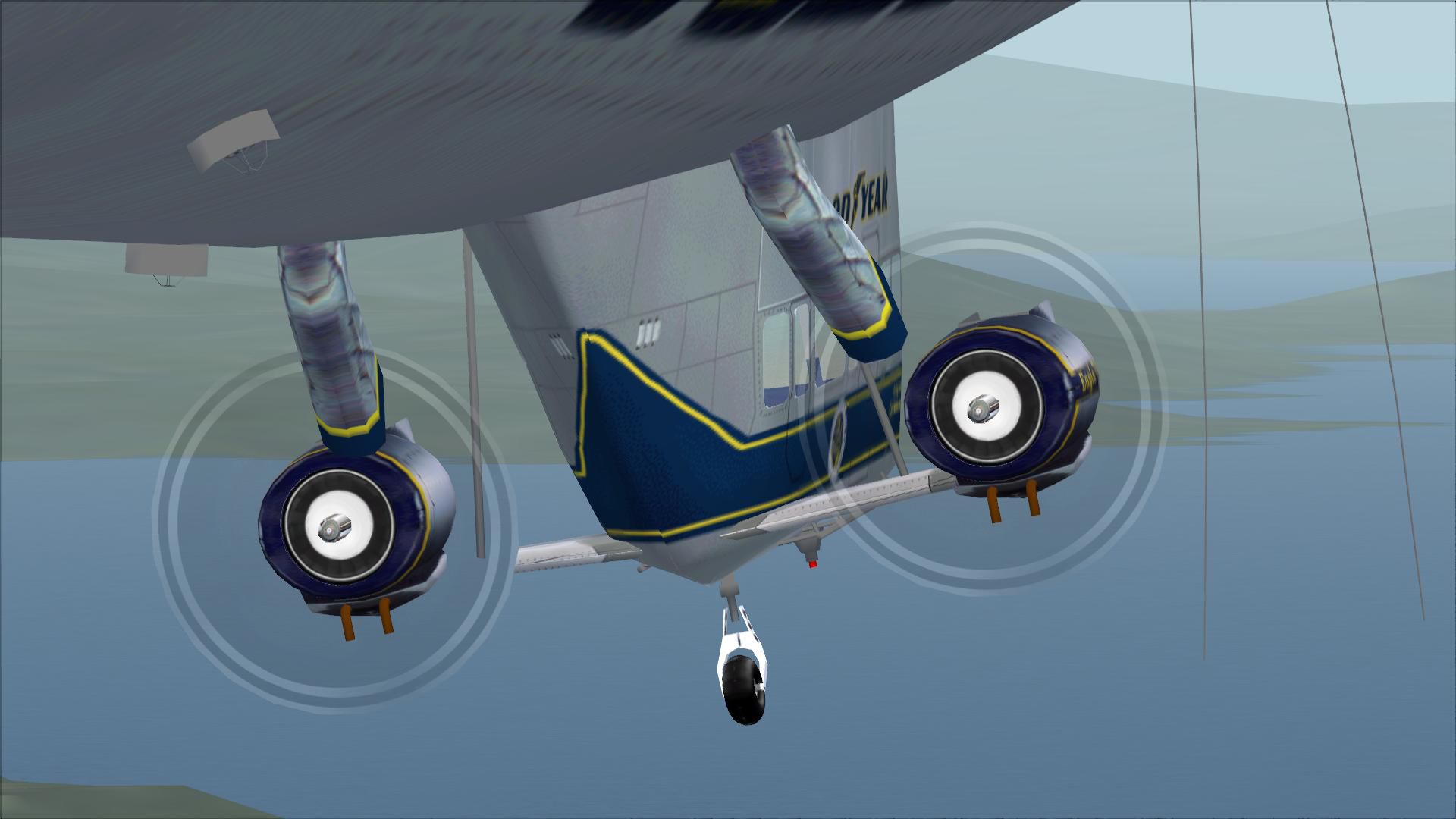
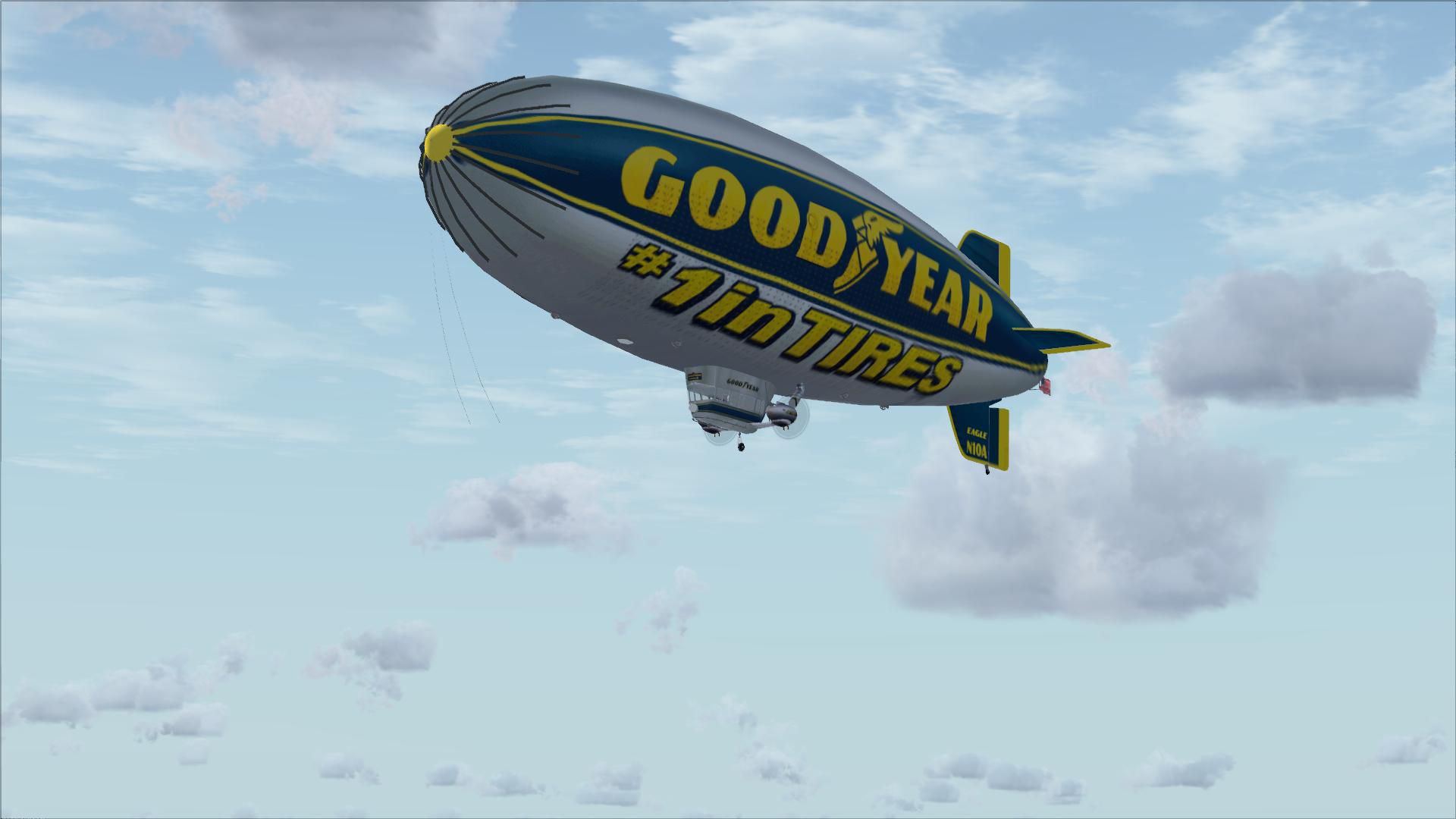
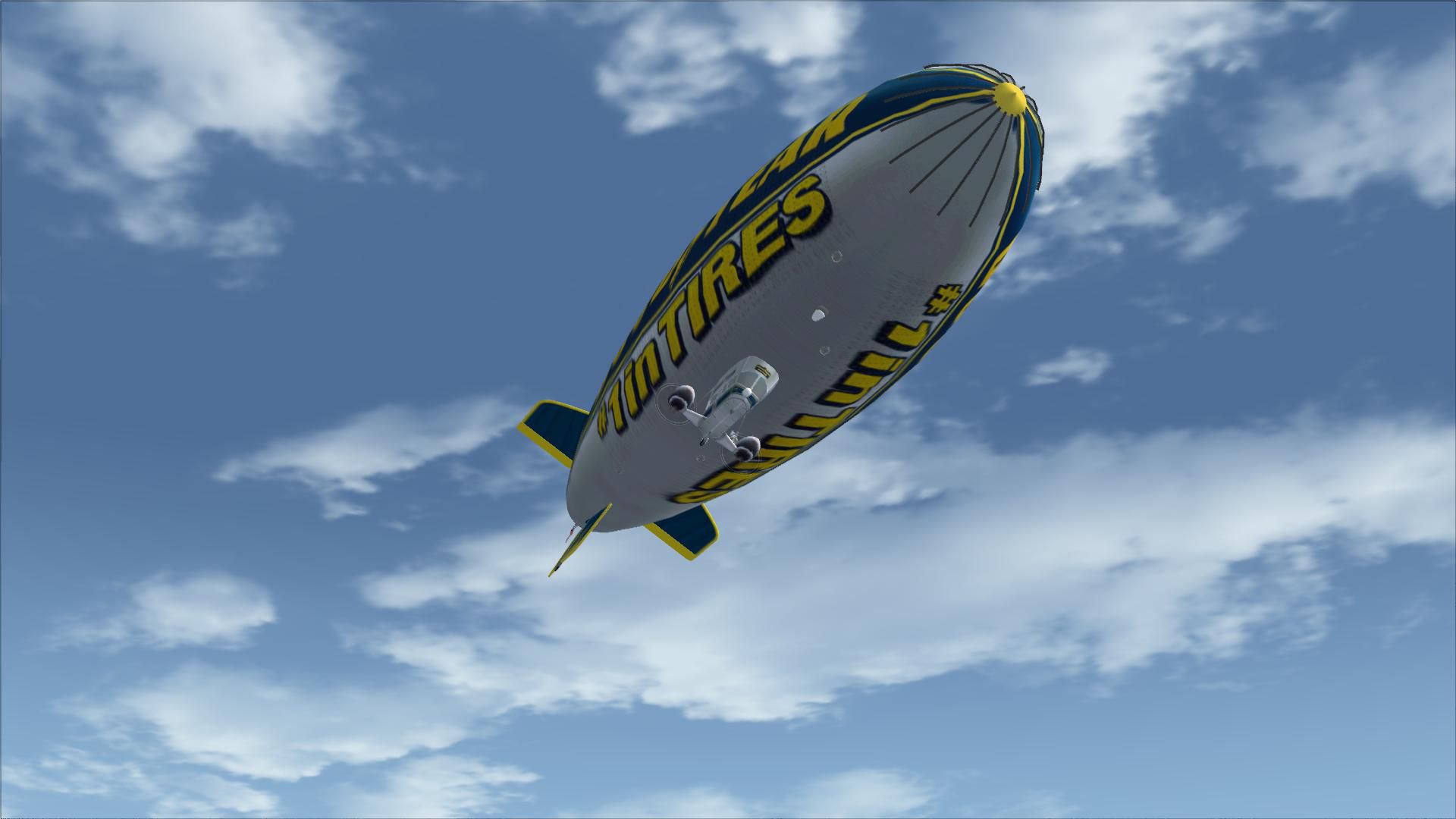
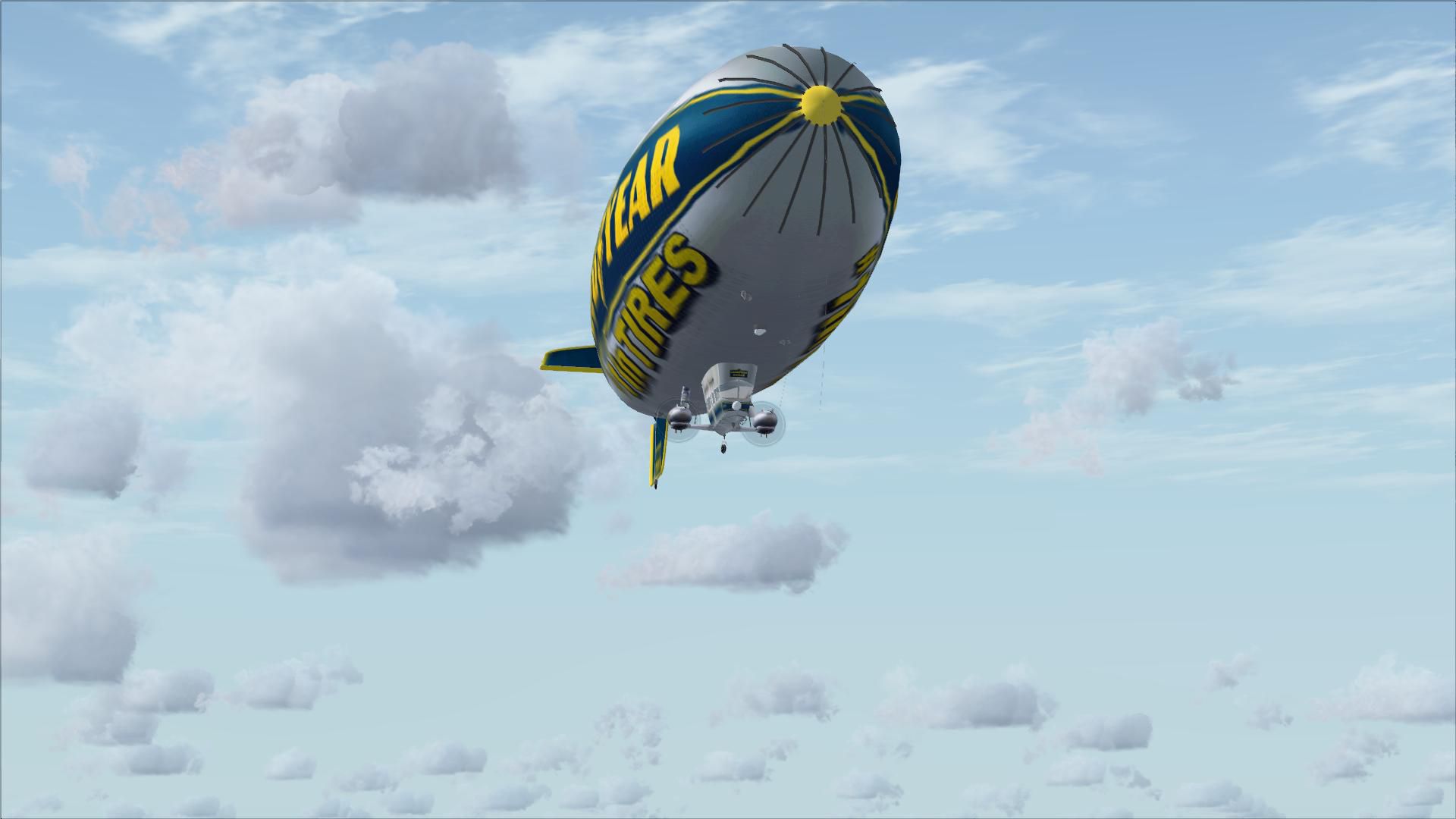
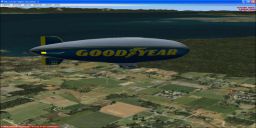
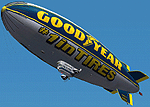
The Goodyear GZ-20A blimp brings lighter-than-air flying to FSX with a tuned flight model, a photorealistic panel, and immersive interior views. Choose from Columbia, Eagle, or Stars & Stripes liveries, enjoy the animated Skytacular night sign, and watch fully animated control surfaces and moving parts in flight.
 Rate
Rate






Free for all simmers · 16.52 MB · Scanned clean Oct 2026
Download speed: Free tier is capped at 0.5 Mbps (this file takes approximately 5 mins at the cap). PRO members download at full line speed.
SimObjects\Airplanes\, Addon Scenery\, Effects\, or Gauges\.readme.txt or README file. It tells you exactly where files go, what dependencies are needed, and any quirks specific to this add-on.The archive goodyea2.zip has 120 files and directories contained within it.
This list displays the first 500 files in the package. If the package has more, you will need to download it to view them.
| Filename/Directory | File Date | File Size |
|---|---|---|
| Goodyear Blimp Eagle_notes.txt | 12.28.03 | 0 B |
| Goodyear Blimp Manual.pdf | 01.25.04 | 298.30 kB |
| GZ20A_check.txt | 06.03.07 | 3.30 kB |
| installation.txt | 06.03.07 | 555 B |
| model | 06.03.07 | 0 B |
| Goodyear Blimp Eagle.mdl | 12.29.03 | 378.04 kB |
| Model.cfg | 05.22.02 | 39 B |
| panel | 06.03.07 | 0 B |
| front.bmp | 06.03.07 | 2.25 MB |
| front_left.bmp | 09.24.01 | 2.25 MB |
| front_right.bmp | 12.27.03 | 2.25 MB |
| left.bmp | 12.09.03 | 2.25 MB |
| panel.cfg | 06.03.07 | 4.42 kB |
| radios.bmp | 12.09.03 | 124.05 kB |
| rear.bmp | 09.24.01 | 2.25 MB |
| rear_left.bmp | 09.19.01 | 2.25 MB |
| rear_right.bmp | 09.25.01 | 2.25 MB |
| right.bmp | 12.09.03 | 2.25 MB |
| sound | 06.03.07 | 0 B |
| Sound.cfg | 05.22.02 | 38 B |
| texture.columbia | 06.03.07 | 0 B |
| elevator.bmp | 12.18.03 | 256.76 kB |
| engine_blurred.bmp | 12.27.03 | 16.66 kB |
| envelope.bmp | 12.18.03 | 1.00 MB |
| fin_bottom_left.bmp | 12.29.03 | 257.05 kB |
| fin_bottom_right.bmp | 12.29.03 | 257.05 kB |
| fin_left.bmp | 12.29.03 | 257.05 kB |
| fin_top.bmp | 12.29.03 | 257.05 kB |
| flag.bmp | 12.26.00 | 65.05 kB |
| interior.bmp | 12.05.03 | 257.05 kB |
| interior2.bmp | 12.18.03 | 257.05 kB |
| propcircle_left.bmp | 12.05.03 | 257.05 kB |
| rudder_bottom.bmp | 12.29.03 | 257.05 kB |
| rudder_top.bmp | 12.23.00 | 256.75 kB |
| skytacular_LM.bmp | 12.21.03 | 257.05 kB |
| strut_front.bmp | 12.25.00 | 64.57 kB |
| strut_right.bmp | 12.25.00 | 64.17 kB |
| thumbnail.jpg | 06.03.07 | 16.05 kB |
| tire.bmp | 12.25.00 | 64.71 kB |
| tire_blurred.bmp | 12.20.03 | 64.58 kB |
| valve.bmp | 12.25.00 | 64.86 kB |
| window.bmp | 12.06.03 | 257.05 kB |
| texture.eagle | 06.03.07 | 0 B |
| elevator.bmp | 01.06.01 | 256.35 kB |
| engine_blurred.bmp | 12.27.03 | 16.66 kB |
| envelope.bmp | 12.18.03 | 1.00 MB |
| fin_bottom_left.bmp | 12.28.03 | 257.05 kB |
| fin_bottom_right.bmp | 12.28.03 | 257.05 kB |
| fin_left.bmp | 12.29.03 | 257.05 kB |
| fin_top.bmp | 12.29.03 | 257.05 kB |
| flag.bmp | 12.26.00 | 65.05 kB |
| interior.bmp | 12.05.03 | 257.05 kB |
| interior2.bmp | 12.18.03 | 257.05 kB |
| propcircle_left.bmp | 12.05.03 | 257.05 kB |
| rudder_bottom.bmp | 12.29.03 | 257.05 kB |
| rudder_top.bmp | 01.06.01 | 256.35 kB |
| skytacular_LM.bmp | 12.21.03 | 257.05 kB |
| strut_front.bmp | 12.25.00 | 64.57 kB |
| strut_right.bmp | 12.25.00 | 64.17 kB |
| thumbnail.jpg | 06.03.07 | 15.39 kB |
| tire.bmp | 12.25.00 | 64.71 kB |
| tire_blurred.bmp | 12.20.03 | 64.58 kB |
| valve.bmp | 12.25.00 | 64.86 kB |
| window.bmp | 12.06.03 | 257.05 kB |
| texture.starsnstripes | 06.03.07 | 0 B |
| elevator.bmp | 01.06.01 | 256.35 kB |
| engine_blurred.bmp | 12.27.03 | 16.66 kB |
| envelope.bmp | 12.21.03 | 1.00 MB |
| fin_bottom_left.bmp | 12.28.03 | 257.05 kB |
| fin_bottom_right.bmp | 12.28.03 | 257.05 kB |
| fin_left.bmp | 12.29.03 | 257.05 kB |
| fin_top.bmp | 12.29.03 | 257.05 kB |
| flag.bmp | 12.26.00 | 65.05 kB |
| interior.bmp | 12.05.03 | 257.05 kB |
| interior2.bmp | 12.18.03 | 257.05 kB |
| propcircle_left.bmp | 12.05.03 | 257.05 kB |
| rudder_bottom.bmp | 01.06.01 | 257.05 kB |
| rudder_top.bmp | 01.06.01 | 256.35 kB |
| skytacular_LM.bmp | 12.21.03 | 257.05 kB |
| strut_front.bmp | 12.25.00 | 64.57 kB |
| strut_right.bmp | 12.25.00 | 64.17 kB |
| thumbnail.jpg | 06.03.07 | 16.71 kB |
| tire.bmp | 12.25.00 | 64.71 kB |
| tire_blurred.bmp | 12.20.03 | 64.58 kB |
| valve.bmp | 12.25.00 | 64.86 kB |
| window.bmp | 12.06.03 | 257.05 kB |
| Aircraft.cfg | 06.02.07 | 10.49 kB |
| FILE_ID.DIZ | 01.25.04 | 290 B |
| gdyr2k2.gif | 01.25.04 | 11.99 kB |
| gdyr2k2pnl.gif | 01.25.04 | 14.65 kB |
| Goodyear Blimp Eagle.air | 12.24.03 | 8.22 kB |
| flyawaysimulation.txt | 10.29.13 | 959 B |
| Go to Fly Away Simulation.url | 01.22.16 | 52 B |
| Screenshots | 09.20.19 | 0 B |
| screen-1.jpg | 09.11.19 | 121.95 kB |
| screen-10.jpg | 09.11.19 | 152.48 kB |
| screen-11.jpg | 09.11.19 | 155.09 kB |
| screen-12.jpg | 09.11.19 | 182.18 kB |
| screen-13.jpg | 09.11.19 | 213.24 kB |
| screen-14.jpg | 09.11.19 | 260.43 kB |
| screen-15.jpg | 09.11.19 | 125.56 kB |
| screen-16.jpg | 09.11.19 | 135.61 kB |
| screen-17.jpg | 09.11.19 | 127.52 kB |
| screen-18.jpg | 09.11.19 | 143.79 kB |
| screen-19.jpg | 09.11.19 | 118.26 kB |
| screen-2.jpg | 09.11.19 | 98.67 kB |
| screen-20.jpg | 09.11.19 | 137.72 kB |
| screen-21.jpg | 09.11.19 | 114.49 kB |
| screen-22.jpg | 09.11.19 | 140.37 kB |
| screen-23.jpg | 09.11.19 | 131.07 kB |
| screen-24.jpg | 09.11.19 | 117.04 kB |
| screen-25.jpg | 09.11.19 | 119.45 kB |
| screen-26.jpg | 09.11.19 | 104.71 kB |
| screen-3.jpg | 09.11.19 | 105.54 kB |
| screen-4.jpg | 09.11.19 | 160.57 kB |
| screen-5.jpg | 09.11.19 | 186.77 kB |
| screen-6.jpg | 09.11.19 | 161.71 kB |
| screen-7.jpg | 09.11.19 | 222.98 kB |
| screen-8.jpg | 09.11.19 | 203.88 kB |
| screen-9.jpg | 09.11.19 | 181.92 kB |
Only PRO members can place votes.
More FSX & P3D add-ons hand-picked based on this download.
FSX Other Aircraft & Vehicles
FSX Fuji Blimp. Sound by Bill Lyons. Flight dynamics by G. Kirschstein. Airsh…
 FSX Other Aircraft & Vehicles
A fully-featured, freeware aircraft carrier add-on for all versions of Micros…
 FSX Other Aircraft & Vehicles
Completely re-worked model and textures . New flight dynamics optimized for S…
 FSX Other Aircraft & Vehicles
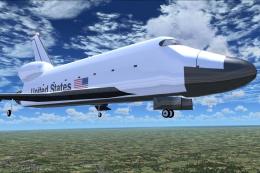
FSX NASA Space Shuttle. The shuttle has been modified so that it takes off an…
 FSX Other Aircraft & Vehicles
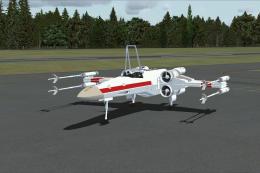
FSX Star Wars Incom T-65 X-Wing. This model features a reasonable Mach 1.8 Vm…
 FSX Other Aircraft & Vehicles
This freeware package contains over 800 AI ships, boats, traffic FSX, and P3D…
 FSX Other Aircraft & Vehicles
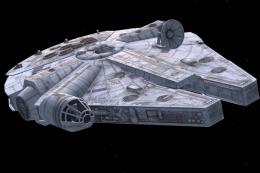
This unique Star Wars-themed add-on, developed by Bruce Fitzgerald, brings th…
 FSX Other Aircraft & Vehicles
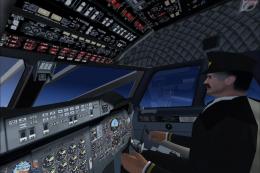
REPTILIAN FS9 / FSX FLYABLE UFO. This file provides a fictitious UFO, remindi…
Read what other simmers think, or add your own.

I have the same problem: FSX Goodyear Blimp installs fine, but does not show in FSX Steam no matter what I try.

Hello there, my name is Ricardo, and my inquiry is: how can I place the blimp into Flight Simulator X: Steam Edition?
I’ve been trying to install it into my simulator and it installs ok, but no matter what I try I can’t locate it in the Free Flight tab and Change Aircraft section. Are there any suggestions in order to add the blimp into FSX: Steam Edition? I would greatly appreciate any assistance regarding this problem.
Sincerely,
Ricardo