

 FSX Civil Aircraft
N787ZA Flight Test Airplane Boeing 787-8
Experience a detailed representation of N787ZA, a unique flight test configur…
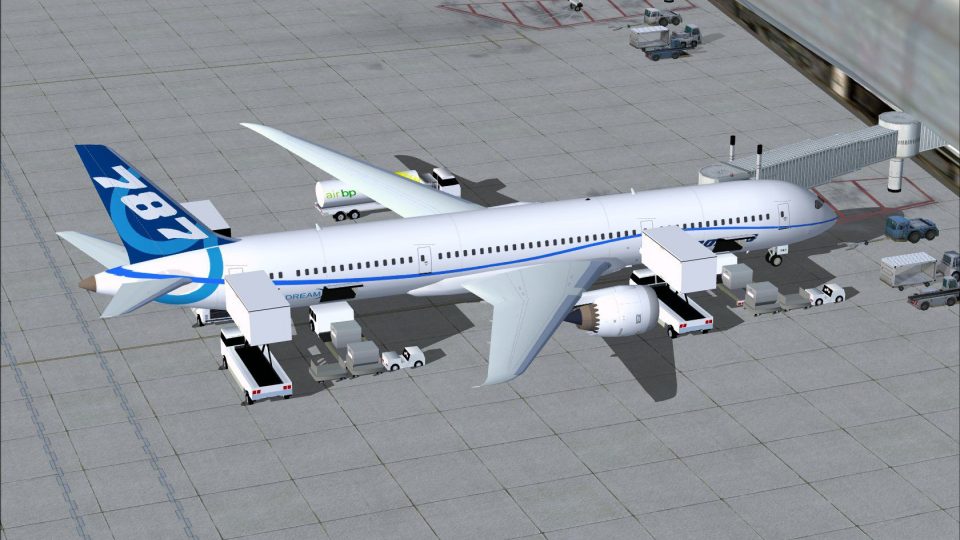
Boeing Flight Test Airplane 787-9 brings a modern wide-body Dreamliner test variant to FSX with updated exterior modeling, crisp flight-test markings, refined night lighting effects, and tuned handling for performance checks. Animated Ground Servicing adds moving ground vehicles plus passenger and cargo door operations for more lifelike turnaround scenes.
 Rate
Rate
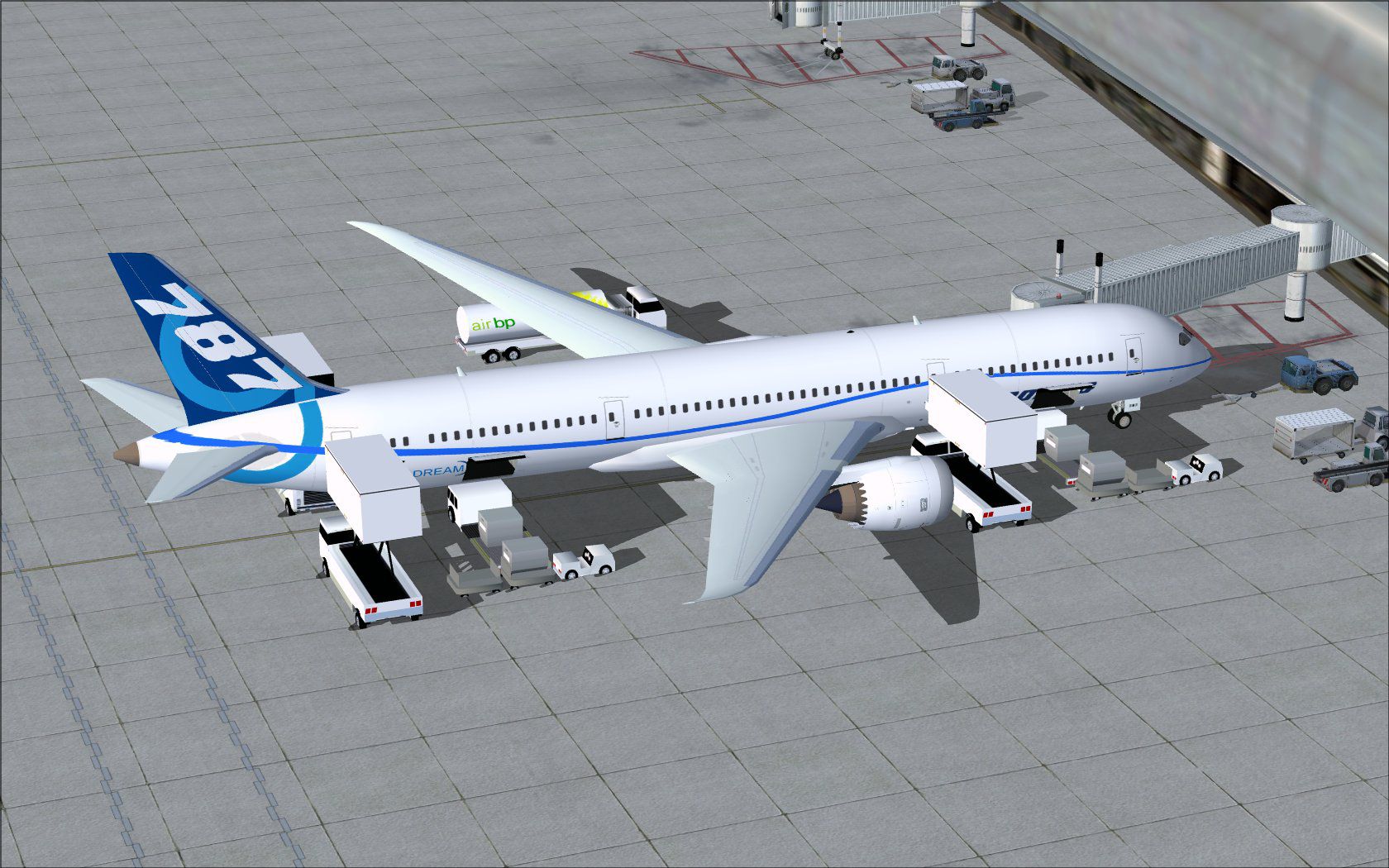
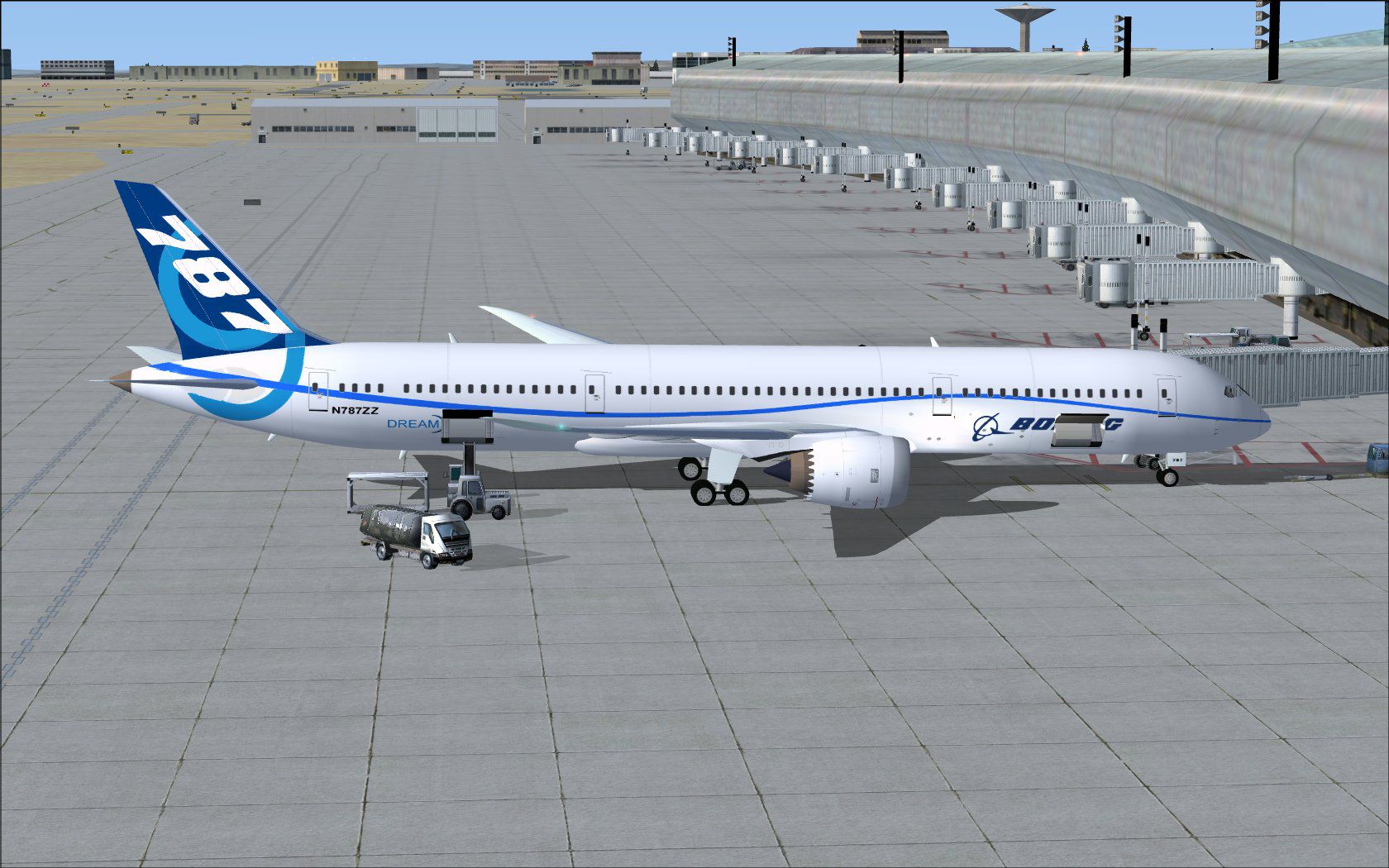
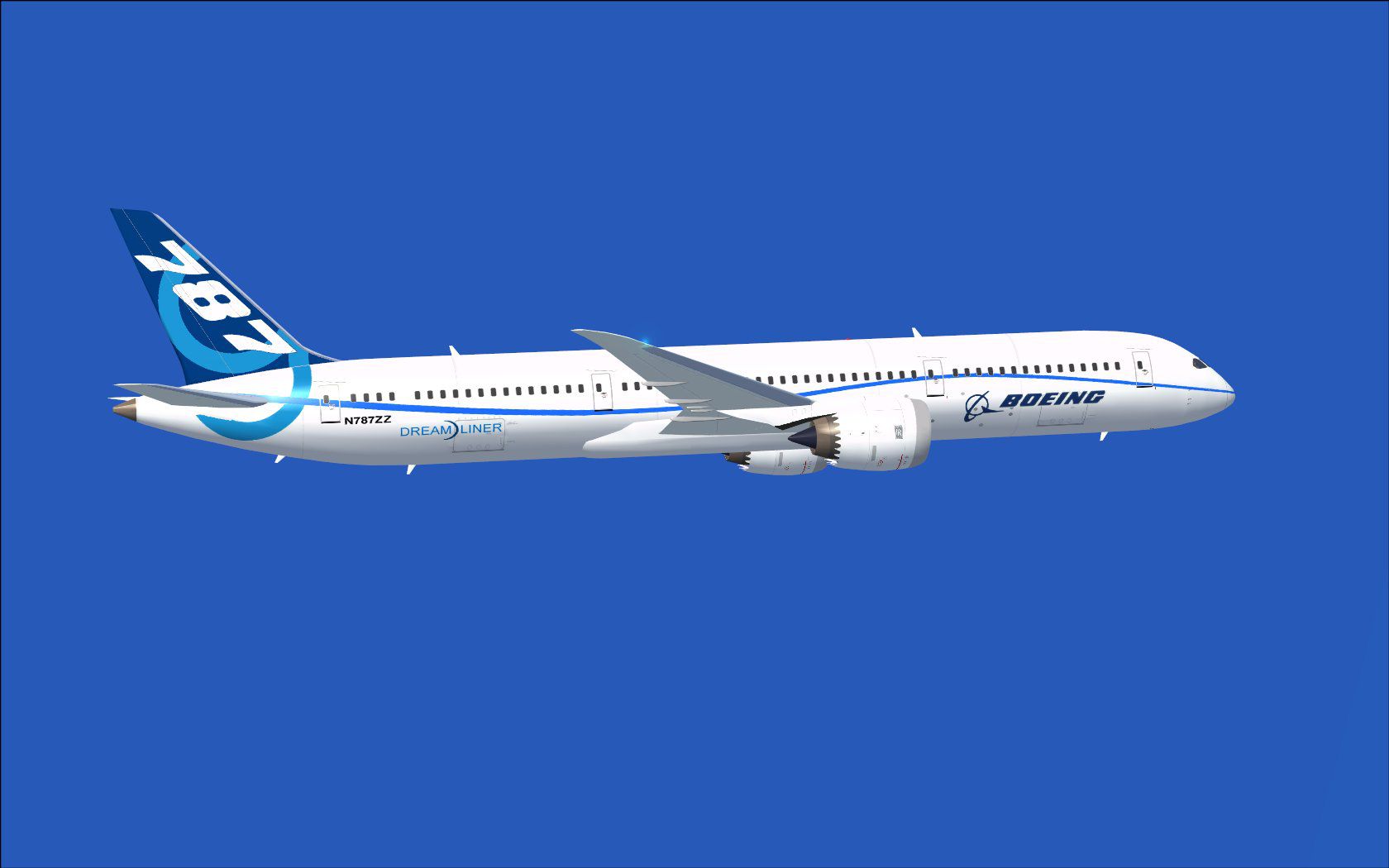
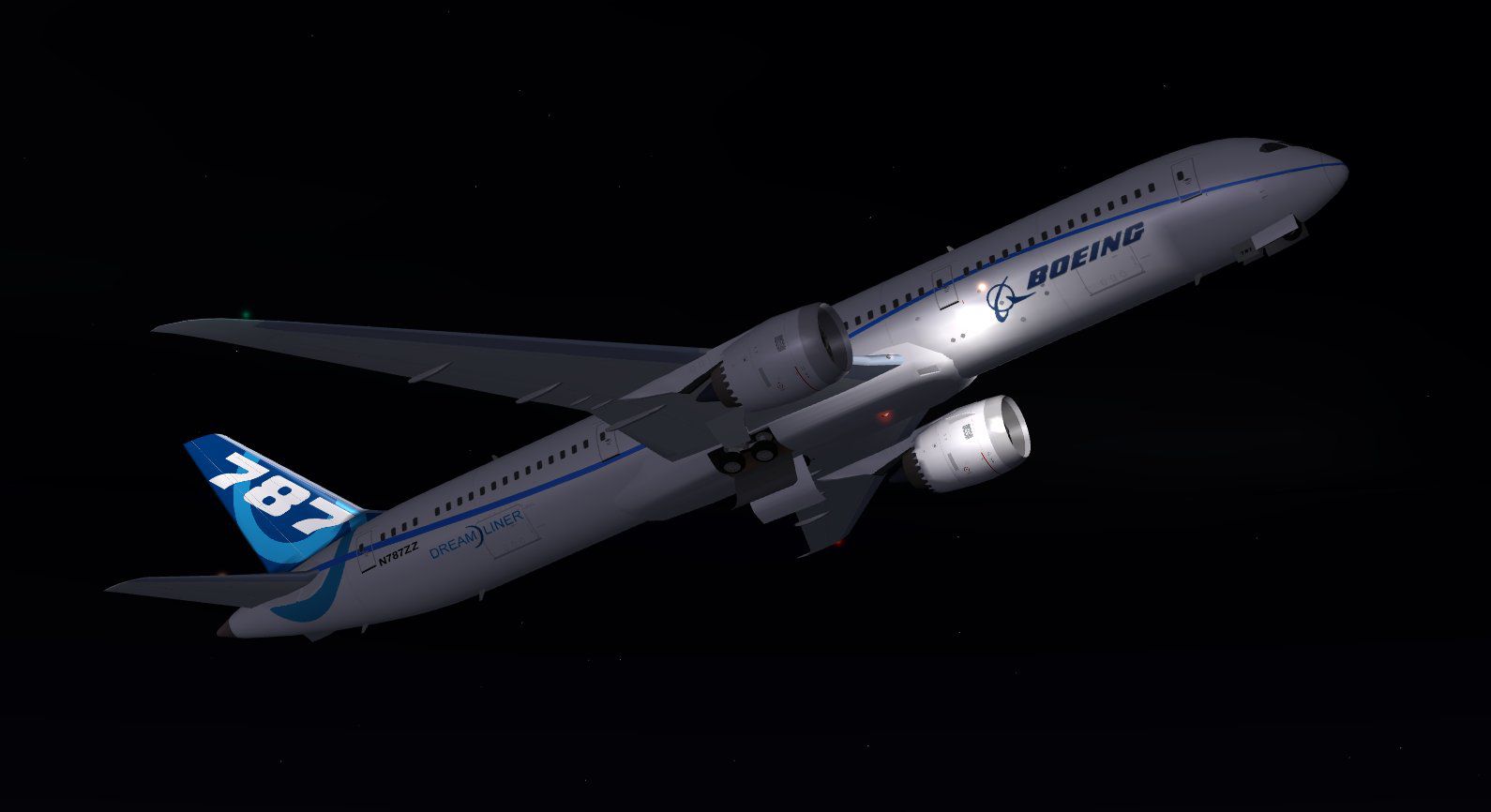
This comprehensive freeware package showcases a modern wide-body Dreamliner variant developed specifically for flight testing. Along with a refined exterior design, it features new ground service animations and straightforward installation procedures for Microsoft’s simulator. Thanks to the work of Camil Valiquette, this complete package offers an engaging experience for enthusiasts seeking to explore advanced aircraft handling and ground operations.
This rendition of the 787-9 represents an extended configuration of the next-generation airliner. In its flight test configuration, it has been meticulously crafted to reflect operational engineering evaluations. It is intended for realistic exploration of core systems, performance checks, and overall handling within the simulator environment. The developer, Camil Valiquette, has updated the graphical design to match current standards while incorporating smooth animations and improved fidelity.
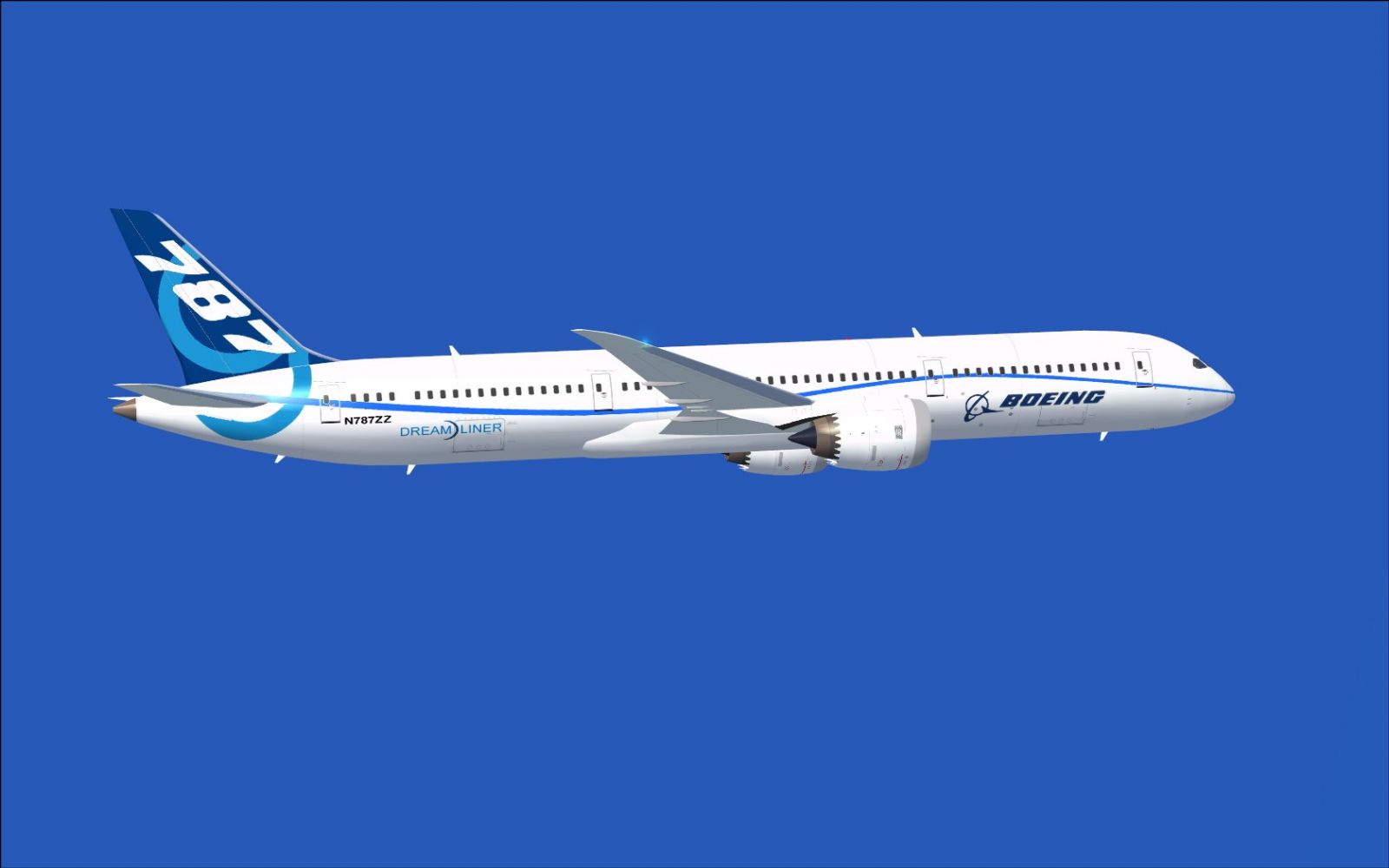
Boeing Flight Test Airplane 787-9 in flight.
The improved external configuration highlights streamlined aerodynamics and refined textures. Version 2 of this aircraft includes:
These updates collectively improve on the original release, offering an immersive ground handling environment. Ground vehicles and doors are animated so users can observe the loading and service operations that occur before takeoff.
Note: If you have previously installed one of Camil Valiquette’s AGS models, you may already have the necessary visual enhancements.
This add-on’s main highlight is its interactive servicing system, built to approximate real ground crew workflows. To take advantage of these features, assign the following commands in your simulator’s options:
These shortcuts trigger the realistic loading and unloading processes, allowing crisp transitions between active flight and ground-based operations.

Boeing Flight Test Airplane 787-9 flying at night.
This meticulously crafted package was designed and painted by Camil Valiquette. It provides a comprehensive experience for those wanting to examine a test aircraft’s unique features in a simulation context. The combination of realistic flight dynamics, fresh textures, and advanced ground animation systems elevates immersion for virtual pilots.
Free for all simmers · 2.63 MB · Scanned clean Oct 2026
Download speed: Free tier is capped at 0.5 Mbps. PRO members download at full line speed.
This add-on may require the following files to function properly. If this is a repaint, the dependency below is likely the base aircraft package.
FSX\SimObjects\Airplanes\. The folder must contain an aircraft.cfg file. Effects go into FSX\Effects\; gauges go into FSX\Gauges\.readme.txt or README file. It tells you exactly where files go, what dependencies are needed, and any quirks specific to this add-on.The archive 789v2zzx.zip has 33 files and directories contained within it.
This list displays the first 500 files in the package. If the package has more, you will need to download it to view them.
| Filename/Directory | File Date | File Size |
|---|---|---|
| CamSim Boeing 787-9 V2 Boeing flight test airplane | 02.11.10 | 0 B |
| 787-9.air | 02.22.06 | 12.76 kB |
| 789bo ags fsx.jpg | 02.11.10 | 294.28 kB |
| 789bo ags2 fsx.jpg | 02.11.10 | 269.30 kB |
| 789bo nit fsx.jpg | 02.11.10 | 52.33 kB |
| 789zz2.jpg | 02.11.10 | 69.36 kB |
| aircraft.cfg | 02.11.10 | 14.80 kB |
| Effects.zip | 09.09.08 | 1.81 kB |
| file_id.diz | 02.11.10 | 200 B |
| model.787-9 ags | 02.11.10 | 0 B |
| 787-9 ags 1 pax stair 3 services.mdl | 02.04.10 | 2.67 MB |
| Model.cfg | 02.04.10 | 51 B |
| Panel | 02.11.10 | 0 B |
| panel.cfg | 02.12.07 | 40 B |
| Read Me_FSX.txt | 02.11.10 | 2.47 kB |
| sound | 02.11.10 | 0 B |
| Sound.cfg | 02.12.07 | 42 B |
| texture.bo | 02.11.10 | 0 B |
| 787eng_t.bmp | 02.10.10 | 1.00 MB |
| 787ext_L.bmp | 12.10.09 | 4.00 MB |
| 787ext_t.bmp | 12.10.09 | 1.00 MB |
| 787int_L.bmp | 12.10.09 | 4.00 MB |
| 787int_t.bmp | 12.10.09 | 1.00 MB |
| 787tail_t.bmp | 02.04.10 | 1.00 MB |
| 789fuse_t.bmp | 02.10.10 | 1.00 MB |
| 789wings_t.bmp | 11.24.09 | 1.00 MB |
| gris_t.bmp | 12.09.09 | 16.07 kB |
| pilot1.bmp | 09.10.09 | 257.05 kB |
| pilot1_L.bmp | 12.06.06 | 1.00 MB |
| thumbnail.jpg | 02.11.10 | 4.14 kB |
| w_t.bmp | 12.06.08 | 16.07 kB |
| flyawaysimulation.txt | 10.29.13 | 959 B |
| Go to Fly Away Simulation.url | 01.22.16 | 52 B |
Only PRO members can place votes.
More FSX & P3D add-ons hand-picked based on this download.
FSX Civil Aircraft
Experience a detailed representation of N787ZA, a unique flight test configur…
 FSX Civil Aircraft
United Airlines FSX Airplane Pack, only compatible with FSX. By Dan Mac. Inst…
 FSX Civil Aircraft
FSX Empire Test Pilots School Boeing 737-600. Textures only. Model by Project…
 FSX Civil Aircraft
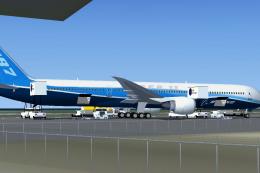
FSX Boeing House Colors Boeing 787 Super 11, including a different new Animat…
 FSX Civil Aircraft
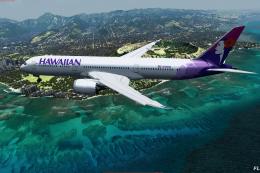
A fully-featured Boeing 787 freeware package for Microsoft Flight Simulator X…
 FSX Civil Aircraft
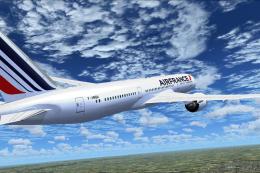
Tenkuu Developers Studio - Boeing 787-9 Dreamliner Air France Boeing 787-9 "F…
 FSX Civil Aircraft
FS2004/FSX/P3D Aeromexico Boeing 787-9, registration XA-ADL. 32 bit Aeromexic…
 FSX Civil Aircraft
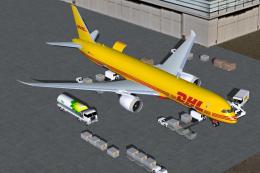
This specialized DHL Boeing 787-9 cargo rendition is offered as a freeware pa…
Be the first to leave a comment on this download.
Be the first to share your thoughts on this download.