

 FSX Civil Aircraft
My Travel Airways Airbus A330-200
This repaint showcases My Travel Airways’ Airbus A330-200, registered as G-ML…
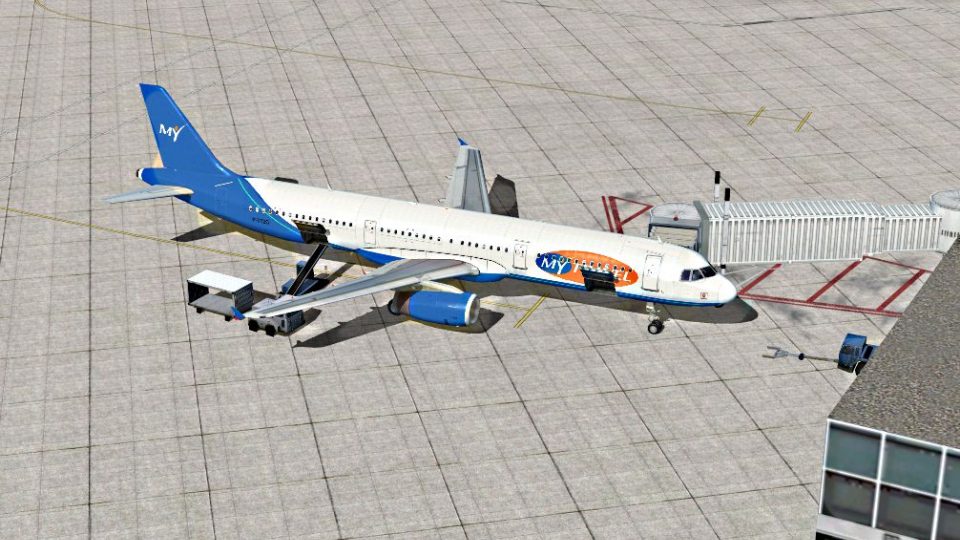
MyTravel Airways’ blue Manchester-based livery brings a recognizable holiday charter look to the default Airbus A321 in FSX, with handcrafted textures that keep lines crisp and markings authentic. The repaint integrates cleanly with the aircraft selection menu and enhances immersion for airline-style routes, day or night operations, and fleet variety.
 Rate
Rate
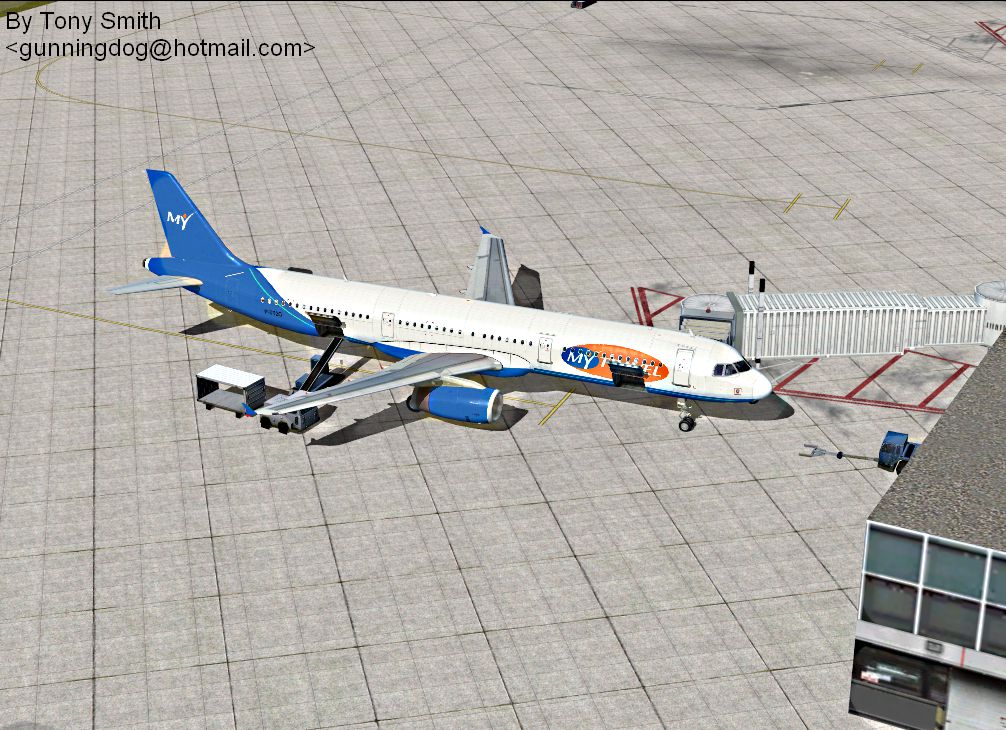
My Travel Airways Airbus A321. A handmade texture for the default Airbus A321, based on the blue paint scheme for My Travel Airways which is based in Manchester. By Anthony Smith.
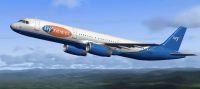
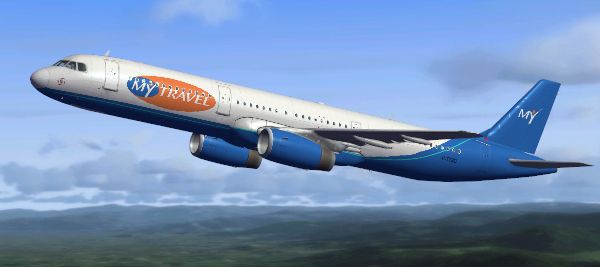
My Travel Airways Airbus A321 in flight.
For those who do not know how to install the aircraft textures just go to your Flight simulator program file
then into Simobjects /airplanes /Airbus_A321.
when you are in the airbus a321 file. paste the file named 'Texture.myt'
after that go to the file named Aircraft.cfg (if your computer asks what program to use to read it. just use notepad.)
After this there should be a list of writing starting with headings in brackets. look for the last one which is labelled
[fltsim.1,2,3 etc.]
these number off and at the last flightsim number paste the below into the gap below and replace the 2 X's i have placed in the brackets to the next number in the chain. this should end up looking like all the code above and will allow you to use your aircraft textures. otherwise the simulator might not recognise the file and just skip the texture folder.
_____________________________________
[fltsim.XX]

title=Airbus A321 My Travel

sim=Airbus_A321

model=

panel=

sound=

texture=myt

kb_checklists=AirbusA321_check

kb_reference=AirbusA321_ref

atc_id=Kestrel

atc_airline=My Travel

atc_flight_number=

ui_manufacturer="Airbus"

ui_type="A321"

ui_variation="My Travel Airways"

ui_typerole="Transport Airliner"

ui_createdby="TonyGD"

description="MyTravel Airways was a United Kingdom scheduled and charter airline with headquarters in Manchester, England. It operated worldwide holiday charter services mainly for its parent company, the MyTravel Group.The airline was founded in 1990 as Airtours International Airways. During 2007 the MyTravel Group agreed to merge with Thomas Cook AG, and on 30 March 2008, MyTravel Airways was fully integrated into Thomas Cook Airlines.Made By Anthony Smith"
Free for all simmers · 4.86 MB · Scanned clean Oct 2026
Download speed: Free tier is capped at 0.5 Mbps (this file takes approximately 1 min at the cap). PRO members download at full line speed.
texture.{airline}) inside FSX\SimObjects\Airplanes\{base-aircraft}\.aircraft.cfg in Notepad. Add a new [fltsim.X] section per the readme.readme.txt or README file. It tells you exactly where files go, what dependencies are needed, and any quirks specific to this add-on.The archive mytravel_a321.zip has 12 files and directories contained within it.
This list displays the first 500 files in the package. If the package has more, you will need to download it to view them.
| Filename/Directory | File Date | File Size |
|---|---|---|
| texture.myt | 03.21.10 | 0 B |
| A321_1_T.dds | 03.20.10 | 1.00 MB |
| A321_1_T_spec.dds | 09.04.06 | 1.33 MB |
| A321_2_T.dds | 09.04.06 | 1.33 MB |
| A321_2_T_spec.dds | 09.04.06 | 1.33 MB |
| Fresnel_Ramp.dds | 09.04.06 | 640 B |
| texture.cfg | 08.14.06 | 137 B |
| thumbnail.jpg | 03.21.10 | 99.40 kB |
| BLANK INSTALLATION AIRCRAFT DATA.txt | 03.21.10 | 1.67 kB |
| My Travel airways at Manchester Airport being serviced.png | 03.21.10 | 1.78 MB |
| flyawaysimulation.txt | 10.29.13 | 959 B |
| Go to Fly Away Simulation.url | 01.22.16 | 52 B |
Only PRO members can place votes.
More FSX & P3D add-ons hand-picked based on this download.
FSX Civil Aircraft
This repaint showcases My Travel Airways’ Airbus A330-200, registered as G-ML…
 FSX Civil Aircraft
FSX World Travel Airlines Airbus A321 in 2004 livery. Textures for the defaul…
 FSX Civil Aircraft
FSX Travel Service Boeing 737-800. A repaint for default B737-800 in Travel S…
 FSX Civil Aircraft
This freeware repaint offers a refreshed exterior for the default AI McDonnel…
 FSX Civil Aircraft
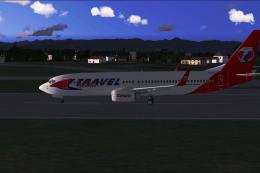
Includes Travel Service Boeing 737-800 blue tail, Travel Service Boeing 737-8…
 FSX Civil Aircraft
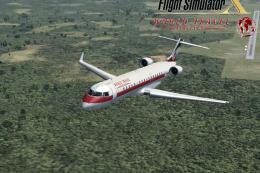
FSX World Travel Airlines CRJ-700. This is an update for the repaint from the…
 FSX Civil Aircraft
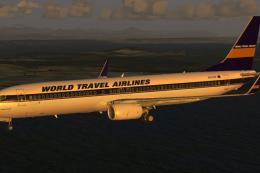
A repaint of the payware PMDG B737-900NGX in FSX's World Travel livery. You m…
 FSX Civil Aircraft
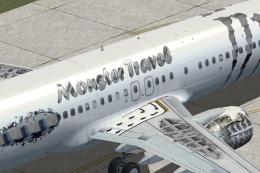
Monster Travel Boeing 737-800. Fictional airline texture Monster for the defa…
Be the first to leave a comment on this download.
Be the first to share your thoughts on this download.