

 FSX Civil Aircraft
Thai Airways Boeing 747-400
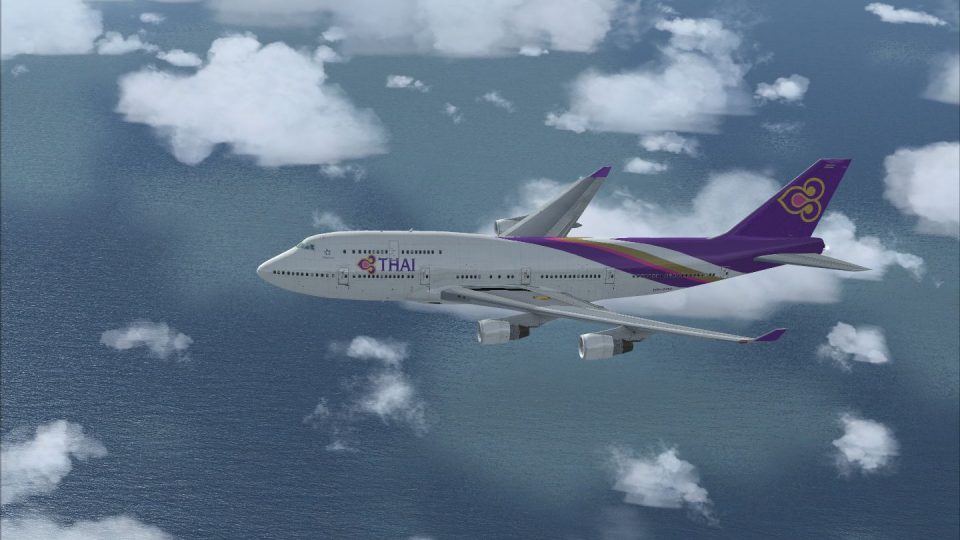
FSX Thai Airways Boeing 747-400, registration HS-TGZ. Textures only for the d…
Thai Airways’ “new colors” livery brings the carrier’s modern look to the Boeing 747-400 with crisp exterior textures and a distinctive black wing belt option for added variety. Designed for Flight Simulator X, it requires the default 747-400 and keeps the original virtual cockpit and flight model intact.
 Rate
Rate
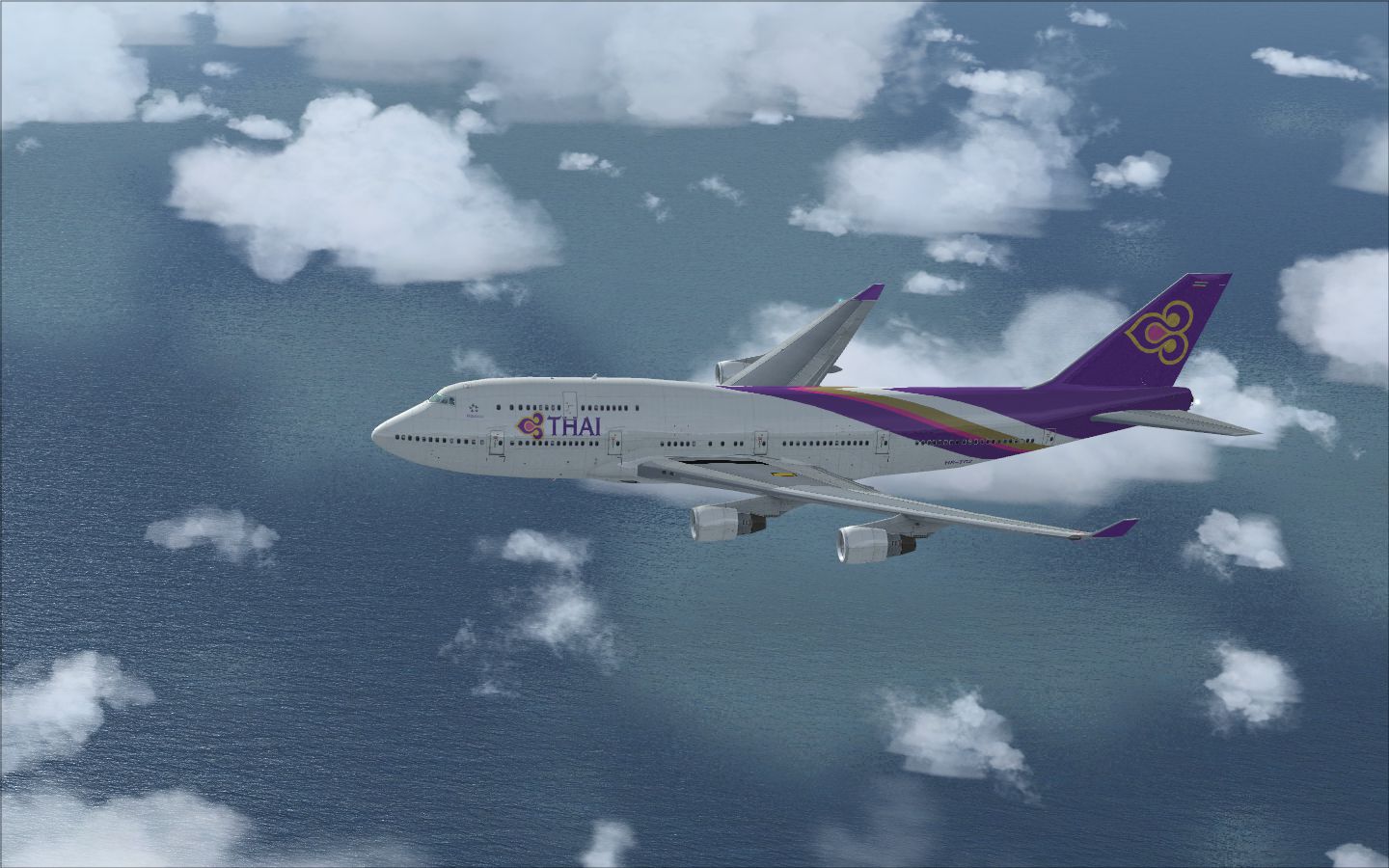
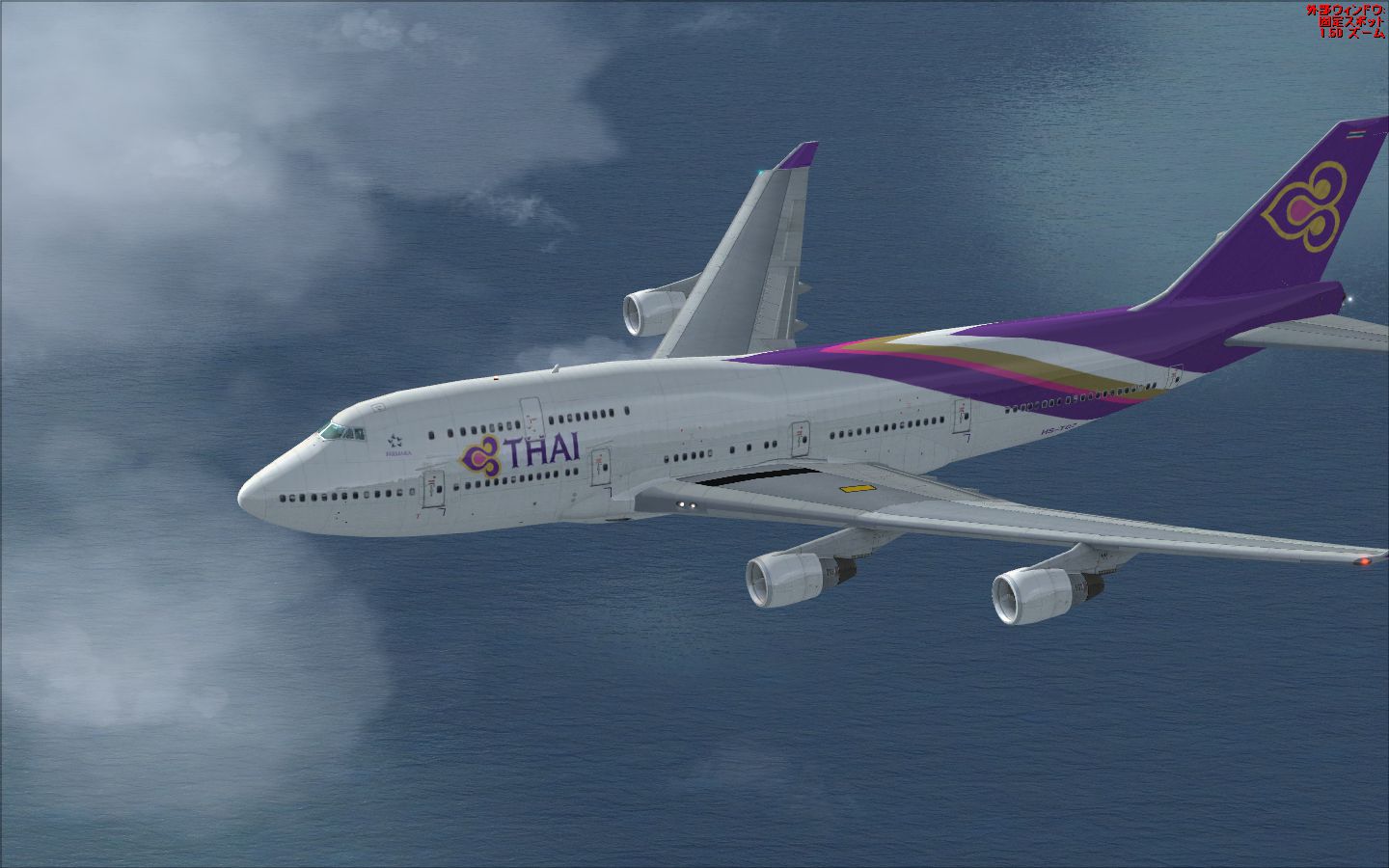


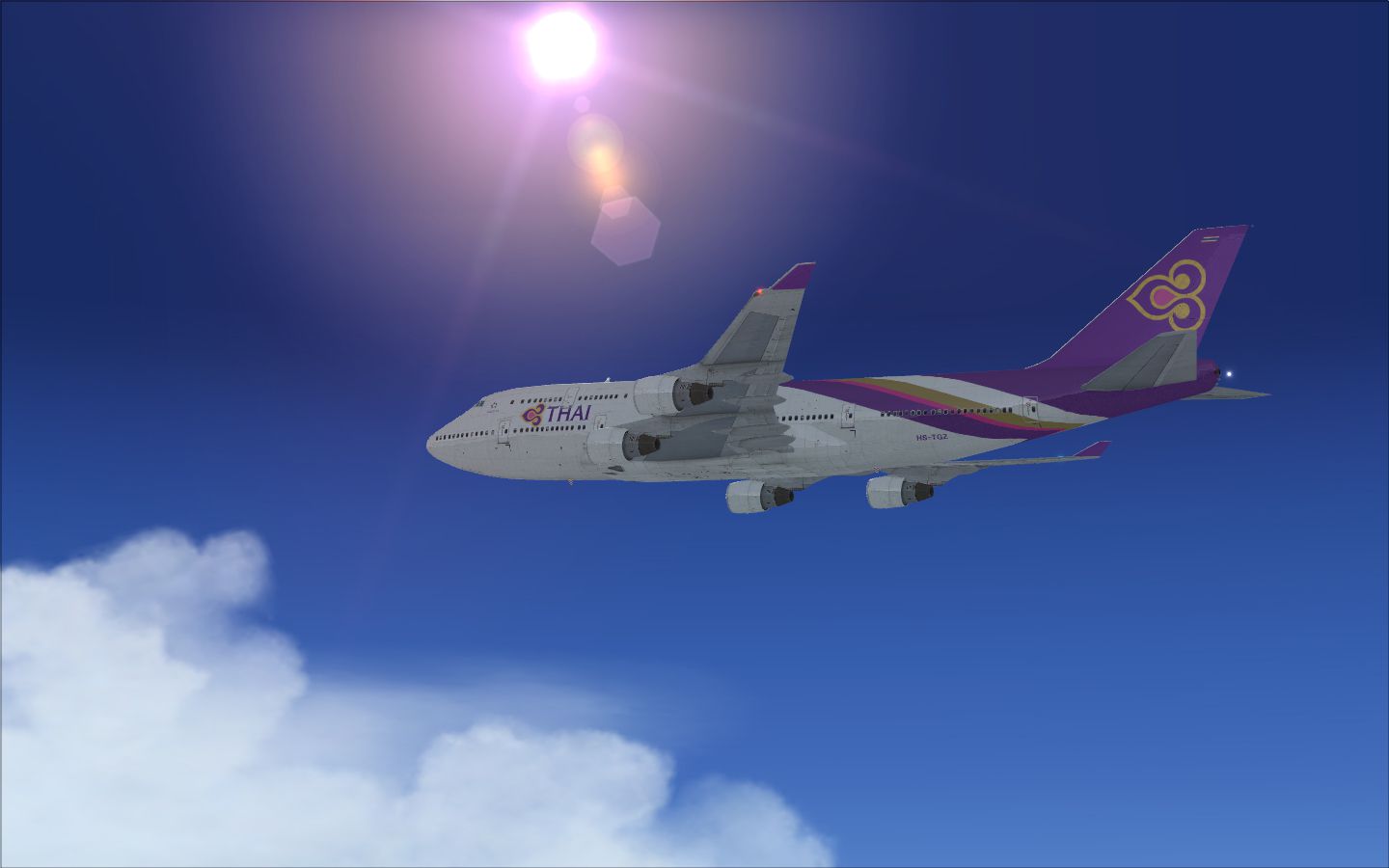
Thai Airways Boeing 747-400 (new colors). Textures only for the default B747-400.
Thai Airways Boeing 747-400.
Thank you indeed for downloading it.
This file is FSX default B747-400 repaint of "ThaiAirways New color".
This file is freeware.
When you introduce repaint:
Please acknowledge that it cannot be able to make amends for all even if the movement of PC and peripherals is influenced harmfully by any chance.
How To Install
--------------------------------------------------------------------------------------------------------------------------------------------------------------------------------------------------------------------------------------------------------------------------
1."Texture.Thai" file in ThaiAirways B747-400.zip, It copies it in
C\Program Files\Microsoft Games\Microsoft Fligft Simulator X\SimObjects\Airplanes\b747_400.
2.The aircraft.cfg file in b747_400
[fltsim.›]
title=Boeing 747-400 PaintThai
sim=Boeing747-400
model=""
panel=""
sound=""
texture=Thai
kb_checklists=Boeing747-400_check
kb_reference=Boeing747-400_ref
atc_id=""
atc_airline=Boeing
atc_flight_number=1123
atc_heavy=1
ui_manufacturer=Boeing
ui_type=747-400
ui_variation=ThaiAirways New color
ui_typerole=¤—p—·‹q‹@
ui_createdby=Microsoft Corporation
description=30 ”NˆÈã‚à‘O‚ÉAƒ{[ƒCƒ“ƒO 747 ‚ÍAƒjƒ…[ƒˆ[ƒN - ƒƒ“ƒhƒ“ü‚ɉAq‚µ‚Ü‚µ‚½B‚»‚êˆÈ—ˆAƒ{[ƒCƒ“ƒO 747 ‚Í‚»‚Ì‘¼‚Ì‘åŒ^ƒWƒFƒbƒg—·‹q‹@‚Ì•]‰¿Šî€‚Æ‚È‚Á‚Ä‚¢‚Ü‚·B 747 ‚̃TƒCƒYAq‘±‹——£A‘¬“xA‚¨‚æ‚Ñ“‹Ú—Ê‚ÍA“–Žž‚à¡‚à‚±‚̃Nƒ‰ƒX‚Ì—·‹q‹@‚̃gƒbƒv‚ðŒÖ‚è‚Ü‚·B
Please rewrite it like that.
[fltsim.›] "›"To the sequential number.
atc_id=""@@@@@@@@@@@ ¨It is a registration number. It is written it in repaint.
atc_airline=Pacifica@@@@@@@ ¨It is a call sign of ATC in FSX.
atc_flight_number=4219@@@@@@ ¨It is a flight number.
ui_variation=ThaiAirways New color@ ¨When the airframe is selected, it is displayed.
Please rewrite to like it.
5.The installation is completed.
---------------------------------------------------------------------------------------------------------------------------------------------------------------------------------------------------------------------------------------------------------------------------
This repaint has the black belt in the main wing.
•‘Ñ‚È‚µ‚É‚µ‚½‚¢ê‡‚Ítexture.Thai“à‚Ì"B747_2_T"‚ðu•‘Ñ‚ ‚è B747_2_Tv“™‚É–¼‘O‚ð•Ï‚¦AhB747_2_T •‘Ñ‚È‚µ"‚ðuB747_2_Tv‚É–¼‘O•ÏŠ·‚µ‚Ä‚‚¾‚³‚¢B
If you want to change to Black belt none , you must change name "B747_2_T"¨"1_B747_2_T","B747_2_T@•‘Ñ‚È‚µ"¨"B747_2_T".
PPPPPPPPPPPPPPPPPPPPPPPPPPPPPPPPPPPPPPPPPPPPPPPPPPPPPPPPPPPP
ª
I was not able to translate well. Please translate by oneself.
I am sorry indeed.
---------------------------------------------------------------------------------------------------------------------------------------------------------------------------------------------------------------------------------------------------------------------------
Rpainted by Yosuke.
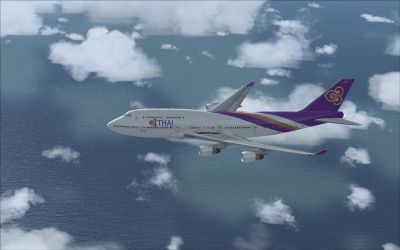
Thai Airways Boeing 747-400 in flight.
Free for all simmers · 6.05 MB · Scanned clean Oct 2026
Download speed: Free tier is capped at 0.5 Mbps (this file takes approximately 2 mins at the cap). PRO members download at full line speed.
texture.{airline}) inside FSX\SimObjects\Airplanes\{base-aircraft}\.aircraft.cfg in Notepad. Add a new [fltsim.X] section per the readme.readme.txt or README file. It tells you exactly where files go, what dependencies are needed, and any quirks specific to this add-on.The archive thaiairwaysb747-400.zip has 18 files and directories contained within it.
This list displays the first 500 files in the package. If the package has more, you will need to download it to view them.
| Filename/Directory | File Date | File Size |
|---|---|---|
| B747_1_LM.dds | 03.29.10 | 256.12 kB |
| B747_1_T.dds | 03.29.10 | 1.00 MB |
| B747_2_T.dds | 03.29.10 | 1.00 MB |
| B747_400_4_C.dds | 03.29.10 | 1.00 MB |
| texture.cfg | 05.18.08 | 137 B |
| thumbnail.jpg | 03.29.10 | 44.17 kB |
| B747_2_T ü@ìòæ╤é╚é╡.dds | 03.29.10 | 1.00 MB |
| Readme English.txt | 03.29.10 | 3.02 kB |
| Readme Japanese.txt | 03.29.10 | 2.71 kB |
| 2010-3-29_20-50-14-355.jpg | 03.29.10 | 393.01 kB |
| 2010-3-29_20-47-2-192.jpg | 03.29.10 | 778.66 kB |
| 2010-3-29_20-47-7-940.jpg | 03.29.10 | 278.63 kB |
| 2010-3-29_20-47-33-666.jpg | 03.29.10 | 659.76 kB |
| 2010-3-29_20-48-33-636.jpg | 03.29.10 | 742.71 kB |
| 2010-3-29_20-48-48-3.jpg | 03.29.10 | 591.19 kB |
| 2010-3-29_20-49-53-276.jpg | 03.29.10 | 403.78 kB |
| flyawaysimulation.txt | 10.29.13 | 959 B |
| Go to Fly Away Simulation.url | 01.22.16 | 52 B |
Only PRO members can place votes.
More FSX & P3D add-ons hand-picked based on this download.
FSX Civil Aircraft
FSX Thai Airways Boeing 747-400, registration HS-TGZ. Textures only for the d…
 FSX Civil Aircraft
This high-precision repaint showcases Thai Airways’ updated color scheme on t…
 FSX Civil Aircraft
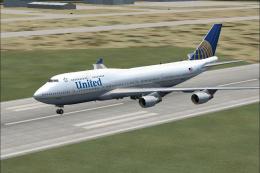
United Airlines Boeing 747-400. Due to the Continental/United merger they cha…
 FSX Civil Aircraft
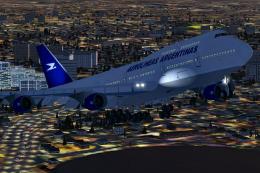
This freeware package offers a finely tuned rendition of the Aerolineas Argen…
 FSX Civil Aircraft
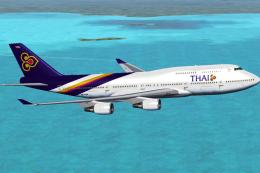
Complete package of the Project Open Sky B747-400 version 4 in Thai Airways l…
 FSX Civil Aircraft
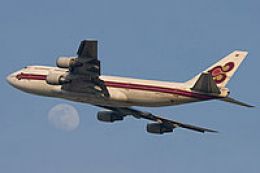
Thai Boeing 747-300, registration HS-TGD. Textures only for the SKAI B737-400…
 FSX Civil Aircraft
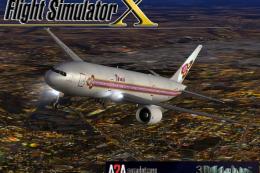
This freeware release brings the notable Boeing 777-2D7 wearing Thai Airways …
 FSX Civil Aircraft
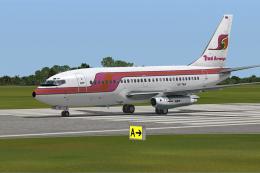
This is the repaint of payware Captain Sim B737-200 model in Thai Airways liv…
Be the first to leave a comment on this download.
Be the first to share your thoughts on this download.