

 FSX Civil Aircraft
Aerospatiale Concorde BA, AF, SA
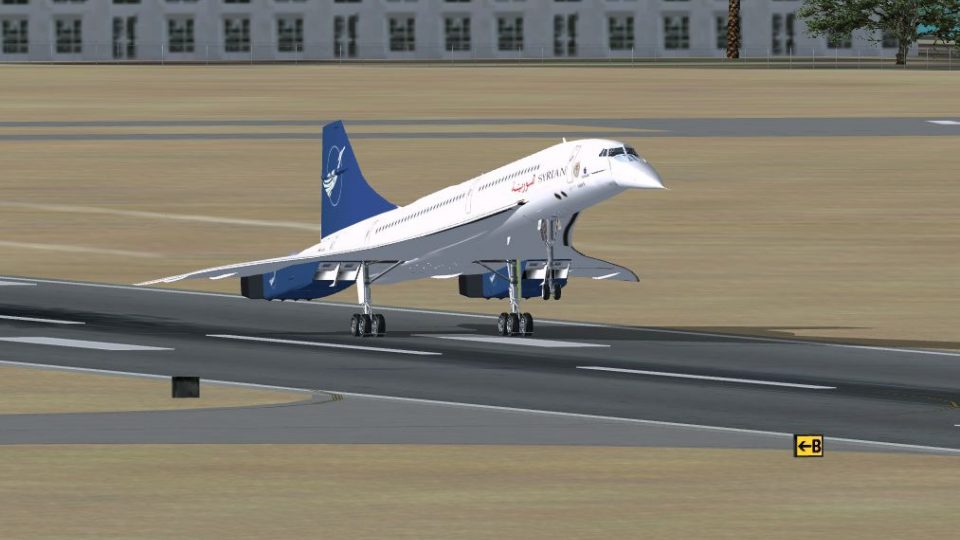
Aerospatiale Concorde BA, AF, SA. The Concorde was the first and the only sup…
Aerospatiale Concorde BA, AF, and SA flight model fix corrects spoiler-induced lift and G-force behavior, reducing the post-touchdown pitch-up that can lead to tail strikes. Designed for FSX, it delivers smoother landings and more predictable spoiler handling in flight by replacing the aircraft’s .air file.
 Rate
Rate
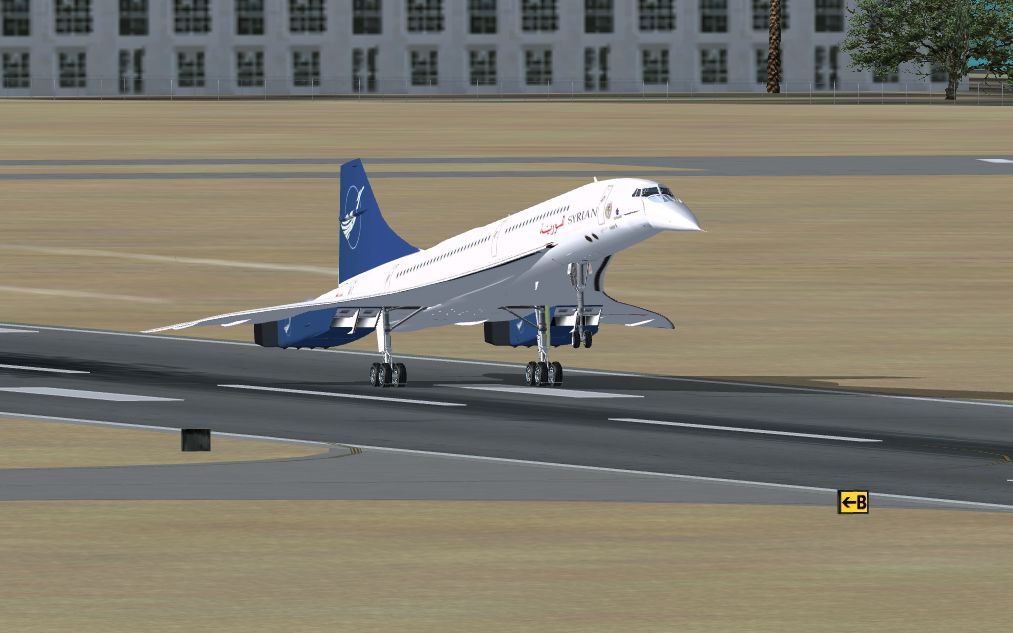
Aerospatiale Concorde BA, AF, SA Fix. This package contains the fix for XCONCORDE.ZIP which resolves the excessive and unrealistic lift and G-forces generated by deployed spoilers. As many have noticed, the plane would heavily pitch up after touchdown if the spoilers were armed which results in a tail-strike most of the time. The fix will hopefully resolve the problem and allow for a much smoother landing and easier use of the spoilers in-flight. By Mason Al Nouri.
This package contains the fix for xconcorde.zip which resolves the excessive and unrealistic lift and G-forces generated by deployed spoilers. As many of you have noticed, the plane would heavily pitch up after touchdown if the spoilers were armed which results in a tail-strike most of the time. The fix will hopefully resolve the problem and allow for a much smoother landing and easier use of the spoilers in-flight.
To install: Use the concorde.air file provided in this package to overwrite the concorde.air file that is included in the FSX Concorde folder(C:\Program Files\Microsoft Games\Microsoft Flight Simulator X\SimObjects\Airplanes\Concorde), Alternatively you can delete the current concorde.air file in the concorde folder and then copy the concorde.air file provided in this package and paste it in the concorde folder.
Note: Remember to arm your spoilers during landing, they greatly increase drag and help in weight balance which helps stop the concorde quickly.
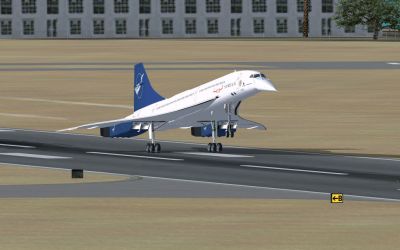
Aerospatiale Concorde landing on runway.
Free for all simmers · 315.91 KB · Scanned clean Oct 2026
Download speed: Free tier is capped at 0.5 Mbps. PRO members download at full line speed.
This add-on may require the following files to function properly. If this is a repaint, the dependency below is likely the base aircraft package.
SimObjects\Airplanes\, Addon Scenery\, Effects\, or Gauges\.readme.txt or README file. It tells you exactly where files go, what dependencies are needed, and any quirks specific to this add-on.The archive xconcordeair.zip has 5 files and directories contained within it.
This list displays the first 500 files in the package. If the package has more, you will need to download it to view them.
| Filename/Directory | File Date | File Size |
|---|---|---|
| Concorde.air | 04.07.10 | 10.01 kB |
| readme.txt | 04.07.10 | 1.10 kB |
| landing.jpg | 04.08.10 | 310.48 kB |
| flyawaysimulation.txt | 10.29.13 | 959 B |
| Go to Fly Away Simulation.url | 01.22.16 | 52 B |
Only PRO members can place votes.
More FSX & P3D add-ons hand-picked based on this download.
FSX Civil Aircraft
Aerospatiale Concorde BA, AF, SA. The Concorde was the first and the only sup…
 FSX Civil Aircraft
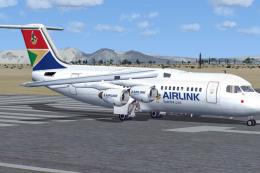
Airlink SA BAe Avro RJ100, registration ZS-PYM. Original model by Jon Murchis…
 FSX Civil Aircraft
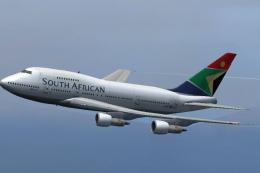
Model designed by Project Open Sky. Panel is the default B747 panel. SAA colo…
 FSX Civil Aircraft
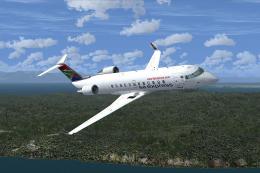
This repaint package offers a detailed SA Express Bombardier CRJ200 rendition…
 FSX Civil Aircraft
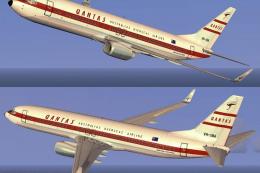
This repaint showcases the classic Qantas Retrojet V-Jet livery for a Boeing …
 FSX Civil Aircraft
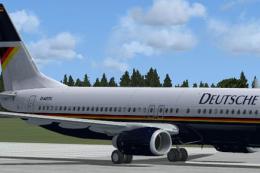
This is a repaint of the default B737-800, in the Deutsche BA livery of the e…
 FSX Civil Aircraft
Comair Limited (British Airways South Africa) B737-800 ZS-ZWI for the model b…
 FSX Civil Aircraft
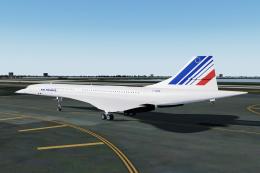
This add-on for Microsoft Flight Simulator X and Prepar3D (v4/5) brings the l…
Be the first to leave a comment on this download.
Be the first to share your thoughts on this download.