

 FSX Civil Aircraft
China Southern Airways Boeing 787-8 V2
China Southern Airways Boeing 787-8 v2, registration B-2727. This CamSim vers…
Air China’s Boeing 787-8 v2 for FSX pairs a refined CamSim external model with accurate livery textures, improved aerodynamics, and a modern glass virtual cockpit for convincing long-haul flying. Animated Ground Servicing adds door, cargo, and ramp sequences plus custom night lighting, and requires the included effects files for full functionality.
 Rate
Rate
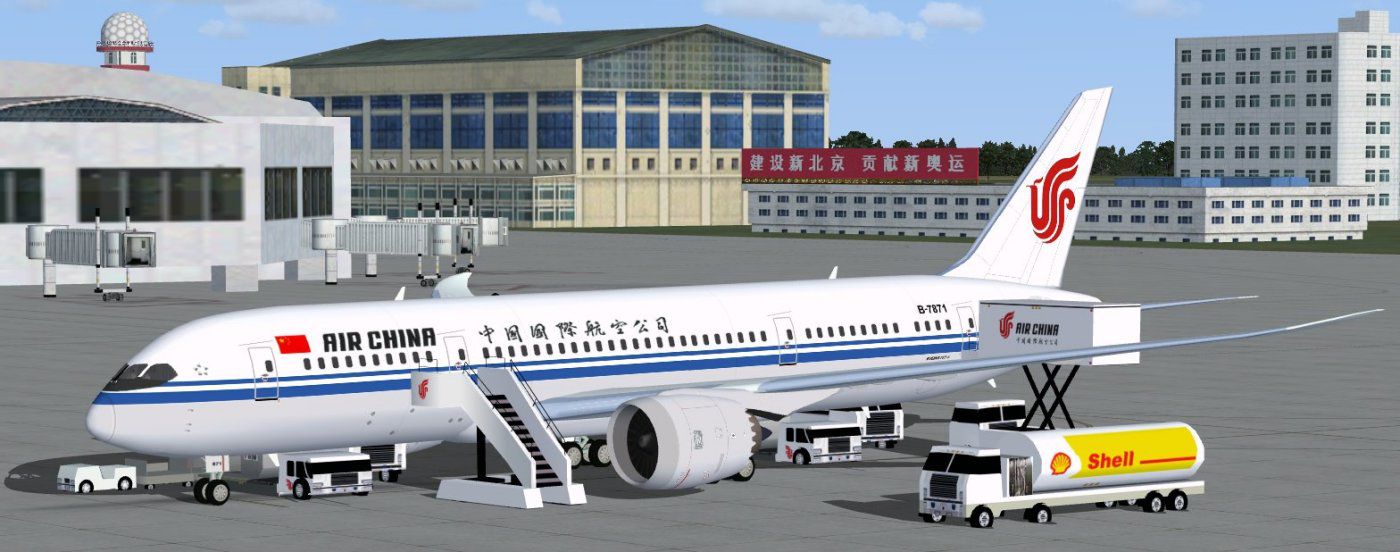
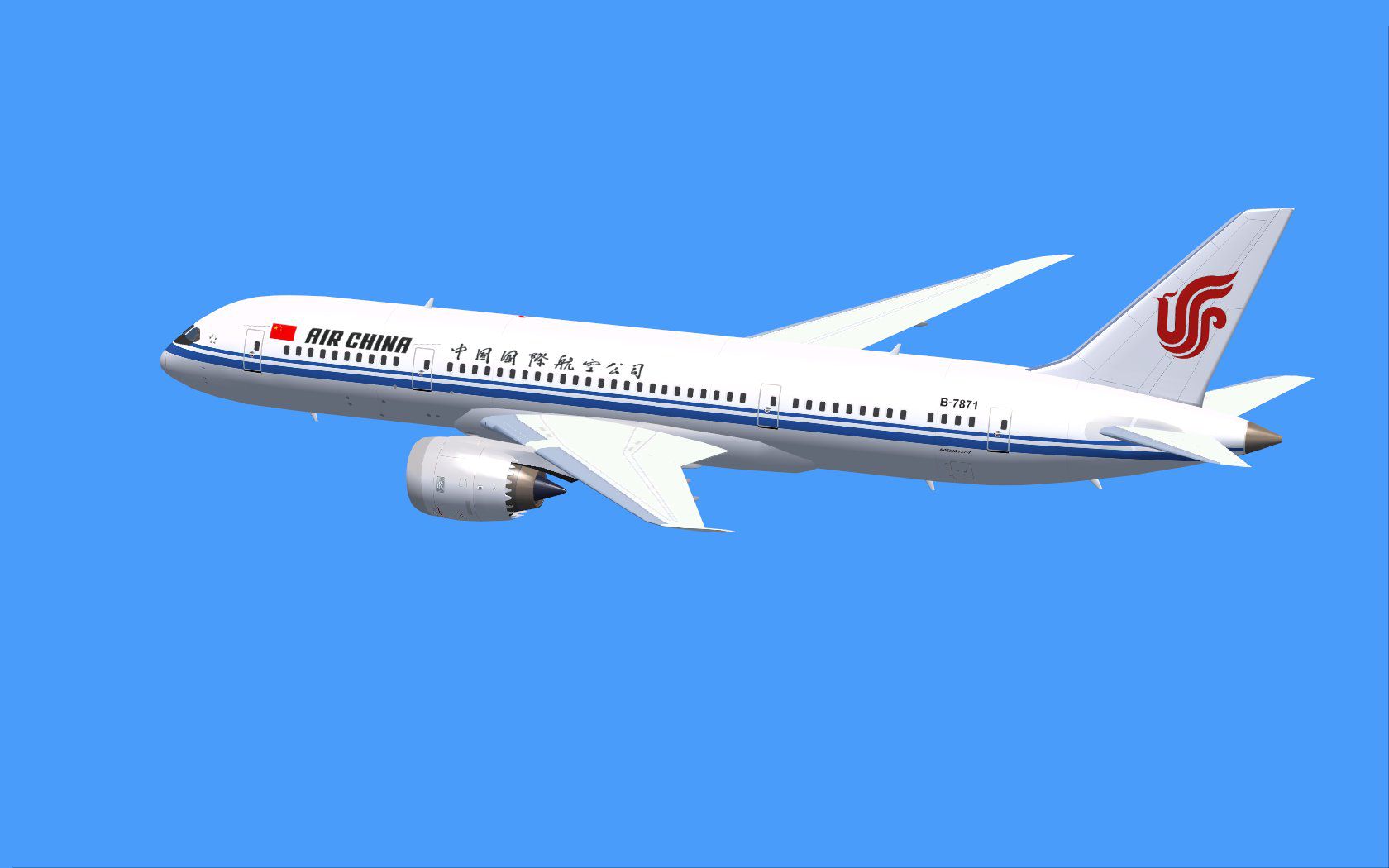
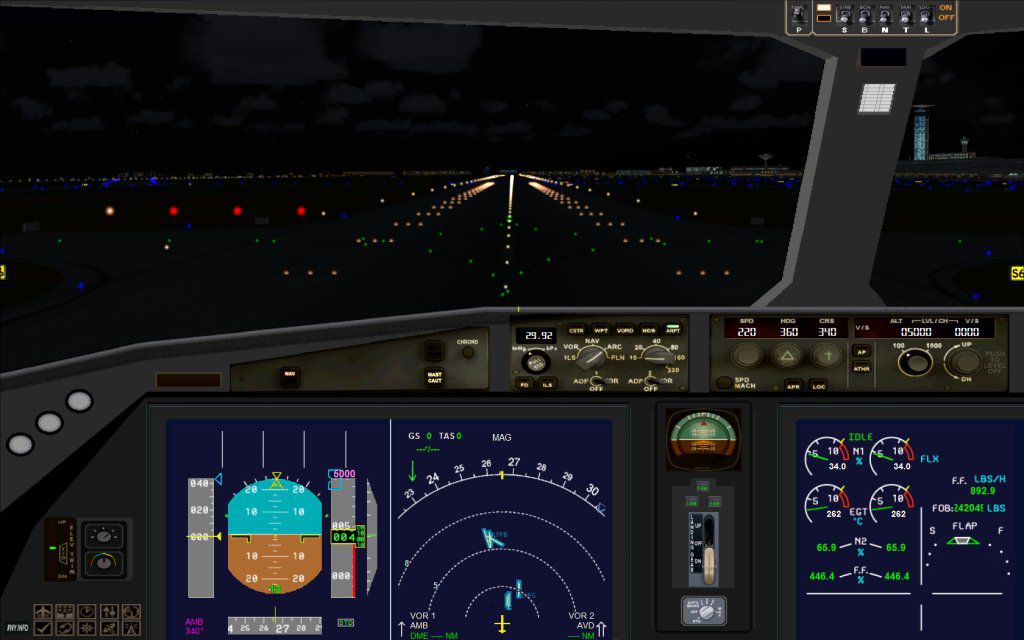
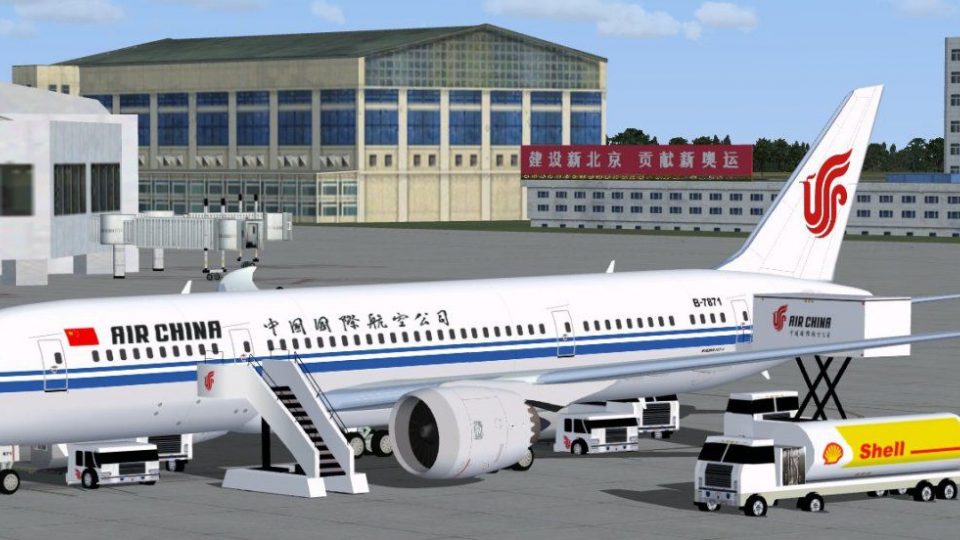
This newly updated freeware release features Air China’s Boeing 787-8 (v2) by CamSim, incorporating enhanced aerodynamics and a refined Animated Ground Servicing (AGS) feature set. It has been meticulously designed and painted by Camil Valiquette, whose attention to detail ensures an accurate rendition of this innovative widebody. The Boeing 787-8, often referred to as the “Dreamliner,” introduces advanced composite materials and fuel-efficient technology, making it an ideal long-haul choice for carriers like Air China.
In this v2 variant, the external model includes fine-tuned fuselage contours, adjusted control surfaces, and optimized wing geometry. These refinements elevate the overall realism when viewed in various lighting conditions, and they also help deliver more precision for those who enjoy close-up external camera perspectives. The Air China livery, rendered with consistent texture mapping, reproduces the airline’s distinctive branding on the tail, fuselage lettering, and engine nacelles.
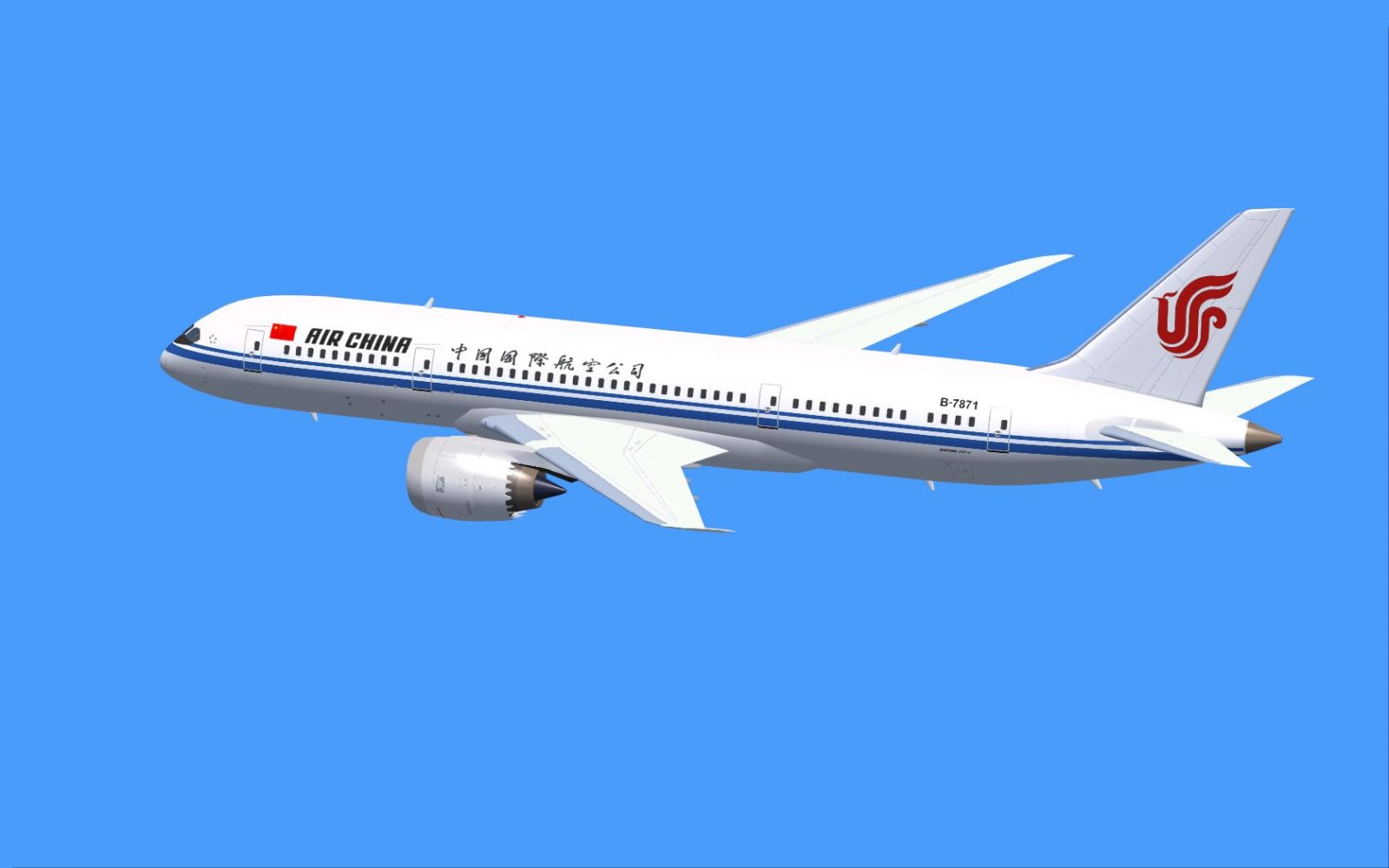
Air China Boeing 787-8 during flight.
The updated AGS system adds depth to ground operations. It simulates real-world loading procedures, cabin access, and cargo handling. By using the designated key commands, the passenger doors, cargo hatches, and other ground service animations trigger correctly in FSX. This setup mirrors actual apron activities, providing a compelling pre-departure or post-arrival sequence. AGS installation requires minimal configuration, but be sure to confirm the necessary effect files are installed to enjoy custom night lighting effects.
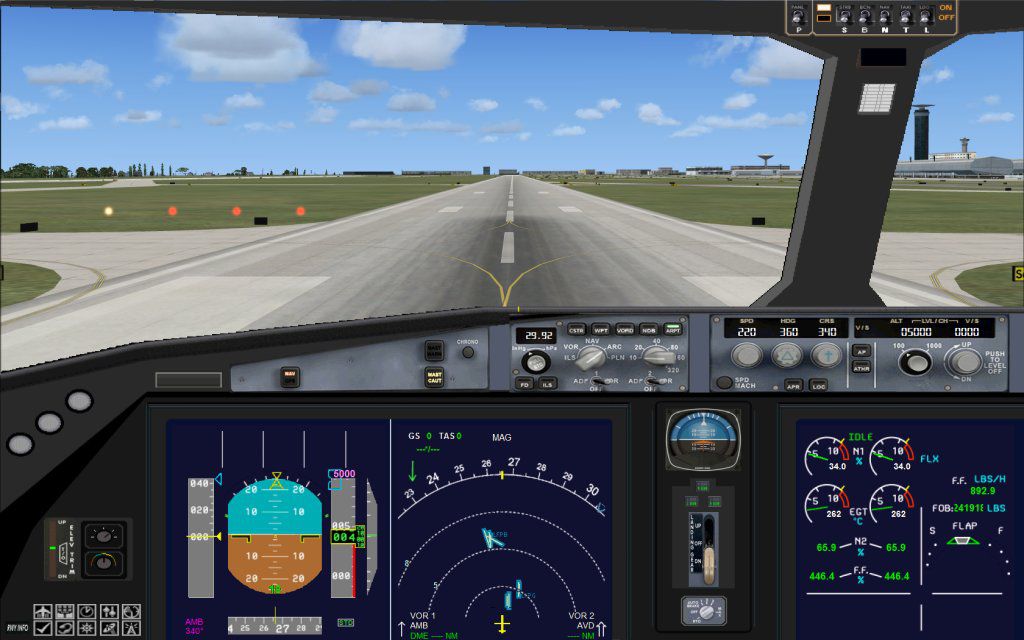
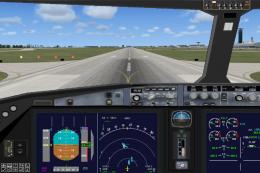
The Boeing 787’s cockpit instrumentation, though simplified for FSX standards, mirrors the modern glass flight deck found in the real aircraft. Pilots can expect a clear view of engine parameters, navigation displays, and integrated flight management tools. Subtle tweaks to the flight dynamics deliver a balanced feel during rotation and landing, reflecting the 787’s distinctive handling. In particular, the wings’ flexibility is noticeable under varying loads, enhancing immersion when using external cameras.
If your simulator key assignments remain at their defaults, use the following:
For complete functionality, consider mapping additional commands to “wing fold/unfold” (Shift + C) and “tail hook up/down” (Shift + D) under FSX options as needed.
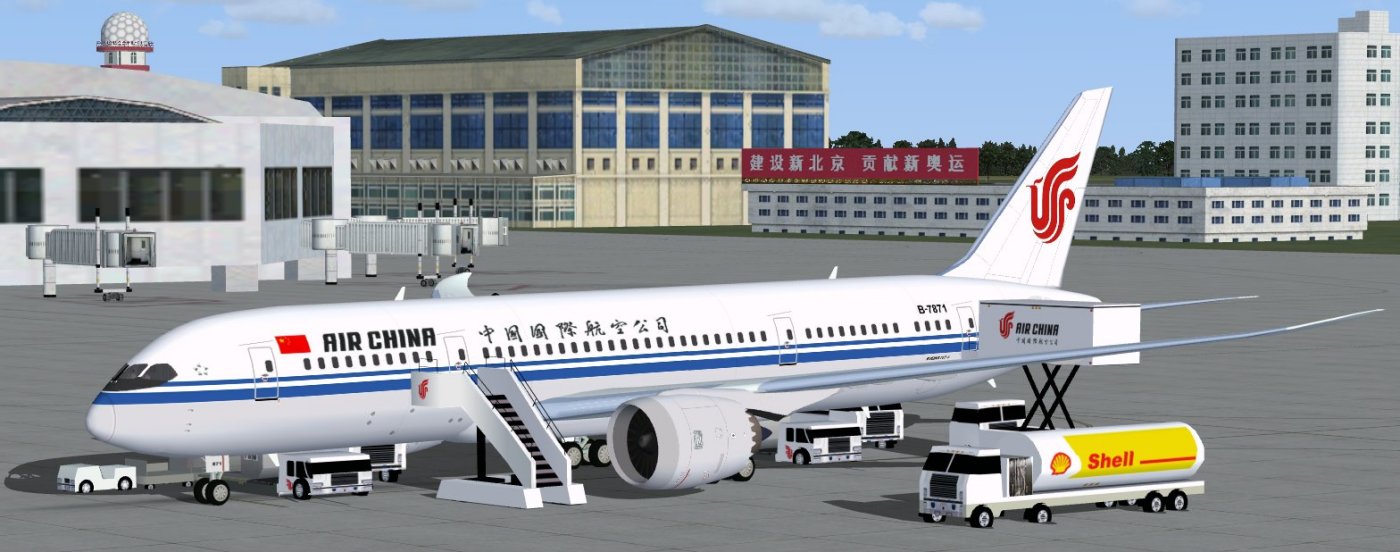
Air China Boeing 787-8 configured for ground operations.
This project originates from CamSim Aviation Simulation, with both the model design and paint work by Camil Valiquette. The expanded AGS implementation underscores a commitment to realism and practical operation within FSX. This freeware package delivers a comprehensive flying experience that highlights the Boeing 787’s modern design, while offering sim pilots a chance to emulate Air China’s long-haul routes.
Free for all simmers · 5.08 MB · Scanned clean Oct 2026
Download speed: Free tier is capped at 0.5 Mbps (this file takes approximately 1 min at the cap). PRO members download at full line speed.
This add-on may require the following files to function properly. If this is a repaint, the dependency below is likely the base aircraft package.
FSX\SimObjects\Airplanes\. The folder must contain an aircraft.cfg file. Effects go into FSX\Effects\; gauges go into FSX\Gauges\.readme.txt or README file. It tells you exactly where files go, what dependencies are needed, and any quirks specific to this add-on.The archive 787v2ca0.zip has 36 files and directories contained within it.
This list displays the first 500 files in the package. If the package has more, you will need to download it to view them.
| Filename/Directory | File Date | File Size |
|---|---|---|
| CamSim Boeing 787-8 V2 Air China | 04.06.10 | 0 B |
| 787-8.air | 02.25.10 | 12.76 kB |
| 787v2ca fsx ags.jpg | 04.06.10 | 138.51 kB |
| 787v2ca_.jpg | 03.29.10 | 75.20 kB |
| aircraft.cfg | 04.06.10 | 15.43 kB |
| Effects.zip | 03.25.06 | 1.80 kB |
| file_id.diz | 04.06.10 | 189 B |
| fsx cpit_d.jpg | 03.04.10 | 107.14 kB |
| fsx cpit_n.jpg | 03.04.10 | 85.82 kB |
| model.787-8 ags | 04.06.10 | 0 B |
| 787-8 ags.mdl | 12.21.09 | 2.67 MB |
| Model.cfg | 03.16.06 | 28 B |
| Panel | 04.06.10 | 0 B |
| 787_350_panel_background.bmp | 02.25.10 | 2.25 MB |
| 787_350_panel_background_night.bmp | 02.25.10 | 2.25 MB |
| Airbus_A321.cab | 09.04.06 | 2.72 MB |
| panel.cfg | 02.25.10 | 5.48 kB |
| Read Me_FSX.txt | 04.06.10 | 2.45 kB |
| sound | 04.06.10 | 0 B |
| Sound.cfg | 05.27.09 | 30 B |
| texture.ca | 04.06.10 | 0 B |
| 787eng_t.bmp | 03.29.10 | 1.00 MB |
| 787ext_L.bmp | 04.06.10 | 4.00 MB |
| 787ext_t.bmp | 04.06.10 | 1.00 MB |
| 787int_L.bmp | 04.06.10 | 4.00 MB |
| 787int_t.bmp | 04.06.10 | 1.00 MB |
| 787tail_t.bmp | 03.29.10 | 1.00 MB |
| 788fuse_t.bmp | 03.30.10 | 1.00 MB |
| 789wings_t.bmp | 11.24.09 | 1.00 MB |
| gris_t.bmp | 12.09.09 | 16.07 kB |
| pilot1.bmp | 03.04.10 | 257.05 kB |
| pilot1_l.bmp | 12.06.06 | 1.00 MB |
| thumbnail.jpg | 04.06.10 | 4.20 kB |
| w_t.bmp | 12.06.08 | 16.07 kB |
| flyawaysimulation.txt | 10.29.13 | 959 B |
| Go to Fly Away Simulation.url | 01.22.16 | 52 B |
Only PRO members can place votes.
More FSX & P3D add-ons hand-picked based on this download.
FSX Civil Aircraft
China Southern Airways Boeing 787-8 v2, registration B-2727. This CamSim vers…
 FSX Civil Aircraft
Experience a fresh take on the Boeing 787 Dreamliner with this freeware relea…
 FSX Civil Aircraft
This addition offers a specialized AI repaint for China Southern Airlines on …
 FSX Civil Aircraft
This freeware release introduces a wide-body Air China Boeing 777-200 (regist…
 FSX Civil Aircraft
FSX Air China Boeing 737-600, registration B-5027. Air China has a large flee…
 FSX Civil Aircraft
This complete freeware package offers an Air China Boeing 737-800 (B-5196) wi…
 FSX Civil Aircraft
FSX Air China Boeing 737-800. Textures only for the default B737-800 in China…
 FSX Civil Aircraft
This enhanced package brings the iconic Air China Boeing 737-800 (registratio…
Be the first to leave a comment on this download.
Be the first to share your thoughts on this download.