

 FSX Civil Aircraft
Etihad Airways Airbus A340-642X A6-EHJ
This freeware repaint depicts Etihad Airways' Airbus A340-642X, registration …
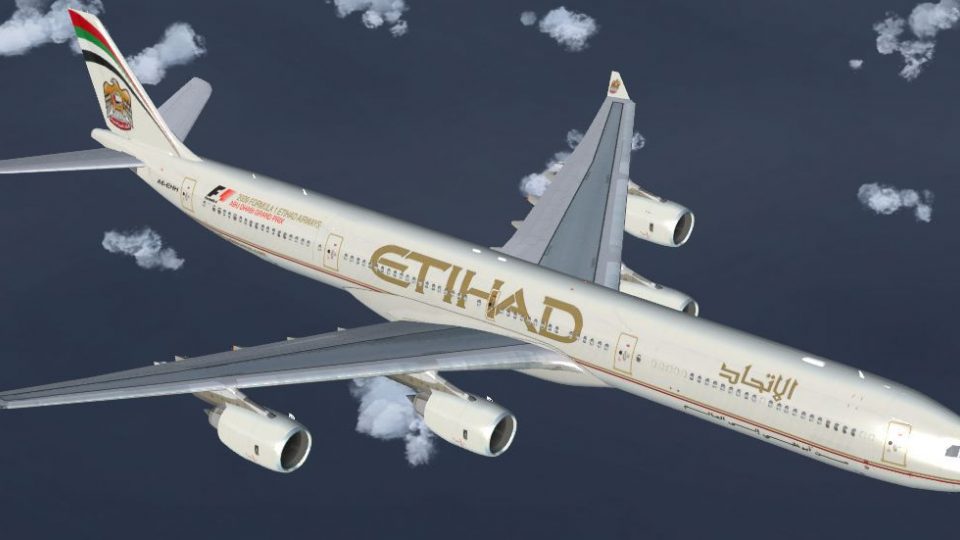
Etihad Airways Airbus A340-642X repaint brings registration A6-EHH to the Thomas Ruth A340-600 with crisp, realistic exterior textures, reflective sheen, and refined specular and bump mapping for added depth. Built for Microsoft Flight Simulator X, it requires the TOMA346.ZIP base package and includes textures only.
 Rate
Rate
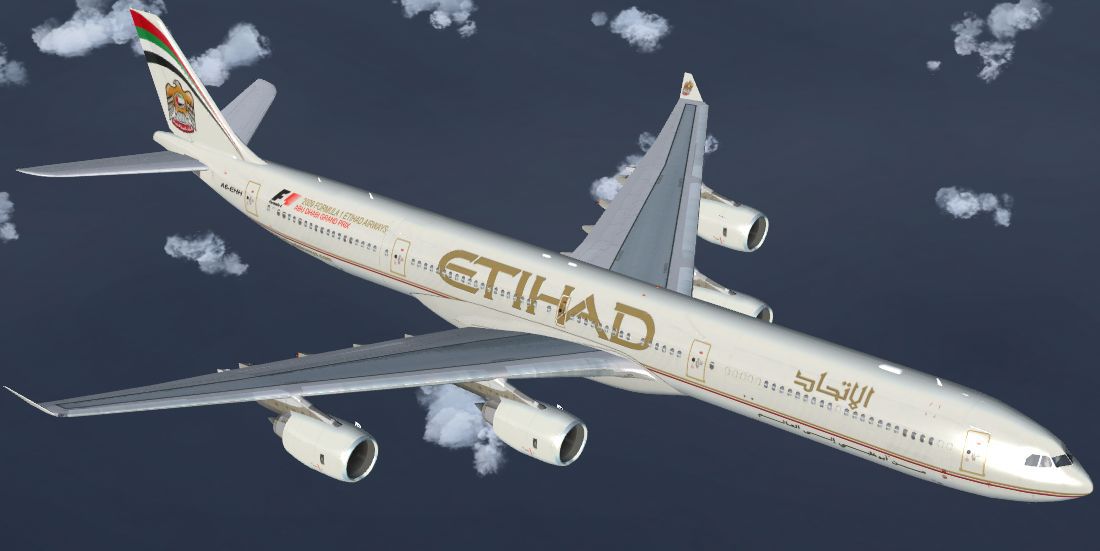
This freeware repaint delivers the Etihad Airways Airbus A340-642X, registration A6-EHH, into Microsoft Flight Simulator X. It showcases realistic exterior textures specifically designed to incorporate Etihad’s signature color scheme on the popular Thomas Ruth A340-600 model. Created by Mario Monfrecola, this add-on requires the base package TOMA346.ZIP, which is available in the Fly Away Simulation library. Be aware that this package includes textures only and does not contain the original model.
This particular repaint reimagines the Airbus A340-642X in the colors of Etihad Airways, especially capturing registration A6-EHH from Etihad’s widebody fleet. The livery has been refined to represent reflective materials and refined details (such as bump maps and specular mappings) that enhance the aircraft’s realistic sheen and depth.
Etihad Airways, recognized as the national carrier of the United Arab Emirates, has historically operated Airbus A340 variants to manage long-haul routes. The A340-600 itself is a four-engine widebody aircraft built by Airbus and known for its substantial passenger capacity and intercontinental range.
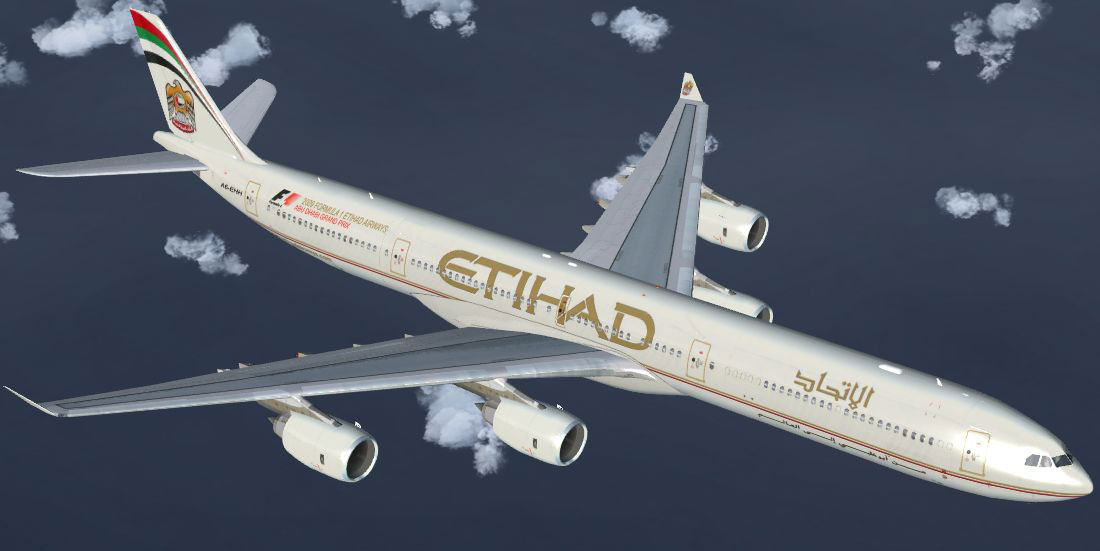
Etihad Airways Airbus A340-642X in flight.
texture.cfg references.aircraft.cfg file in the Tom_A340-600 folder. Append the following text (incrementing the [fltsim.X] entry as needed to avoid duplicates):[fltsim.1]
title=Etihad Airways A340-642X
sim=TomA346
model=
panel=340
sound=
texture=A6-EHH
kb_checklists=
kb_reference=
atc_id=A6-EHH
atc_airline=Etihad
atc_flight_number=0032
atc_heavy=1
ui_manufacturer=Airbus
ui_type="A340-600"
ui_variation="Etihad Airways"
ui_typerole="Commercial Airliner"
ui_createdby="Thomas Ruth"
description=
If you are running Windows Vista or Windows 7, you may need to deactivate User Account Control (UAC) settings before editing configuration files within the Microsoft Flight Simulator X directory. This repaint has been validated with Service Pack 1 and Service Pack 2 installed. However, the developer has not examined its performance in DirectX 10 preview mode, so disabling that preview setting is recommended if you encounter texture display issues.
Created by: Mario Monfrecola
Free for all simmers · 1.38 MB · Scanned clean Oct 2026
Download speed: Free tier is capped at 0.5 Mbps. PRO members download at full line speed.
This file is a repaint — the package below is the base model it paints onto. Install it first, or the textures will have nothing to load onto.
texture.{airline}) inside FSX\SimObjects\Airplanes\{base-aircraft}\.aircraft.cfg in Notepad. Add a new [fltsim.X] section per the readme.readme.txt or README file. It tells you exactly where files go, what dependencies are needed, and any quirks specific to this add-on.The archive a346etihad.zip has 13 files and directories contained within it.
This list displays the first 500 files in the package. If the package has more, you will need to download it to view them.
| Filename/Directory | File Date | File Size |
|---|---|---|
| texture.A6-EHH | 04.21.10 | 0 B |
| glass.dds | 04.21.10 | 64.12 kB |
| main.dds | 04.21.10 | 4.00 MB |
| main_light.dds | 04.14.10 | 1.33 MB |
| texture.cfg | 05.21.09 | 140 B |
| thumbnail.jpg | 04.16.10 | 53.28 kB |
| wing_l.dds | 04.21.10 | 1.00 MB |
| wing_r.dds | 04.21.10 | 1.00 MB |
| thumbnail.jpg | 04.16.10 | 53.28 kB |
| LEGGIMI.txt | 04.21.10 | 2.76 kB |
| README.txt | 04.21.10 | 2.31 kB |
| flyawaysimulation.txt | 10.29.13 | 959 B |
| Go to Fly Away Simulation.url | 01.22.16 | 52 B |
Only PRO members can place votes.
More FSX & P3D add-ons hand-picked based on this download.
FSX Civil Aircraft
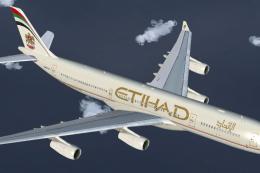
This freeware repaint depicts Etihad Airways' Airbus A340-642X, registration …
 FSX Civil Aircraft
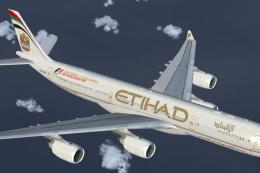
Etihad Airways Airbus A340-313X, registration number A6-EYC. Textures only fo…
 FSX Civil Aircraft
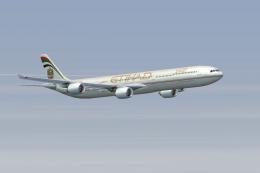
This repaint showcases Etihad Airways’ iconic A340-541 (registration A6-EHB) …
 FSX Civil Aircraft
Etihad Airbus Airbus A340-642. xsRepaint of Etihad Airways A340-600 A6-EHI fo…
 FSX Civil Aircraft
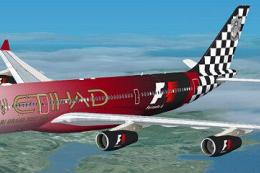
Etihad Airbus A340-200 in "Formula 1" livery. Textures only for the Thomas Ru…
 FSX Civil Aircraft
This freeware package features a meticulously recreated Airbus A320-232 in th…
 FSX Civil Aircraft
Etihad Airways Airbus A319-100, registration A6-EID. Model by Project Airbus.…
 FSX Civil Aircraft
Etihad Airways Airbus A330-343X, registration number A6-AFA. Textures only fo…
Read what other simmers think, or add your own.
