

 FSX Civil Aircraft
House Colors Airbus A350-900 V4
This CamSim version 4 features more Animated Ground Servicing (AGS), featurin…
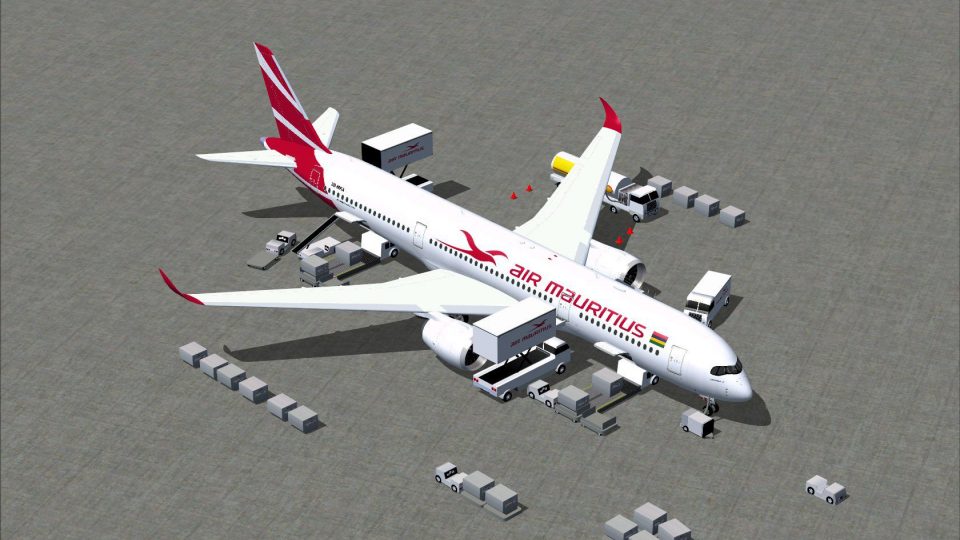
Air Mauritius’ Airbus A350-900 arrives in CamSim Version 4 with crisp airline paintwork, a refined model, and an updated landing gear assembly featuring realistic bogie tilt. Animated Ground Servicing brings doors, cargo hatches, and ramp vehicle activity to life for more convincing turnarounds in FSX.
 Rate
Rate
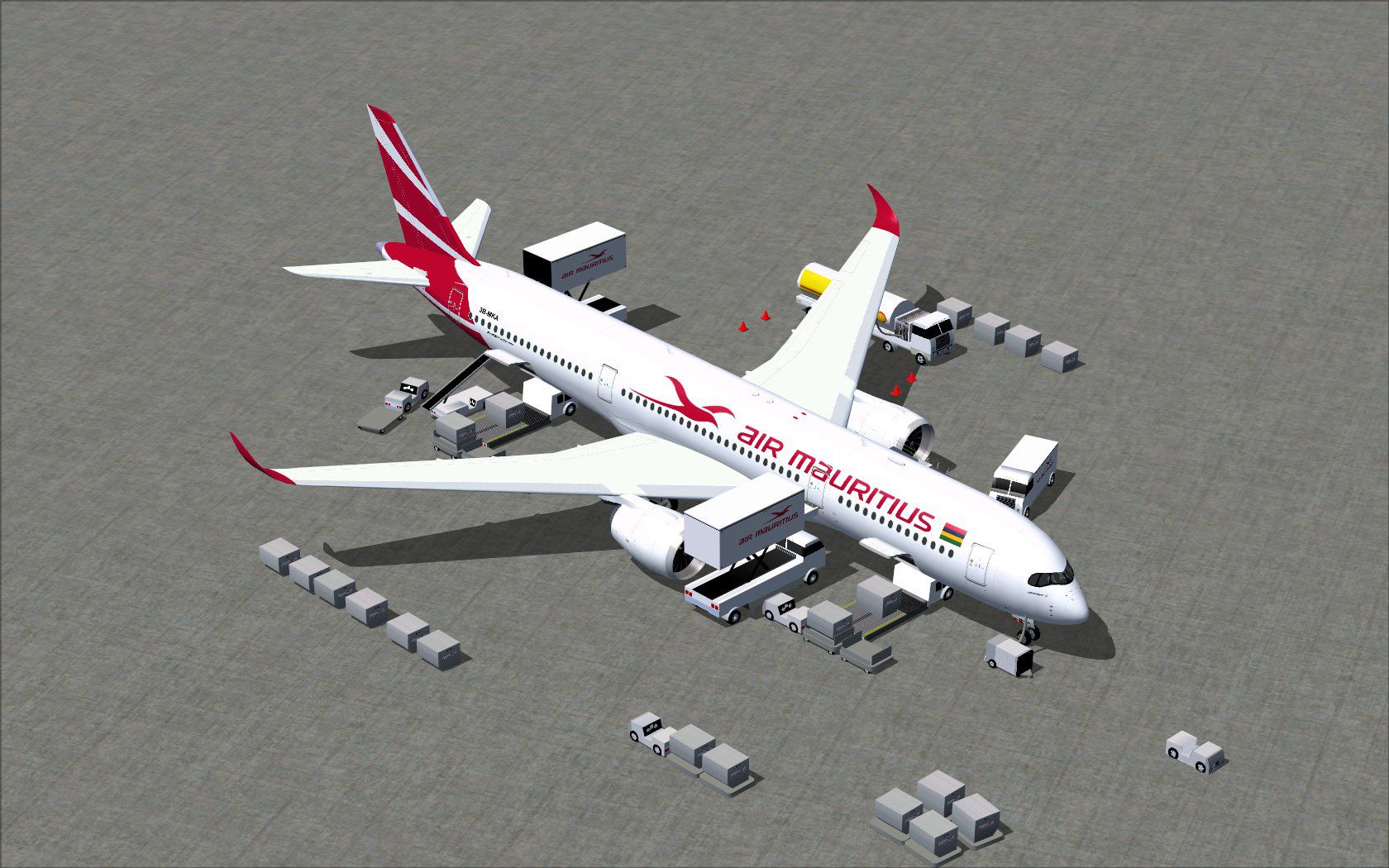
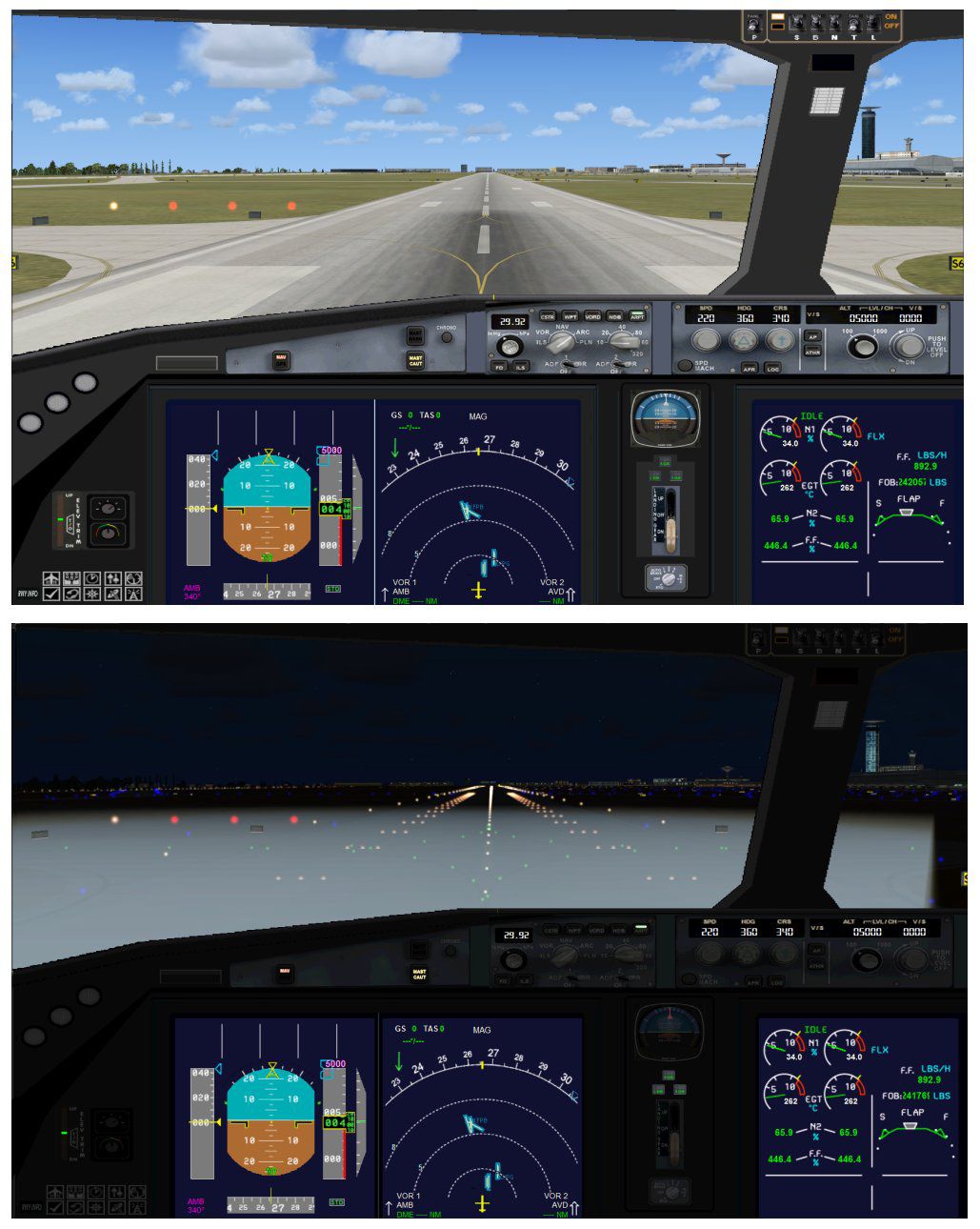
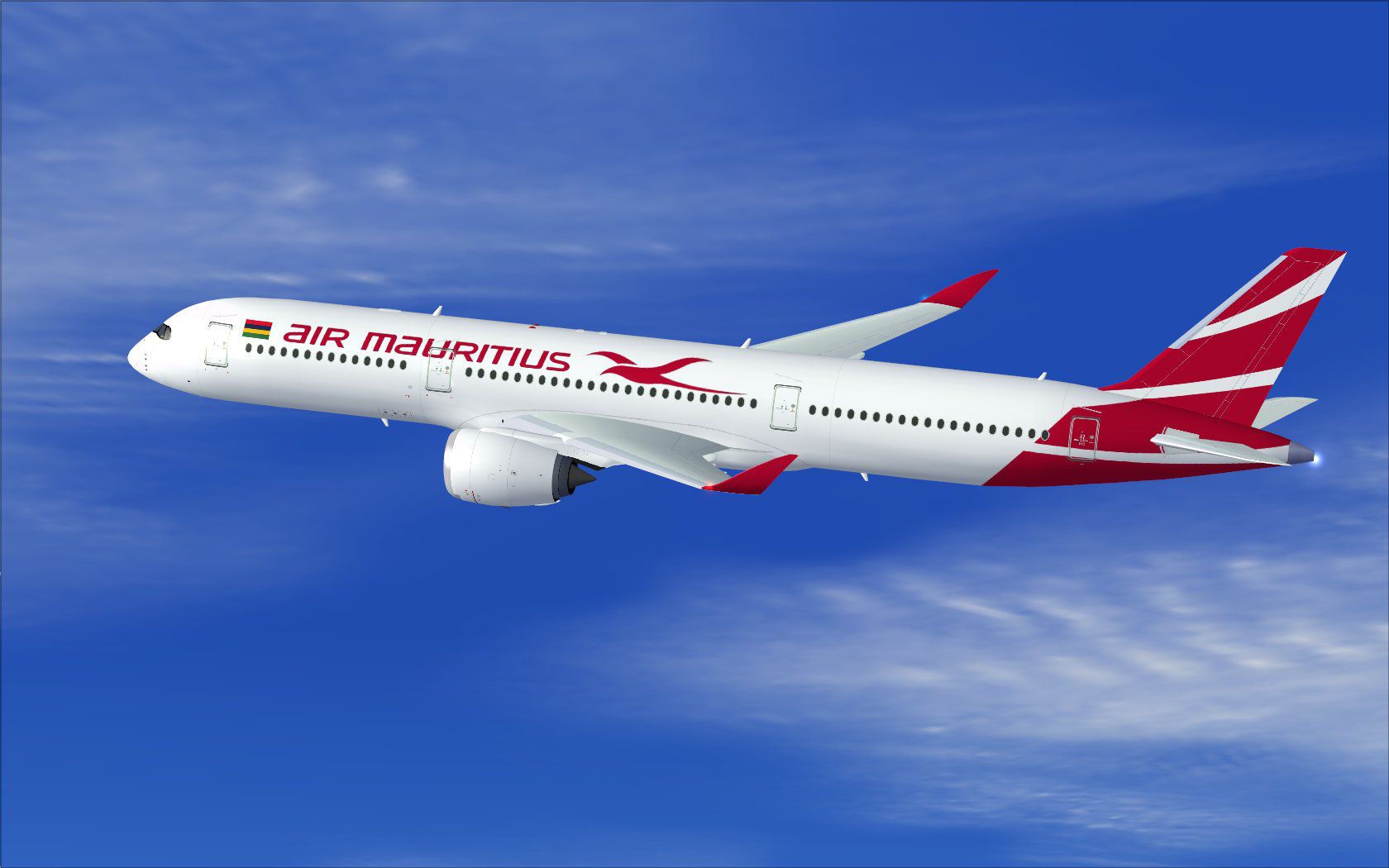
This complete package showcases the Air Mauritius Airbus A350-900 in CamSim’s refined Version 4, incorporating a range of ground service animations and an updated landing gear assembly. Model design and paintwork comes courtesy of Camil Valiquette. The widebody airliner, which serves as the flagship for Air Mauritius, has been faithfully reproduced to deliver an immersive experience within your simulator environment.
In this new iteration, CamSim has introduced upgraded Animated Ground Servicing (AGS), featuring a series of vehicle activities, including trailer movements and other ancillary support tasks on the ramp. The main landing gear bogies now tilt accurately, providing a more authentic stance during takeoff, landing, and taxi phases. All of these improvements are included in one download for convenient setup.
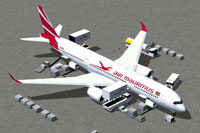
Snapshot showing the A350-900 rendered with ground support vehicles.
This release integrates advanced AGS features that simulate real-world operational workflows. The following controls enable these animations:
For seamless operation, assign these hotkeys in your simulator’s control settings under Buttons/Keys:
Using these commands ensures that all animated ground support trucks perform effectively, hooking and unhooking with the aircraft. The interactive loading process also aligns with real-world airline turnarounds, offering more realism for pilot training and operational familiarity.
Operating out of Sir Seewoosagur Ramgoolam International Airport, Air Mauritius employs the A350-900 on medium- to long-haul sectors. This detailed simulation replicates the carrier’s signature livery and onboard systems to provide a thorough understanding of the aircraft’s functionality. Coupled with the new AGS features, this mod puts you squarely into the role of managing day-to-day operations for a major carrier in the Indian Ocean region.
Carefully curated by Camil Valiquette, this freeware add-on offers a complete and straightforward way to experience Air Mauritius’ flagship widebody within your simulator. Enthusiasts can delve into technically accurate ground handling maneuvers, offering a dynamic environment both inside and outside the cockpit.
Free for all simmers · 5.37 MB · Scanned clean Oct 2026
Download speed: Free tier is capped at 0.5 Mbps (this file takes approximately 2 mins at the cap). PRO members download at full line speed.
This add-on may require the following files to function properly. If this is a repaint, the dependency below is likely the base aircraft package.
FSX\SimObjects\Airplanes\. The folder must contain an aircraft.cfg file. Effects go into FSX\Effects\; gauges go into FSX\Gauges\.readme.txt or README file. It tells you exactly where files go, what dependencies are needed, and any quirks specific to this add-on.The archive 359v4mkx.zip has 39 files and directories contained within it.
This list displays the first 500 files in the package. If the package has more, you will need to download it to view them.
| Filename/Directory | File Date | File Size |
|---|---|---|
| CamSim Airbus 350-900 V4 Air Mauritius | 08.13.14 | 0 B |
| 350-900.air | 02.28.12 | 12.75 kB |
| 359v4mk ags_.jpg | 08.13.14 | 287.14 kB |
| 359v4mk_.jpg | 08.05.14 | 110.86 kB |
| aircraft.cfg | 08.13.14 | 15.40 kB |
| Desktop.ini | 08.13.14 | 76 B |
| Effects.zip | 03.25.06 | 1.80 kB |
| file_id.diz | 08.13.14 | 277 B |
| FSX Installation Aircraft and AGS Animations Read Me.htm | 08.13.14 | 6.56 kB |
| model.350-900 ags v4 | 08.13.14 | 0 B |
| 350-900 ags v4.mdl | 09.19.13 | 2.79 MB |
| Model.cfg | 06.11.12 | 33 B |
| PANEL | 08.13.14 | 0 B |
| 787_350_panel_background.bmp | 02.25.10 | 2.25 MB |
| 787_350_panel_background_night.bmp | 02.25.10 | 2.25 MB |
| Airbus_A321.cab | 09.04.06 | 2.72 MB |
| panel.cfg | 02.25.10 | 5.48 kB |
| panel camsim 787-350 afx_2.jpg | 04.09.10 | 182.86 kB |
| Read Me How to setup Animations (AGS).txt | 10.30.13 | 875 B |
| Read Me_FSX.txt | 08.13.14 | 2.35 kB |
| SOUND | 08.13.14 | 0 B |
| Sound.cfg | 11.04.09 | 35 B |
| texture.mk | 08.13.14 | 0 B |
| 359fuse_t.bmp | 08.11.14 | 1.00 MB |
| 35eng_t.bmp | 08.05.14 | 1.00 MB |
| 35int_l.bmp | 08.11.14 | 4.00 MB |
| 35int_t.bmp | 08.13.14 | 1.00 MB |
| 35tail_t.bmp | 08.05.14 | 1.00 MB |
| 35wings_t.bmp | 08.05.14 | 1.00 MB |
| 787ext_L.bmp | 08.11.14 | 4.00 MB |
| 787ext_t.bmp | 08.13.14 | 1.00 MB |
| gris_t.bmp | 12.09.09 | 16.07 kB |
| pilot1.bmp | 03.04.10 | 257.05 kB |
| pilot1_L.bmp | 07.14.13 | 1.00 MB |
| tail.bmp | 12.02.12 | 1.00 MB |
| thumbnail.jpg | 08.13.14 | 6.08 kB |
| w_t.bmp | 10.22.13 | 16.07 kB |
| flyawaysimulation.txt | 10.29.13 | 959 B |
| Go to Fly Away Simulation.url | 01.22.16 | 52 B |
Only PRO members can place votes.
More FSX & P3D add-ons hand-picked based on this download.
FSX Civil Aircraft
This CamSim version 4 features more Animated Ground Servicing (AGS), featurin…
 FSX Civil Aircraft
This freeware package delivers a long-haul twin-aisle experience complete wit…
 FSX Civil Aircraft
Experience a carefully modeled Vietnam Airlines Airbus A350-900 package for F…
 FSX Civil Aircraft
This updated freeware package delivers a meticulously modeled Lufthansa Airbu…
 FSX Civil Aircraft
Immerse yourself in a refined virtual aviation environment with this complete…
 FSX Civil Aircraft
The Airbus A350-900 in Iberia's livery, presented here as a fully integrated …
 FSX Civil Aircraft
This comprehensive freeware package offers a fully modeled Airbus A350-900, c…
 FSX Civil Aircraft
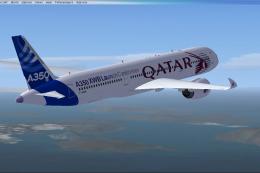
The Airbus A350-900 variant showcased here in Qatar’s original launch-custome…
Be the first to leave a comment on this download.
Be the first to share your thoughts on this download.