

 FSX Civil Aircraft
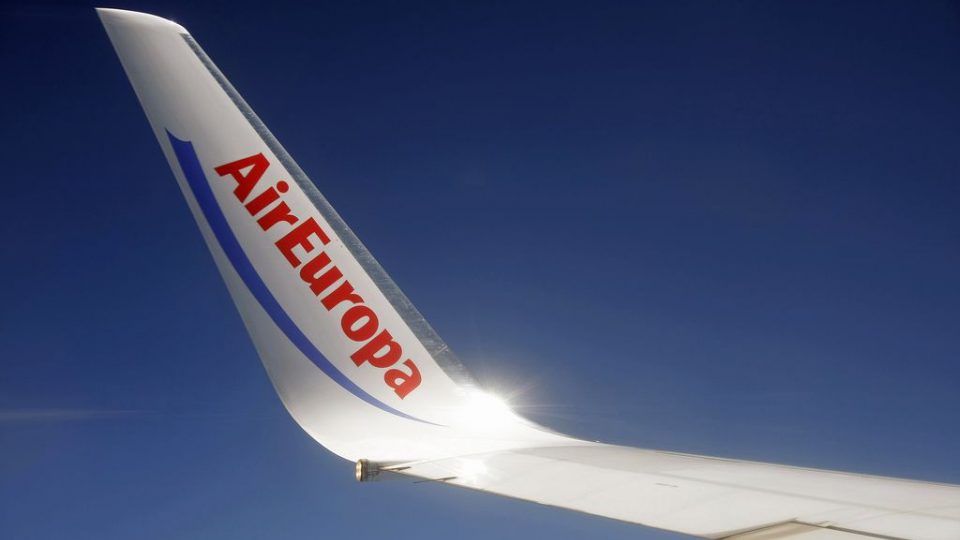
Air Europa Boeing 737-800 Repaint
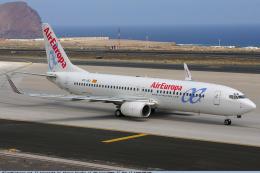
Air Europa Boeing 737-800. in Illes Balears (Balearic Islands) livery. A repa…
Air Europa “Pepe Travel” livery brings authentic airline markings to the default Boeing 737-800 in FSX, with crisp exterior textures that suit everything from short hops to full schedules. Requires the stock 737-800 model and keeps the original virtual cockpit, panels, and flight dynamics for seamless integration.
 Rate
Rate
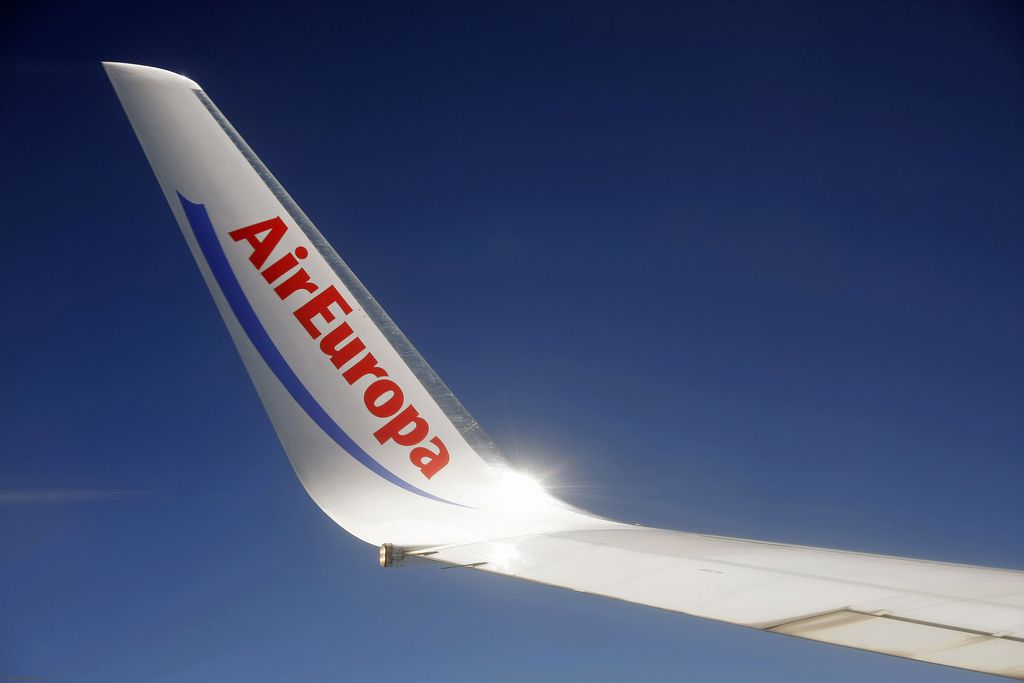
Air Europa Boeing 737-800. Air Europa Pepe Travel repaint for the default B737-800.
Air Europa Boeing 737-800.
Instrucciones de Instalación:
1. Entra en Archivos de Programa/Microsoft Games/
/Flight Simulator x/SimObjects/B737_800/
2. Pega la carpeta "texture.aireuropapepe"
3. Pega en el archivo "aircraft" el siguiente texto y
cambia la "x" ( [fltsim.x] ) por el siguiente número del anterior avión
[fltsim.x]

title=Boeing 737-800 AIR EUROPA PEPETRAVEL.COM

sim=Boeing737-800

model=""

panel=""

sound=""

texture=aireuropapepe

kb_checklists=Boeing737-800_check

kb_reference=Boeing737-800_ref

atc_id=EC-IDT

atc_airline=Europa

atc_flight_number=1402

ui_manufacturer=Boeing

ui_type=737-800

ui_variation=AIR EUROPA PEPETRAVEL.COM

ui_typerole=Avión comercial

ui_createdby=Microsoft Corporation

description=No debería sorprender a nadie que el mayor fabricante mundial de aviones comerciales sea también el productor del reactor de línea aérea más popular. El 737 se convirtió en el reactor comercial más vendido cuando los pedidos llegaron a las 1831 unidades, en junio de 1987 (superando al anterior campeón, el 727, también de Boeing). Sin embargo, no siempre fue así, durante los primeros años de producción Boeing recibió tan pocos pedidos llegó a considerar la cancelación del programa. No lo hicieron, y el avión ha demostrado su valía durante más de tres décadas de servicio.
Free for all simmers · 386.01 KB · Scanned clean Oct 2026
Download speed: Free tier is capped at 0.5 Mbps. PRO members download at full line speed.
texture.{airline}) inside FSX\SimObjects\Airplanes\{base-aircraft}\.aircraft.cfg in Notepad. Add a new [fltsim.X] section per the readme.readme.txt or README file. It tells you exactly where files go, what dependencies are needed, and any quirks specific to this add-on.The archive aireuropapepetravel_com.zip has 8 files and directories contained within it.
This list displays the first 500 files in the package. If the package has more, you will need to download it to view them.
| Filename/Directory | File Date | File Size |
|---|---|---|
| b737_800_1_T.dds | 08.11.10 | 512.12 kB |
| Fresnel_Ramp.dds | 09.04.06 | 640 B |
| texture.cfg | 08.14.06 | 137 B |
| thumbnail.jpg | 04.04.10 | 156.98 kB |
| texture.aireuropapepe | 08.11.10 | 0 B |
| Instrucciones Readme.txt | 08.11.10 | 1.28 kB |
| flyawaysimulation.txt | 10.29.13 | 959 B |
| Go to Fly Away Simulation.url | 01.22.16 | 52 B |
Only PRO members can place votes.
More FSX & P3D add-ons hand-picked based on this download.
FSX Civil Aircraft
Air Europa Boeing 737-800. in Illes Balears (Balearic Islands) livery. A repa…
 FSX Civil Aircraft
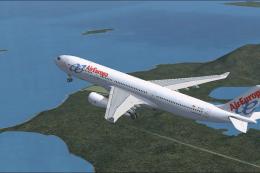
FSX Air Europa Boeing 737-85P (WL), registration EC-JBJ. A repaint for the de…
 FSX Civil Aircraft
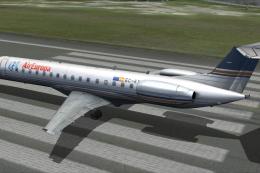
Air Europa Airbus A330-343 repaint for the Thomas Ruth A330-300 model. This i…
 FSX Civil Aircraft
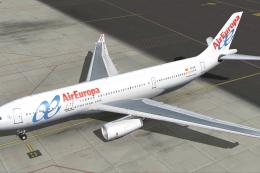
The payware Feelthere ERJ 145 v2 for Privilege Style with Air Europa titles. …
 FSX Civil Aircraft
Air Europa livery only for the SMS Overland Airbus A330-200. Repaint by Javie…
 FSX Civil Aircraft
Continental Boeing 737-800. Fictional textures for the default B737-800. Repa…
 FSX Civil Aircraft
FSX Air Berlin Boeing 737-800. Model by Project Open Sky. Repaint by Misha Gr…
 FSX Civil Aircraft
FSX Norwegian Air Shuttle Boeing 737-800, registration LN-NOB. Textures only …
Be the first to leave a comment on this download.
Be the first to share your thoughts on this download.