

 FSX Civil Aircraft
Icelandair Boeing 747-400
Icelandair Boeing 747-400, registration TF-FUV. A repaint of the default B747…
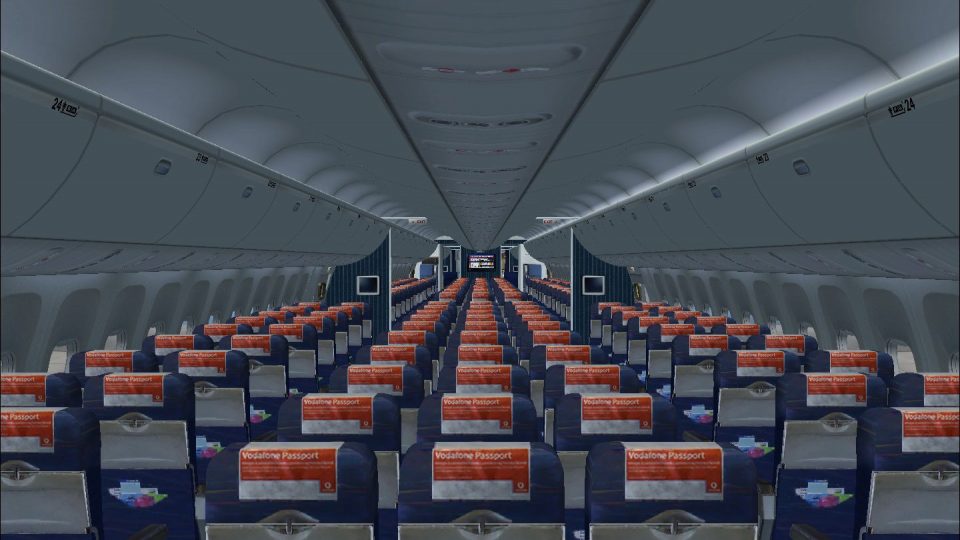
Icelandair Boeing 767-300 interior repaint in the airline’s classic colors refreshes the cabin and virtual cockpit textures for an authentic period look in Microsoft Flight Simulator X. The .dds texture set targets the Captain Sim 767-300 and requires that base aircraft to display the updated class cabin and passenger views.
 Rate
Rate
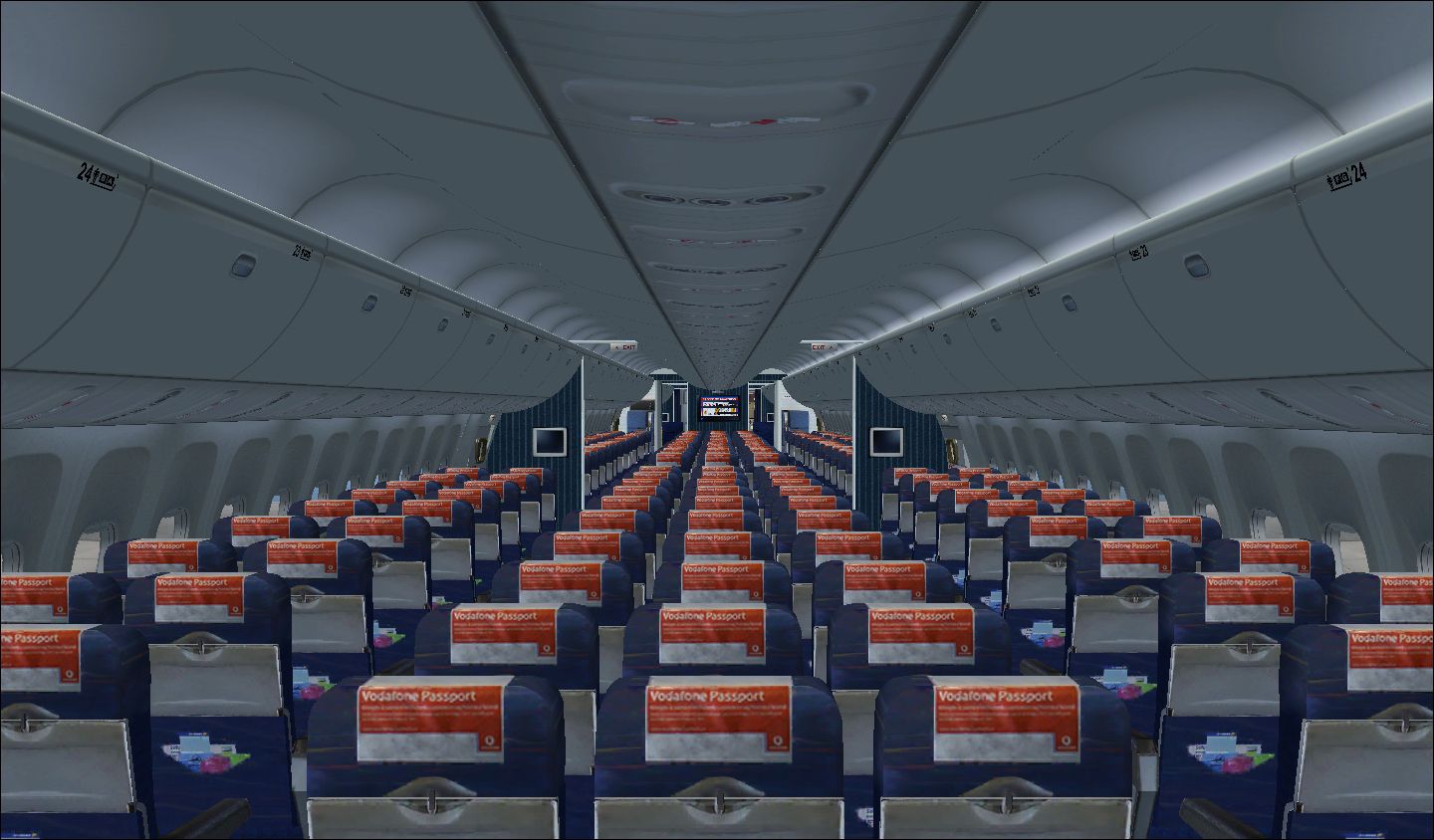
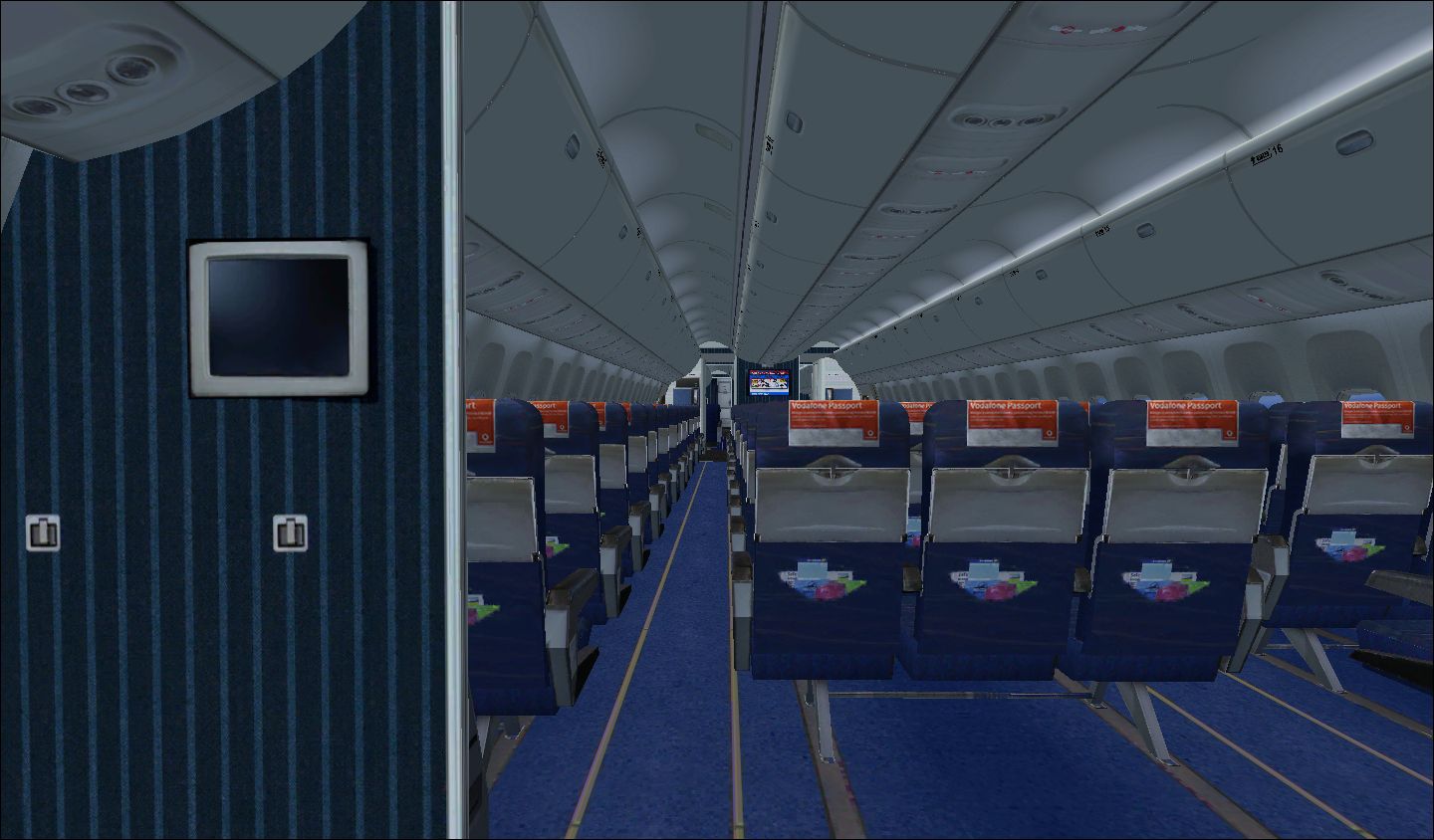
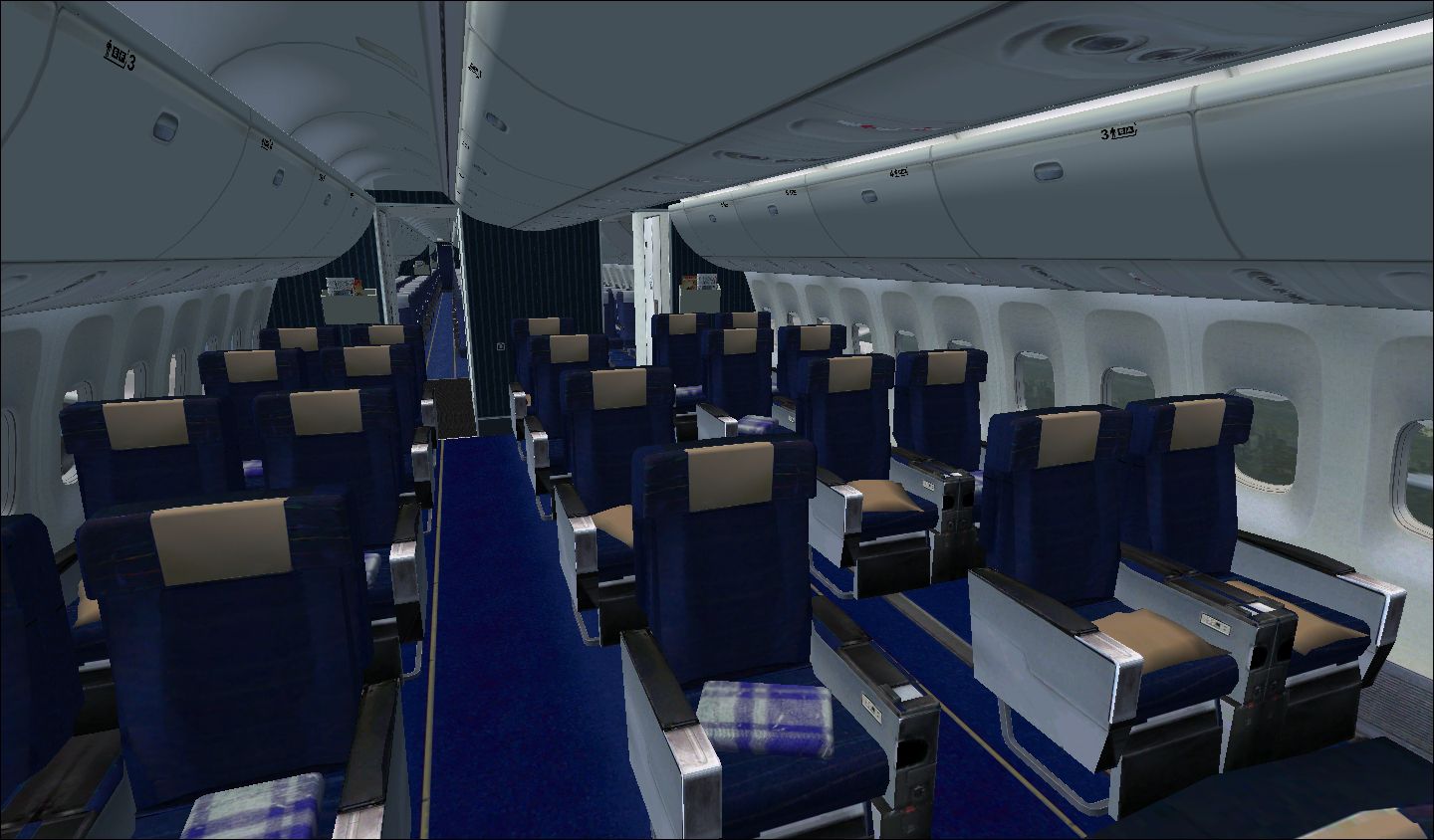
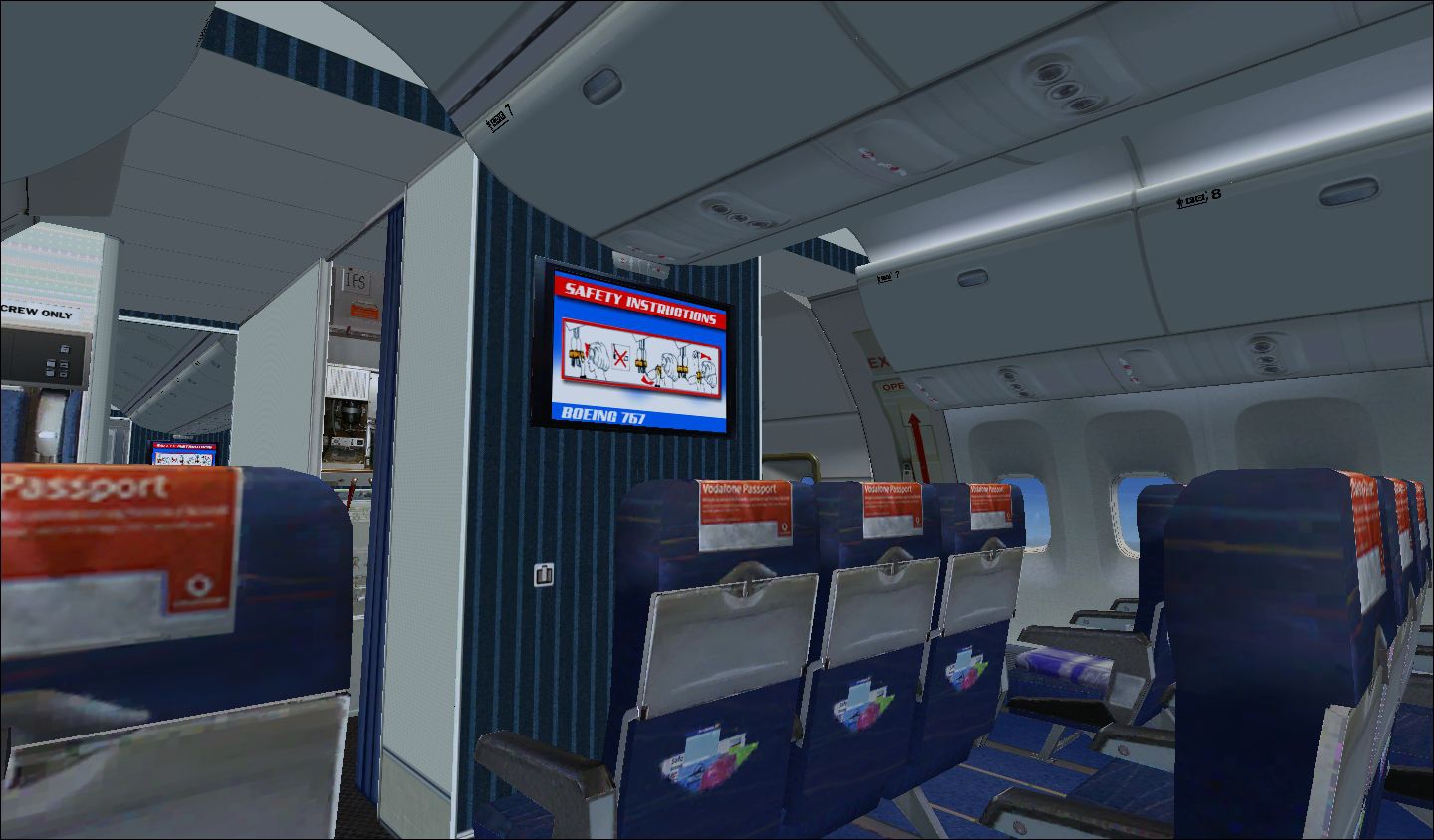
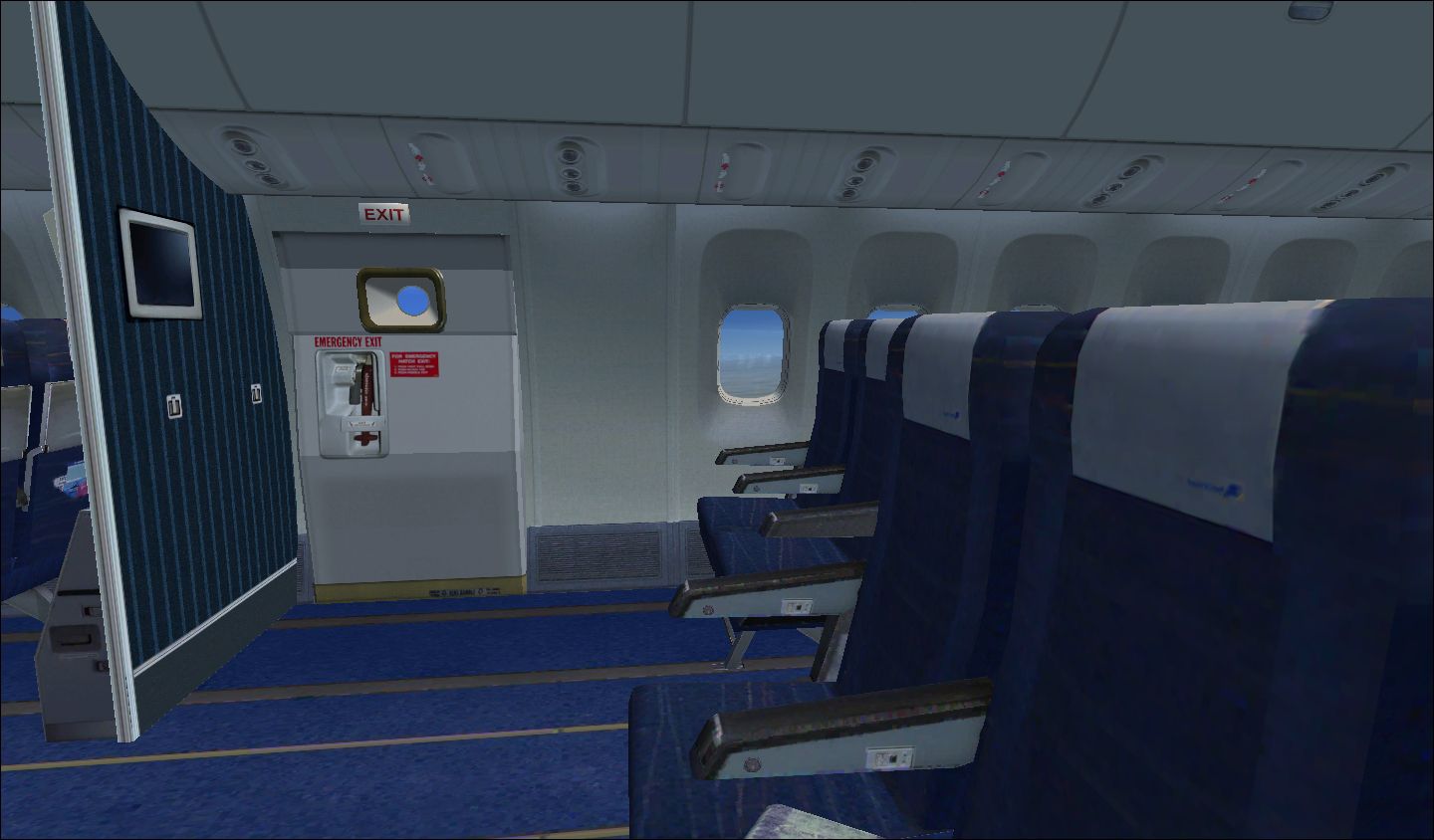
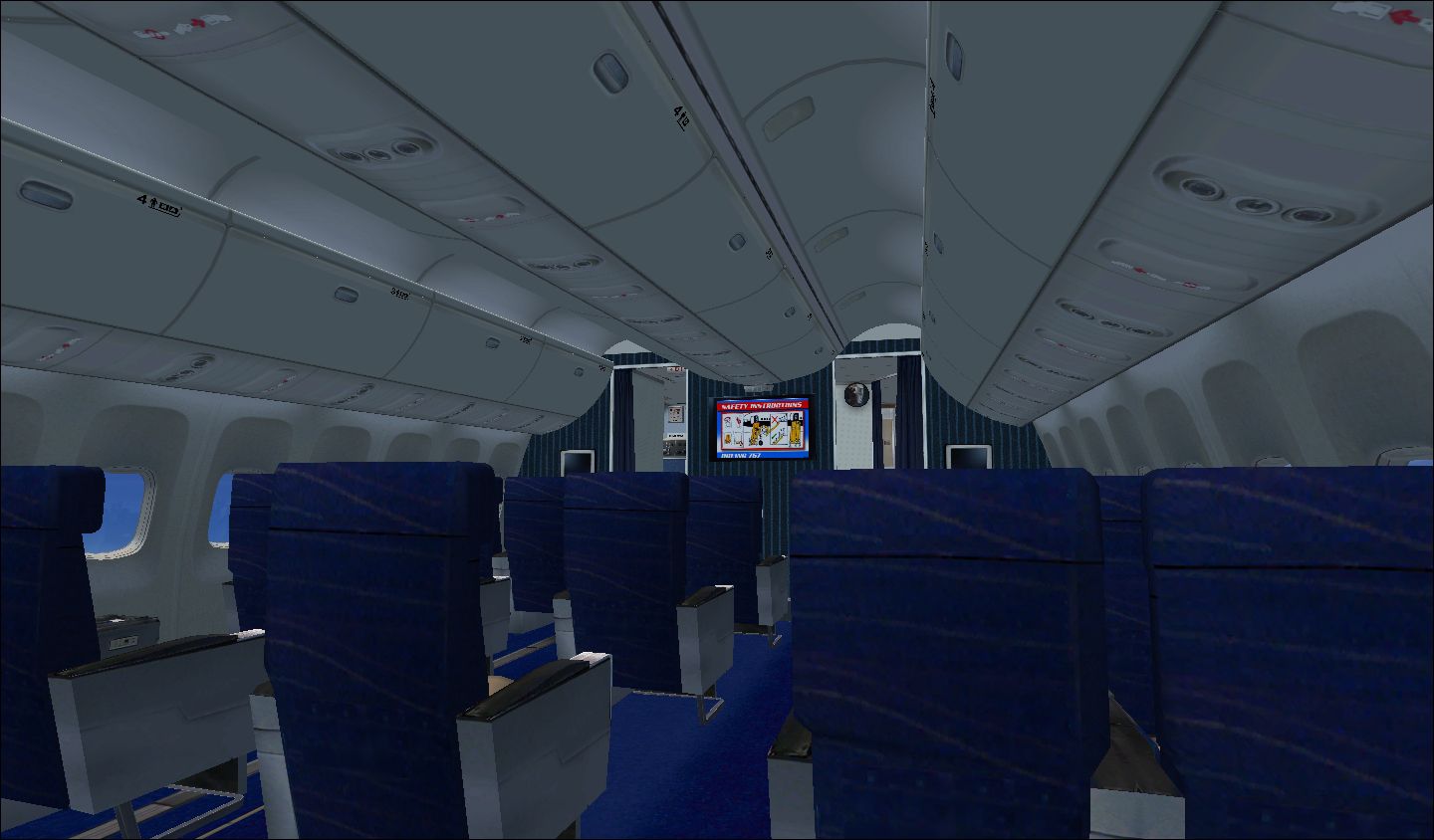
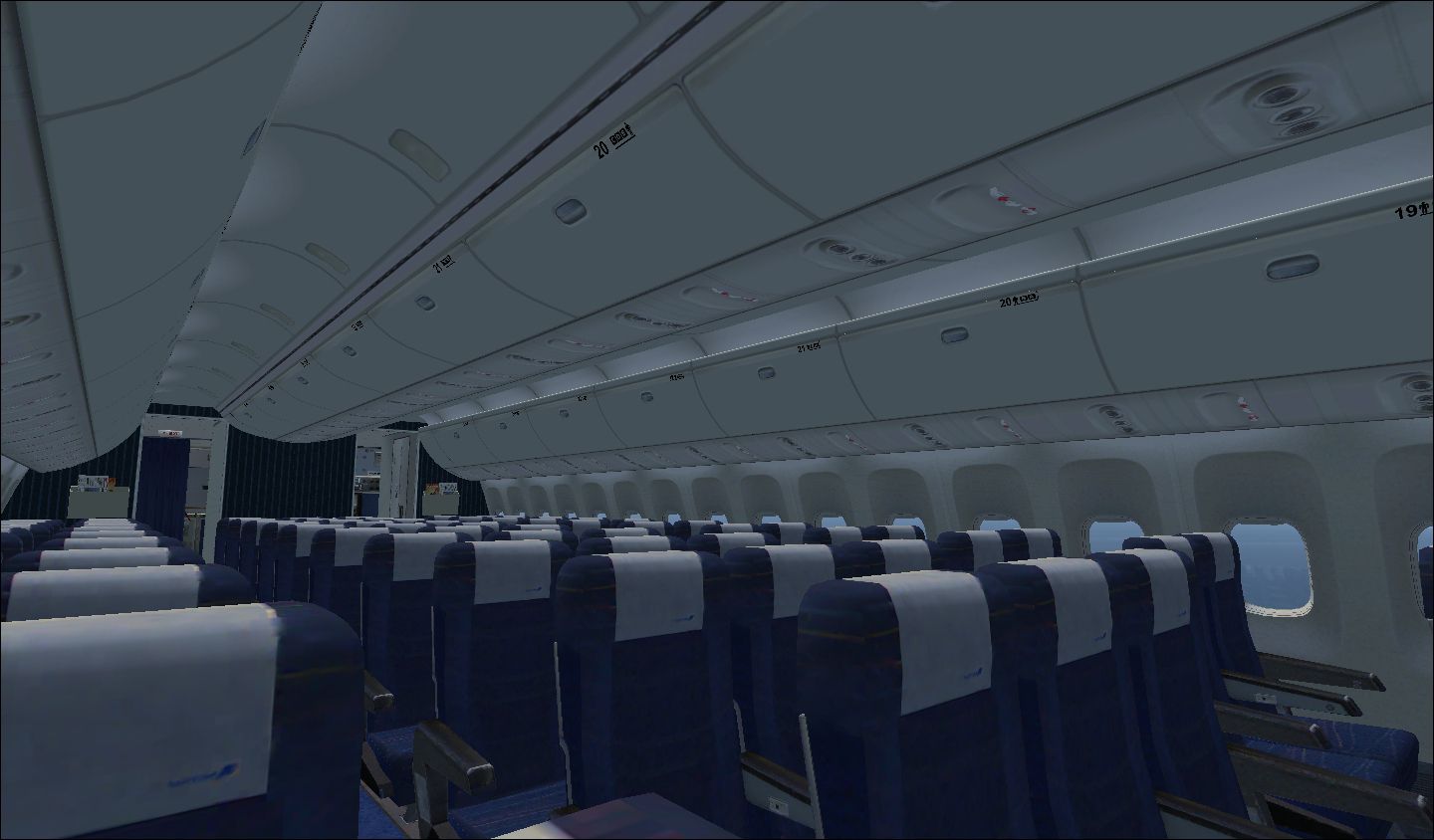
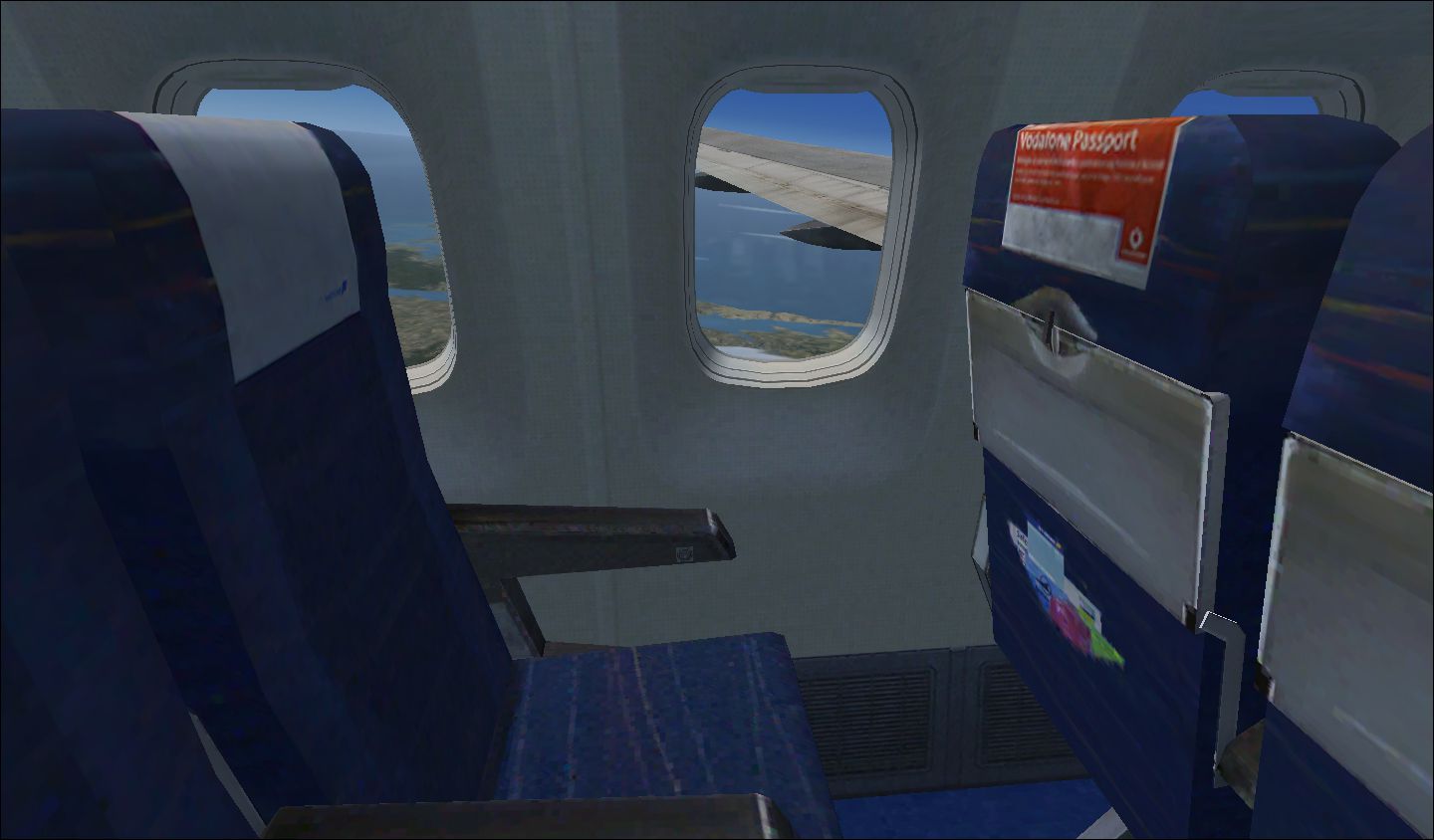
Icelandair Boeing 767-300. Captain Sim B767-300 interior in Icelandair's old colors. Textures only, you need the Captain Sim 767-300 to use the texture. By Nick Bauer.
Class Cabin of Icelandair Boeing 767-300.
Captain Sim 767-300 Interior In Icelandair's Old Colors . Texture only you need the Captain sim 767-300 for use the texture.
Repaint by: Nick Bauer
Installation:
1) Unzip CS767ICE_CabOLD.zip folder to a suitable folder, your desktop for example.
2) Open CS767ICE_CabOLD.zip.
3) Open the "Textures"
4) Put the .dds files in any FS Captain Sim 767 'Texture.' folder you want.
(EX: C:\Program Files\Microsoft Games\Microsoft Flight Simulator X\SimObjects\Airplanes\CS_B767-300\Texture.XX)
5) Enjoy!
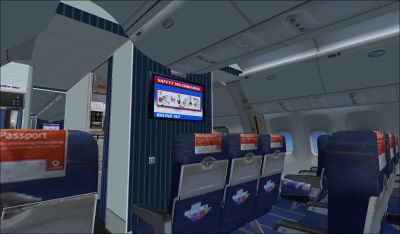
View from Seat 5B in Icelandair Boeing 767-300.
Free for all simmers · 7.54 MB · Scanned clean Oct 2026
Download speed: Free tier is capped at 0.5 Mbps (this file takes approximately 2 mins at the cap). PRO members download at full line speed.
texture.{airline}) inside FSX\SimObjects\Airplanes\{base-aircraft}\.aircraft.cfg in Notepad. Add a new [fltsim.X] section per the readme.readme.txt or README file. It tells you exactly where files go, what dependencies are needed, and any quirks specific to this add-on.The archive cs767ice_cabold.zip has 23 files and directories contained within it.
This list displays the first 500 files in the package. If the package has more, you will need to download it to view them.
| Filename/Directory | File Date | File Size |
|---|---|---|
| cs767_S01_Night.dds | 06.25.09 | 512.12 kB |
| cs767_S01_T.dds | 07.17.10 | 1.00 MB |
| cs767_S02_Night.dds | 08.19.09 | 512.12 kB |
| cs767_S02_T.dds | 07.10.10 | 1.00 MB |
| cs767_S03_Night.dds | 07.10.10 | 1.33 MB |
| cs767_S03_T.dds | 09.04.10 | 1.00 MB |
| cs767_S08_Night.dds | 09.04.10 | 1.33 MB |
| cs767_S08_T.dds | 09.04.10 | 1.00 MB |
| cs767_S10_Night.dds | 07.12.10 | 1.00 MB |
| cs767_S10_T.dds | 09.04.10 | 1.00 MB |
| cs767_T14_Night.dds | 06.24.09 | 512.12 kB |
| cs767_T14_T.dds | 05.13.10 | 1.33 MB |
| Business_Class_Cabin.jpg | 09.04.10 | 603.53 kB |
| Coach_Class_Cabin.jpg | 09.04.10 | 597.75 kB |
| Exit.jpg | 09.04.10 | 493.74 kB |
| Forward_Economy.jpg | 09.04.10 | 640.03 kB |
| Readme.txt | 09.04.10 | 622 B |
| Seat_4F.jpg | 09.04.10 | 473.37 kB |
| Seat_5B.jpg | 09.04.10 | 567.69 kB |
| Seat_18A.jpg | 09.04.10 | 492.56 kB |
| Seat_18F.jpg | 09.04.10 | 433.66 kB |
| flyawaysimulation.txt | 10.29.13 | 959 B |
| Go to Fly Away Simulation.url | 01.22.16 | 52 B |
Only PRO members can place votes.
More FSX & P3D add-ons hand-picked based on this download.
FSX Civil Aircraft
Icelandair Boeing 747-400, registration TF-FUV. A repaint of the default B747…
 FSX Civil Aircraft
This is a fictional paint of the payware PMDG B777-200 LR. By Nicole Webb. Sc…
 FSX Civil Aircraft
FSX American Airlines Boeing 767-300 ER with blended winglets and Animated Gr…
 FSX Civil Aircraft
Elevate your virtual cockpit in Microsoft Flight Simulator X with a freeware …
 FSX Civil Aircraft
This is a complete Skyspirit2010 FSX aircraft but it uses the default Microso…
 FSX Civil Aircraft
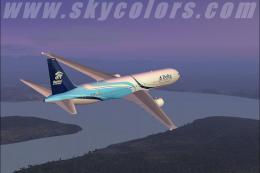
FSX Delta Airlines Boeing 767-300 GE in "Habitat For Humanity" livery, regist…
 FSX Civil Aircraft
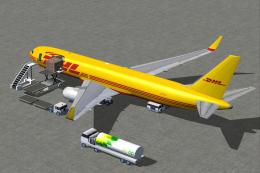
DHL Cargo Boeing 767-300 ER with blended winglets and Animated Ground Servici…
 FSX Civil Aircraft
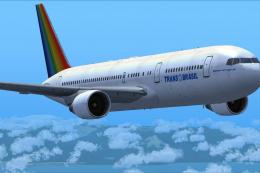
This freeware package integrates a SkySpirit 2010 v5 Boeing 767-300 with a vi…
Be the first to leave a comment on this download.
Be the first to share your thoughts on this download.