

 FSX Civil Aircraft
Icelandair Boeing 767-300
Icelandair Boeing 767-300. Captain Sim B767-300 interior in Icelandair's old …
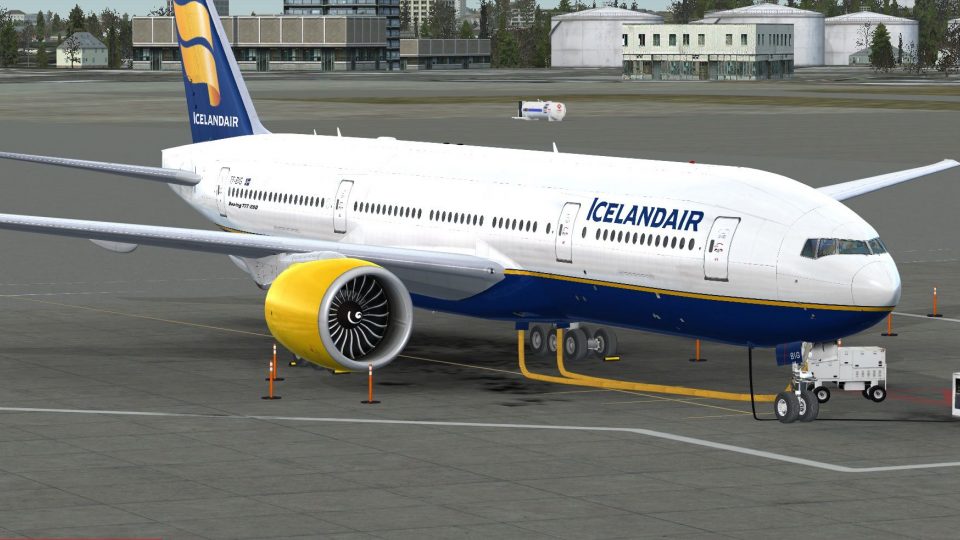
Icelandair Boeing 777-200LR livery brings a believable, fictional long-haul look to the PMDG 777-200LR, featuring accurate airline markings, registration details, and clean exterior texturing suited to ramp or gate scenes. Built for FSX, it integrates into the aircraft selection menu and requires the PMDG 777-200LR.
 Rate
Rate
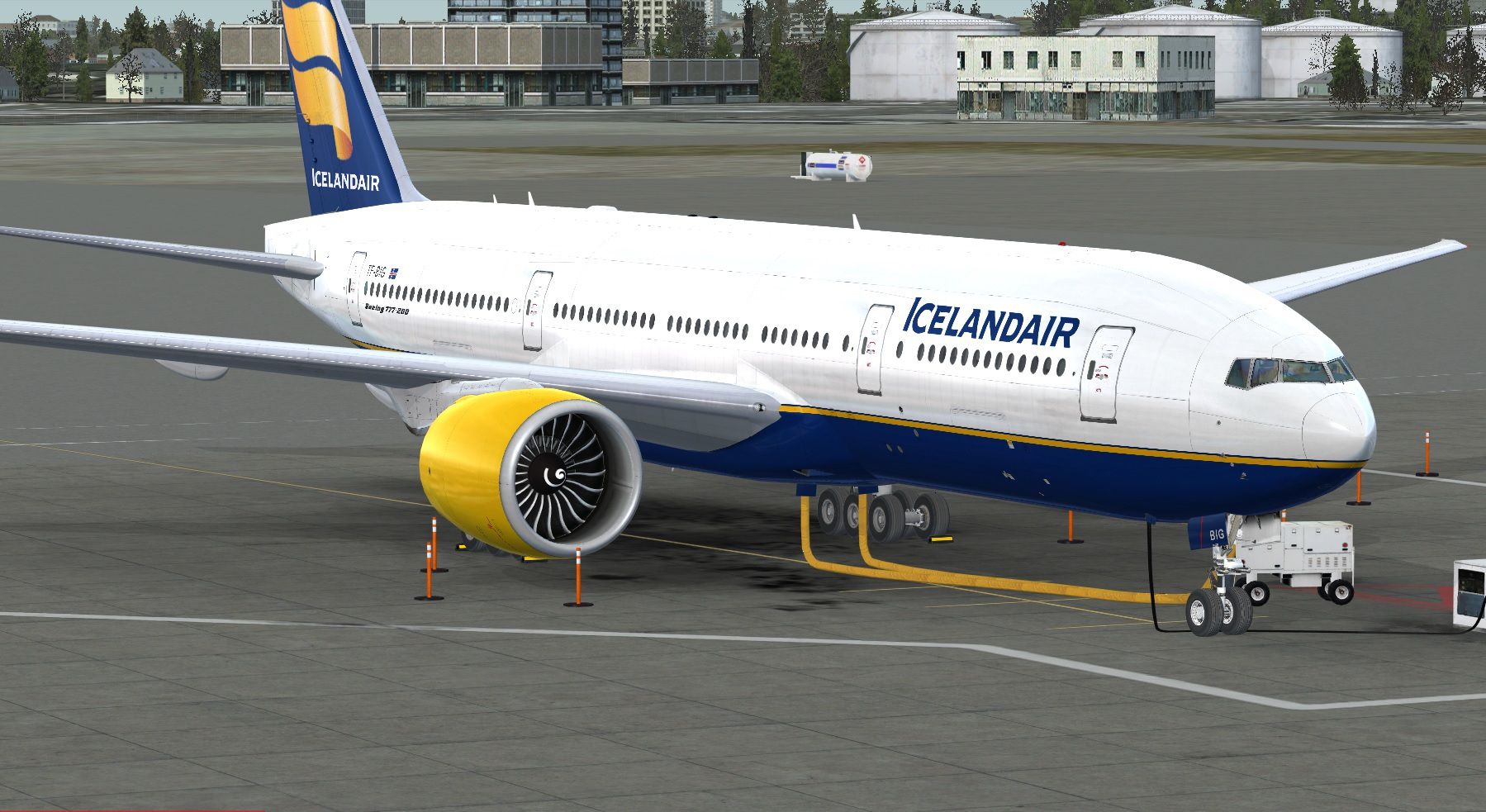
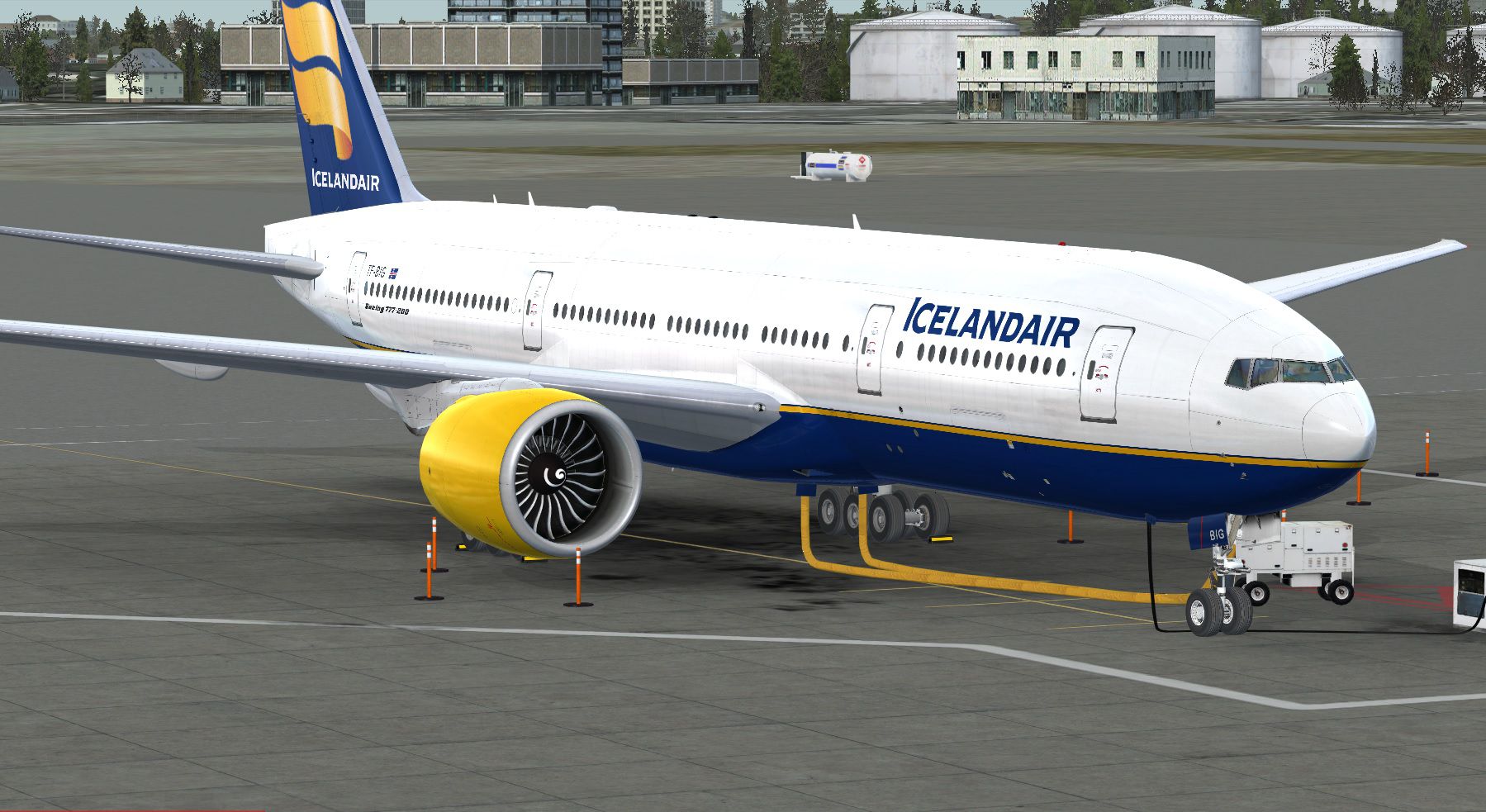
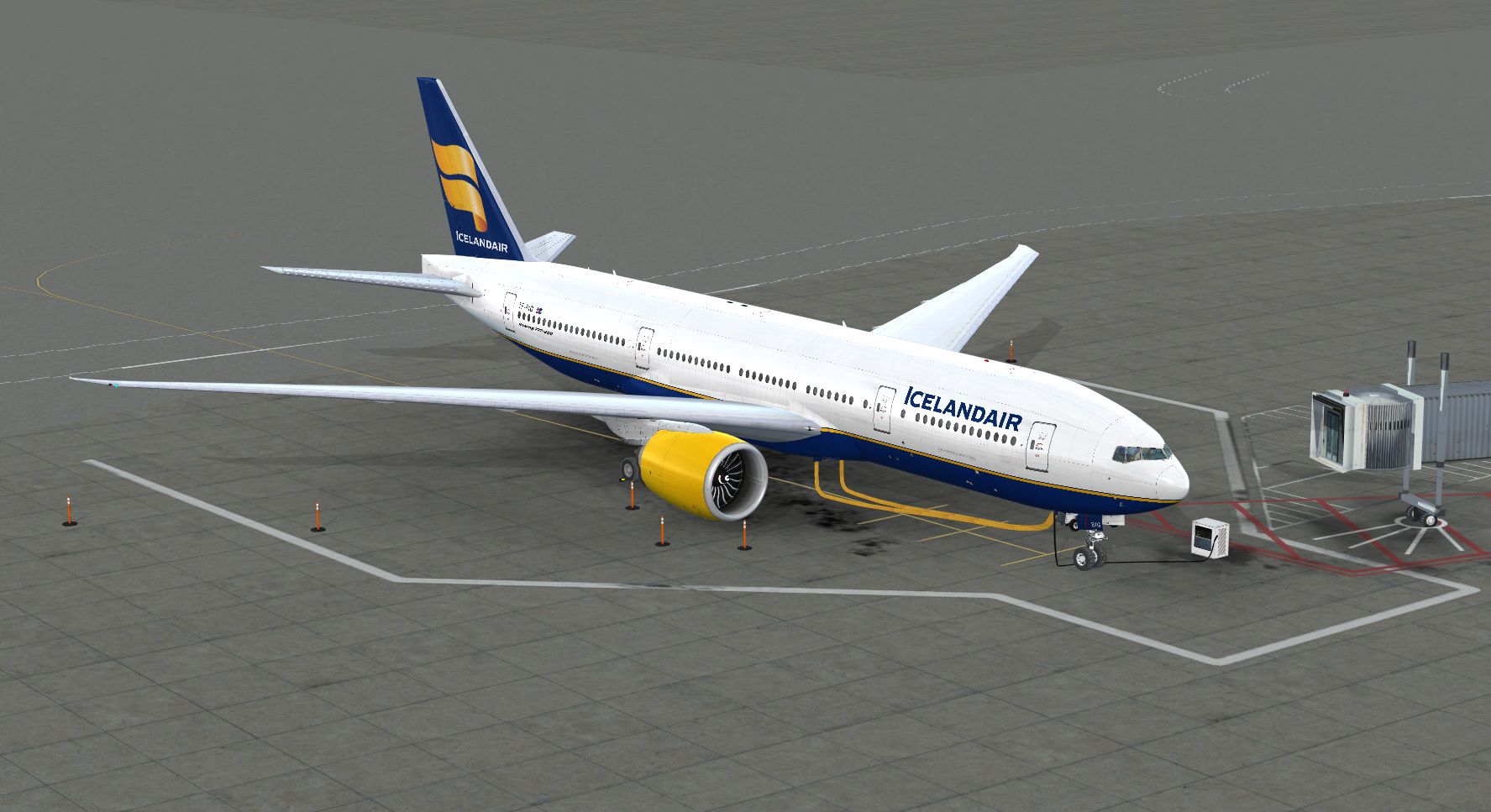
This is a fictional paint of the payware PMDG B777-200 LR. By Nicole Webb.
Screenshot of Icelandair Boeing 777-200LR on the ground.
Installation:
[fltsim.XX]

title=PMDG 777-200LR Icelandair

sim=B777-200LR

model=

panel=

sound=

texture=ice

atc_airline=Icelandair

atc_id=TF-BIG

atc_flight_number=857

atc_model=777-200LR

atc_heavy=1

atc_parking_types=GATE,RAMP

atc_type=BOEING

ui_createdby=PMDG

ui_manufacturer=Boeing

ui_type=777-200LRX

ui_typerole=777-200LRX

ui_variation=Icelandair

airline_name=Icelandair

description=Boeing 777-200LR powered by GE90 engines v 1.0\nPMDG Simulations\nProduced under license from Boeing Management Company.\n\nBoeing 777, 777-200LR, 777-200LR & Boeing are among the trademarks owned by Boeing.

visual_damage=0
Happy flying!
Free for all simmers · 13.36 MB · Scanned clean Oct 2026
Download speed: Free tier is capped at 0.5 Mbps (this file takes approximately 4 mins at the cap). PRO members download at full line speed.
texture.{airline}) inside FSX\SimObjects\Airplanes\{base-aircraft}\.aircraft.cfg in Notepad. Add a new [fltsim.X] section per the readme.readme.txt or README file. It tells you exactly where files go, what dependencies are needed, and any quirks specific to this add-on.The archive pmdg772_iceland.zip has 12 files and directories contained within it.
This list displays the first 500 files in the package. If the package has more, you will need to download it to view them.
| Filename/Directory | File Date | File Size |
|---|---|---|
| pmdg_777_fuse_1.dds | 11.27.14 | 16.00 MB |
| pmdg_777_fuse_2.dds | 11.26.14 | 16.00 MB |
| pmdg_777_fuse_3.dds | 11.27.14 | 16.00 MB |
| pmdg_777_tail.dds | 11.26.14 | 16.00 MB |
| PMDG_777_VC_NNumber.dds | 03.26.13 | 21.48 kB |
| texture.cfg | 10.11.12 | 152 B |
| thumbnail.jpg | 11.27.14 | 477.44 kB |
| Install.txt | 11.27.14 | 1.04 kB |
| Ice 2.jpg | 11.27.14 | 364.31 kB |
| ice 1.jpg | 11.27.14 | 477.89 kB |
| flyawaysimulation.txt | 10.29.13 | 959 B |
| Go to Fly Away Simulation.url | 01.22.16 | 52 B |
Only PRO members can place votes.
More FSX & P3D add-ons hand-picked based on this download.
FSX Civil Aircraft
Icelandair Boeing 767-300. Captain Sim B767-300 interior in Icelandair's old …
 FSX Civil Aircraft
Icelandair Boeing 747-400, registration TF-FUV. A repaint of the default B747…
 FSX Civil Aircraft
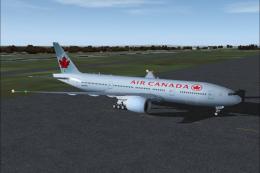
Air Canada Boeing 777-200LR. Model by Project Open Sky. Repaint by Yosuke. Ai…
 FSX Civil Aircraft
This comprehensive package blends Air Canada Boeing 777-200LR liveries with t…
 FSX Civil Aircraft
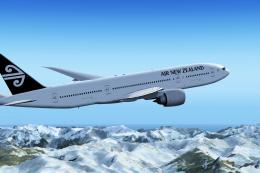
Air New Zealand Boeing 777-200LR (new livery). B777-200 model by SkySpirit201…
 FSX Civil Aircraft
This versatile package provides a modern widebody jet for virtual pilots seek…
 FSX Civil Aircraft
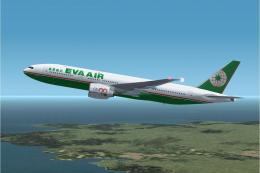
This freeware package features a fully functional Boeing 777-200LR in EVA Air…
 FSX Civil Aircraft
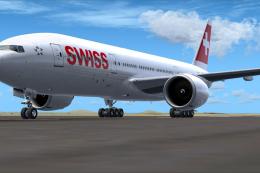
This specialized repaint brings the aesthetic of Swiss International Air Line…
Be the first to leave a comment on this download.
Be the first to share your thoughts on this download.