

 FSX Civil Aircraft
Aer Lingus Airbus A380-800 Update
Aer Lingus Airbus A380-800 Update. This is an update to the textures of the A…
Aer Lingus Airbus A380-800 livery brings a fictional Irish identity to the Project Airbus superjumbo with crisp 32-bit textures, sharp door and window detailing, and authentic shamrock tail branding. Designed for Microsoft Flight Simulator X, it requires the Project Airbus A380-800 base model and supports an optional update for refined texture elements.
 Rate
Rate

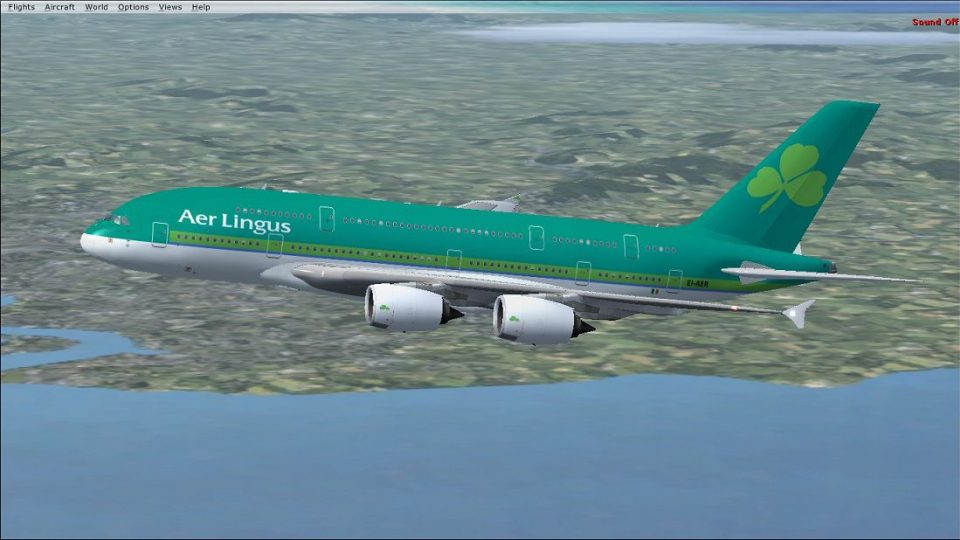
This fictional repaint showcases the Aer Lingus livery on a Project Airbus A380-800 airframe (textures only) and adds a captivating Irish twist to the superjumbo. Although Aer Lingus does not operate the A380 in real service, this custom texture brings a unique aesthetic to Microsoft Flight Simulator X. Created by Paul Craig using the official Project Airbus paint kit, it offers 32-bit BMP textures that require the separate Project Airbus base model to be installed first. For anyone seeking even finer detail, an additional update (AERLINGUS_A380-800_UPDATE.ZIP) exists to refine elements of this repaint. All credit for the livery design goes to the developer, Paul Craig.
In this rendition, the iconic Aer Lingus shamrock adorns the tail assembly, and green accents run along the central fuselage. The custom design aligns with the modern Aer Lingus branding while retaining the aircraft’s sweeping lines. Since the A380 is a double-deck, wide-body airliner normally powered by four turbofan engines, these repaint details bring depth to the model’s overall look without altering the aircraft’s core performance configs (i.e., thrust, weight, or flight dynamics). The repaint’s sharp high-resolution textures highlight door outlines, window frames, and airline branding elements.
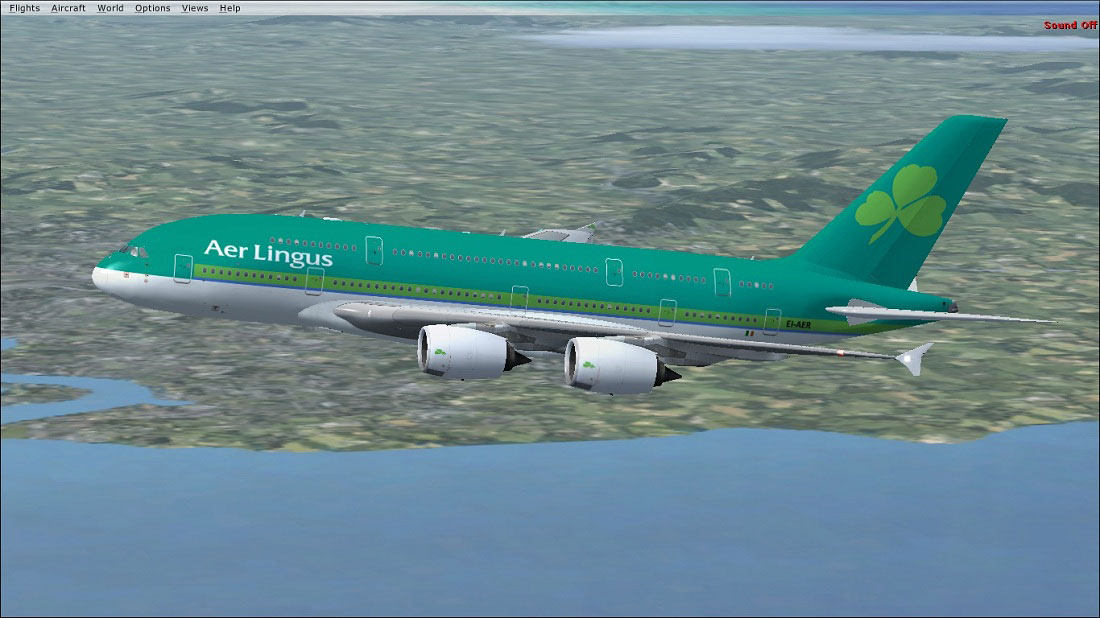
Aer Lingus Airbus A380-800 in flight.
After obtaining the freeware Project Airbus base package from the Fly Away Simulation mod library, extract the repaint files into a temporary folder. Then, move the contained “texture.Aer Lingus” directory into the aircraft’s root folder under:
OS (C)/Program Files(x86)/Microsoft Games/Microsoft Flight Simulator X/SimObjects/Airplanes/A380-800
Inside the aircraft.cfg file, add the following block after your last [fltsim.x] entry, keeping a sequential number in place of “X” to define the new livery. Backup the original configuration file before making edits.
[fltsim.X]
title = Airbus A380-841 Aer Lingus
(wingview)
sim = pa380
model =
panel =2
sound =
texture =Aer Lingus
kb_checklists =
kb_reference =
atc_id = EI-AER
atc_airline = Aer Lingus
atc_flight_number = 319
ui_manufacturer = Airbus
ui_type = A380-841
ui_variation = Aer Lingus
ui_typerole = "Commercial Airliner"
ui_createdby = "Project Airbus"
description = Project Airbus presents the Airbus A380-800. Features include dynamic wingflex (with input from several new variables), accurate LAF simulation, parallel bogies, drooping control surfaces, hardcoded double strobes, and over 40 other custom xml parts. Visit us at www.pairbus.com.
atc_parking_types = GATE
atc_parking_codes =
This repaint is exclusively for those looking to fly a custom Aer Lingus scheme on the A380 platform. The base aircraft by Project Airbus offers sophisticated animations such as realistic wingflex, operational bogies, and complex XML-coded behaviors that complement this texture set. For improved accuracy, be sure to reference the optional repaint update (AERLINGUS_A380-800_UPDATE.ZIP) by Paul Craig if you wish to access further refinements.
Once installed, the Aer Lingus branding will display in the simulator’s aircraft selection menu. Because it is a fictional representation, Aer Lingus flight numbers and registration details are inventive but consistent with the airline’s format. Enjoy this distinctive superjumbo in your virtual skies!
Free for all simmers · 6.83 MB · Scanned clean Oct 2026
Download speed: Free tier is capped at 0.5 Mbps (this file takes approximately 2 mins at the cap). PRO members download at full line speed.
This file is a repaint — the package below is the base model it paints onto. Install it first, or the textures will have nothing to load onto.
texture.{airline}) inside FSX\SimObjects\Airplanes\{base-aircraft}\.aircraft.cfg in Notepad. Add a new [fltsim.X] section per the readme.readme.txt or README file. It tells you exactly where files go, what dependencies are needed, and any quirks specific to this add-on.The archive aerlingus_a380-800.zip has 31 files and directories contained within it.
This list displays the first 500 files in the package. If the package has more, you will need to download it to view them.
| Filename/Directory | File Date | File Size |
|---|---|---|
| Aer Lingus Airbus A380-800.jpg | 01.14.11 | 176.97 kB |
| FILE_ID.DIZ | 01.14.11 | 267 B |
| Readme.txt | 01.14.11 | 1.73 kB |
| texture.Aer Lingus | 01.14.11 | 0 B |
| A380_1_l.bmp | 08.20.10 | 4.00 MB |
| A380_1_t.bmp | 01.13.11 | 4.00 MB |
| A380_2_l.bmp | 06.30.10 | 1.07 kB |
| A380_2_t.bmp | 01.13.11 | 4.00 MB |
| A380_fuse_1_l.bmp | 08.20.10 | 4.00 MB |
| A380_fuse_1_t.bmp | 01.13.11 | 4.00 MB |
| A380_fuse_2_l.bmp | 07.03.10 | 4.00 MB |
| A380_fuse_2_t.bmp | 01.13.11 | 4.00 MB |
| A380_fuse_3_l.bmp | 07.03.10 | 4.00 MB |
| A380_fuse_3_t.bmp | 01.13.11 | 512.07 kB |
| A380_misc_1.bmp | 07.06.09 | 1.00 MB |
| A380_misc_2_l.bmp | 07.03.10 | 4.00 MB |
| A380_misc_2_t.bmp | 07.03.10 | 4.00 MB |
| A380_wing_1_l.bmp | 06.26.10 | 4.00 MB |
| A380_wing_1_t.bmp | 01.13.11 | 4.00 MB |
| A380_wing_2_l.bmp | 06.26.10 | 4.00 MB |
| A380_wing_2_t.bmp | 01.13.11 | 4.00 MB |
| cabin_l.bmp | 09.18.10 | 1.00 MB |
| cabin_t.bmp | 07.02.10 | 4.00 MB |
| floor_l.bmp | 09.11.10 | 330 B |
| floor_t.bmp | 01.08.10 | 64.07 kB |
| pax_l.bmp | 09.18.10 | 1.00 MB |
| pax_t.bmp | 01.13.10 | 4.00 MB |
| thumbnail.jpg | 01.14.11 | 13.71 kB |
| thumbnail.png | 01.14.11 | 28.58 kB |
| flyawaysimulation.txt | 10.29.13 | 959 B |
| Go to Fly Away Simulation.url | 01.22.16 | 52 B |
Only PRO members can place votes.
More FSX & P3D add-ons hand-picked based on this download.
FSX Civil Aircraft
Aer Lingus Airbus A380-800 Update. This is an update to the textures of the A…
 FSX Civil Aircraft
FSX Aer Lingus Boeing 737-800. Textures only for the default B737-800. This r…
 FSX Civil Aircraft
Aer Lingus Airbus A330-300. Textures for the Airbus A330-300 model by Thomas …
 FSX Civil Aircraft
Textures for the default A321
 FSX Civil Aircraft
Textures only package for use with the Thomas Ruth A330-200 model (TOMA332B.Z…
 FSX Civil Aircraft
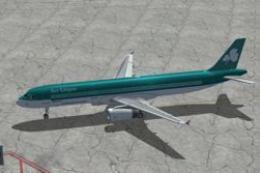
Textures only for the default A321. Screenshot of Aer Lingus Airbus A321 on t…
 FSX Civil Aircraft
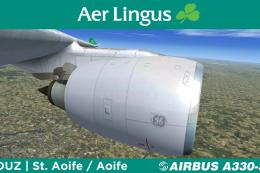
Textures only package for use with the Thomas Ruth A330-300 model (TOMA333B-1…
 FSX Civil Aircraft
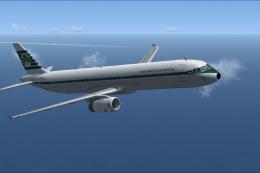
Aer Lingus Airbus A321 in retro livery to celebrate its 75th anniversary. Tex…
Be the first to leave a comment on this download.
Be the first to share your thoughts on this download.