

 FSX Civil Aircraft
SAA Airbus A380-800
The A380-800 is shown as what it may look like in South African Airways Liver…
South African Airways Boeing 767-200 textures refresh MyTraffic’s B762 traffic with the newer FSX model, delivering cleaner airline identity and accurate SPRINGBOK ATC details for more believable AI operations. Designed as a direct replacement for the default MyTraffic 2010 SAA 767 texture set and matching aircraft configuration entries.
 Rate
Rate
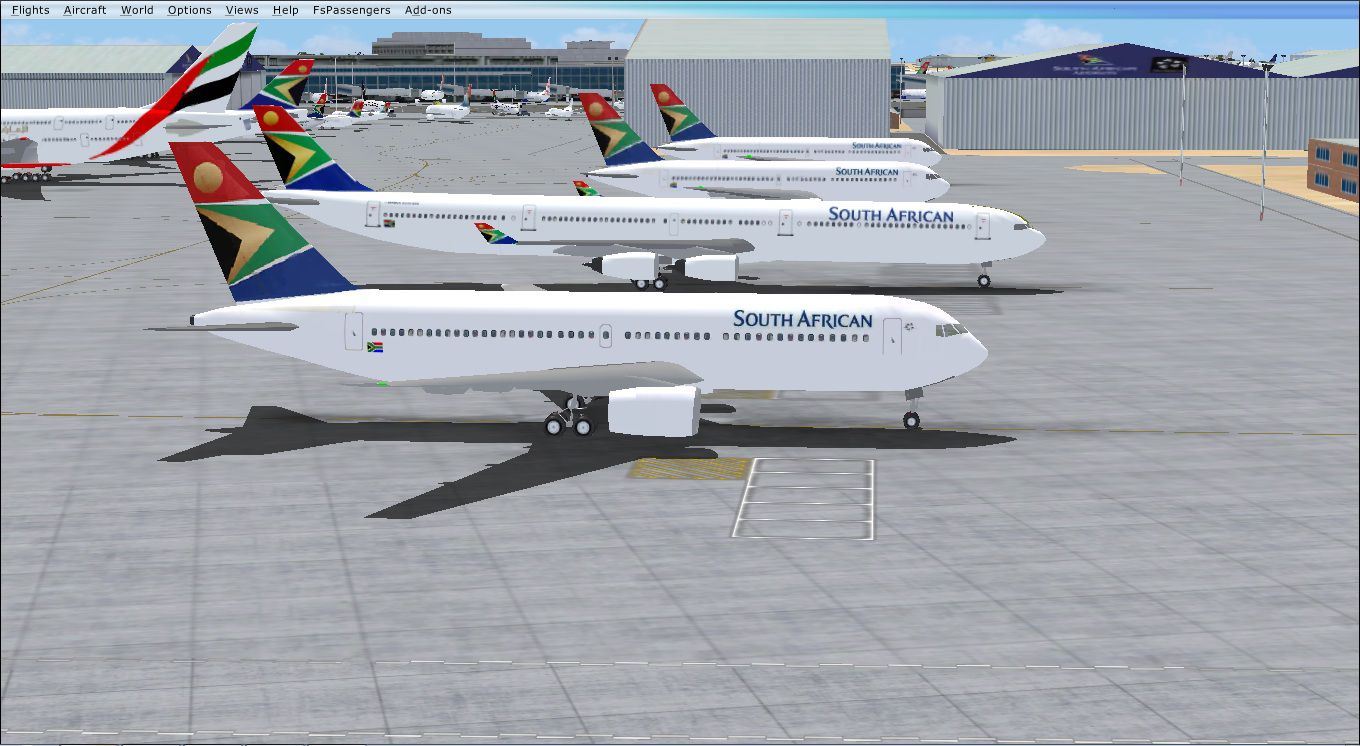
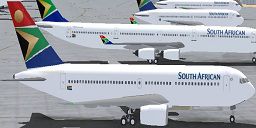
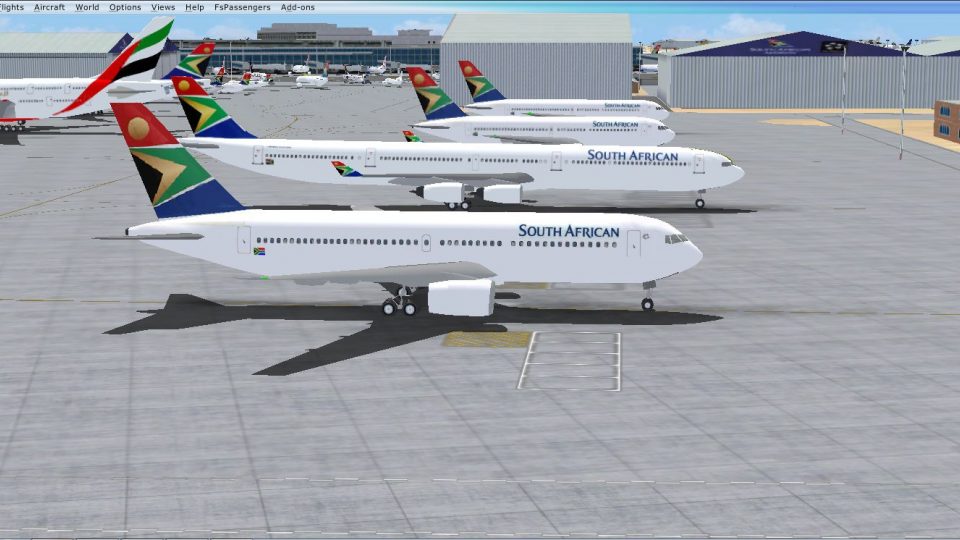
MyTraffic 2010 SAA B762. These textures replace the original SAA MT B762 to use the new FSX model. This will probably work with MyTraffic X but it has not been tested. By Adam Burns.
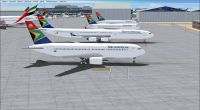
MyTraffic 2010 SAA B762.
Replace the origional TEXTURE.MY22 with this one and replace the [FLTSIM.22] with this one:
------------------------------------------------------------------------------------------
[fltsim.22]

title=B767-200 MyPaint22

sim=My762

model=FSX-PW

texture=My22

atc_airline=SPRINGBOK

atc_heavy=1

ATC_PARKING_TYPES=GATE,RAMP

ATC_PARKING_CODES=SAA

ui_manufacturer=MT Boeing

ui_type=767-200

ui_variation=South African Airways
----------------------------------
By Adam Burns
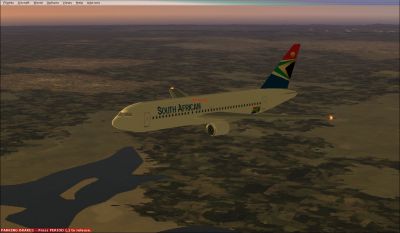
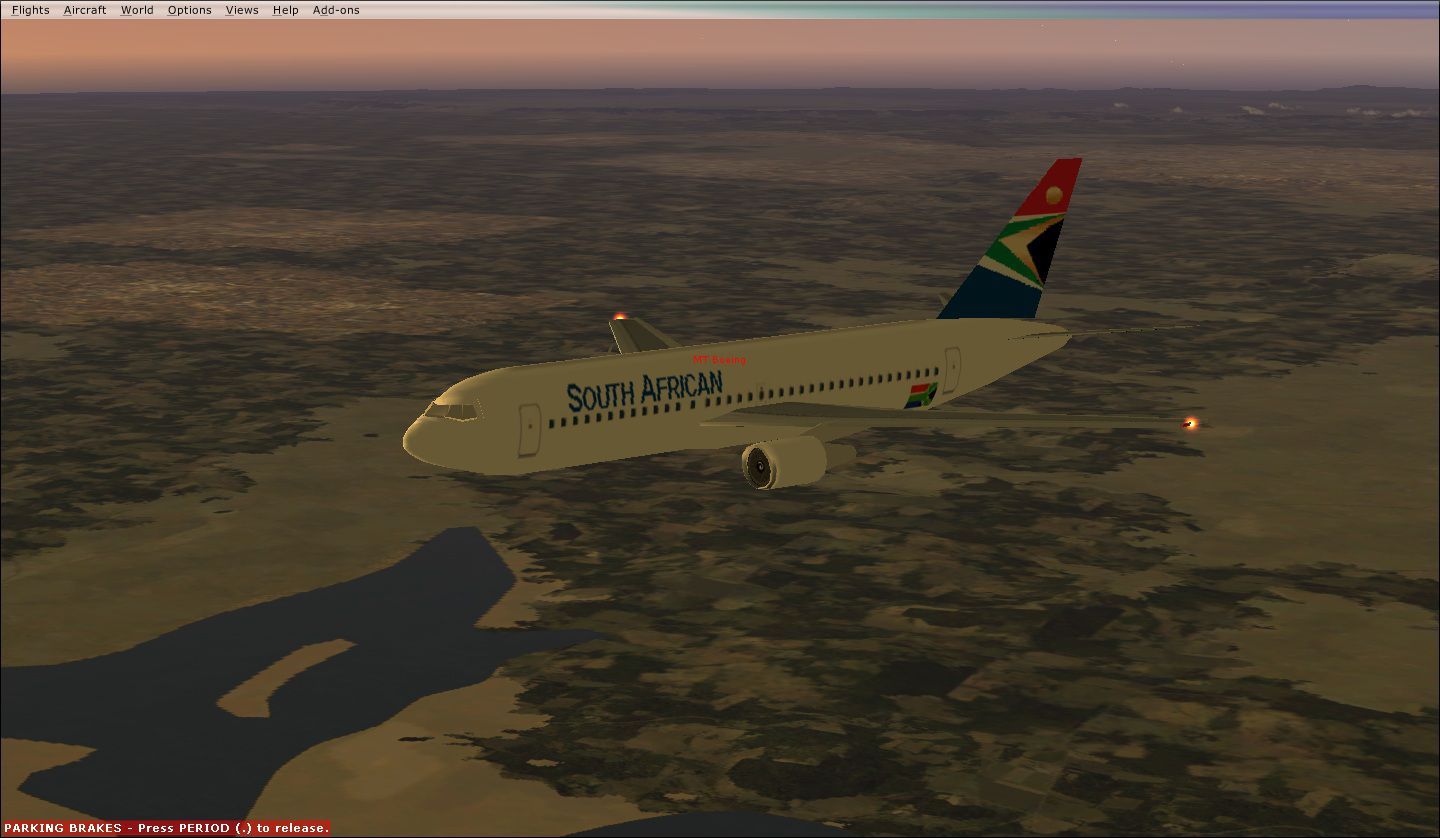
MyTraffic 2010 SAA B762 in flight.
Free for all simmers · 691.83 KB · Scanned clean Oct 2026
Download speed: Free tier is capped at 0.5 Mbps. PRO members download at full line speed.
texture.{airline}) inside FSX\SimObjects\Airplanes\{base-aircraft}\.aircraft.cfg in Notepad. Add a new [fltsim.X] section per the readme.readme.txt or README file. It tells you exactly where files go, what dependencies are needed, and any quirks specific to this add-on.The archive saab762mt.zip has 13 files and directories contained within it.
This list displays the first 500 files in the package. If the package has more, you will need to download it to view them.
| Filename/Directory | File Date | File Size |
|---|---|---|
| New 767.jpg | 05.01.11 | 278.00 kB |
| Old 767.jpg | 05.01.11 | 238.32 kB |
| sim.cfg.txt | 05.01.11 | 702 B |
| texture.my22 | 05.01.11 | 0 B |
| B762-l.dds | 04.24.11 | 682.80 kB |
| B762-l_1.dds | 04.24.11 | 170.80 kB |
| B762-l_3.dds | 04.24.11 | 10.80 kB |
| B762-t.dds | 04.24.11 | 682.80 kB |
| B762-t_1.dds | 04.24.11 | 170.80 kB |
| B762-t_3.dds | 04.24.11 | 10.80 kB |
| thumbnail.jpg | 05.01.11 | 16.28 kB |
| flyawaysimulation.txt | 10.29.13 | 959 B |
| Go to Fly Away Simulation.url | 01.22.16 | 52 B |
Only PRO members can place votes.
More FSX & P3D add-ons hand-picked based on this download.
FSX Civil Aircraft
The A380-800 is shown as what it may look like in South African Airways Liver…
 FSX Civil Aircraft
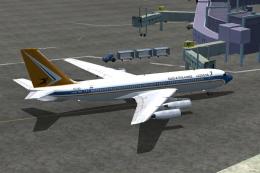
The FSX B707-420 in South African Airways colors. The real jet age for SAA be…
 FSX Civil Aircraft
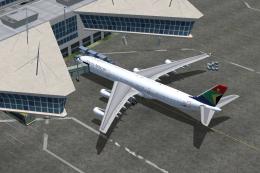
The Aerodesign's A340-313 is shown in South African Airways livery. SAA color…
 FSX Civil Aircraft
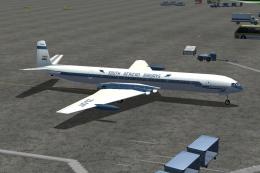
This De Havilland Comet aircraft was leased by SAA from BOAC. They were the f…
 FSX Civil Aircraft
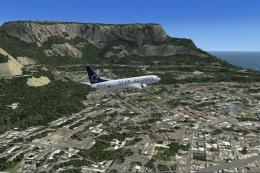
SAA (Star Alliance) Boeing 737-800. This is a repaint of the default B737-800…
 FSX Civil Aircraft
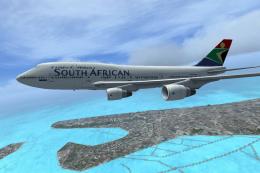
A repaint of the default B747-400 in South African Airways colors. The aircra…
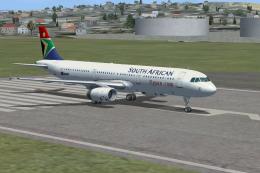 FSX Civil Aircraft
A repaint of the default Airbus A321 in South African Airways colors. The air…
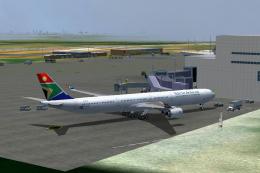 FSX Civil Aircraft
A repaint of the shareware Flightcraft Designs Airbus 340-600 in South Africa…
Be the first to leave a comment on this download.
Be the first to share your thoughts on this download.