

 FSX Military Aircraft
USAF Lockheed T-33 TR-612
This is Tim Conrad's T-33 updated for Flight Simulator X. Design work for the…
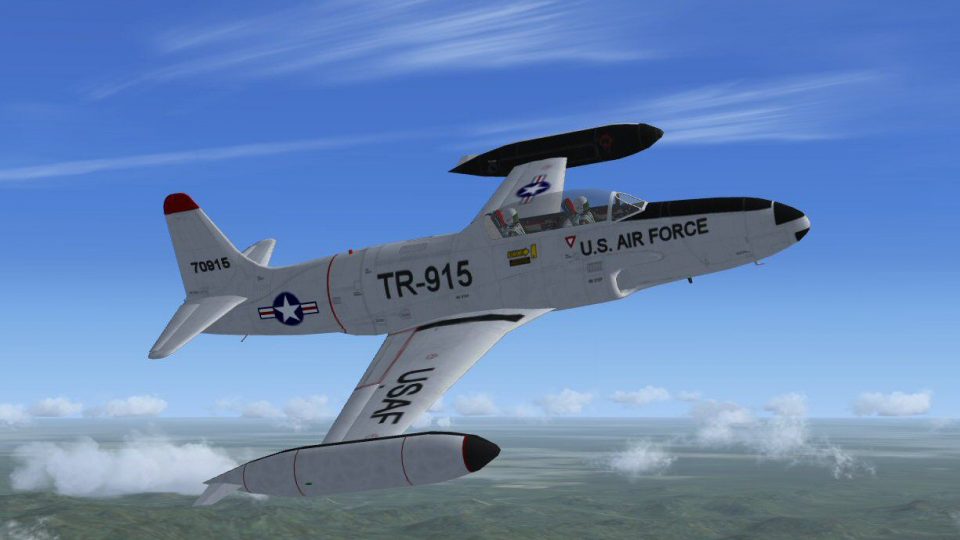
Lockheed’s T-33 “T-Bird” brings the USAF’s famed “Ace Maker” jet trainer to Microsoft Flight Simulator X with refreshed textures, a refined virtual cockpit, and period-style effects such as optional engine smoke. The package includes authentic markings plus reference documentation that highlights the aircraft’s P-80 lineage and long training legacy.
 Rate
Rate
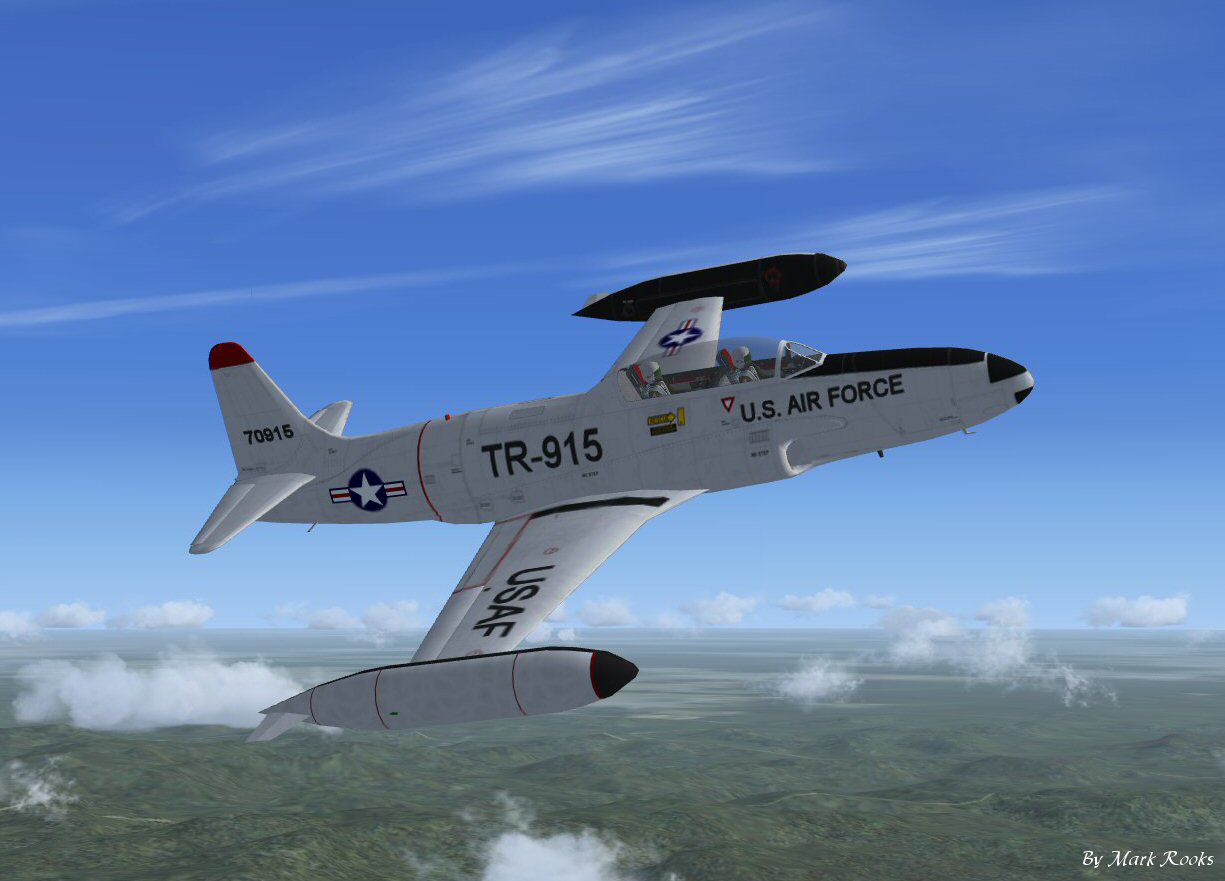
This freeware package features the renowned Lockheed T-33 “T-Bird,” a classic American subsonic jet trainer updated specifically for Microsoft Flight Simulator X. Designed by Tim Conrad and enhanced by Mark Rooks (RDG Aircraft), it showcases new textures, a refined cockpit experience, and realistic effects inspired by the original platform. Known as “The Ace Maker,” this T-33 honors the training heritage it provided to countless United States Air Force pilots.
The T-33 traces its lineage to the Lockheed P-80 Shooting Star, one of America’s earliest operational jet fighters. When it became evident that streamlined training would be critical in transitioning emerging pilots to jet-powered flight, specialists at Lockheed adapted the single-seat design into a two-seat variant. As the T-33, it quickly solidified its role in the USAF by instructing newcomers on takeoff procedures, jet handling, and essential instrument flight. Affectionately dubbed “The Ace Maker” for its significant impact on pilot development, the T-33 continued to serve for decades and remains a treasured part of aviation history.

USAF The Ace Maker T-33 in flight.
This add-on is packaged for immediate use in Microsoft Flight Simulator X. Before installing, back up any existing files to protect your current setup. Once unzipped, confirm that the primary aircraft folder contains six essential subfolders (CFG, AIR file, Model, Sound, Panel, Texture). Follow these steps:
Neither the original developer Tim Conrad nor the updater Mark Rooks (RDG Aircraft), including any associated parties, can be held liable for hardware or software complications arising from the use of these files. Install and operate the modifications at your own discretion. All files are confirmed virus-free upon upload.
This project incorporates the creativity of Tim Conrad, known also by the moniker “Piglet,” whose dedication to building quality add-ons under Piglet’s Peculiar Planes has greatly enriched the simulation community. Mark Rooks of RDG Aircraft updated textures and provided enhancements. The signature “Fire Ball” note signifies the spirit and enthusiasm poured into customizing this T-33.
Experience the timeless charm of the “T-Bird” firsthand and train like an early-jet-era pilot within Microsoft Flight Simulator X. The combination of historical detail and modern simulator upgrades makes this freeware release a valuable addition to any virtual hangar.
Free for all simmers · 10.11 MB · Scanned clean Oct 2026
Download speed: Free tier is capped at 0.5 Mbps (this file takes approximately 3 mins at the cap). PRO members download at full line speed.
SimObjects\Airplanes\, Addon Scenery\, Effects\, or Gauges\.readme.txt or README file. It tells you exactly where files go, what dependencies are needed, and any quirks specific to this add-on.The archive fsxt33.zip has 9 files and directories contained within it.
This list displays the first 500 files in the package. If the package has more, you will need to download it to view them.
| Filename/Directory | File Date | File Size |
|---|---|---|
| Effects.zip | 03.13.11 | 645 B |
| Gauges.zip | 03.14.11 | 1.59 MB |
| Pictures and History.zip | 03.14.11 | 3.25 MB |
| Read Me First.txt | 03.14.11 | 2.83 kB |
| Screen T33 -1.jpg | 03.13.11 | 100.85 kB |
| Text.txt | 03.14.11 | 766 B |
| USAF T-33.zip | 03.14.11 | 5.18 MB |
| flyawaysimulation.txt | 10.29.13 | 959 B |
| Go to Fly Away Simulation.url | 01.22.16 | 52 B |
Only PRO members can place votes.
More FSX & P3D add-ons hand-picked based on this download.
FSX Military Aircraft
This is Tim Conrad's T-33 updated for Flight Simulator X. Design work for the…
 FSX Military Aircraft
FSX F-18 Ace Combat 0: Galm-Livery And Black Ops. This is for Acceleration on…
 FSX Military Aircraft
This is a repaint for the Iris McDonnell Douglas F-15E Eagle. By Ray Rotmans.…
 FSX Military Aircraft
This is an update for FSX of the SU-33D Flanker. At least it was billed as th…
 FSX Military Aircraft
A model of the Russian aircraft carrier Admiral Kuznetsov with working ski-ju…
 FSX Military Aircraft
FSX VS-33 Screwbirds Lockheed S3-B Viking. A repaint of the Iris freeware S3-…
 FSX Military Aircraft
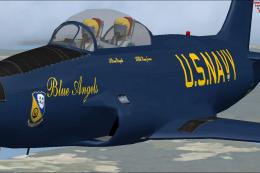
US Navy Blue Angels T-33. =Textures only for the revised T-33 by Ed Wells, ut…
 FSX Military Aircraft
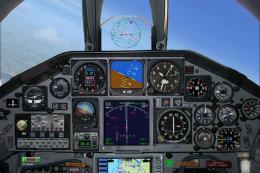
Model by Tim Conrad. Texture by Leslie Luna Cepeda. Screenshot of Daafar Lock…
Be the first to leave a comment on this download.
Be the first to share your thoughts on this download.