

 FSX Military Aircraft
SAAF Patrol Pilatus PC-9A
This freeware add-on provides a specialized repaint of the Pilatus PC-9A for …
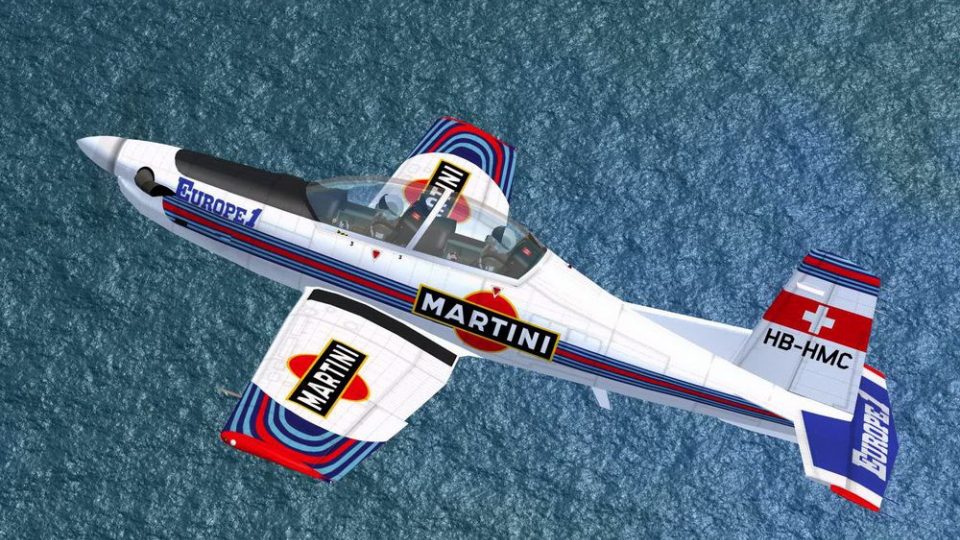
Martini Patrol textures transform the Pilatus PC-9A into a vivid, aerobatic-inspired trainer livery for Microsoft Flight Simulator X, highlighting the Swiss turboprop’s sleek lines with crisp striping and clean surface detail. It preserves the aircraft’s authentic trainer character, with a detailed virtual cockpit and reliable flight dynamics, and requires the Iris Simulations PC-9A base model.
 Rate
Rate
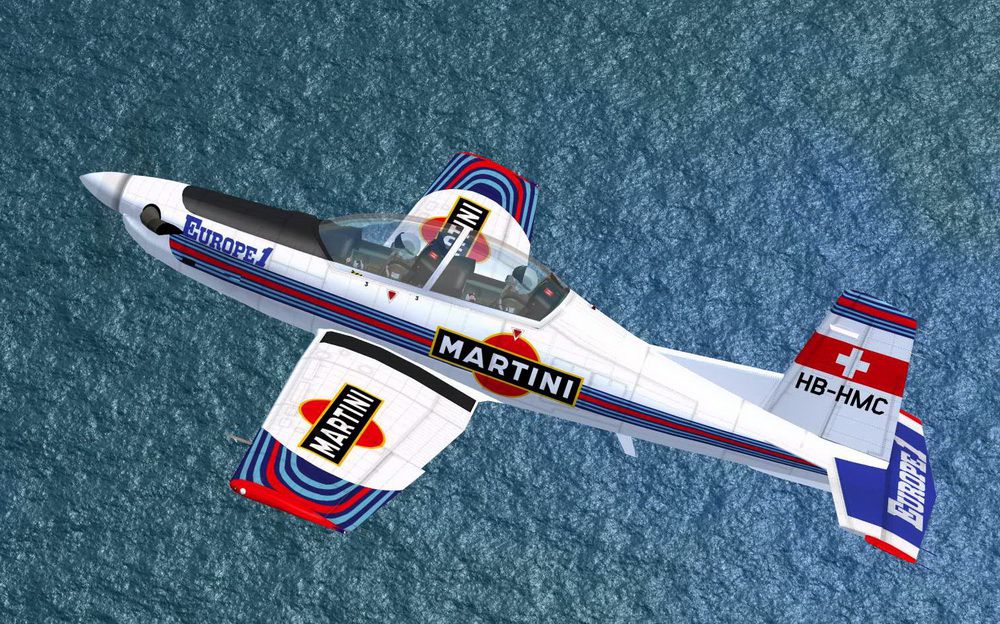
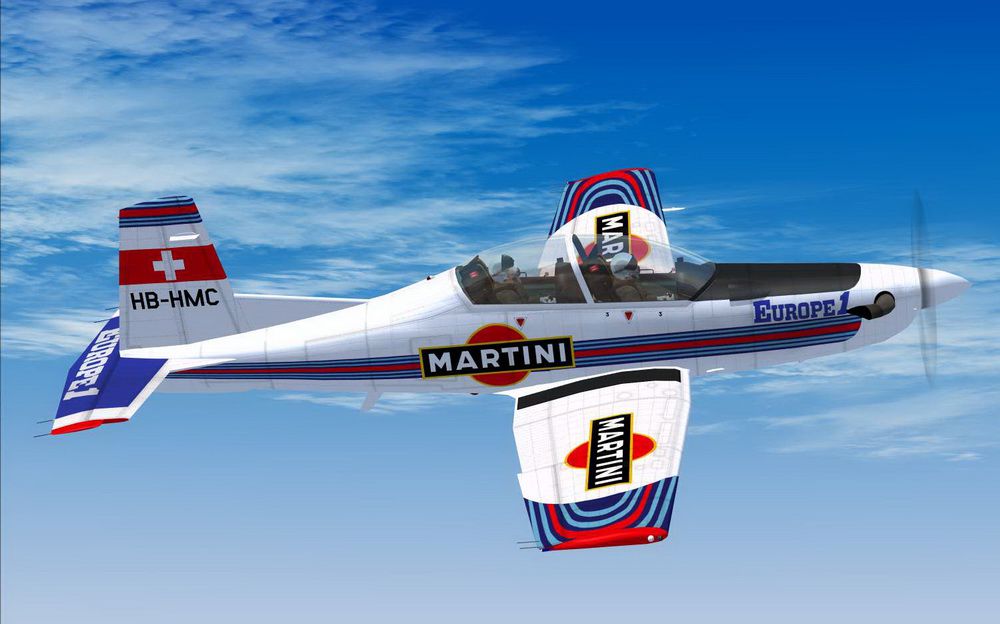
Created to infuse a distinctive flair into Microsoft Flight Simulator X, this freeware repaint depicts the Pilatus PC-9A donned in a Martini Patrol theme. Developed originally by Iris Simulations (payware model required for use), this livery has been meticulously prepared by Martial Feron and offers an energetic twist on an already popular Swiss-made turboprop trainer.
Introduced by Pilatus Aircraft in Switzerland, the PC-9A is widely recognized for its smooth performance envelope and reliable handling. It features a single-engine turboprop layout that many air forces around the globe have relied on for pilot instruction. This Martini Patrol rework stands out through its vivid exterior design, merging a stylish color scheme with the PC-9’s uniquely contoured airframe. Because the model was purpose-built for Iris Simulations’ payware variant, pilots can expect intricate cockpit instrumentation, faithful flight dynamics, and crisp detailing throughout the aircraft’s surfaces.
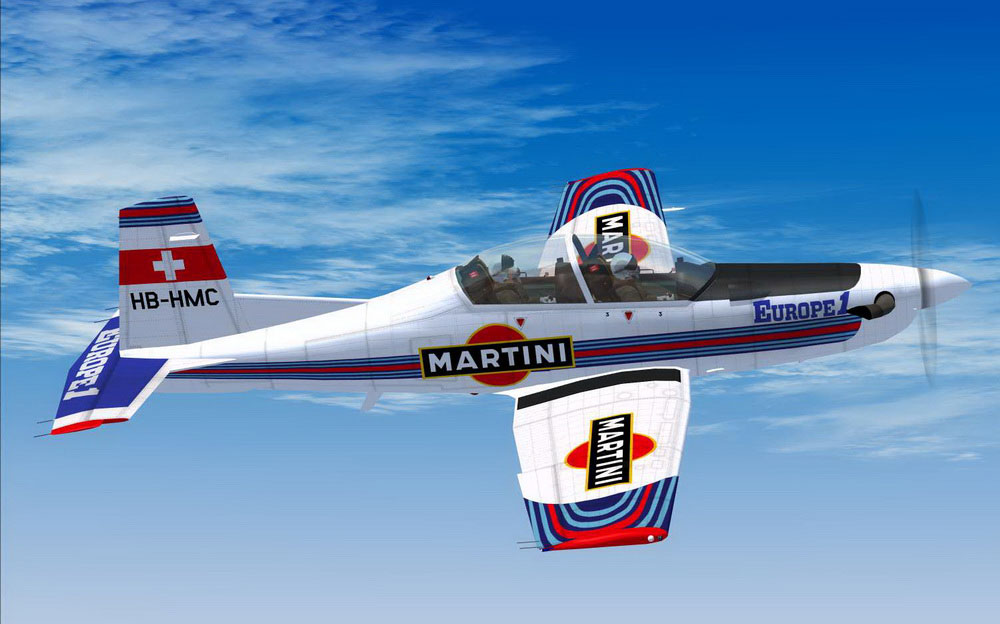
Martini Patrol Pilatus PC-9A cruising above terrain.
When integrating the repaint textures, you will need to append the following snippet (or a similar one) to your PC-9A aircraft configuration file. Include the updated folder in the correct directory, ensuring naming consistency for a smooth integration:
[fltsim.XX]

title=PC-9A Patrouille Martini

sim=PC-9A

model=pc9a

panel=1

sound=

texture=Martini

kb_checklists=

kb_reference=

atc_id=A23-021

atc_airline=Air Force

atc_flight_number=021

ui_manufacturer=Pilatus

ui_type=PC-9/A

ui_variation=Martini Patrol

ui_typerole="Single Engine TurboProp"

ui_createdby="Iris Simulations"

description=Repaint by Martial FERON

atc_heavy=0
This entry allows the simulator to correctly identify and display the new coating. It references the proven turbine trainer foundations, so your flights will maintain immersive flight modeling while flaunting the new marking.
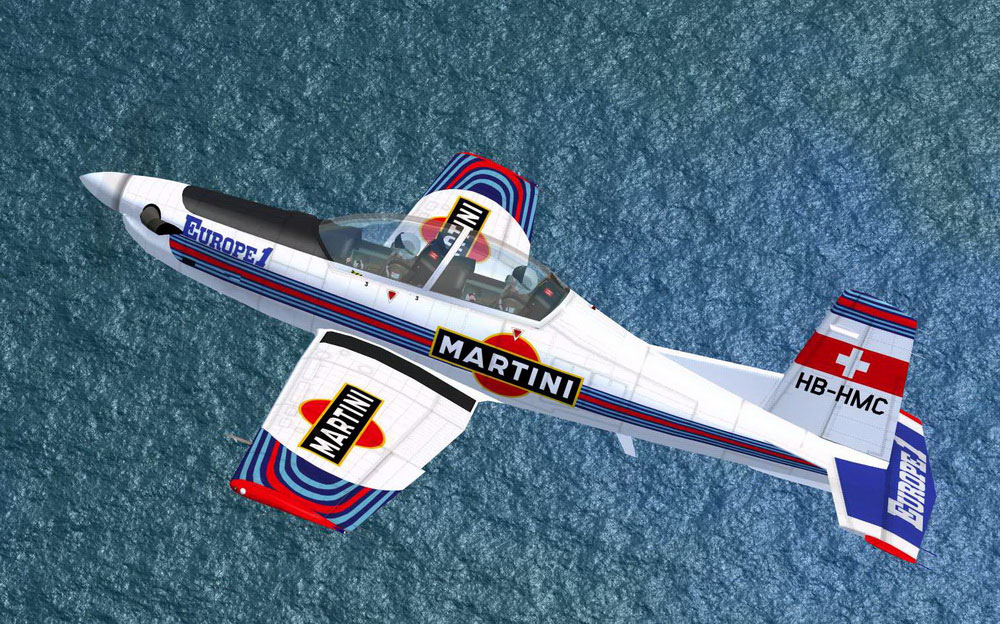
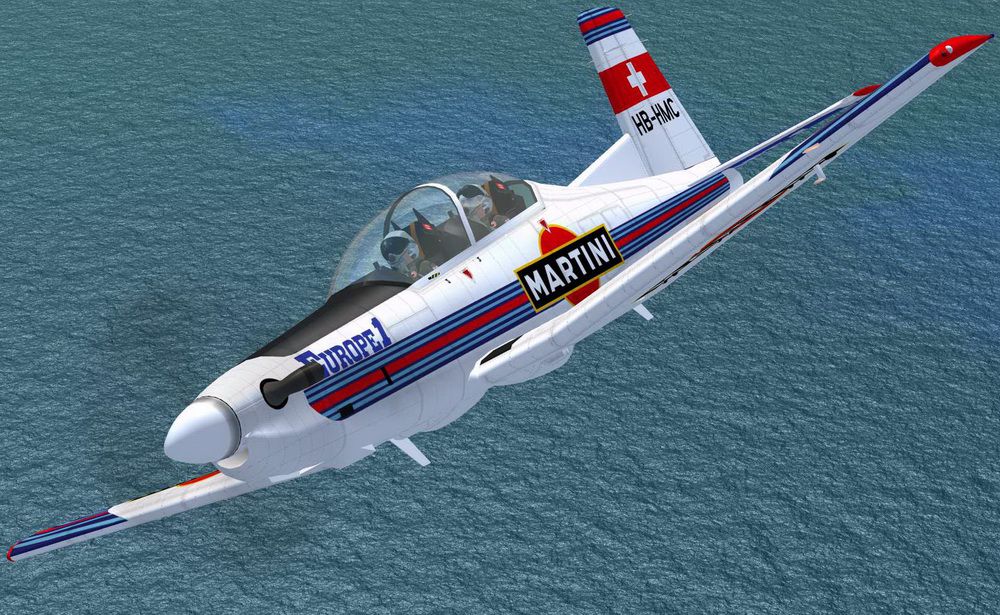
Showcasing the vibrant wing and tail assembly of the Martini scheme.
This repaint operates exclusively over the payware Iris Simulations PC-9A base package (available for separate purchase). No payware assets are supplied with this download. By adding these textures, you blend a premium-quality Pilatus PC-9A model with an eye-catching visual style that highlights the aircraft’s Swiss-engineered agility.
Enjoy your flight with this Martini Patrol repaint by Martial Feron, and bring a refreshing aesthetic twist to your next sortie in Microsoft Flight Simulator X.
Free for all simmers · 3.06 MB · Scanned clean Oct 2026
Download speed: Free tier is capped at 0.5 Mbps. PRO members download at full line speed.
texture.{airline}) inside FSX\SimObjects\Airplanes\{base-aircraft}\.aircraft.cfg in Notepad. Add a new [fltsim.X] section per the readme.readme.txt or README file. It tells you exactly where files go, what dependencies are needed, and any quirks specific to this add-on.The archive pc-9_martini.zip has 19 files and directories contained within it.
This list displays the first 500 files in the package. If the package has more, you will need to download it to view them.
| Filename/Directory | File Date | File Size |
|---|---|---|
| Read me.txt | 09.13.11 | 729 B |
| Screenshot - 31_08_2011 , 21_41_20.jpg | 08.31.11 | 314.12 kB |
| Screenshot - 31_08_2011 , 21_42_31.jpg | 08.31.11 | 146.28 kB |
| Screenshot - 31_08_2011 , 21_42_58.jpg | 08.31.11 | 347.56 kB |
| Texture.Martini | 09.13.11 | 0 B |
| front_pilot_t.dds | 02.05.08 | 4.00 MB |
| Prop_Blurred.dds | 09.23.07 | 1.00 MB |
| Prop_Slow.dds | 09.30.07 | 1.00 MB |
| Prop_Still.dds | 09.23.07 | 1.00 MB |
| rear_pilot_t.dds | 02.05.08 | 4.00 MB |
| t6_1_t.dds | 08.31.11 | 4.00 MB |
| t6_2_t.dds | 08.31.11 | 4.00 MB |
| t6_3_t.dds | 08.31.11 | 4.00 MB |
| t6_vc5_t.dds | 09.13.11 | 1.00 MB |
| texture.cfg | 08.14.06 | 137 B |
| thumbnail.jpg | 08.31.11 | 314.12 kB |
| PC9 Martini | 09.13.11 | 0 B |
| flyawaysimulation.txt | 10.29.13 | 959 B |
| Go to Fly Away Simulation.url | 01.22.16 | 52 B |
Only PRO members can place votes.
More FSX & P3D add-ons hand-picked based on this download.
FSX Military Aircraft
This freeware add-on provides a specialized repaint of the Pilatus PC-9A for …
 FSX Military Aircraft
A repaint for the Iris Pilatus PC9A, which is now freeware. This pack include…
 FSX Military Aircraft
These are some repaints for the payware Iris PC9A, including Swiss air Force,…
 FSX Military Aircraft
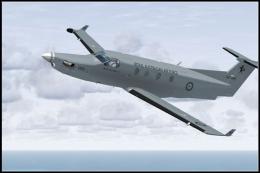
FSX RAAF Pilatus PC-12. A repaint of the payware Flight1 Pilatus PC12. By Sea…
 FSX Military Aircraft
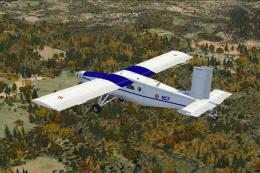
ALAT Pilatus PC-6C. Pilatus PC-6C H2 Turbo Porter by Tim Conrad in a fictiona…
 FSX Military Aircraft
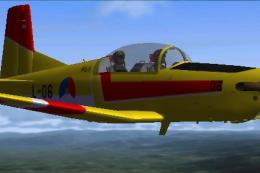
FSX Pilatus Pc-7 Turbotrainer RNAF repaint. (Model by Tim Piglet Conrad). Thi…
 FSX Military Aircraft
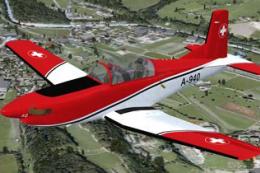
Experience a refreshed level of Swiss-themed turboprop training in Microsoft …
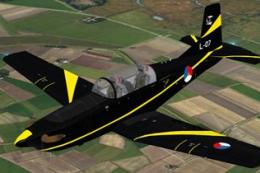 FSX Military Aircraft
This repaint features the KLu 130 EMVO Pilatus PC-7 L-07, representing the Ro…
Be the first to leave a comment on this download.
Be the first to share your thoughts on this download.