

 FSX Helicopters
Eurocopter AS350 Ecureuil
Eurocopter AS350 Ecureuil helicopter. The AS350 by Nemeth brothers updated fo…
Heliservices Hong Kong livery for the Eurocopter AS350 brings a crisp, authentic tourist-operator look to the Nemeth Designs Ecureuil, with accurate markings and a tailored texture set for close-up screenshots and smooth rotorcraft flying. Built for Microsoft Flight Simulator X, it requires the Nemeth Designs AS350 base aircraft.
 Rate
Rate
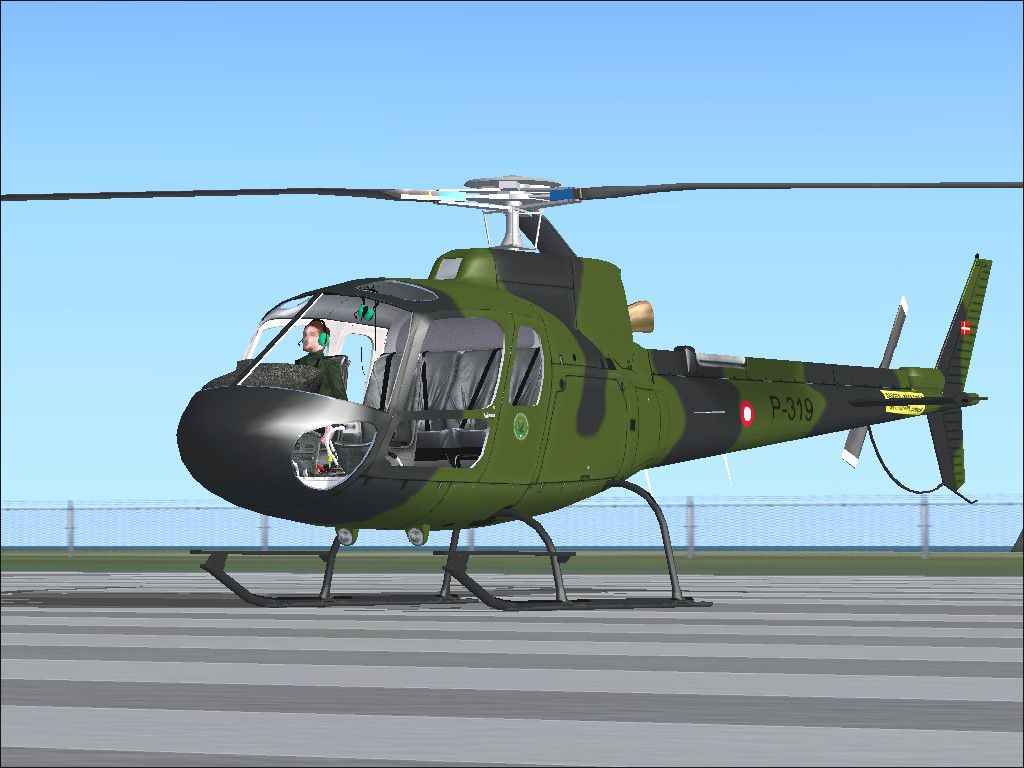
Heliservices Hong Kong AS350 helicopter. Original Eurocopter AS 350 Ecureuil by Nemeth Designs. Repaint by Alton Ng.
Heliservices Hong Kong AS350 on the ground.
Repaint of Nemeth Designs AS350 in the colors of Heliservices Hong Kong.
Installation: 1st-Copy the text below into the aircrafts "cfg" file that is on the folder "X:\XXX\Microsoft Games\Microsoft Flight Simulator X\Aircraft\AS 350 Ecureuil" and replace the "XX" with the next number in sequence.
2nd-Copy the file named "texture.hk" folder into the main "AS 350 Ecureuil" aircraft folder.
Texture repaint by : Alton Ng
[fltsim.XX]

title=Eurocopter AS 350 Ecureuil - Heliservices Hong Kong

sim=AS 350

model=

panel=

sound=

texture=hk

kb_checklists=

kb_reference=

ui_manufacturer=Eurocopter

ui_type=AS 350

ui_variation=Heliservices Hong Kong

prop_anim_ratio=-1.86

atc_id=F-OICL

description=AS350 for tourist service in Hong Kong

atc_heavy=0

atc_airline=Heliservices HK

atc_flight_number=B-KHS
Free for all simmers · 3.76 MB · Scanned clean Oct 2026
Download speed: Free tier is capped at 0.5 Mbps (this file takes approximately 1 min at the cap). PRO members download at full line speed.
texture.{airline}) inside FSX\SimObjects\Airplanes\{base-aircraft}\.aircraft.cfg in Notepad. Add a new [fltsim.X] section per the readme.readme.txt or README file. It tells you exactly where files go, what dependencies are needed, and any quirks specific to this add-on.The archive as350_hk.zip has 30 files and directories contained within it.
This list displays the first 500 files in the package. If the package has more, you will need to download it to view them.
| Filename/Directory | File Date | File Size |
|---|---|---|
| AS350 repaint | 06.30.09 | 0 B |
| readme.txt | 06.30.09 | 1.09 kB |
| texture.hk | 06.30.09 | 0 B |
| a350_1_l.bmp | 04.13.04 | 256.69 kB |
| a350_2_l.bmp | 04.13.04 | 65.05 kB |
| a350_4_l.bmp | 04.13.04 | 128.77 kB |
| a350_5_l.bmp | 04.13.04 | 16.74 kB |
| a350_6_l.bmp | 04.13.04 | 25.62 kB |
| a350_gps_l.bmp | 04.13.04 | 257.05 kB |
| aspanel01.bmp | 04.15.04 | 1.00 MB |
| chrome.bmp | 04.05.04 | 16.07 kB |
| ext01_t.bmp | 06.30.09 | 5.33 MB |
| ext02_t.bmp | 06.30.09 | 5.33 MB |
| ext03_t.bmp | 06.30.09 | 5.33 MB |
| int01_t.bmp | 07.29.04 | 1.00 MB |
| int02_t.bmp | 03.21.04 | 1.00 MB |
| int03_t.bmp | 03.21.04 | 1.00 MB |
| int04_t.bmp | 03.21.04 | 1.00 MB |
| int05_t.bmp | 08.14.04 | 1.00 MB |
| panel01.bmp | 01.06.03 | 1.00 MB |
| pansw.bmp | 04.15.04 | 5.05 kB |
| pansw_l.bmp | 04.16.04 | 5.05 kB |
| prop_as_main.bmp | 08.07.04 | 1.00 MB |
| prop_as_tail.bmp | 08.07.04 | 256.07 kB |
| switches.bmp | 04.15.04 | 65.05 kB |
| switches_l.bmp | 04.15.04 | 65.05 kB |
| thumbnail.jpg | 06.18.09 | 134.62 kB |
| windows_t.bmp | 08.07.04 | 576.07 kB |
| flyawaysimulation.txt | 10.29.13 | 959 B |
| Go to Fly Away Simulation.url | 01.22.16 | 52 B |
Only PRO members can place votes.
More FSX & P3D add-ons hand-picked based on this download.
FSX Helicopters
Eurocopter AS350 Ecureuil helicopter. The AS350 by Nemeth brothers updated fo…
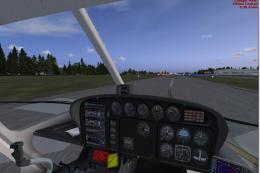 FSX Helicopters
FSX Eurocopter AS350 Package. Original by FSpainter/Florian Laroye. Tested fo…
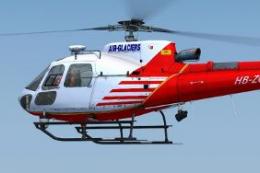 FSX Helicopters
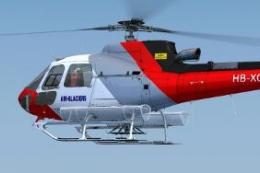
A repaint for the Nemeth Design AS350B3 in the colors of Air-Glaciers. Compat…
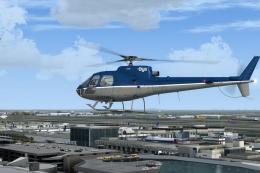 FSX Helicopters
A repaint of the Nemeth Designs AS 350. By Martial Feron. Screenshot of OYA V…
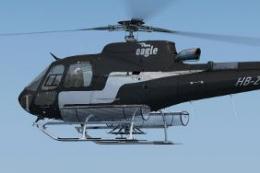 FSX Helicopters
This repaint package showcases Eagle Helicopter’s distinctive HB-ZES livery f…
 FSX Helicopters
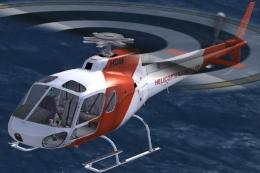
This add-on provides a versatile repaint for the payware Nemeth Design AS350B…
 FSX Helicopters
This repaint delivers an authentic Helicopters New Zealand Ltd AS350 experien…
 FSX Helicopters
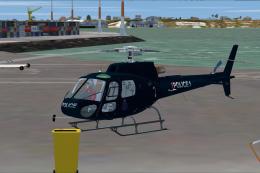
This add-on is a specialized repaint portraying the Auckland Police “Eagle” c…
Be the first to leave a comment on this download.
Be the first to share your thoughts on this download.