

 FSX Helicopters
Project BO-105
Project BO-105 German Coast Guard and police new colors v2.0 with virtual coc…
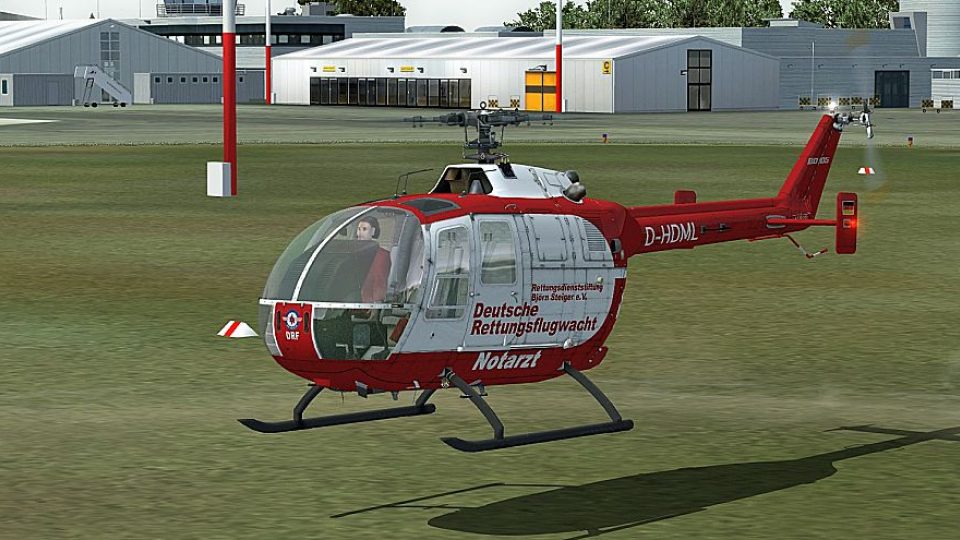
Deutsche Rettungsflugwacht (DRF) markings transform the MBB Bo 105 into a convincing air-ambulance helicopter, with crisp red-and-white branding that suits rescue flights and tight landing sites. Built for Microsoft Flight Simulator X, the repaint requires the Nemeth Designs Bo 105 package and preserves key exterior details for authentic medical operations.
 Rate
Rate
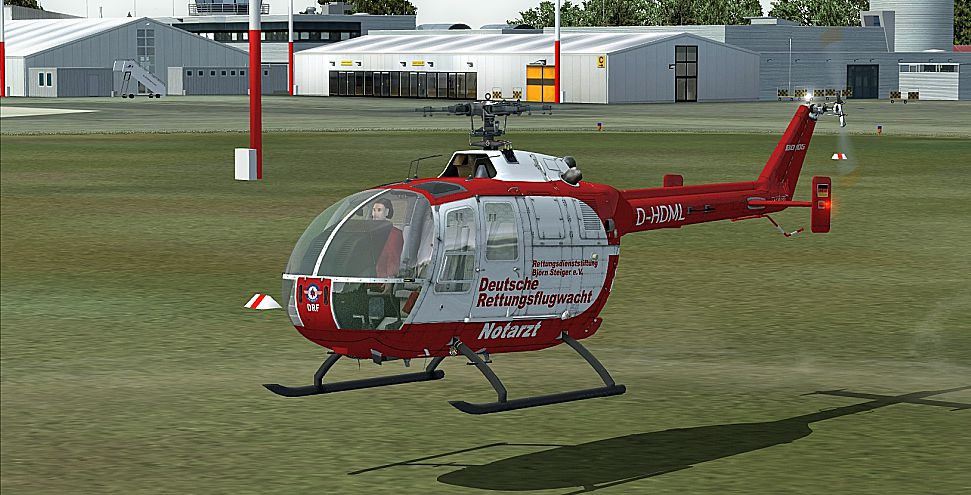
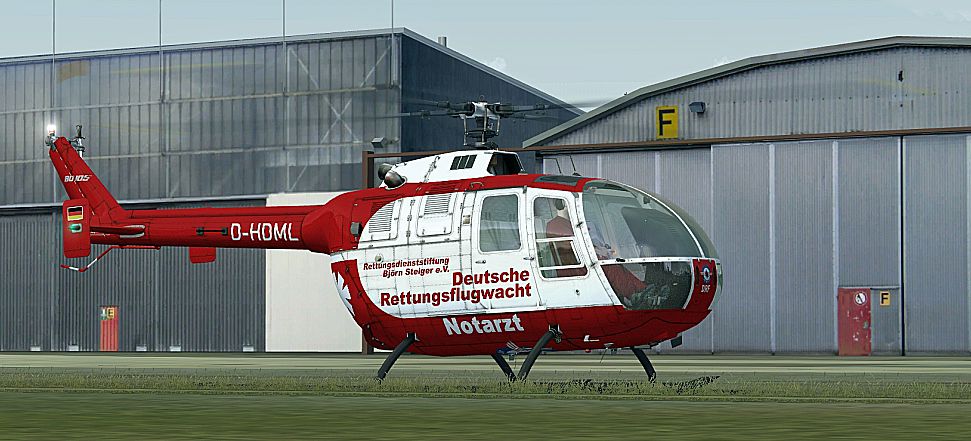
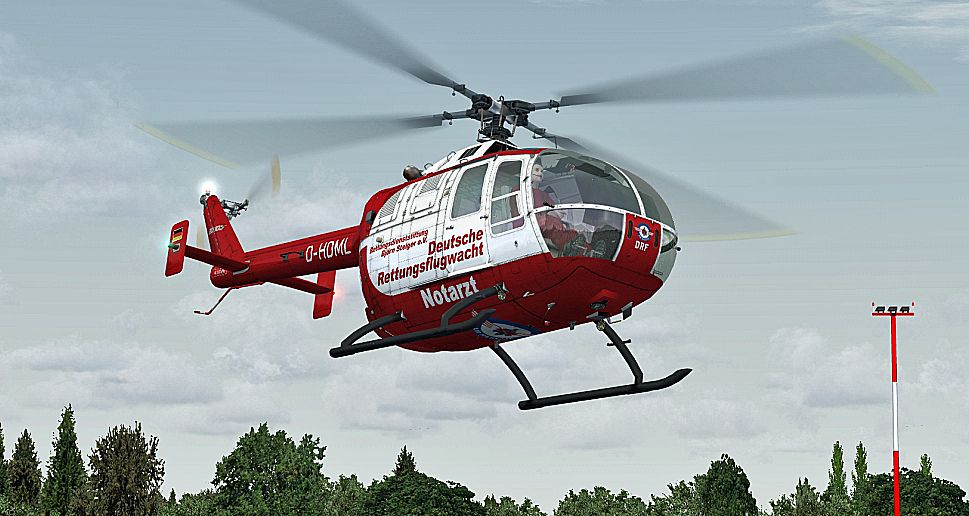

This repaint brings the Deutsche Rettungsflugwacht (DRF) visual identity to the versatile Bo 105 helicopter, allowing simulation enthusiasts to immerse themselves in authentic medical rescue flight operations. Created by Bernhard Lechner, these custom textures require the payware Nemeth Designs Bo 105 package designed for Microsoft Flight Simulator X with SP2. The real-life Messerschmitt-Bölkow-Blohm (often abbreviated MBB) Bo 105 airframe is particularly renowned for emergency medical services, thanks to its compact footprint and twin-engine safety.
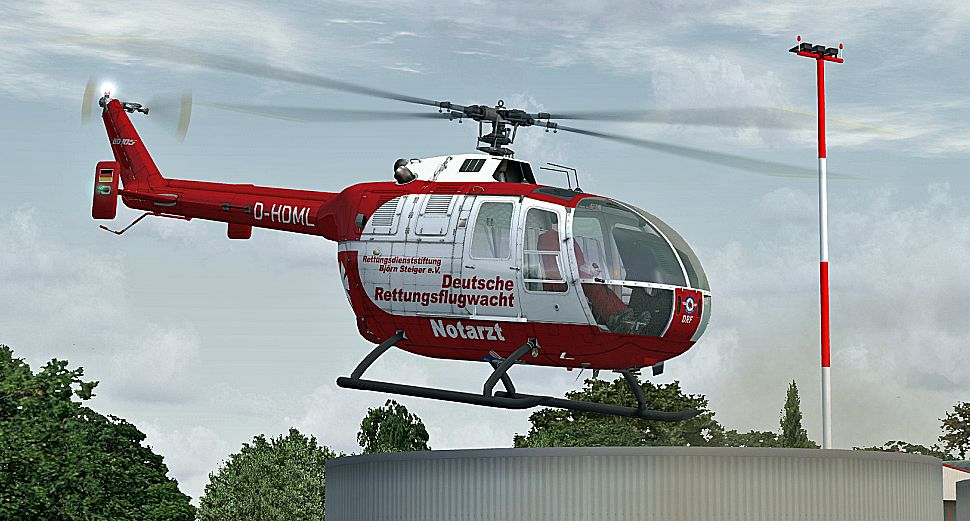
The Bo 105’s rugged yet aerodynamic profile pairs well with the crisp red-and-white DRF markings. These distinctive colors reflect the helicopter’s operational role in German rescue missions, where rapid responses and high maneuverability are crucial. The paint layout positions the rescue authority’s branding in easily visible locations, thus recreating the characteristic DRF appearance found in real-world flight operations.
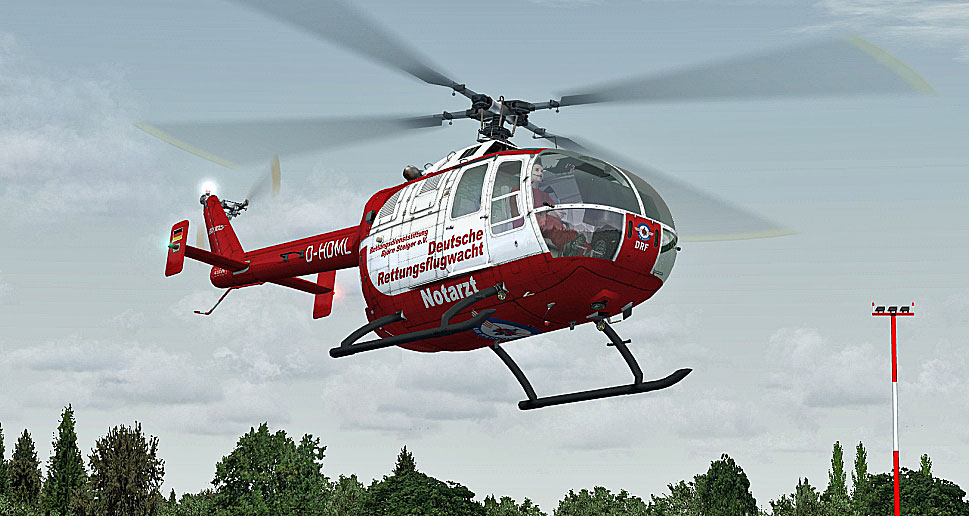
Rettungsflugwacht Bo 105 in flight.
In reality, the Bo 105’s rigid rotor head allows for agile maneuvers that are critical in emergency scenarios. Pilots benefit from enhanced handling around congested urban zones or rough mountainous areas. Classic twin-engine reliability means greater operational safety, especially for air ambulance missions that involve unpredictable landing sites. This repaint highlights the helicopter’s overall design, preserving visual cues of the forward-section windows and tail boom geometry.
[FLTSIM.XX]
Title = BO105 Dt. Rettungsflugwacht
Sim = BO105
Model =
Panel =
Sound =
Texture = DRF
kb_checklists = NDBO105_CHECK
kb_reference =
atc_id =
atc_airline =
ui_manufacturer = Eurocopter/MBB
ui_type = BO-105
ui_variation = DRF
ui_typerole = ROTORCRAFT
ui_createdby = NEMETH DESIGNS
description =
Save the file and close your text editor. Then, launch Microsoft Flight Simulator X to confirm the Rettungsflugwacht variant appears in your rotorcraft listings.

Rettungsflugwacht Bo 105.
These textures do not include the payware helicopter model, which must be obtained from sources such as our dedicated store. By installing this repaint, you can represent the DRF fleet in vivid detail and simulate the clinically equipped interior capabilities of a true rescue operator. The end result is a specialized rotorcraft suited for quick-delete medical flights and intricate search-and-rescue maneuvers—especially appreciated by pilots aiming to expand their emergency services collection in MSFS or FSX custom content libraries.
Free for all simmers · 3.12 MB · Scanned clean Oct 2026
Download speed: Free tier is capped at 0.5 Mbps. PRO members download at full line speed.
texture.{airline}) inside FSX\SimObjects\Airplanes\{base-aircraft}\.aircraft.cfg in Notepad. Add a new [fltsim.X] section per the readme.readme.txt or README file. It tells you exactly where files go, what dependencies are needed, and any quirks specific to this add-on.The archive bo105_rettungsflugwacht.zip has 15 files and directories contained within it.
This list displays the first 500 files in the package. If the package has more, you will need to download it to view them.
| Filename/Directory | File Date | File Size |
|---|---|---|
| readme_105_rettungsflugwacht.txt | 05.03.10 | 1.34 kB |
| Screens | 05.03.10 | 0 B |
| BO105_01.jpg | 05.03.10 | 480.07 kB |
| BO105_02.jpg | 05.03.10 | 539.56 kB |
| BO105_03.jpg | 05.03.10 | 472.11 kB |
| BO105_04.jpg | 05.03.10 | 548.38 kB |
| Texture.DRF | 05.03.10 | 0 B |
| BO105_1_T.dds | 05.03.10 | 4.00 MB |
| BO105_2_T.dds | 05.03.10 | 1.00 MB |
| BO105_3_T.dds | 05.03.10 | 1.00 MB |
| PILOT_PASS.dds | 05.03.10 | 256.12 kB |
| texture.cfg | 09.22.08 | 139 B |
| THUMBNAIL.jpg | 05.03.10 | 42.32 kB |
| flyawaysimulation.txt | 10.29.13 | 959 B |
| Go to Fly Away Simulation.url | 01.22.16 | 52 B |
Only PRO members can place votes.
More FSX & P3D add-ons hand-picked based on this download.
FSX Helicopters
Project BO-105 German Coast Guard and police new colors v2.0 with virtual coc…
 FSX Helicopters
German Luftrettung Bo 105. Repaint for an air ambulance - Bo105 in service fr…
 FSX Helicopters
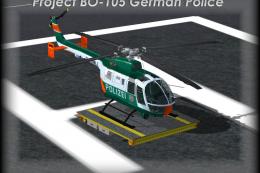
Project BO-105 Polizei vers.1.1 with Virtual Cockpit. "you find it under Roto…
 FSX Helicopters
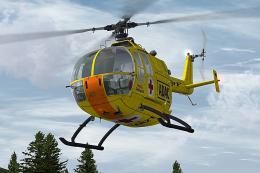
This free repaint showcases an ADAC Luftrettung livery for the Messerschmitt-…
 FSX Helicopters
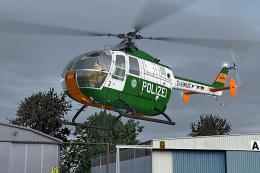
This robust repaint presents the Bo 105 rotorcraft in authentic Bavarian Poli…
 FSX Helicopters
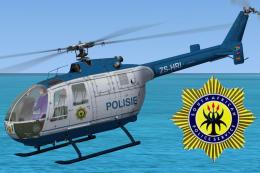
SAPS MMB BO-105. This is a repaint of the Nemeth Designs MBB BO-105 as used b…
 FSX Helicopters
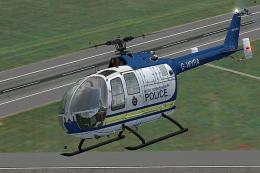
This repaint showcases the West Yorkshire Police variant of the famed Bo 105,…
 FSX Helicopters
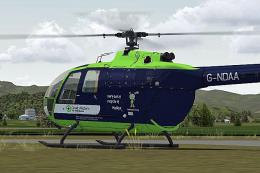
Great Western Air Ambulance Bo 105. Repaint for a Bo105 in service from Great…
Be the first to leave a comment on this download.
Be the first to share your thoughts on this download.