

 FSX Helicopters
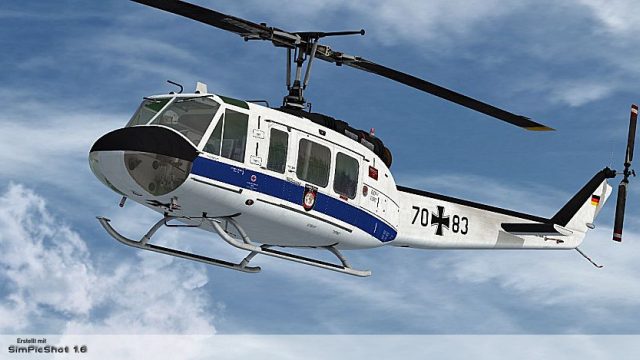
Bell UH-1D Bundeswehr 'SAR 71'
Bell UH-1D Bundeswehr 'SAR 71'. This repaint dispicts a search and rescue hel…
Flugbereitschaft BMVg markings bring a German Ministry of Defence VIP Bell UH-1D “Huey” look to Microsoft Flight Simulator X with crisp, high-resolution textures, accurate insignia, and carefully matched tones for close-up viewing and screenshots. Designed to integrate cleanly with the Nemeth Designs Bell UH-1H model, it requires that payware helicopter.
 Rate
Rate
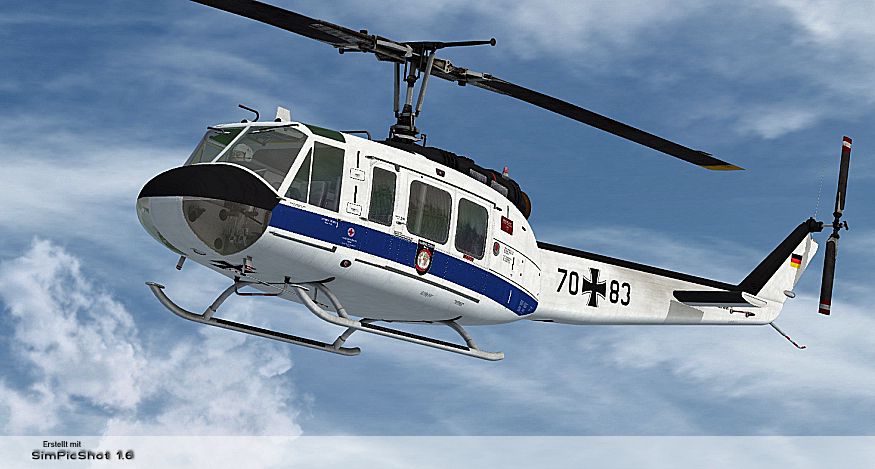
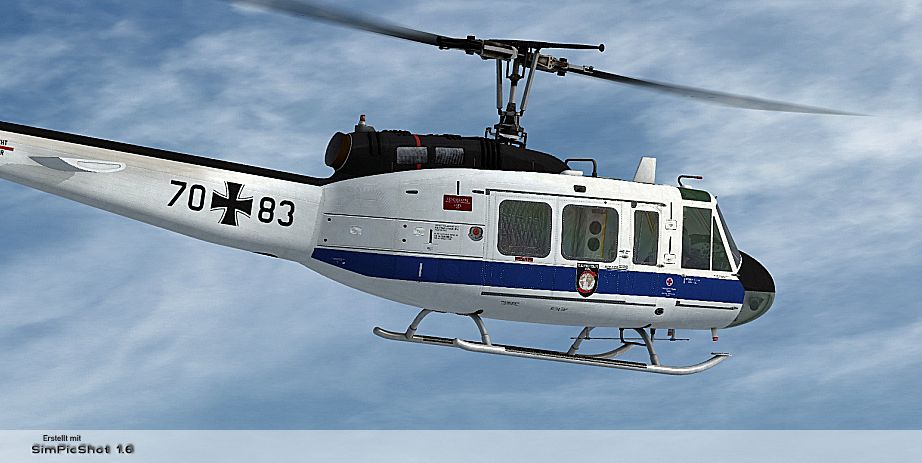
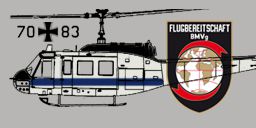
Expand the capabilities of your Microsoft Flight Simulator X rotorcraft library with a detailed repaint created by B. Lechner. This custom livery depicts the iconic Bell UH-1D “Huey” in service with the Flugbereitschaft des Bundesministeriums für Verteidigung (the German Ministry of Defence’s VIP transport arm). It is specifically designed for the payware Nemeth Designs Bell UH-1H model, which you will need to acquire separately from a source such as SimShack or another reputable add-on store. This repaint showcases the special VIP version used by military units to transport officials, reflecting both the utility and prestige of the helicopter's role.
This repaint focuses on accurately representing markings and external finishes specific to the Flugbereitschaft BMVg. It includes unique color arrangements and emblem placements that distinguish the aircraft when used for official missions. The Bell UH-1D airframe, often referred to by its affectionate nickname “Huey,” has been cherished for decades, serving countless operational scenarios from troop transport to VIP flights. Within Germany, it has a storied history, and this add-on provides virtual pilots with an opportunity to replicate that heritage in their simulator flights.
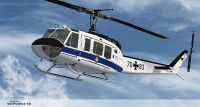
“Flugbereitschaft BMVg” Bell UH-1D in flight.
SIMOBJECTS/ROTORCRAFT/ND_UH1H directory.
[fltsim.XX]
title= BELL UH-1H HUEY - FLUGBEREITSCHAFT BMVG
sim= bell_uh1
model=
panel=
sound=
texture= FLBSCH
kb_checklists=
kb_reference=
atc_id=
ui_manufacturer= BELL
ui_type= UH-1D
ui_variation= FLBSCH-BMVG
ui_typerole= "Rotorcraft"
ui_createdby= "Nemeth Designs & MILVIZ"
description= ""
After saving your changes, launch Microsoft Flight Simulator X and select the newly installed Flugbereitschaft BMVg UH-1D livery. You can then explore realistic VIP flight operations or general rotorcraft tasks with a near-authentic German Ministry of Defence aesthetic.
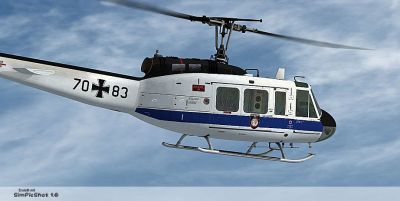
“Flugbereitschaft BMVg” Bell UH-1D in flight.
All repaint work is credited to B. Lechner, and the original Bell UH-1H payware model is developed by Nemeth Designs. Be sure to give this dynamic rotorcraft repaint a try if you want to immerse yourself in unique and historically accurate German VIP transport missions.
Free for all simmers · 6.52 MB · Scanned clean Oct 2026
Download speed: Free tier is capped at 0.5 Mbps (this file takes approximately 2 mins at the cap). PRO members download at full line speed.
texture.{airline}) inside FSX\SimObjects\Airplanes\{base-aircraft}\.aircraft.cfg in Notepad. Add a new [fltsim.X] section per the readme.readme.txt or README file. It tells you exactly where files go, what dependencies are needed, and any quirks specific to this add-on.The archive bell_uh-1d_flugbereitschaft.zip has 16 files and directories contained within it.
This list displays the first 500 files in the package. If the package has more, you will need to download it to view them.
| Filename/Directory | File Date | File Size |
|---|---|---|
| readme_uh-1d_flugbereitschaft.txt | 11.20.10 | 1.19 kB |
| Screens | 11.20.10 | 0 B |
| UH1D_FLB_001.jpg | 11.20.10 | 384.79 kB |
| UH1D_FLB_002.jpg | 11.20.10 | 384.27 kB |
| Texture.FLBSCH | 11.20.10 | 0 B |
| PILOT_SD.dds | 11.19.10 | 1.00 MB |
| texture.cfg | 08.15.09 | 140 B |
| THUMBNAIL.jpg | 11.19.10 | 43.52 kB |
| UH1C_1_T.dds | 11.14.10 | 4.00 MB |
| UH1C_3_T.dds | 11.14.10 | 1.00 MB |
| UH1H_1_T.dds | 11.20.10 | 4.00 MB |
| UH1H_2_T.dds | 11.19.10 | 1.00 MB |
| UH1H_3_T.dds | 11.19.10 | 1.00 MB |
| UH1H_4_T.dds | 11.19.10 | 1.00 MB |
| flyawaysimulation.txt | 10.29.13 | 959 B |
| Go to Fly Away Simulation.url | 01.22.16 | 52 B |
Only PRO members can place votes.
More FSX & P3D add-ons hand-picked based on this download.
FSX Helicopters
Bell UH-1D Bundeswehr 'SAR 71'. This repaint dispicts a search and rescue hel…
 FSX Helicopters
HTG 64 SAR Bell UH-1D. Repaint for a Bell UH-1D in service from Hubschrauber-…
 FSX Helicopters
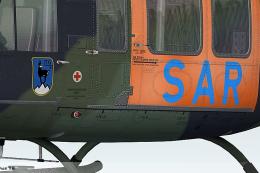
This freeware repaint showcases the iconic Bell UH-1 Huey in a special “SAR L…
 FSX Helicopters
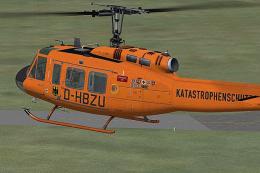
This highly detailed repaint recreates the iconic German air ambulance varian…
 FSX Helicopters
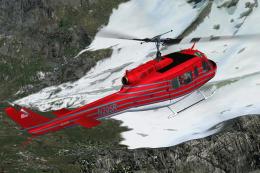
This specialized repaint showcases the Bell UH-1D Huey, registered as “N205R,…
 FSX Helicopters
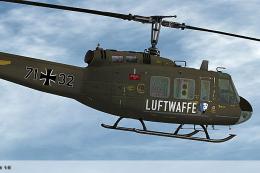
Elevate your rotary-wing collection with this repaint showcasing the “HTG 64 …
 FSX Helicopters
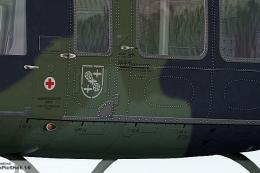
This custom repaint showcases the iconic Bell UH-1D, known widely as the “Hue…
 FSX Helicopters
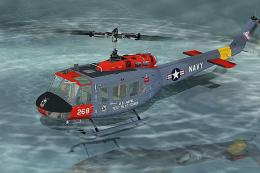
Enhance Microsoft Flight Simulator X rotorcraft operations with this fictiona…
Be the first to leave a comment on this download.
Be the first to share your thoughts on this download.