

 FSX Helicopters
Bell UH-1D Bundeswehr 'SAR 71'
Bell UH-1D Bundeswehr 'SAR 71'. This repaint dispicts a search and rescue hel…
THR 30 German Army livery brings the Bell UH-1D “Huey” to life with carefully matched colors, crisp Niederstetten-based unit markings, and subtle airframe shading that looks right in close-up and in flight. Built for Microsoft Flight Simulator X Acceleration, it requires the payware Nemeth Designs Bell UH-1H model for full visual fidelity.
 Rate
Rate
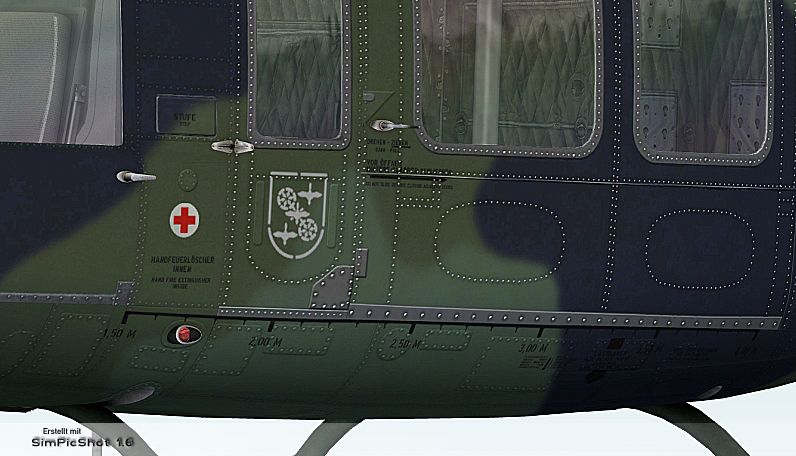

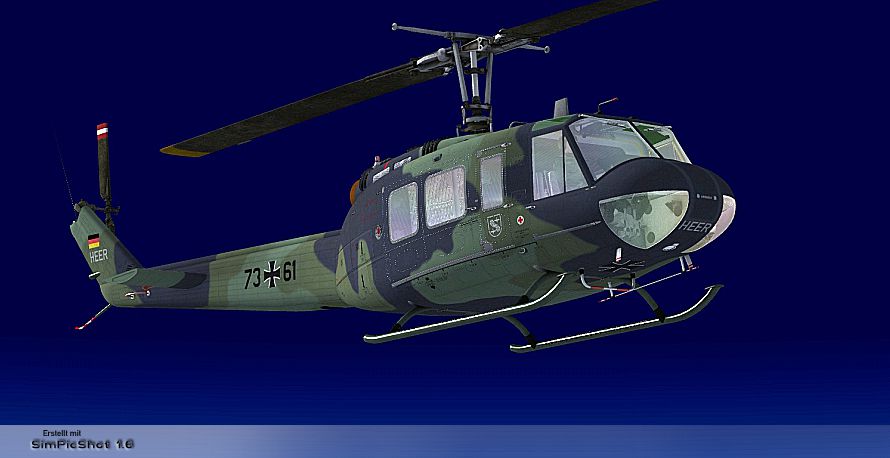

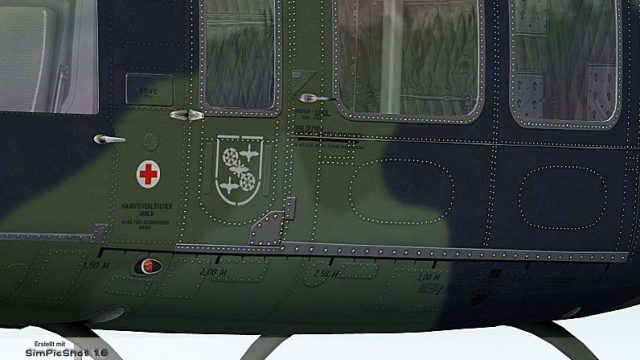
This custom repaint showcases the iconic Bell UH-1D, known widely as the “Huey,” in the colors of Transporthubschrauberregiment 30 based in Niederstetten, Germany. It has been meticulously created for Microsoft Flight Simulator X and Acceleration users, requiring the payware Nemeth Designs Bell UH-1H model. Developed by B. Lechner, these textures replicate key German Army markings and design elements, delivering a truly immersive rotorcraft experience.
The Bell UH-1 family has served numerous air arms worldwide, including the German forces. Transporthubschrauberregiment 30 (often abbreviated as THR 30) relies on UH-1 variants for troop transport, logistical supply, and medical evacuation. This repaint highlights the unique exterior scheme used on real-world THR 30 operations, bringing the recognizable German military livery into the simulated environment.
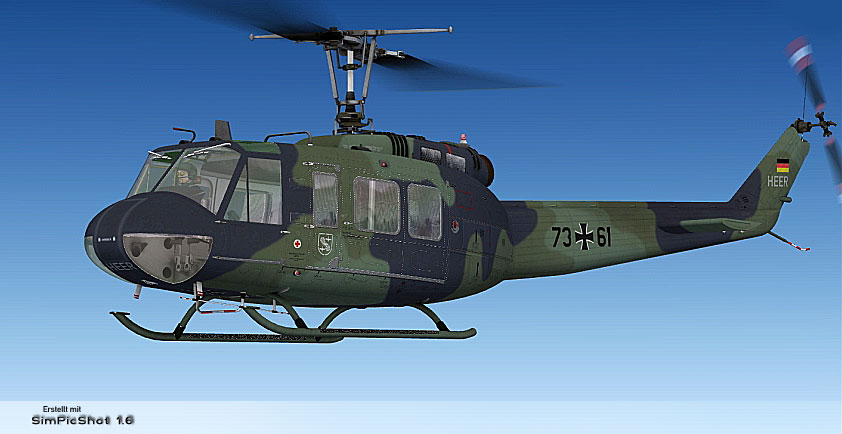
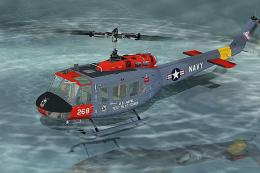
"THR 30" Bell UH-1D in flight.
This repaint set focuses on precise color matching and accurate insignia placement. Each fuselage marking has been optimized for clarity and authenticity. The textures capture the distinctive hue of the German Army helicopter fleet, including the rotor mast region's nuanced shading and the helipad-friendly design layout. The final result is designed to complement the turbine whine and rotor blur that the Bell UH-1 is famous for in flight simulators.
Before installing this repaint, ensure you have acquired the Nemeth Designs Bell UH-1H payware model, as it serves as the required platform for these textures. Additionally, a complete installation of Microsoft Flight Simulator X with the Acceleration expansion is recommended for full compatibility.
[fltsim.XX]
title= BELL UH-1H HUEY - THR 30
sim= bell_uh1
model=
panel=
sound=
texture= THR-30
kb_checklists=
kb_reference=
atc_id=
ui_manufacturer= BELL
ui_type= UH-1D
ui_variation= THR 30
ui_typerole="Rotorcraft"
ui_createdby="Nemeth Designs & MILVIZ"
description=""
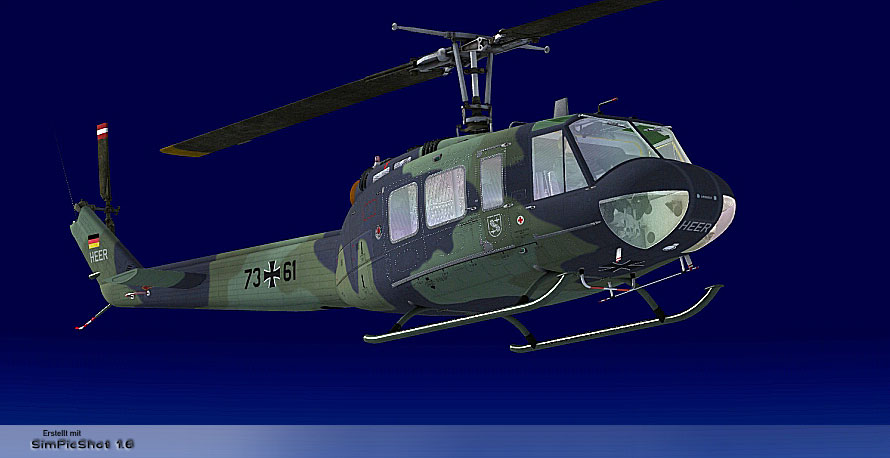
"THR 30" Bell UH-1D in flight.
These textures were carefully produced by B. Lechner, ensuring visual fidelity aligned with the real-world UH-1D helicopters operated by Transporthubschrauberregiment 30.
Free for all simmers · 4.31 MB · Scanned clean Oct 2026
Download speed: Free tier is capped at 0.5 Mbps (this file takes approximately 1 min at the cap). PRO members download at full line speed.
texture.{airline}) inside FSX\SimObjects\Airplanes\{base-aircraft}\.aircraft.cfg in Notepad. Add a new [fltsim.X] section per the readme.readme.txt or README file. It tells you exactly where files go, what dependencies are needed, and any quirks specific to this add-on.The archive bell_uh-1d_thr_30.zip has 16 files and directories contained within it.
This list displays the first 500 files in the package. If the package has more, you will need to download it to view them.
| Filename/Directory | File Date | File Size |
|---|---|---|
| readme_uh-1d_thr_30.txt | 11.23.10 | 1.11 kB |
| Screens | 11.24.10 | 0 B |
| THR 30 - 001.jpg | 11.24.10 | 278.00 kB |
| THR 30 - 002.jpg | 11.24.10 | 239.06 kB |
| THR 30 - 003.jpg | 11.24.10 | 344.45 kB |
| Texture.THR-30 | 11.24.10 | 0 B |
| PILOT_SD.dds | 11.23.10 | 1.00 MB |
| texture.cfg | 08.15.09 | 140 B |
| THUMBNAIL.jpg | 11.23.10 | 36.05 kB |
| UH1C_3_T.dds | 05.23.10 | 1.00 MB |
| UH1H_1_T.dds | 11.24.10 | 4.00 MB |
| UH1H_2_T.dds | 11.24.10 | 4.00 MB |
| UH1H_3_T.dds | 11.23.10 | 1.00 MB |
| UH1H_4_T.dds | 11.17.10 | 1.00 MB |
| flyawaysimulation.txt | 10.29.13 | 959 B |
| Go to Fly Away Simulation.url | 01.22.16 | 52 B |
Only PRO members can place votes.
More FSX & P3D add-ons hand-picked based on this download.
FSX Helicopters
Bell UH-1D Bundeswehr 'SAR 71'. This repaint dispicts a search and rescue hel…
 FSX Helicopters
HTG 64 SAR Bell UH-1D. Repaint for a Bell UH-1D in service from Hubschrauber-…
 FSX Helicopters
This freeware repaint showcases the iconic Bell UH-1 Huey in a special “SAR L…
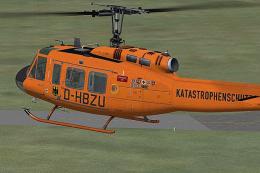 FSX Helicopters
This highly detailed repaint recreates the iconic German air ambulance varian…
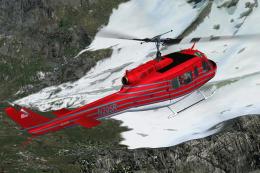 FSX Helicopters
This specialized repaint showcases the Bell UH-1D Huey, registered as “N205R,…
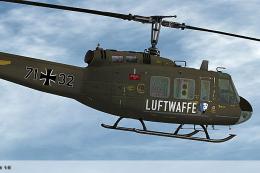 FSX Helicopters
Elevate your rotary-wing collection with this repaint showcasing the “HTG 64 …
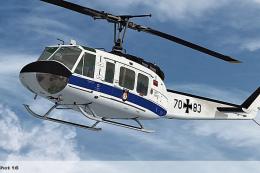 FSX Helicopters
Expand the capabilities of your Microsoft Flight Simulator X rotorcraft libra…
 FSX Helicopters
Enhance Microsoft Flight Simulator X rotorcraft operations with this fictiona…
Be the first to leave a comment on this download.
Be the first to share your thoughts on this download.